











Frames from the original video@thejaypaw
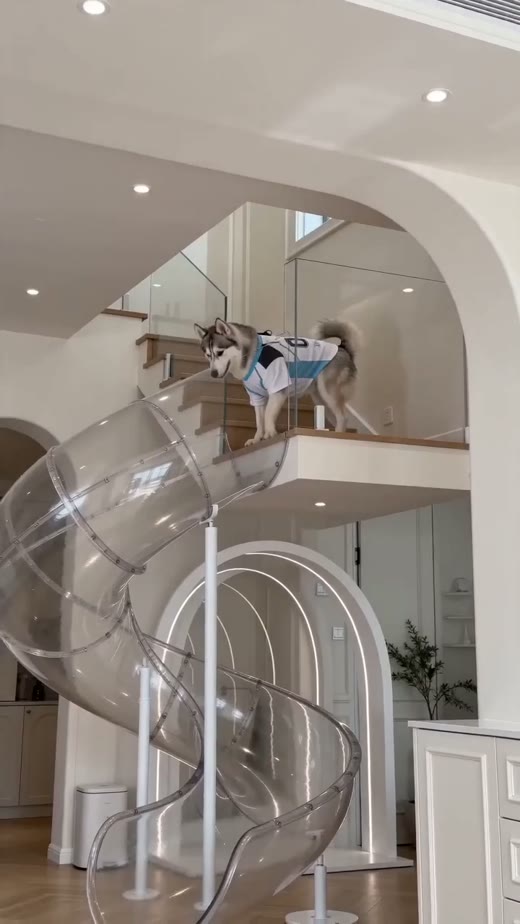
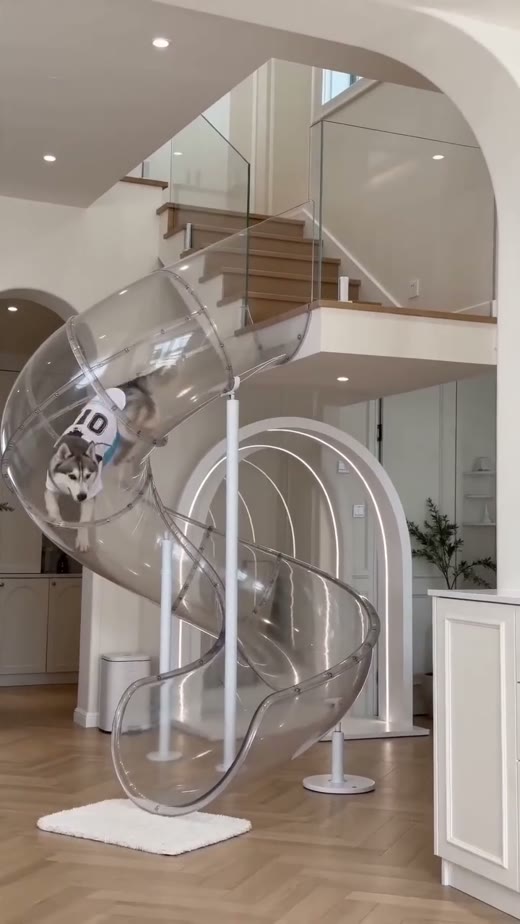
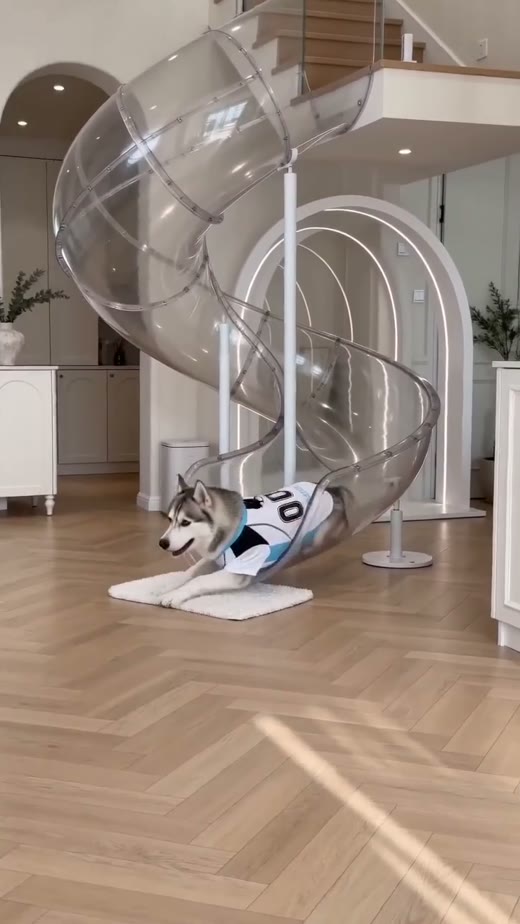
0.56M
Slide example · Approx. views
Slide: build curiosity at the entrance
Start with the product entrance and the pet's position to give viewers a reason to keep watching.
For pet sellers and content creators
Upload a product photo and describe your idea.
Start with one image, then build on it.
01 / REFERENCES: HOW SOCIAL VIDEOS SHOW PRODUCTS
Find inspiration in the original videos,
then plan your product's first image with IMA.
Slide example · Approx. views
Start with the product entrance and the pet's position to give viewers a reason to keep watching.
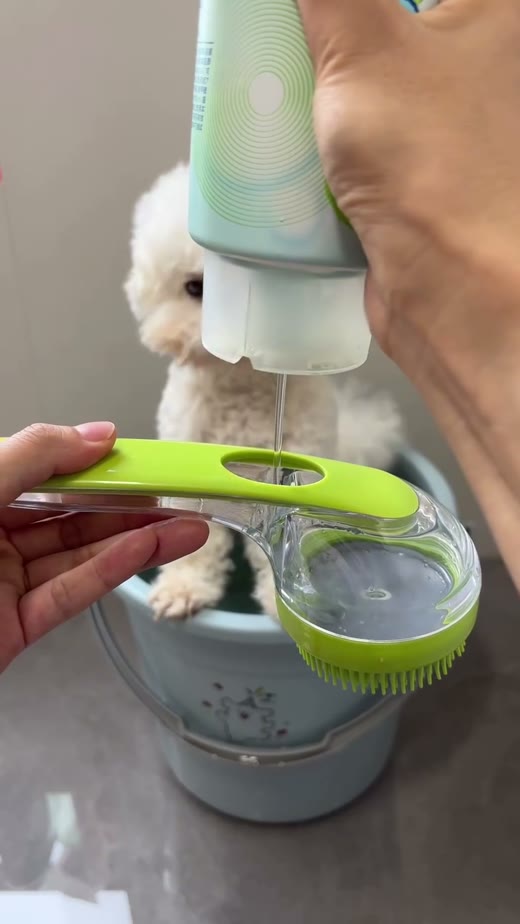
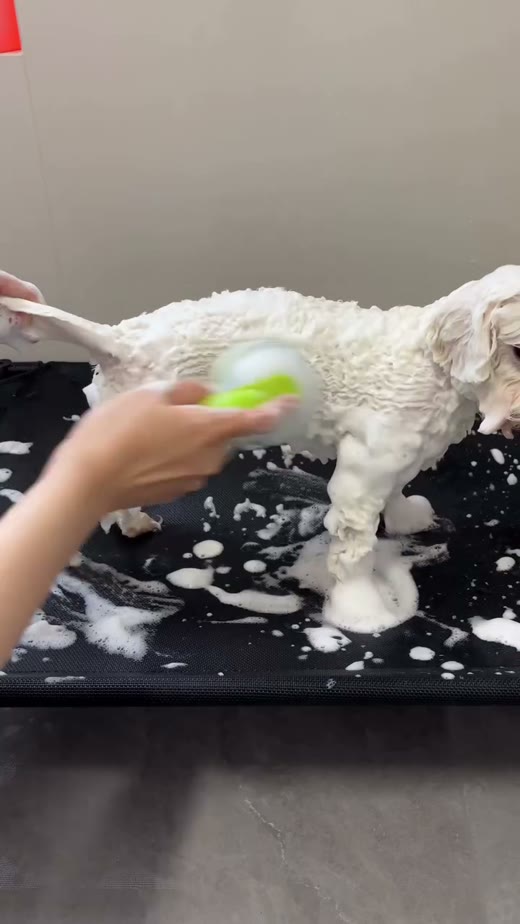
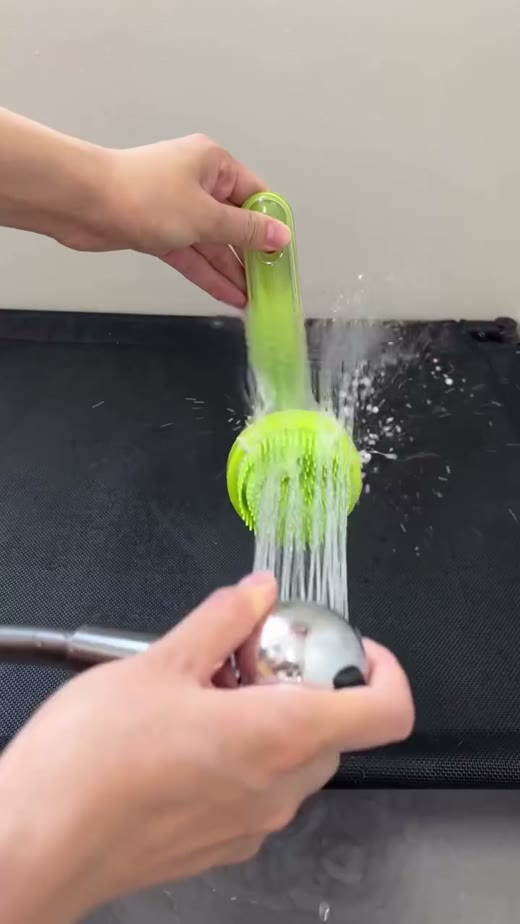
Bath brush example · Approx. views
Show the grip, the tool and where it touches the coat. Let one clear action tell the story.
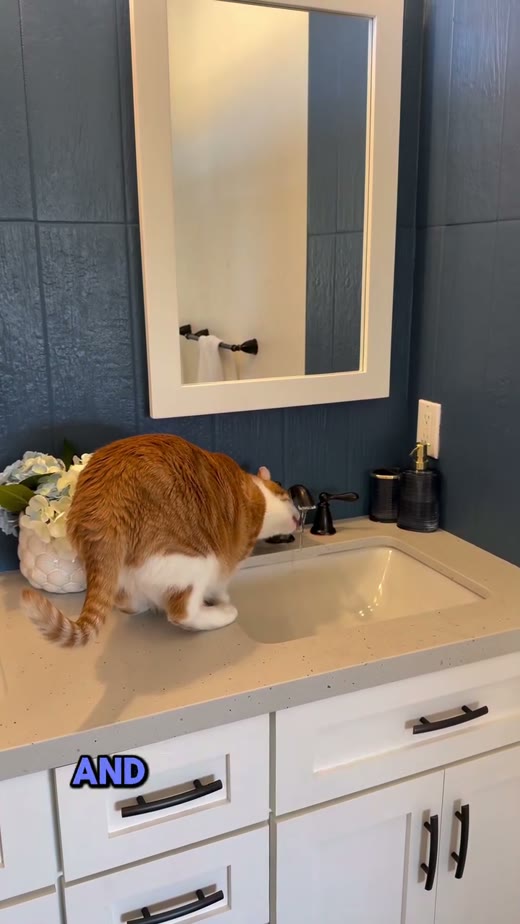
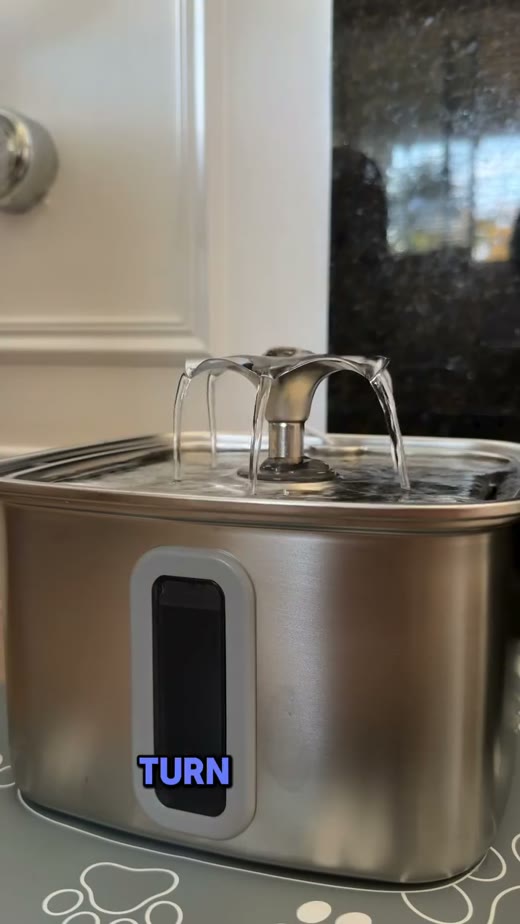
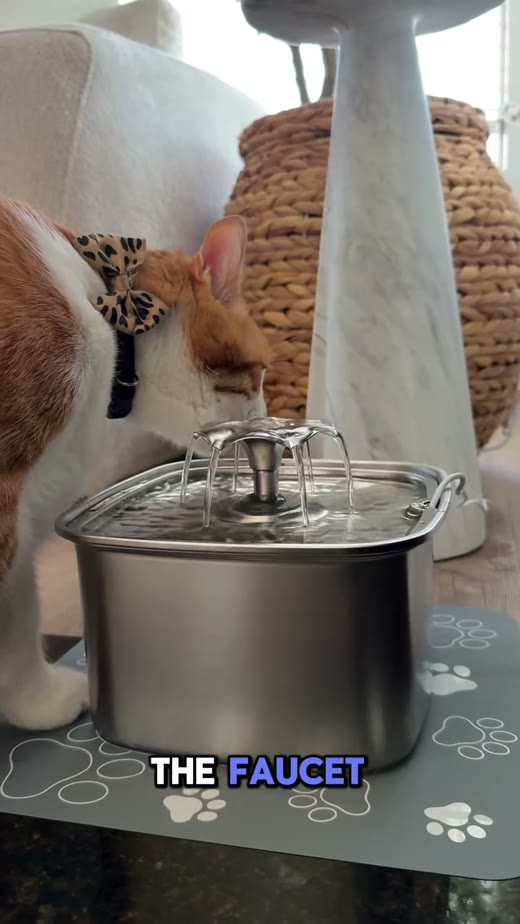
Fountain example · Approx. views
Frame the stream, the whole product and the pet together to make its use easy to understand.
Data source: the reference guide and itssource record(2026-10-20). Views came from Instagram topic pages and were not independently remeasured here. These are creative references, not sales figures or proof of IMA performance. Frames were captured from public original-post embeds on 2026-10-21, with creator identification retained. Metrics remain the dated reference records.
02 / REAL RESULT: A SCENE MADE FROM ONE REFERENCE
The image on the left was the actual input for the result on the right. Compare the details before trying your own photo.
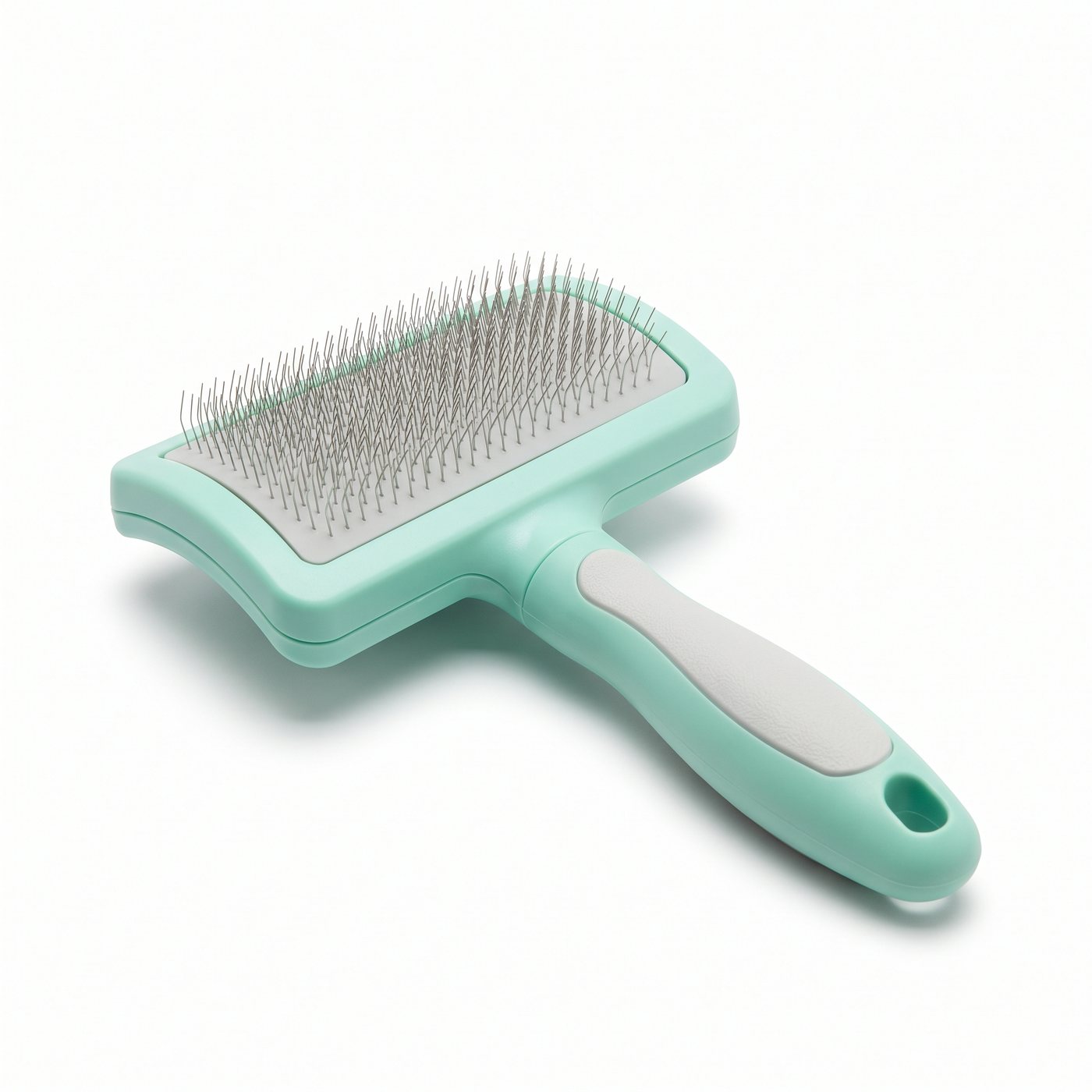
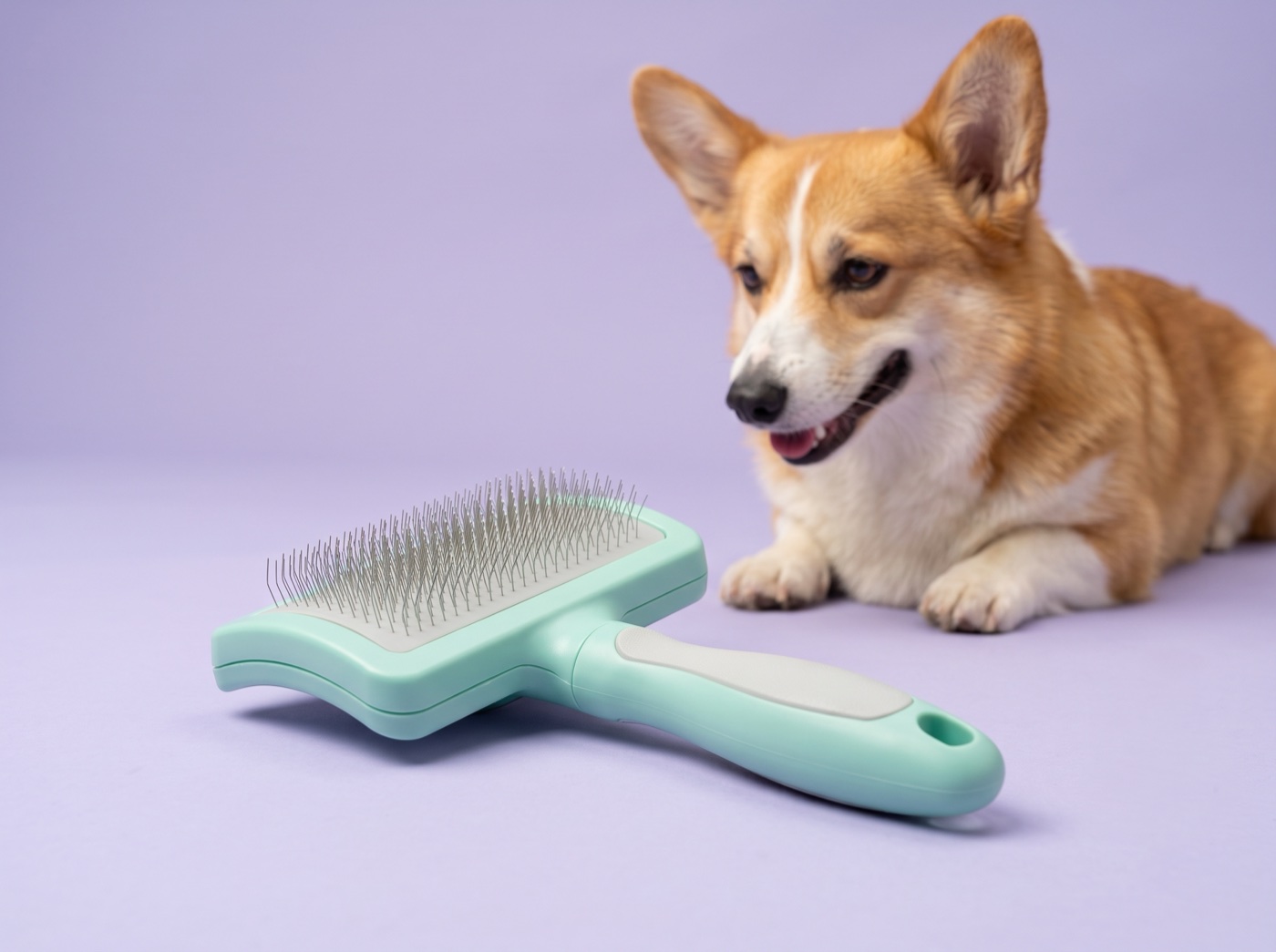
Keep the brush shape, color, grip and hanging hole. Show the whole product in front, a corgi behind it, a lavender background and no text.
One 2K image-to-image test with Nano Banana 2.1. The input is an AI-generated fictional product. Main shape and colors carried over, while pin arrangement and perspective changed. This is one test, not a consistency guarantee. Check real dimensions and the back separately.
03 / POSSIBILITIES: WHAT YOU CAN MAKE WITH IMA
Product hero images, lifestyle scenes and social covers are starting points. Describe a different idea and explore it with your product photo in IMA.
Place the product against a clean background with a pet. Make its outline, colors and key parts easy to recognize.
Use for: ad openings / social coversA cat tree in a living room, a cat near a fountain, a brush against fur. Give viewers a clear setting for how the product is used.
Use for: product details / pet care contentExplore color backdrops, home settings and close-ups around your product. Prepare different images, then test your posts.
Use for: regular posts / creative tests04 / INSPIRATION: DIFFERENT WAYS TO SHOW A PRODUCT
Cat trees, care tools, bowls and harnesses show different approaches. Change the product, pet or setting, or start with a completely new idea.
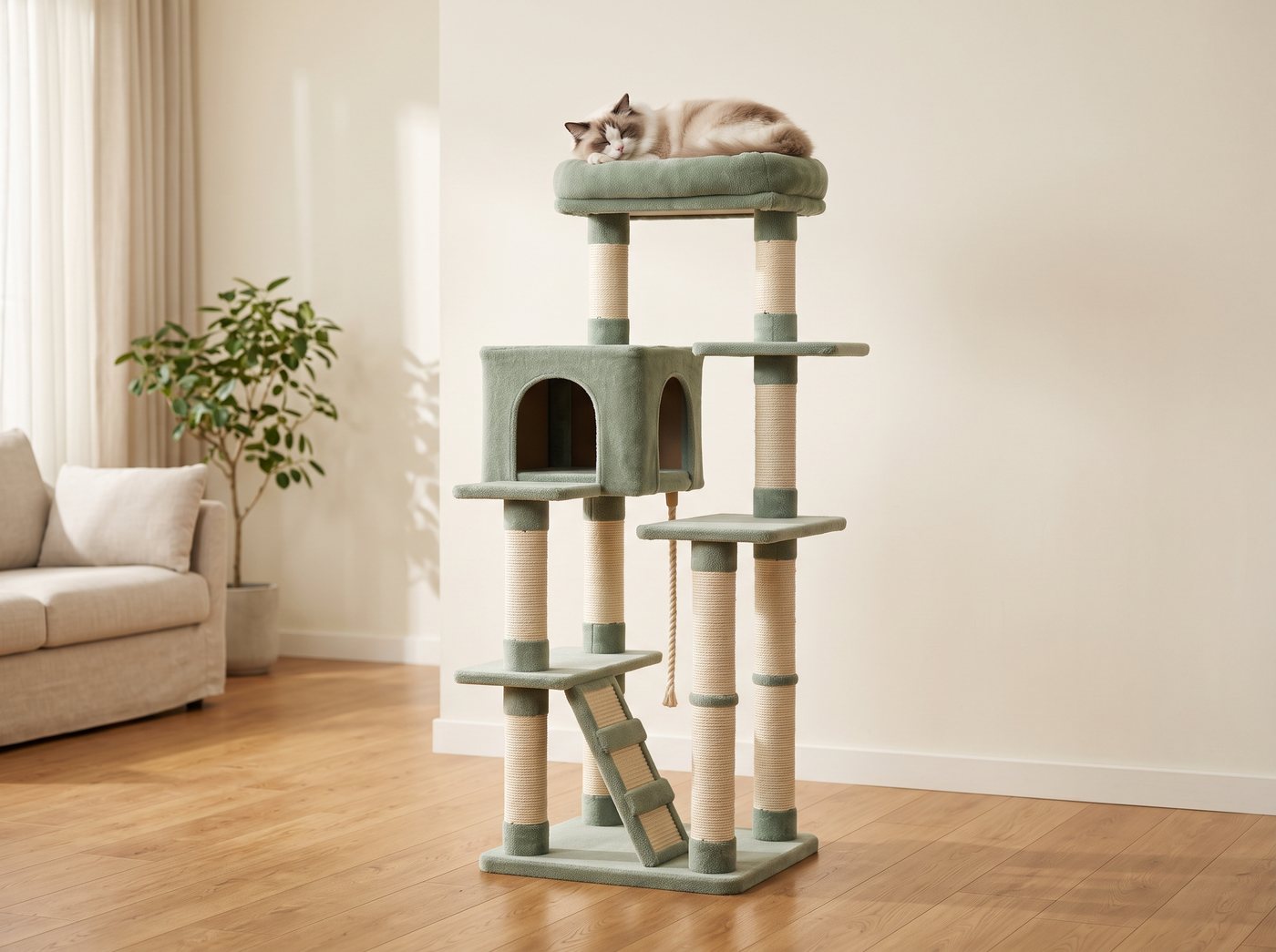
A / LARGE ITEMS · CAT TREES, BEDS & FURNITURE
Help buyers see the size, placement and use. Start with the whole product, then add interaction and detail views.
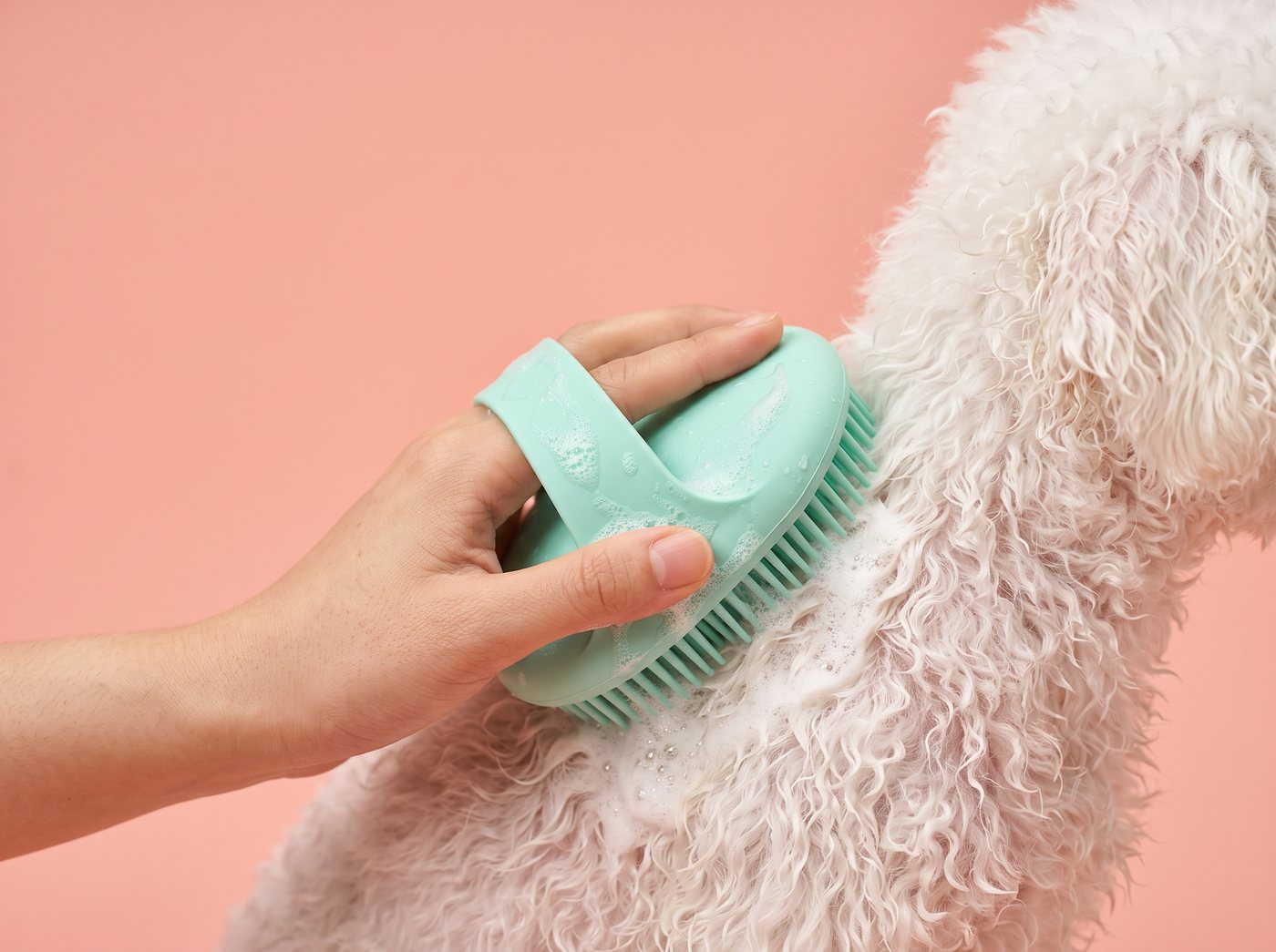
B / CARE · BRUSHES, BATH TOOLS & WIPES
Show the tool, hand and contact point together. Explain one care action before the surrounding steps.
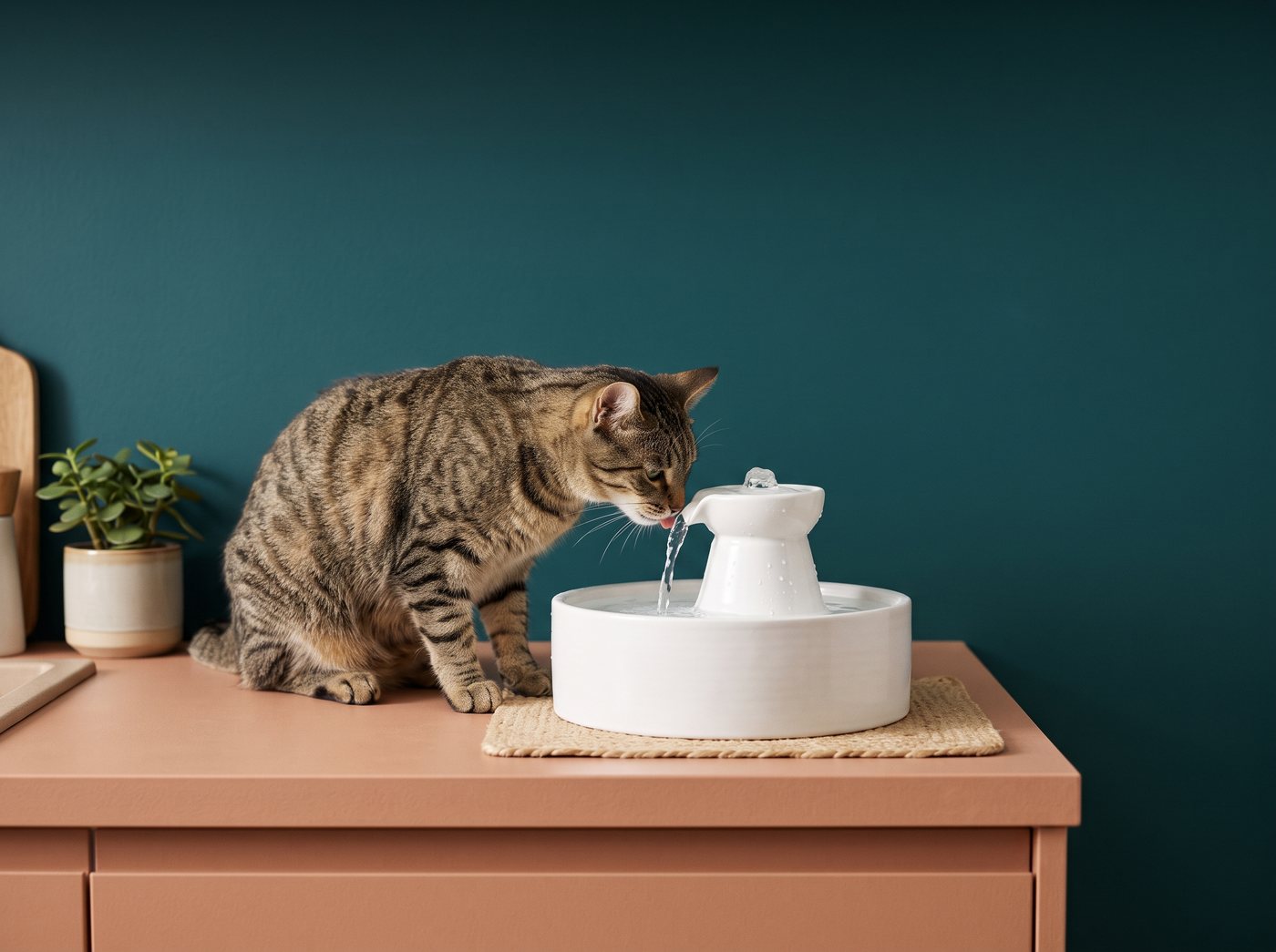
C / BOWLS, FOUNTAINS & FEEDERS
Keep the product in front and the pet behind. Show their relationship and any visible water flow. Quietness and filtration claims need real product tests.
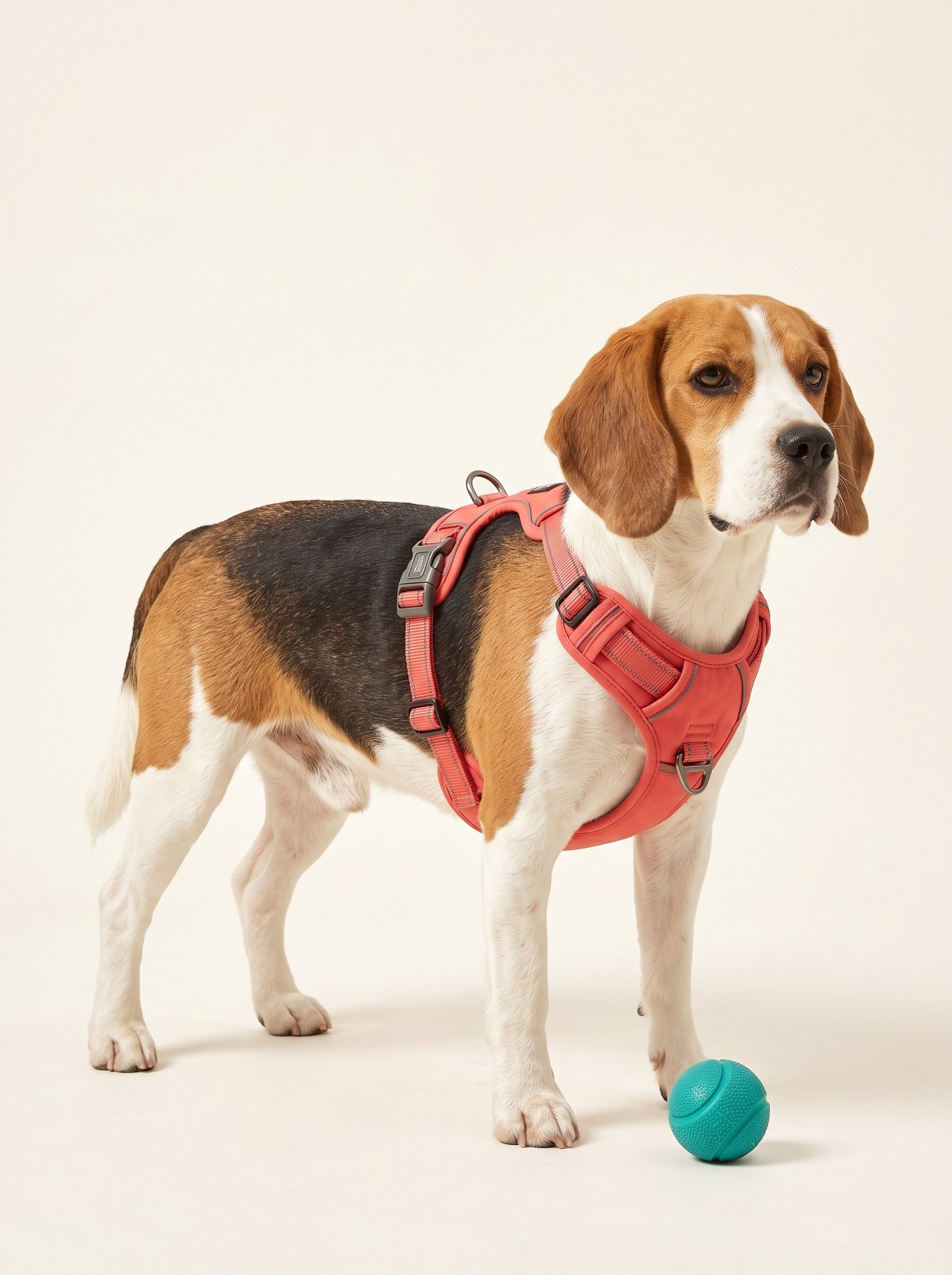
D / HARNESSES, PET CLOTHES & TRAVEL GEAR
Use a side or three-quarter angle for panels, straps and buckles. Supply front and back photos and sizing, then check the fit in the result.
05 / CASE BREAKDOWN: THREE BEATS FOR YOUR CONTENT
Original video frames on the left, adaptation ideas on the right.
Check the correct use for your own product separately.
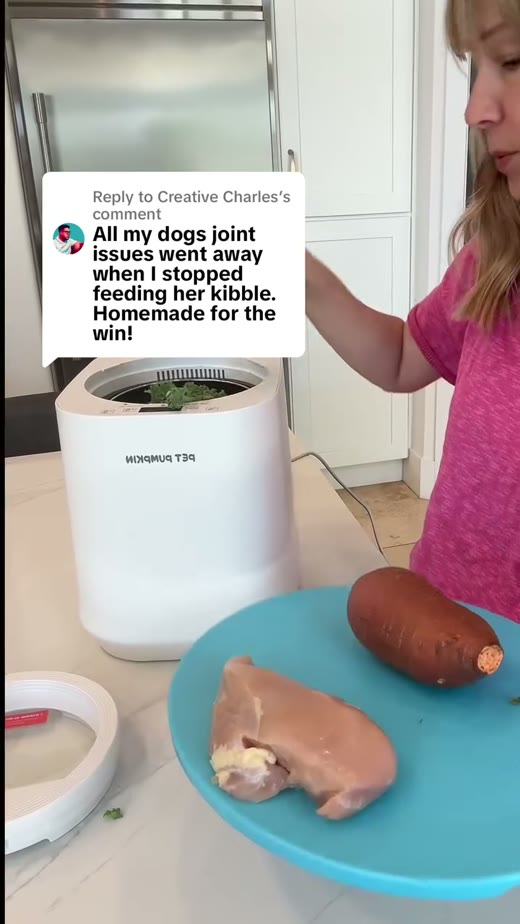
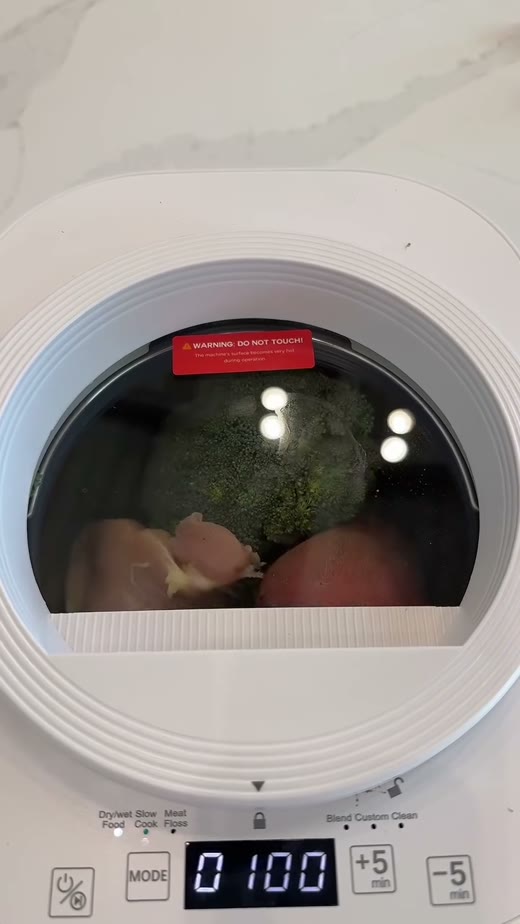
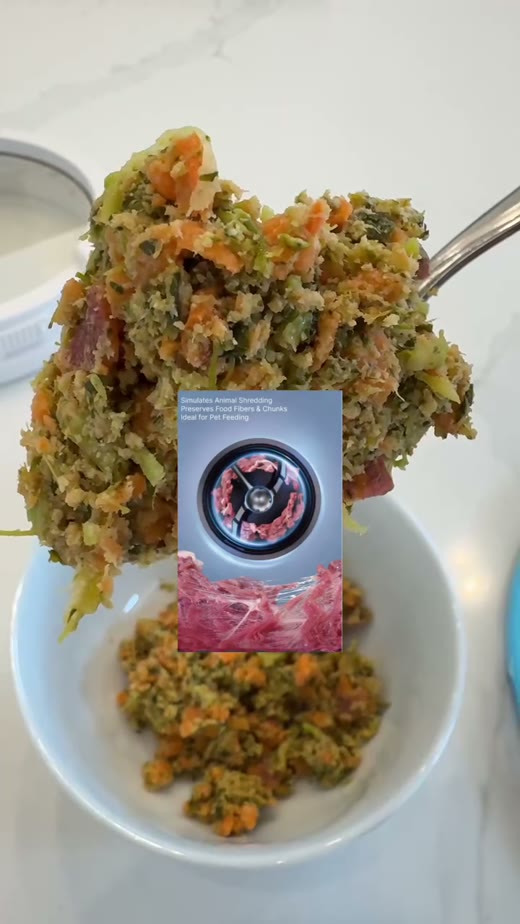
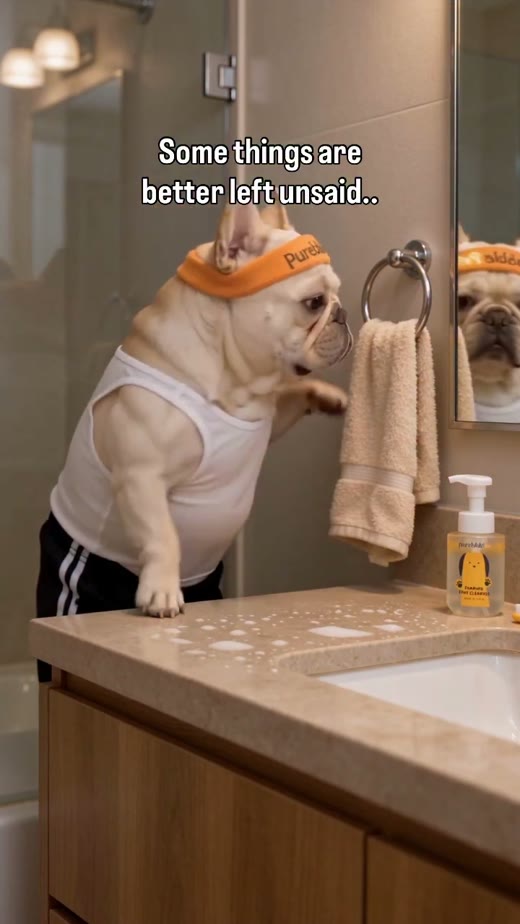
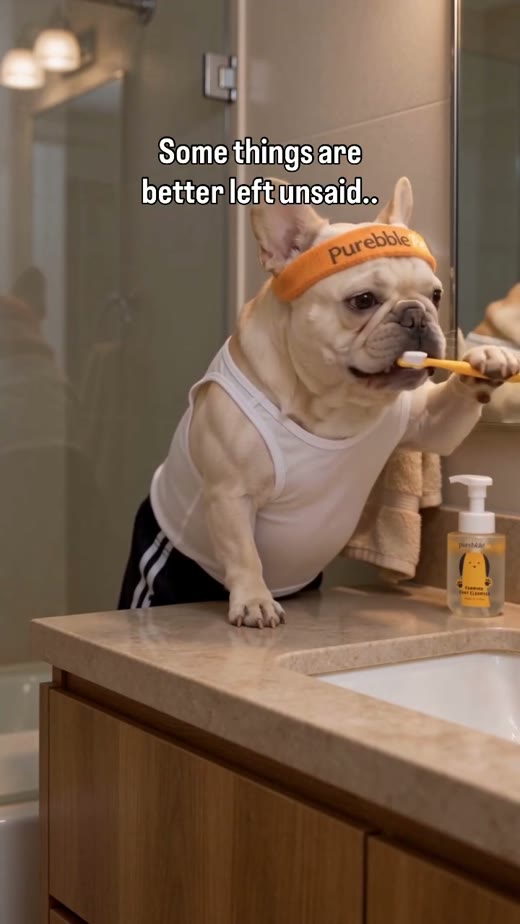
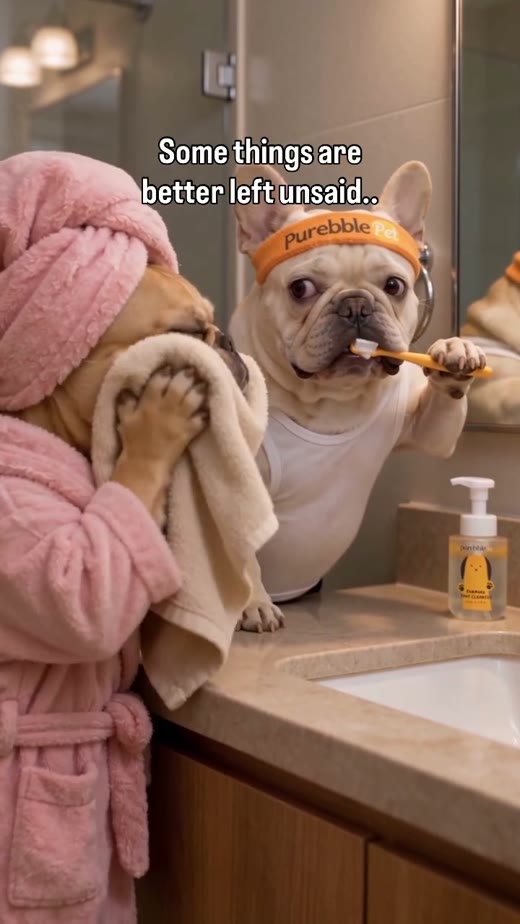
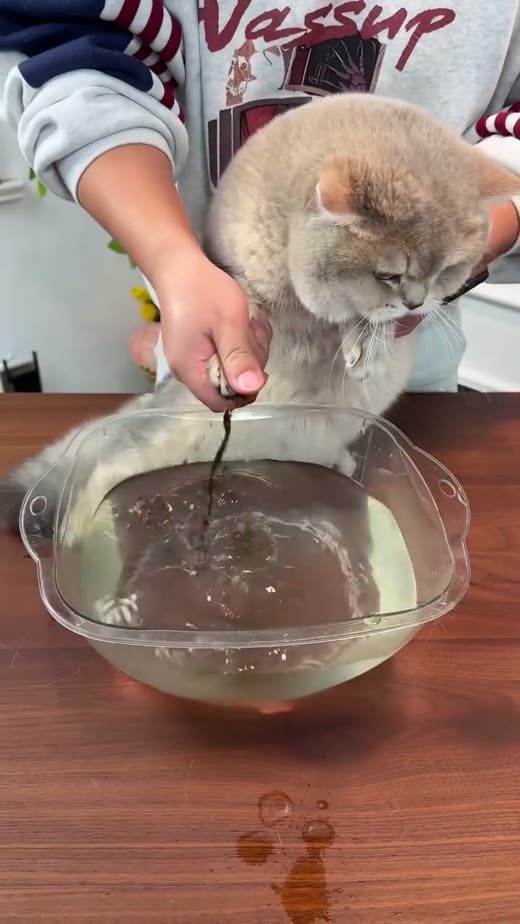
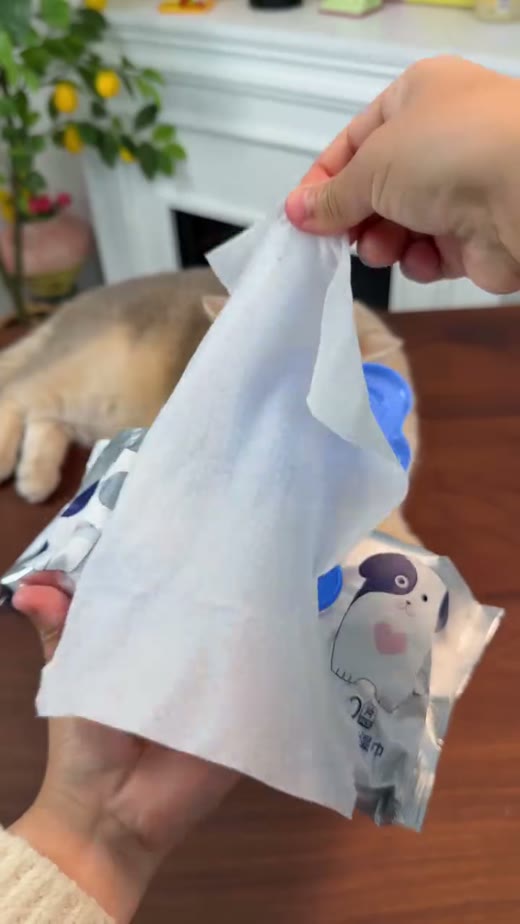
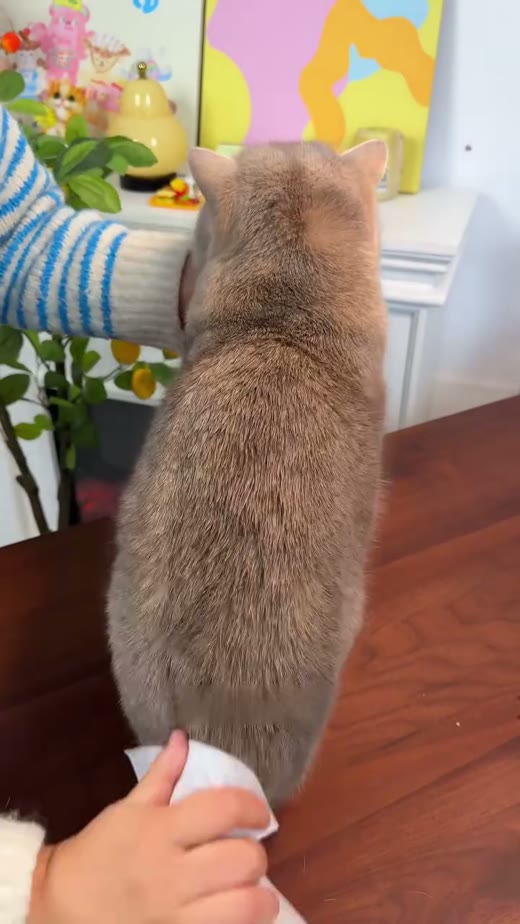
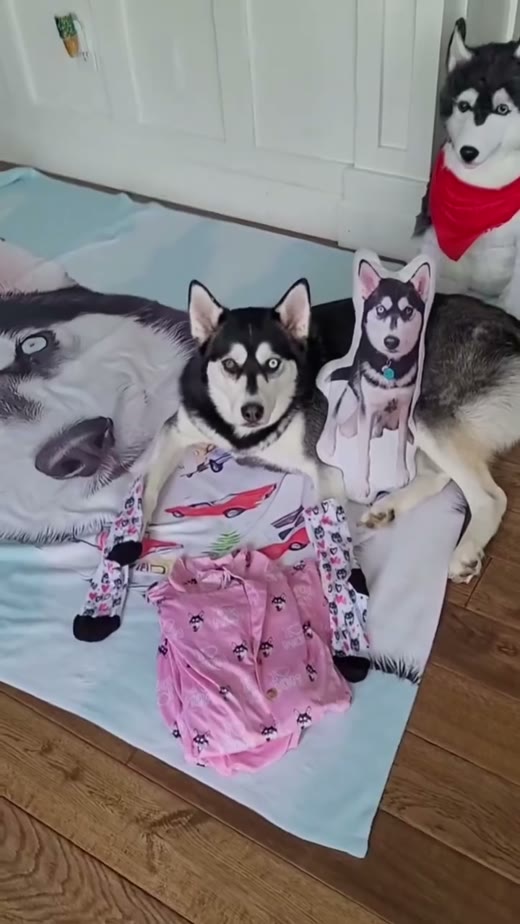
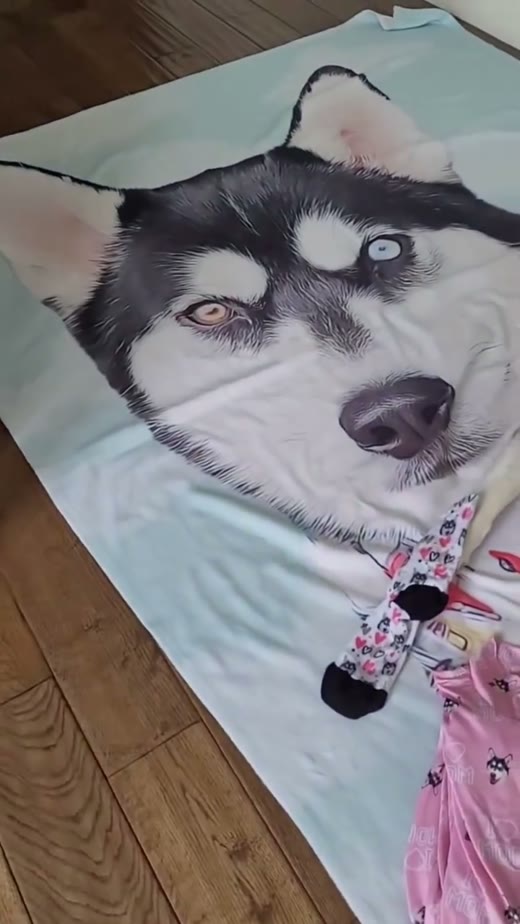
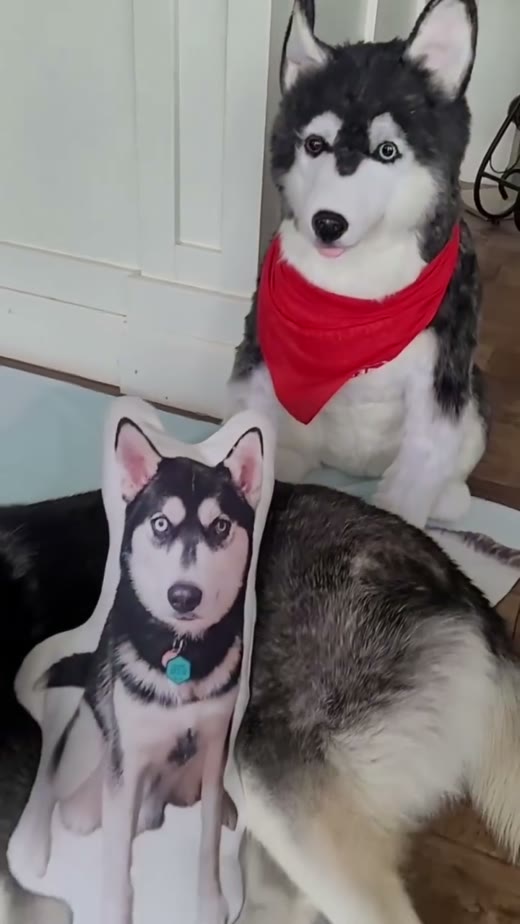
Frames from four original posts were checked. The former belly-band example is omitted because its public entry is currently unavailable. Text visible inside frames belongs to the original videos. The three-beat plans are adaptation suggestions.
06 / VARIATIONS: IMAGES FOR DIFFERENT USES
A cover emphasizes appearance; a scene explains use. These bowl concepts show how purpose changes the background and composition.
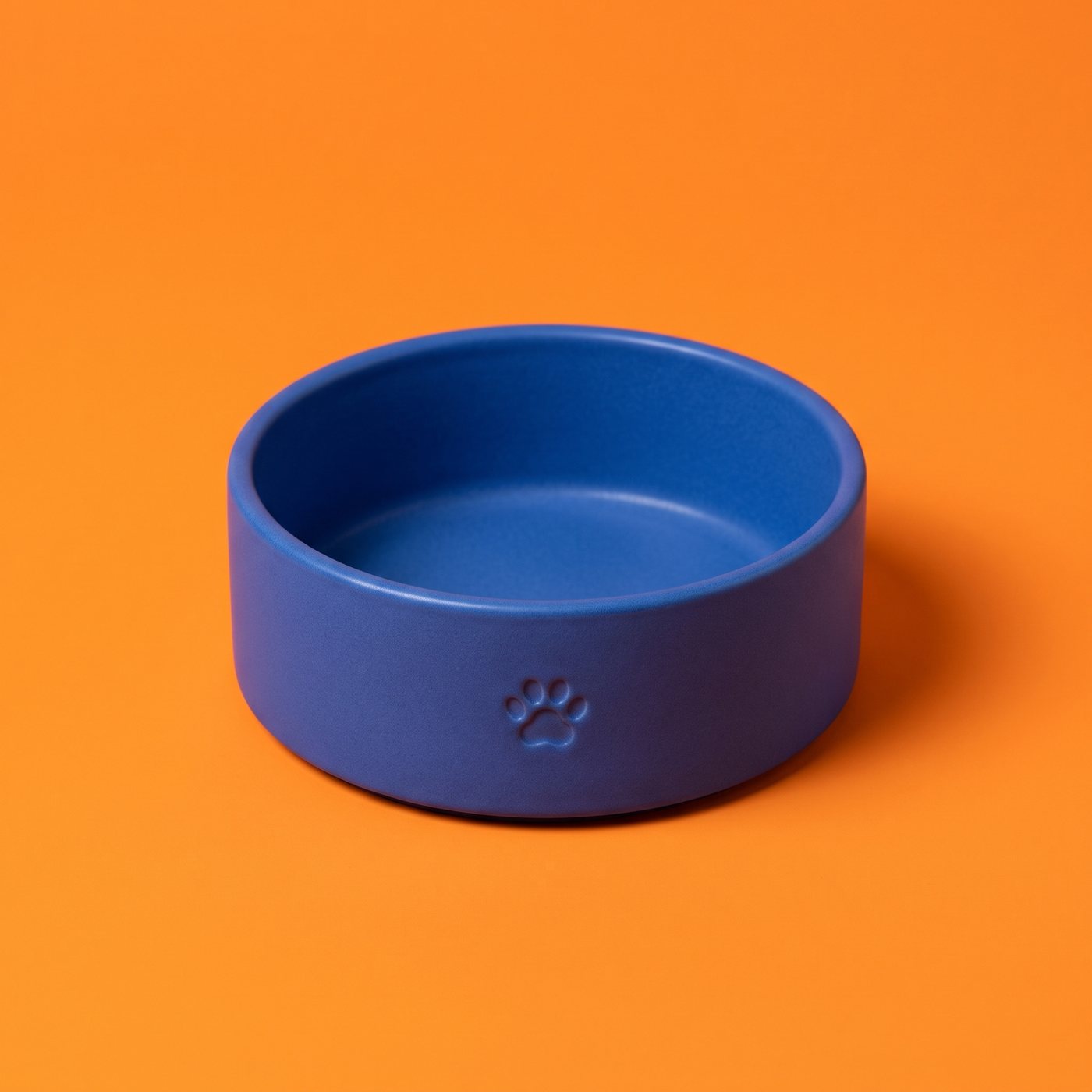
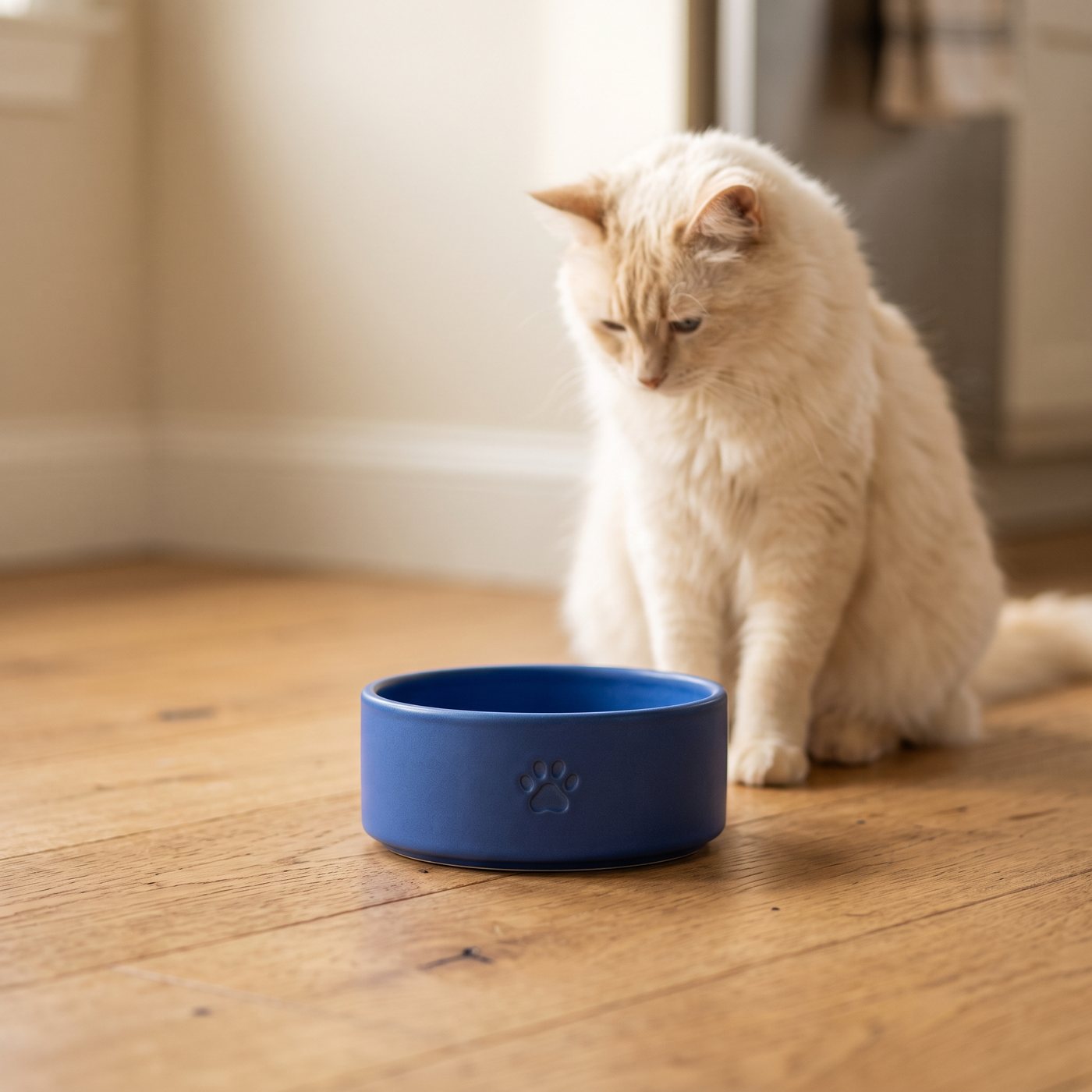
These are separately generated fictional product concepts. They do not establish consistency for one real item and have not been tested in ads. For a series, reuse one product reference and check shape, color and scale in every image.
To test an opening image, keep the product, copy and audience fixed, then change the visual. Check clicks and orders. Compare one variable at a time.
07 / YOUR BRIEF: START WITH YOUR OWN PRODUCT
Product details, pet and action, placement, lighting and purpose. Specific choices make your request easier to understand.
Original color, shape, fasteners, brush pins or label. Supply a separate back view if needed.
Choose size and coat color, then one natural action suited to the product.
“The whole brush in the foreground, a corgi watching from behind” gives a clear composition.
Soft light, a solid-color background, a 4:5 social cover. Give each image one main job.
FIRST VISIT / SIGN-IN, CREDITS & CONFIRMATION
Prepare your photo and request here. Check them in IMA, then confirm generation yourself.
You can browse, upload a product photo and prepare a request here. Follow IMA's sign-in prompt before generating.
Check the available credits and trial benefits in your account. Free access depends on what your account actually offers.
The link carries your images and request, with automatic generation disabled. Review and confirm in IMA yourself.
ONE IMAGE WITH A PRODUCT REFERENCE / NANO BANANA 2.1 INDICATIVE COST
Indicative cost for one direct image generation, checked on 2026-10-20. A canvas task can involve multiple steps. Confirm the final cost in IMA; model, quantity, offers and task changes can affect it.
Prepare my first image ↗YOUR PRODUCT. A FRESH PET PERSPECTIVE.
Case leads and historical metrics came from thepet commerce creative guide. This version also uses frames from seven original public video embeds. Frames support case analysis; credits and original links remain. They do not establish that IMA made those videos. Three-beat plans are adaptation suggestions.
Views, likes and comments use the reference page's records dated 2026-10-20. Views mostly came from topic pages; interactions came from post pages. Sales, conversion, cost savings and AI production were not verified. Check the linked originals for current information.
All creative images except original-video frames depict fictional product examples. The reference-based test retains its real input and output. Images cannot replace checks of physical structure, dimensions or effectiveness. Generated images are not presented as video screenshots.
Your product images travel with your request to IMA. Desktop uses the canvas; mobile uses the image creation page. Check structure, colors, dimensions and correct use before generating.
