Paid-media teams rarely need just one video. They need multiple hooks, opening frames, people, scenes, edits, and calls to action—then they need to test those versions against real audiences.
The hard part is the repetition. A creative lead writes the hook, a designer creates the visual, a video editor adds motion, and the team starts over when the first version feels wrong for the feed. A single product launch can turn into a long chain of handoffs before anyone has a usable test asset.
Ima Studio and Seedance 2.5 offer a shorter route: define the advertising idea, create a visual anchor, animate it into a vertical video, and produce controlled variations for paid-media testing. The result is not an automatic promise of better CTR or lower CPA. It is a faster way to make attention-first creative that can enter a real testing loop.
The short answer
Seedance 2.5 is useful when your ad needs movement, transformation, visual novelty, or several creative directions from one starting image. In Ima Studio, you can move from a visual idea to image creation and image-to-video generation in one workspace.
For performance creative, the main advantage is iteration: you can test different hooks, first frames, camera moves, and endings without rebuilding every visual from scratch.
Treat the output as a performance-testing asset, not as a guaranteed performance result. CTR, hold rate, completion rate, and CPA still need to be measured in the target platform with a controlled test.
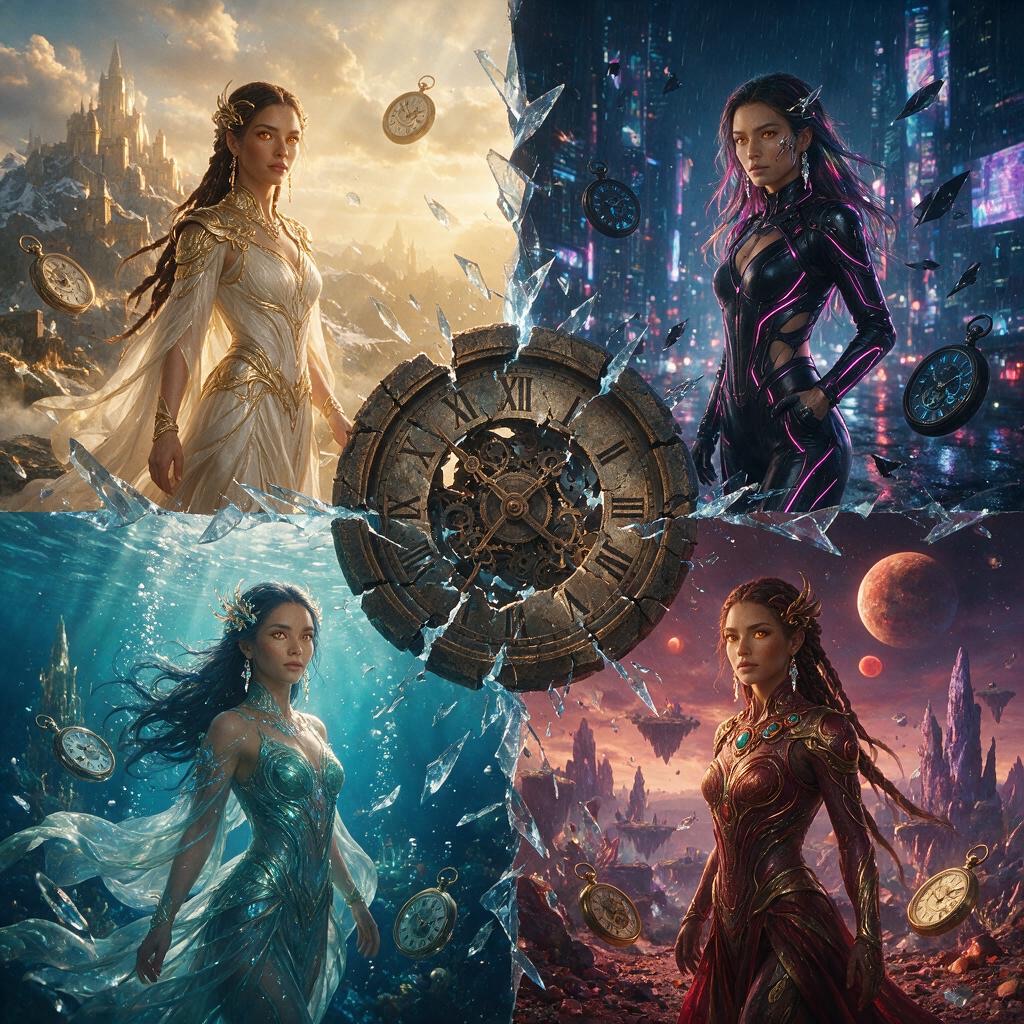
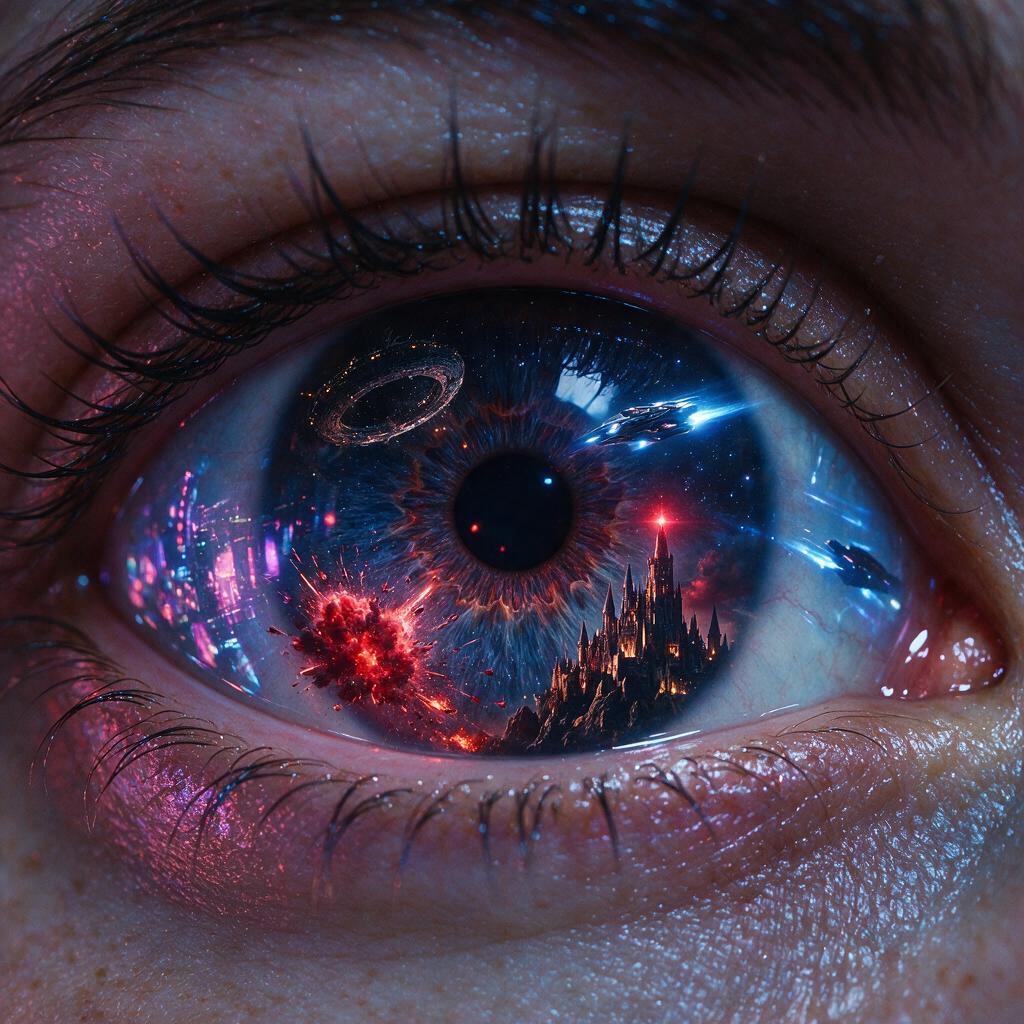
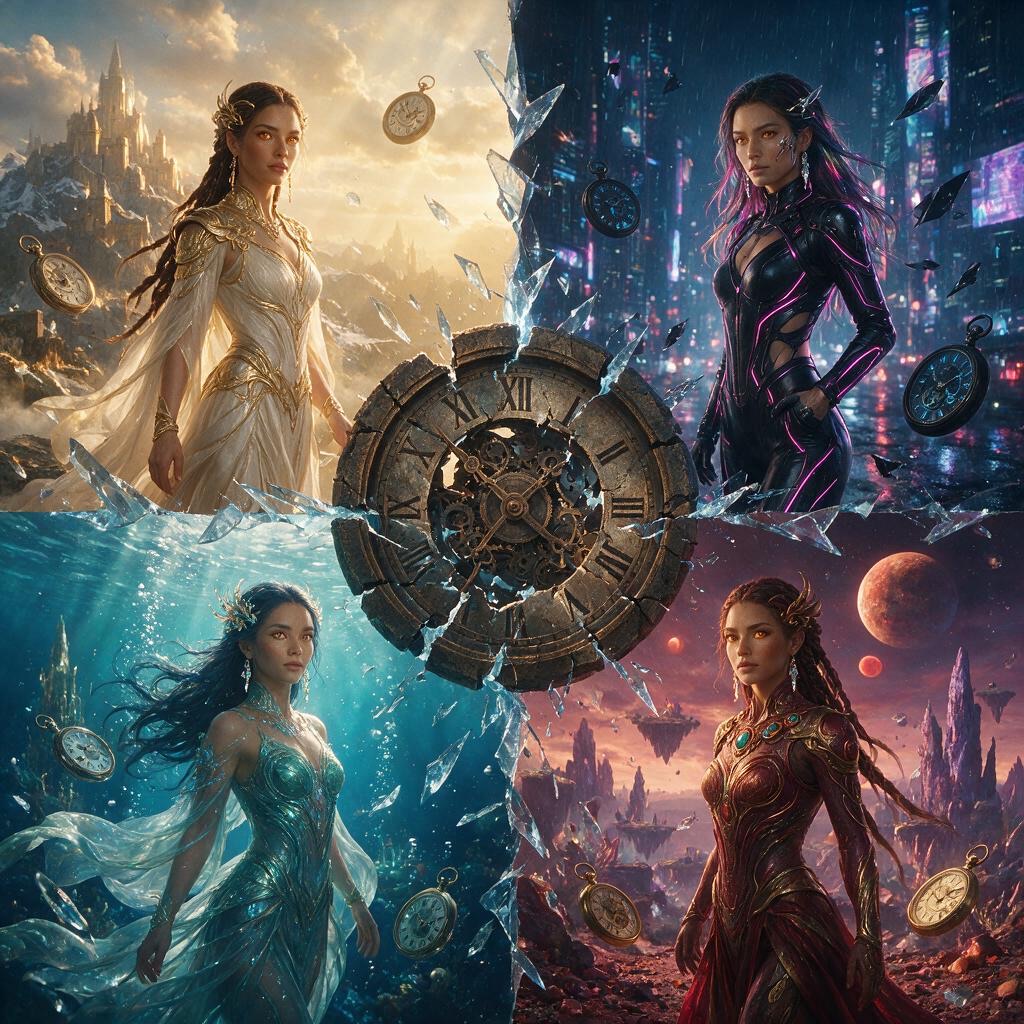
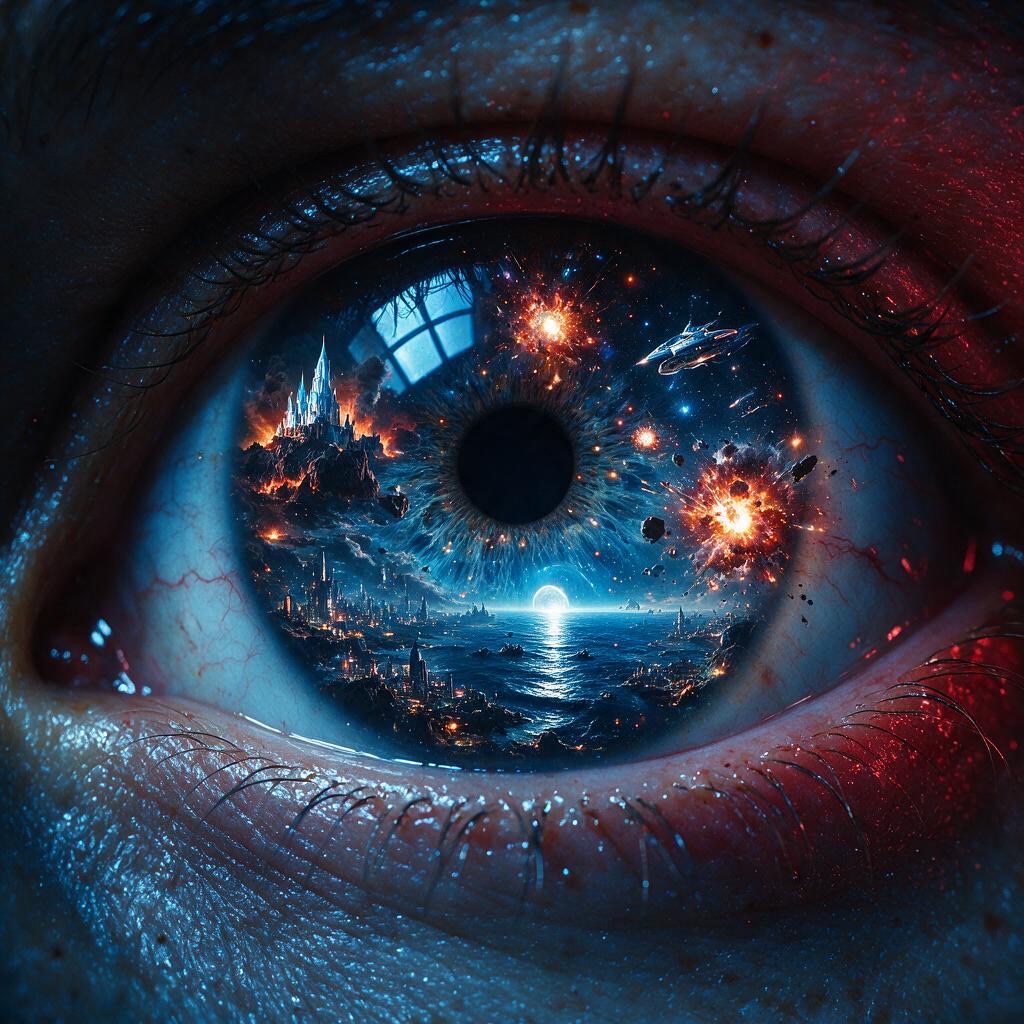
These two visual directions belong near the decision point: they show the range of attention-first starting points before the article moves into the detailed production workflow. They demonstrate visual possibilities, not measured delivery performance.
Why ad teams keep rebuilding the same video
A conventional short-form ad workflow often looks like this:
- The advertising team selects the product promise and channel.
- A creative lead writes the hook, script, and CTA.
- A designer creates the person, product, and scene images.
- A video producer adds motion, transitions, and edits.
- Voiceover and subtitles are recorded or generated.
- The media team creates multiple versions for testing.
- The team revises the creative after reviewing delivery data.
The first failure is usually not the generation itself. It is the rework after generation: the product changes, the person does not stay consistent, the opening is too slow, or the video looks attractive but does not communicate a clear reason to keep watching.
A five-step Seedance 2.5 workflow for paid-media creative
1. Start with one attention mechanism
Do not begin with “make it premium” or “make it viral.” Begin with the reason someone should stop scrolling:
- a transformation that is visible in the first seconds;
- a surprising change of outfit, scene, or material;
- a strong product reveal;
- a visual comparison;
- a clear before-and-after moment;
- or a human action that demonstrates the product idea.
For the examples in this article, the attention mechanism is transformation: an ordinary portrait or person becomes the starting point for a new visual world.
2. Create a visual anchor before adding motion
Use text-to-image or image-to-image to establish the person, product, outfit, scene, lighting, and composition. This gives the video model something concrete to preserve.
When identity or product consistency matters, specify what must stay fixed and what may change. Keep the reference image clean and make sure the main subject is visible. A busy reference image gives the model more opportunities to invent unwanted details.
3. Use Seedance 2.5 to define movement and camera behavior
For image-to-video, the image already carries much of the subject and scene description. The prompt should focus on what changes over time:
- what the subject does;
- how the camera moves;
- where the visual emphasis shifts;
- what the viewer sees at the end;
- and what must not change.
For a paid ad, the first seconds deserve the most attention. Put the hook early, keep one primary action per beat, and make the final frame useful for the next action—product recognition, a CTA, or a clean transition into the landing page.
4. Build variations around one testable variable
Multiple versions are valuable only when the team knows what is being tested. Start with one base concept and change one major variable at a time:
| Test variable | Version A | Version B |
|---|---|---|
| Opening hook | Person adjusts a jacket | Transformation begins on the face |
| First frame | Close portrait | Full-body composition |
| Camera move | Push-in | Lateral move |
| Visual world | Clean apartment | Dark cinematic set |
| 종결 | Hero image | Product or CTA card |
If the person, script, camera, color, and ending all change together, the result may look different, but the team cannot tell which change affected delivery.
5. Review the asset before sending it into a media test
Before export, check the details that can invalidate an otherwise attractive ad:
- Does the person remain recognizable from shot to shot?
- Do hands, clothing, body proportions, and facial features remain stable?
- Are product details, packaging, logos, and claims accurate?
- Is the 9:16 composition readable on a phone?
- Does the opening communicate the idea without relying on a caption that may be hard to read?
- Are the audio, subtitles, CTA, and disclosures suitable for the target platform?
- Do you have the rights to use the reference images, people, logos, and generated assets?
Case study 1: Liquid-metal character in a futuristic visual world
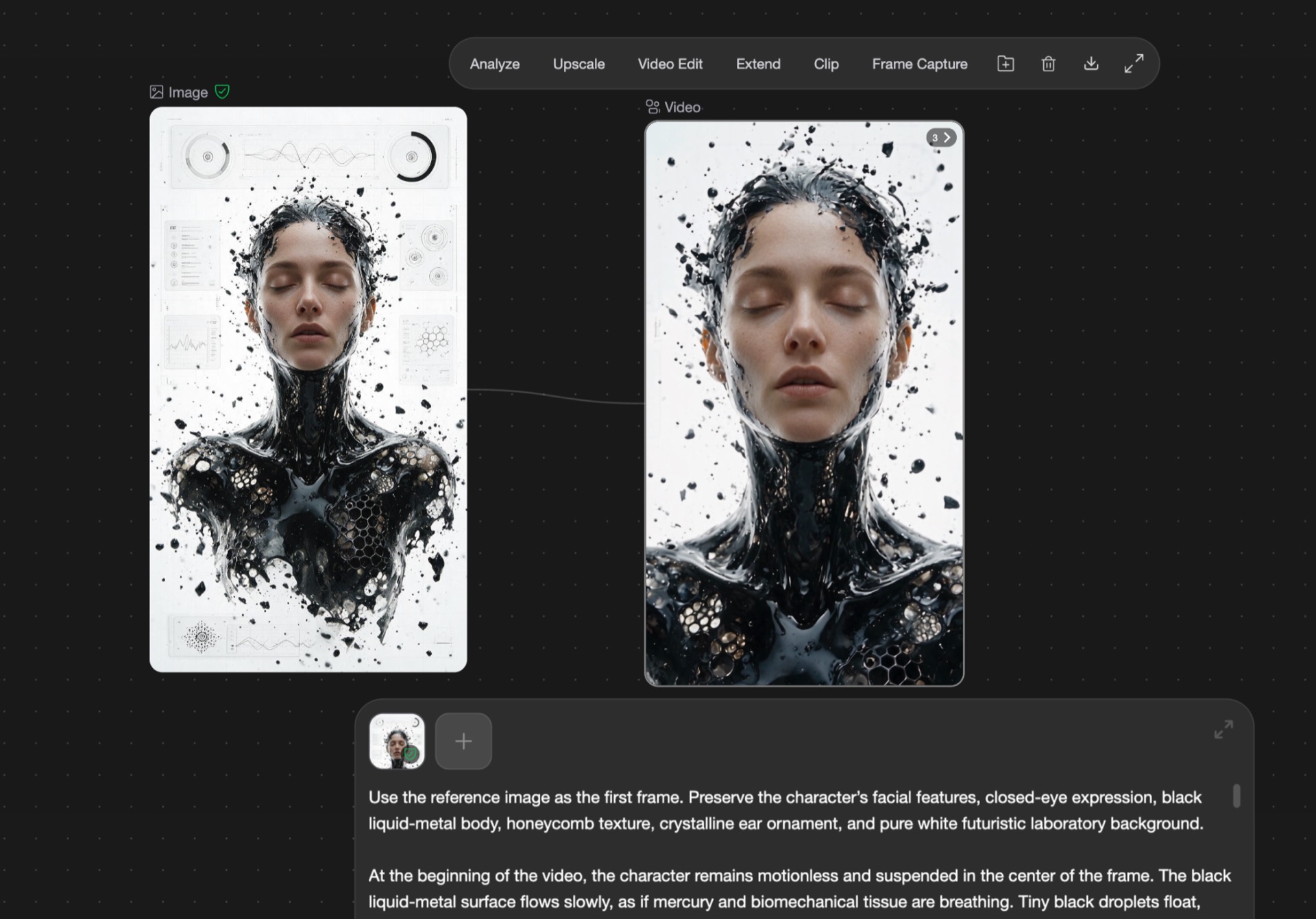
The first supplied case is a 34.4-second screen-recorded workflow video at 720×1280, 와 함께 30fps video and AAC 44.1kHz stereo audio. The recording visibly shows a portrait reference entering an image-to-video workflow with 시드댄스 2.5 selected and a 9:16 output.
The visual direction keeps an AI-generated woman as the central subject and develops a black liquid-metal body, honeycomb-like texture, crystalline highlights, and a bright futuristic HUD environment. The output includes portrait, full-body, and rear views before returning to a clean technology background.
This is a useful example of visual spectacle as a top-of-funnel hook. The liquid surface, metallic reflections, and futuristic interface give the viewer several changes to follow. That makes the asset suitable for a creative test around visual novelty and retention in the opening seconds.
It does not prove a specific CTR, completion rate, or acquisition cost. It shows the creative direction and the production workflow, not the media outcome.
The supplied file also includes a presenter overlay and screen recording. For a public article, use it as a process demonstration or replace it with a clean export before presenting it as a final ad.
Case study 2: A 12-second vertical ad built for attention-first testing
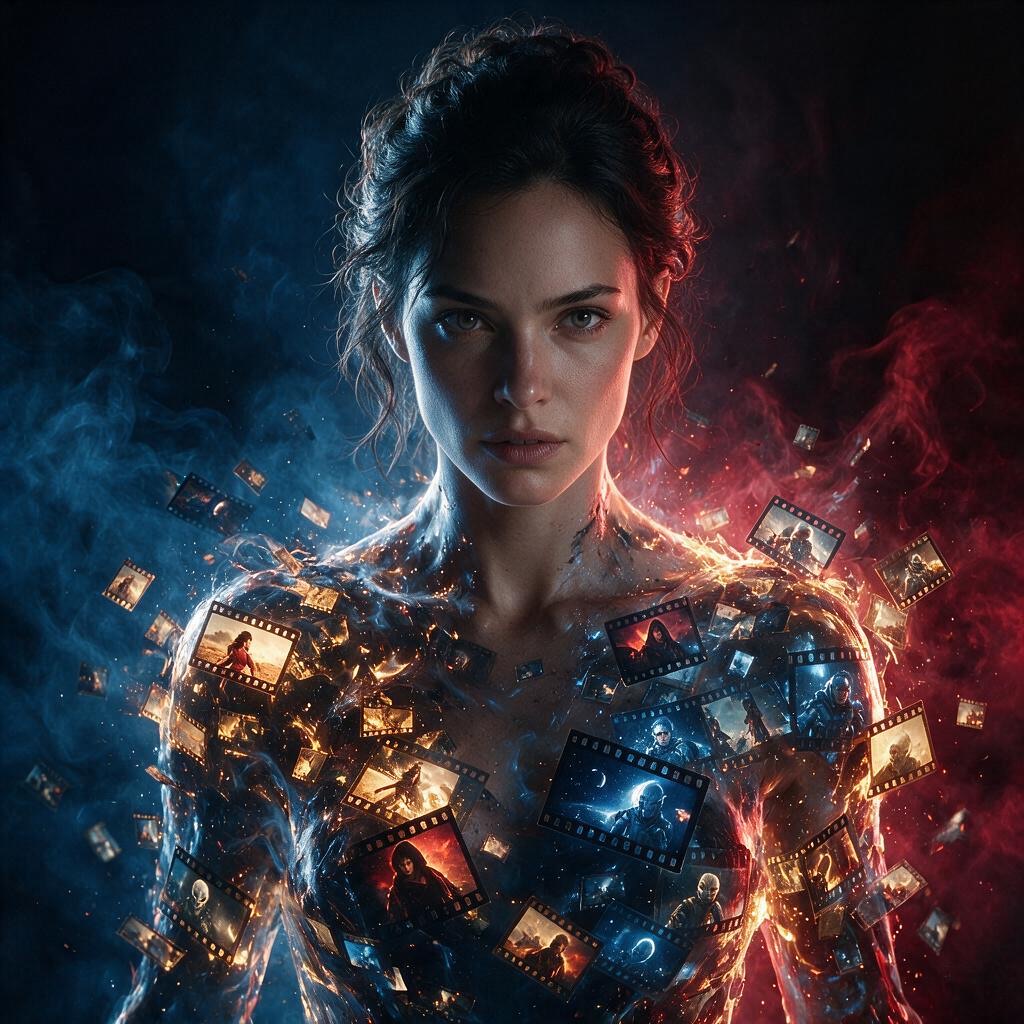
The second supplied video is a 12-second 720×1280 vertical asset with 30fps video and AAC 48kHz stereo audio. It combines a creator-style opening, transformation imagery, an explanation of the image-to-video workflow, and a strong final visual.
The sequence includes these observable beats:
- A woman in a black suit and red tie adjusts her outfit in a direct-to-camera opening.
- The video shows a visual instruction to upload a photo.
- A screen explains the creative process with “Inspiration creation!” and “Analyze the image.”
- The video returns to a high-contrast red-and-black fashion look with the message “How to create these viral AI videos.”
- The ending holds on a close, visually distinctive character frame.
This structure is closer to a paid-media creative than a pure model demo. It gives the viewer a reason to keep watching, shows the input action, explains the creation idea, and ends on a memorable visual. In other words, it is designed for performance testing: hook first, product action in the middle, visual payoff at the end.
The word “viral” appears in the supplied creative. It should be treated as creative copy, not as a verified performance claim. Without platform-level delivery data, this case supports “attention-first” and “built for creative testing,” not “proven to go viral” or “guaranteed to perform.”
How to turn the cases into a testing plan
The two cases support different creative questions:
| Case | What to test | Safe claim |
|---|---|---|
| Liquid-metal character | Can a high-concept visual stop the scroll? | Strong visual novelty and transformation hook |
| Fashion transformation ad | Can a short workflow story connect the hook to the product action? | Clearer hook → process → payoff structure |
You can then create controlled variants:
- keep the liquid-metal look and change only the first two seconds;
- keep the fashion transformation and change only the final CTA;
- keep the same person and change the background;
- keep the same hook and test a product-led ending against a creator-led ending.
Measure each variant using the same audience, budget, placement, attribution window, and conversion event. Record the displayed model, duration, aspect ratio, number of attempts, and whether the asset passed creative review. “Better” only has meaning when the comparison conditions are documented.
What teams can realistically expect from the workflow
The confirmed benefit in these examples is workflow compression: the team can move from an idea and a reference image to a vertical motion concept without handing every early visual decision to a separate designer and editor.
The workflow can reduce repeated setup work and make more concepts available for testing. It does not remove the need for creative judgment, platform adaptation, legal review, or media measurement.
No controlled time or cost comparison was supplied for this article. Therefore, this draft does not claim a percentage improvement, a fixed number of variants per generation, a lower CPA, a higher CTR, or a guaranteed lift in completed views.
Common objections from advertising teams
“I’m worried the AI will change the product, logo, or person.”
That concern is valid. Reference images and continuity instructions can reduce drift, but they do not replace frame-by-frame review. Treat small text, logos, hands, packaging details, and facial identity as review items—not as automatic guarantees.
“I don’t know how to write a complicated prompt.”
Start with ordinary language: name the subject, the action, the camera movement, the mood, and the ending. When you move from image generation to image-to-video, spend more prompt space on motion and timing than on repeating what is already visible in the reference image.
“A beautiful video is not necessarily a usable ad.”
Exactly. A usable ad needs a clear opening, a readable message, a recognizable subject, a platform-safe format, and an action the viewer can understand. The right test is not “does it look impressive?” but “can a viewer understand why they should keep watching and what to do next?”
Pricing, commercial use, watermark, and batch limits
These items still require a live pre-publication check and are intentionally not presented as settled facts in this draft:
| 질문 | Draft position |
|---|---|
| Can the output be used in commercial advertising? | Confirm against the current plan, terms, source rights, and third-party rights. Do not publish an unconditional commercial-use guarantee. |
| Does Ima Studio support batch generation? | Not verified by the supplied cases. Do not promise it. |
| Can the output be downloaded without a watermark? | Not verified for the relevant plan and model. Do not promise it. |
| Does the workflow support 9:16, 1:1, and 16:9? | 9:16 is verified in the supplied cases. Verify other ratios separately. |
| What is the free allowance and current price? | Use the live pricing surface at publication time; do not hard-code unverified numbers. |
자주 묻는 질문
Is Seedance 2.5 suitable for performance marketing creative?
It is suitable for producing attention-first concepts and controlled creative variations that can enter a paid-media test. It is not evidence by itself that a campaign will achieve a higher CTR, lower CPA, or better conversion rate.
Should I start with text-to-image or image-to-video?
Start with text-to-image or image-to-image when you need to establish a person, product, outfit, or visual world. Move to image-to-video when you have a visual anchor and the main question is how it should move.
Can one generated video be used on every advertising platform?
Do not assume that. Check aspect ratio, safe areas, text size, audio, caption requirements, brand rules, disclosure requirements, and the platform’s current advertising policies.
How should I measure whether a generated ad is better?
Use controlled variants. Hold audience, budget, placement, attribution window, and conversion event constant, then compare the opening, hold rate, completion rate, click behavior, and downstream conversion using the same reporting definition.
If you are creating product-led ads, read How to Turn Sports Product Photos into AI Video Ads for product consistency and hook–proof–CTA structure. For a more cinematic prompt example, see AI Bullet Time Product Video: A Seedance 2.5 Prompt.
Publication checks still open: live pricing and free allowance, watermark and batch behavior, commercial-use terms, rights for the supplied visuals, a stable public media URL, and real paid-media performance data if the article is to make performance claims.
저자 소개