ChatGPT Images 2.0:ポスター、商品広告、テキスト対応ビジュアル向け
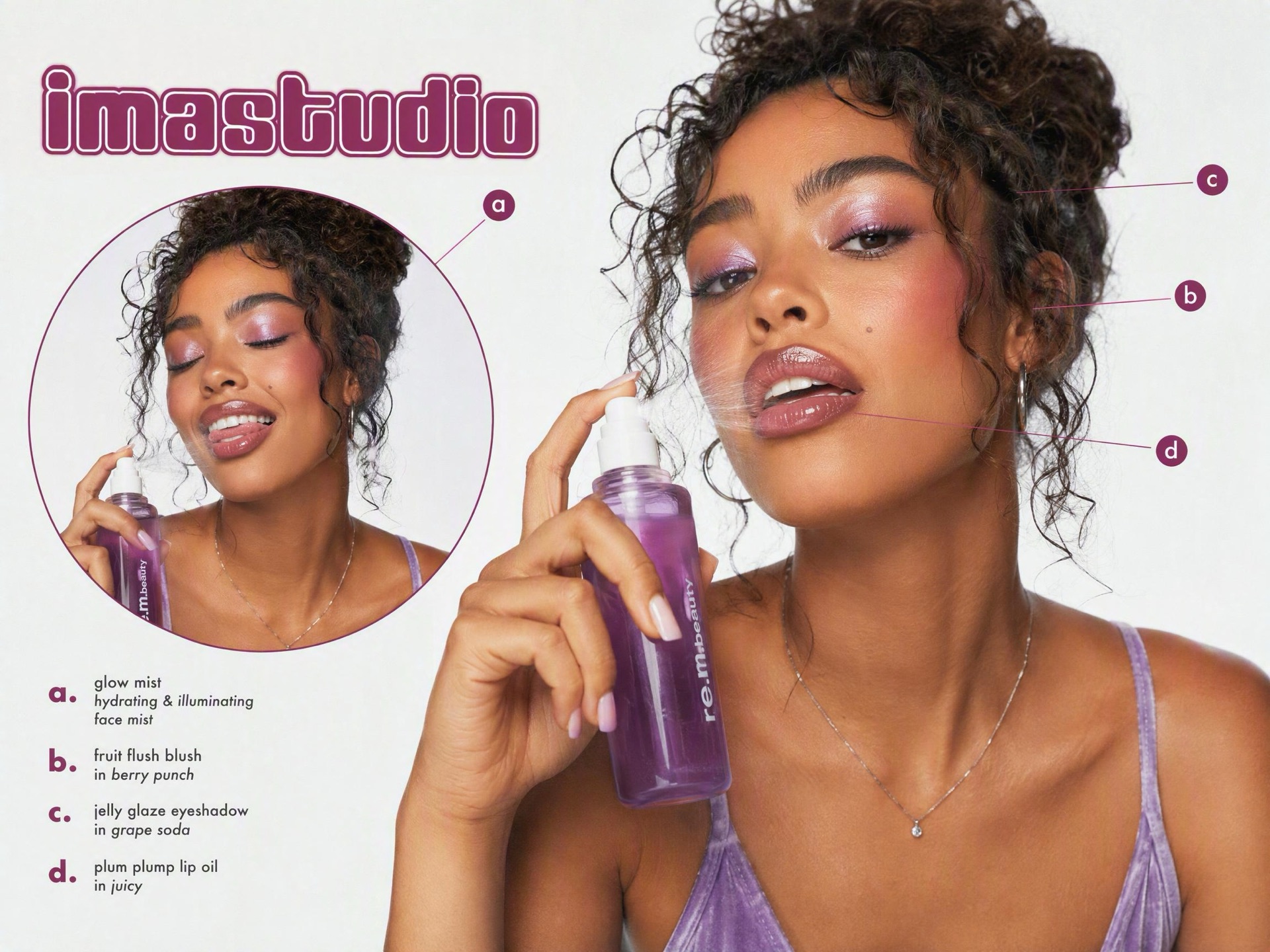
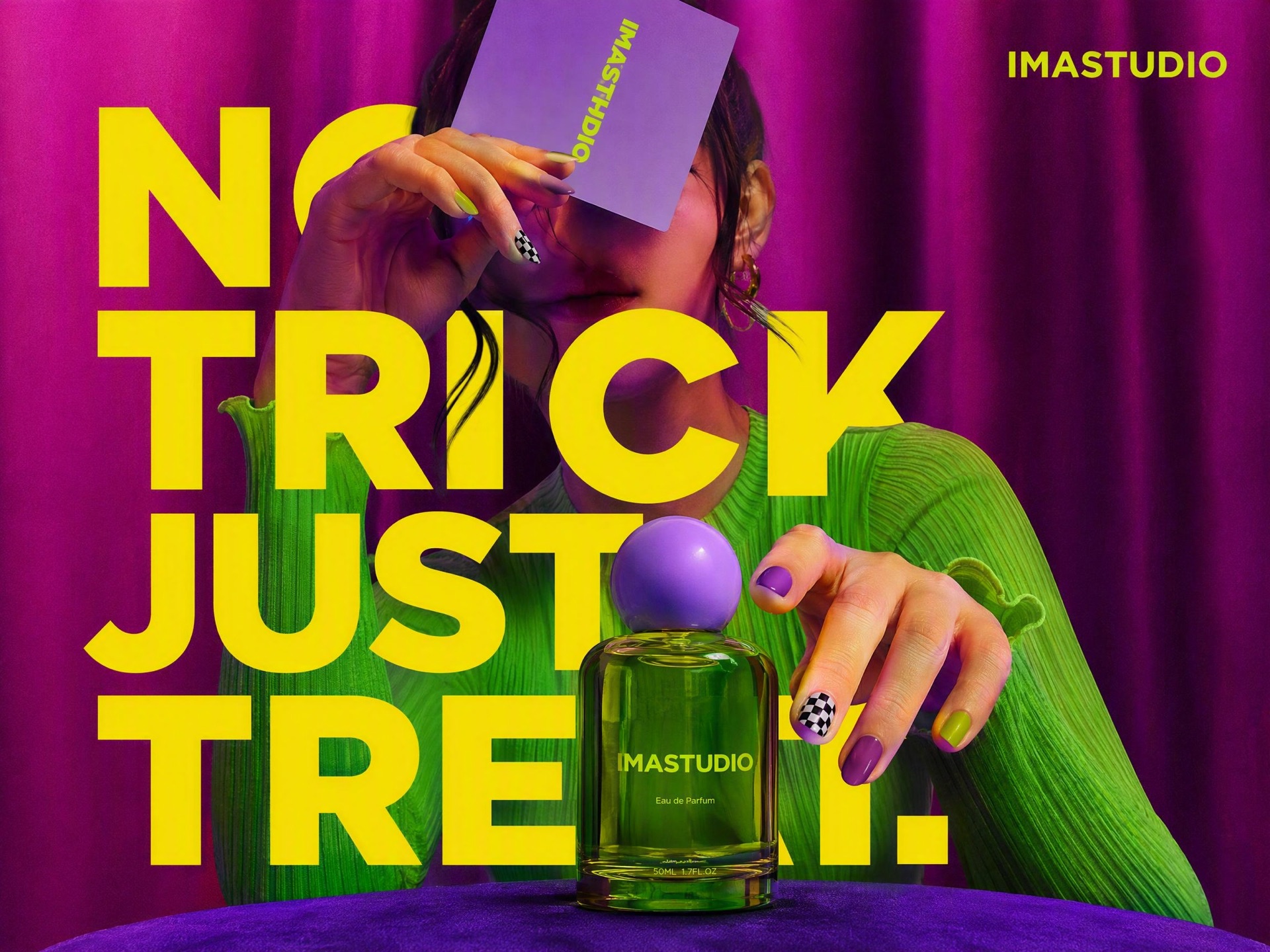
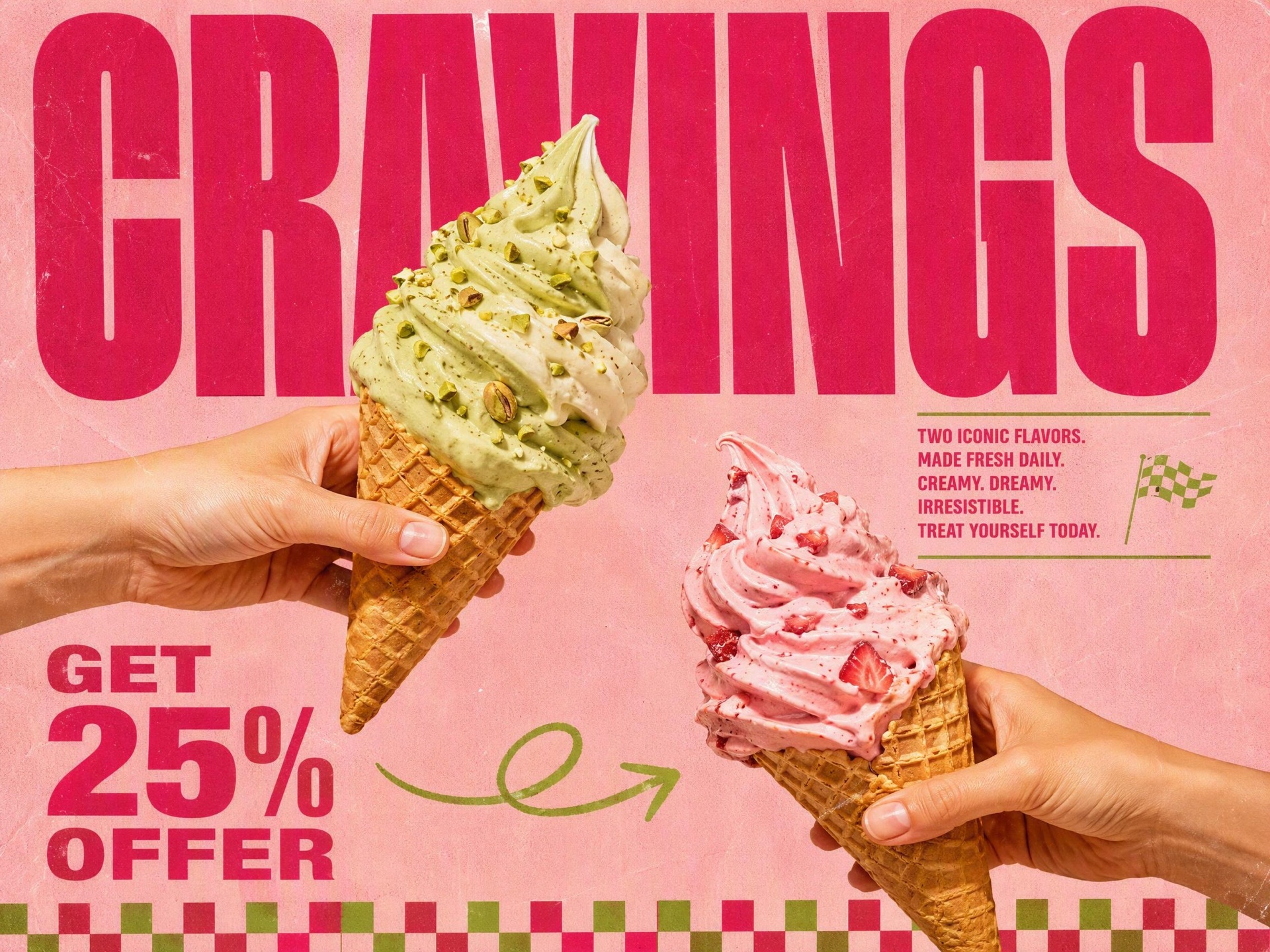
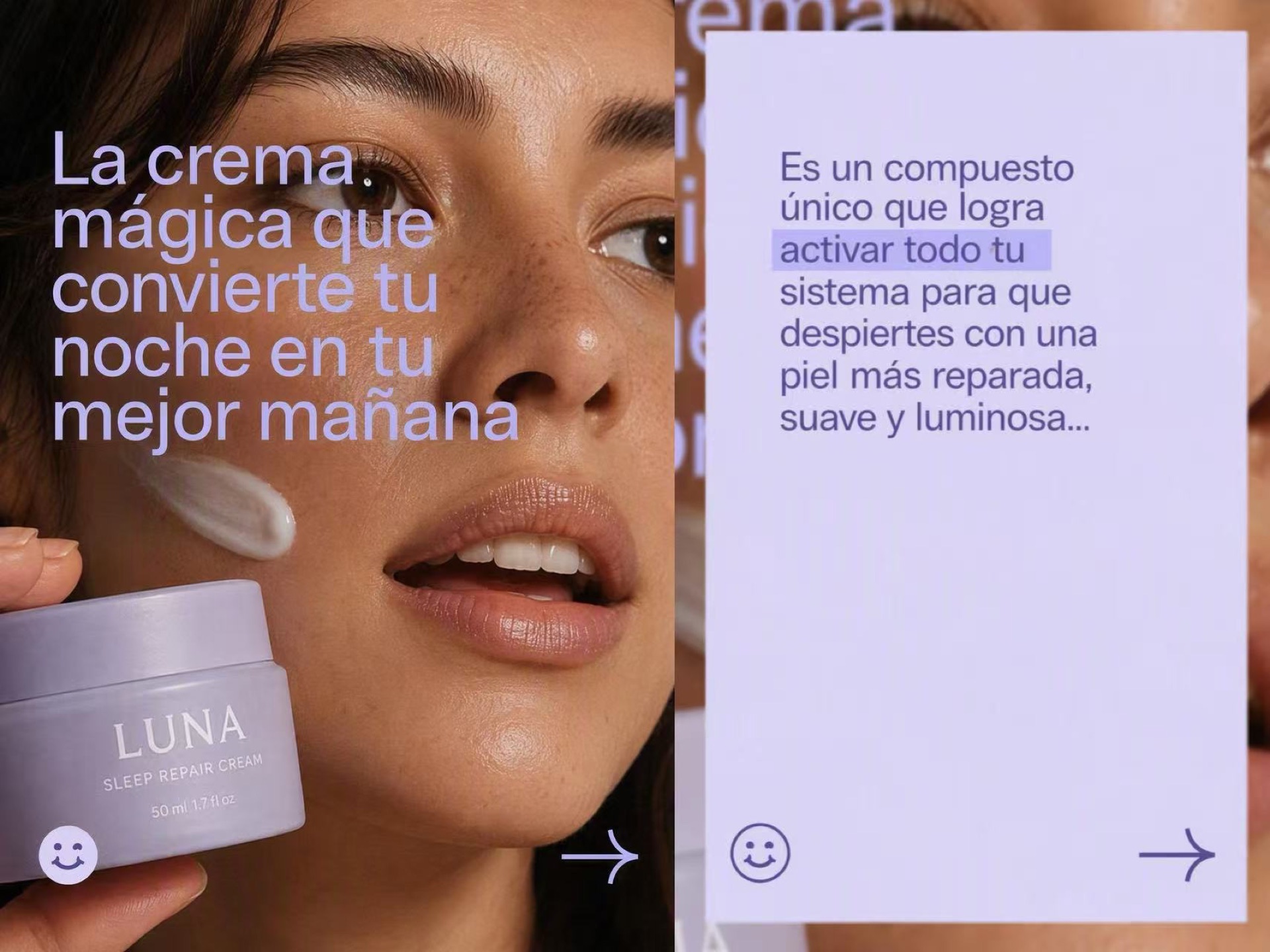
作成する campaign-ready posters, product ad creatives, packaging concepts, UI mockups, and text-ready visuals with ChatGPT Images 2.0 on IMA Studio. Built for sharper typography, clearer layout intent, multilingual assets, and commercial design output that is easier to ship.


What Is ChatGPT Images 2.0?
ChatGPT Images 2.0 is a new generation image model built for commercial-ready visual output.
What makes it different is not just image quality. It is the jump in usable typography, structured prompt handling、 そして design-oriented generation for real marketing and creative workflows.
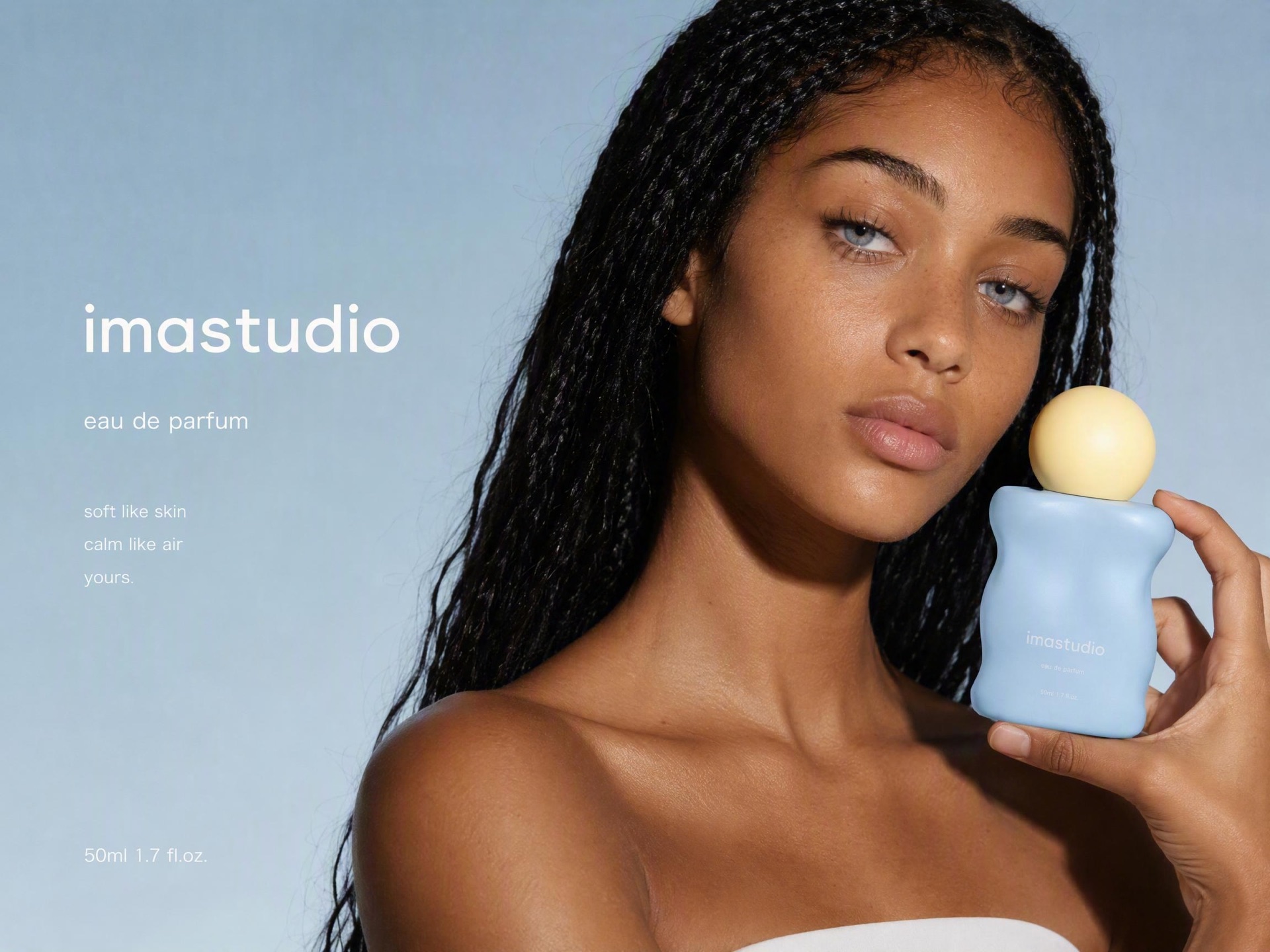
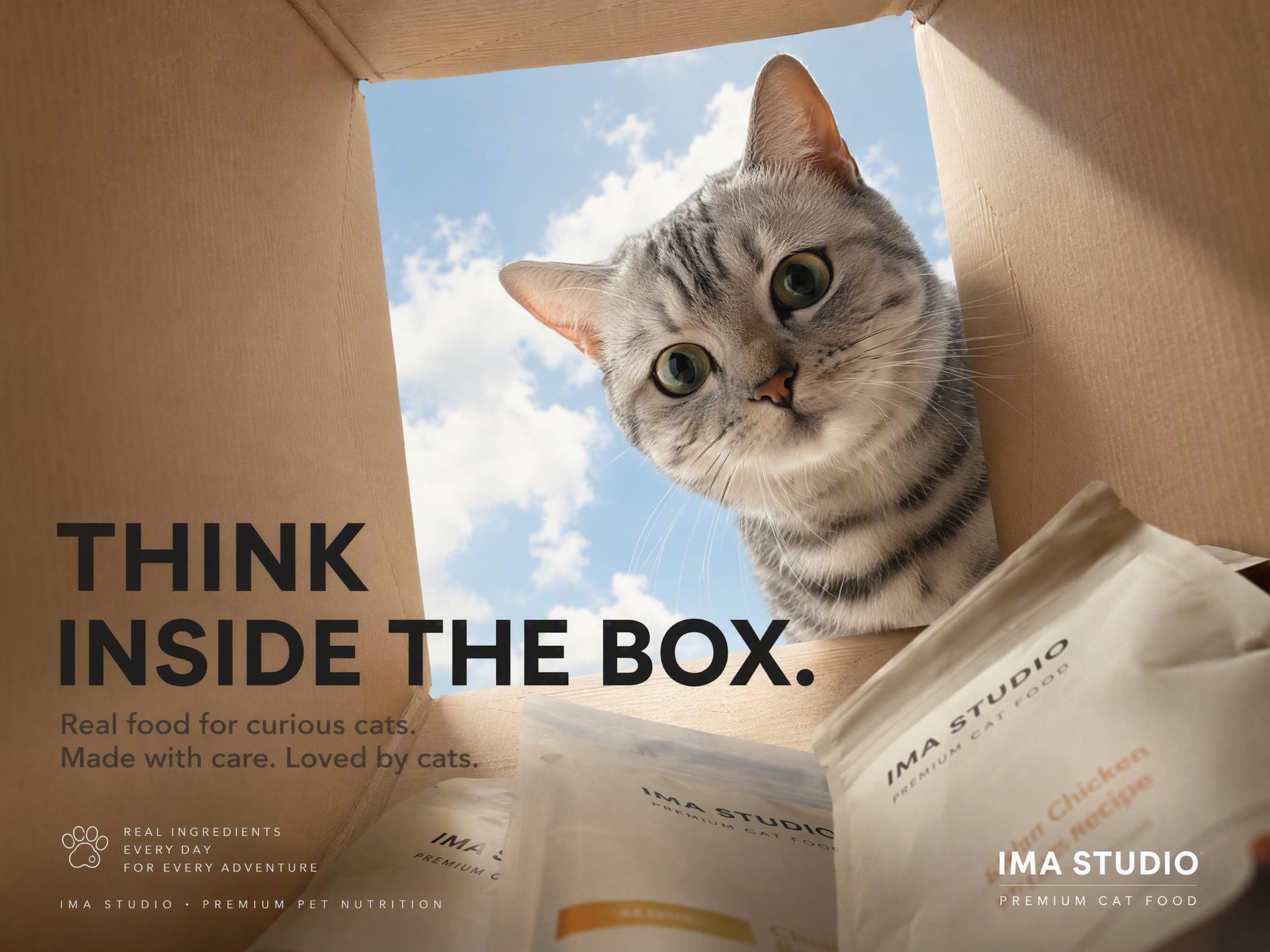
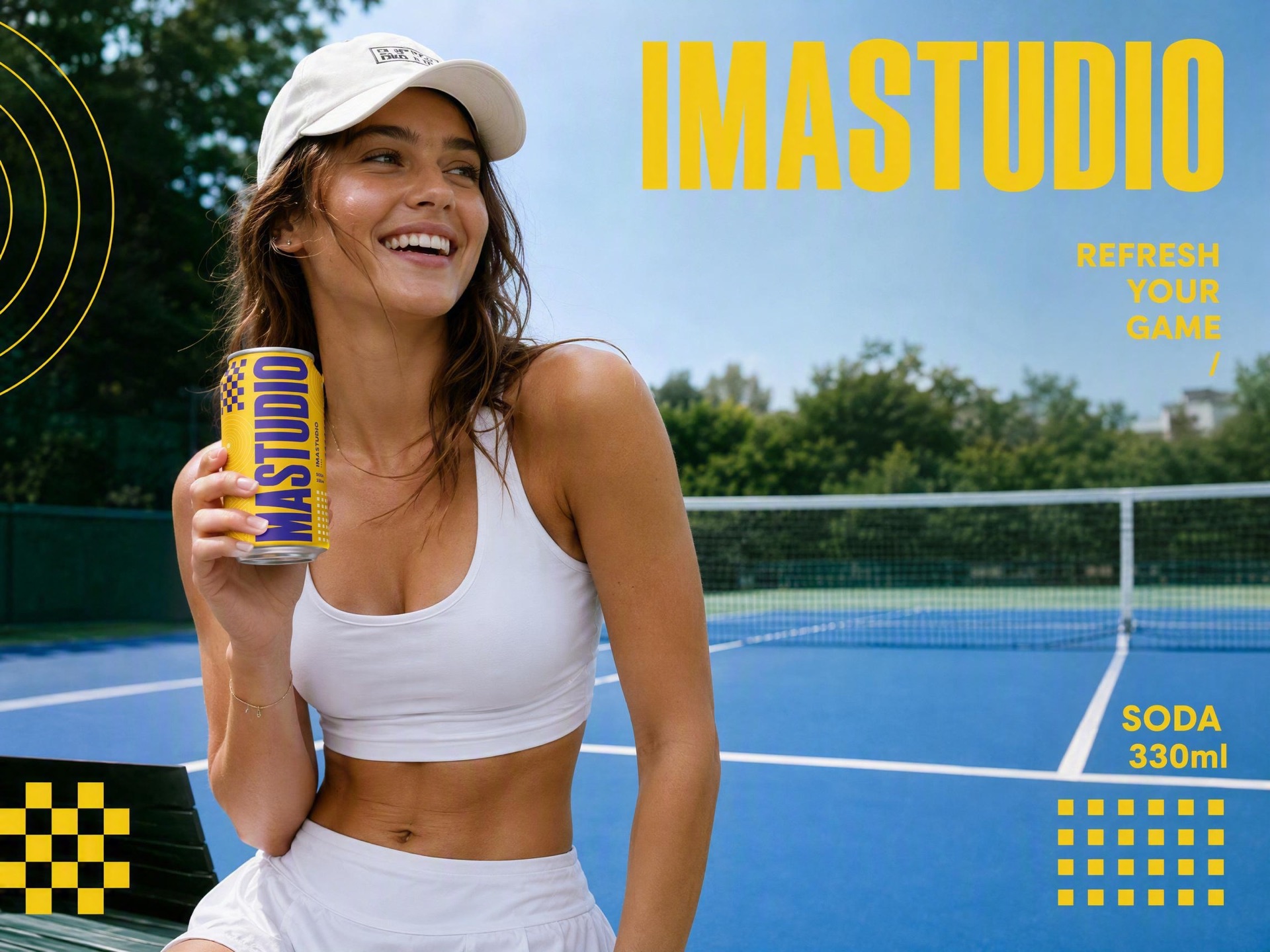
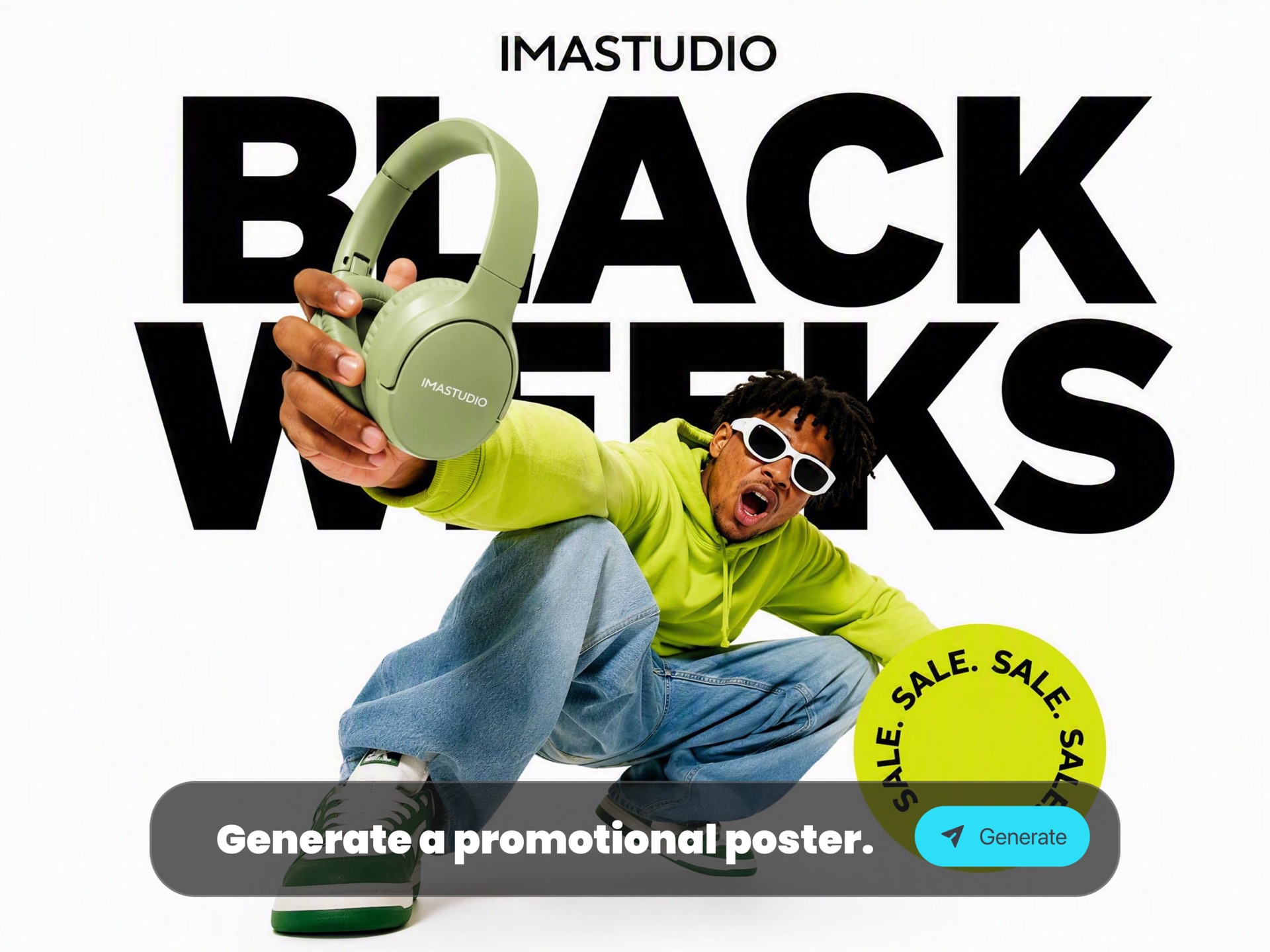
- Campaign-ready text rendering — posters, ads, packaging, signage, and promotional graphics with more usable in-image text.
- Commercial design output — stronger fit for product ads, hero images, UI mockups, launch assets, and branded visuals.
- Structured control — better when prompts include message hierarchy, composition, layout intent, copy, and creative direction.
- Workflow-ready iteration — generate variations for testing, localization, campaigns, and follow-up edits faster.
On IMA Studio, that turns the model into a workflow: from prompt to poster, ad creative, packaging concept, or text-ready commercial asset.

Why Use ChatGPT Images 2.0 on IMA Studio
Use ChatGPT Images 2.0 when the goal is not just to generate an image — but to produce a visual asset that feels closer to a real deliverable.
Campaign-Ready Typography
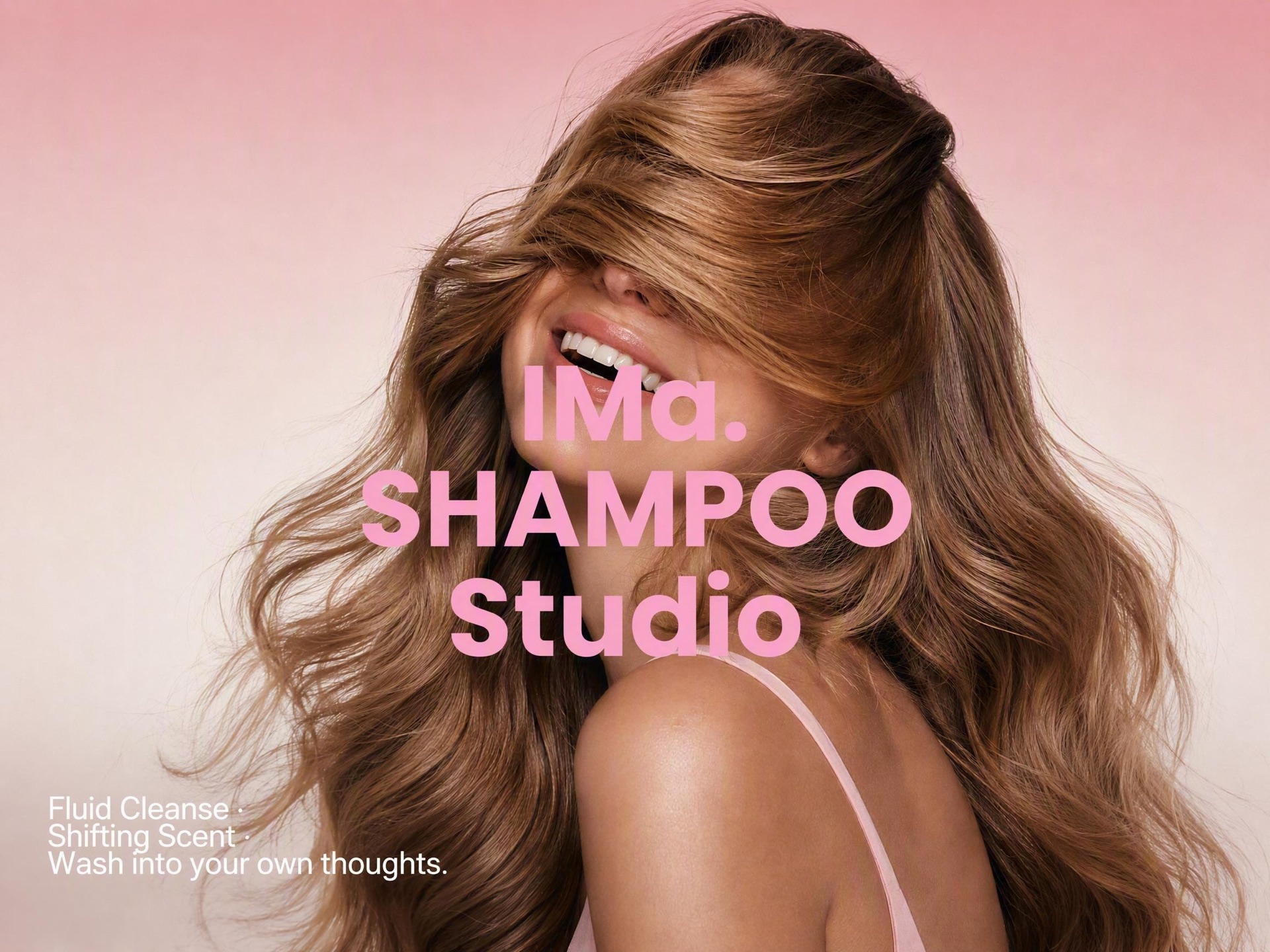
Create posters, signage, packaging concepts, and promotional graphics with text that is more usable, more legible, and more aligned with the final asset.
Built for Commercial Output
Stronger fit for product ads, hero images, launch creatives, UI mockups, feature visuals, and brand-led campaign assets.
Multilingual-Ready Visuals
A better workflow for teams producing localized campaigns, text-forward graphics, and design assets across markets and languages.
Faster Iteration & Variants
Turn one direction into multiple ad variants, localized versions, and campaign-ready options without rebuilding the creative from scratch.
Browser-Based Workflow
Run the workflow directly on IMA Studio — no heavy setup, no extra tooling, just a faster path from prompt to commercial-ready visual.
How to Use ChatGPT Images 2.0 in IMA Studio

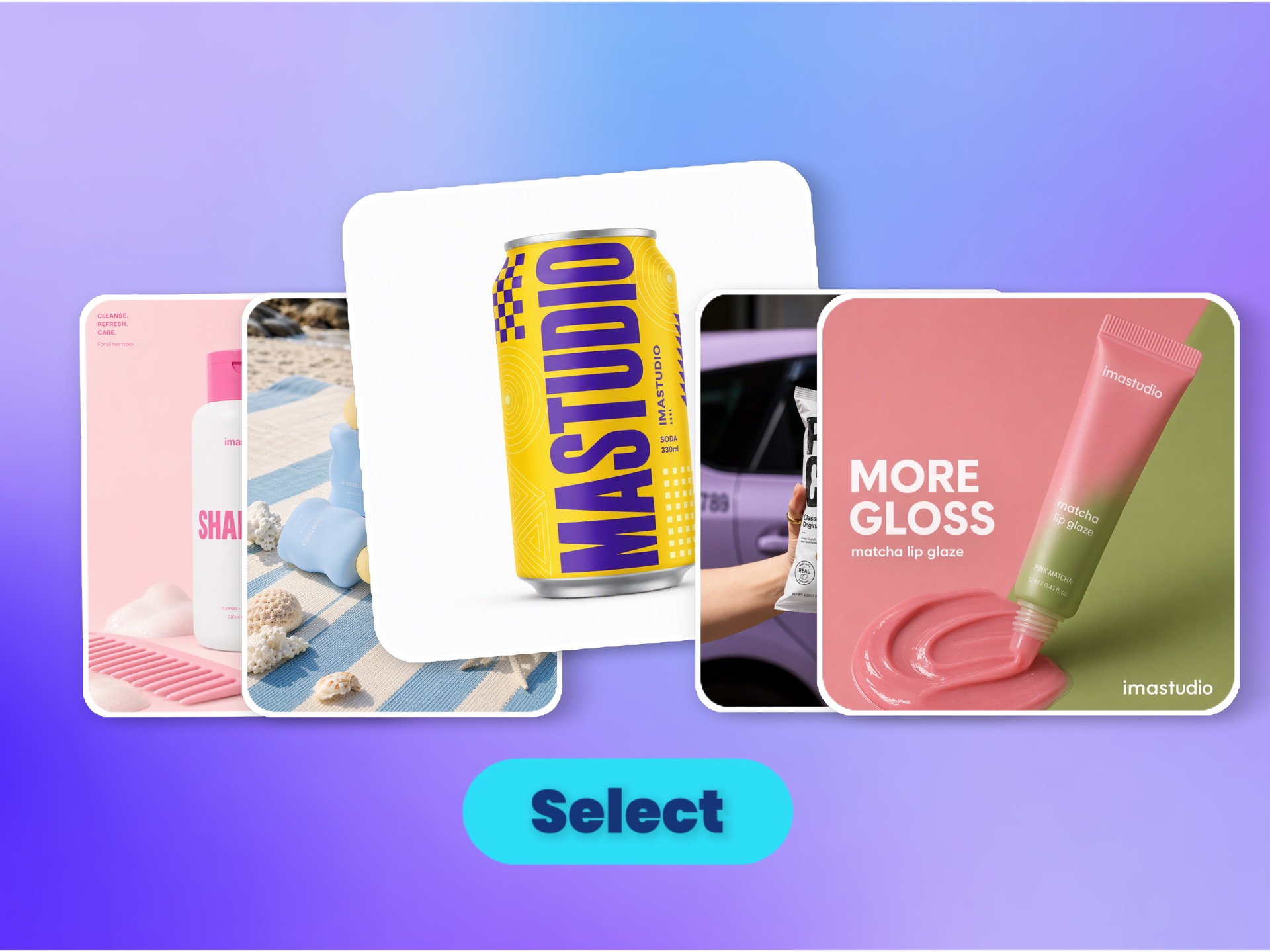
ステップ1 – モードを選択する
Start with the deliverable you actually need:Poster Product ad Packaging concept UI mockup Text-ready visualChatGPT Images 2.0 works best when you begin with a clear commercial use case.

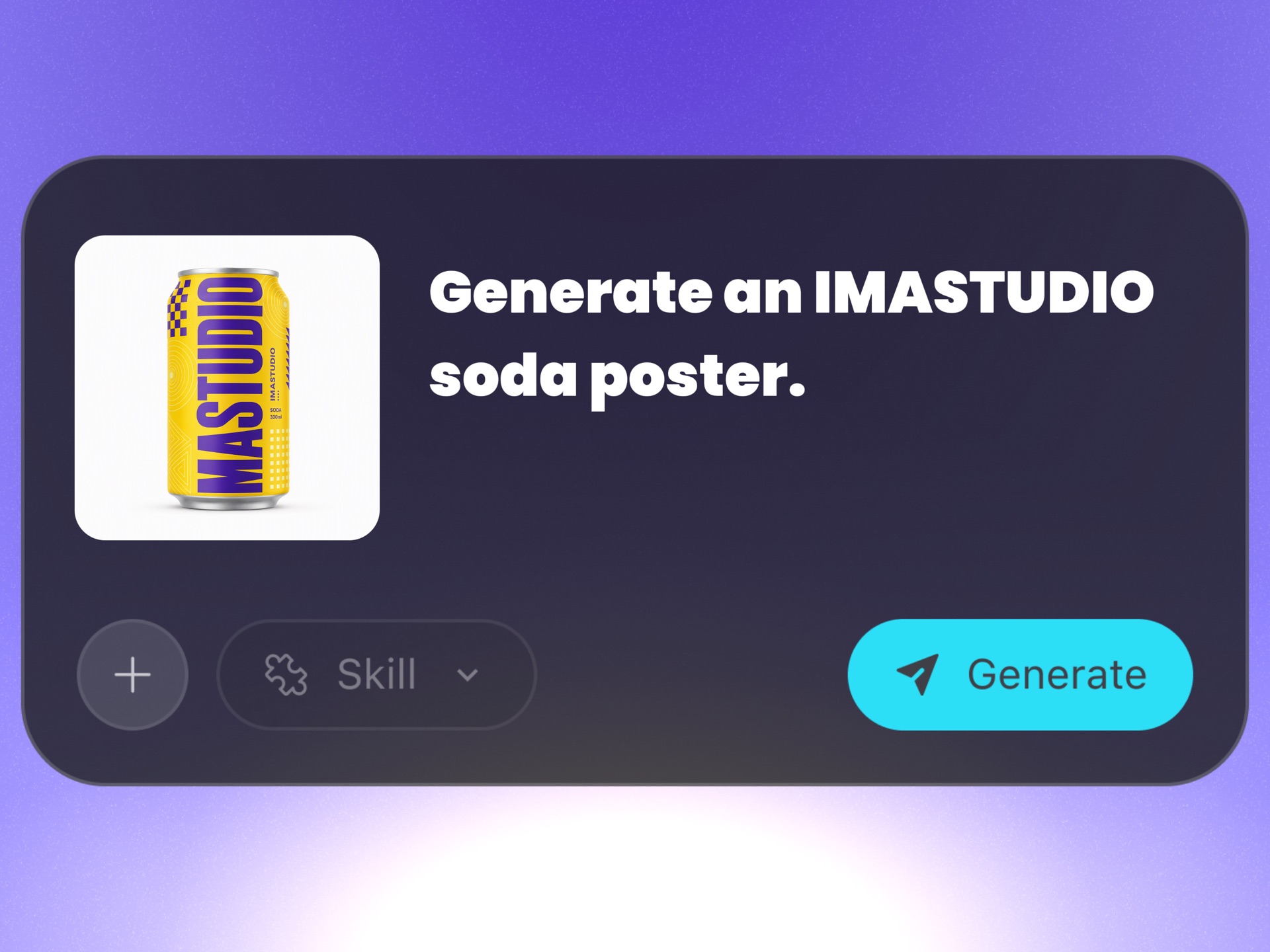
ステップ2 – プロンプトを書くかプリセットを使用する
Describe the message, layout, and creative direction in natural language:“A product launch poster with strong headline hierarchy, premium packaging, multilingual subcopy, and clean campaign composition.”The more clearly you define the asset type, text intent, and visual structure, the better the output.

ステップ3 – 出力を洗練させる
Generate multiple directions, then refine for real production needs:Create variants for testing Adjust copy emphasis and hierarchy Localize for multiple markets Adapt the format for social, web, and campaign useThat is where model quality becomes workflow value.
ChatGPT Images 2.0: Key Capabilities
1. Campaign-Ready Typography
The biggest upgrade is not only image quality — it is text that is finally usable inside the image.
That matters for:
- ポスター
- Product promotions
- Packaging concepts
- UIモックアップ
- Multilingual campaign assets
For teams shipping marketing visuals, typography is no longer an afterthought.


2. From Prompt to Commercial Output
ChatGPT Images 2.0 is strongest when the deliverable is a marketing asset, not just a pretty picture.
It is especially useful for:
Campaign-ready posters
Product ad creatives
Hero images for ecommerce
Text-led promotional visuals
Brand-oriented design directions
That makes it a better fit for marketers, ecommerce teams, and creative operators shipping real assets.
3. Structured Prompt Handling
It performs best when prompts include more than style alone.
Strong prompts can define:
Message hierarchy
Composition intent
Typography direction
Copy placement
Brand feel
Campaign format
This makes it stronger for repeatable image systems, not just one-off inspiration.


4. Better for Variants, Localization & Workflow
One concept can expand into multiple production directions:
Poster version
Text-led ad creative
Localized variant
UI-style marketing visual
Campaign adaptation set
Follow-up edits for testing
This is where model capability turns into workflow leverage.
5. Best-Fit Commercial Use Cases
Teams are increasingly using ChatGPT Images 2.0 for:
Poster design
Product ads
Packaging concepts
UIモックアップ
Text-ready visuals
Multilingual campaign materials
The common thread is simple: users want commercial design output, not just generated images.

Popular Ways to Use ChatGPT Images 2.0
Campaign Posters & Signage
Create promotional posters, event visuals, signage directions, and brand campaigns with stronger text integration and clearer hierarchy.
Product Ads & Hero Images
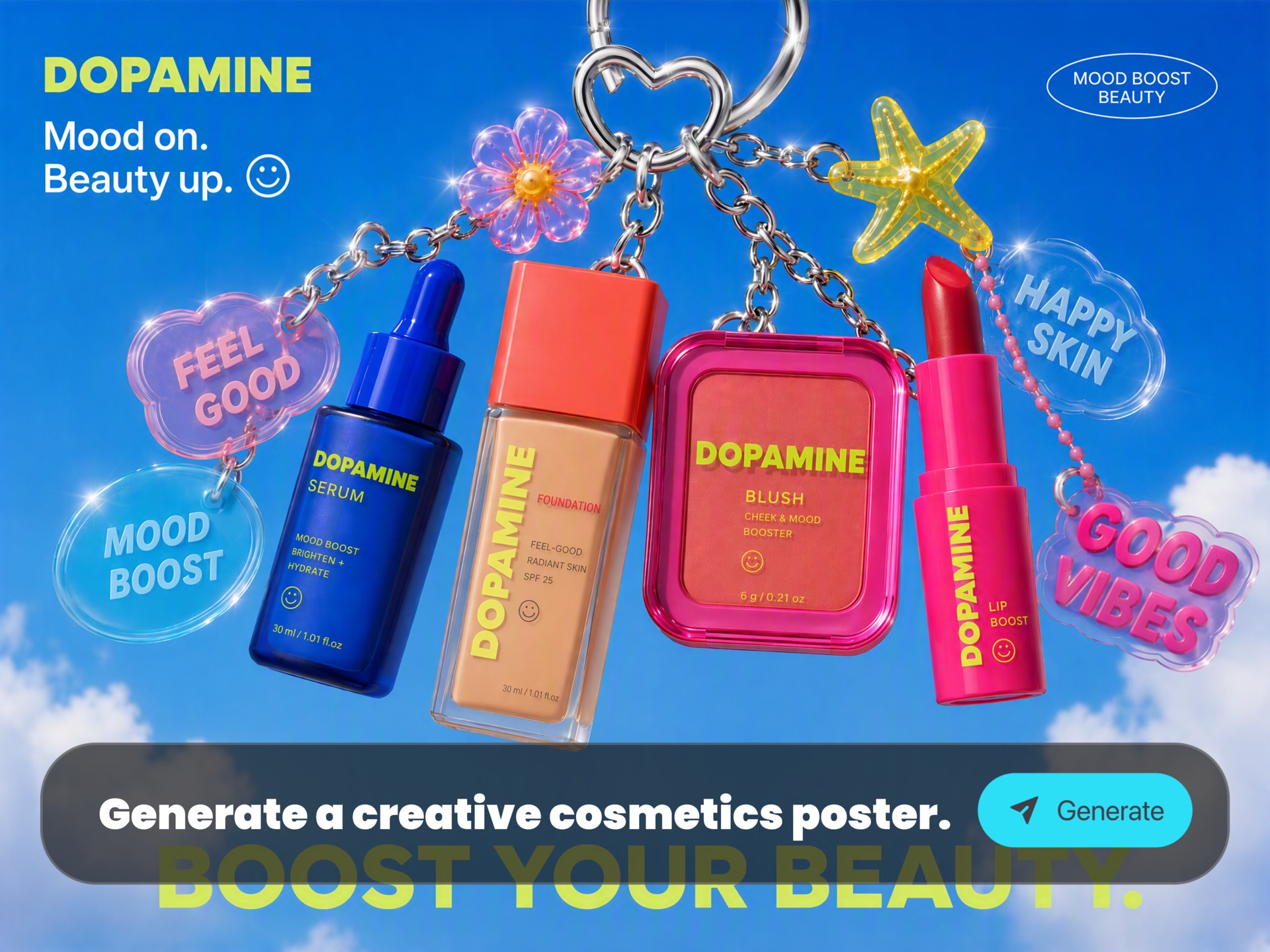
Turn one product idea into hero shots, benefit-led ad creatives, feature graphics, and ecommerce-ready promotional visuals.
Packaging Concepts
Explore box layouts, label directions, promotional packaging, and branded product presentation assets faster.
Text-Ready Social Creatives
Generate text-forward visuals for launches, offers, headlines, hooks, and conversion-oriented campaign graphics.
UI Mockups & Launch Graphics
Create interface-style visuals, productized UI scenes, app launch images, and feature-led design assets for product marketing.
Multilingual Campaign Materials
Build localized creative directions for different audiences, regions, and market contexts without starting over each time.
Iterative Design Variants
Produce multiple directions for testing, format adaptation, follow-up edits, and campaign iteration in one workflow.
ChatGPT Images 2.0 FAQs
ChatGPT Images 2.0 is especially strong for posters, product ads, packaging concepts, UI mockups, multilingual visuals, and text-ready creative assets. It is most valuable when the goal is commercial design output rather than generic image generation.
Yes. That is one of its most important strengths on IMA Studio. It is a strong fit for campaign posters, ecommerce hero images, promotional graphics, packaging directions, and visuals where typography is part of the final deliverable.
Yes. One of the biggest reasons teams are adopting ChatGPT Images 2.0 is better in-image text handling and stronger design output for multilingual assets, signage, and campaign visuals with real copy inside the image.
Yes. It is designed for marketing, branding, editorial, ecommerce, and campaign-style output. As with any AI workflow, teams should still review the final asset for brand, legal, and compliance needs before publishing.
Most outputs are generated quickly on IMA Studio, which makes the workflow well suited for rapid exploration, variant generation, localization, and creative iteration. Exact speed can vary by prompt complexity, resolution, and editing depth.