











如何在 Ima Studio 中使用 AI 動畫生成器
步驟 1 – 描述或上傳
打開 Ima Studio,啟動 AI 動畫生成器,描述你的想法或上傳參考圖片即可開始。.
步驟 2 – 代理路由到最佳模型
建立代理程式會分析您的輸入,並自動選擇符合您所需風格的最佳動畫模型。.
他們協調動作、燈光和口型同步,以實現幀與幀之間的一致性。.
步驟 3 – 編輯與匯出
使用時間軸控制、攝影機路徑和聲音來優化您的動畫。導出為 1080p 或 4K 分辨率,針對 YouTube、TikTok 和演示文稿進行了優化——無配額限制,無隱藏限制。.
為什麼選擇 Ima Studio 的 AI 動畫生成器
幾分鐘內即可獲得 1080p 和 4K 動畫
無需大型軟體。只需文字或圖像 → 動畫。幾分鐘內即可產生多種風格的專業級動畫序列。.
代理主導的模型編排
Ima 的創建代理會將任務路由到表現最佳的模型,從而確保每個場景都能呈現流暢的運動和一致的視覺效果。.
語音、音樂和字幕一體化
內建的旁白和音效工具可自動同步旁白和背景音樂,使每個畫面都和諧統一。.
進階創意控制
調整鏡頭運動、光線和畫面種子,以確保場景間的連貫性。選擇動畫、3D 或寫實預設,或混合使用自己的風格。.
無縫故事銜接
將多個產生的影片片段連結成一個流程。無需手動拼接,即可保持角色、光線和動作的一致性。.
一體化人工智慧動畫創作套件
使用 Ima Studio 實作文字轉動畫
輸入你的劇本或想法,即可立即看到動畫效果。.
AI動畫生成器可以將文字轉換成富有表現力的動作,並具備攝影機邏輯和唇形同步功能。.
非常適合用於講故事、製作解釋性影片或社交影片。.
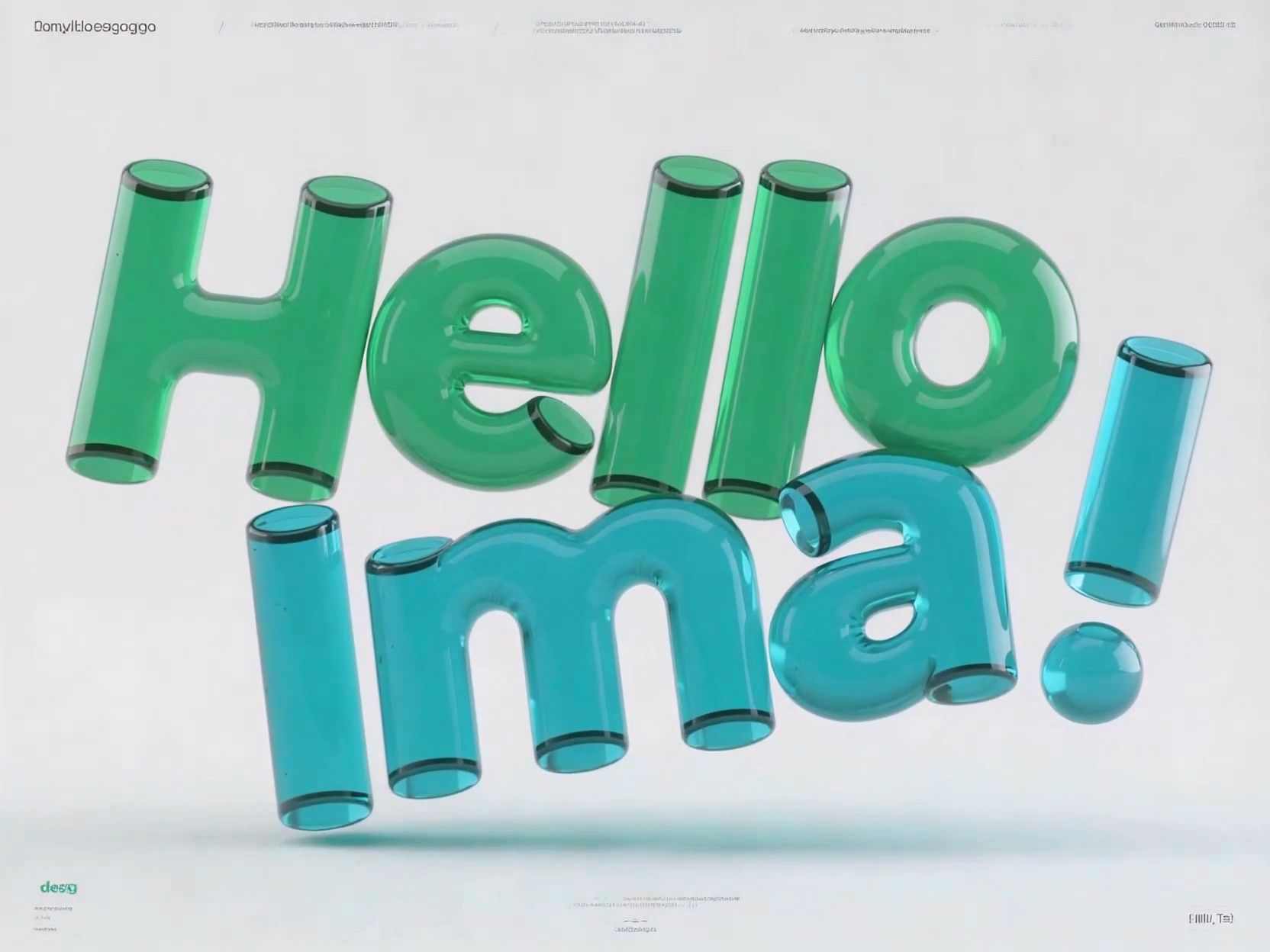
影像轉動畫
使用以下方式為概念藝術、肖像或產品照片製作動畫: AI圖像動畫器.
透過自然的動態效果、一致的光線和場景深度,使靜態影像栩栩如生。.
Preparing a Logo Animation or Brand Reveal
A useful logo animation brief starts with a logo image you have the right to use, the brand colors, a background, the intended reveal motion, and the final frame. Specify which lettering, proportions, and colors must remain unchanged, plus the intended duration and aspect ratio.
Check any generated draft frame by frame for distorted lettering, altered symbols, flicker, and unwanted changes to the brand mark. A generated motion draft is not a guarantee of exact logo reproduction or editable vector output. Use the original approved logo for final brand-critical compositing when needed.
AI動畫生成器常見問題解答
是的。您可以先免費體驗有限時長的渲染效果,付費方案則不帶浮水印。.
隨時升級即可獲得完整的商業使用權和 4K 匯出選項。.
Ima 的創作代理商使用多模型編排,以實現更高的運動一致性、風格精確度和幀真實感——在 Arena 中進行了即時基準測試。.
是的。上傳圖片或短片,即可將自己或您的角色自然地融入生成的場景中。.
導出格式支援 1080p 和 4K,24–60 fps,針對社交和專業平台進行了最佳化。.
是的。付費方案包含根據 Ima Studio 創意使用政策規定的完整商業使用權。.
請確保您擁有所有上傳資料的版權。.
Provide an approved logo reference, brand colors, background preference, reveal direction, desired duration, aspect ratio, and the intended final frame. State which parts of the mark must stay unchanged. Keep these requirements separate from optional camera movement or visual effects.
Review spelling, logo geometry, brand colors, transitions, and the final frame. Generative visuals can alter lettering and shapes, so do not assume pixel-perfect preservation or editable vector output. For final brand-critical delivery, verify the result against the approved original logo and use manual compositing where necessary.