Ima Studio's Générateur de publicités Facebook
Turn one brief into Meta-ready ad creatives in minutes. Generate images, videos, and ad copy for Facebook and Instagram placements like Feed, Reels, and Stories—built for faster testing, iteration, and launch.
How to Create Facebook and Instagram Ads with Ima Studio

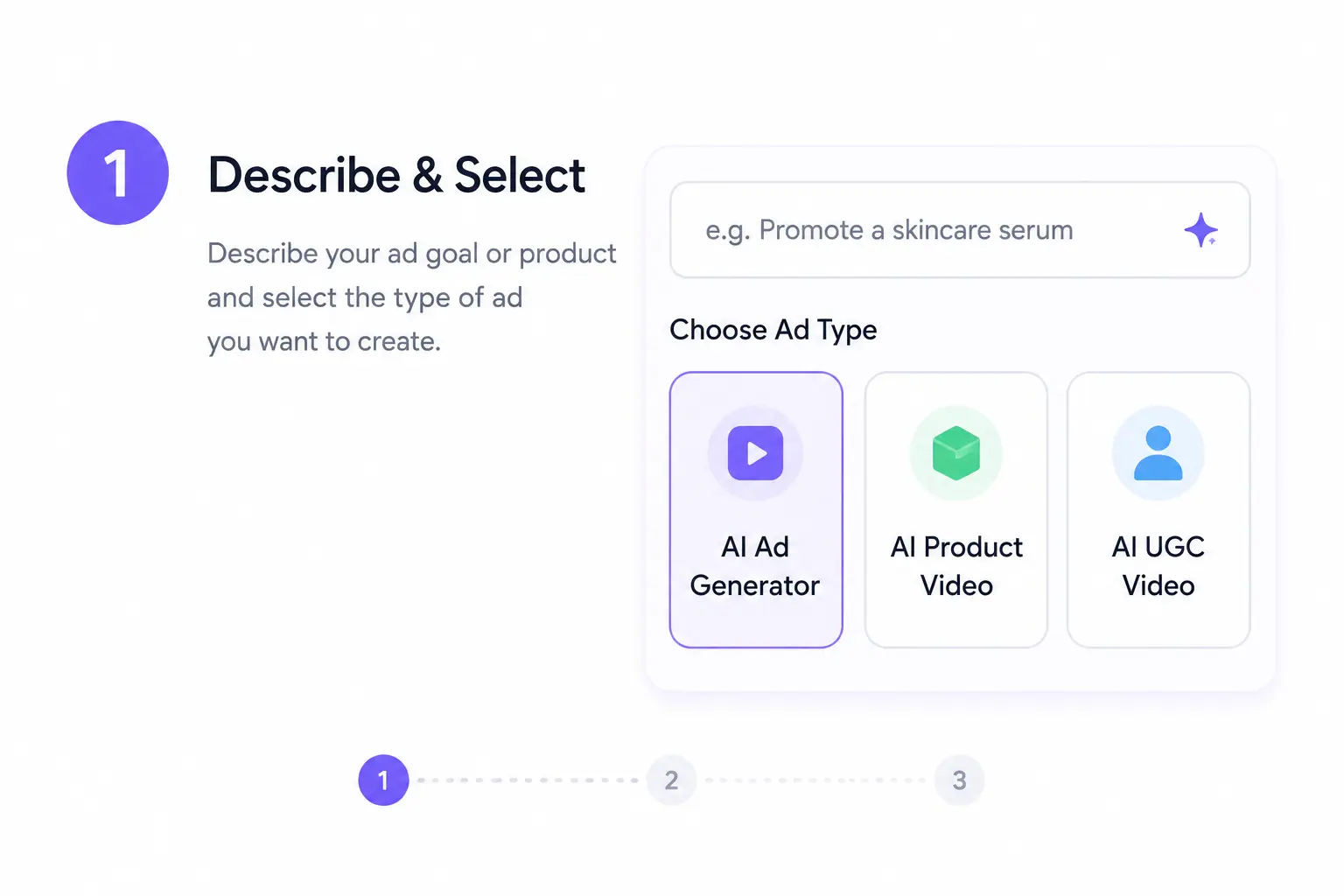
1) Input Your Offer, Audience, and Goal
Start with one brief: what you are selling, who you want to reach, and what outcome matters most. Ima Studio turns that input into ad concepts with clearer hooks, stronger angles, and messaging suited to Meta placements.

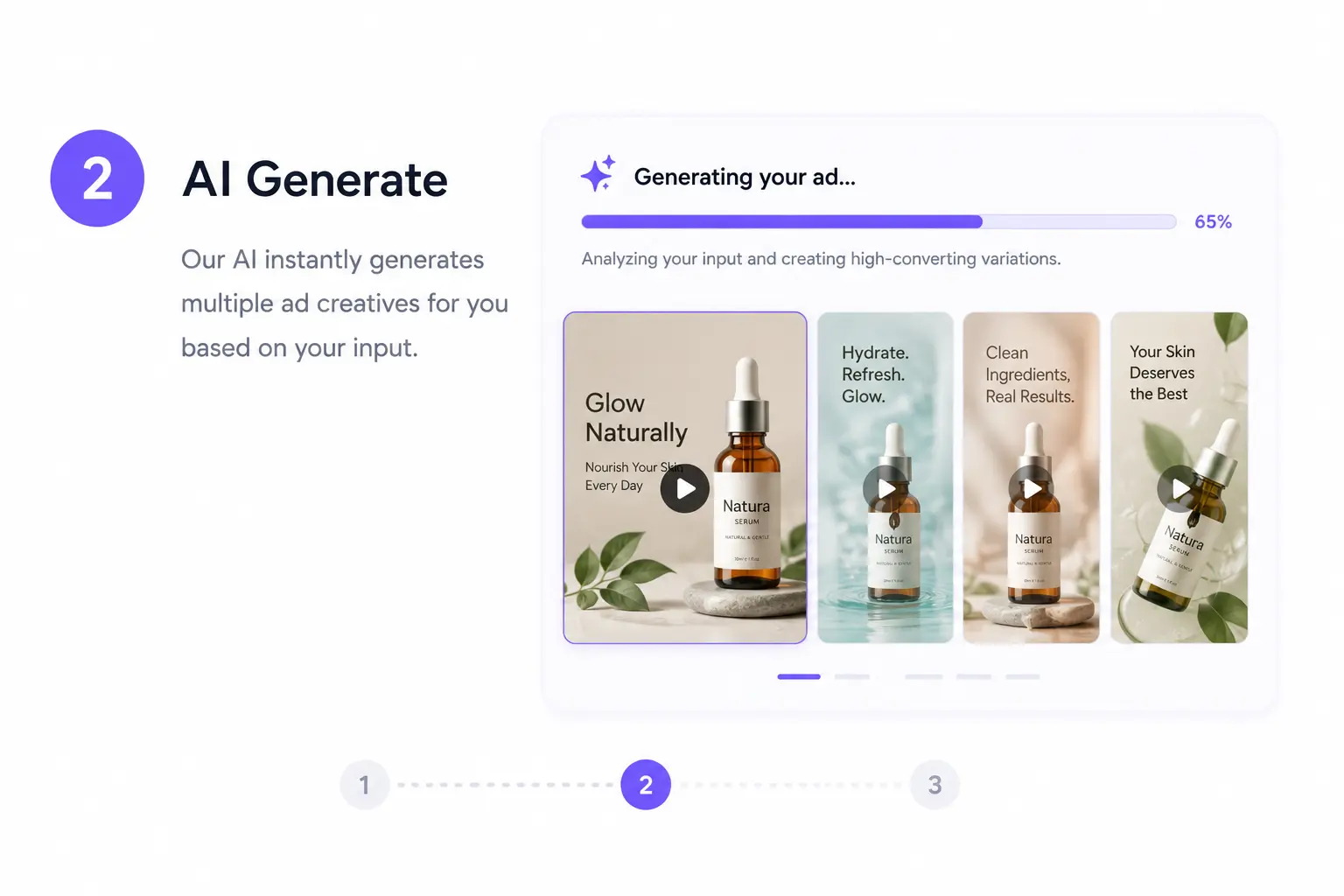
2) Generate Variants and Compare What Wins
Create multiple image, video, and copy variations in one pass. Compare hooks, visuals, and captions side by side so your team can spot stronger creative directions before you spend on distribution.

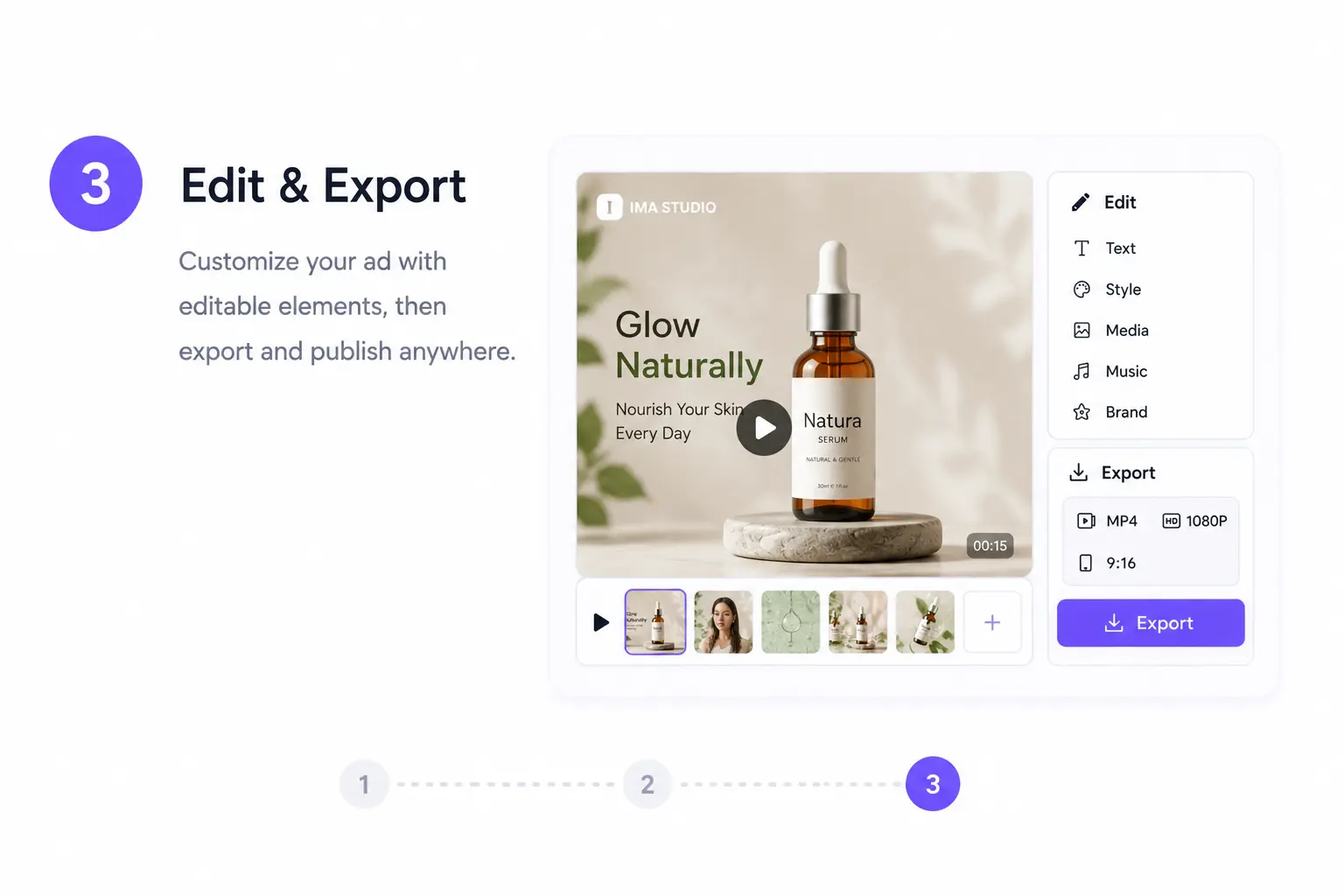
3) Export Meta-Ready Assets for Launch
Once you choose the best version, export assets prepared for Facebook and Instagram workflows. Get cleaner handoff files for Feed, Reels, and Stories so launch takes less manual editing inside Meta Ads Manager.
Why Teams Use Ima Studio for Facebook Ads
AI Agents: Complete Ad Kits from One Brief
Ima agents don’t just design visuals—they create coherent ad sets: images, videos, headlines, and copy aligned in message and style. Each variant feels distinct yet stays on brand.
Faster Creative Testing
Generate multiple angles from one brief so marketers can test hooks, visuals, and messaging faster instead of rebuilding each version manually.
Built for Meta Placements
Create assets that fit Feed, Reels, and Stories more smoothly, reducing last-minute resizing, copy cleanup, and placement-specific production fixes.
Policy & Brand Safety Built‑In
Ima checks image and copy compliance with Meta’s ad guidelines. Potential violations trigger instant rewrite or replacement suggestions before export—saving approval time.
All‑in‑One Facebook Ad Generator
From Idea to Ready‑to‑Upload Ad
Describe your offer and watch it become complete Facebook creatives—videos, images, and captions crafted by AI agents. Each output is formatted for Meta placements and optimized for conversions across audiences.
Images, Video, and Ad Copy in One Workflow
Upload product photos or short clips, and Ima auto‑animates them into Reels‑ready videos or Feed visuals with consistent lighting and tone. Perfect for brand or product storytelling.
StoryFrames: Consistent Campaign Sets
Build multiple Facebook ad versions that stay visually and tonally consistent.
StoryFrames keeps your brand flow aligned across ad variants for testing and scaling.
Localization & Enhancements
Add multilingual captions, voiceovers, or background music automatically.
Fine‑tune color grading and pacing for each placement while maintaining brand tone consistency.
Facebook Ads — FAQs
Yes. You can explore Ima Studio before upgrading and test how quickly it turns briefs into Meta-ready ad creatives.
Yes. Ima Studio helps you generate ad creatives that can be adapted for placements across Facebook and Instagram, including Feed, Reels, and Stories.
No. Ima Studio focuses on creative generation. You export the assets and launch or manage campaigns inside Meta Ads Manager.
Yes. You can create multiple hooks, formats, and creative directions from one brief so your team can test faster across audiences and placements.
Absolutely. Upload your own product shots, logos, footage, or brand visuals to keep every ad aligned with your campaign and identity.
Yes. Ima Studio supports workflows for generating visual creatives and ad copy that fit common Meta placements and short-form ad formats.
Yes. Assets are built to speed up export, review, and campaign handoff so your team can move from concept to launch with less manual production work.
Because it compresses the path from brief to launch: one input in, multiple Meta-ready creatives out, with faster iteration and clearer cross-placement workflows.