Edit Text in Images with AI
Click the words you want to change, or describe your edit. Preview the result alongside your original image.
Image text editor
1. Upload · 2. Edit · 3. Preview
Start with your image, or try a sample to explore text editing.
Best Use Cases for Editing Text in Images
Use AI text editing when an image is visually strong but the words are outdated, wrong, localized for the wrong market, or need a campaign-specific variation. Instead of recreating the full design, update the text directly inside the image.
How to Edit Text in an Image Online
 Step 1Upload the Image with Text
Start with a poster, product image, ad creative, screenshot, social graphic, banner, label, slide, or marketing asset that contains text you need to update.
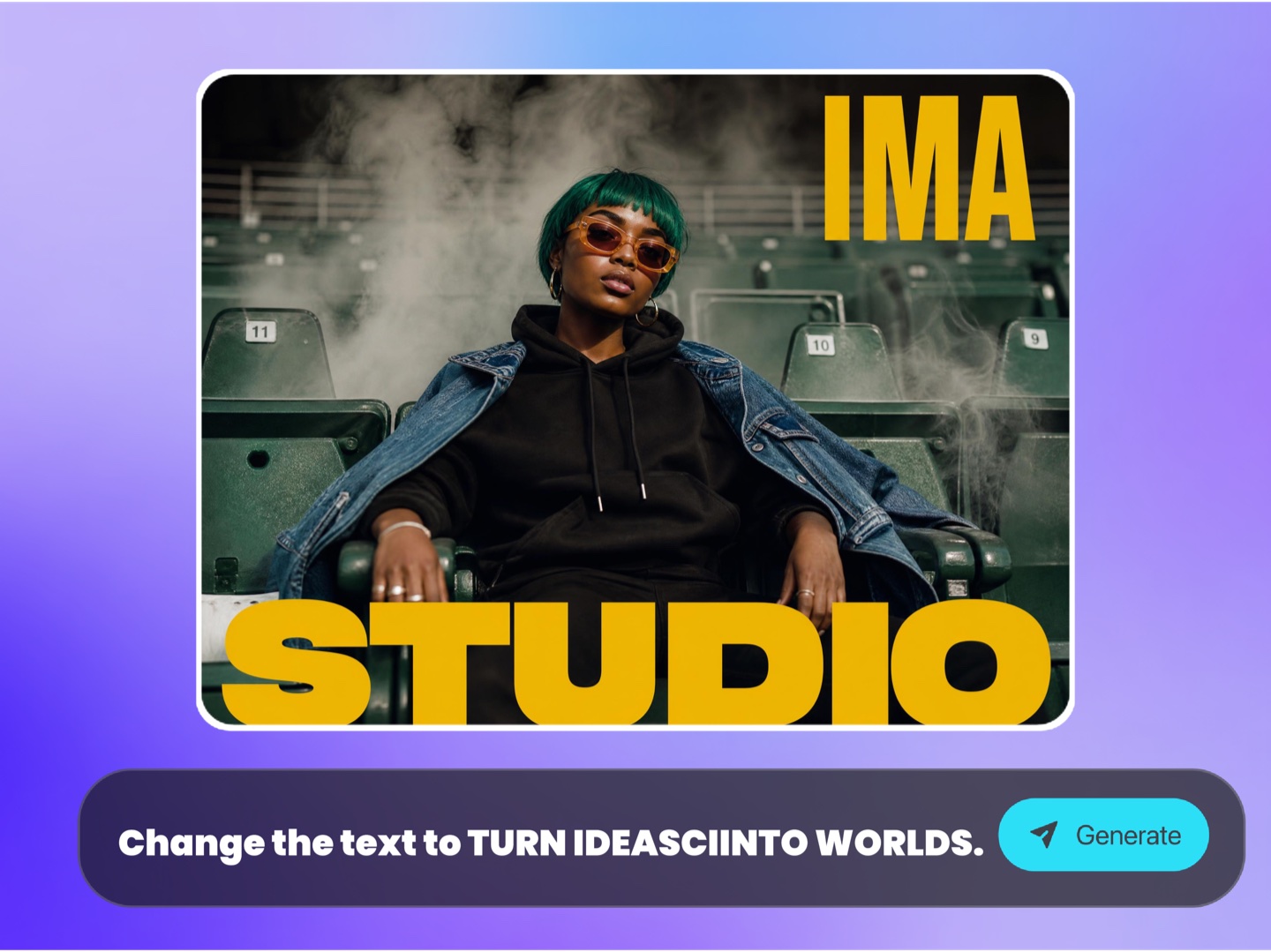 Step 2Click or Rewrite the Text
AI detects text regions automatically. Select the text you want to replace, correct, translate, or refresh, then provide the new words.
- Step 3Export the Updated Image
AI regenerates the image with your updated text while preserving the layout and background where possible. Download the result for campaigns, ecommerce, social posts, presentations, or client review.
Why Choose ImaStudio's Edit Text in Image Tool?
Replace Image Text Without Source Files
Fix or update images even when you no longer have the original PSD, Figma, Canva, PowerPoint, or design file.
Move Faster on Campaign Changes
Adapt offer copy, sale dates, product names, prices, labels, CTAs, and localized text without waiting for a full design rebuild.
Preserve the Visual Layout
Keep the background, composition, brand style, and design direction while replacing the requested text where possible.
Update Image Text Without Rebuilding the Whole Design
Campaign visuals often become outdated because of one small text issue: an old date, wrong price, outdated offer, misspelled word, incorrect product name, unavailable feature, or copy that needs localization. ImaStudio helps you fix flat images without recreating the full design file.
Find text regions in posters, product images, ads, screenshots, banners, and social graphics before editing.
Replace, correct, translate, or refresh embedded image text for campaigns and market-specific versions.
Upload privately and keep text editing, generation history, and downloads inside one workspace.
Download updated visuals for ecommerce, ads, social posts, landing pages, presentations, and client work.
FAQs About Editing Text in Images with AI
Explore more AI tools and creative examples
Edit Image Text With Ima Studio
Upload a poster, product image, ad creative, screenshot, social graphic, banner, or marketing asset. Replace, correct, translate, or refresh text with AI while keeping the original design direction.