Free Online AI Graffiti Generator

Unlock your creativity with the AI graffiti generator — sign up to get 200 free credits and start creating pro-level graffiti with no experience required.

Type your idea safely — Ima Studio never stores your photos or prompts.

How to Use Ima Studio's AI Graffiti Generator for Free

Step 1: Input

Describe your idea in natural, simple language. Upload anything you want to include in your graffiti — reference images, logos, colors, backgrounds, or fonts.

Step 2: Generate

Ima Studio's AI Agent automatically selects the most suitable models and handles everything else. With one click, you'll get stunning graffiti designs in seconds.

Step 3: Download & Share

Save your high-resolution graffiti artwork in your preferred formats and use or share them instantly — no watermarks, no extra restrictions.

Everyone Can Design Pro-Level Graffiti

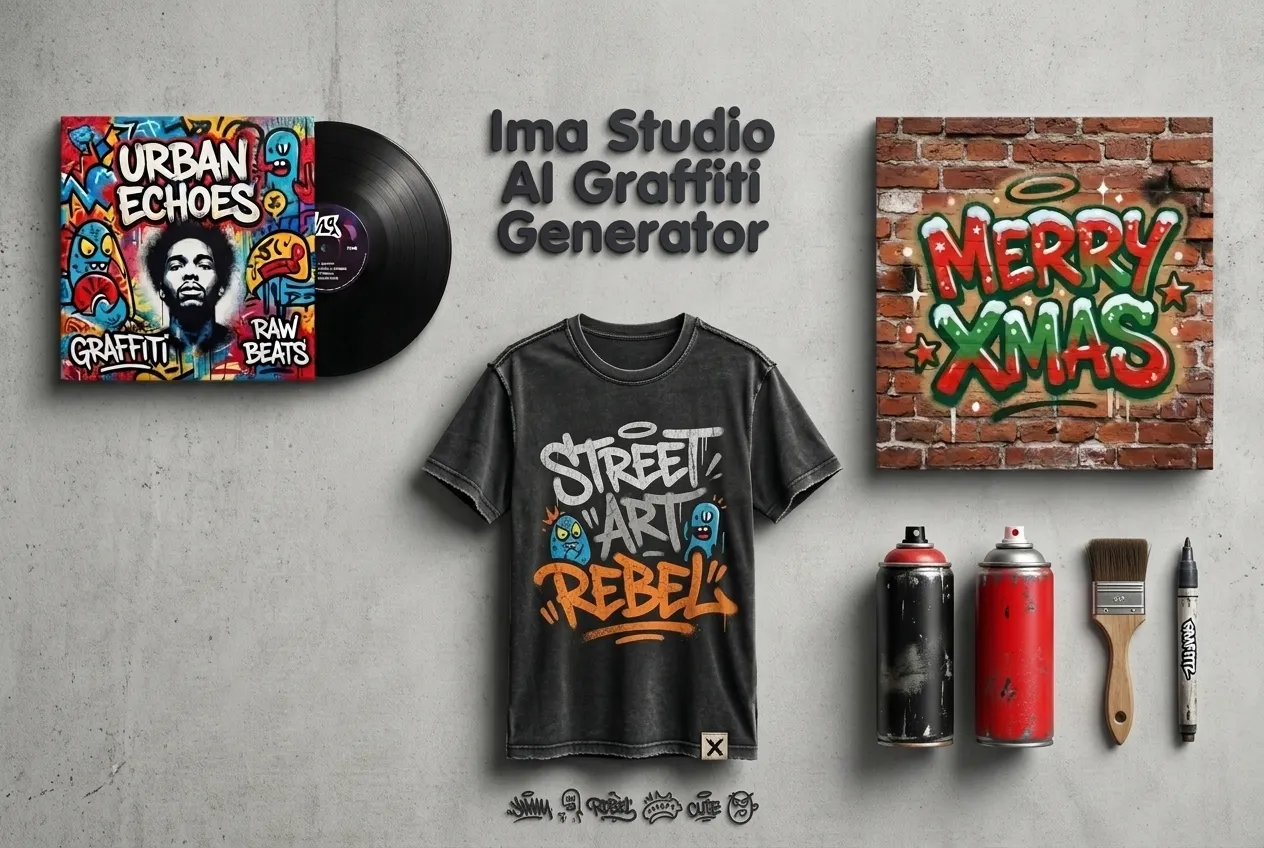
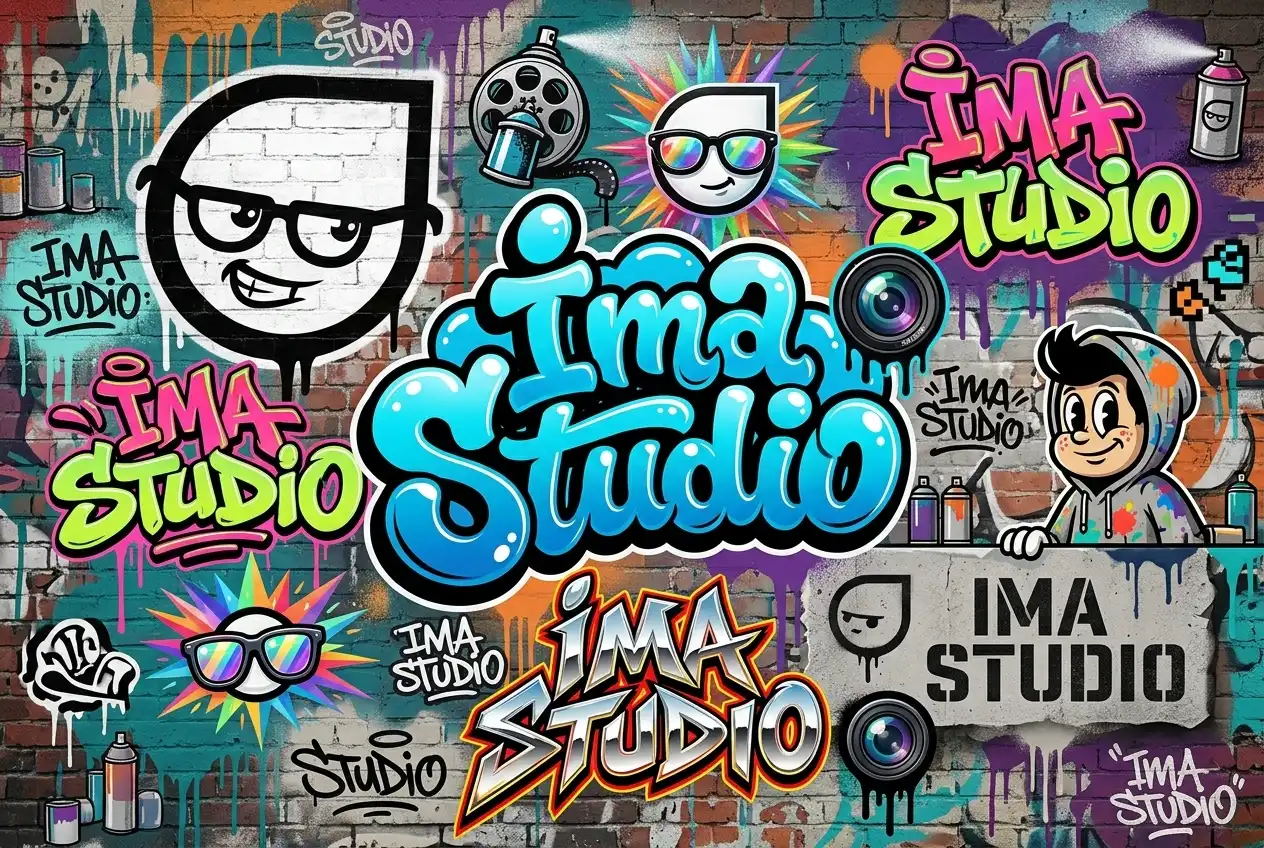
With Ima Studio’s free online AI graffiti generator, anyone can get pro-level graffiti aesthetics without pricey software or drawing skills. Just tell Ima what you want — for example, a bubble graffiti name, a wildstyle title for your channel, or a cozy “MERRY XMAS” tag in red and green on a brick wall. Ima Studio’s Agent turns simple text and ideas into finished graffiti art, and simple, plain-language descriptions are all you need.

Instant, High-Quality, Ready-to-Use Results

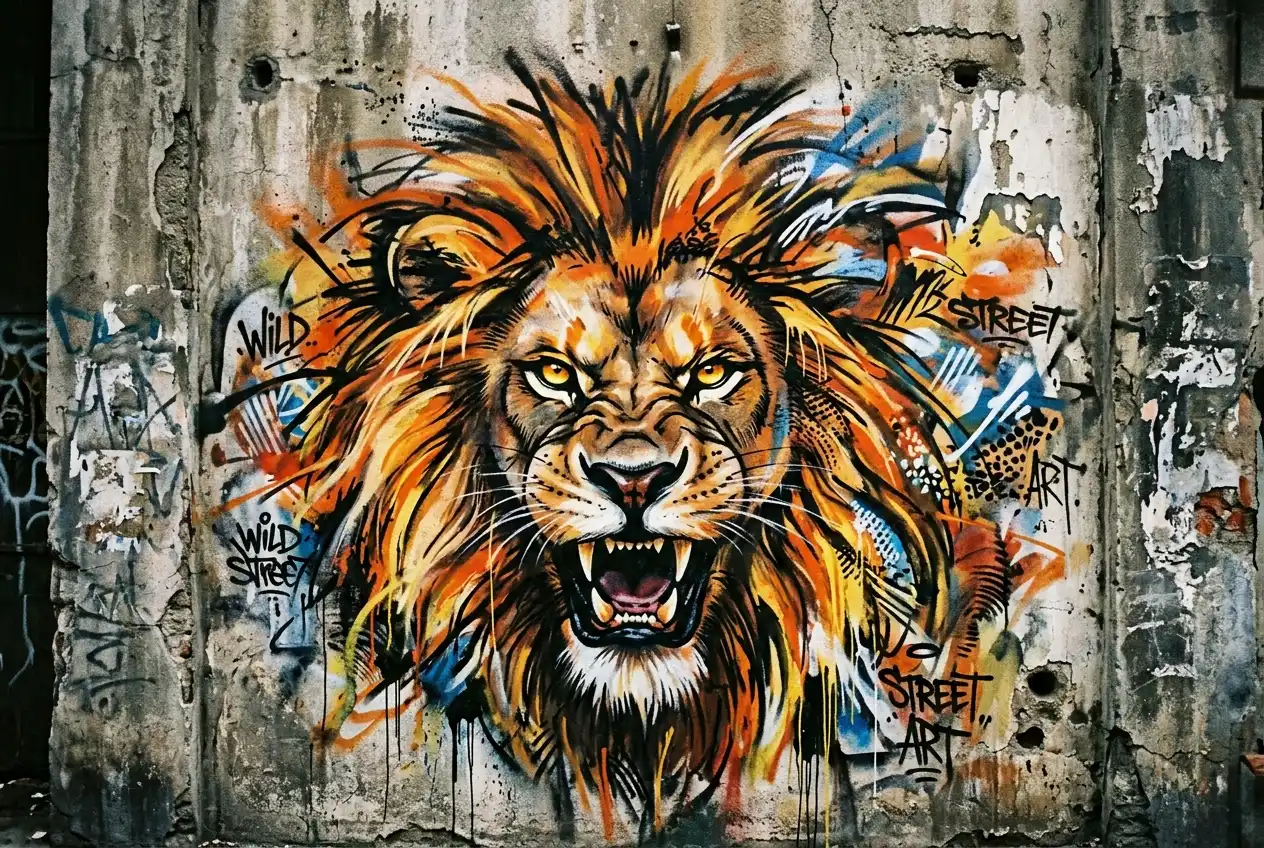
No long waits, no trial-and-error loops. In a few seconds, you get high-resolution graffiti with believable spray textures and wall details — from wildstyle pieces and old-school letters to simple logo graffiti or number art. Download clean PNG or SVG files with no watermark and use them directly in your Christmas banners, thumbnails, prints or stickers.

Smarter AI Layout for Text, Fonts and Colors

You do not need to move every letter by hand. Tell the AI the font style, colors and mood once. It will adjust spacing, angle, stroke width and color mix for you. Your graffiti stays clear but still bold and eye-catching, whether it is bubble letters, a metal-style logo or neon cyber text for a holiday post.

Get Inspired: Popular AI Graffiti Use Cases

Design Posters, T-Shirts & Merch

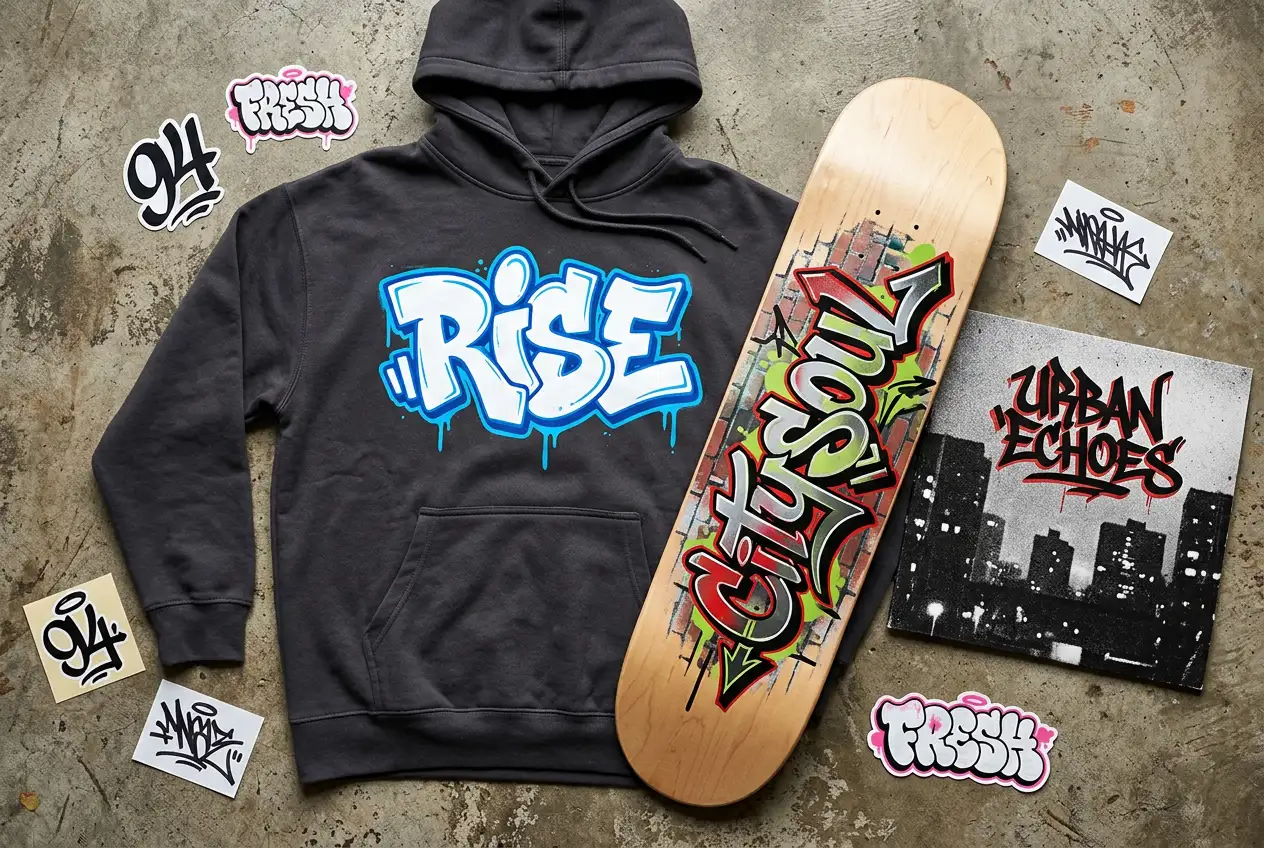
Use Ima’s AI graffiti generator to design posters, cover art and street-style T-shirts. Turn simple words into graffiti titles, logos or numbers, then place them on hoodies, skateboards, stickers or album covers that match the mood of your music or project. Ima helps you explore more eye-catching ideas in less time.

Add Color to Brand Names, Slogans & Mascots

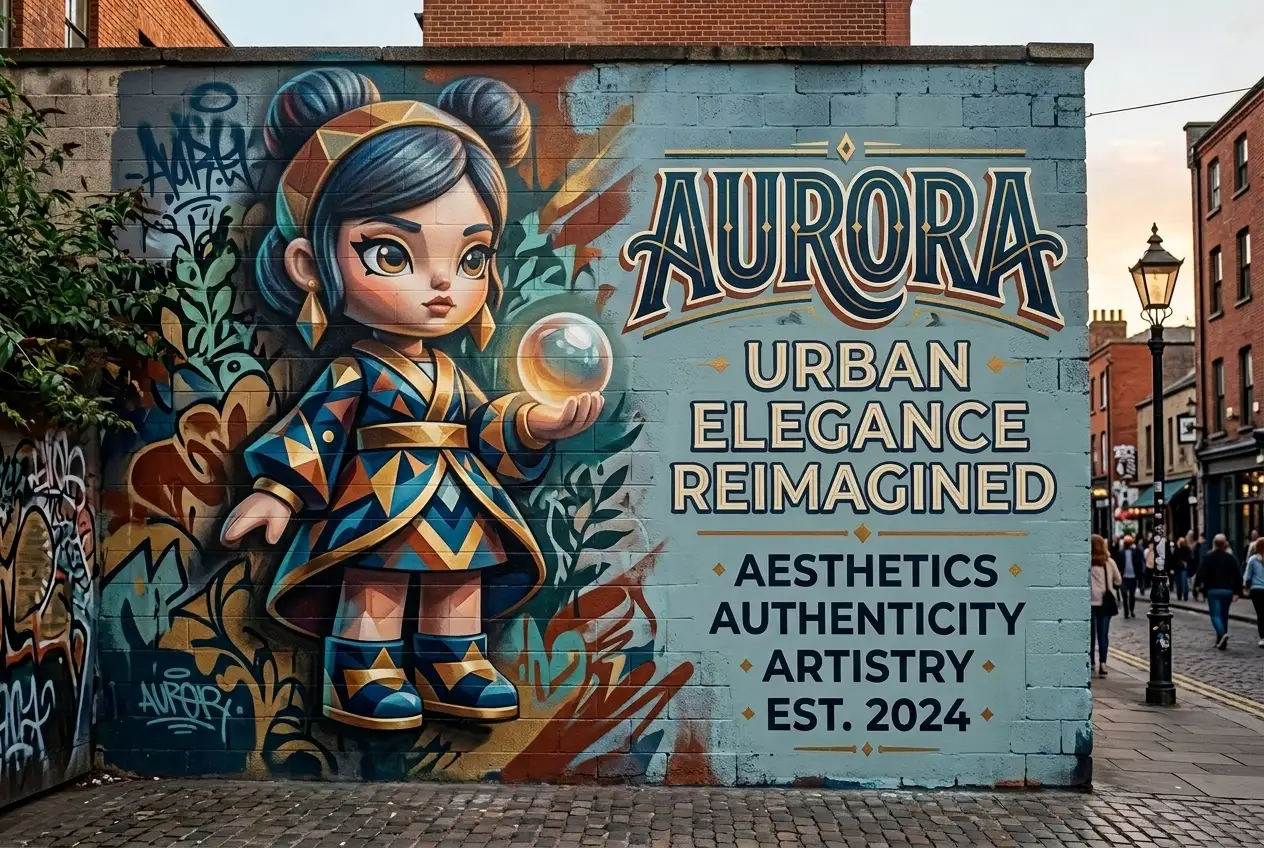
Turn your brand name, slogan or mascot into graffiti-style graphics in seconds. Create logo graffiti for social media posts, campaign visuals or event backdrops, and test different colors and fonts until the style fits your audience. Your brand looks fresher and more distinctive, with visuals that people are more willing to notice and share.

For Parties, Events & Personal Tags

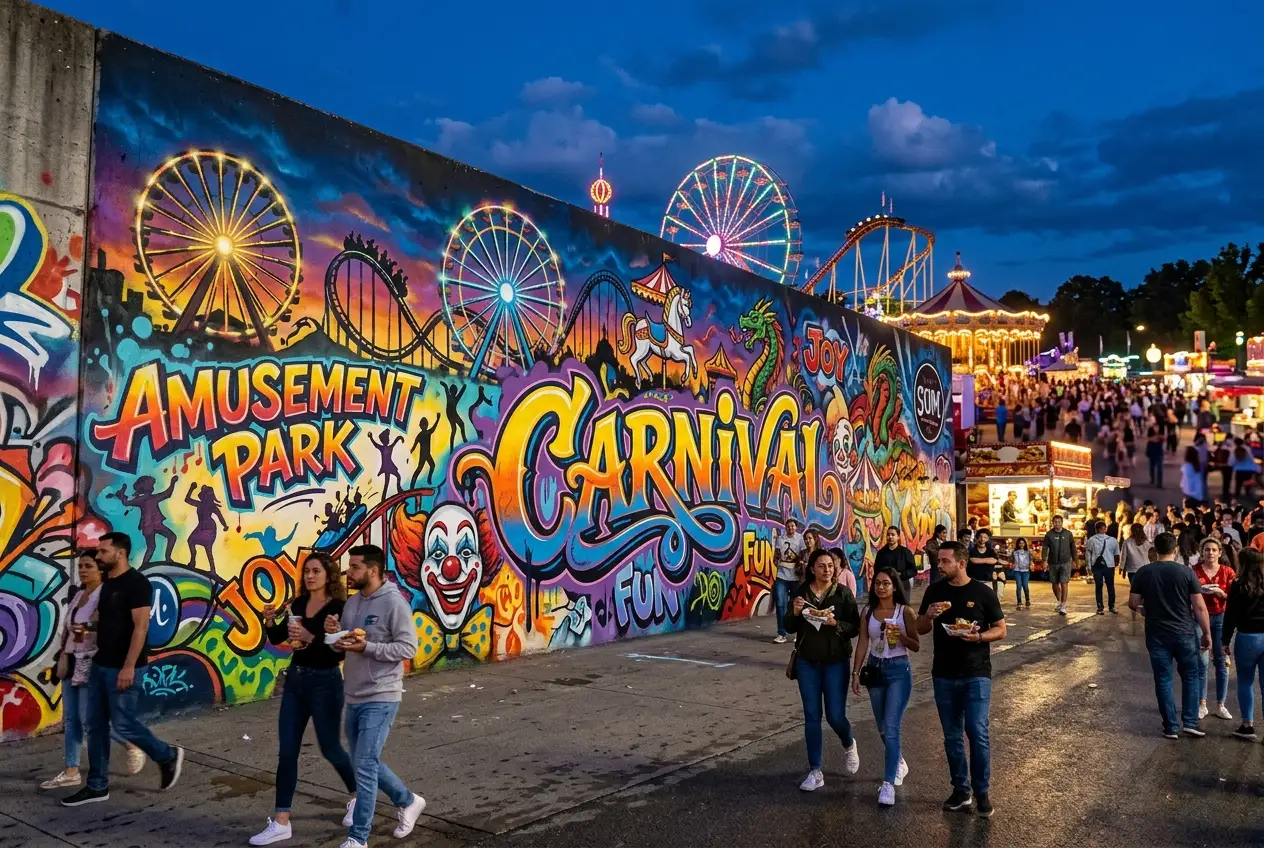
Planning a party or event? Generate graffiti titles and numbers for birthday walls, holiday parties, gaming nights or street-style decorations. You can also create personal tags and name signatures for your profile, streaming overlay or custom prints, so photos and scenes from the event feel more themed and memorable.

Why Choose Ima Studio's Graffiti Art Generator

High-Res, Clean Downloads

Export your graffiti art in high resolution, up to 4K. Download clean PNG or SVG files with no watermark, and use them directly in your covers, prints, stickers or merch mockups without extra cleanup.

People

Active Community for Creation

Browse Ima Community to see how others use the graffiti generator. Reuse ready-made prompts and style examples instead of starting from zero.

Chat-Style Workflow

All tasks are done by chatting with the AI graffiti generator. Just type what you want in a few short messages. The workflow feels light and relaxed, so anyone can use it — not only designers.

FAQs About Ima Studio's AI Graffiti Generator

Yes. Once you register, you’ll receive 200 free credits to get started. All results from the AI graffiti generator are 100% watermark-free with no hidden costs. You can also try other tools inside Ima, including Text to Video, Image to Video, IMA Arena, and more.
Yes, in many cases you can. For personal use, such as social posts, banners, or thumbnails, you can generally use your images freely. For commercial or large-scale use (e.g., ads, brand campaigns), please check Ima Studio’s latest Terms and Conditions to make sure your use case is fully compliant.
Be clear about the text, colors, style (bubble, wildstyle, stencil, 3D) and background (brick wall, subway, skatepark). If you use a photo, choose one with a visible wall or surface and avoid heavy filters. That’s all you need to do — Ima’s Agent mode will intelligently pick a suitable model, optimize the layout, colors and texture for you, and give you a clean high-res result.
With Ima Studio, you can turn words, names and short phrases into graffiti-style art for posters, T-shirts, stickers, covers and party titles. It’s easy to create logo-style graffiti, number designs, or channel titles that match your vibe. You can switch between soft bubble letters, sharper wildstyle, stencil-like text, 3D effects and more, all from simple text descriptions.
Just start by typing a short description or uploading a photo of a wall, product or scene. Ima Studio’s Agent mode reads your text and image, picks a suitable AI model, and then handles the hard part: arranging the letters, colors, shading and texture so the graffiti blends naturally with the background. If you want to tweak the result, you just edit a few words in your prompt, generate new versions in one chat, and download the one you like best.