Product Recolor for a New Colorway Preview

Choose the product area and color you want to see. Generate a candidate colorway while keeping fabric weave, glass reflections and the surrounding scene in view.

Product Recolor
Prompt — already written, edit freelyProduct Photo*
Try Sample Products
Output Size
Free to try — sign up to see your result
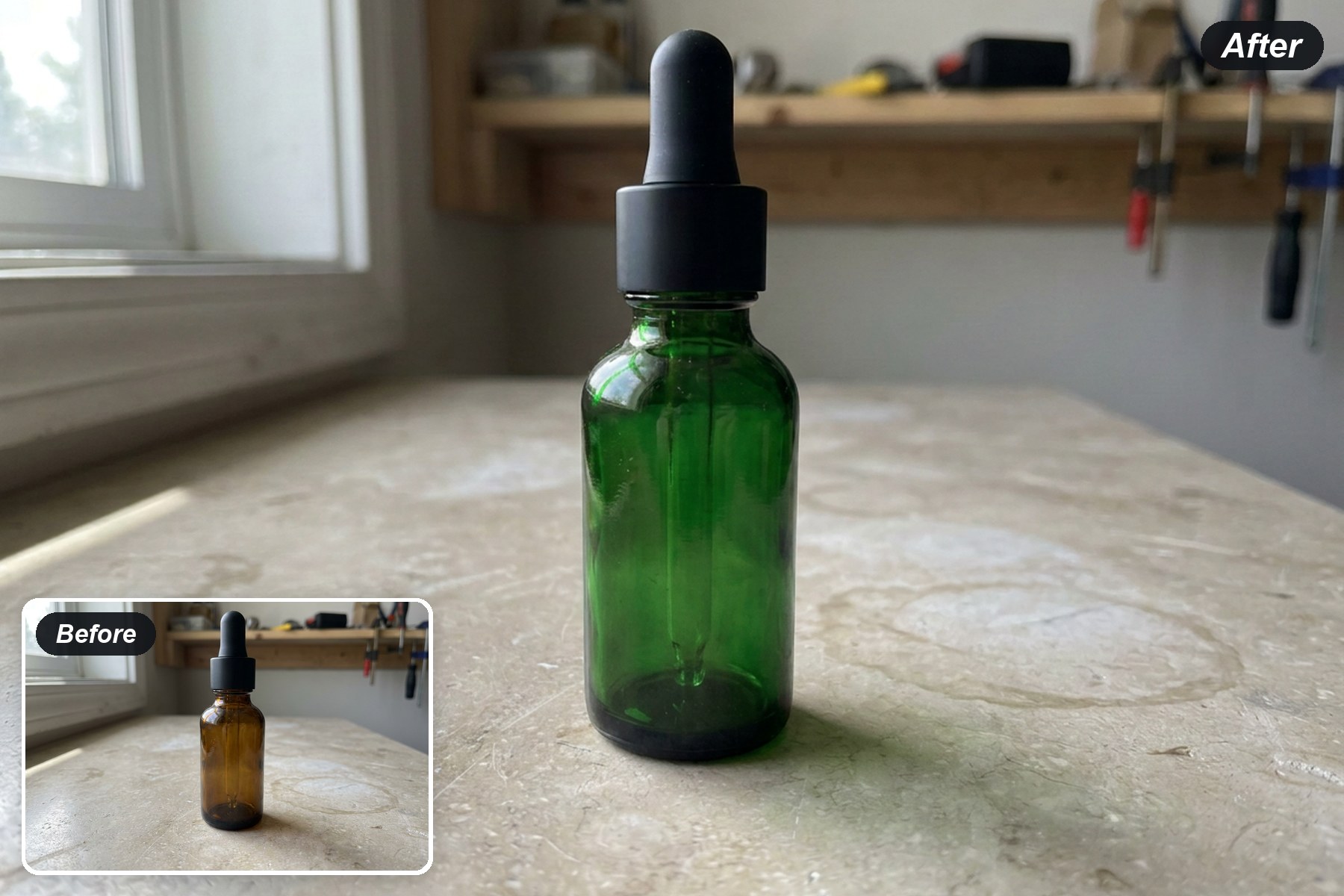
before and after example
One source photoStart from the product image that already shows the shape, surface and surrounding scene.
Describe the part and colorName both the target area and the color so the requested change has a clear boundary.
Compare the materialReview weave, transparency, highlights and shadows along with the new color.

How to Recolor a Product Photo

1
↑
Upload a product photo

Choose a clear image where the product area you want to recolor is visible and separated from nearby objects.

2
★
Name the part and color

Replace the bracketed prompt text with the exact product area and the color you want to preview.

3
↓
Review the colorway

Compare the result with the source and inspect texture, edges, reflections, other product parts and background before using it.

Preview Color Across Different Materials

Recolor Transparent Glass

Recolor Transparent Glass

Amber glass changes to deep green while preserving the black cap, pipette and transparent highlights for review.

Try a glass color

Preview a Fabric Colorway

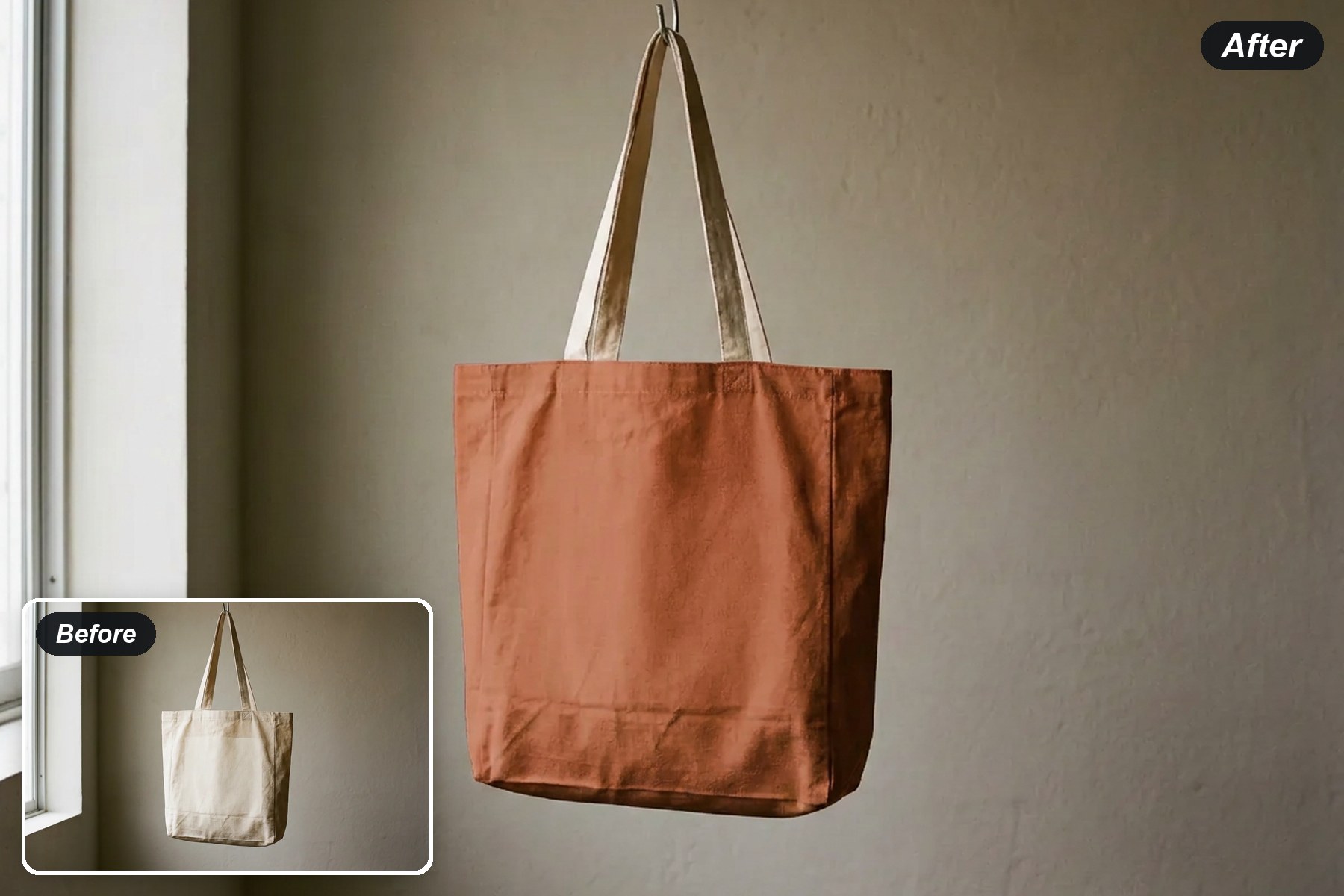
The tote body moves to warm terracotta while its natural cream handles, folds and woven surface stay visible.

Try a fabric color
Preview a Fabric Colorway
Recolor a Knit Upper, Keep the Sole

Recolor a Knit Upper, Keep the Sole

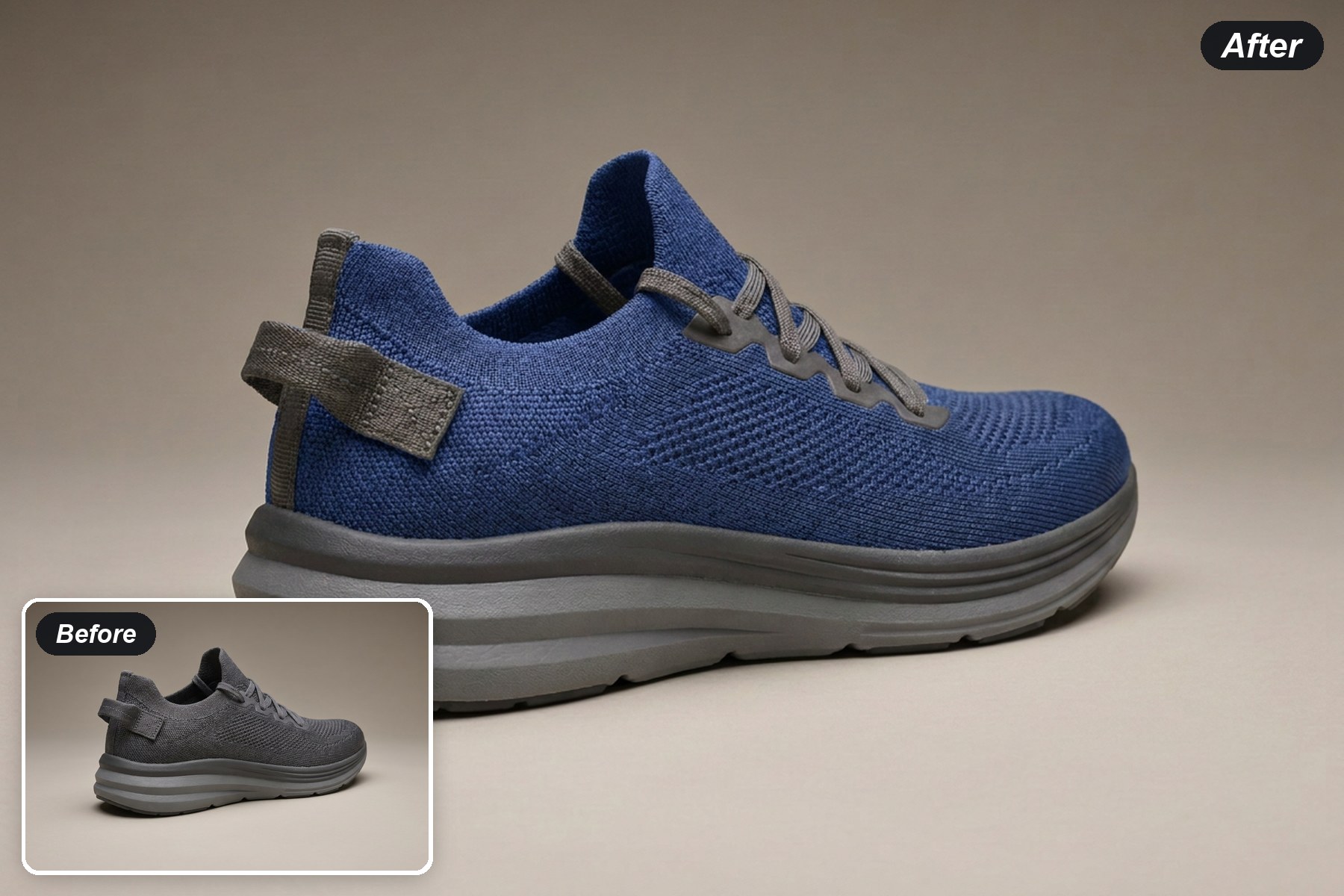
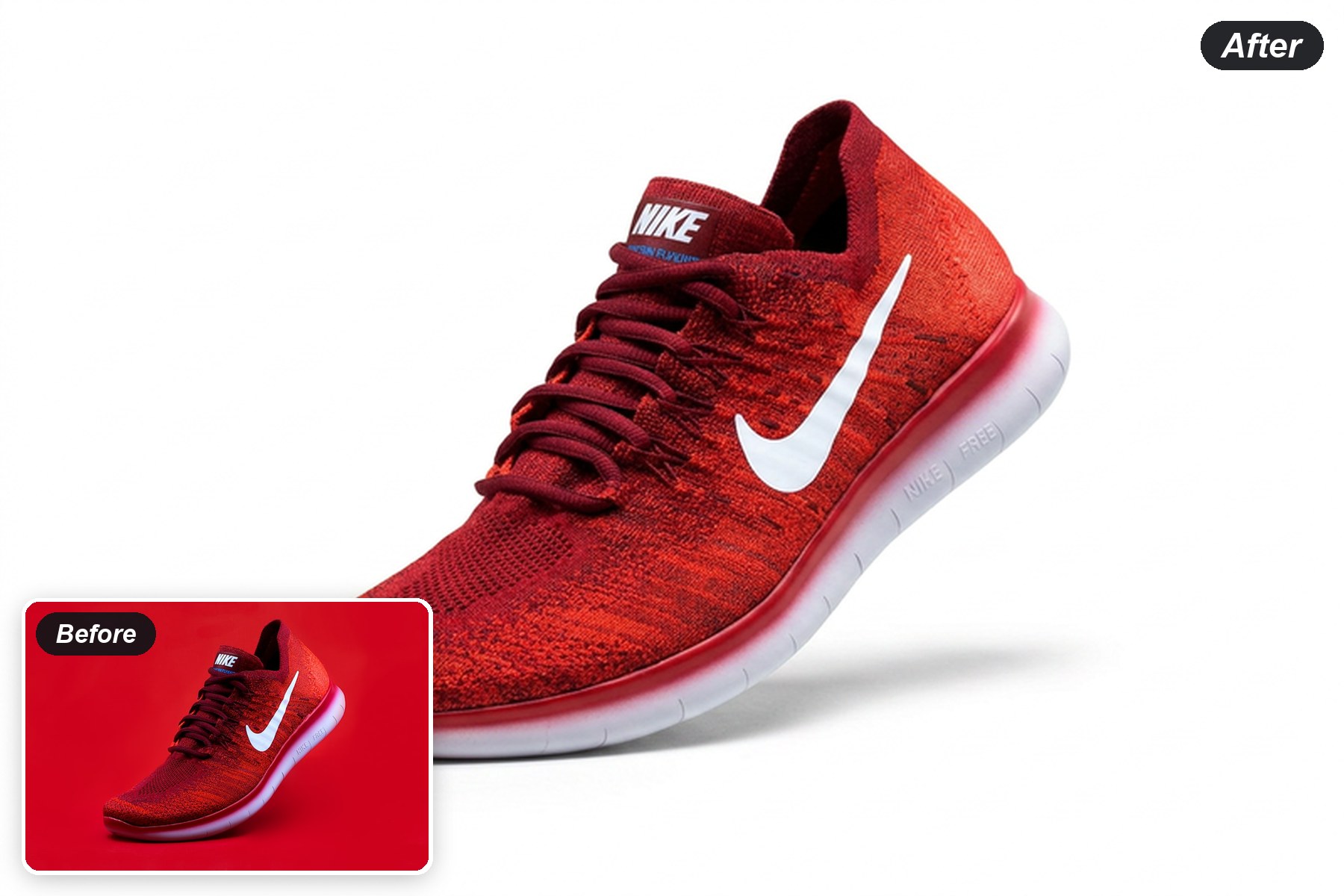
The knit upper shifts to cobalt blue while the grey foam sole, laces and heel tab stay unchanged.

Try a footwear color

Recolor Fabric, Keep the Metal

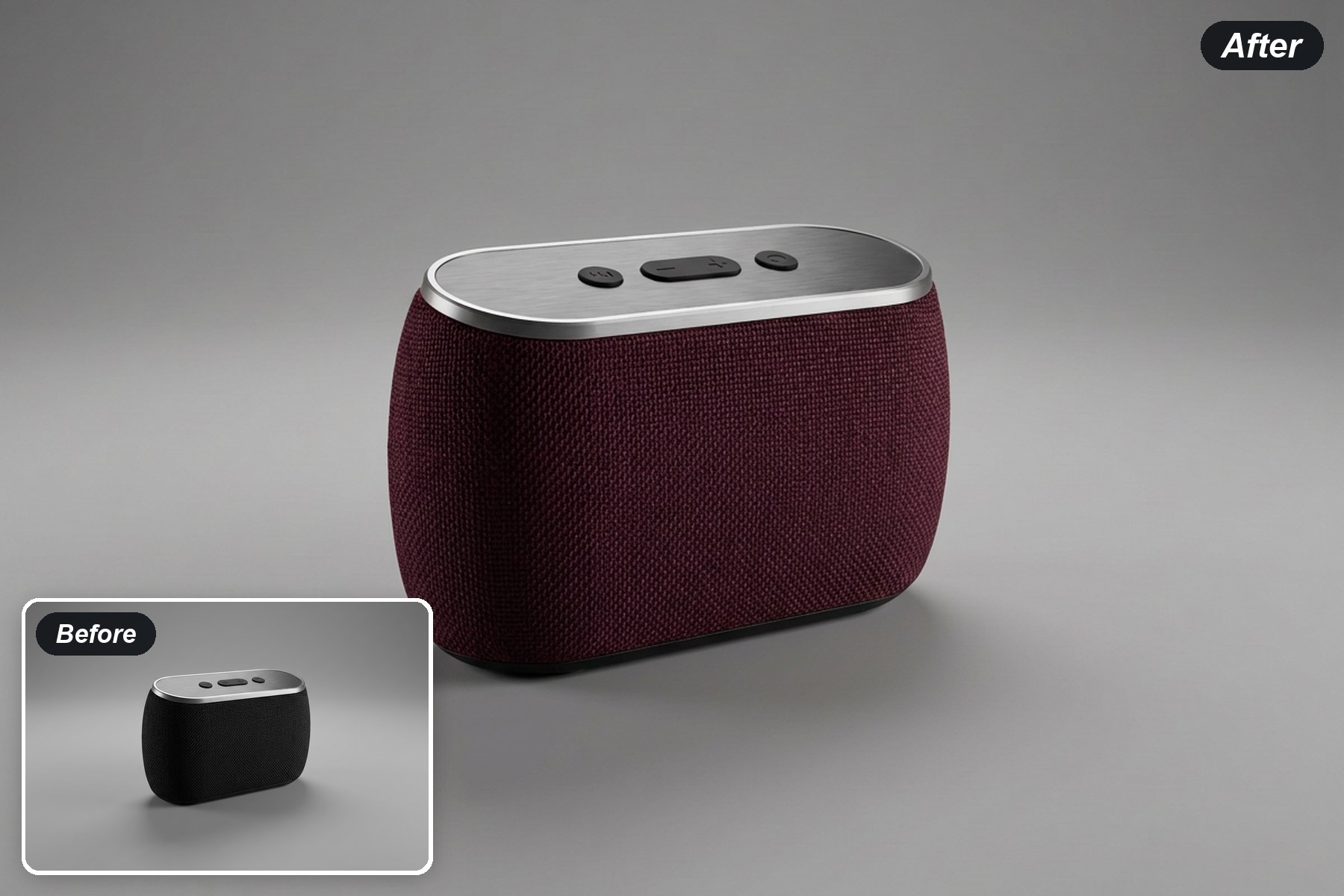
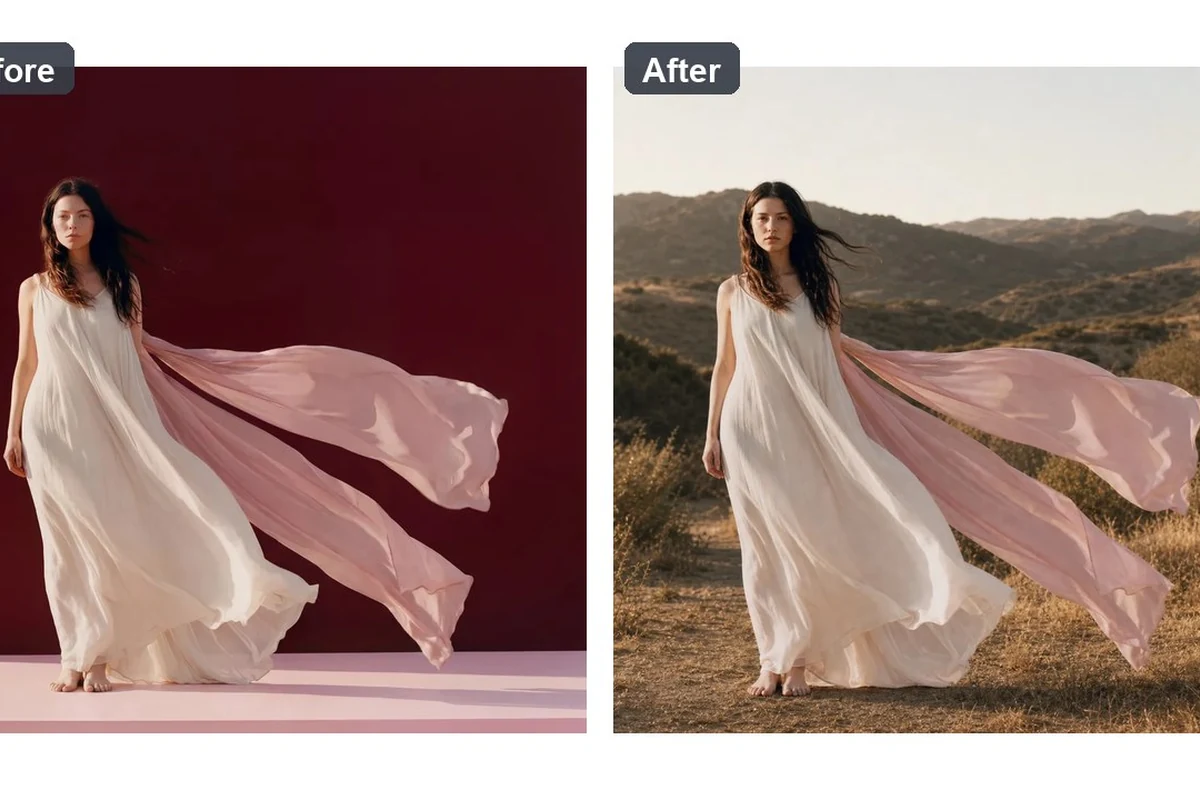
The woven speaker panel becomes deep burgundy while the brushed-metal top and controls keep their original finish.

Try an electronics color
Recolor Fabric, Keep the Metal

Product Recolor FAQ

Can I recolor only one product part?
Yes. Name the target area clearly in the prompt, such as the bottle body or the tote front and side panels.
Does product recolor keep surface texture?
The workflow asks the model to carry the new color through existing folds, weave, reflections and shadows. Inspect those details in every result.
Can I specify a color name?
Use a clear color description such as muted forest green or deep cobalt blue, then review the generated tone on your screen.
Can I create several color variants?
Generate one requested colorway at a time and compare the useful candidates against the same source photo.
Is the generated color ready as a production swatch?
Treat it as a visual preview for exploration and communication. Confirm physical materials and measured color through the appropriate production process.