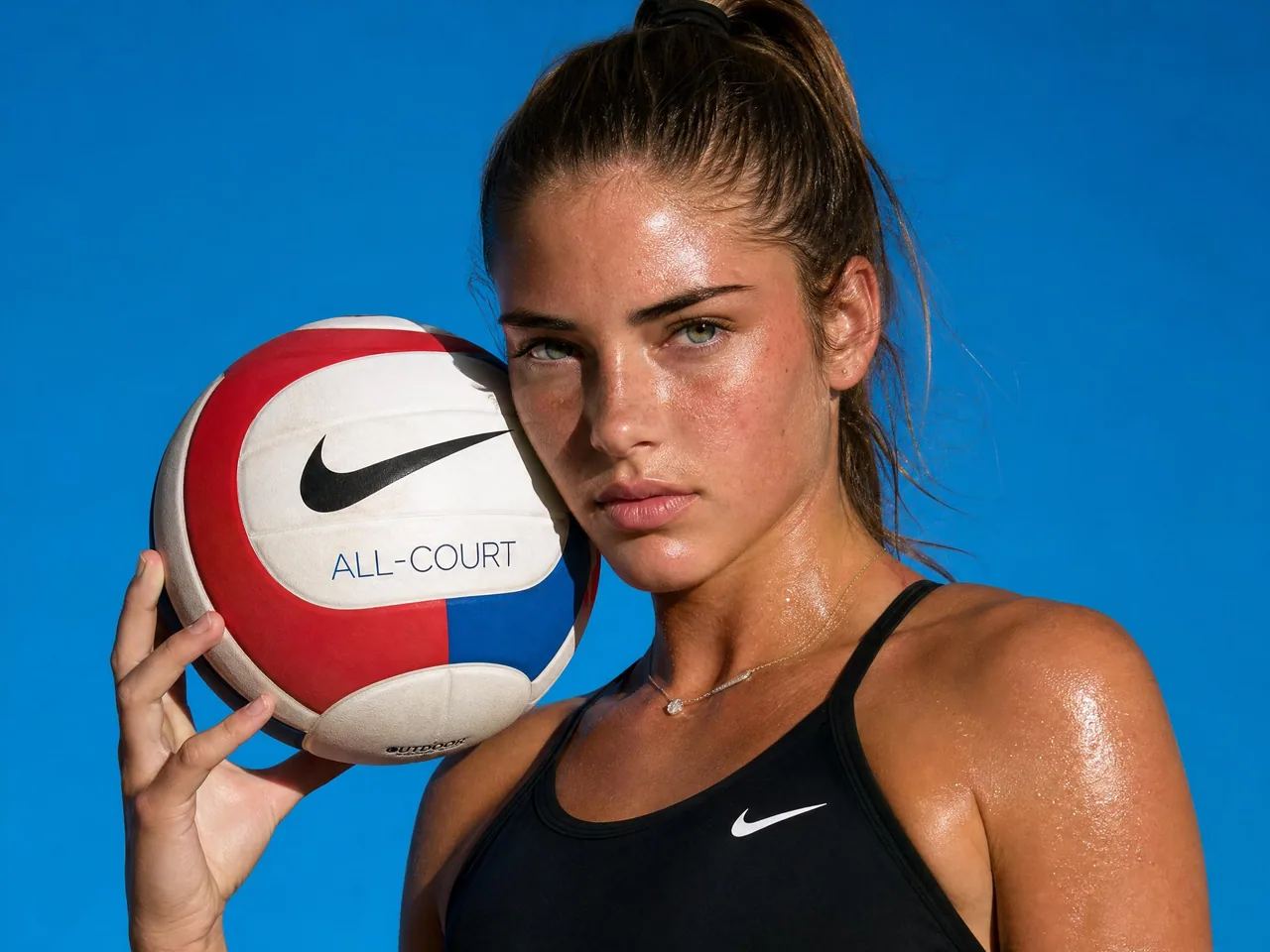
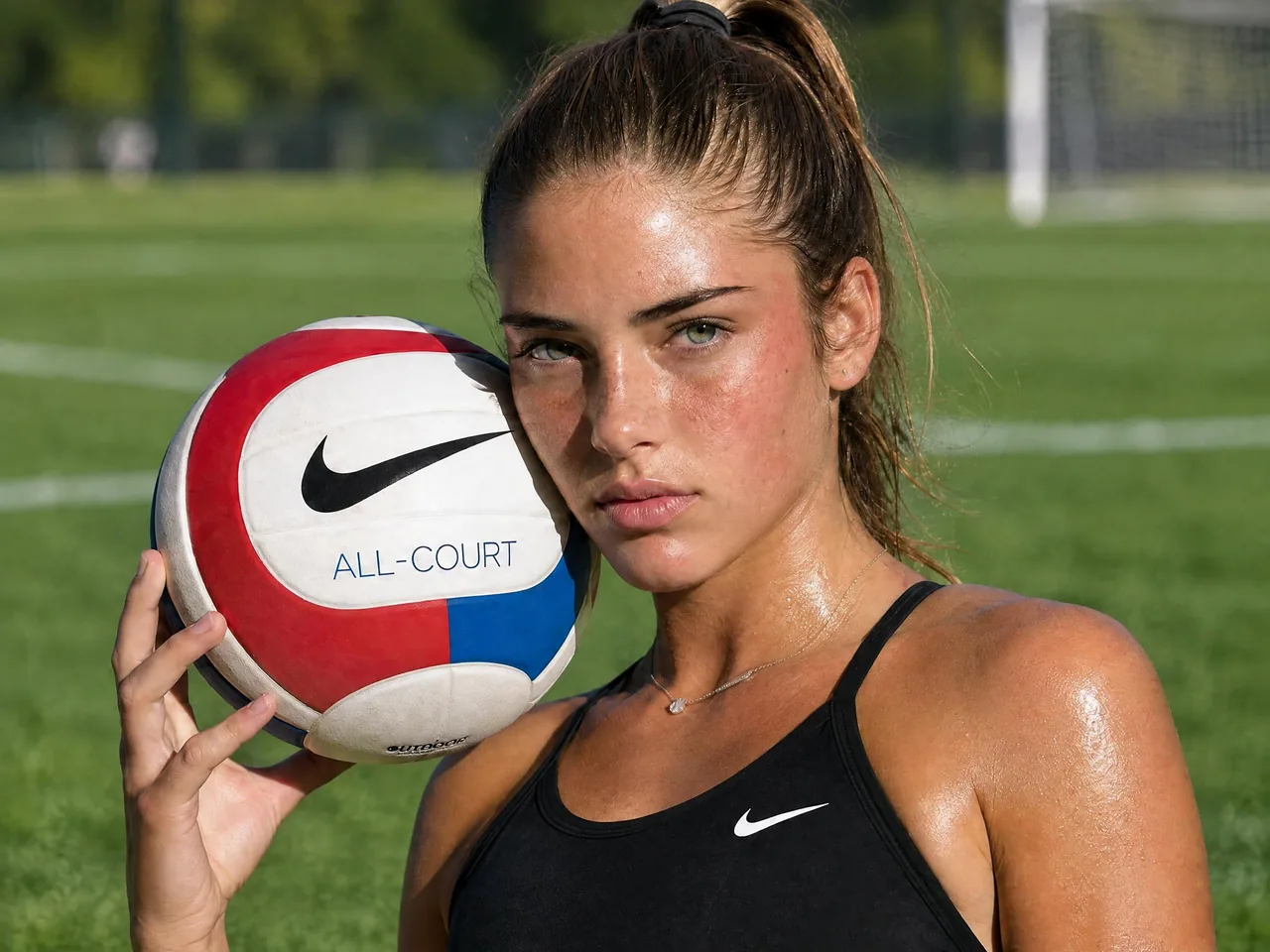
Online AI Image Editor

Upload an image, describe the change you want, and turn existing visuals into polished assets for ecommerce, ads, social posts, campaigns, presentations, and creative testing.

Free to start · Private upload · Watermark-free export · Built for product photos, social graphics and campaign assets

How to Use Ima Studio’s AI Image Editor

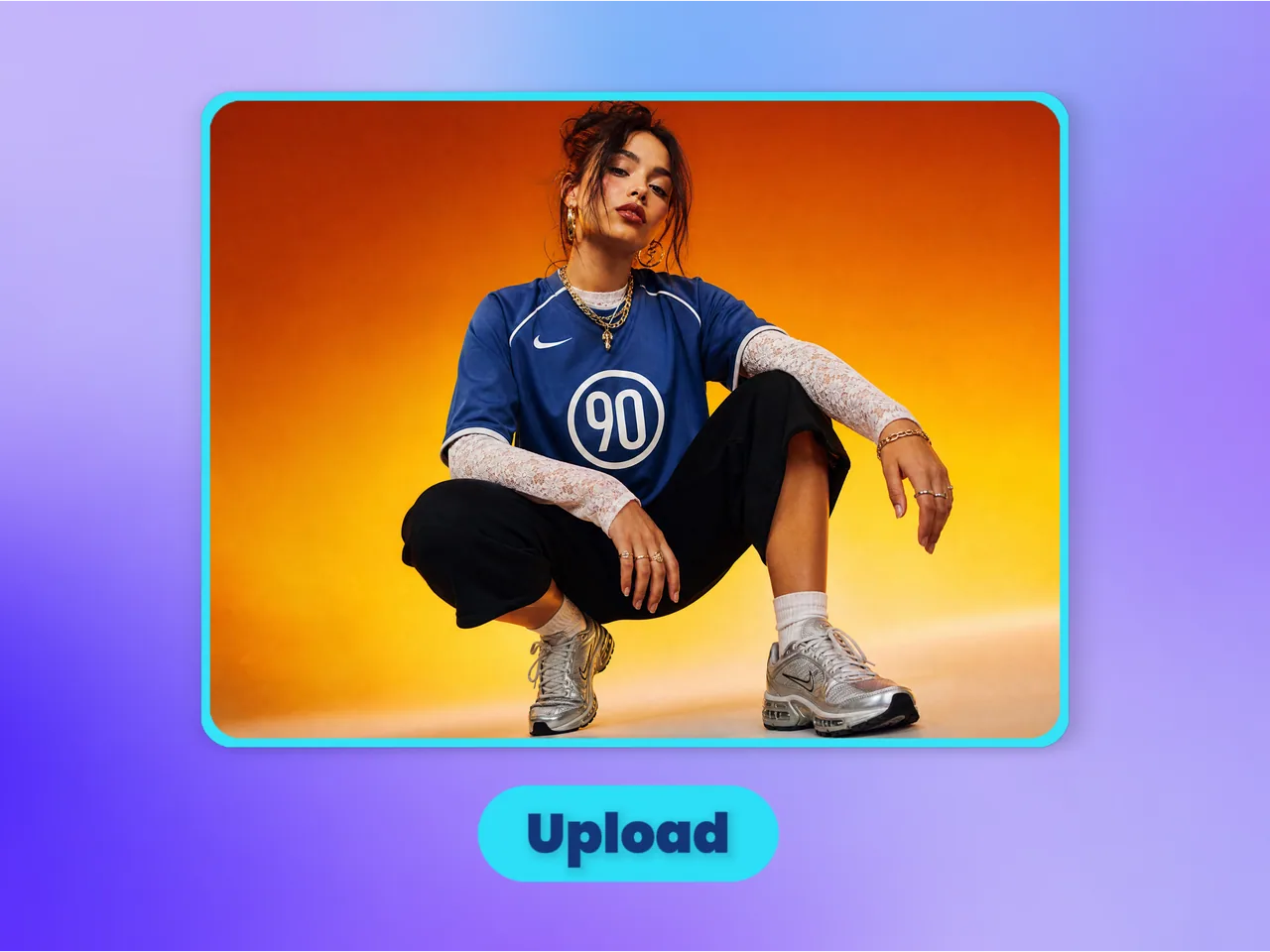
AI tools upload step interface for uploading an image or video

Upload the Image You Want to Edit

Start with a product photo, portrait, poster, AI-generated image, social graphic, or creative asset that needs a specific change.
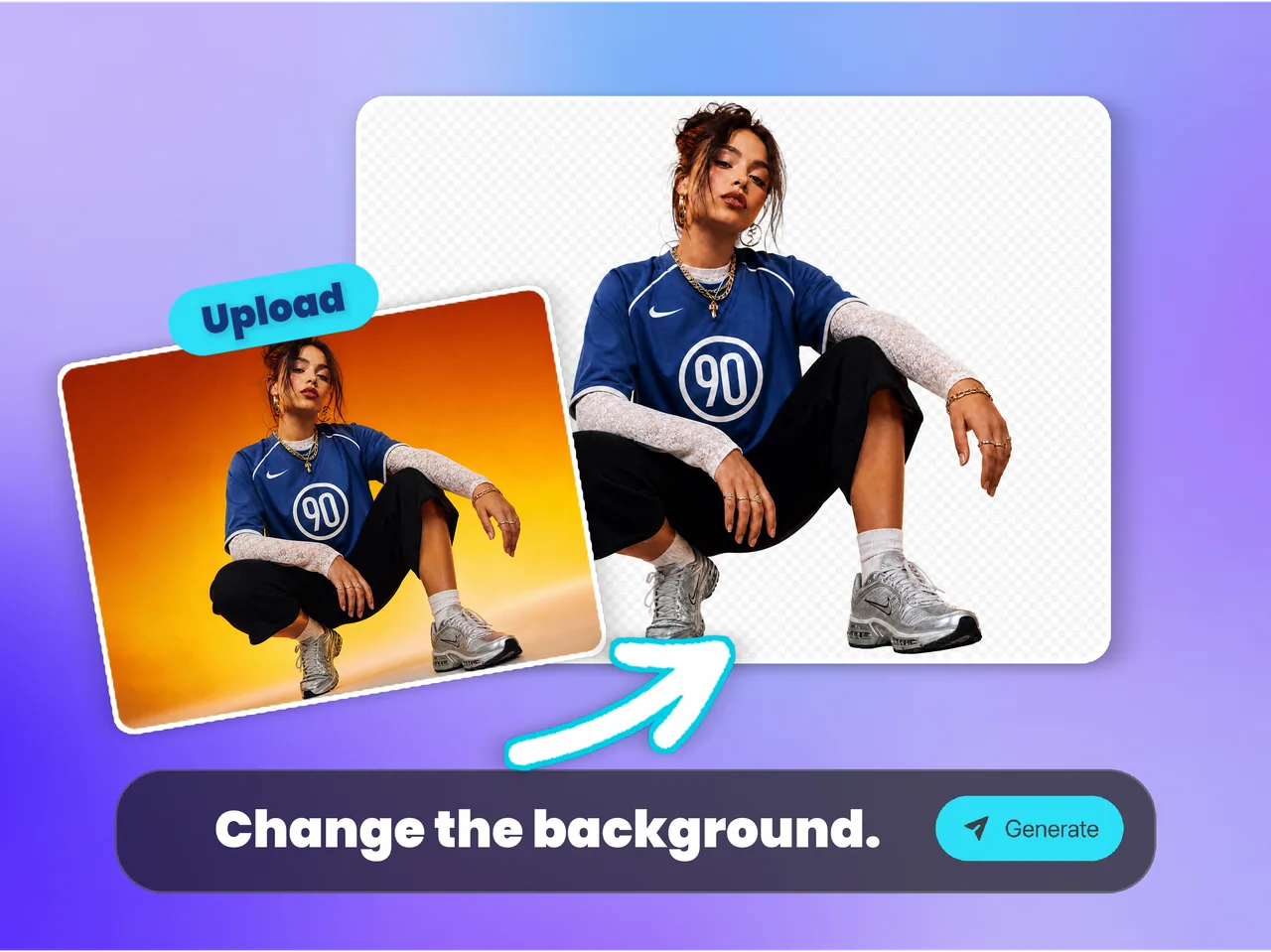
AI tools process step interface for editing images and videos with AI

Describe the Edit in Plain Language

Tell the AI what to change, such as replacing a background, adjusting a scene, refining details, or creating a new visual direction while keeping the subject recognizable.

AI tools download step interface for exporting an edited image or video

Export a Ready-to-Use Image

Download a clean edited image for ecommerce pages, ads, social media, campaigns, websites, presentations, or client-facing creative work.

Why Choose Ima Studio’s AI Image Editor?

AI Image Image Editing Built for Real Creative Assets

Ima Studio’s AI Image Editor is built for teams who already have a visual and need a better version fast. Use it to change backgrounds, refine product photos, adjust campaign images, update AI art, and create more usable variants without starting from scratch.
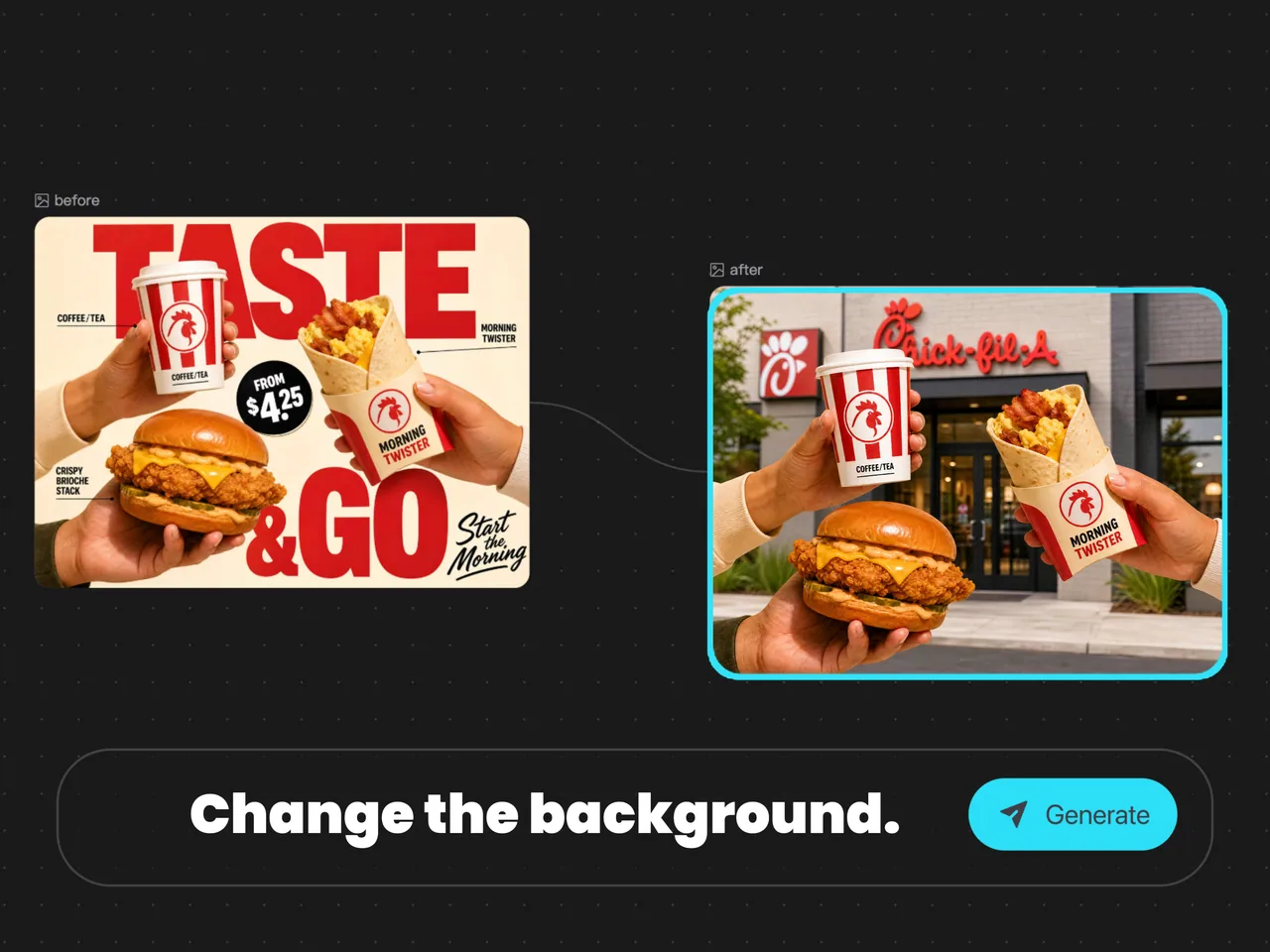
AI Image Editor for editing product photos, social images, and creative assets

Edit More in One Workflow

Handle product photos, portraits, posters, AI art, social graphics, and ad creatives from one workspace instead of switching between tools.

Match Edits to the Final Use

Prepare images for ecommerce listings, social posts, landing pages, ads, presentations, and client previews based on how each asset will be used.

Preserve the Core Visual Direction

Make targeted changes while keeping the original subject, composition, and style recognizable when that matters.

Best Photo Editing Use Cases for Ima Studio’s AI Image Editor

Use AI image editing when you already have a useful photo, but it needs a better background, cleaner composition, localized copy, seasonal styling, object cleanup, or platform-ready creative variation. These photo editing scenarios are designed for teams that need many publishable images from existing assets.
Real estate photo editing with AI for property listings and rental promotions

Real Estate Photo Editing

Improve property photos for listings, open house posts, agent ads, rental pages, and Airbnb promotions. Change skies, clean up interiors, adjust lighting, remove visual distractions, and turn one room photo into multiple marketing-ready image versions.

Car & Vehicle Photo Editing

Edit dealership and used-car photos for inventory pages, marketplace listings, social posts, and offer graphics. Clean backgrounds, highlight vehicle details, create showroom-style scenes, and prepare consistent visuals for every car listing.

Car and vehicle photo editing with AI for dealership listings and marketplace visuals
Ecommerce product photo editing with AI for Shopify, Amazon, TikTok Shop, and ads

Ecommerce Product Photo Editing

Turn supplier photos, phone shots, and catalog images into cleaner product visuals for Shopify, Amazon, TikTok Shop, ads, and seasonal campaigns. Replace backgrounds, improve product context, create lifestyle versions, and adapt one SKU into many images.

Hotel, Airbnb & Venue Photo Editing

Polish room photos, hotel amenities, restaurants, event venues, and travel images for booking pages, OTA listings, social media, and campaign banners. Improve atmosphere, remove clutter, and create more inviting booking visuals.

Hotel, Airbnb, and venue photo editing with AI for booking pages, OTA listings, and travel marketing
Local service before and after image editing with AI for renovation, cleaning, roofing, landscaping, dental, beauty, and fitness businesses

Local Service Before-After Images

Create cleaner marketing images for renovation, cleaning, roofing, landscaping, dental, beauty, fitness, and other local services. Turn project photos into ad creatives, before-after visuals, service offer graphics, and city-specific campaign assets.

FAQs About Ima Studio’s AI Image Editor

An AI image editor lets you modify an existing image using text instructions. Instead of manually masking, compositing, or rebuilding the asset, you upload an image, describe the change you want, and generate a cleaner edited result.

You can edit product photos, portraits, posters, AI-generated images, social graphics, ad creatives, website visuals, and campaign assets. Common edits include changing backgrounds, adjusting scenes, refining details, or creating new visual variations.

No. The workflow is prompt-based, so you can describe the edit in plain language. More specific instructions usually produce better results, especially when you mention the subject, background, style, and final use case.

Yes. Ecommerce sellers and marketing teams can use AI image editing to update backgrounds, create lifestyle contexts, clean up visuals, and adapt the same product image for multiple sales channels.

It depends on your prompt. If you ask for a targeted edit, the goal is to preserve the core subject and composition while changing the requested area or style. Clear prompts help keep the output closer to the original intent.

An AI image generator creates a new image from a prompt. An AI image editor starts from an existing image and changes it. Use an editor when you already have a photo or asset that needs improvement, variation, or correction.

Yes. AI image editing is useful for producing multiple versions of the same asset, such as different backgrounds, campaign styles, product contexts, or social media formats.

Yes. Marketers and creators can quickly adapt one visual into many campaign-ready assets, helping refresh creatives, test angles, and prepare platform-specific images faster.

Ima Studio is designed for clean creative workflows, including watermark-free exports where supported by the current plan and tool settings.

Mention what image area should change, what should stay the same, the desired style, background, lighting, mood, and final use case. For example: “Change the product background to a luxury marble studio and keep the bottle label sharp.”

Start Editing Images Now

Upload an existing product photo, social image, AI artwork, or creative asset and edit it with a simple prompt for ecommerce, ads, social posts, websites, presentations, and campaigns.
Free to start