Nano Banana 2 & 2.1 Image Generator
Nano Banana 2.1 is now available alongside Nano Banana 2. Create from text or refine reference images, with improved text rendering and subject consistency in 2.1.
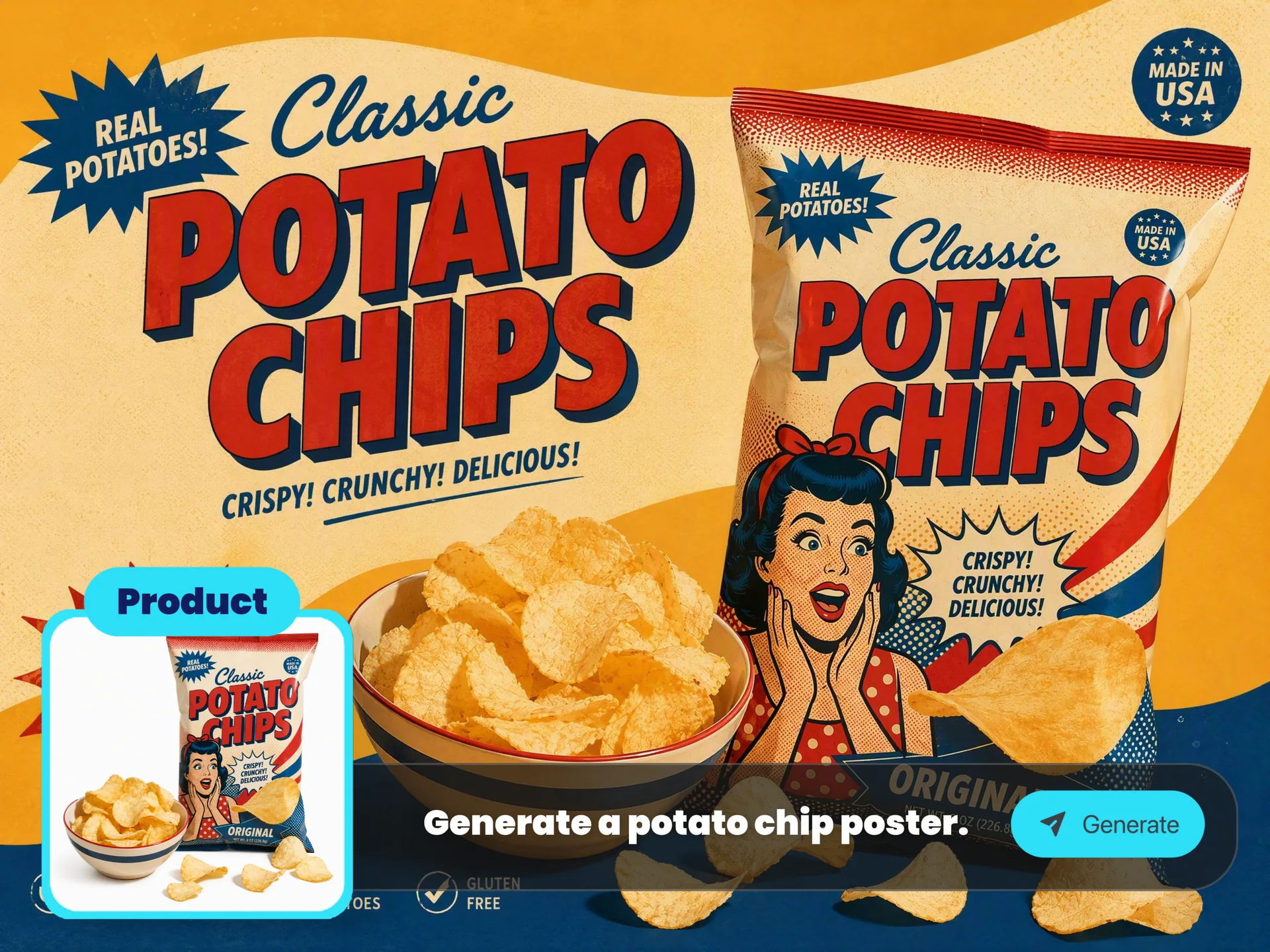
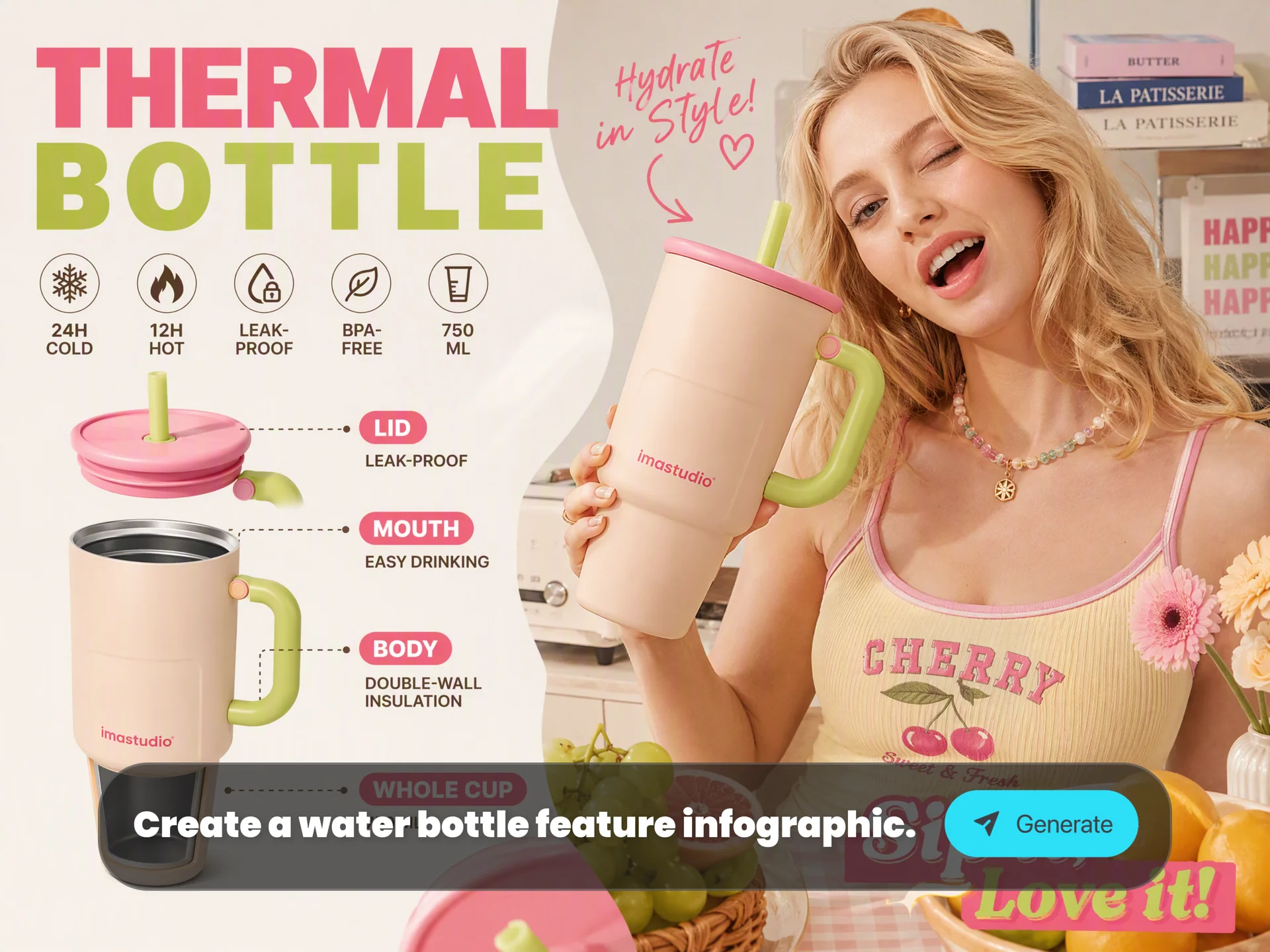
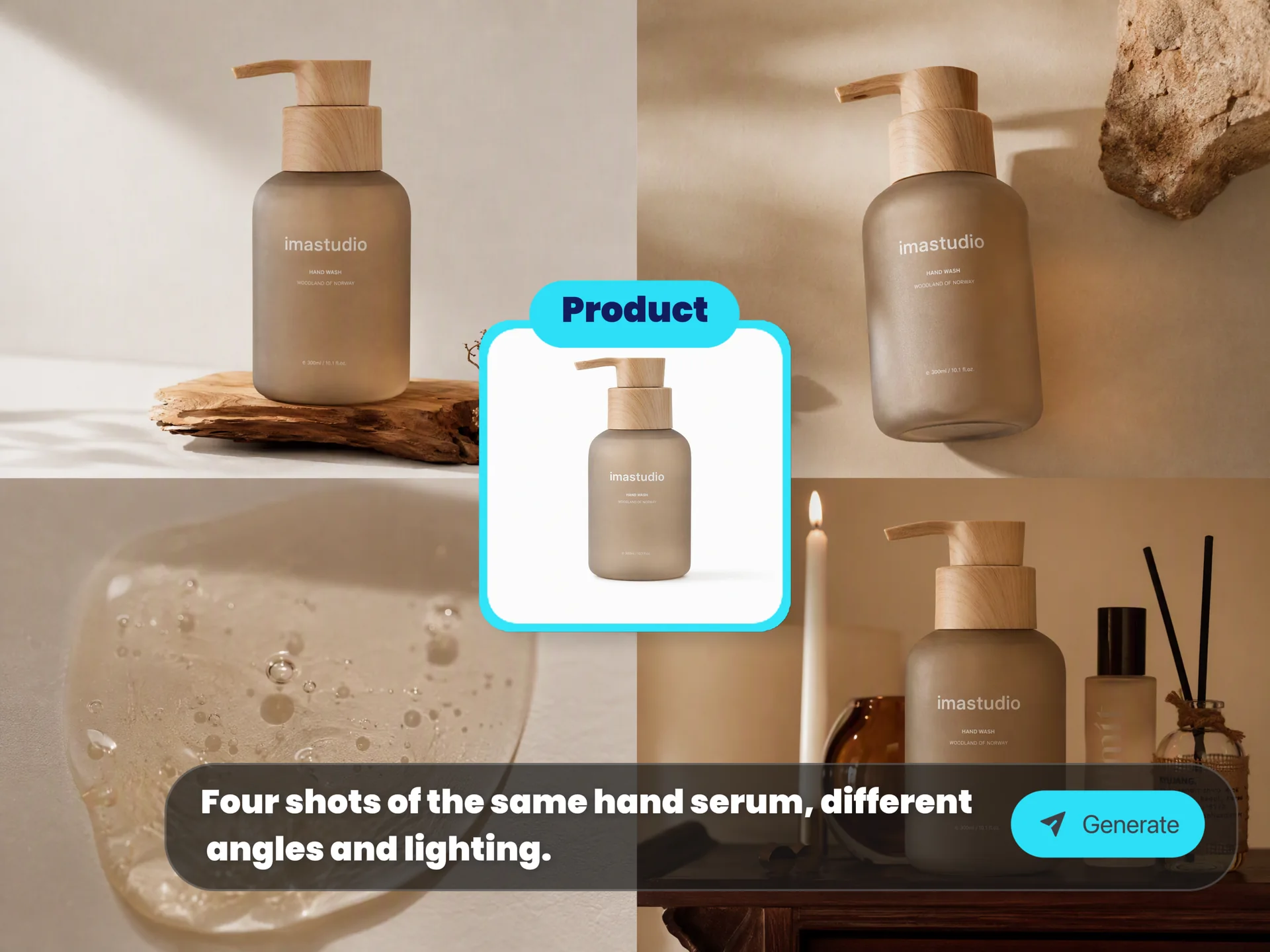
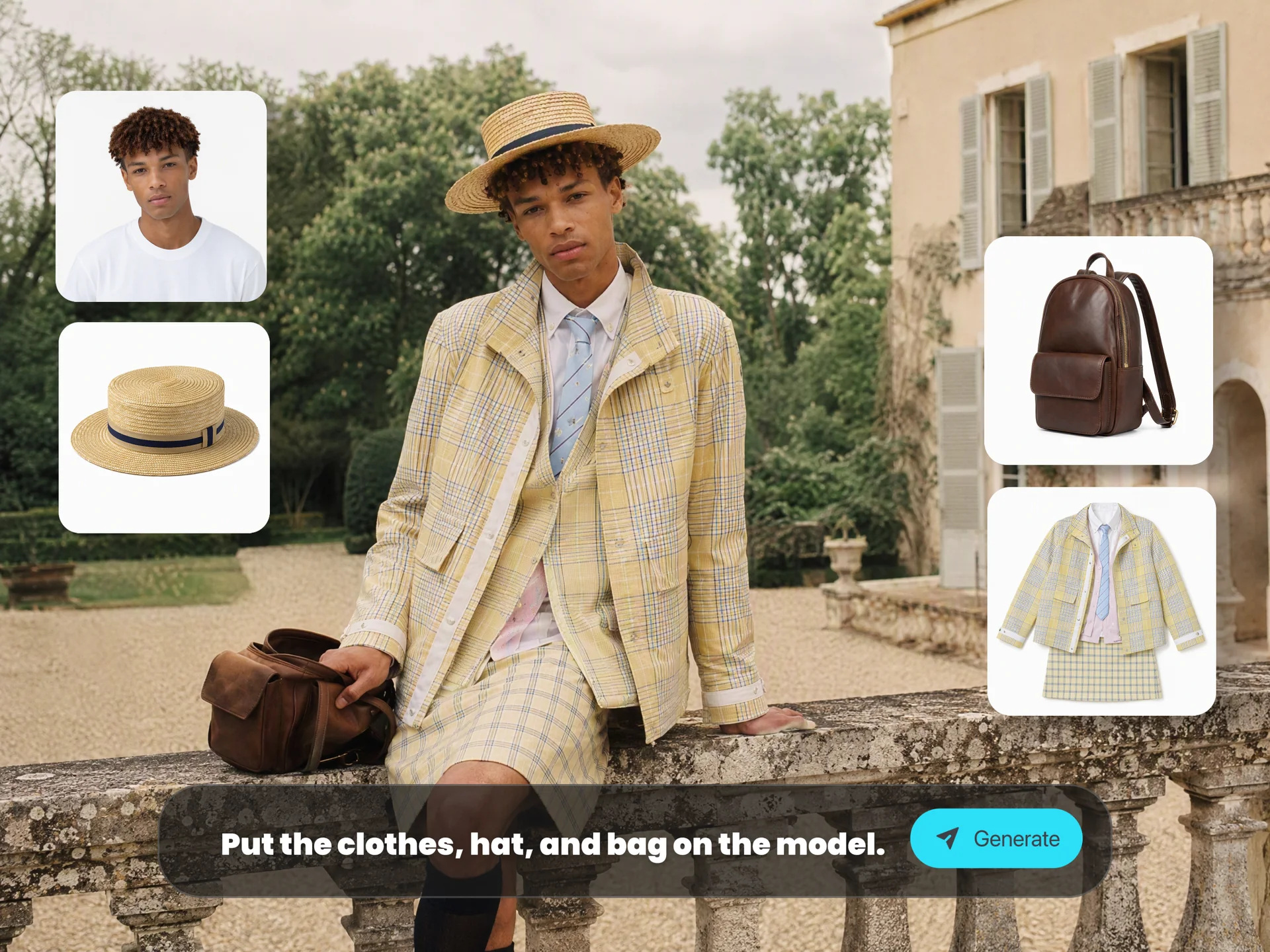
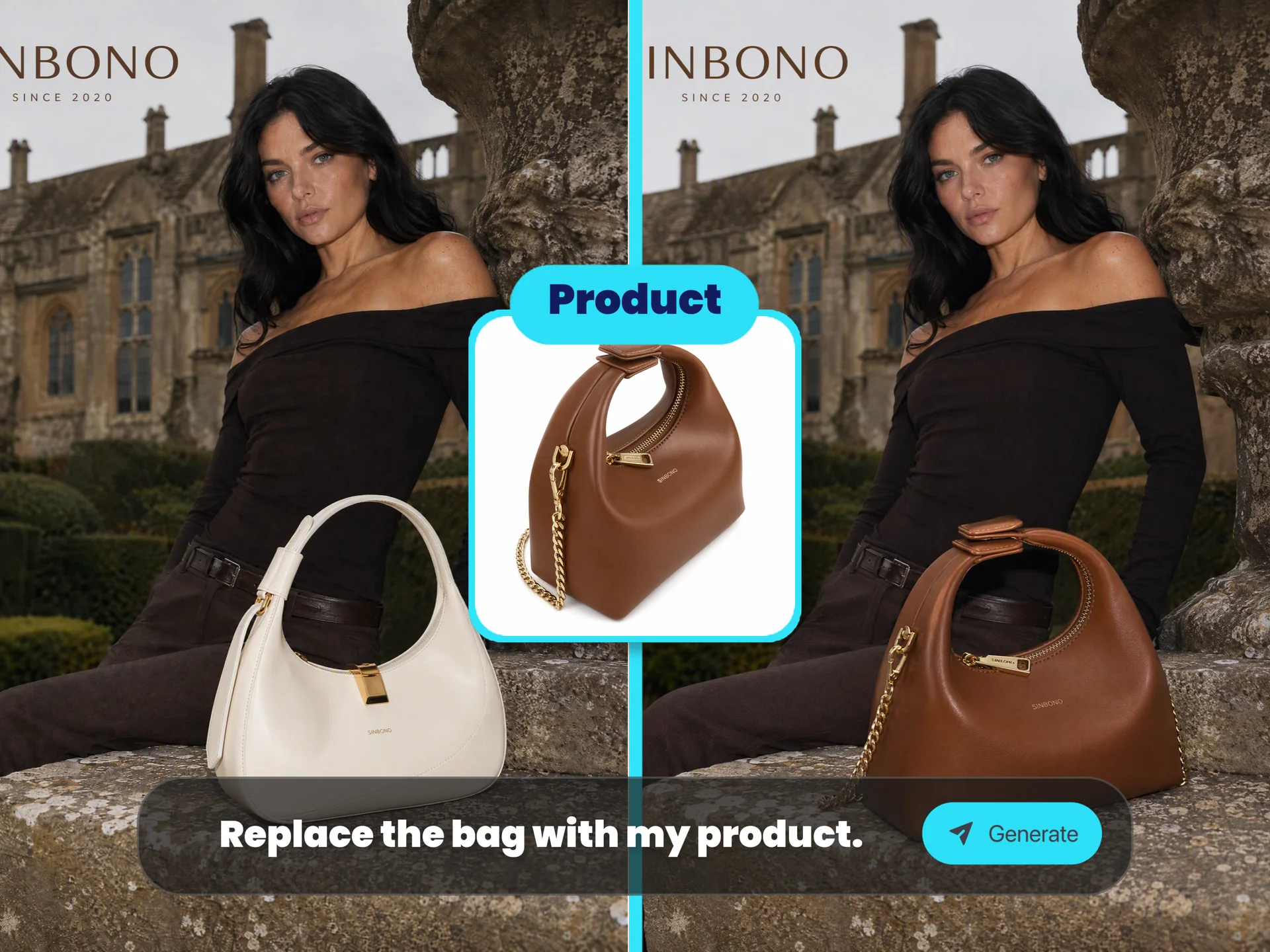
Made with this tool
How to Use Nano Banana 2 on Ima Studio
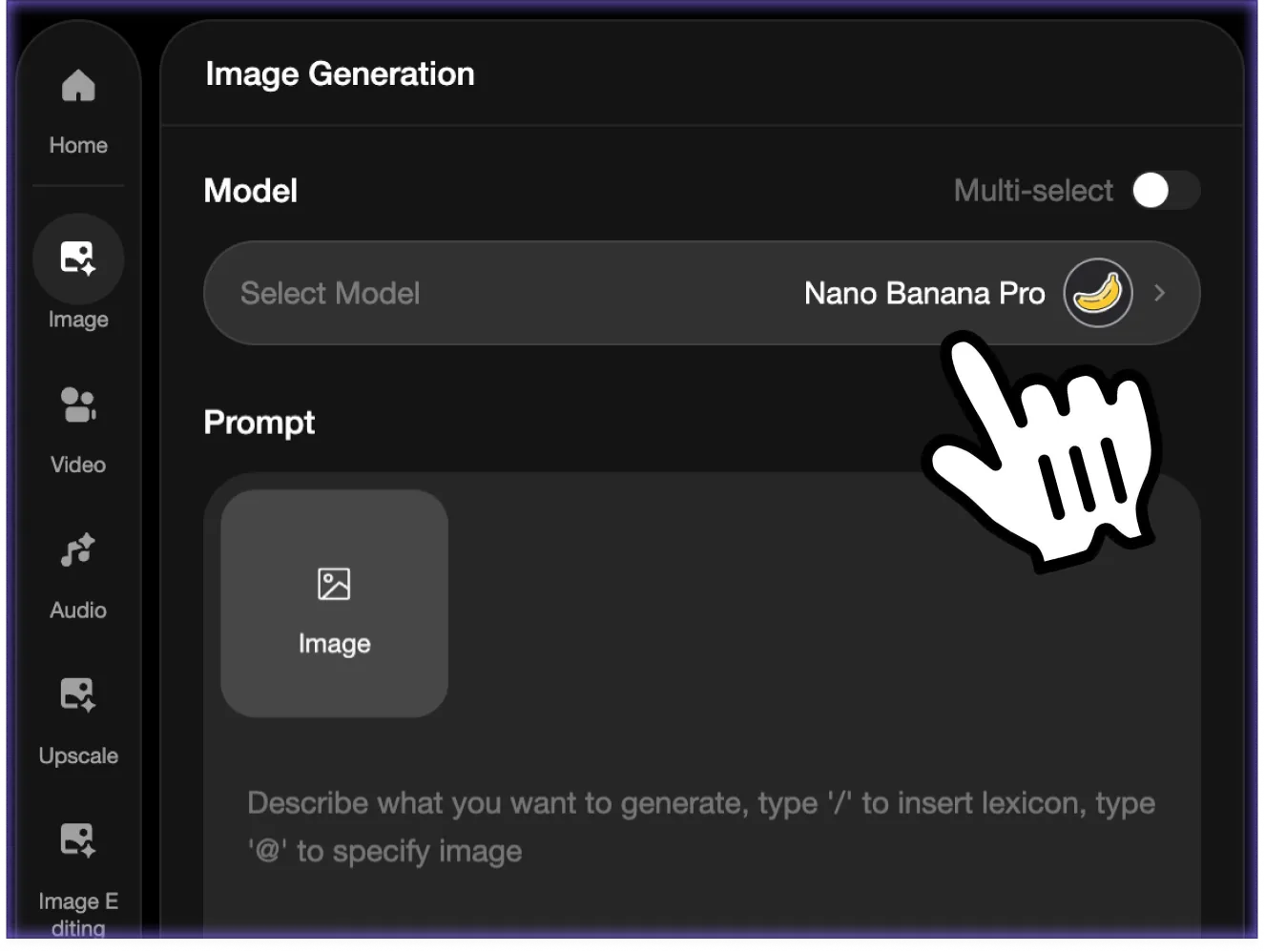 Step 1 - Choose a Mode
Text-to-Image Image-to-Image (optional refinement) Tip: If you already have a draft, screenshot, or reference, use Image-to-Image to refine composition, text clarity, or style.
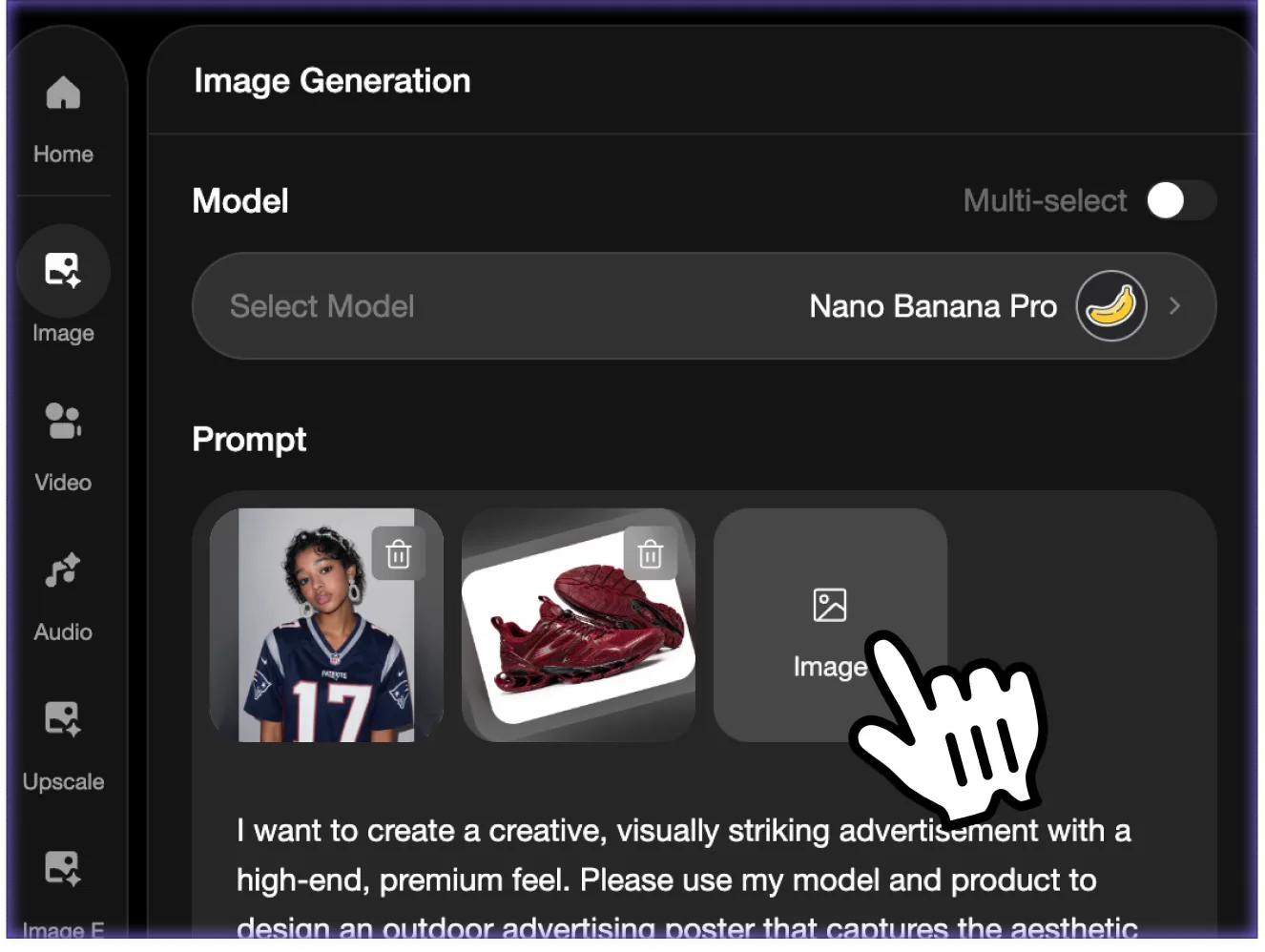 Step 2 - Describe Structure Clearly
Nano Banana 2 performs best when your prompt includes structure - layout, panels, and hierarchy. "Infographic layout with 3 steps" "Poster with bold readable headline" "YouTube thumbnail 16:9" "Storyboard with 4 panels"
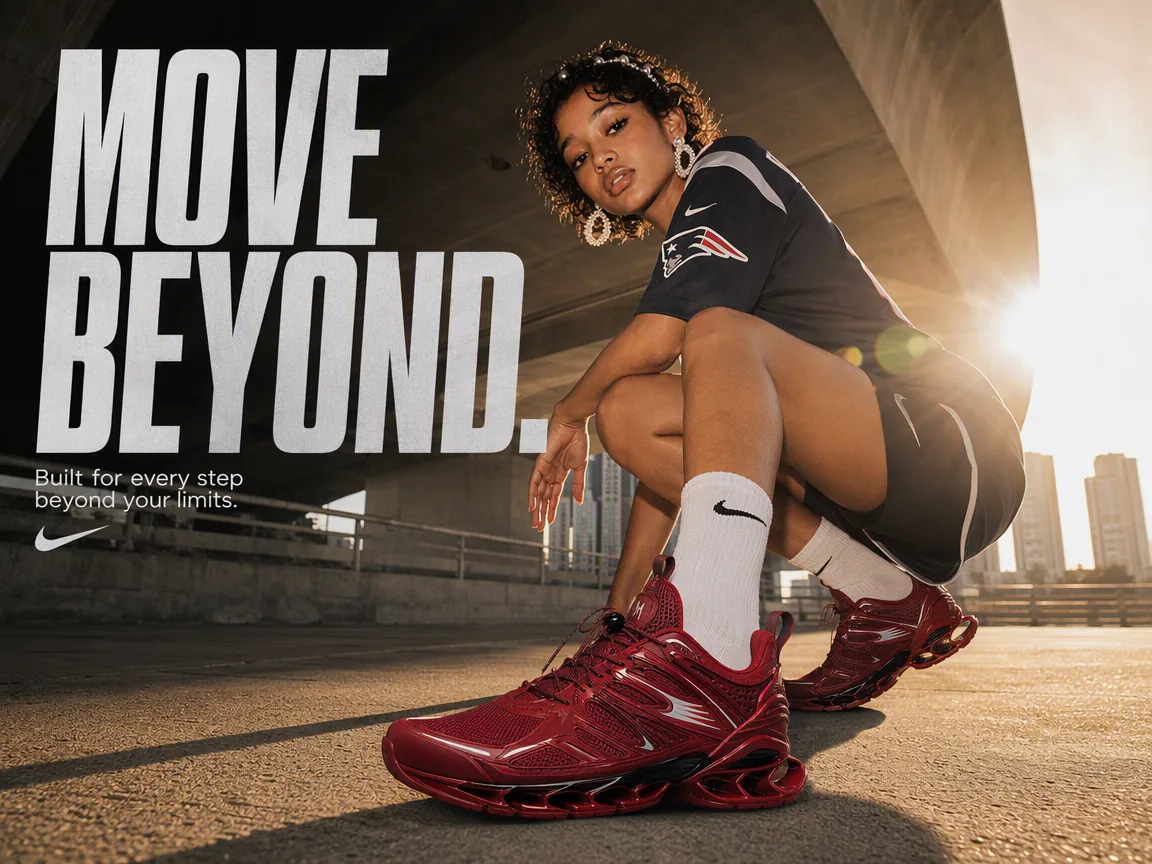 Step 3 - Control Format & Resolution
Dial in output settings based on speed vs. finish quality. Aspect ratio: vertical, horizontal, ultra-wide Resolution: fast drafts to high-resolution outputs Detail level: increase only when needed for final renders or print-ready visuals
Nano Banana 2 Key Capabilities
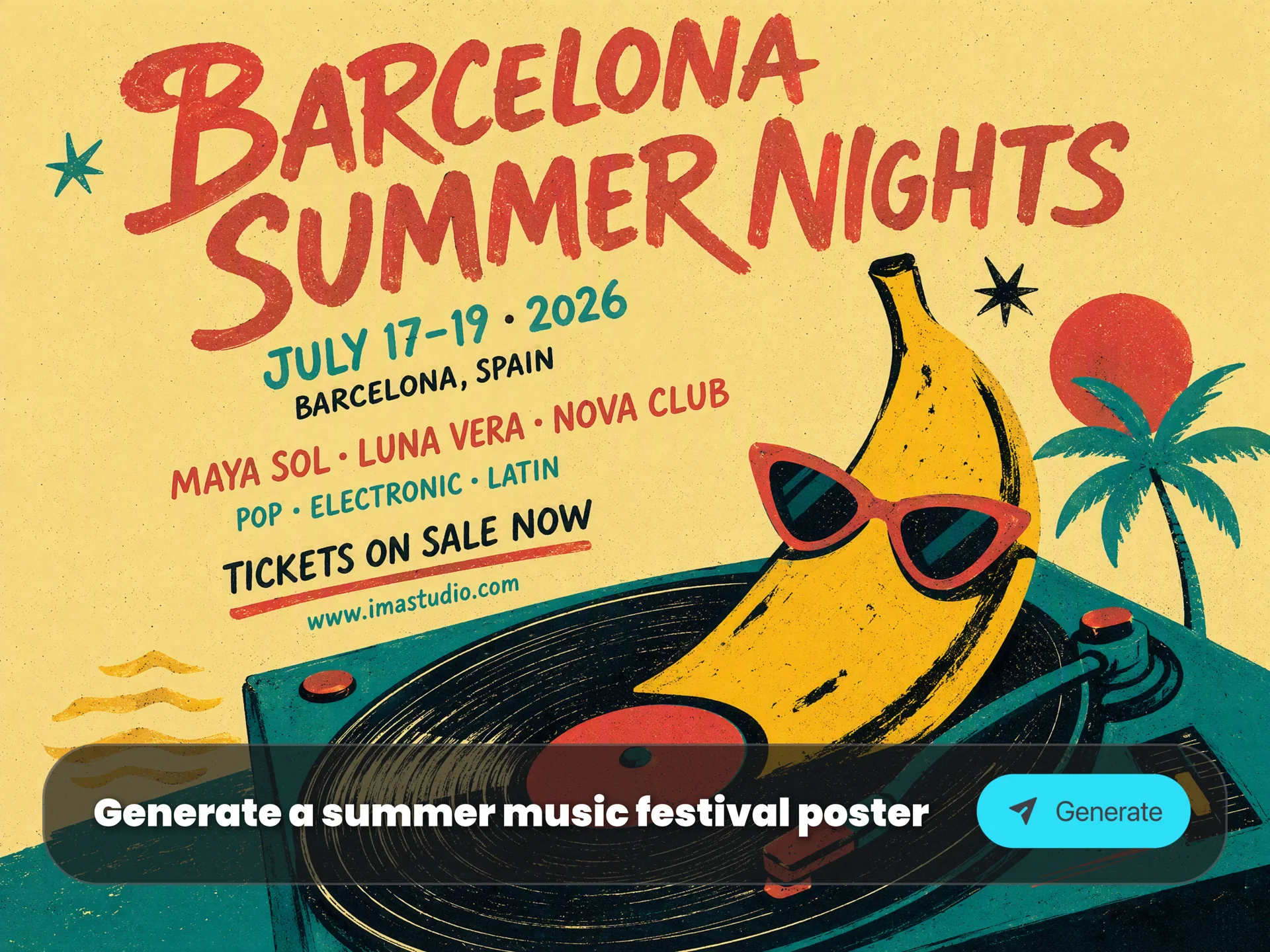
Deep Image Reasoning
Nano Banana 2 understands layout, composition, text intent, and relationships inside a prompt. Use it for posters, diagrams, storyboards, product visuals, thumbnails, and structured creative briefs.
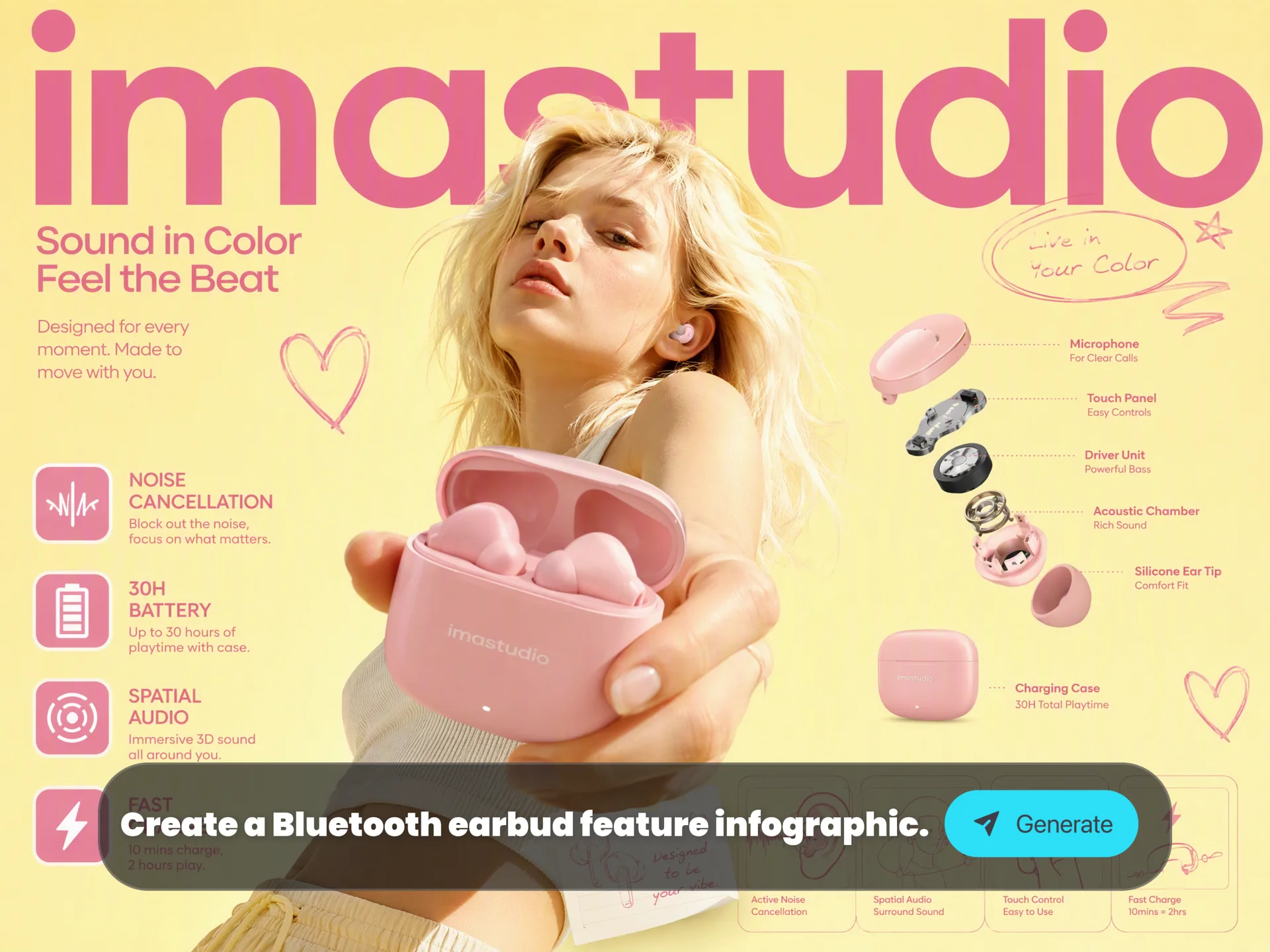
Text and Diagram Control
Create posters, labels and infographics with readable text and a clear visual hierarchy. Nano Banana 2.1 adds improvements to typography and infographic layouts.
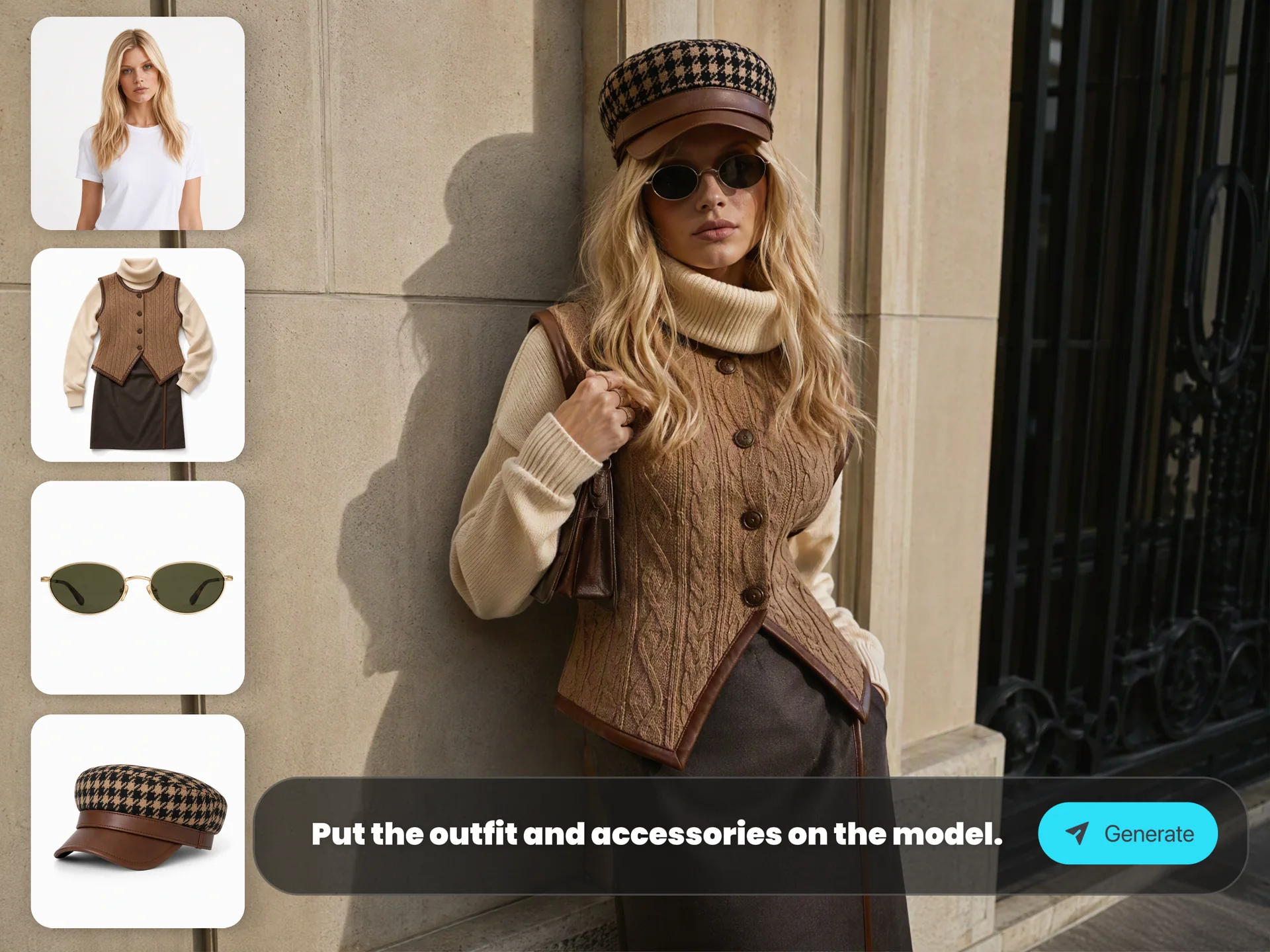
Multi-Reference Consistency
Use reference images to guide people, products, clothing and brand details. Nano Banana 2.1 improves consistency across edits; check the details that must remain accurate.
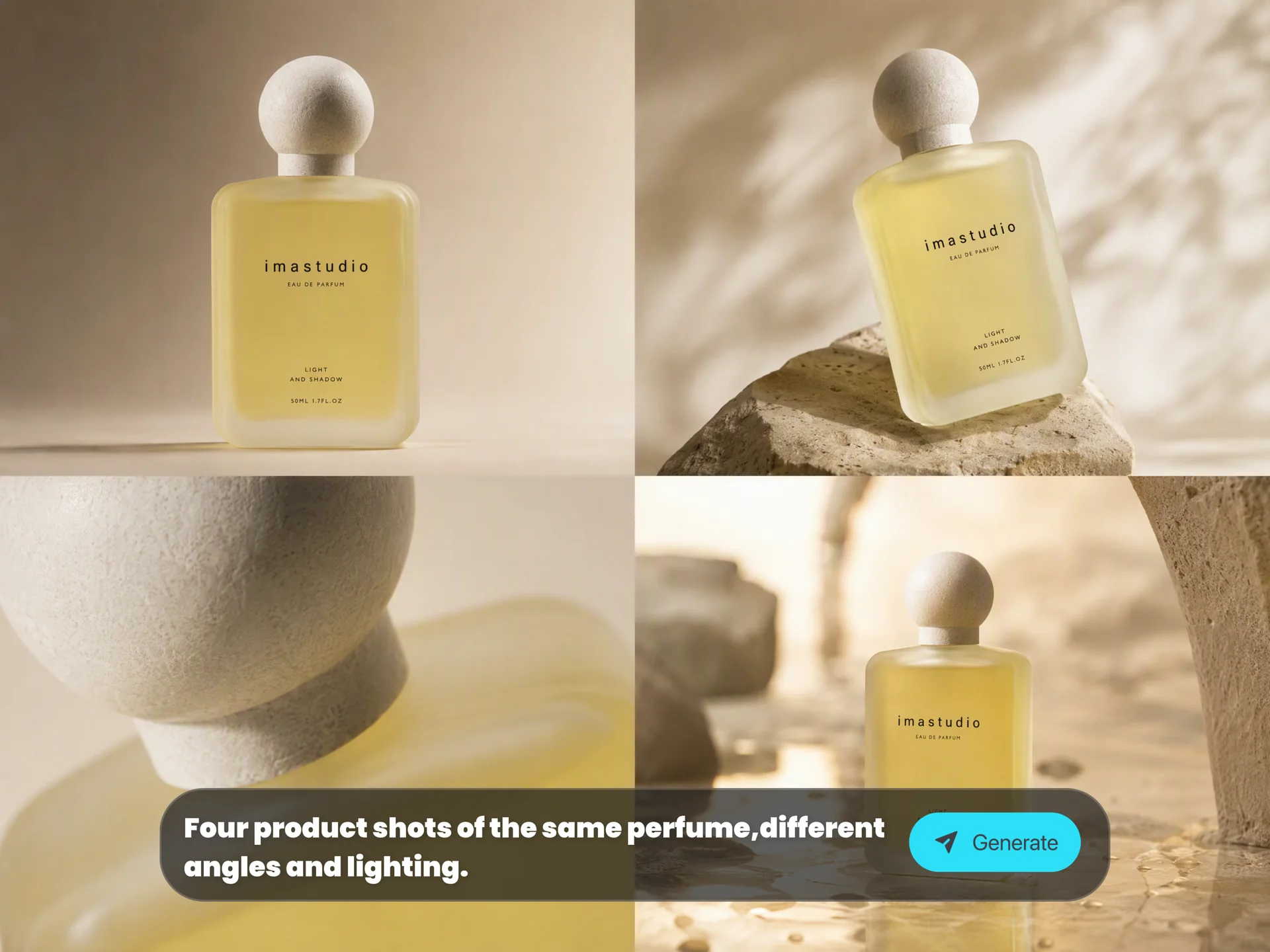
Context-Aware Editing
Change backgrounds, lighting, weather, style, objects, or composition while keeping the edited image coherent and believable.
Why Use Nano Banana 2 on Ima Studio?
Ima Studio gives you a browser-based Nano Banana 2 workflow for fast drafting, higher-quality generation, image upload, prompt refinement, and export-ready visuals.

Start using Nano Banana 2 directly online without setting up an API key or waiting for a separate model console.
Choose Nano Banana 2, 2.1, Lite or Pro in one workflow. Compare typography, reference edits and visual detail while checking the displayed credit cost.
Begin from a prompt, refine an existing visual, or upload references when you need stronger subject, product, or style consistency.
Use one page for prompt writing, image references, model selection, aspect ratio control, generation, preview, and download.
Iterate from draft to final: correct text, adjust layout, refine lighting, change backgrounds, or evolve a campaign concept over several generations.
Create assets for ads, thumbnails, ecommerce visuals, infographics, social posts, presentations, and brand campaigns.
Nano Banana 2 & 2.1 FAQs
Explore more AI tools and creative examples
Start Creating with Nano Banana 2
Use Nano Banana 2 online on Ima Studio for structured image generation, image editing, readable text, and high-resolution creative output.