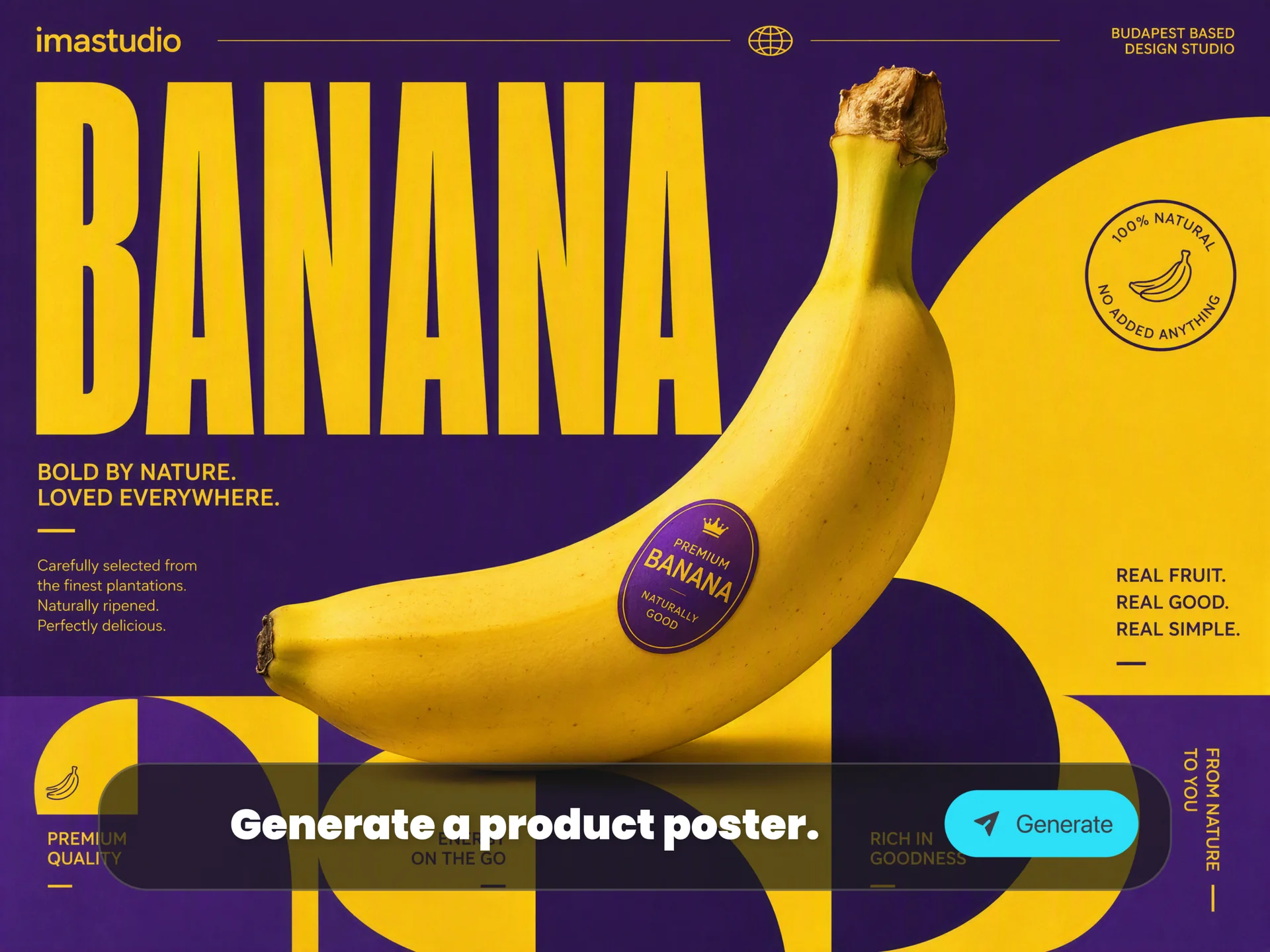
Use Unlimited Nano Banana Pro on Ima Studio

Turn any idea into a studio-quality visual with Google Nano Banana Pro (Gemini 3 Pro Image) on Ima Studio. Generate, edit, and upscale images with fine-grained creative control, clear in-image text, and real-world-aware infographics — all free, online, unlimited and watermark-free.

Try a preset: Old Photo Restoration Cowboy Background Lipstick Macro Arabic Logo Grid Birthday Card Recipe Infographic Cliff Rescue Scene

Free, online & unlimited generations — no watermark, no signup.
Your creativity stays private — Ima Studio never stores your prompts or outputs.

Join our Discord →

What Is Google Nano Banana Pro?

Nano Banana Pro (Gemini 3 Pro Image) is Google’s newest state-of-the-art image generation and editing model.
Built on Gemini 3 Pro, it combines:

  • Advanced reasoning — understands context, relationships, and intent across long, detailed prompts.

  • Deep world knowledge — can visualize real-world concepts, data, and references as diagrams and infographics.

  • Studio-level image control — camera angles, lighting, depth of field, and aspect ratios for polished output.

  • Best-in-class text rendering — sharp, legible text inside images, in multiple languages.

On Ima Studio, you get all of that power in a frictionless, browser-based playground — with unlimited, watermark-free generations.

Why Use Nano Banana Pro on Ima Studio

Experience Nano Banana Pro at full strength — without subscriptions, quotas, or complex setup.

Free, Online & Unlimited

Generate as much as you want:No account requiredNo paywall, no token packNo waitlist, no daily capsJust open Ima Studio in your browser and start creating.

Watermark-Free, 4K-Ready Outputs

Export visuals that are ready for campaigns, decks, and prints:No visible watermarksUp to 1K / 2K / 4K resolutionMultiple aspect ratios for social, web, and print

Privacy First by Design

Ima Studio is your clean creative sandbox:We don’t store your promptsWe don’t store your imagesYou keep full control over what you create

Preset Prompt Templates for Faster Starts

Skip blank-page anxiety:Curated presets for anime, cinematic shots, posters, infographics, product renders, storyboards, UI mockups and moreOne-click apply → edit wording → generatePerfect for non-prompt-experts who still want pro-level results

Built for Any Device, Anywhere

Nano Banana Pro on Ima Studio runs fully in the browser:Desktop, laptop, or tabletNo extensions, no installs, no driversJust log on and create

How to Use Nano Banana Pro in Ima Studio
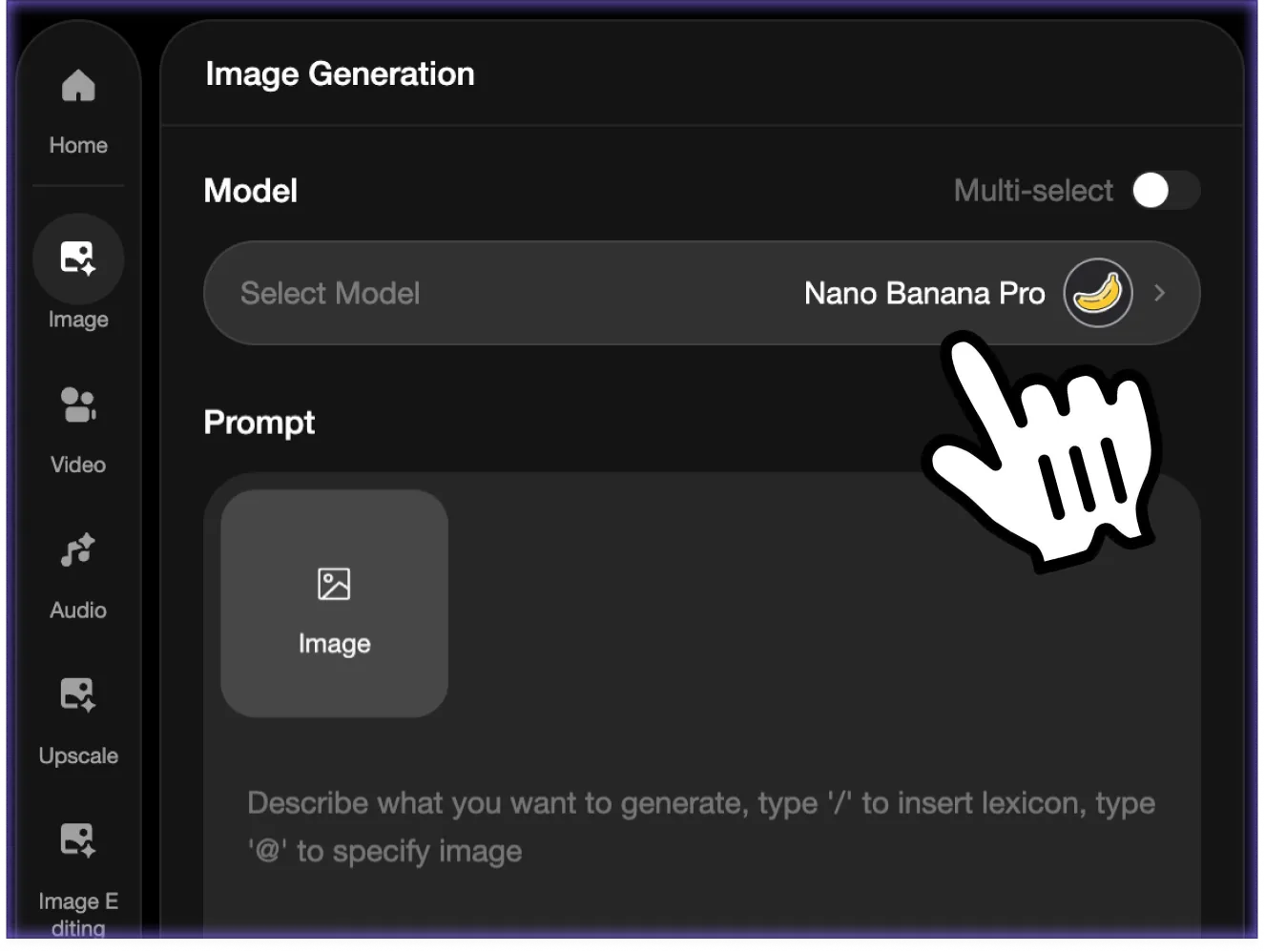
Step 1 – Choose the Mode

Pick the workflow that fits your idea:Text-to-Image: start from a detailed prompt or a preset templateImage-to-Image: upload sketches, mockups, screenshots, or photos to transform and refineNano Banana Pro adapts to both from-scratch creation and precision editing.

Step 2 – Write a Prompt or Use a Preset

Describe your idea in natural language:“A cinematic storyboard of an urban astronaut walking through neon rain, 4 frames.”Or select a preset like:Old Photo RestorationProduct PosterRecipe InfographicArabic Logo ExplorationBirthday Card Collage

Step 3 – Refine Your Output

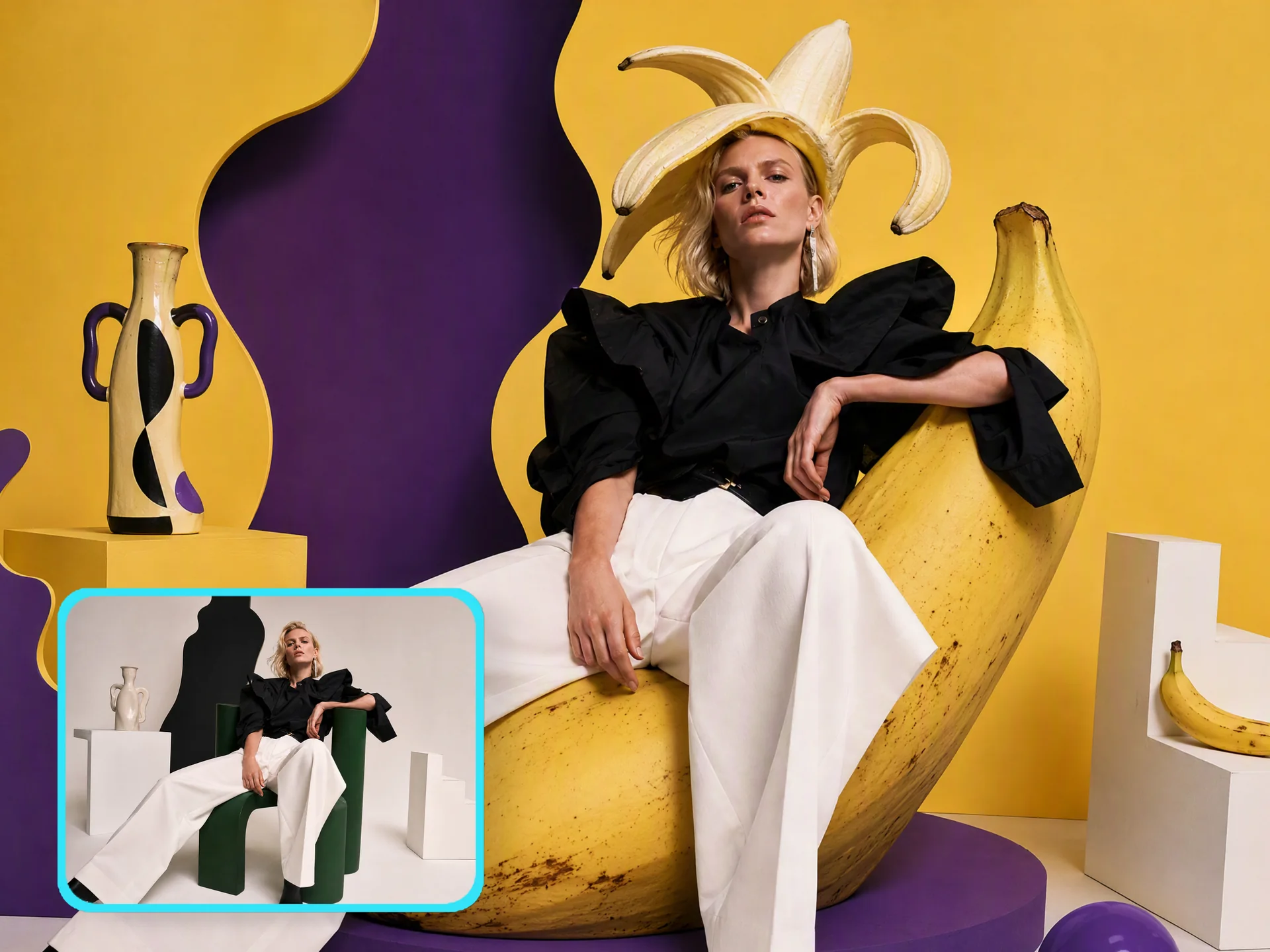
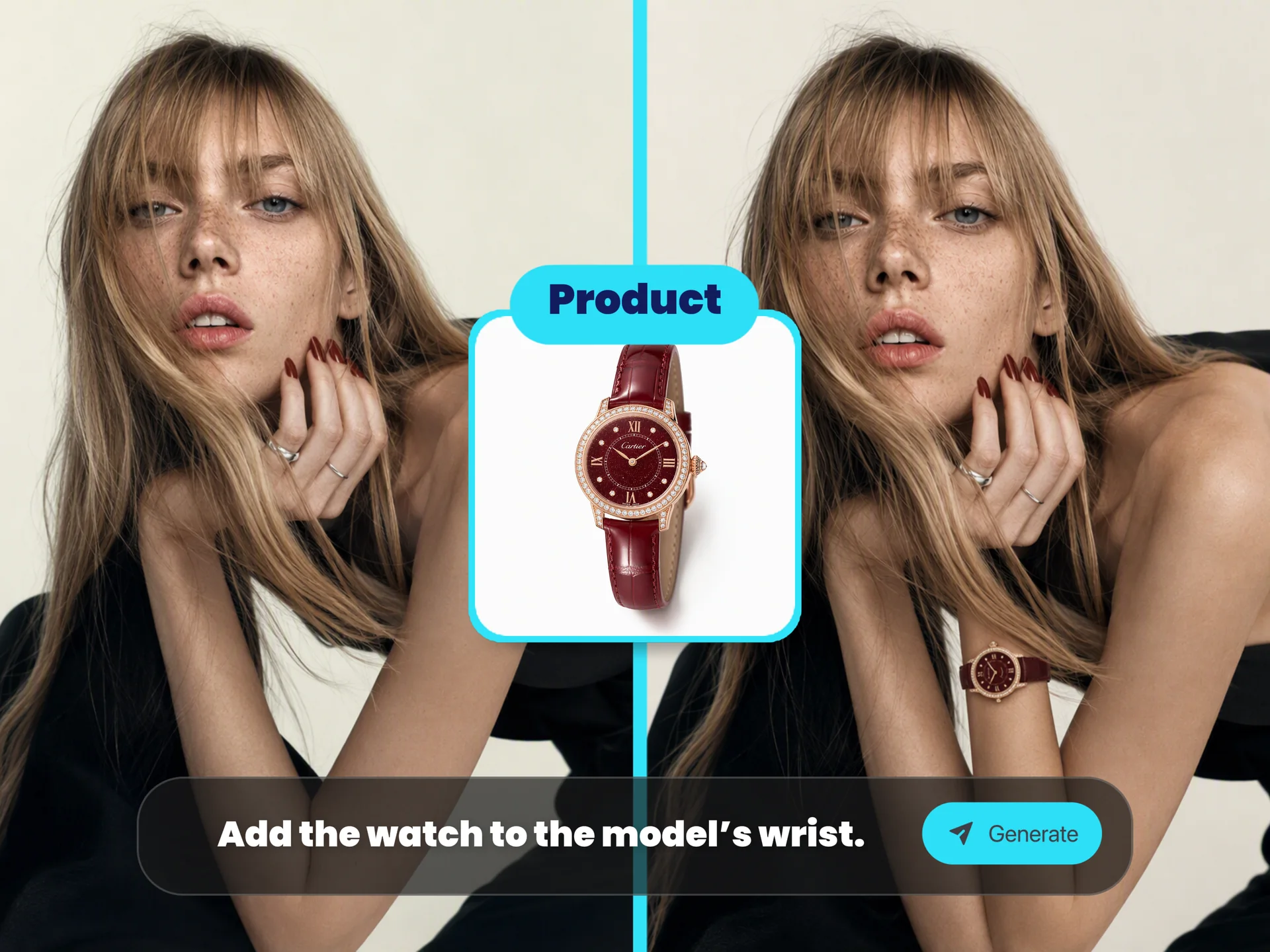
Nano Banana Pro lets you:Adjust camera angle (top-down, wide, close-up)Shift focus / depth of fieldChange lighting (day → night, bokeh, chiaroscuro)Edit local regionsCombine multiple input imagesControl subject consistency (up to 5 people)

Nano Banana Pro: Key Capabilities

1. Perfect In-Image Text Rendering

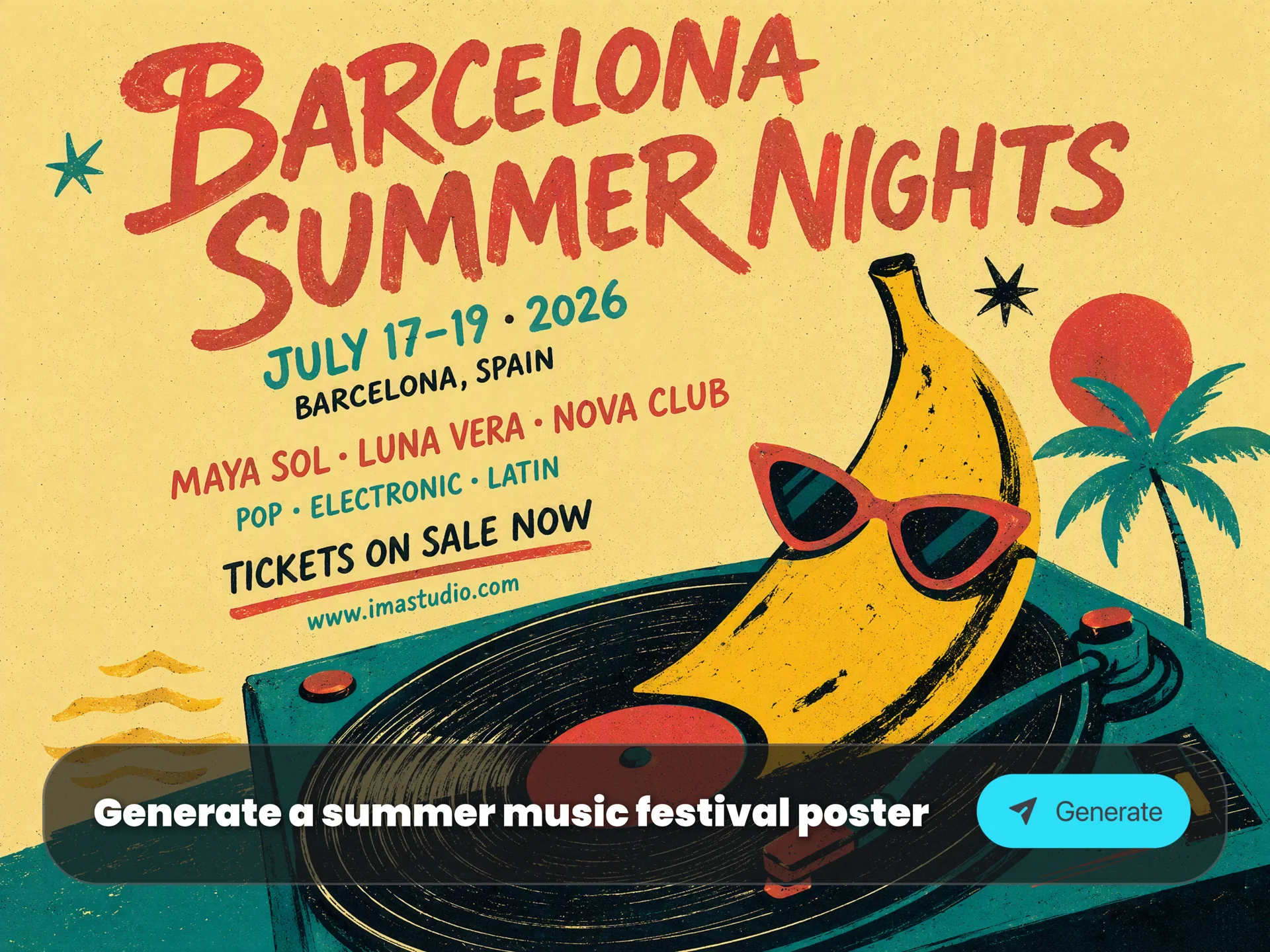
Nano Banana Pro is the strongest model in the world at generating clear, readable text inside images:

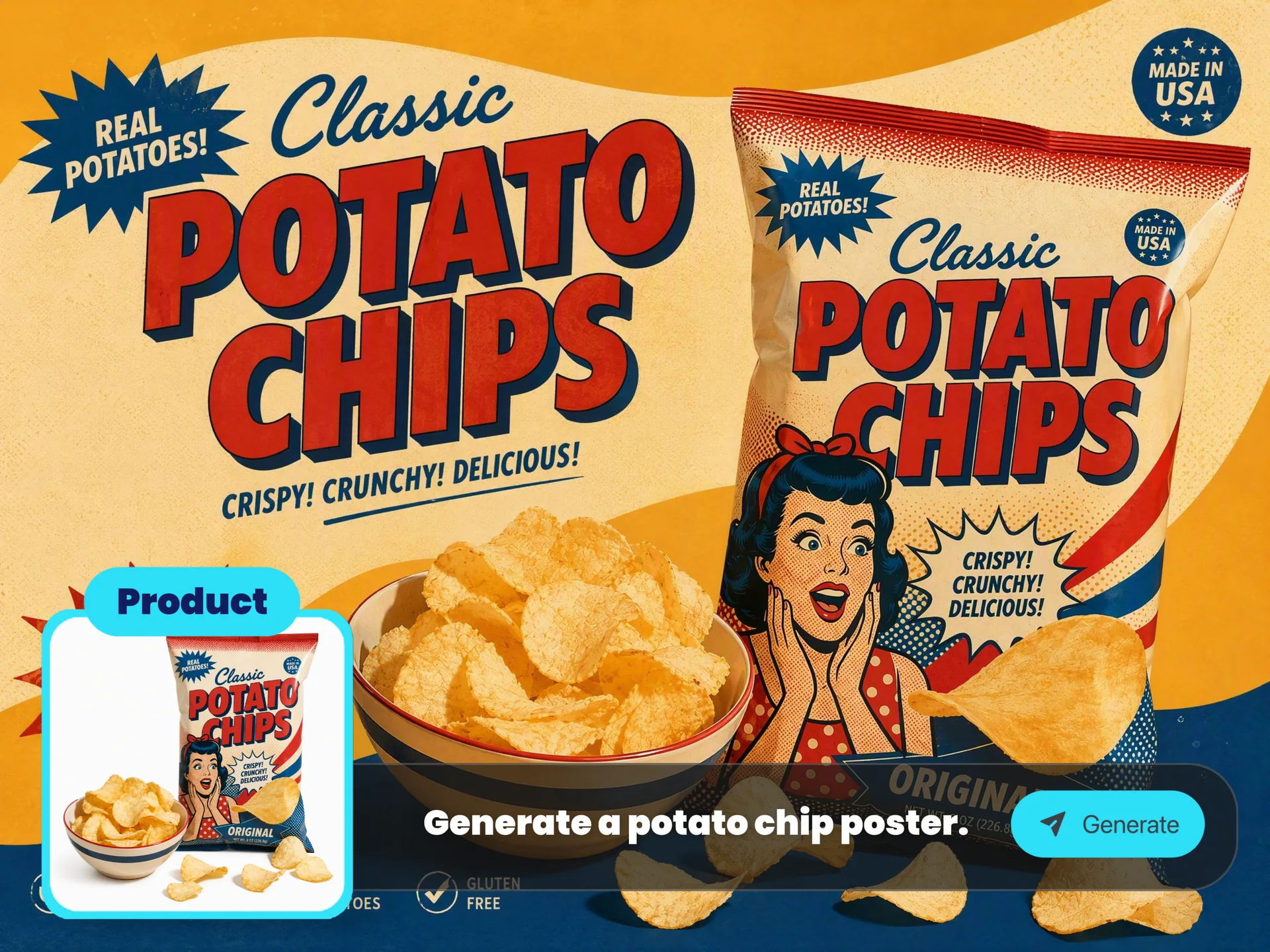
  • Posters

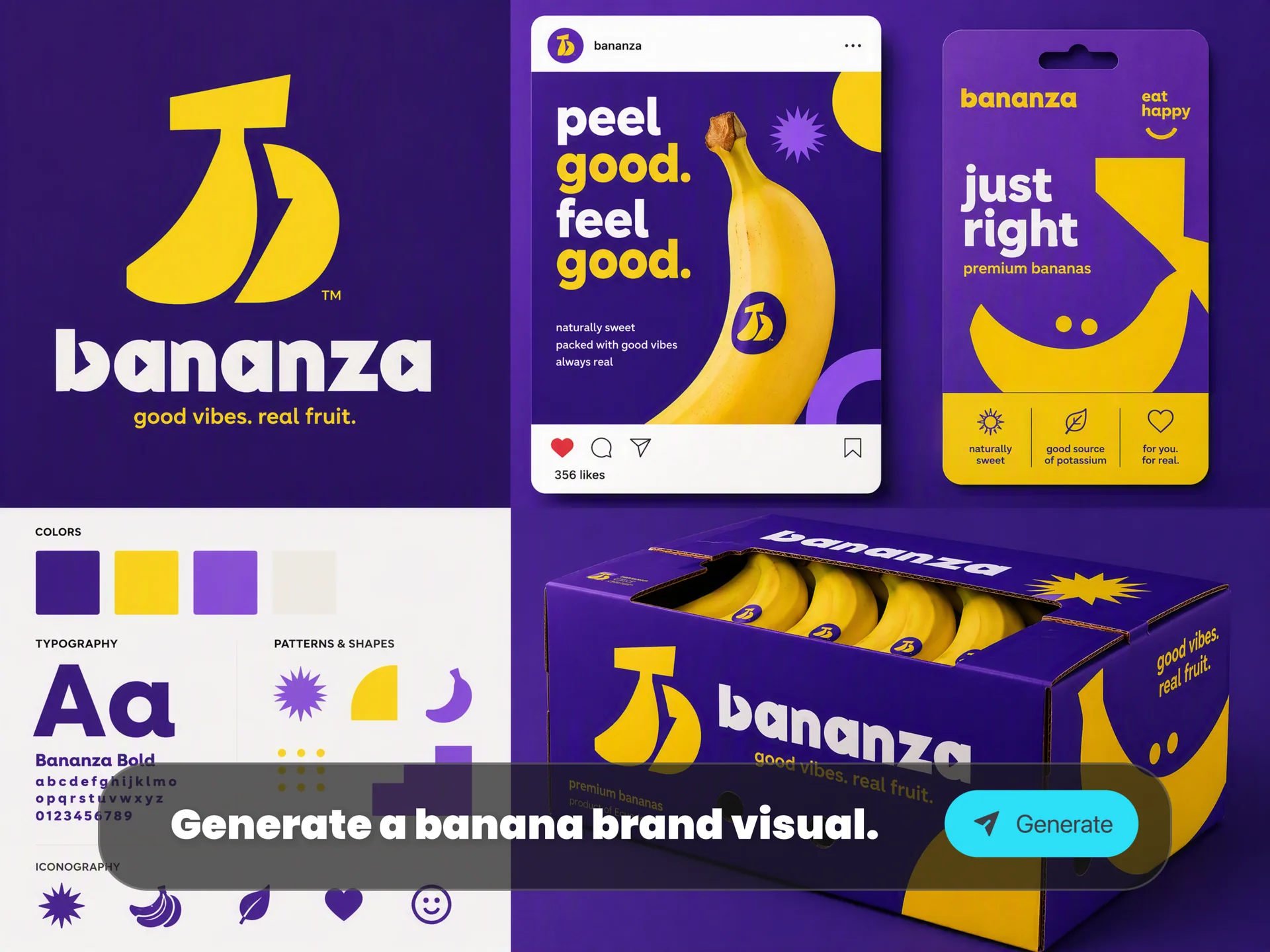
  • Logos & wordmarks

  • Mockups & packaging

  • Storyboards & diagrams

  • Multilingual copy

It supports short taglines, long paragraphs, stylized typography, calligraphy, retro textures, and multi-language localization.

2. Real-World Knowledge & Infographic Thinking

Nano Banana Pro can transform:

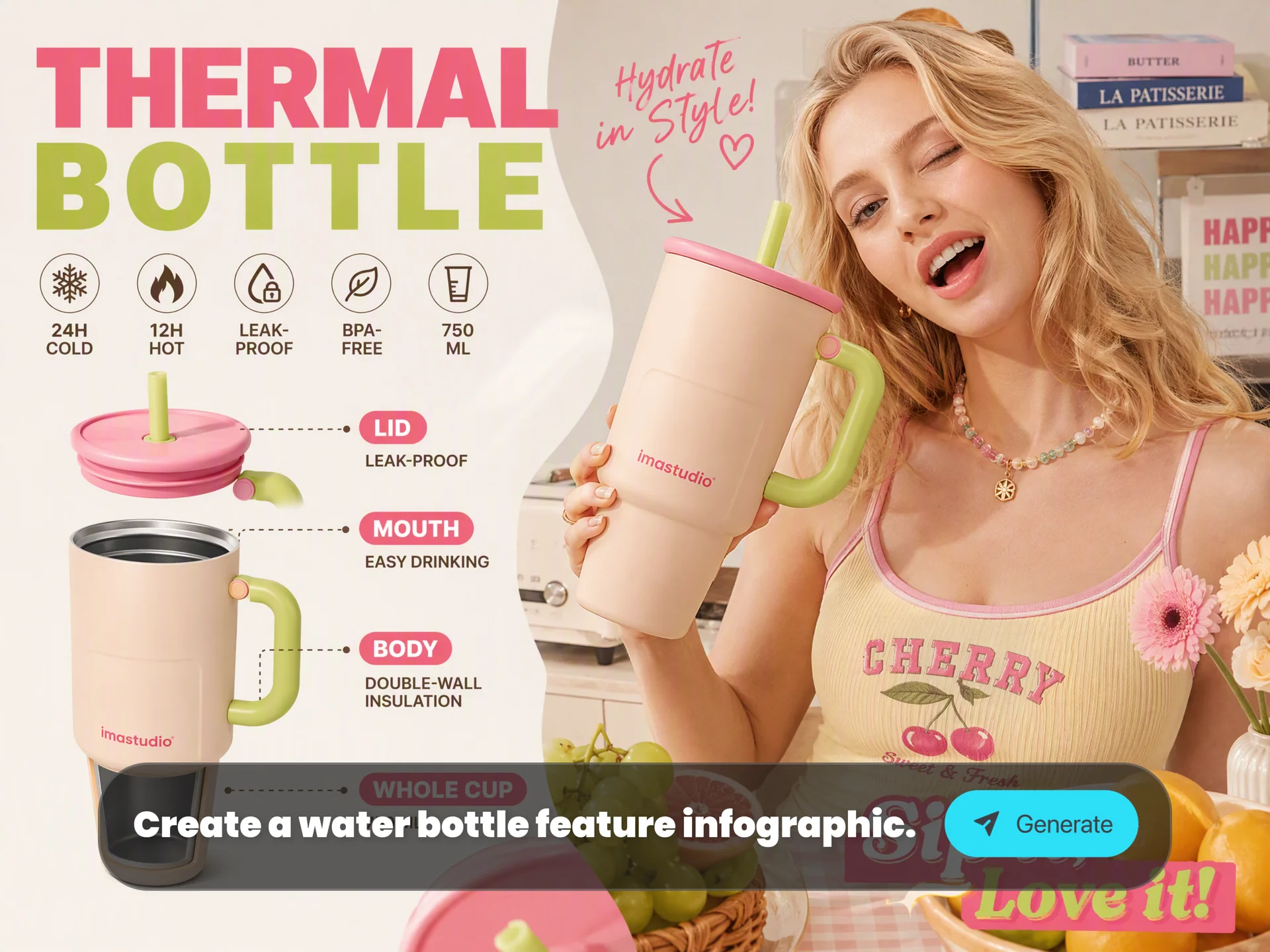
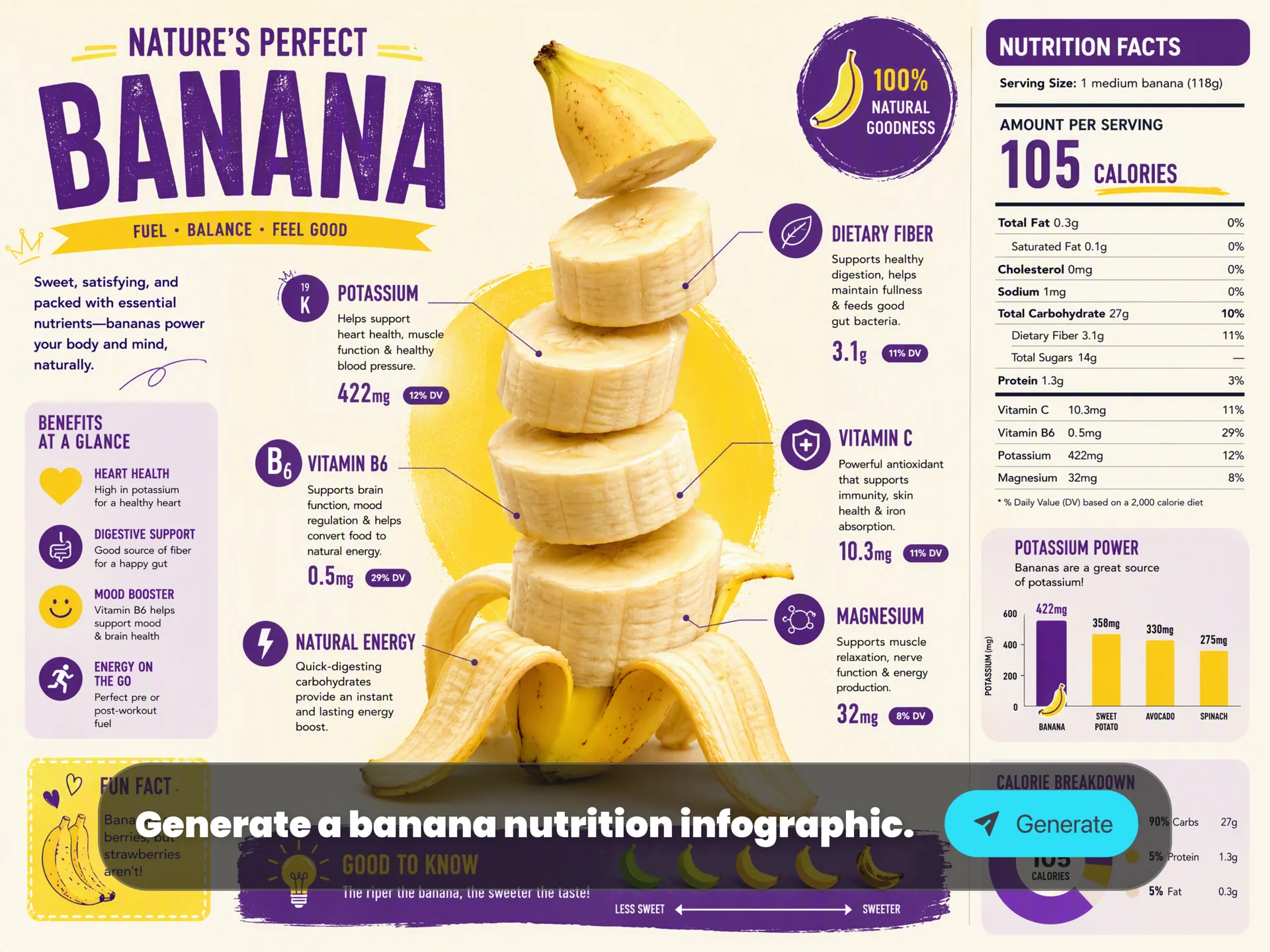
Data → clean diagrams
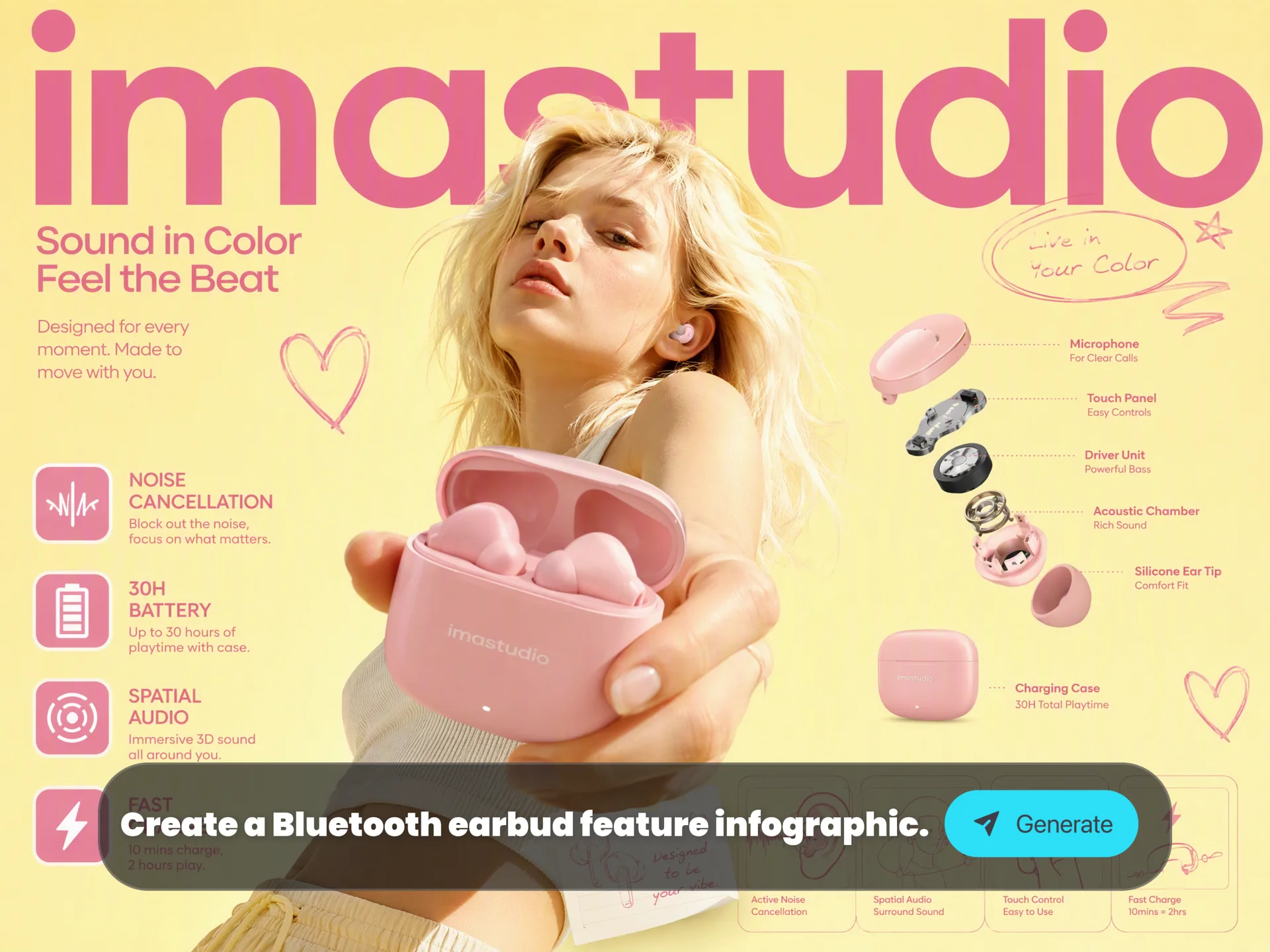
Notes → structured infographics
Concepts → step-by-step explanations
Science topics → visual experiments
Recipes → top-down cooking instructions

You can reference real-world data or information, and the model will visualize it with clarity.

3. Studio-Quality Creative Control

Professional features include:

Camera angle & shot type control
Depth of field & focus
Color grading & lighting transformations
Day-to-night editing
Bokeh, volumetric lighting, dramatic shadows
1K / 2K / 4K upscaling
Flexible aspect ratios for any platform

These tools allow for precise creative direction similar to real photography and cinematography.

Before-after image showing lighting change from flat to dramatic — Nano Banana 2 context-aware enhancement
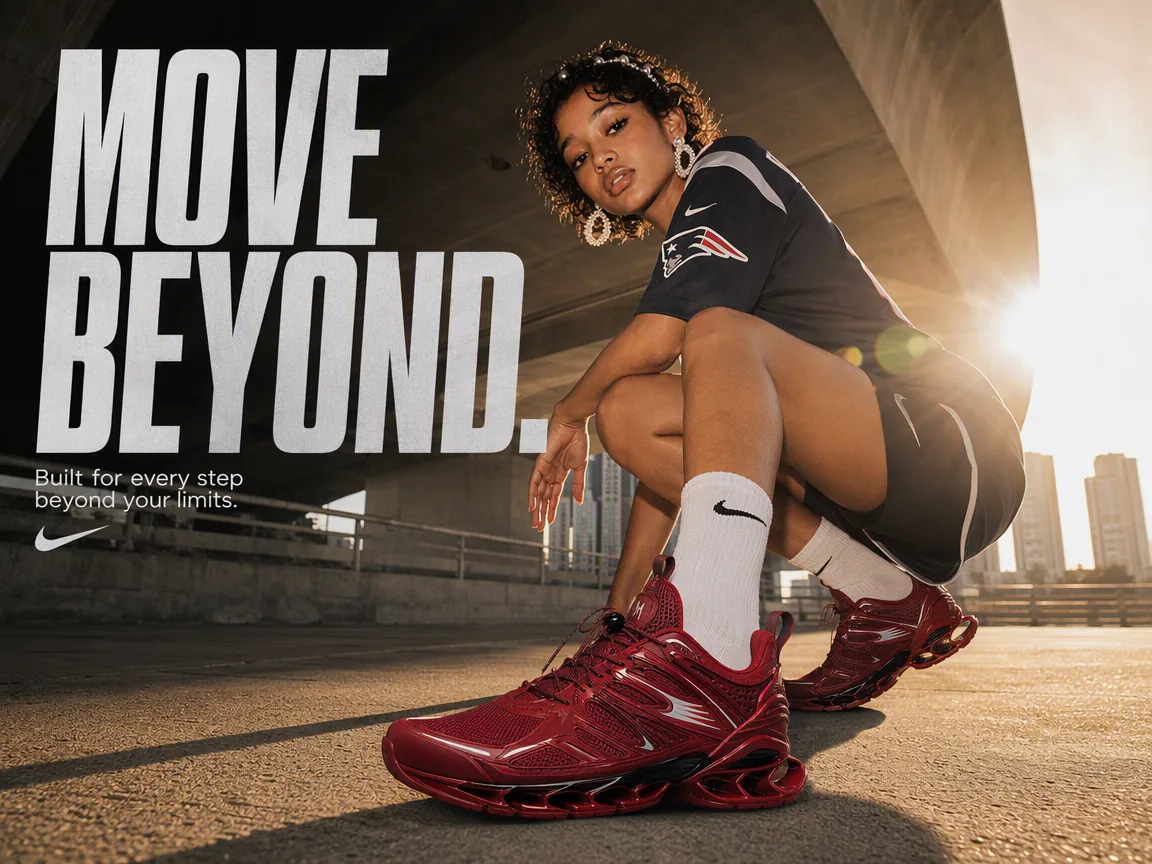
Poster with crisp text and logo rendered accurately by Nano Banana 2

4. Multi-Image Consistency & Complex Compositions

Nano Banana Pro can maintain:

Up to 14 reference images in one scene
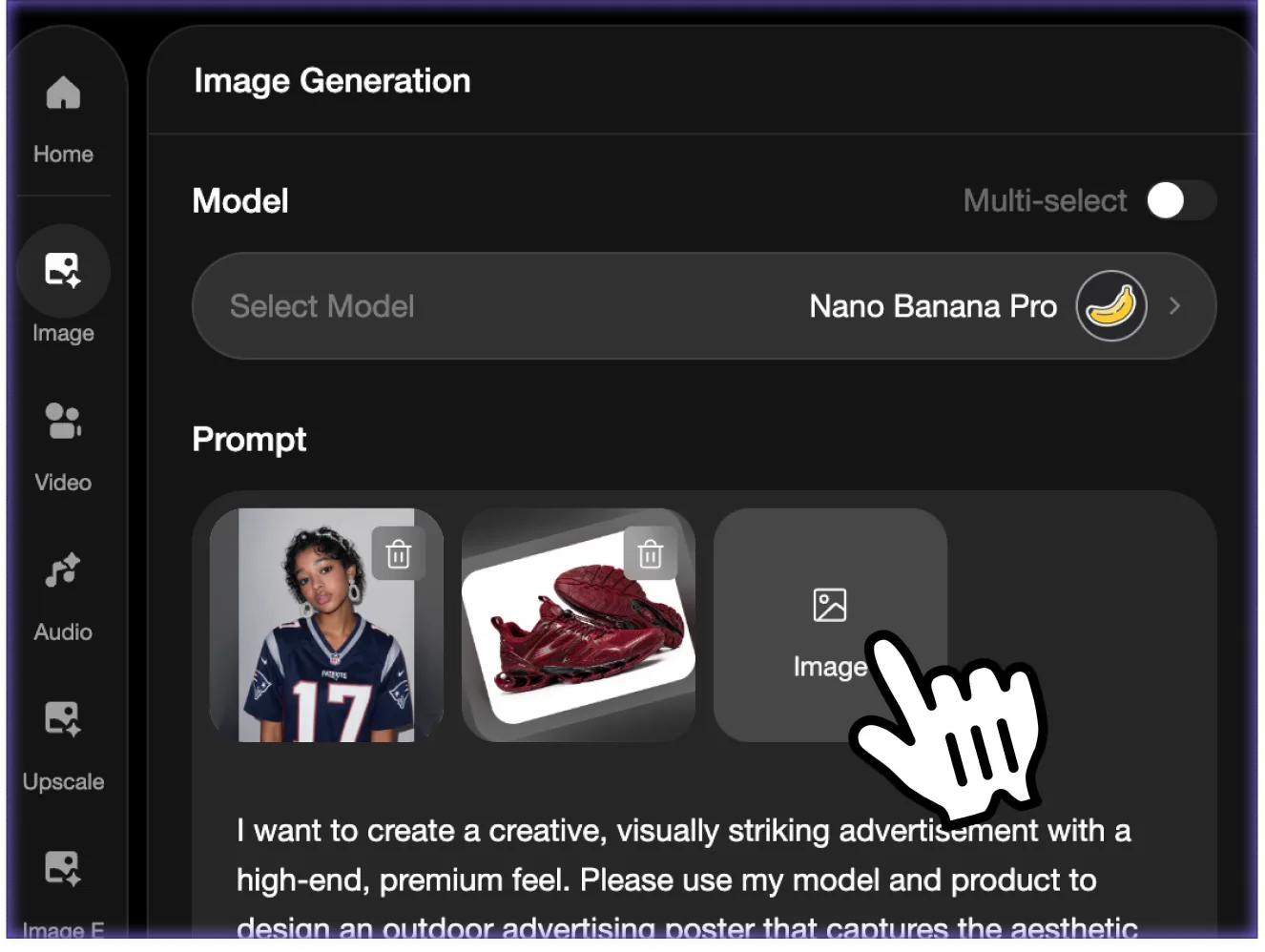
Up to 5 consistent people (identity, clothing, proportions)
Multi-frame story consistency
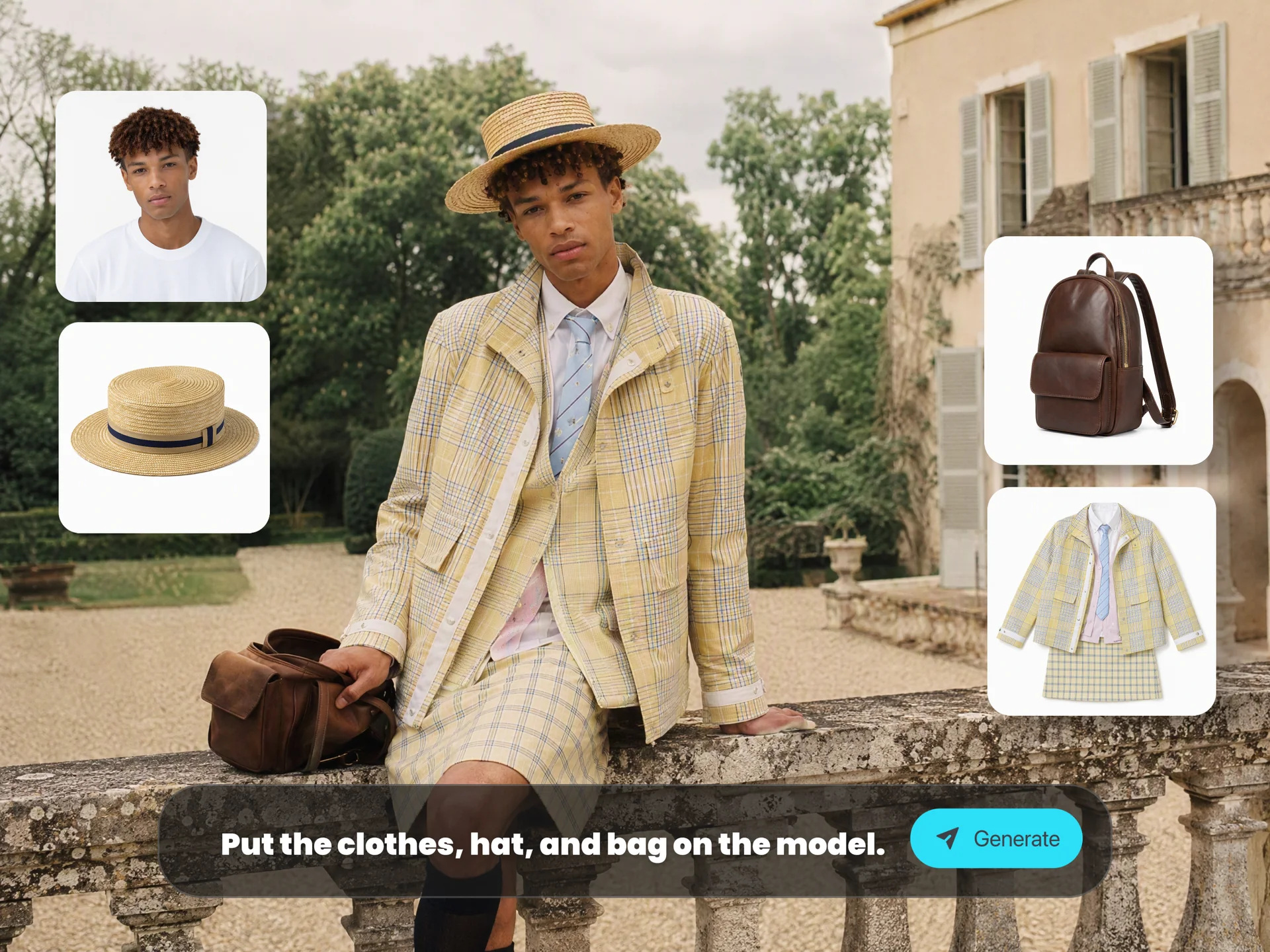
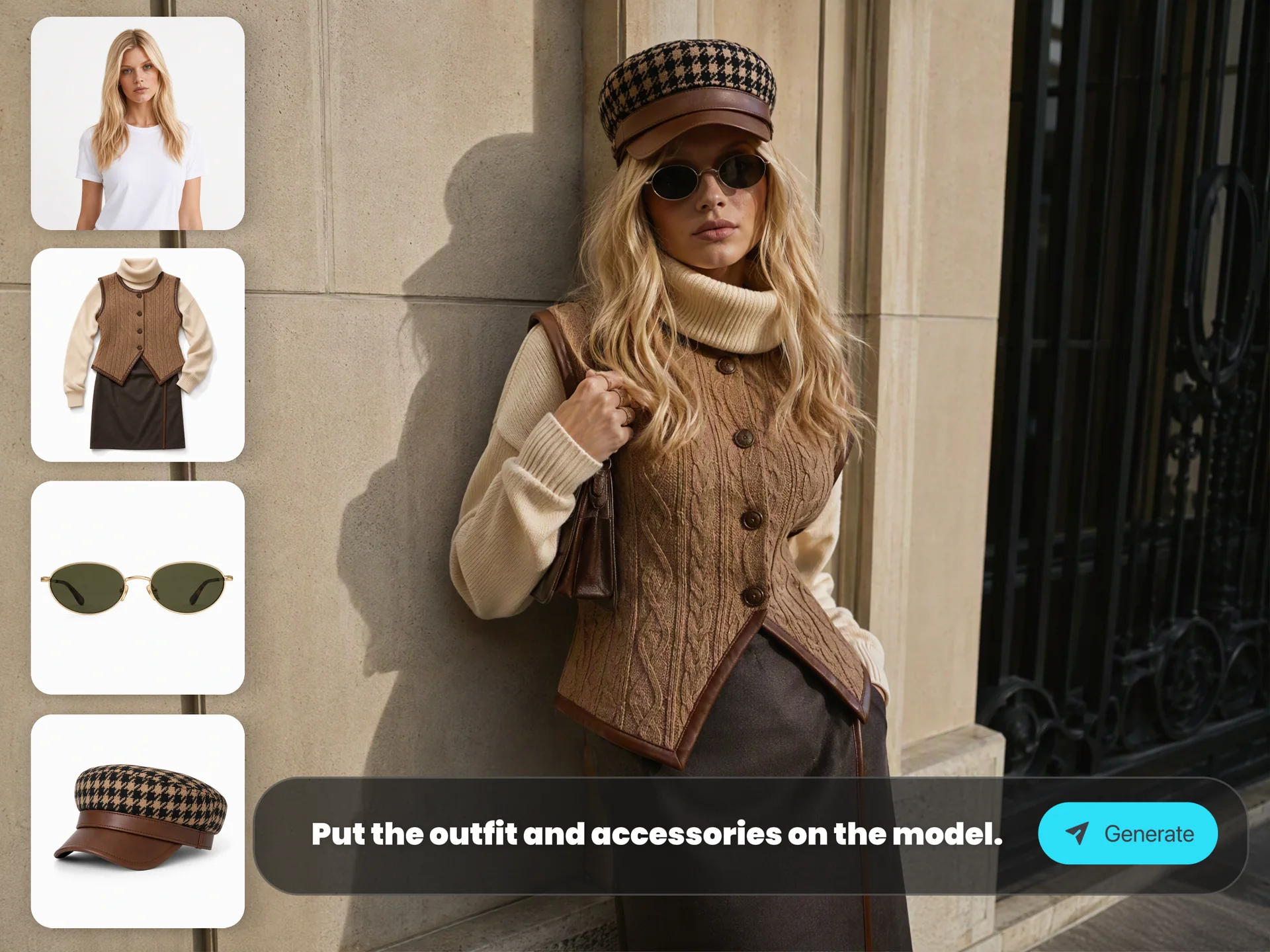
Outfit-change sequences
Fashion editorials
Hollywood-style posters
Room scenes & team photos

Composite workflows finally look natural and coherent.

5. One Prompt, Many Frames

Create entire sequences:

Storyboards (4-10 frames)
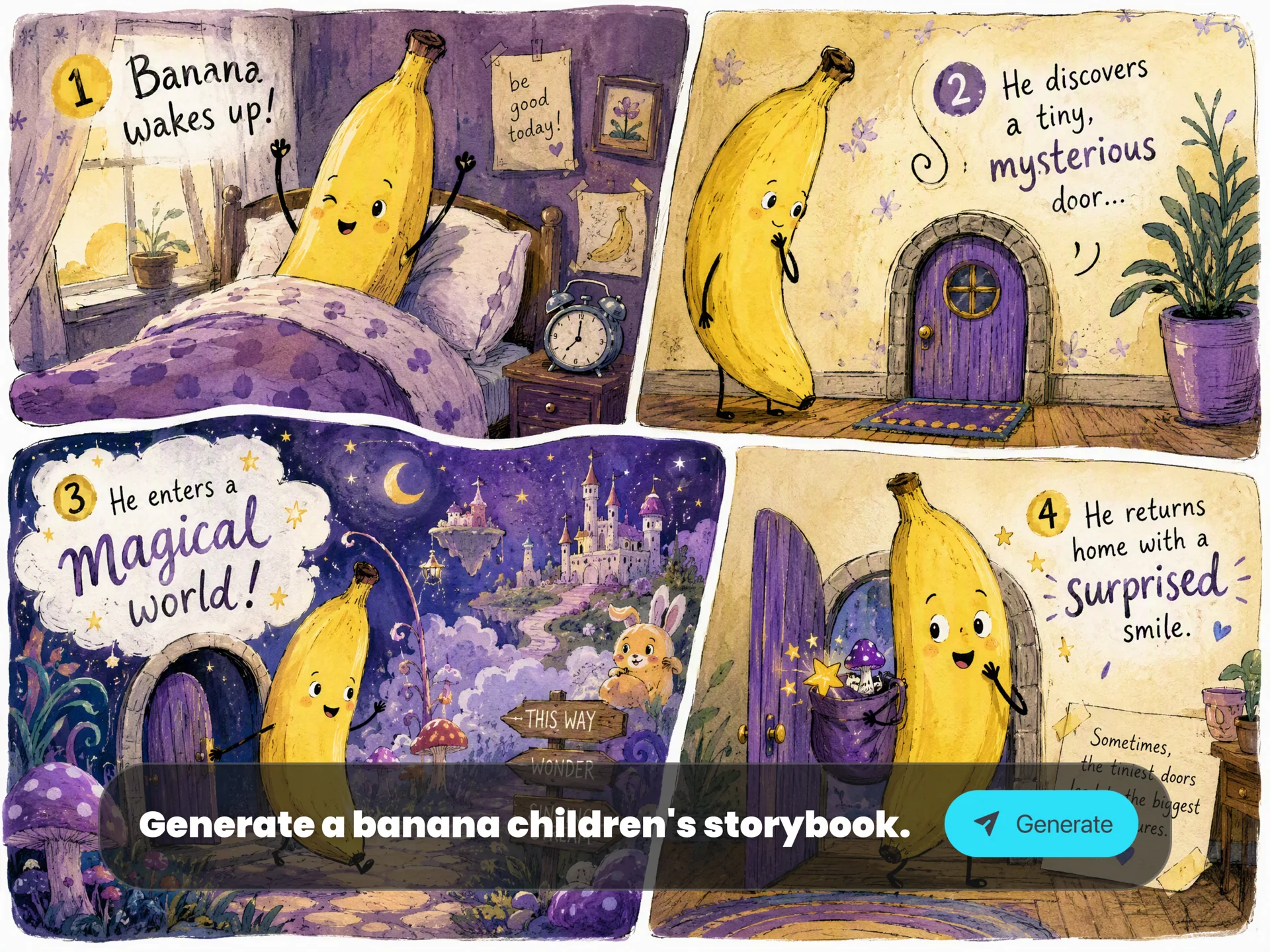
Children’s books
Comics
Campaign variations
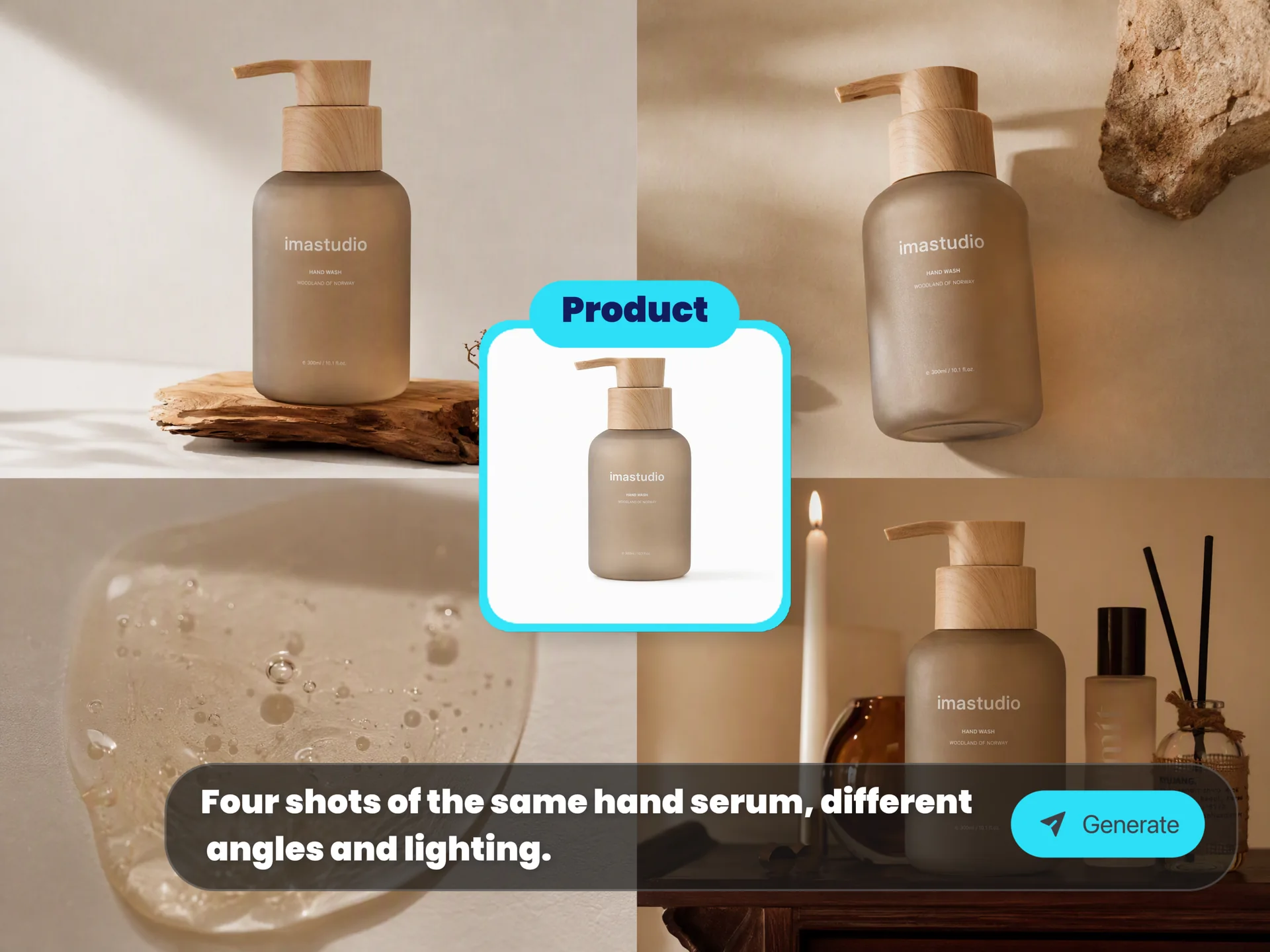
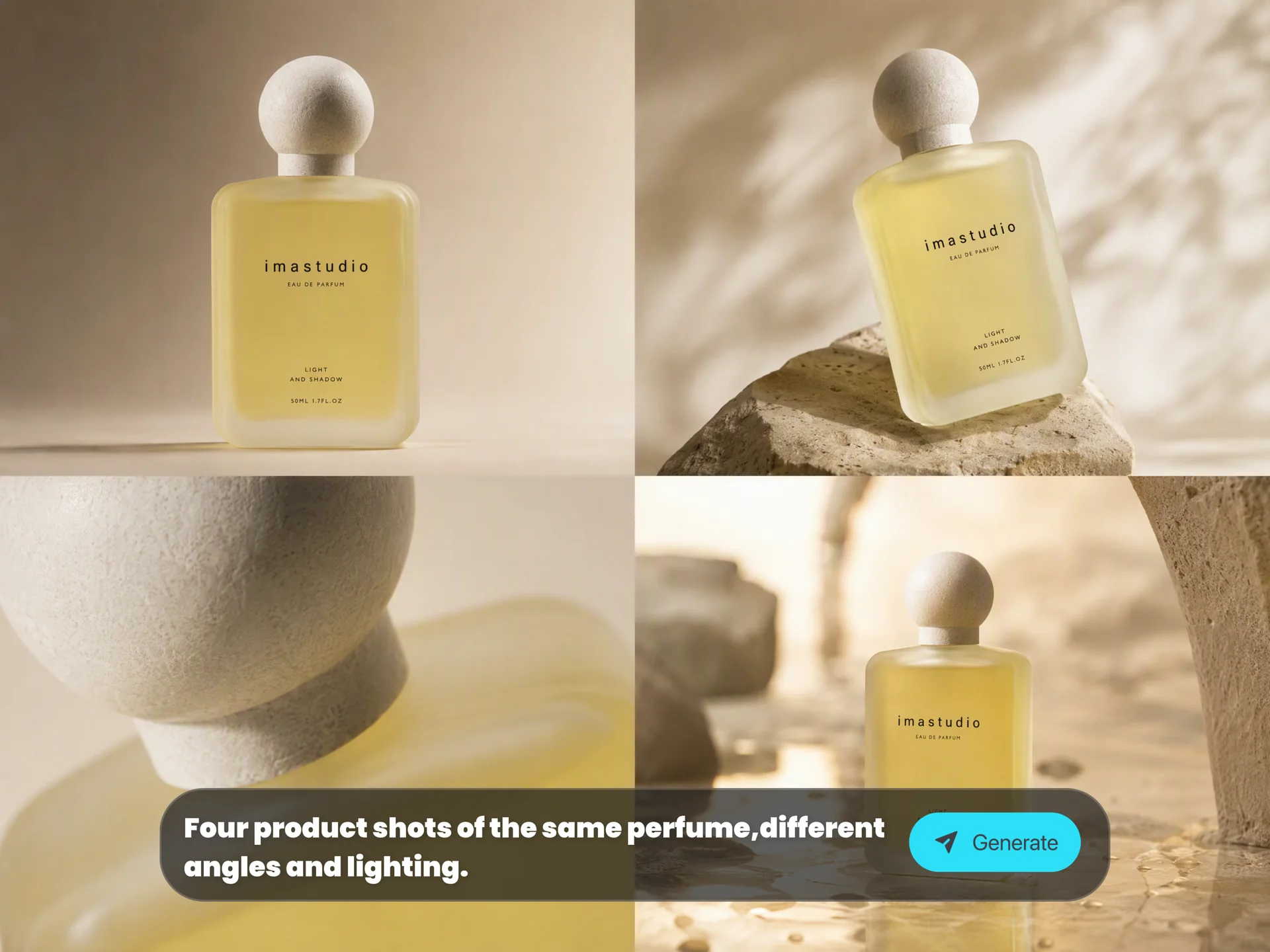
Multi-angle product showcases

Each frame can preserve character identity, style, and mood.

Sequential images with consistent characters and lighting — Nano Banana 2 scene memory

Popular Ways to Use Nano Banana Pro

Old Photo Restoration

Recover faded, scratched, or blurred vintage photos with clean repairs and natural color restoration.

Background Removal & Replacement

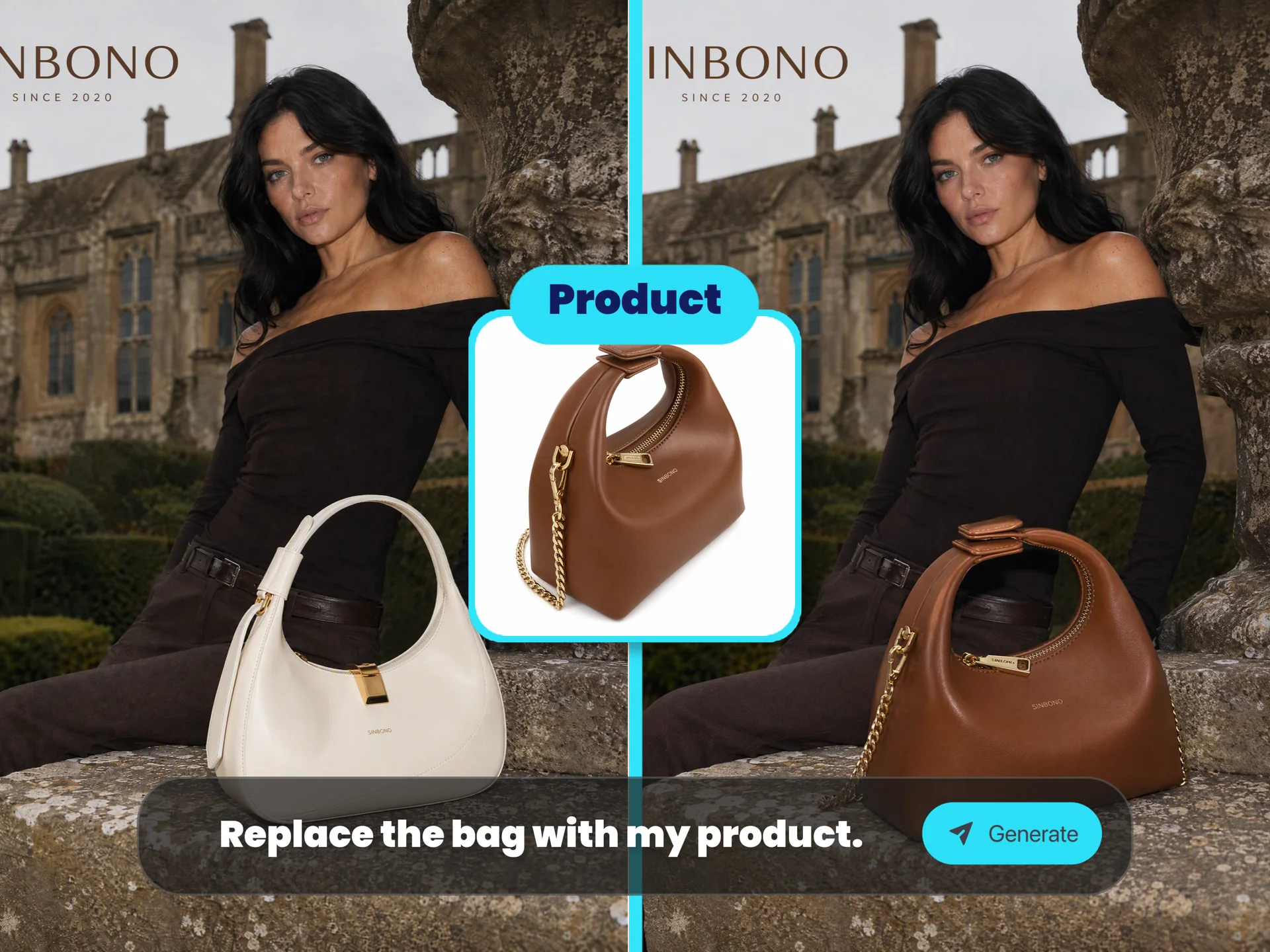
Extract subjects from complex scenes and place them into new environments (cowboy scenes, fantasy landscapes, cinematic backdrops).

Virtual Photography Experiments

  • Macro photography

  • Aerial drone POV

  • High-angle / low-angle shots

  • “Make this ordinary street photo look cinematic”

Instantly try creative lenses and camera perspectives.

Logo & Branding Exploration

Generate multiple high-end logotypes, calligraphy marks, symbol concepts, and brand panels in one go.

Birthday & Greeting Card Collages

Mixed-media paper textures, overlays, cutouts, doodles, and pastel backgrounds.

Recipe Infographics

Step-by-step cooking guides with icons, ingredient labels, dotted lines, and top-down compositions.

Cinematic Rescue & Action Scenes

Blend multiple reference images into dramatic story frames with consistent lighting and proportions.

YouTube Thumbnails

Clean text, bold compositions, and strong focal points made for social platforms.

Multi-Image Outfit Swap

Blend several personal photos and maintain identity across outfit changes and poses.

Hollywood Poster Layouts

8-image composites with cinematic color grading and consistent cast identity.

Real × Anime Collaboration Selfies

Create fisheye selfies mixing real people with anime or game characters in one scene.

Professional Headshots

Transform a casual portrait into a LinkedIn-style studio headshot with proper lighting and attire.

Turning Animation Into Real Photos

Convert cartoon characters or scenes into live-action photographic interpretations.

Nano Banana Pro FAQs

Nano Banana Pro is Google’s newest state-of-the-art image generation and editing model, powered by Gemini 3 Pro Image. It delivers advanced reasoning, world knowledge, accurate text rendering, and studio-quality visual control — enabling you to create detailed, context-aware, and high-fidelity images with ease.

Yes. On Ima Studio, Nano Banana Pro is completely free, online, and unlimited.
No signup, no subscription, no daily quotas, and no visible watermarks — just open the site and start generating.

Nano Banana Pro introduces major improvements, including:

  • Stronger reasoning and world knowledge

  • Significantly better in-image text rendering

  • 3D-aware spatial understanding

  • Multi-image consistency (up to 14 references, 5 people)

  • More accurate lighting, angles, and photorealism

  • High-fidelity editing controls for lighting, focus, and color

Overall, it creates sharper, more coherent, and more controllable images than earlier Nano Banana models.

Yes. Images created with Nano Banana Pro on Ima Studio are safe to use for commercial, editorial, branding, and promotional projects, as long as they follow general AI content safety guidelines.

Most images are generated within seconds on Ima Studio.
Speed may vary slightly based on resolution, prompt complexity, or multi-image composition, but the experience remains fast and fluid.

Start Creating with Nano Banana Pro

Bring your ideas to life using the world’s most advanced reasoning-driven image model — now fully unlocked, free, and unlimited on Ima Studio.
Get for free