











Free AI Image Combiner Online
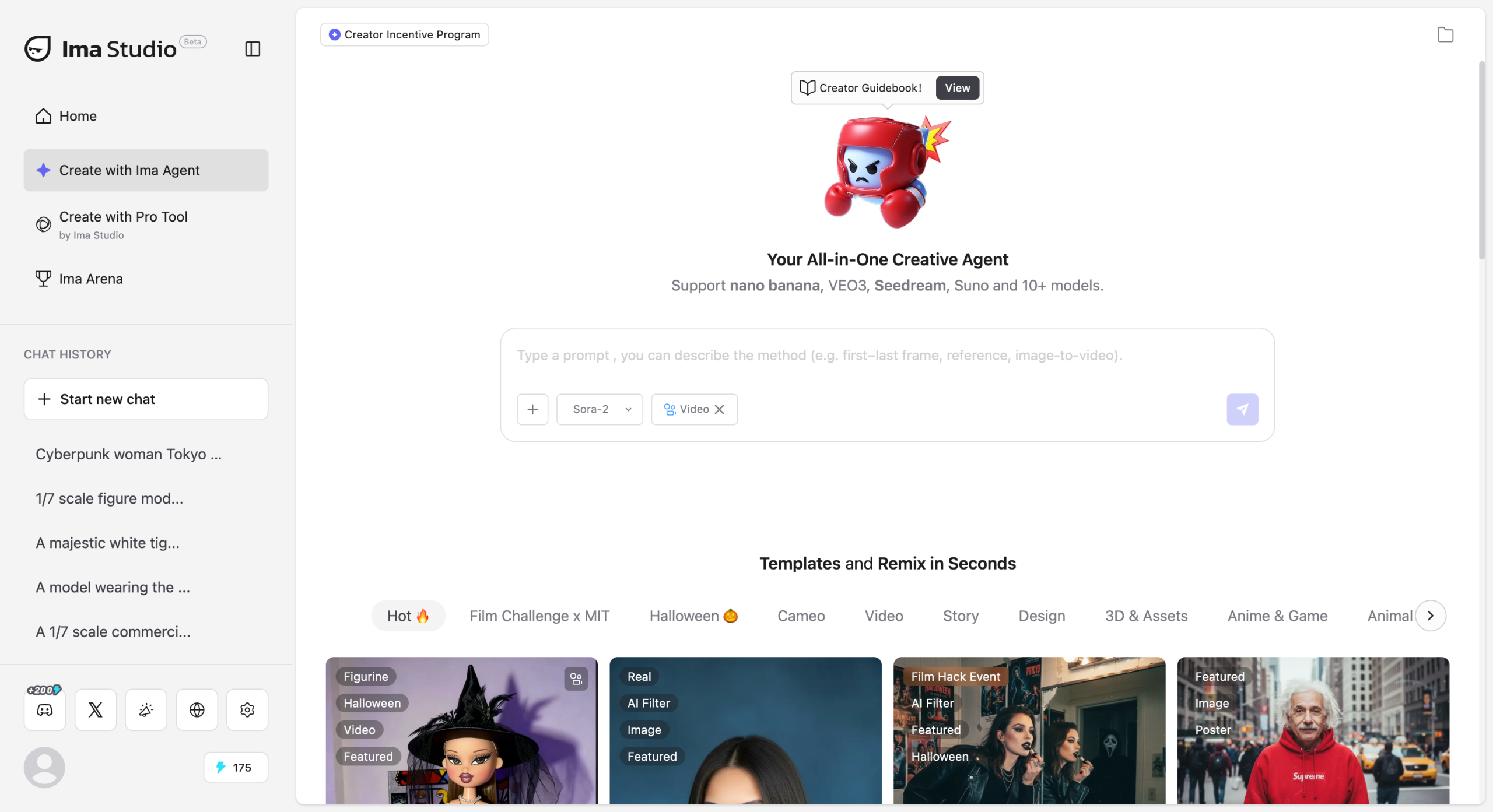
Combine images online with Ima Studio's AI Image Combiner. Merge, overlay, or align photos in a simple workflow with no software to install. Use it for collages, product mockups, before-and-after layouts, and creative image blends.
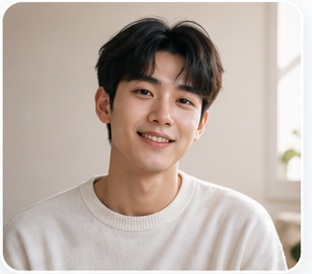
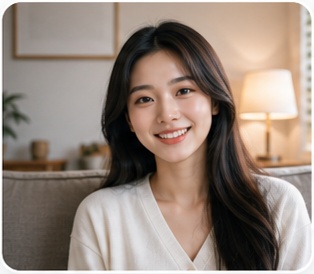
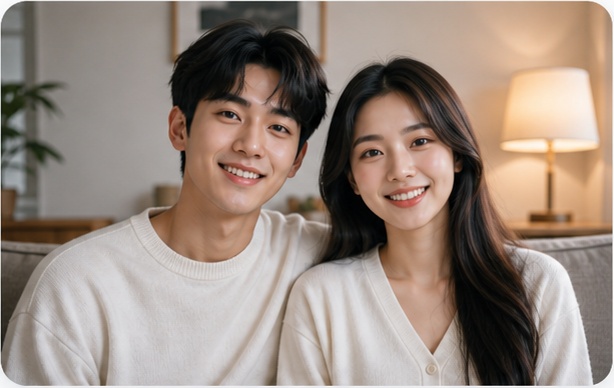
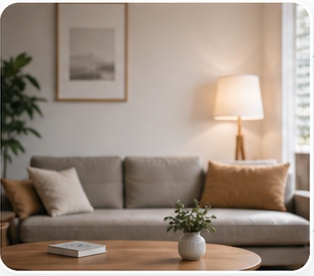
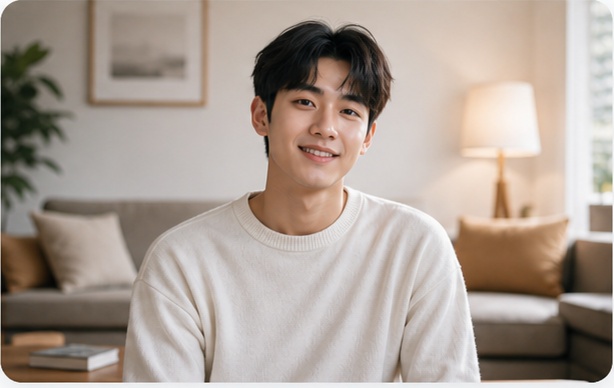
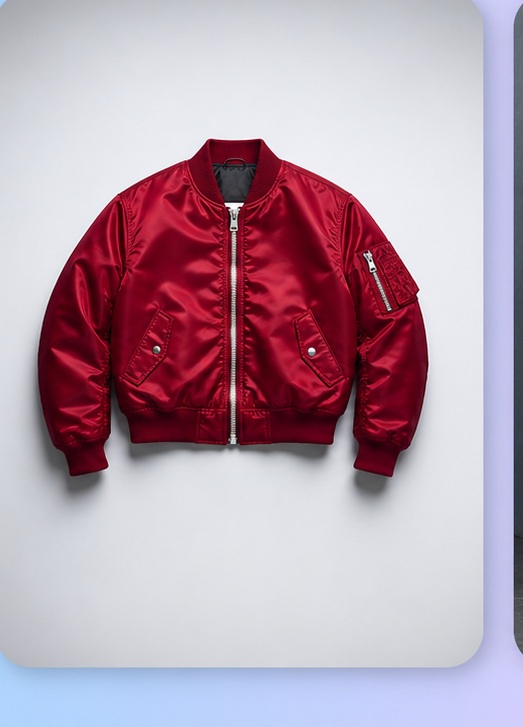
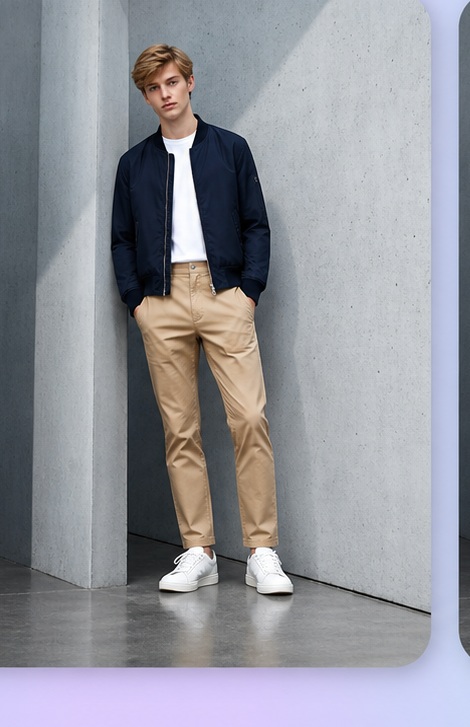
No Photoshop. No complex setup. Describe your merge idea and let Ima Studio combine your images online in seconds.
How to Use the AI Image Combiner
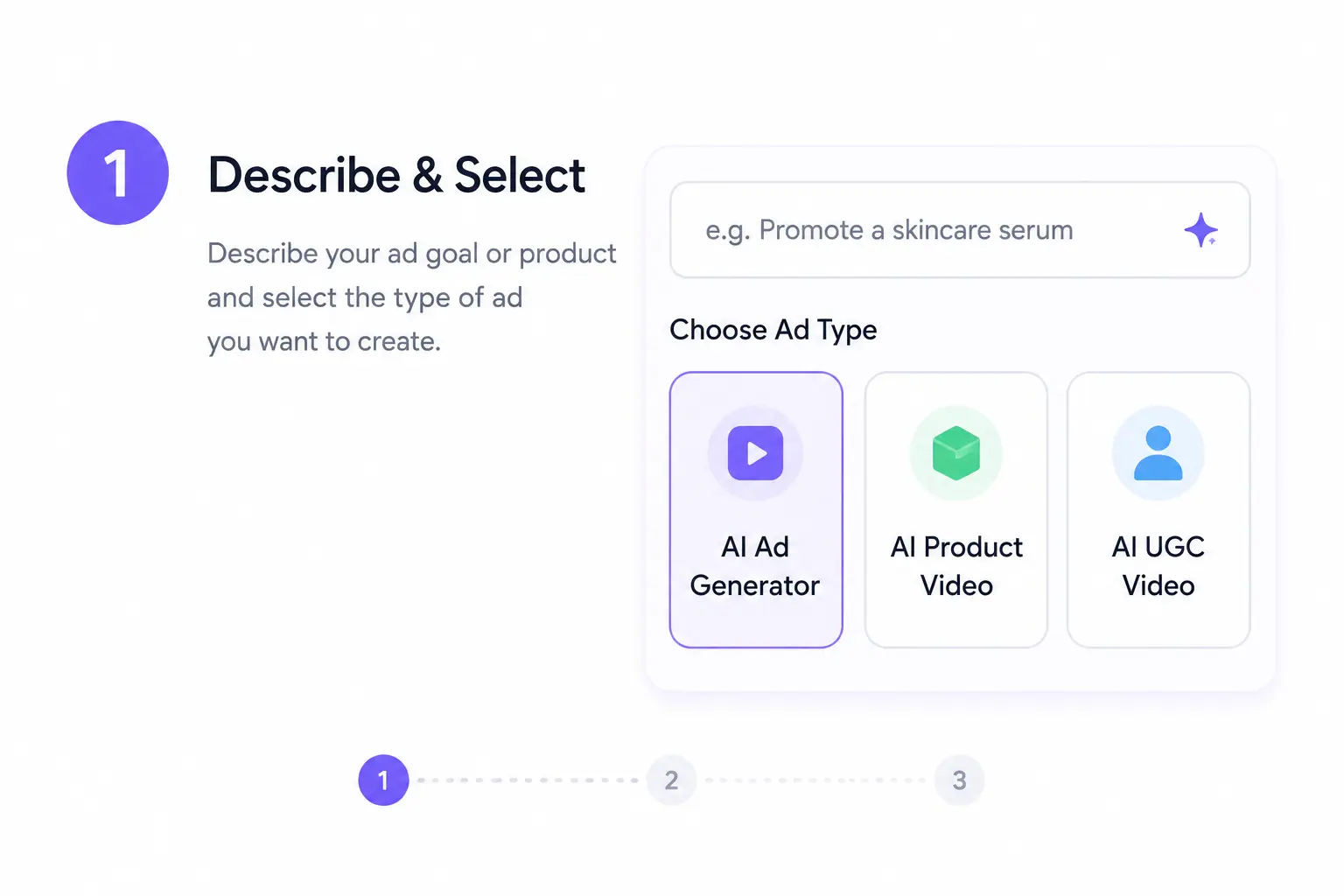
Step 1 - Upload Your Images
Open Ima Studio and start the AI Image Combiner. Upload two or more images, then choose the files you want to merge.
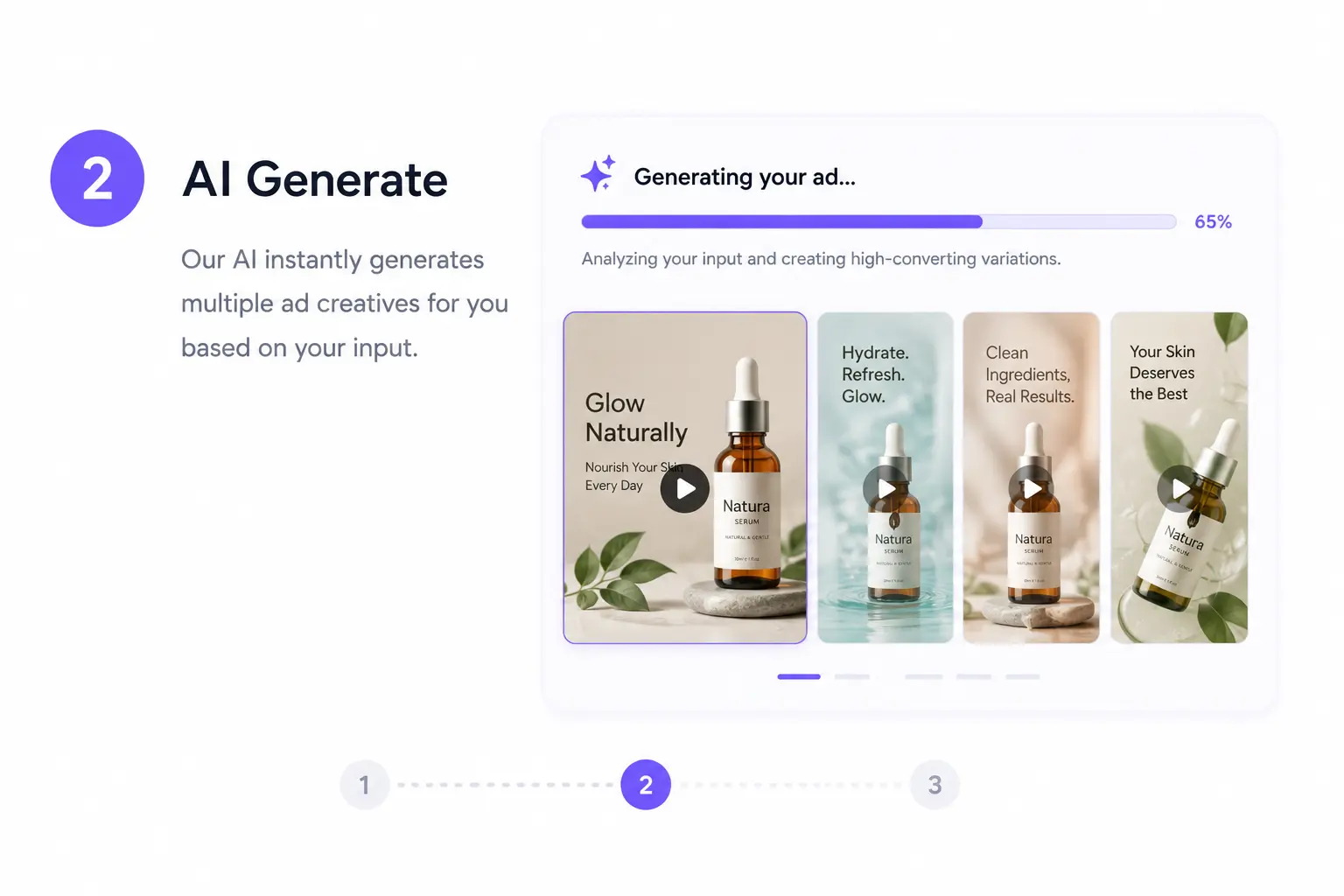
Step 2 - Describe the Result You Want
Write a short instruction such as "overlay image A on image B" or "place these images side by side." The tool uses your prompt to build the combined result.
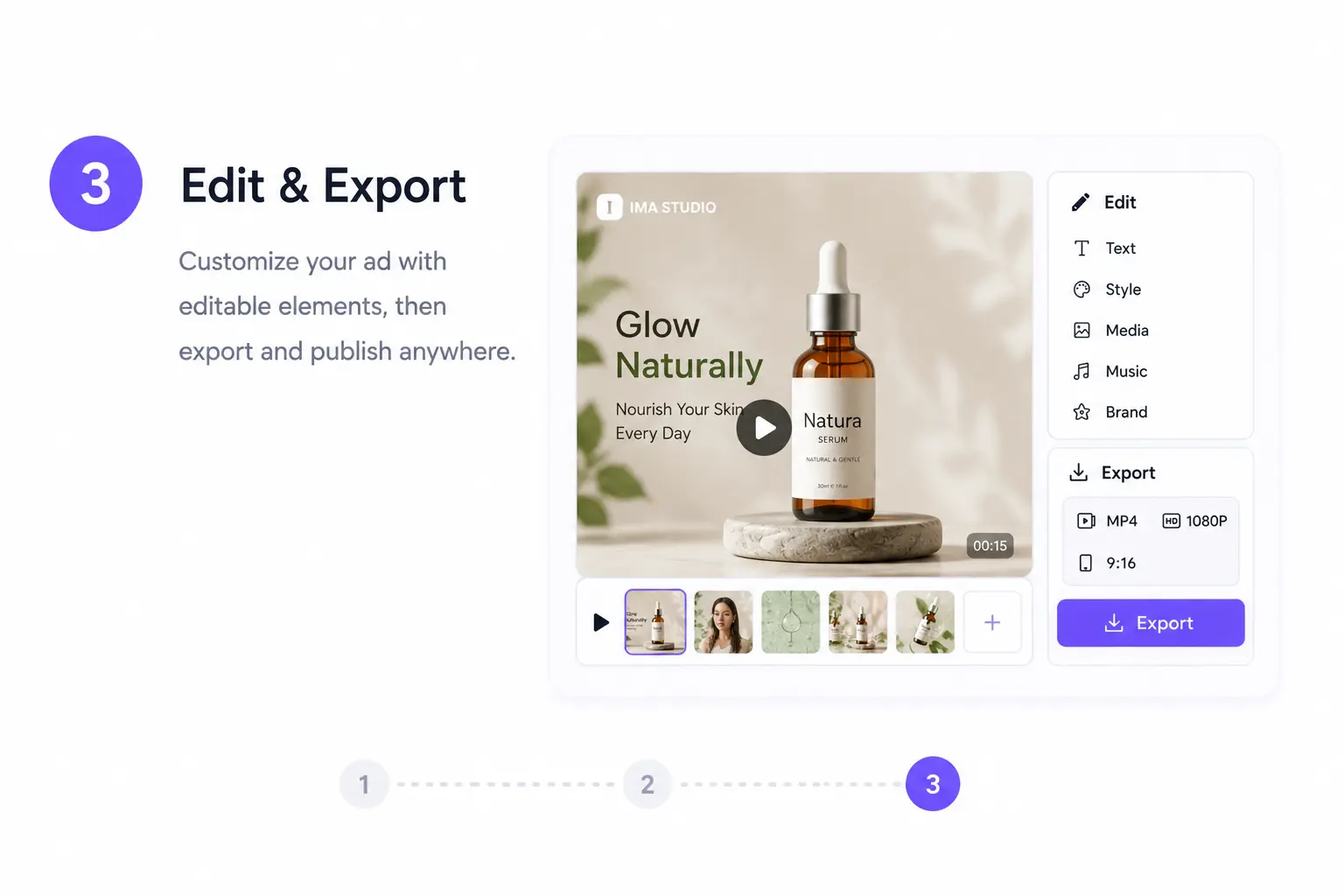
Step 3 - Review and Export
Preview the result, make quick adjustments if needed, and export your final image. Choose JPG or PNG based on your project.
Why Use Ima Studio for Image Combining
Seamless Blending in Seconds
Forget manual masking or layering. The AI handles lighting, edges, and perspective for natural, studio‑grade merges every time.
Simple Prompt-Based Workflow
Describe the image result you want in plain language. This makes the workflow easier to understand and easier to translate across languages.
Private and Fast
Combine images in a quick online workflow with private processing, watermark-free exports, and fewer manual editing steps.
Pro Controls & Creative Flexibility
Adjust layers, positions, and feathering with intuitive sliders. Keep it simple or fine‑tune for professional compositing—your choice.
Batch & Bulk Merge
Upload entire sets of product shots or campaign visuals. Apply the same prompt or layout to all, and export consistent outputs in one go.
All‑in‑One AI Image Combining Suite
Blend, Overlay, and Collage with AI
Upload multiple photos and describe your merge.
The AI Image Combiner balances color, lighting, and edges automatically.
Perfect for product visuals, creative collages, or side‑by‑side comparisons.
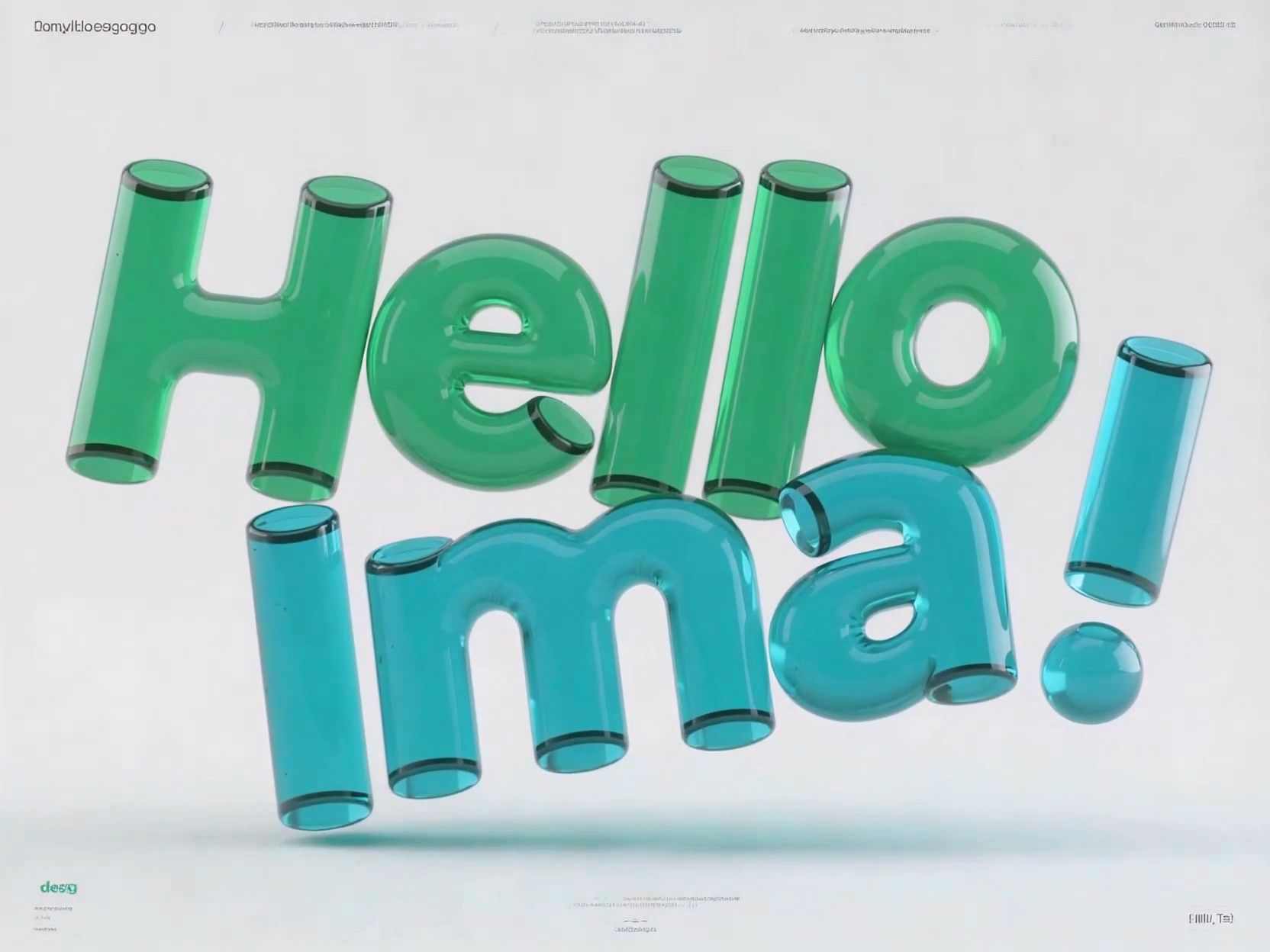
Overlay & Double Exposure
Create artistic fusions with AI‑driven blending.
Achieve natural transitions, matching tones, and lighting harmony—ideal for creative storytelling or mood visuals.
Side‑by‑Side or Before/After Layouts
Show transformations, comparisons, or design progress.
AI alignment ensures symmetry, tone balance, and perfect spacing—no manual editing needed.
Background Replacement & Enhancement
Replace or refine image backgrounds effortlessly.
Use smart tools like EdgeFeather, LightMatch, or ToneBalance
to keep lighting and perspective consistent.
AI Image Combiner FAQs
Upload two photos, describe how you want them to appear together, and generate a new combined image. You can place people in the same scene, merge a subject with a new background, create a side-by-side image, or blend elements from both photos.
Yes. You can combine images online for free. Exports are watermark-free, and your files are not stored after processing.
Yes. You can upload and combine multiple images in one workflow. Use them to create group photos, collages, product compositions, overlays, before-and-after layouts, and other visual scenes.
Yes. Upload separate photos of the people you want to include and describe the scene, positions, background, and visual style. Clear reference photos with visible faces usually produce more natural and consistent results.
Yes. You can export transparent PNG files when your result needs a clean background for product images, design projects, or branding materials.
You can use common image formats such as JPG, PNG, and WEBP. The available export format may depend on the selected image generation or editing workflow.
Yes. Your images are processed securely, and the workflow is designed to keep your files private during use. Uploaded files are not stored after processing.