Use Ima Studio's AI Glasses Try On — Preview Frames on Your Face
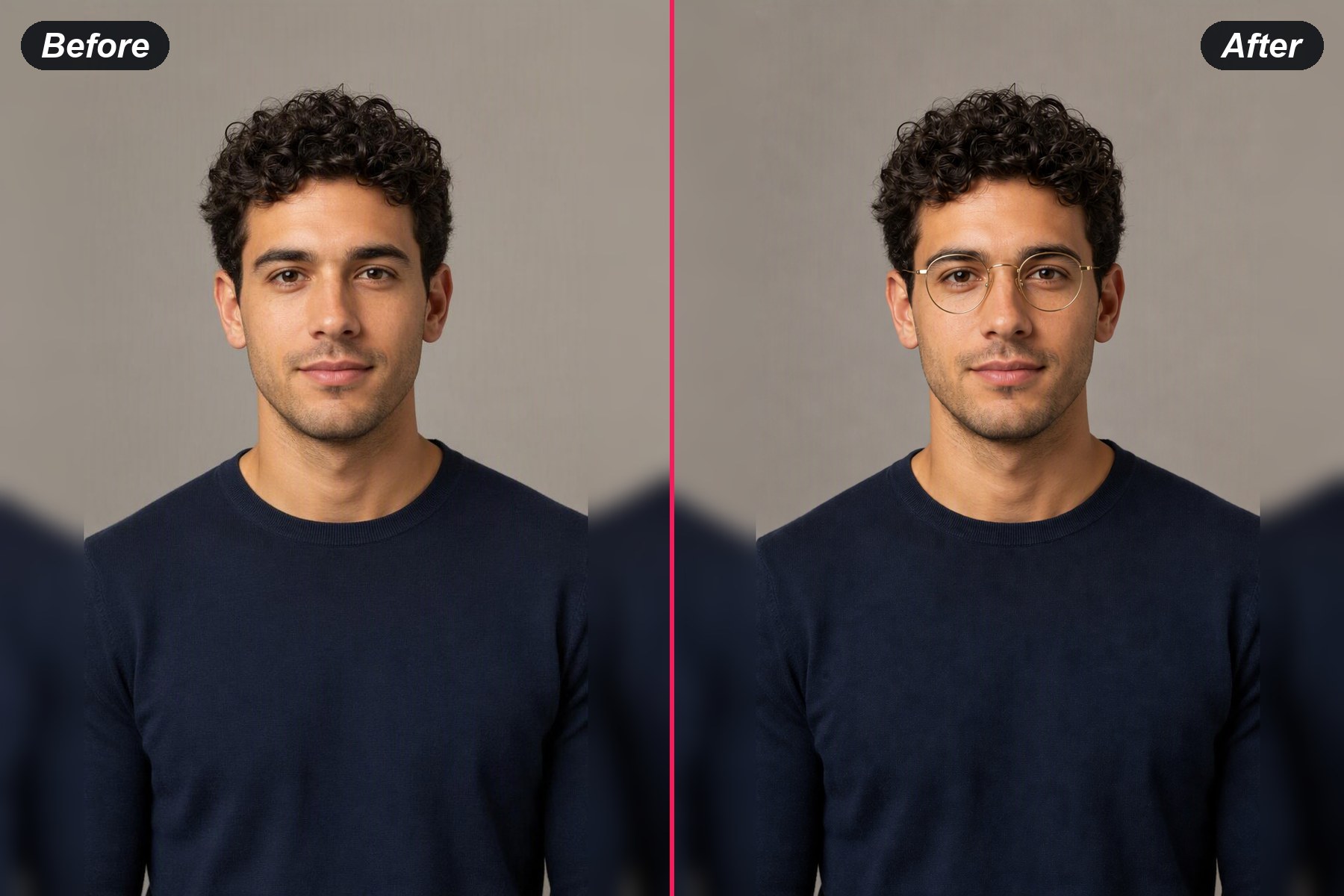
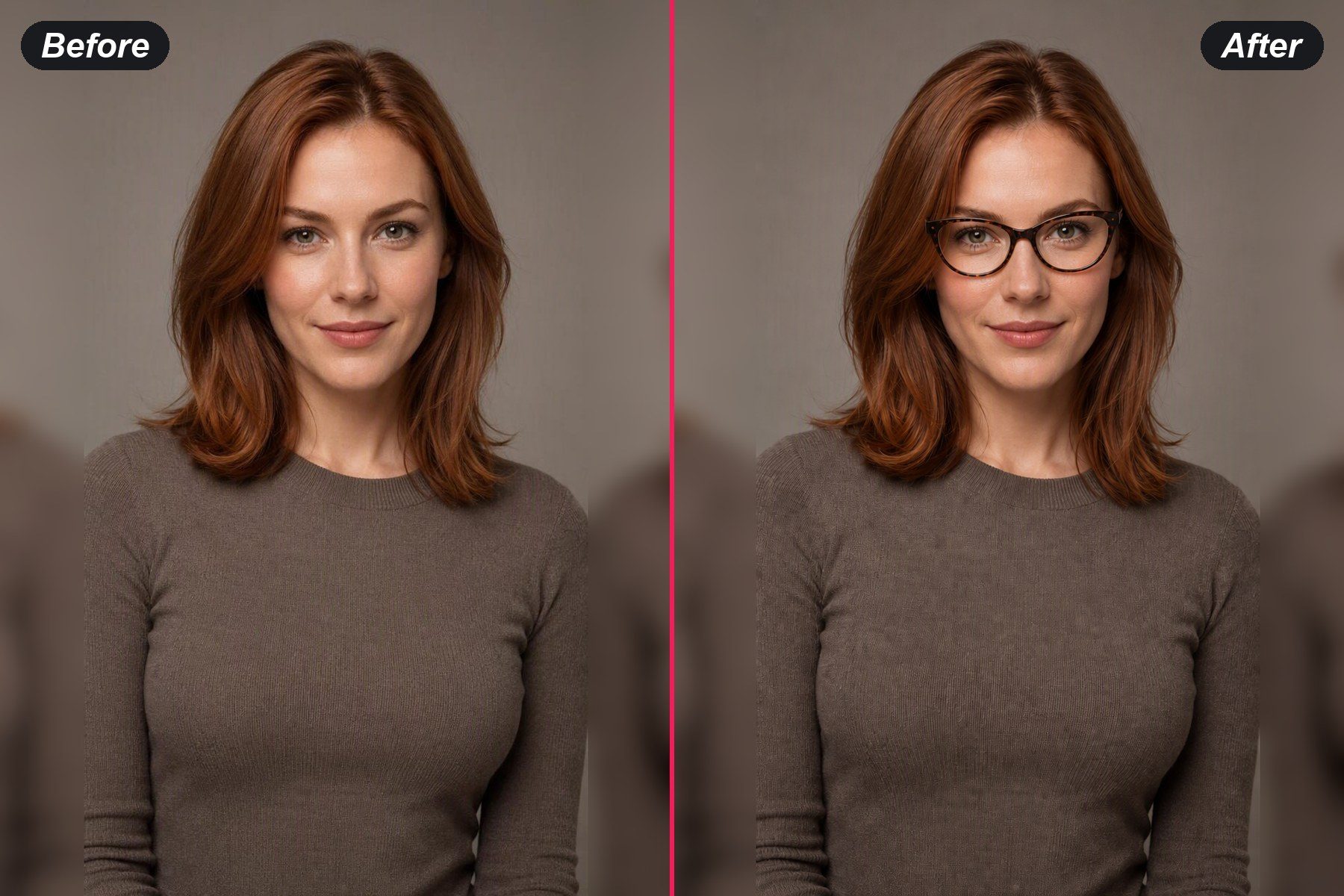
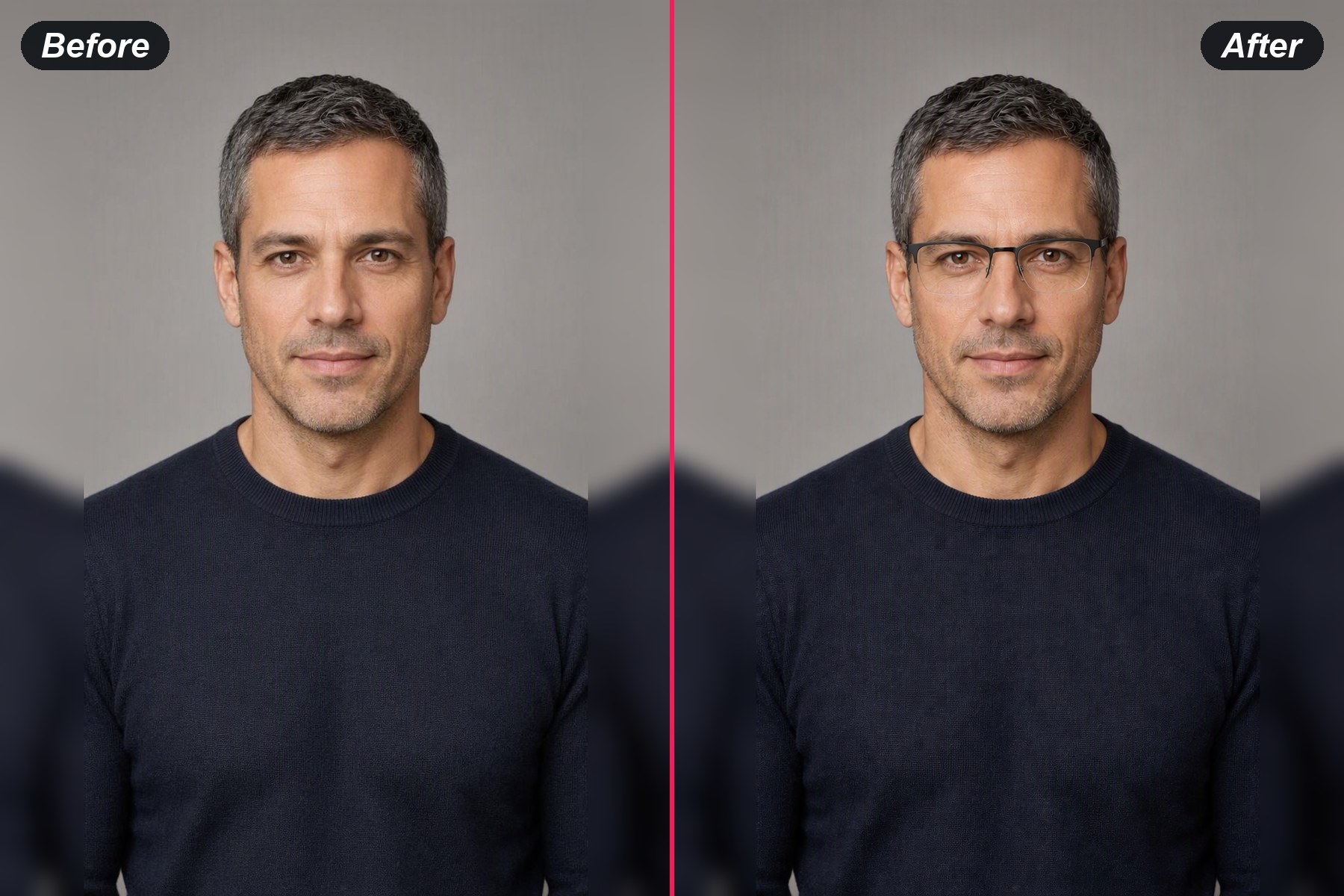
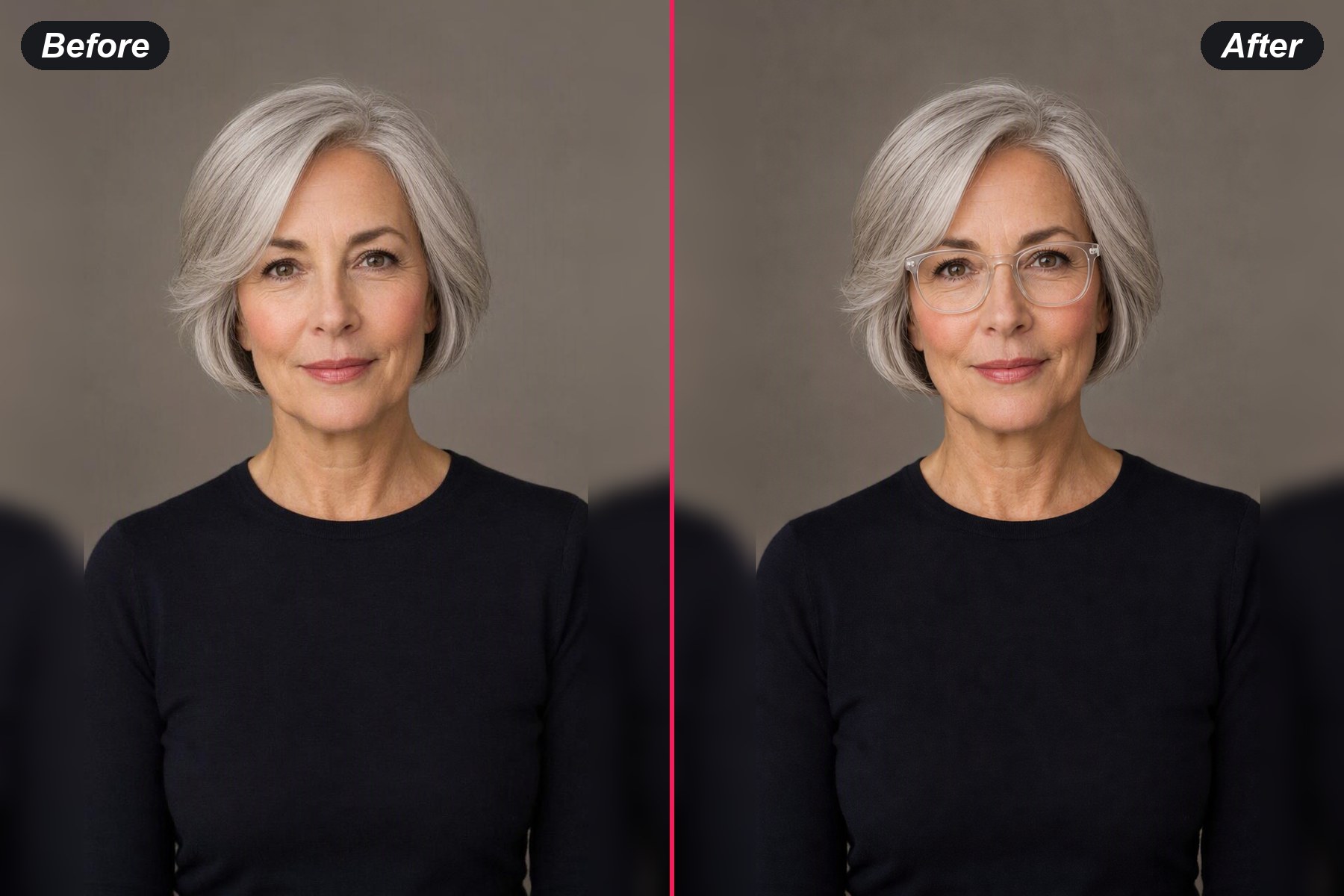
Preview frame shapes on your own face from one photo, then compare the details that change the look while the person stays recognisable.
Try On Glasses Online
Your Photo*Try Sample Photos
Choose a Style
Output Size
Free to try — sign in to view and download your result
Choose a Style
What People Use Online Glasses Try-On For

Preview a first pair
Explore round, rectangular and browline shapes on a familiar portrait before choosing which direction feels most natural.
Preview a first pairCompare frames for work
Try a quieter metal frame beside a bolder acetate shape and see which one fits the way you present yourself at work.
Compare work frames

Explore a new frame shape
A visual preview makes an unfamiliar oval or oversized frame easier to picture as part of your everyday look.
Explore a new shapeTest color and material
Change only the frame color or material while keeping the portrait steady, then compare the finish that suits your features.
Test a frame finish