











Create Shopify Product Videos That Help Products Sell
Turn product URLs or images into Shopify-ready videos in minutes. Create PDP videos, short ads, and social creatives with captions, voiceover, and visuals—without editing from scratch.
How to Create Shopify Product Videos with Ima Studio
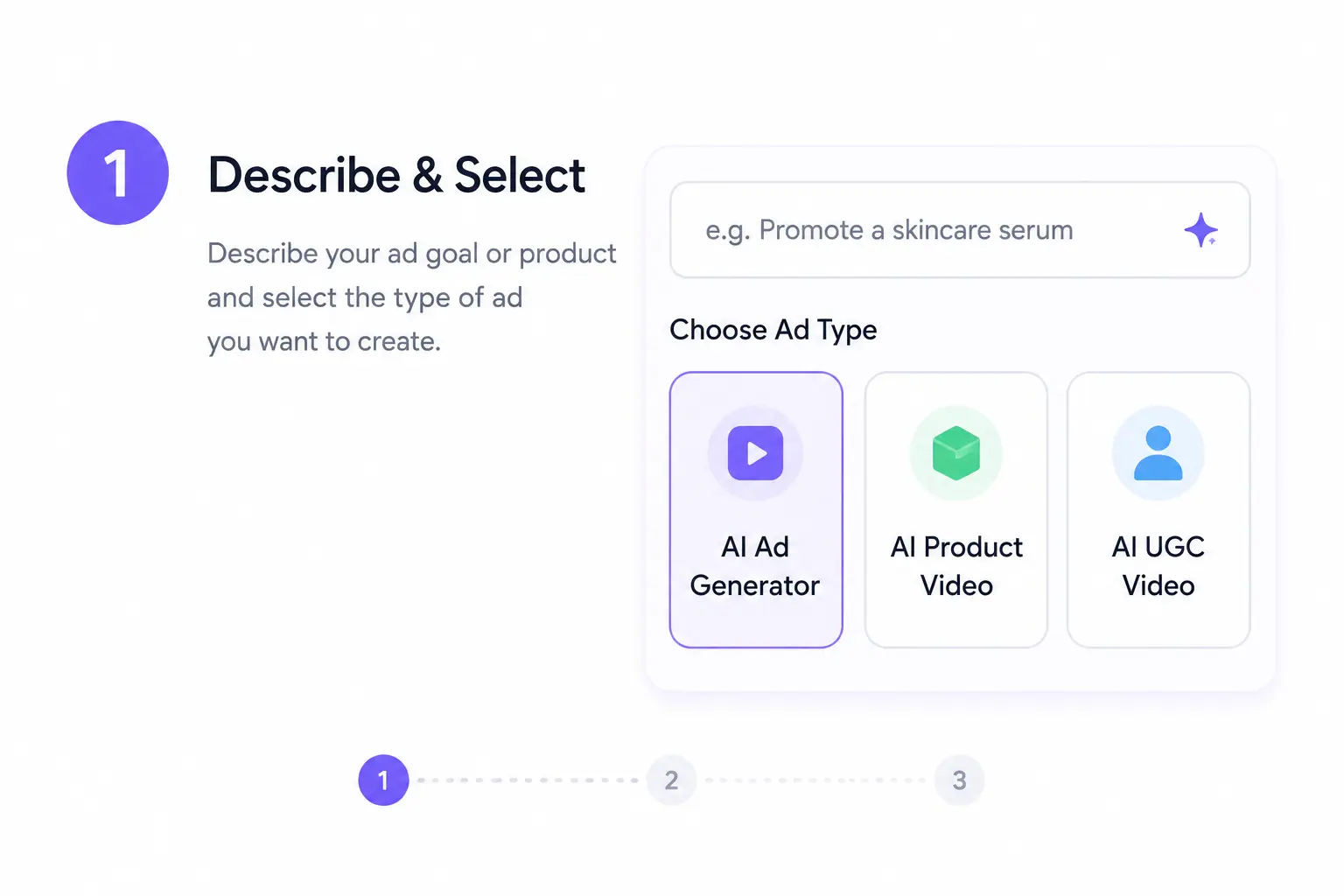
Paste Your Product Link or Upload Images
Open Ima Studio and start with a Shopify product URL or a set of images. The Creation Agent reads your product details, generates a short script, and drafts video concepts ready to preview or edit.
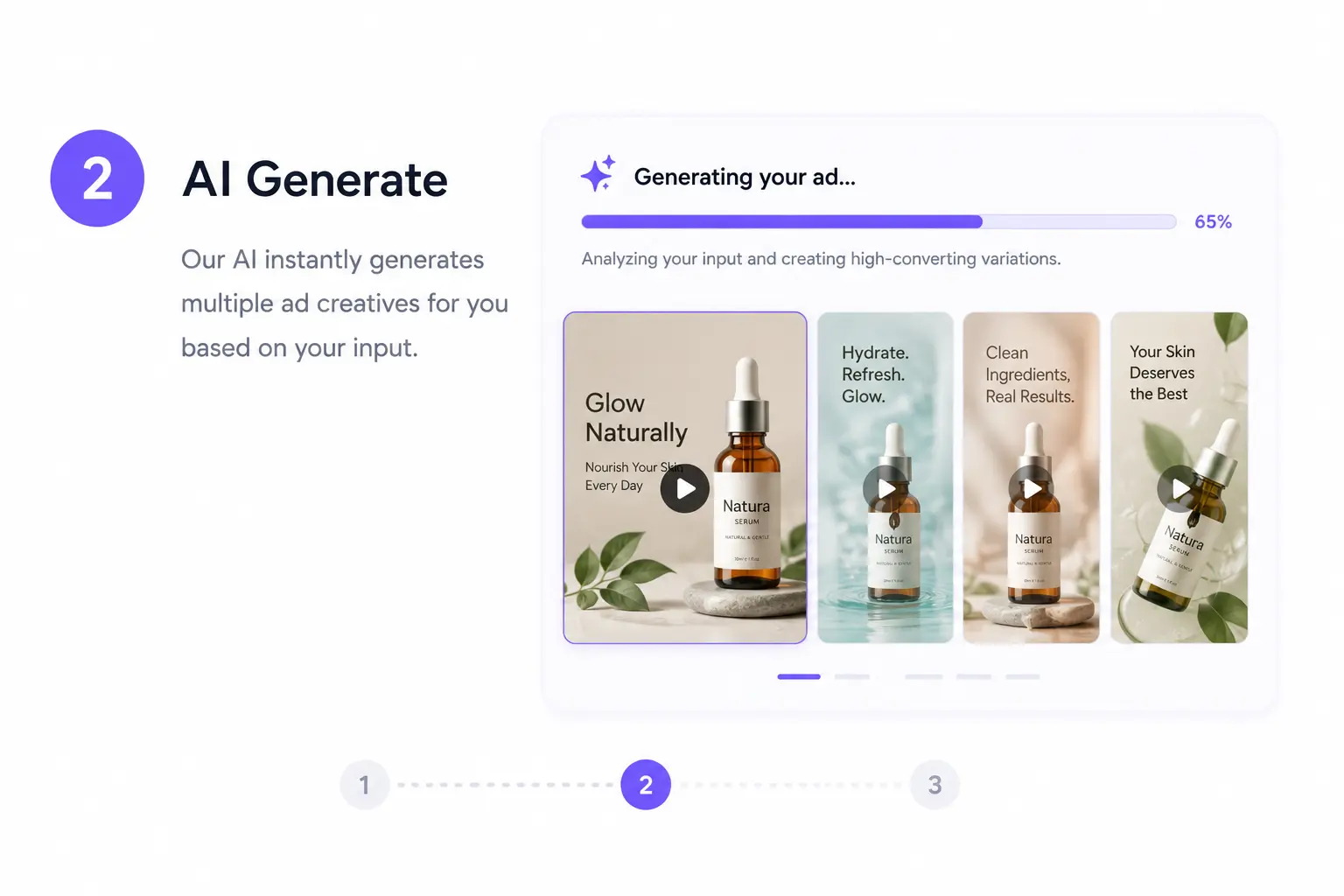
Pick a Template or Adjust via Chat
Select from proven ecommerce templates or chat with the Agent to refine your video’s tone, length, captions, and soundtrack.
Behind the scenes, Arena compares model outputs to choose the most natural motion and best brand match.
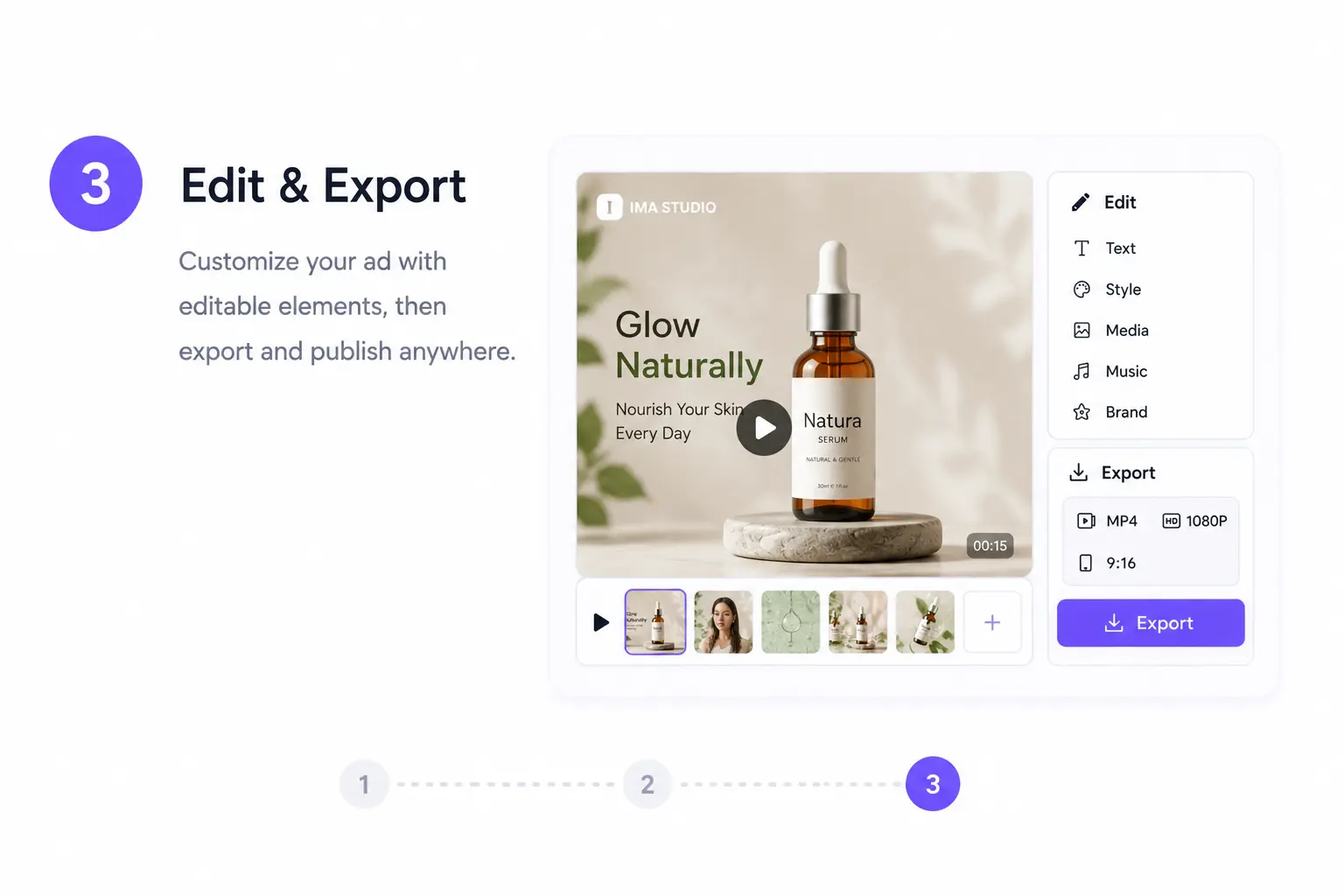
Export and Add to Shopify
Download your Shopify‑optimized video or copy the clean embed code. Upload to product media, add a video block, or insert it in your product description. Ima handles compression, poster frames, and aspect ratio presets.
Fast, light, and fully theme‑compatible.
Why Use Ima for Shopify Product Videos
AI Agents Built for Ecommerce
Ima’s Creation Agents handle scripting, editing, captions, and voiceovers automatically. Adjust length or tone with one chat—no editing timeline or complex software required.
Arena‑Proven Quality
Each Shopify video output is benchmarked in Arena against real creator ratings, ensuring clarity, emotional fit, and high conversion performance for your product category.
Shopify‑Ready Outputs
Every export includes correct aspect ratios (1:1, 4:5, 16:9, 9:16) plus autoplay‑safe poster frames that follow Shopify’s mobile standards—no manual tweaking needed.
Bulk & Variant Workflows
Generate variant‑specific short clips or map videos to hundreds of products via CSV or collection URL—each automatically referencing the color or feature set.
All‑in‑One Product Video Suite
From URL to Video Generation
Image‑to‑Video Animation
StoryFrames: Build Consistent PDP Visuals
Voiceovers & Localization
Shopify Product Video FAQs
Yes. New users can test Shopify video creation workflows, explore ecommerce templates, and review output quality before upgrading. Free access helps you validate how easily AI fits your production flow.
Ima automatically generates videos in 1:1, 4:5, 16:9, and 9:16 MP4 formats—fully compatible with Shopify’s product media requirements and optimized for mobile PDP speeds.
Yes. Simply paste a Shopify product URL—the Agent reads product details, descriptions, and images to script and visualize your product video automatically.
Yes. Ima can generate UGC‑style videos that combine voiceover, captions, and authentic social‑style framing—perfect for reviews and lifestyle product showcases.
Yes. Upload product shots or collection images, and Ima animates them into smooth product demos or spec overlays, replacing static visuals with motion storytelling.
Yes. Import your logos, colors, or typography once and they’ll be automatically applied across all videos, maintaining brand identity through every output.
Yes. Upload a CSV or collection link to auto‑generate variant‑specific clips. Each video can feature matching colors, specs, or localized voiceovers dynamically.
Yes. All videos can include captions and voiceovers. Captions are SEO‑indexable and ADA‑friendly, helping your product media remain accessible and globally optimized.
Yes. You can adjust copy, visuals, and export styles anytime. It’s simple to create multiple test variations or refine the video without restarting.
No. You can upload or embed the file right from the standard Shopify UI—no Liquid code edits or developer support needed.
No. Ima automatically compresses and optimizes bitrates to keep exports under Shopify’s performance limits, ensuring quick load times and smooth autoplay across devices.
Ima Studio’s AI Agents streamline product video creation—from link to export—combining scripting, editing, and multilingual support in one UI. Built specifically for Shopify and ecommerce, it minimizes manual work and maximizes conversion impact.