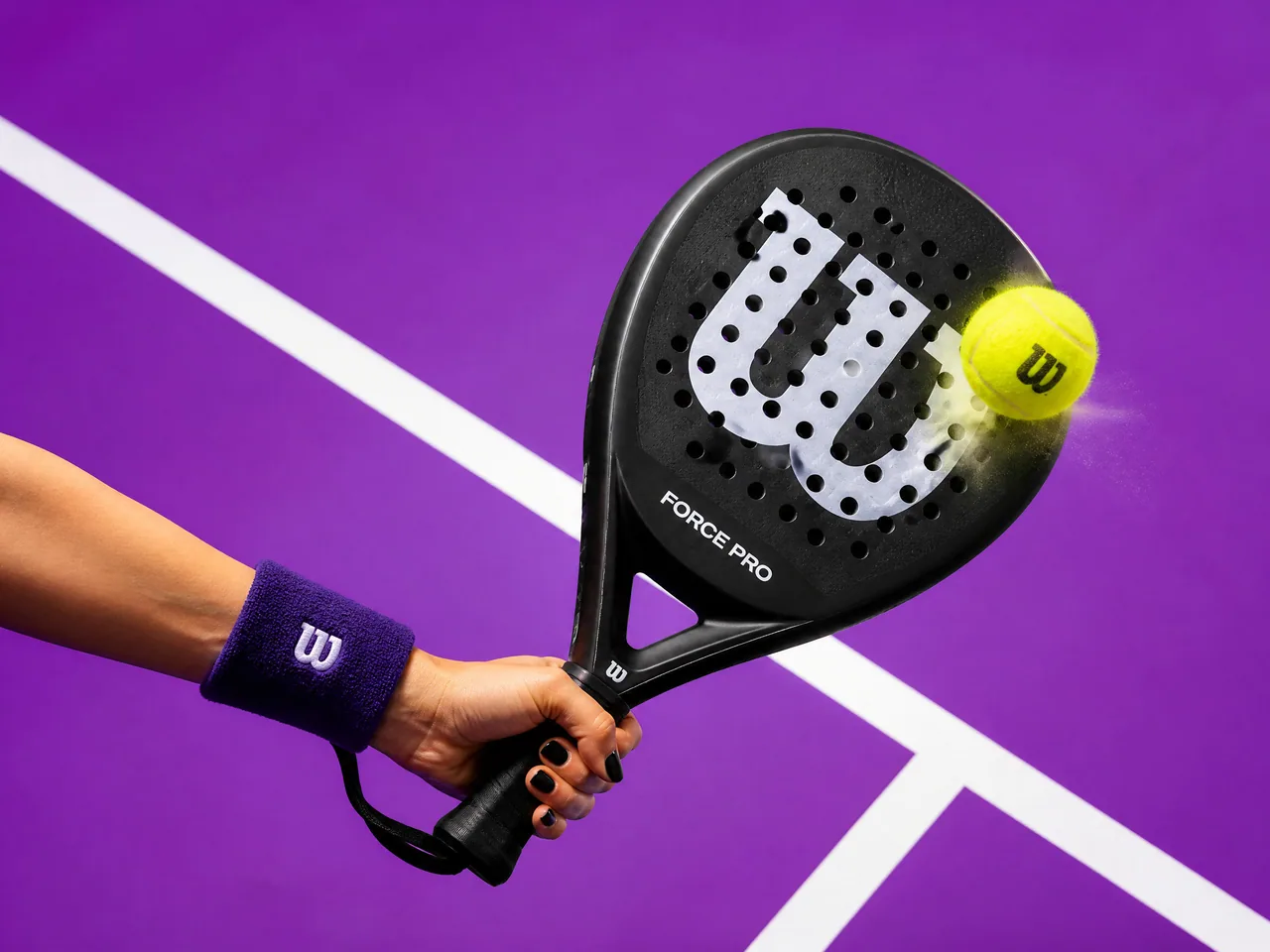
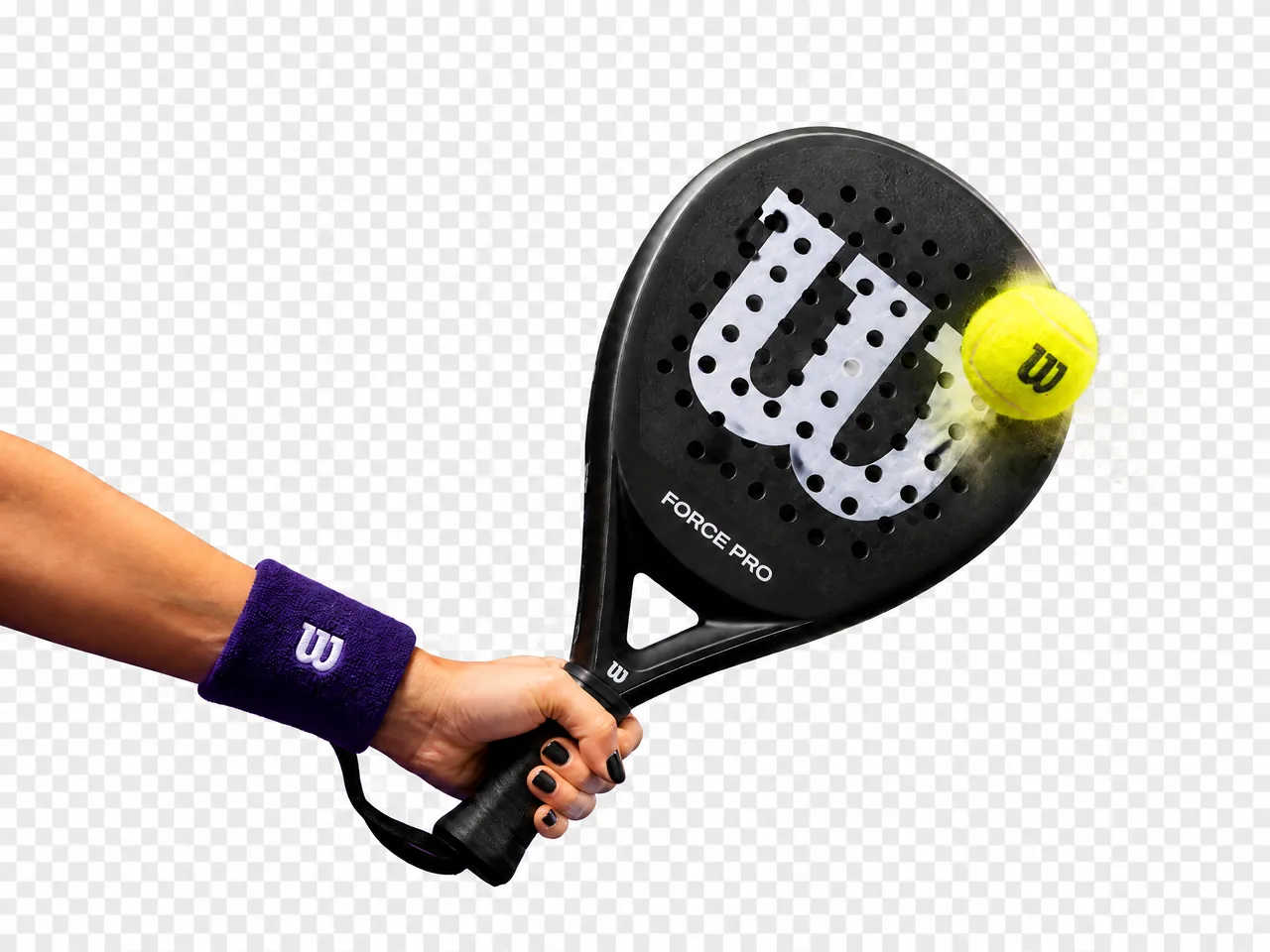
Free Online AI Background Remover
Upload a product photo, portrait, logo, social image, AI artwork, or campaign asset. Remove the background automatically and create clean cutouts for ecommerce, ads, social media, presentations, design mockups, and creative workflows.
Product cutouts · Portrait backgrounds · Logo cleanup · Transparent PNG-style assets · Private upload · Watermark-free export
How to Remove Image Backgrounds Online
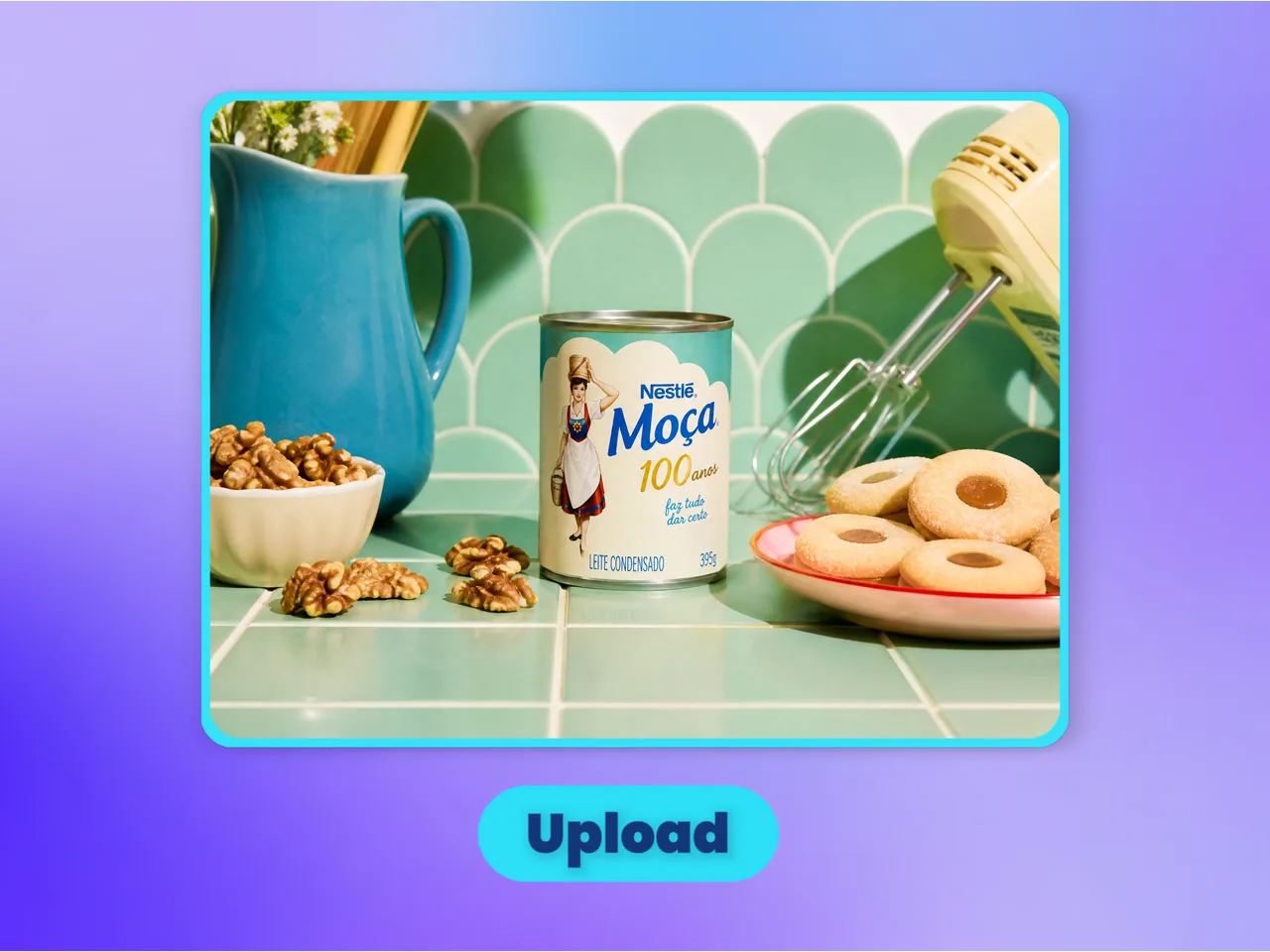
Upload Your Image
Start with a product photo, portrait, logo, AI artwork, social graphic, marketplace image, campaign asset, or screenshot that needs a cleaner background or subject cutout.
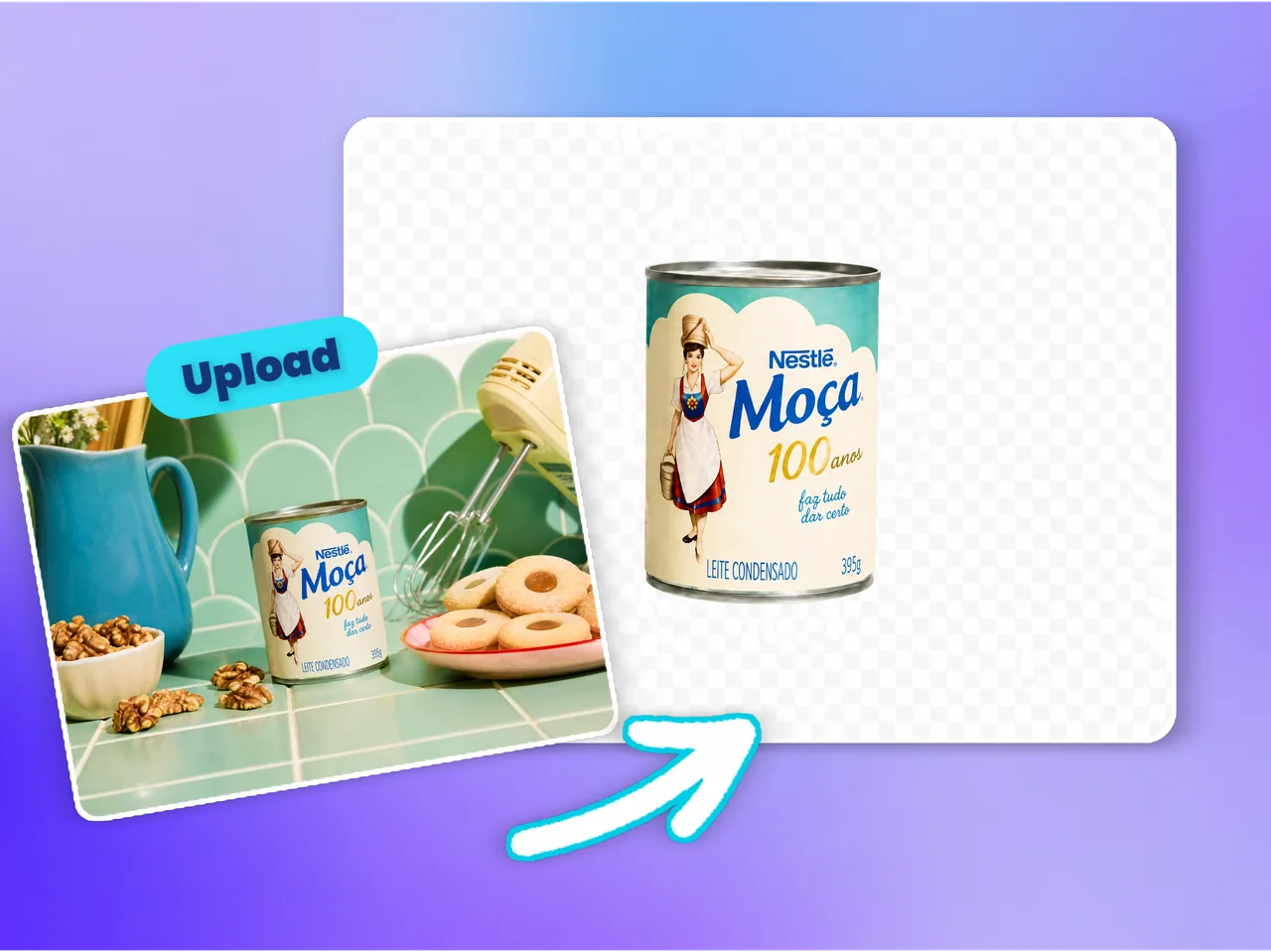
Remove the Background with AI
Let AI detect the main subject, separate it from the original scene, and remove messy, distracting, inconsistent, or unsuitable backgrounds automatically.

Export a Reusable Cutout
Download a cleaner background-free result for ecommerce pages, ads, marketplaces, social media, thumbnails, presentations, design mockups, or creative workflows.
Why Choose Ima Studio’s AI Background Remover?
Turn Any Useful Image into a Reusable Visual Asset
Many images have a strong subject but a weak background: a messy table, a warehouse wall, a bedroom, a street scene, a supplier backdrop, a screenshot frame, or an inconsistent AI-generated environment.
Ima Studio’s AI Background Remover helps you keep the useful subject and remove the part that blocks reuse. Create clean product cutouts, portrait assets, logo images, AI art subjects, stickers, thumbnails, ad elements, and presentation visuals without manual masking.
Use it when you need the same product, person, logo, or object to work across Shopify, Amazon, TikTok Shop, ads, landing pages, social posts, banners, mockups, pitch decks, and design layouts.

Create Reusable Subject Cutouts
Turn one photo into a flexible asset that can be placed on store pages, ads, social graphics, slides, mockups, thumbnails, and landing pages.
Speed Up Ecommerce Visual Production
Prepare cleaner product images for Shopify, Amazon, TikTok Shop, marketplaces, catalogs, paid campaigns, and seasonal creative refreshes.
Keep the Main Subject Clear
Focus on preserving the product, person, logo, or object while removing the original background and channel-specific distractions.
Best Use Cases for AI Background Remover
Use AI background removal when the subject is valuable but the original background limits where the image can be used. A clean cutout lets one image become a product listing, ad creative, profile photo, thumbnail, logo asset, sticker, mockup element, or presentation visual.

Product Photos & Marketplace Listings
Remove supplier backgrounds, messy tables, warehouse scenes, phone-shot environments, boxes, room details, and inconsistent listing backdrops. Create cleaner product cutouts for Shopify, Amazon, TikTok Shop, Etsy, catalogs, ads, and seasonal campaigns.
Portraits, Headshots & Profile Images
Remove office, bedroom, street, event, or busy backgrounds from portraits and headshots. Create cleaner profile photos, team page images, social avatars, LinkedIn photos, YouTube thumbnails, and presentation assets.

Logos, Icons & Brand Assets
Remove white boxes, colored backgrounds, screenshots, mockup scenes, and rough source backgrounds from logos, icons, stickers, packaging, and brand visuals. Prepare cleaner assets for websites, decks, ads, banners, and design systems.
Ads, Banners & Social Creatives
Cut out products, people, props, or objects and place them into new layouts for Meta ads, TikTok ads, Google display images, landing page graphics, YouTube thumbnails, Instagram posts, email banners, and campaign visuals.


AI Art, Characters & Design Mockups
Extract AI-generated characters, products, objects, props, icons, and concept elements from busy or inconsistent backgrounds. Reuse them in mockups, thumbnails, stickers, posters, social posts, product scenes, and design assets.
FAQs About Ima Studio’s AI Background Remover
An AI background remover detects the main subject in an image and removes the surrounding background, helping you create a cleaner cutout for ecommerce, ads, social media, presentations, design mockups, and creative workflows.
Yes. You can remove supplier backgrounds, messy tables, boxes, warehouse scenes, room details, and inconsistent listing backdrops from product photos for Shopify, Amazon, TikTok Shop, marketplaces, catalogs, and ads.
Yes. You can remove office, bedroom, street, event, or busy backgrounds from portraits, headshots, profile photos, social avatars, team images, LinkedIn photos, and presentation assets.
You can use background removal to isolate logos, icons, stickers, packaging, and brand visuals from white boxes, colored backgrounds, screenshots, or rough source images, making them easier to reuse in websites, decks, ads, and banners.
Yes. Clean product and subject cutouts are useful for product pages, marketplace listings, paid ads, landing pages, email banners, social posts, thumbnails, catalogs, and seasonal campaign visuals.
Yes. You can remove busy, inconsistent, or unwanted backgrounds from AI-generated characters, products, objects, props, concept visuals, and design assets before using them in mockups, thumbnails, posters, or social content.
Images usually work best when the main subject is clear and visually separated from the background. Product photos, portraits, logos, objects, packaging, AI art subjects, and simple scenes often produce cleaner results.
Background removal removes the entire area around the main subject. Object removal removes a selected unwanted element while keeping the rest of the image. Use background removal when you want a clean cutout; use object removal when you want to keep the original scene.
No. Upload your image, let AI remove the background, and download a cleaner cutout. You do not need manual masking, Photoshop skills, or design experience.
Yes. After removing the original background, you can reuse the subject in new layouts, product scenes, ad creatives, social graphics, banners, mockups, and other Ima Studio creative workflows.