Use an AI Image Denoiser to Reduce Noise and Restore Detail

Clean up grainy, soft, or low-resolution photos with one AI workflow that reduces noise, recovers detail, sharpens textures, and increases resolution without switching between separate tools
AI Image Denoiser
Noisy or Low-Quality Image*
Try Sample Images
Output Size
Free to try — sign up to see your result
before and after example
Noise reduction with detail recoveryThe workflow targets unwanted grain and artifacts while restoring edges, textures, faces, and product details so the result looks clearer rather than uniformly smoothed.
One pass for cleaner, larger imagesReduce noise, sharpen the image, improve clarity, and increase resolution in one process instead of moving the same file through separate denoise, sharpen, enhance, and upscale tools.
Keep the original image recognizableThe subject, composition, colors, and visual direction stay close to the upload while the AI works on the quality problems that make the image look weak.

How to Denoise an Image with AI

1
↑
Upload the noisy image

Start with a grainy low-light photo, compressed web image, soft portrait, product shot, or AI artwork that needs a cleaner and sharper finish.

2
★
Let AI restore the image

Ima Studio reduces visible noise and artifacts, recovers fine detail, sharpens useful textures, and increases resolution as part of the same enhancement pass.

3
↓
Download the improved result

Review the cleaner image, then download a higher-resolution version for websites, ecommerce listings, social posts, presentations, or other creative work.

What You Can Improve with an AI Image Denoiser

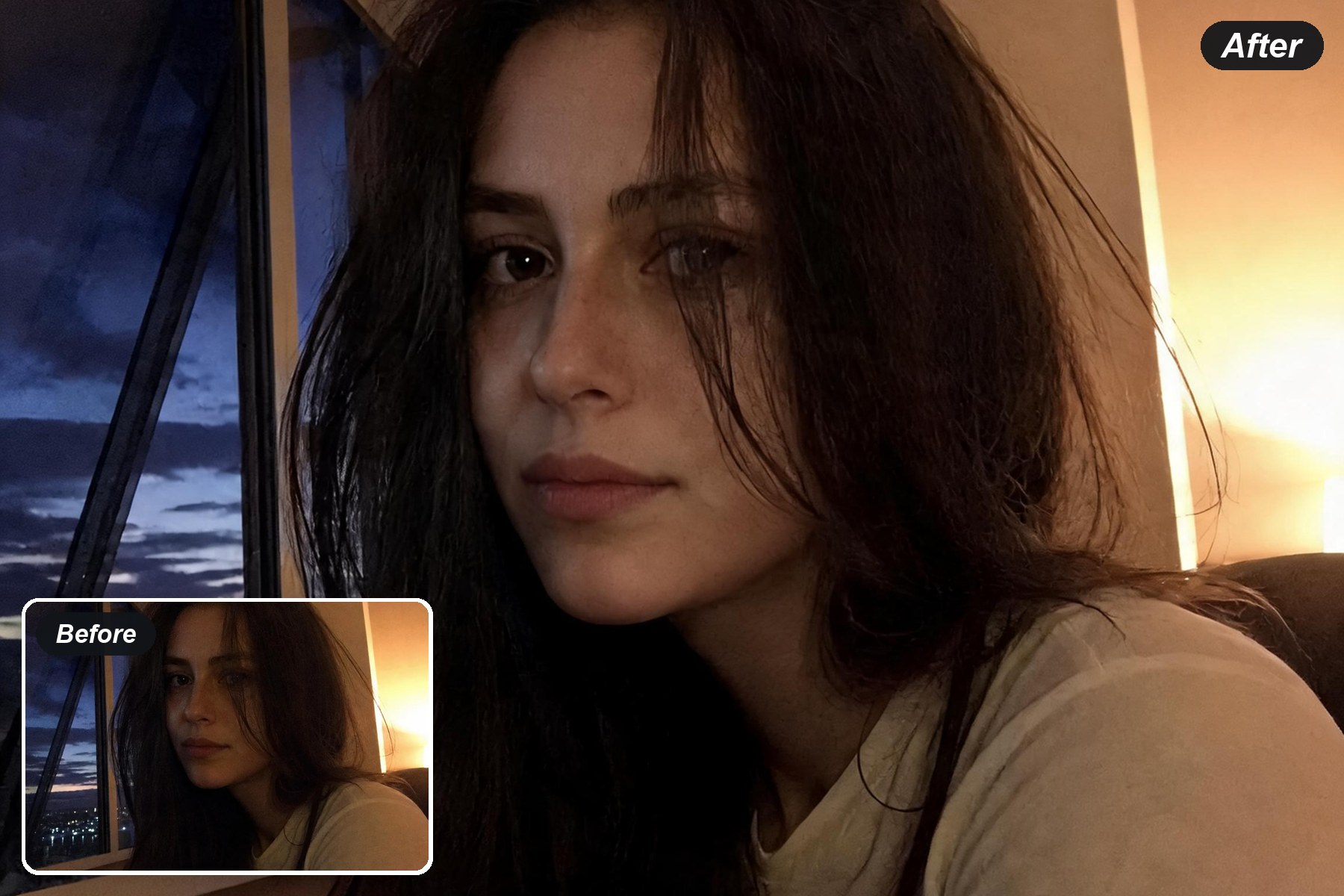
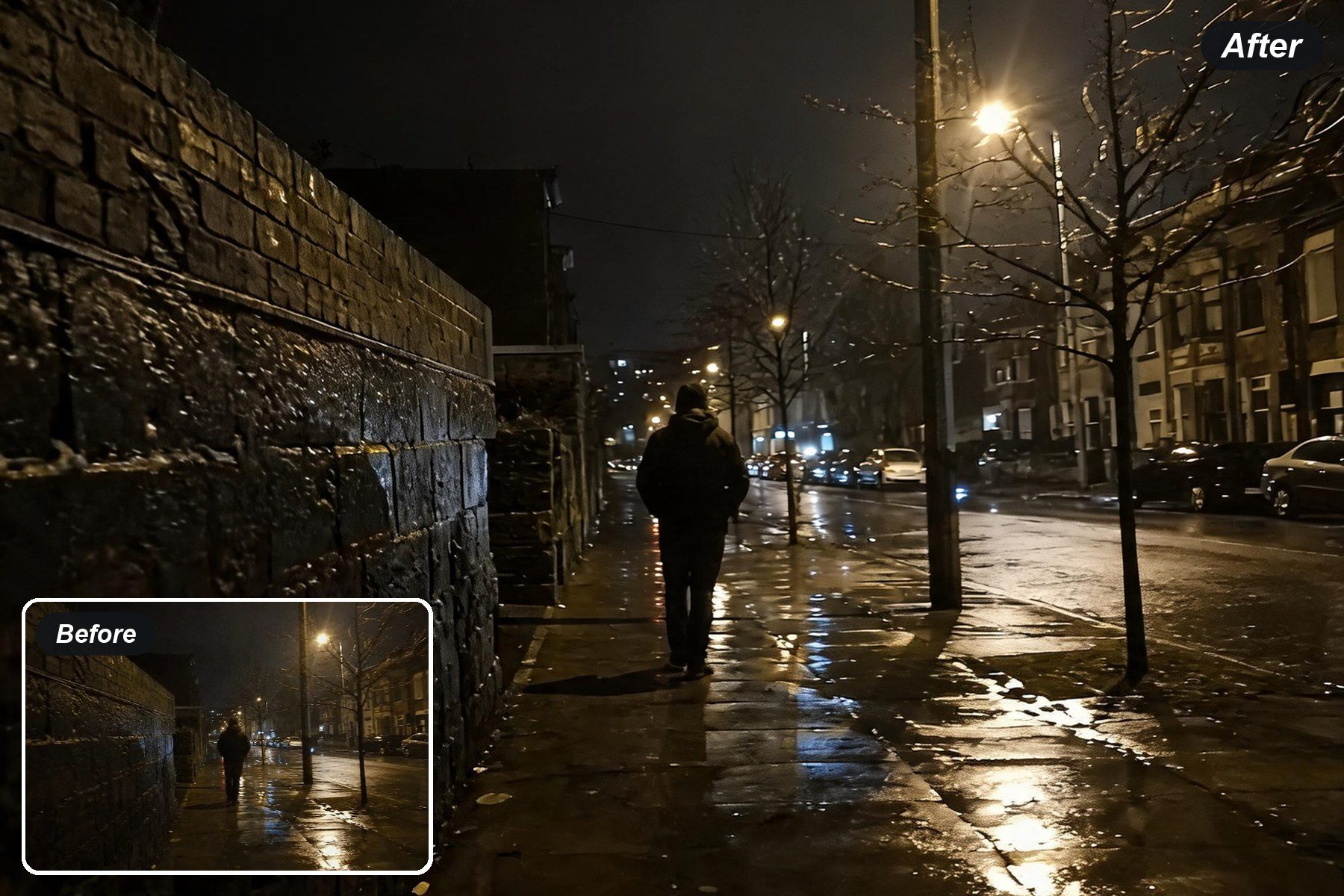
Denoise Low-Light and High-ISO Photos

Denoise Low-Light and High-ISO Photos

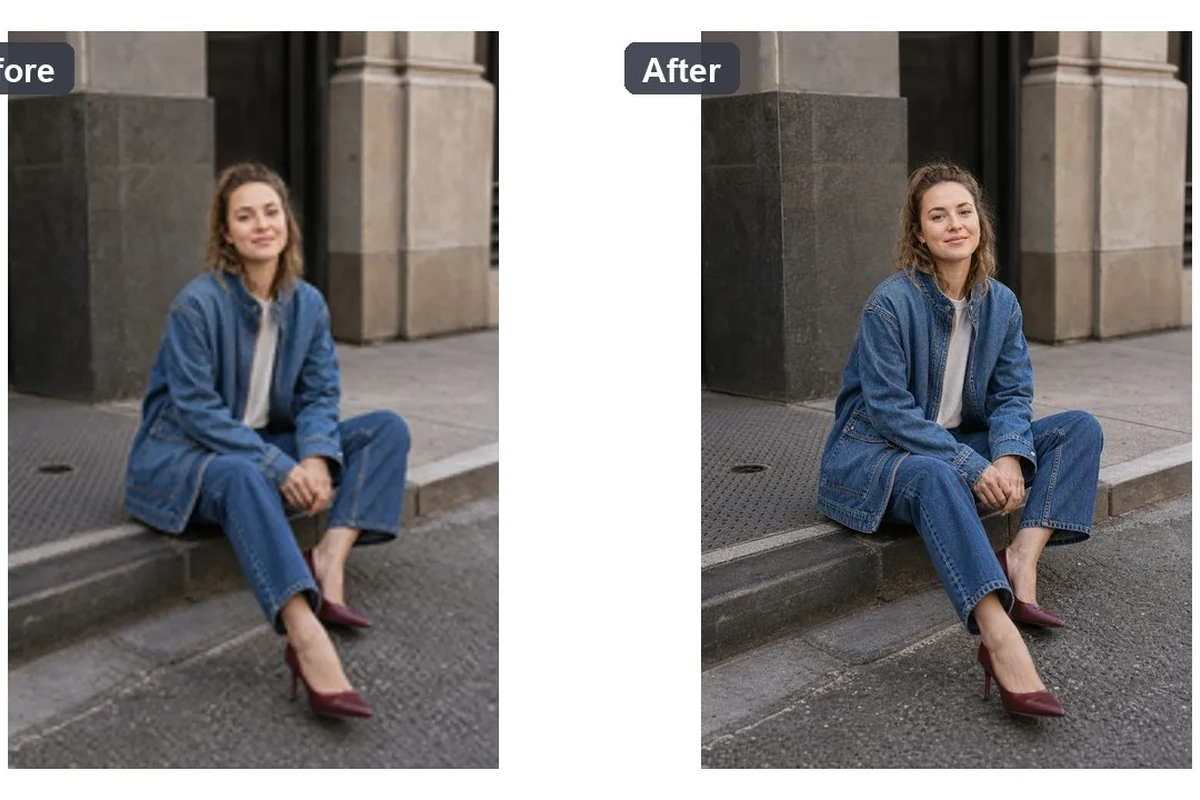
Night scenes and indoor photos often carry grain alongside soft edges. A single enhancement pass can reduce the distraction while bringing back enough texture for the image to remain natural.

Clean up a photo

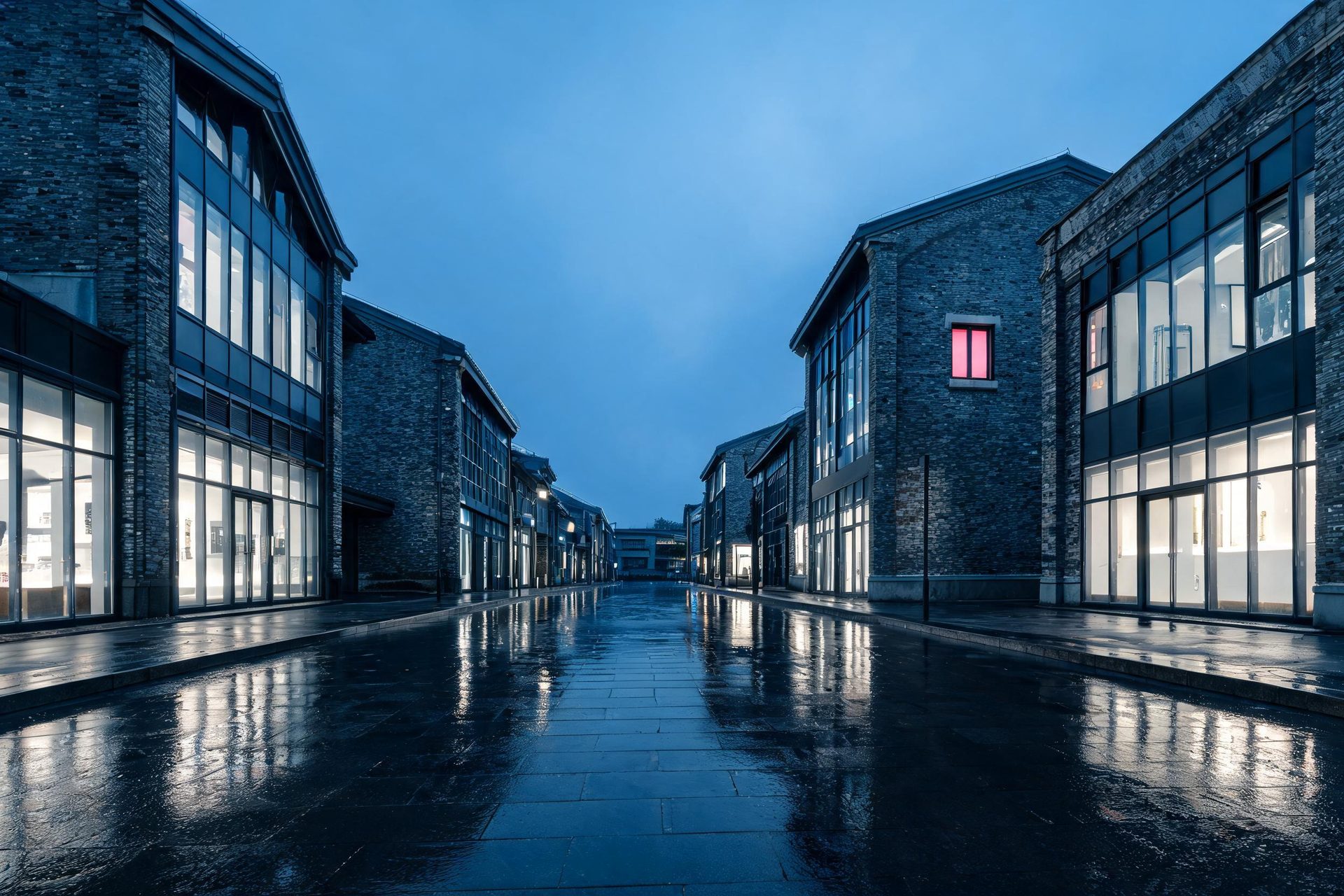
Reduce Noise in Compressed Web Images

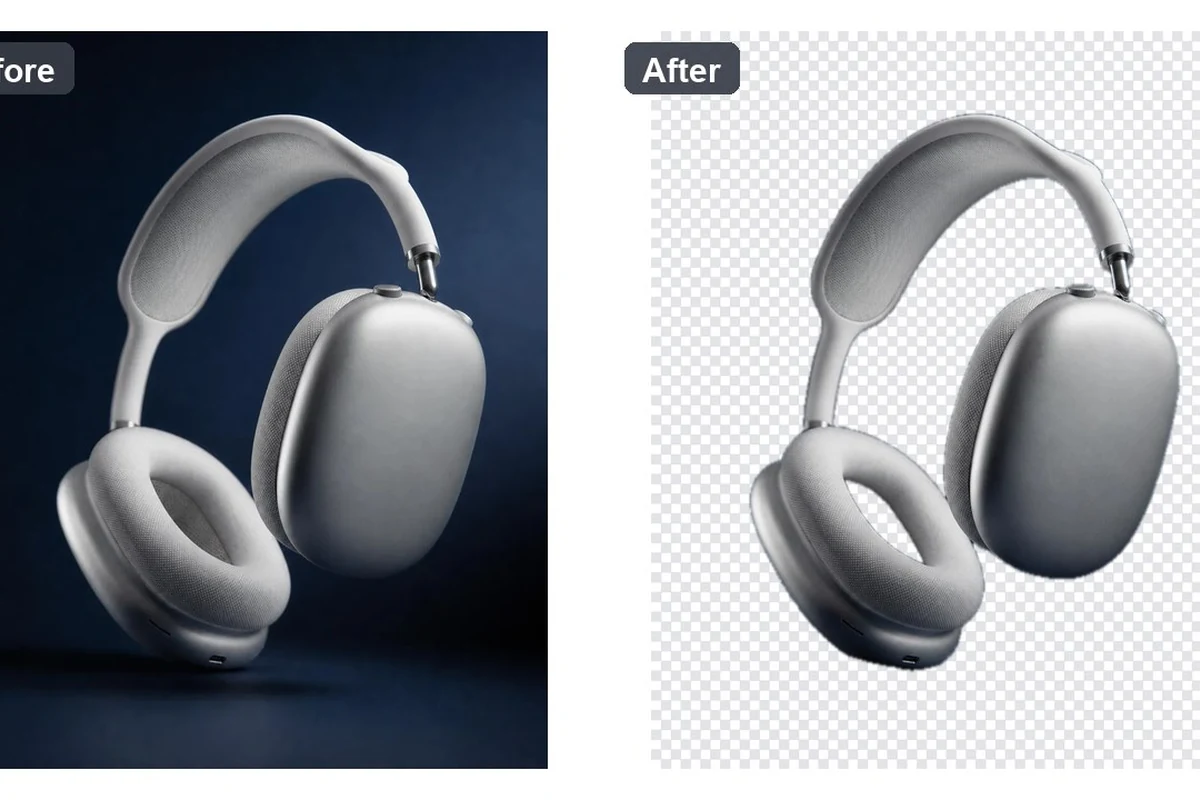
Repeated exports can leave blockiness, ringing, and muddy detail behind. Upload the best copy you have and let the workflow clean up artifacts before enlarging the image for a new use.

Improve a web image
Reduce Noise in Compressed Web Images
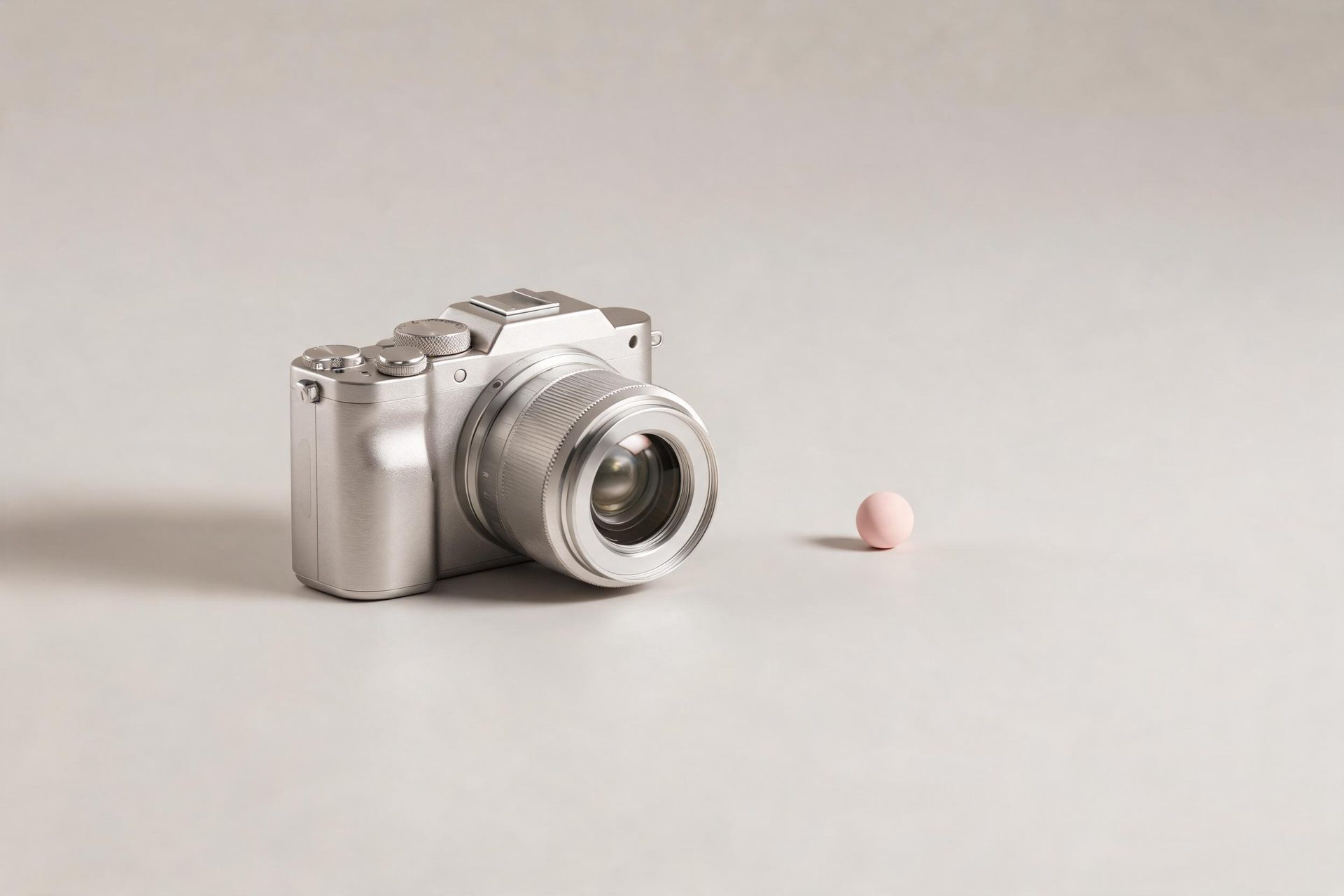
Make Soft Product Photos More Usable

Make Soft Product Photos More Usable

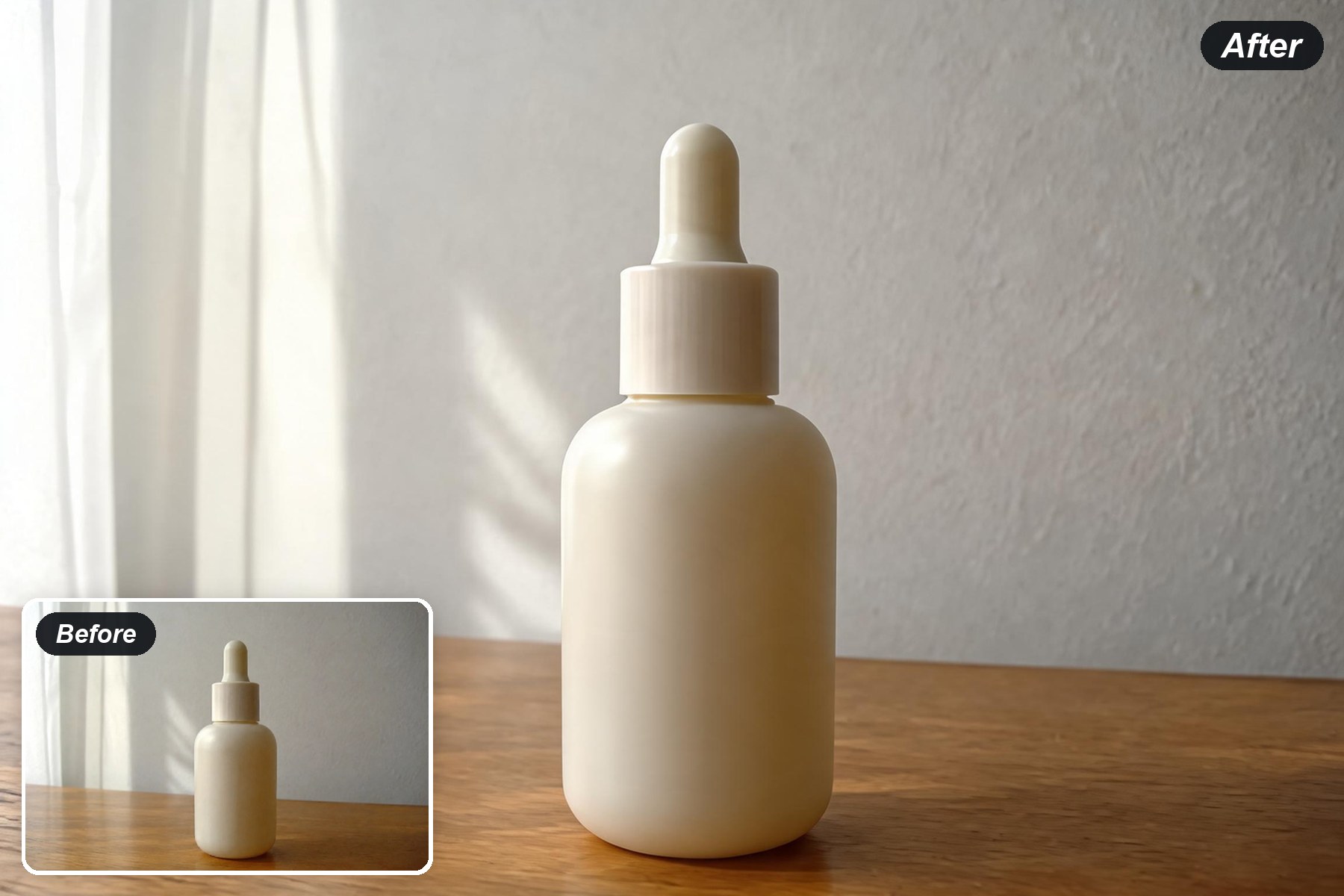
A product image can be technically large but still look soft. Detail recovery and texture sharpening help listings, campaign graphics, and presentation assets read more clearly at their final size.

Sharpen a product photo

Denoise and Upscale AI-Generated Images

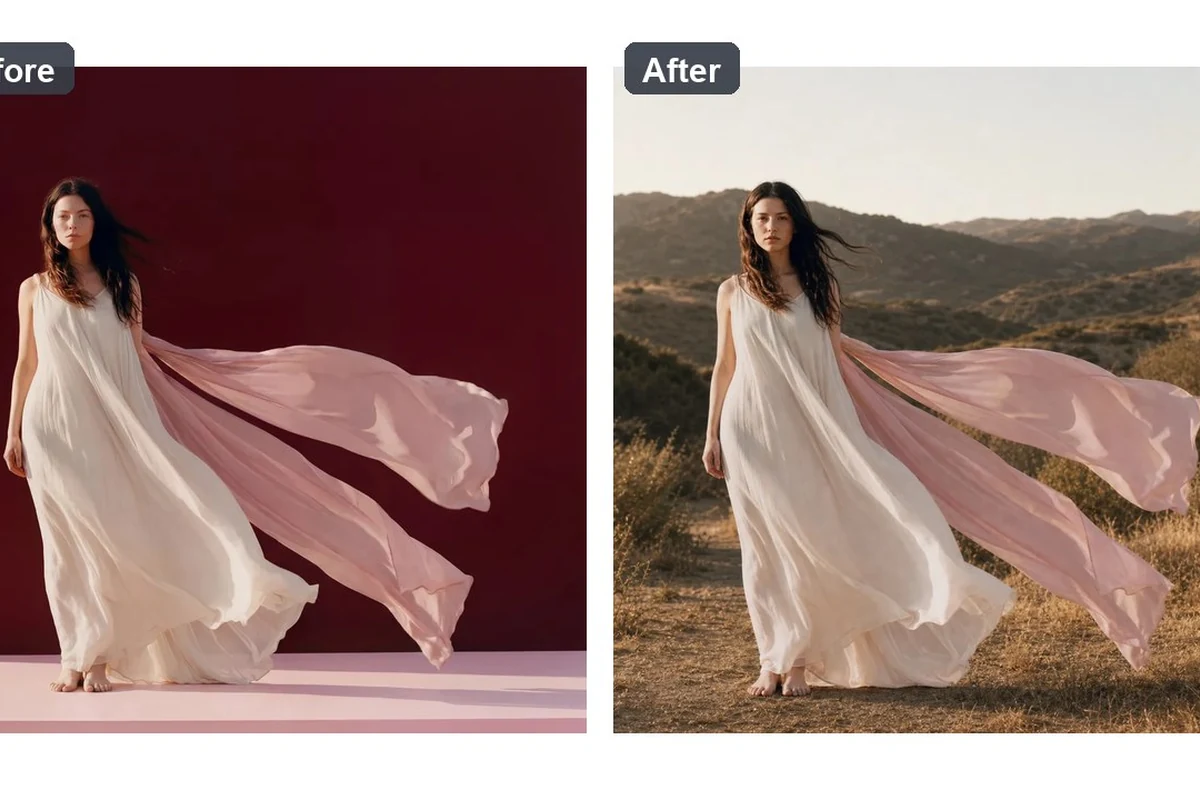
AI artwork can lose crispness during export or resizing. Clean up visible artifacts and recover edges before using the image in a thumbnail, social graphic, wallpaper, or larger layout.

Enhance AI artwork
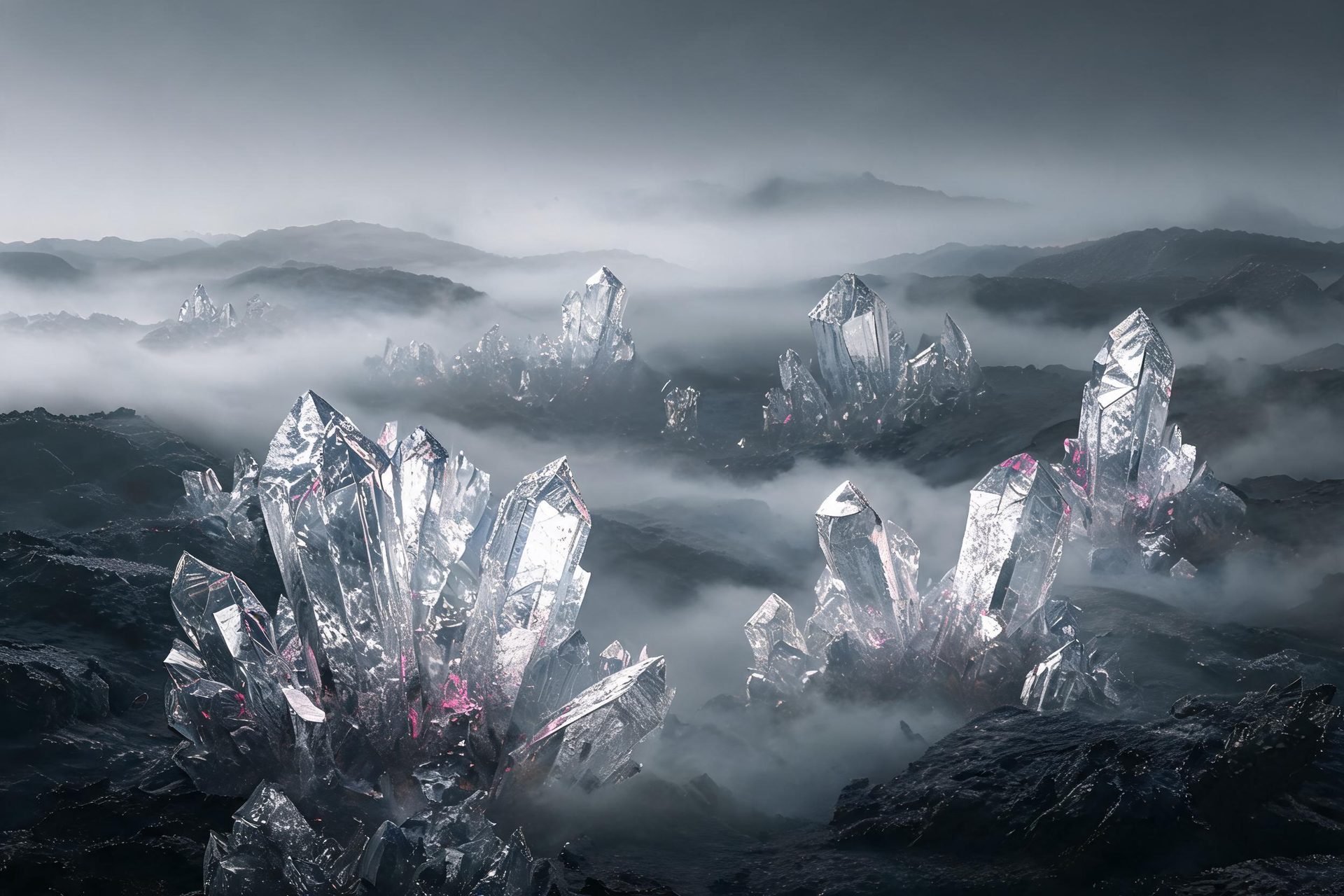
Denoise and Upscale AI-Generated Images

AI Image Denoiser FAQ

What does an AI image denoiser do?
It reduces unwanted grain, speckle, and compression artifacts while improving the clarity of the image. In this workflow, noise reduction is part of a broader enhancement pass that also restores detail, sharpens textures, and increases resolution.
Can I denoise a photo and upscale it at the same time?
Yes. Upload one noisy, blurry, or low-resolution image and the AI processes denoise, detail recovery, sharpening, and upscaling together, so you do not need to export the file between separate tools.
Will denoising make my photo look blurry?
The goal is to reduce distracting noise without flattening useful texture. Review the result at its intended size and choose the version that keeps the subject, edges, and important surface detail looking natural.
Can I use it for AI-generated images and product photos?
Yes. It is useful for AI artwork, ecommerce images, portraits, compressed web images, and other existing visuals that look soft, noisy, or too small for their next use.
Is an AI image denoiser the same as a traditional noise filter?
No. A traditional filter mainly smooths pixels. This workflow treats denoising as one part of image improvement, combining noise reduction with detail recovery, texture sharpening, and resolution enhancement.