











Ima Studio的 AI Product Photography
Turn one product image into polished ecommerce and marketing visuals in minutes. Ima Studio helps brands, sellers, and creative teams create studio shots, lifestyle scenes, seasonal campaigns, listing images, ads, and social content from a single product photo.
How AI Product Photography Works in Ima Studio
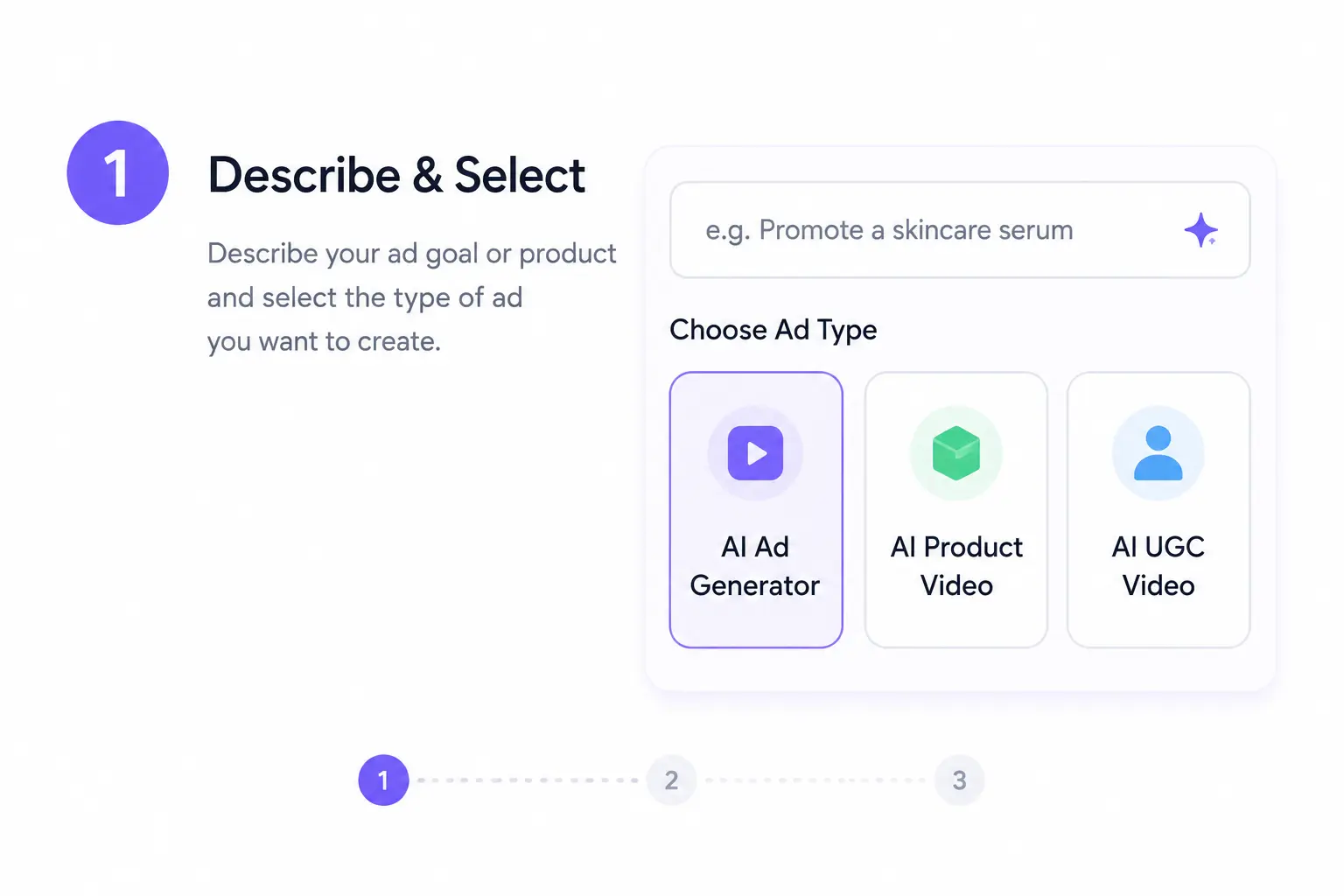
Upload or Start with Your Product Image
Begin with a product photo, packshot, catalog image, or clean reference image. A clear front-facing product image helps Ima Studio preserve shape, edges, packaging, labels, color, and key visual details.
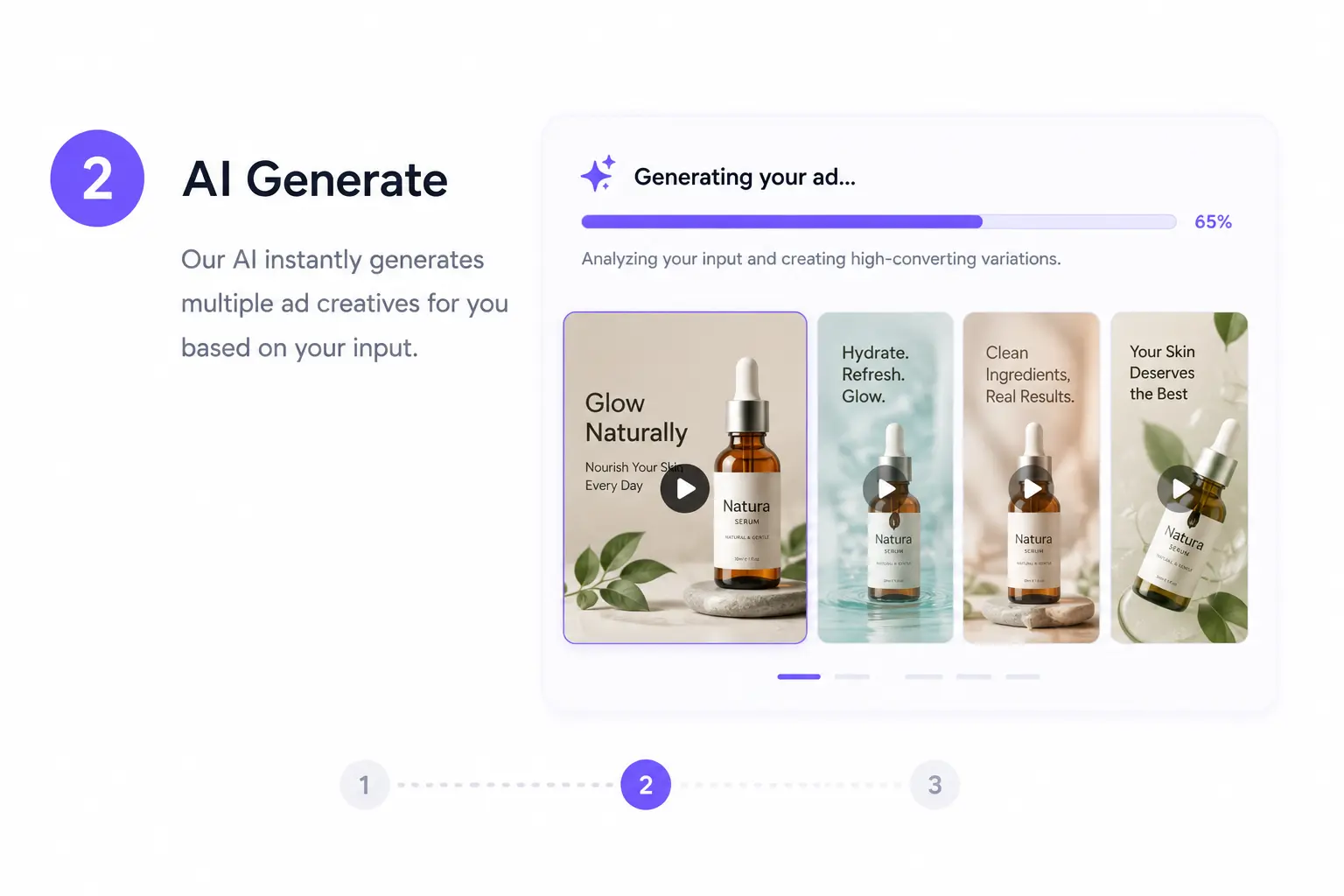
Describe a Scene or Pick a Product Photo Template
Enter a plain-language prompt or start from an Ima Community template. You can:
Create studio shots, lifestyle scenes, seasonal visuals, and ad creatives
Use guided workflows when you know the business goal but not the exact prompt
Keep the product as the anchor while changing background, mood, lighting, and format
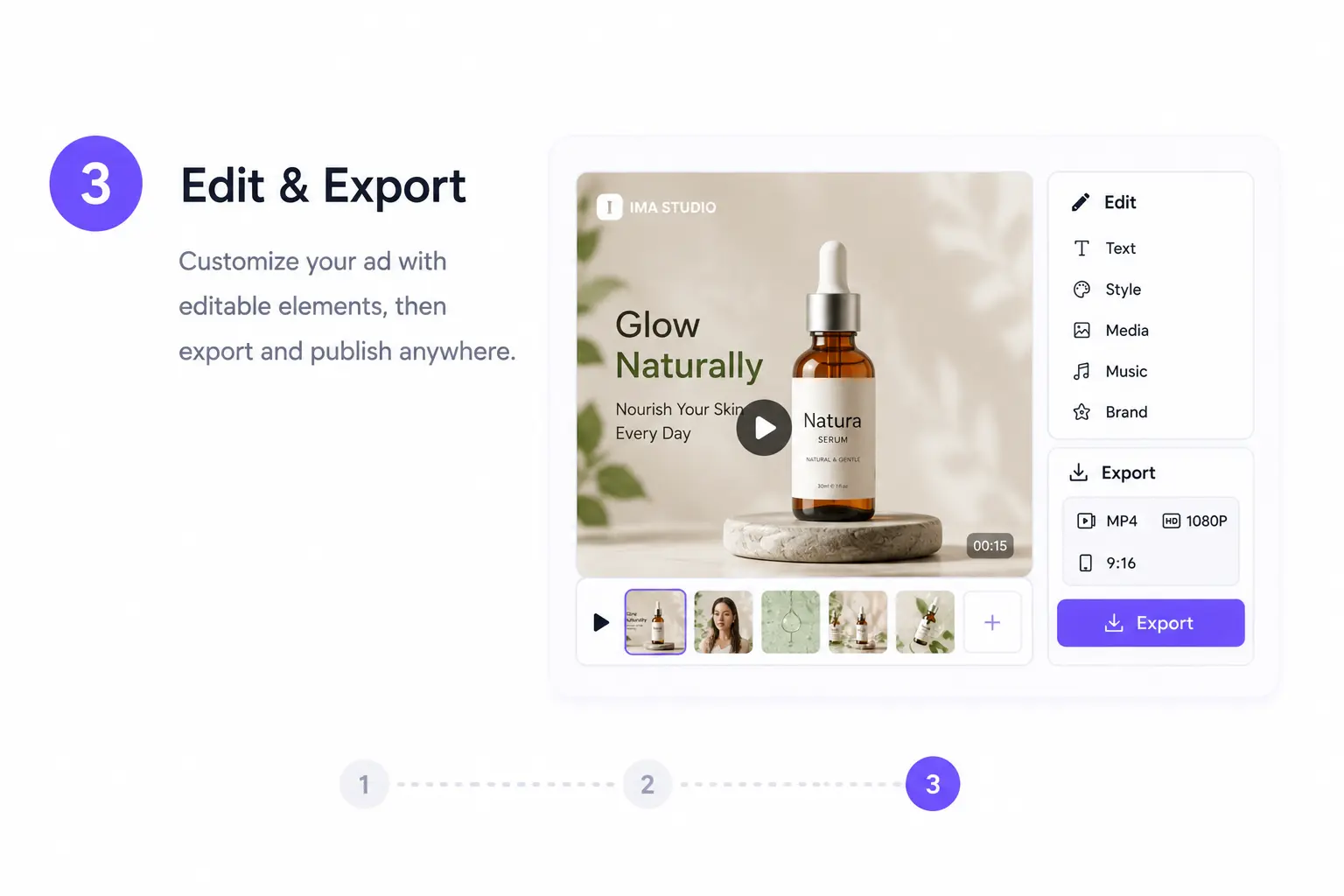
Refine, Enhance, and Export
Continue editing in Ima Studio after generation. Adjust composition, enhance image quality, crop for different placements, upscale for sharper presentation, and export product visuals for ecommerce listings, ads, landing pages, and social posts.
Why Choose Ima Studio for AI Product Photos
A Complete Product Visual Workspace
Ima Studio goes beyond simple background replacement. Generate, edit, enhance, resize, and reuse product visuals in one connected workspace for daily ecommerce and marketing work.
Compare Creative Results with Ima Arena
Different AI models can handle packaging, lighting, texture, and composition differently. Ima Arena helps you compare outputs for the same product prompt and choose the most realistic, brand-ready result.
Product Detail Stays in Focus
Create new scenes while keeping the product recognizable. Ima Studio helps preserve important details such as shape, packaging structure, material texture, color, logo placement, and label readability.
Multi-Channel Product Photo Export
Create visual assets for Shopify, Amazon, Etsy, Meta ads, Google ads, landing pages, Instagram, TikTok covers, Pinterest pins, and campaign banners without rebuilding the shoot each time.
AI Product Photography Use Cases
Ecommerce Listing Images
Create clean product shots, secondary gallery images, and lifestyle visuals for ecommerce stores and marketplace listings.
Turn one product image into a white-background packshot, a contextual lifestyle photo, and a premium editorial-style scene.
Ideal for Shopify stores, Amazon listings, Etsy shops, and DTC product pages.
Social Media Product Content
Use the same product asset to create visuals for Instagram, TikTok covers, Pinterest pins, and campaign posts using AI product photography.
Transform a plain catalog image into a seasonal flat lay, desk setup, beauty routine scene, or food styling visual.
Product Ad Creatives
Generate visual variations for paid campaigns, landing pages, banners, and promotional graphics.
Test premium, playful, seasonal, minimalist, lifestyle, and problem-solution product contexts without waiting on a studio shoot.
Seasonal & Promotional Campaigns
Create themed product images for holidays, launches, sale events, limited editions, and collection drops.
Try scene directions like winter gifting, summer routine, , 或者 back-to-school product setup
to produce timely campaign visuals faster.
AI Product Photography FAQs
AI product photography uses artificial intelligence to create new product images from an uploaded product photo or reference. Instead of arranging a physical studio scene, you can generate backgrounds, lighting, props, and visual styles digitally.
No. You do not always need a professional studio photo, but a clear product image usually gives better results. Images with visible edges, accurate color, readable packaging, and minimal obstruction are easier for the AI to preserve.
Yes. Ima Studio can help create product visuals for ecommerce stores, marketplaces, landing pages, paid ads, and organic social content. You can generate clean listing images, lifestyle scenes, promotional visuals, and ad variants from the same product asset.
AI can sometimes alter small details, especially tiny text, complex labels, reflective packaging, or unusual product shapes. For commercial use, always review the output carefully before publishing and choose the version where the product looks closest to the real item.
Yes. Ima Studio is designed to help you reuse one product image across many outputs, including listing images, lifestyle banners, square social posts, vertical ad creatives, and seasonal campaign versions.
Yes. You can start with a natural language prompt, reuse a Community template, or use guided creation workflows. This helps when you know the business goal but do not want to write complex prompts from scratch.
AI product photography can support many categories, including beauty, fashion accessories, food, home goods, electronics, wellness products, and packaged goods. Each category benefits from different priorities such as label clarity, material texture, appetizing color, or clean lighting.
Creation Agents can guide the process when you know what you want to achieve but not how to prompt it. They can suggest scene directions, generate variations, and point you toward useful next steps such as enhancement, resizing, or campaign adaptation.
Yes. After generating a product scene, you can continue refining it inside Ima Studio. Adjust the composition, improve quality, crop for placements, upscale for sharper output, and create variants for ads, social media, or ecommerce pages.
Ima Studio supports multiple formats and aspect ratios, including vertical, square, and landscape outputs. This helps you prepare visuals for ecommerce galleries, landing page heroes, social posts, reels covers, display ads, and campaign banners.
Yes, product visuals created with Ima Studio can be used for commercial projects, provided you have the rights to any uploaded product images, logos, packaging, brand assets, or reference materials. Always review outputs for product accuracy and platform compliance.
Ima Studio supports the broader product visual workflow: generation, editing, enhancement, resizing, comparison, and reuse across marketing channels. It helps teams move from one product image to campaign-ready assets faster than using separate tools for each step.