AI faces that don’t look like AI
If your audience can tell a face is AI-generated, you lose them in the first three seconds. Here’s how to create faces that look like real people, from a single sentence.
Create your digital human →Free to try in the IMA Studio Skills Agent
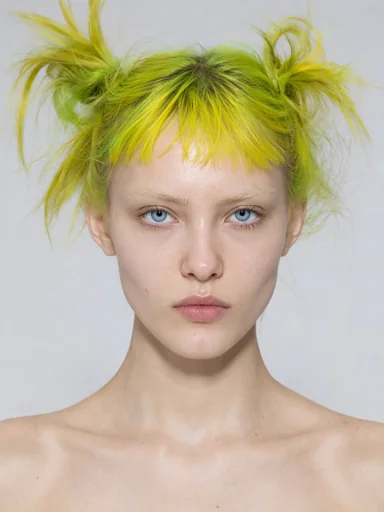
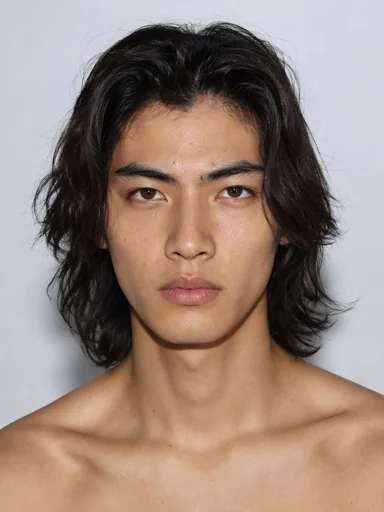
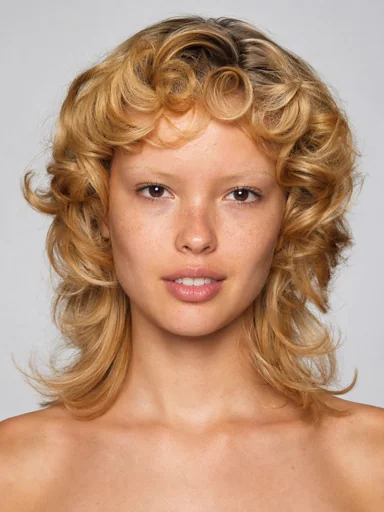
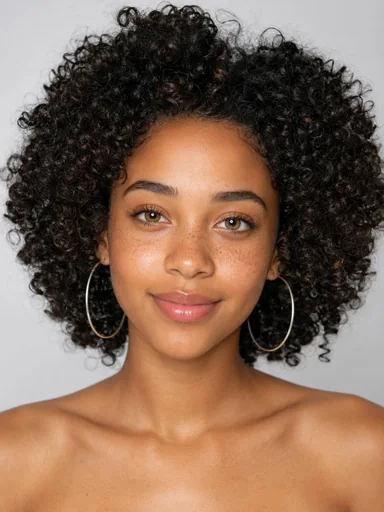
Your audience can spot an AI face in three seconds
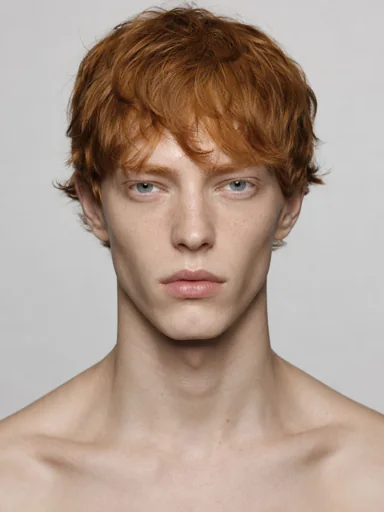
Plastic skin. Perfect symmetry. The same soft lighting and the same empty stare. Once people notice it, they stop trusting whatever the face is selling: your product, your ad, your brand.
The problem isn’t using AI. It’s using the same AI face everyone else is using.
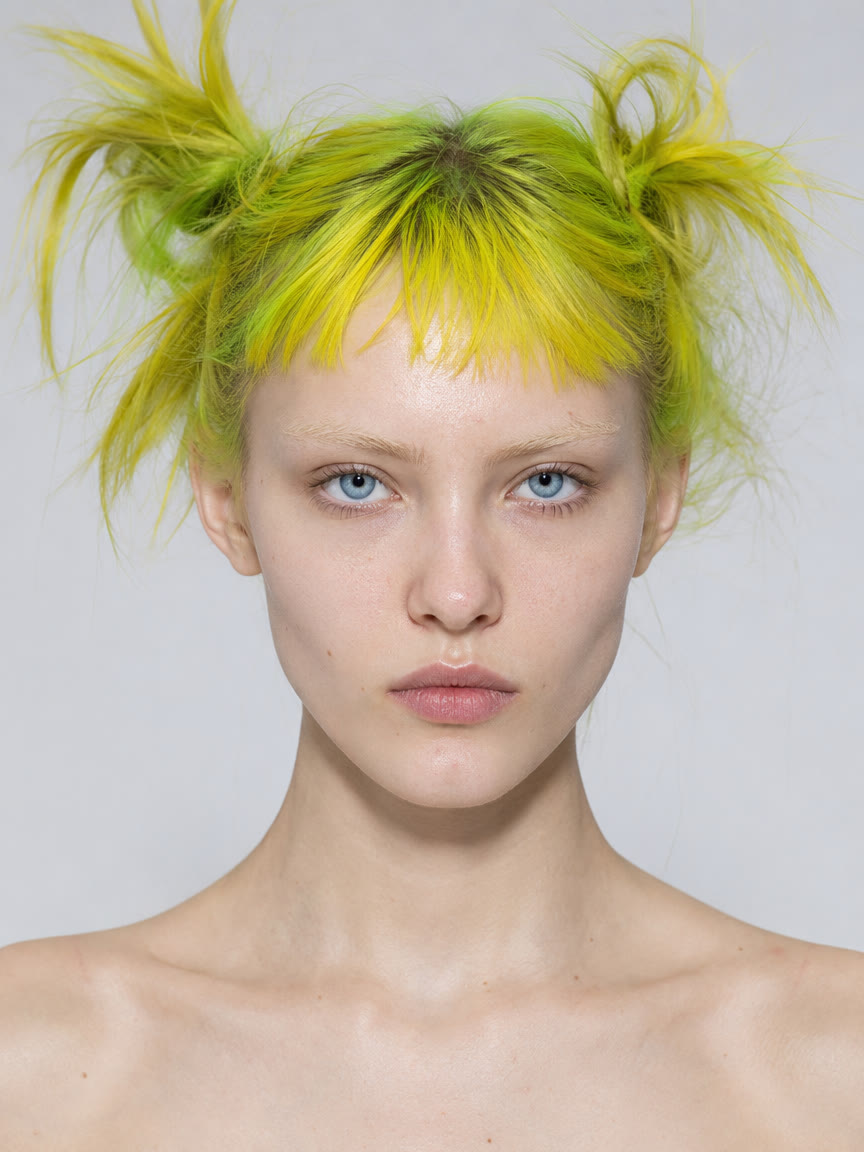
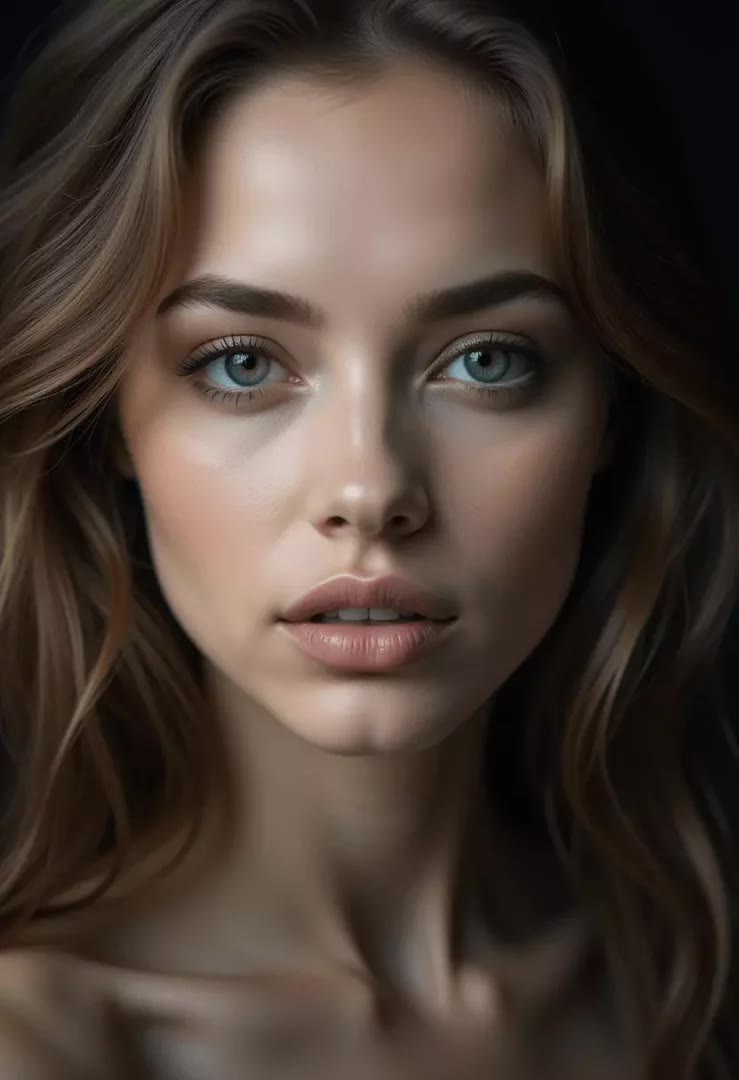
Typical AI
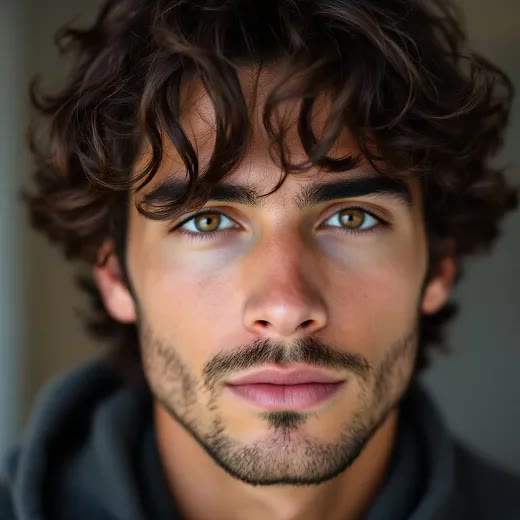
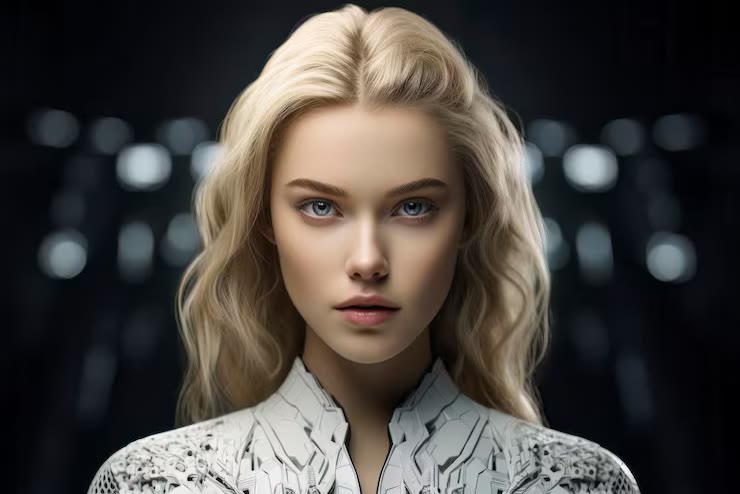

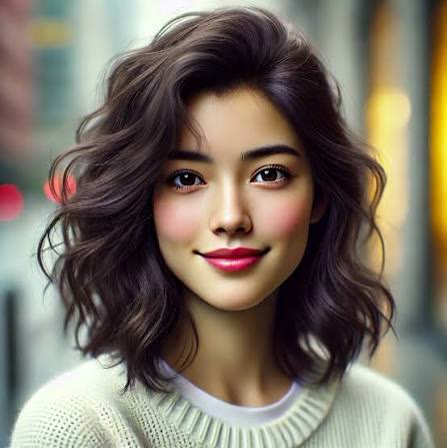
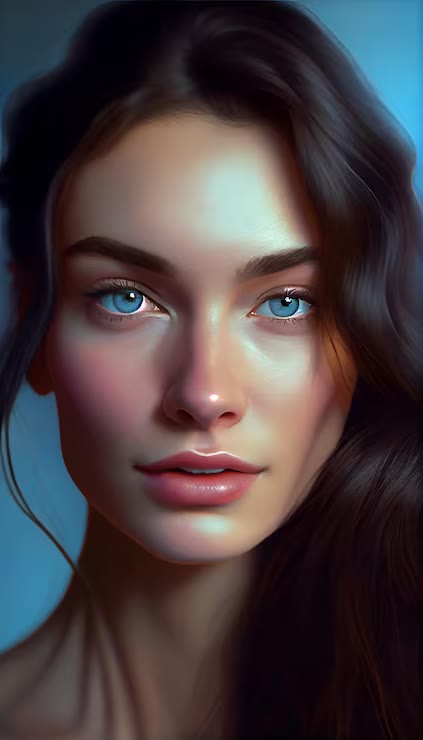
Digital Human Identity
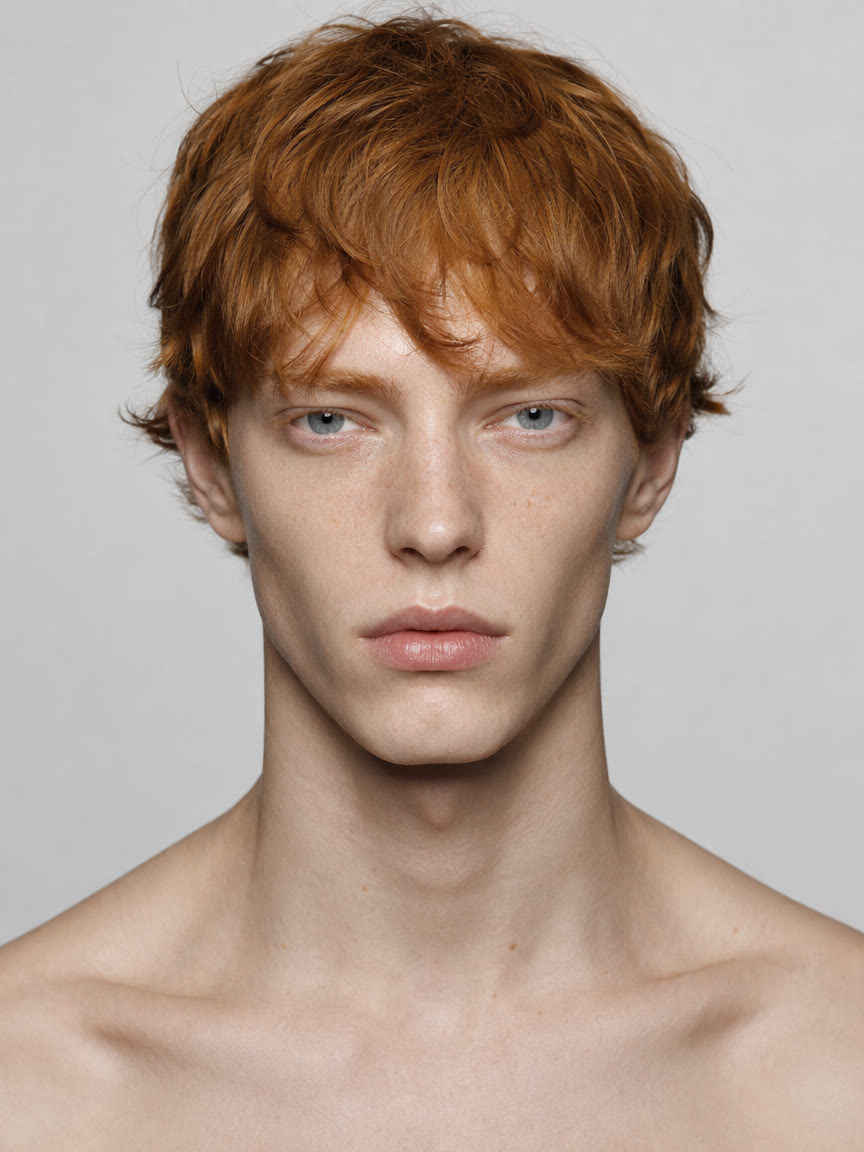
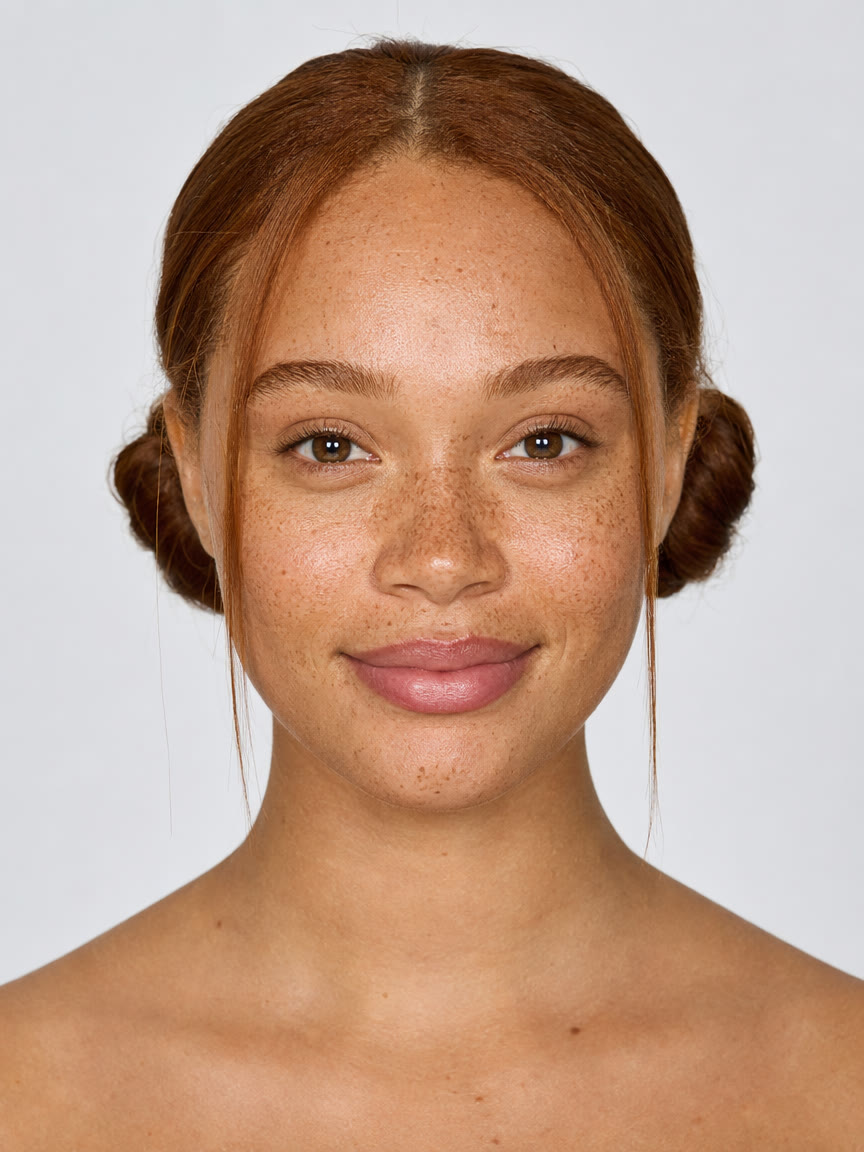
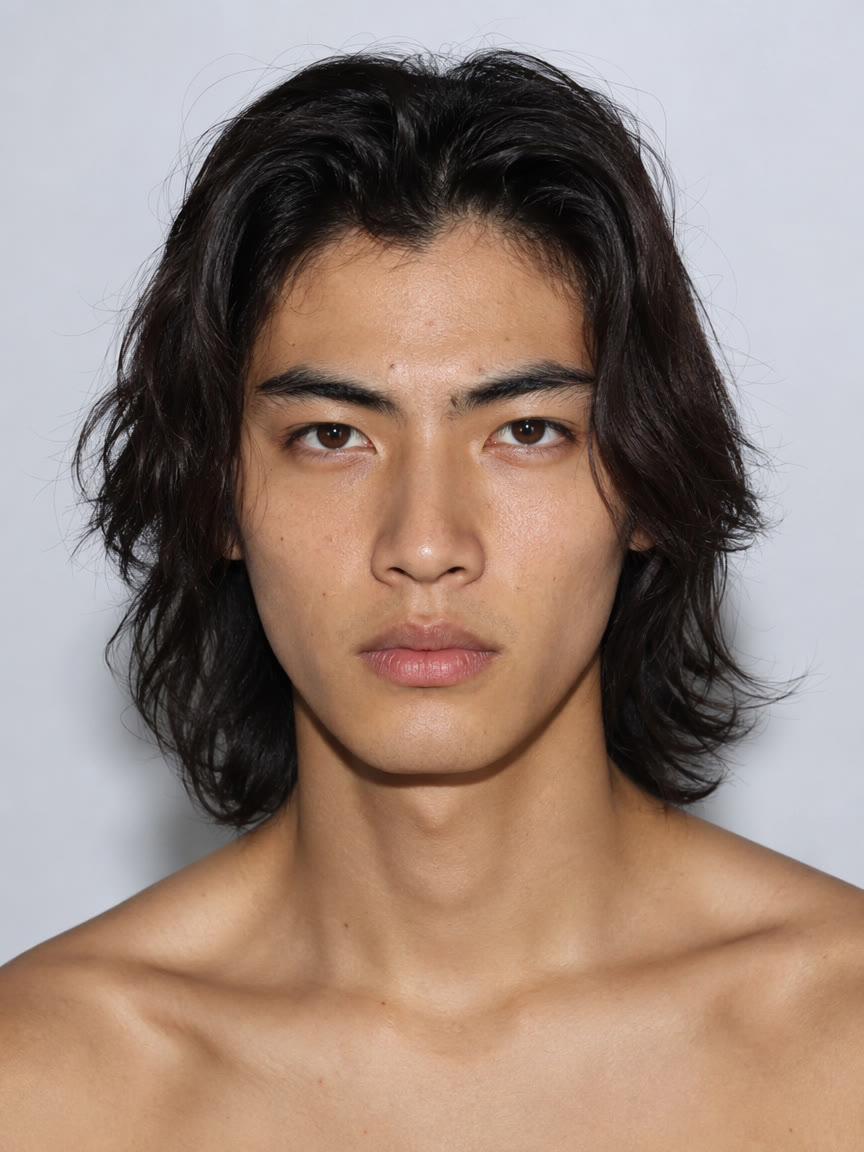
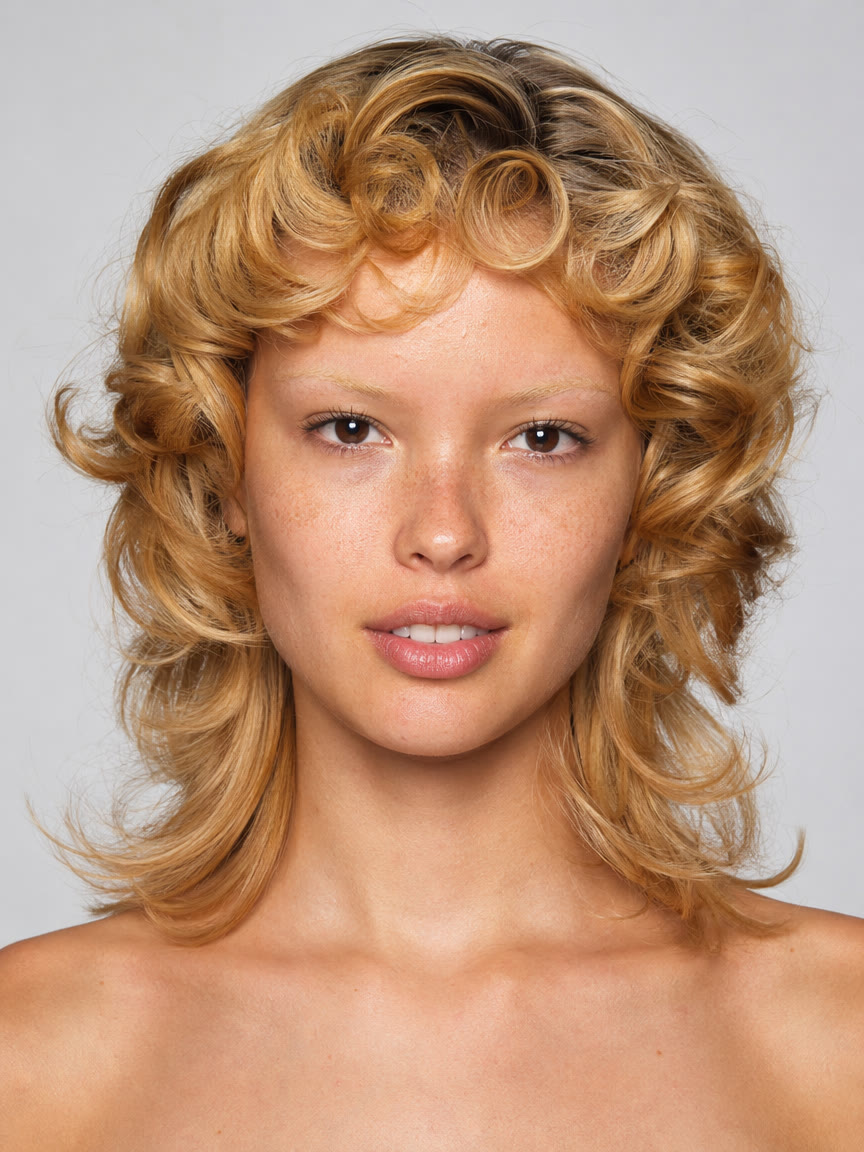
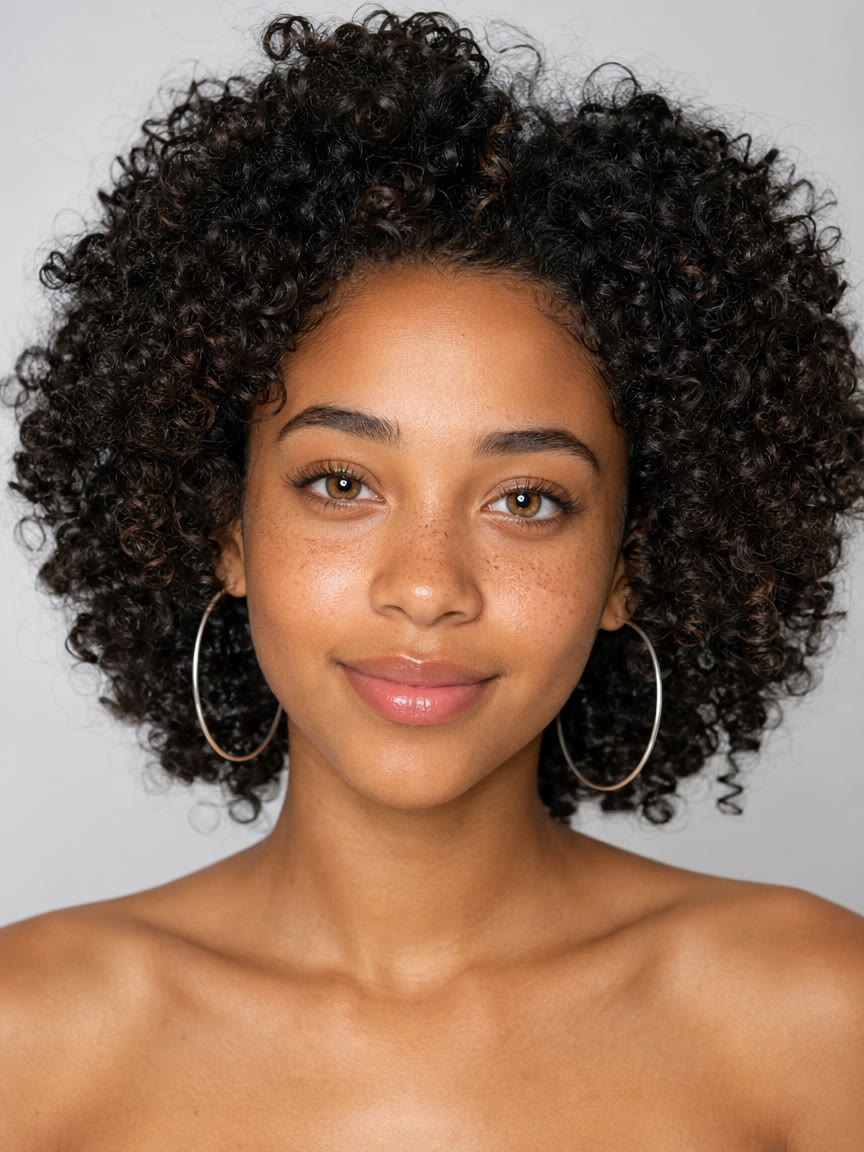
One sentence. One real-looking person.
Open the Skills Agent in IMA Studio, attach the Digital Human Identity skill, and describe a person the way a casting director would. You don’t need a long prompt.
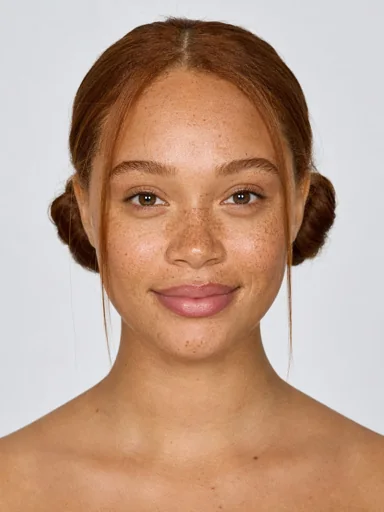
A caucasian girl in her twenties with freckles and red hair
The skill pushes realism all the way up: real skin texture, natural light, small asymmetries. Then it adds details you didn’t ask for, so every face comes out different.
Realism lives in the imperfections
Real faces aren’t perfectly symmetrical. Skin has pores, freckles, and uneven tone. Hair doesn’t land in identical strands. Those small details are what make a face believable, and what make it yours instead of a generic AI look.
One face. A whole campaign.
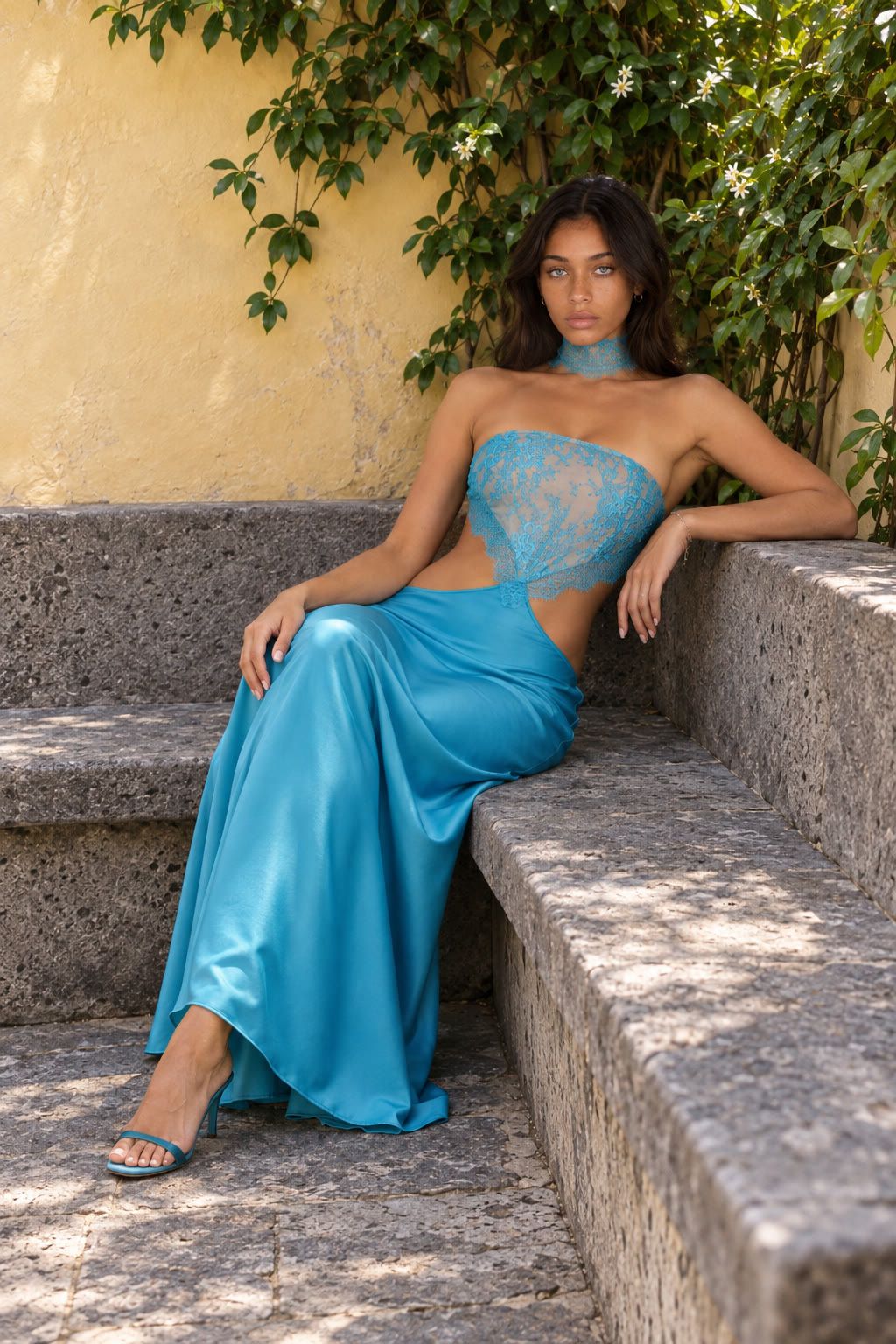
Once you find a face you love, it becomes a reusable identity. Kate started as one sentence in the Skills Agent. Then we put her in a studio shoot, a product listing, and an outdoor editorial, and she’s still recognizably Kate in every one.
The identity
Studio shoot
Product listing
Editorial
That’s the difference between an AI image and an AI identity. One cast member you can keep using across ads, product pages, social content, and video.
Create your own Kate →Three prompts to start with
Editorial identity
A quiet fashion editor in her early thirties, blunt black bob, warm brown eyes, faint freckles, reserved expression, natural studio portrait.
Brand ambassador
A calm skincare brand ambassador in her late thirties, visible pores, soft jawline, shoulder-length dark hair, warm direct gaze, clean premium portrait.
Story character
A night-shift radio host in his forties, tired eyes, close-cropped hair, a small scar above one eyebrow, thoughtful expression, realistic documentary portrait.
Describe the person first: age range, visible features, expression, and the feeling you want. Add the scene, outfit, and product later, once the face is right.
Do I need a reference photo?
No. You can start from a text description alone. A reference portrait is optional if you want to steer the face or style.
Can I use the same face across multiple images?
Yes. That's the point of an identity. Use your approved face as the reference for new scenes, outfits, and products, like the Kate examples above.
Can I use my digital human in video?
Yes. Use the identity as a reference in a separate video workflow in IMA Studio.
Is this a talking avatar?
No. Digital Human Identity creates the visual identity. Talking-head and lip-sync are separate steps.
What makes a prompt work well?
Specific traits beat generic praise. "Freckles, tired eyes, a slightly crooked smile" works much better than "a beautiful woman".
Stop using the same AI face as everyone else.
Create a digital human that’s actually yours, in one sentence.
Create your digital human →著者について