Free AI Hairstyle for Men: Try Any Male Haircut on Your Photo

Upload your photo and a reference haircut — the AI puts that male cut on your own face and hairline, so you can check it before the barber does. Free to try.

Free AI Hairstyle for Men
你的照片*
嘗試範例照片
Reference Haircut*
Try Sample Haircuts
輸出大小
免費試用-註冊即可查看結果
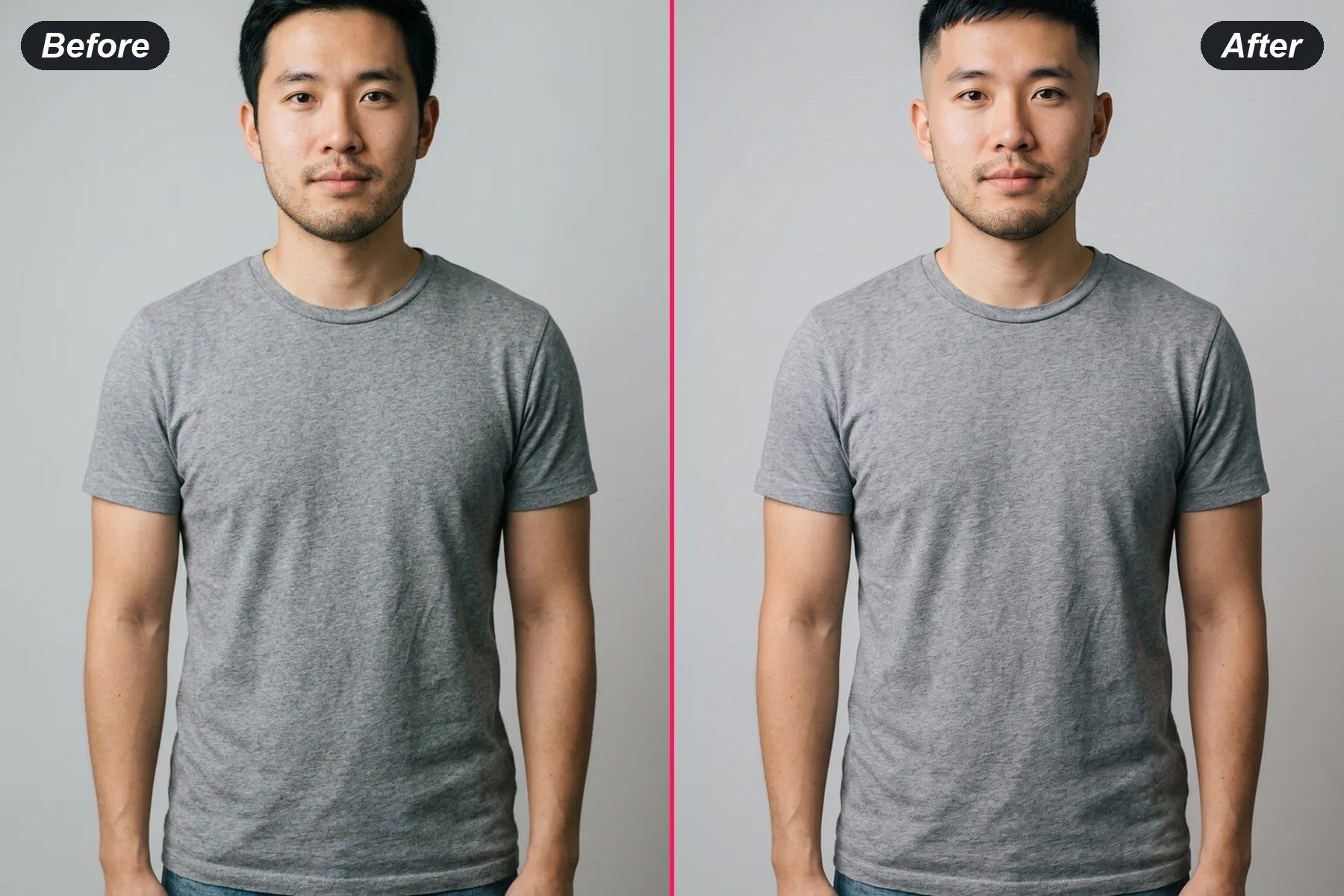
前後對比範例
前後對比範例
前後對比範例
前後對比範例
前後對比範例

How to Try a Haircut on Your Photo

1
上傳您的照片

A clear front-facing photo of your face works best. Your hairline and features stay exactly as they are.

2
Add a Reference Haircut

Upload a photo of the cut you want — a fade, a crop, a buzz — or pick one of the sample haircuts.

3
Take It to the Barber

Free to try. Download the result and show it to your barber instead of trying to describe the cut.

Haircuts Men Try Before Booking

Fades, Tapers and Buzz Cuts

Fades, Tapers and Buzz Cuts

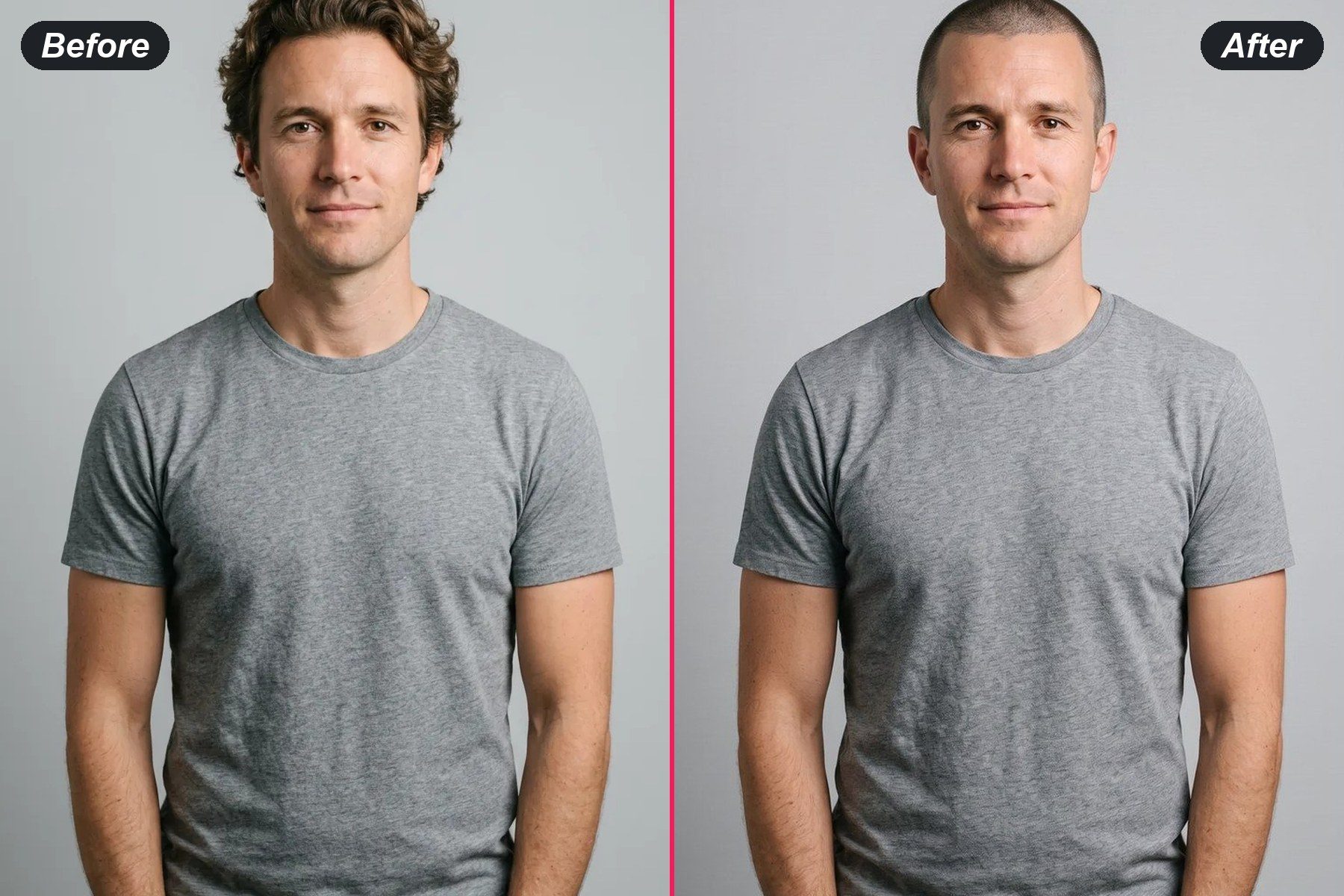
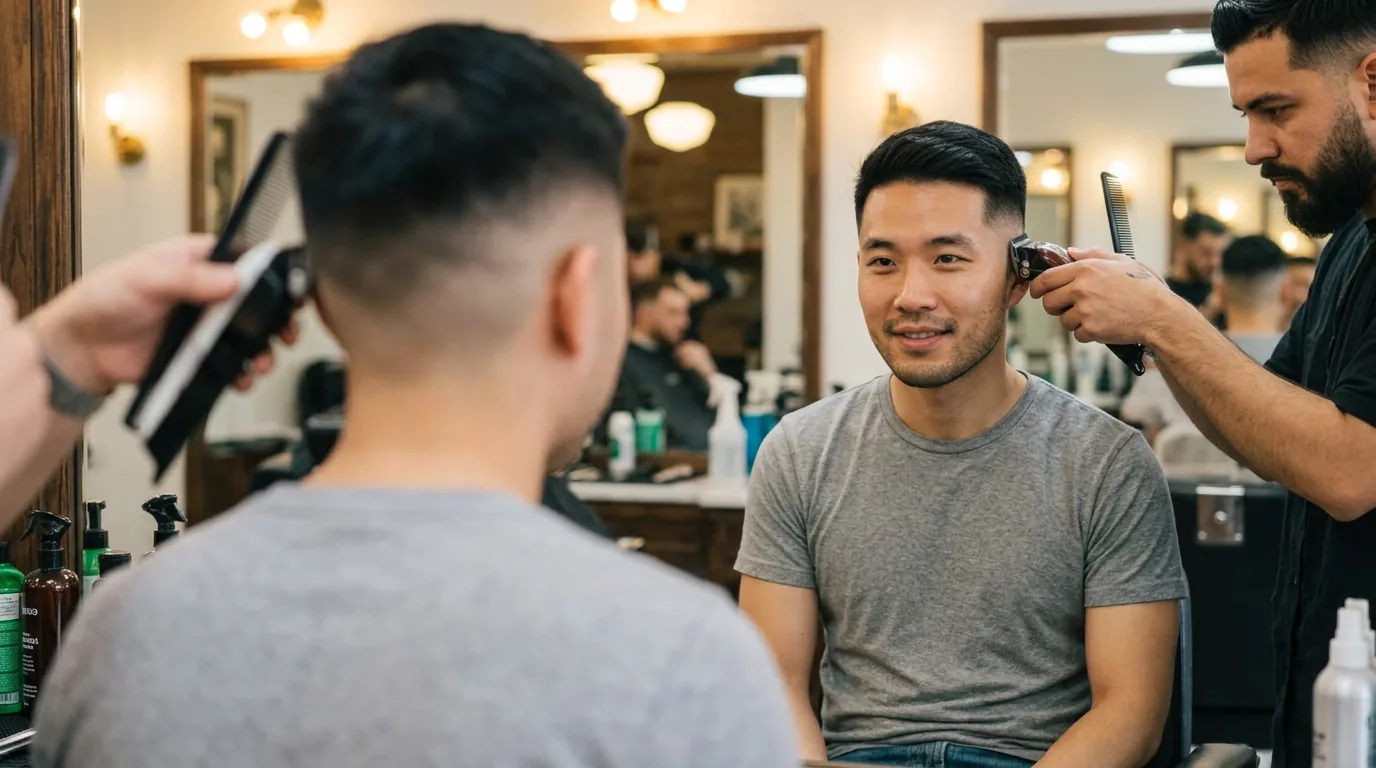
See a mid fade, a taper or a full buzz on your own head shape before it is irreversible. Free to try, and your hairline and face stay exactly as they are.

Try a Fade

Textured Crop, Fringe and Curtain Styles

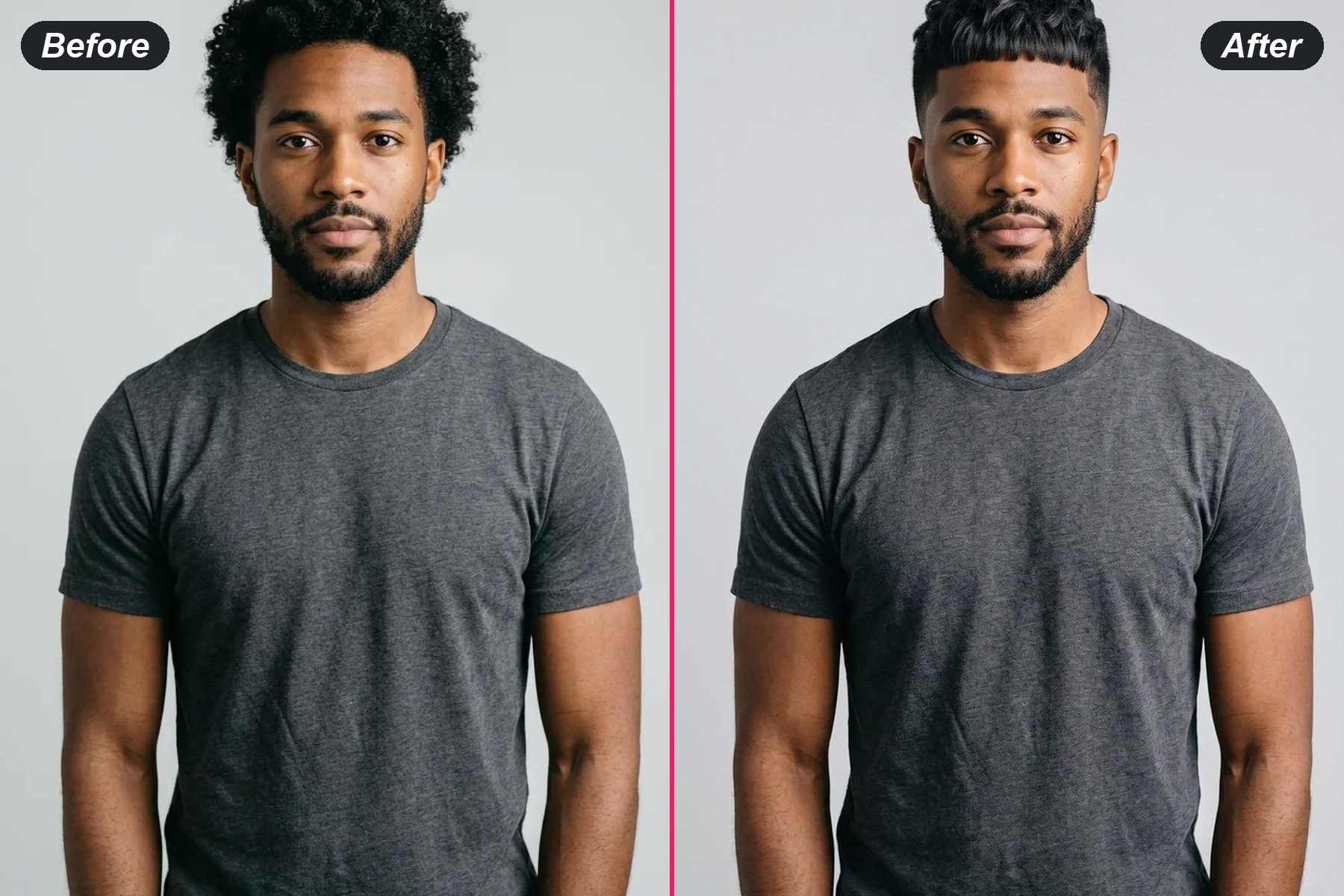
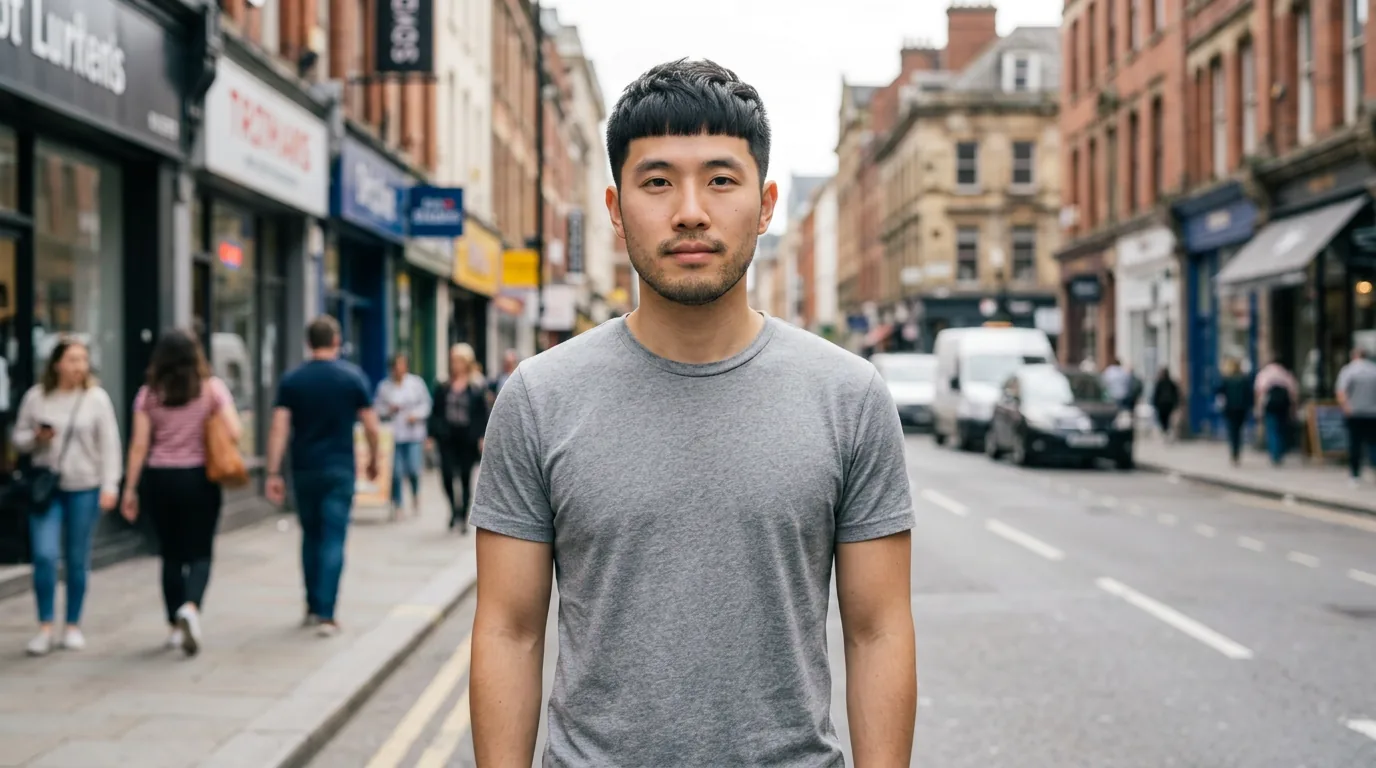
Bring a photo of the crop or fringe you saved and put it on your own face. The tool changes only the hair, not your features.

Try a Textured Crop
Textured Crop, Fringe and Curtain Styles
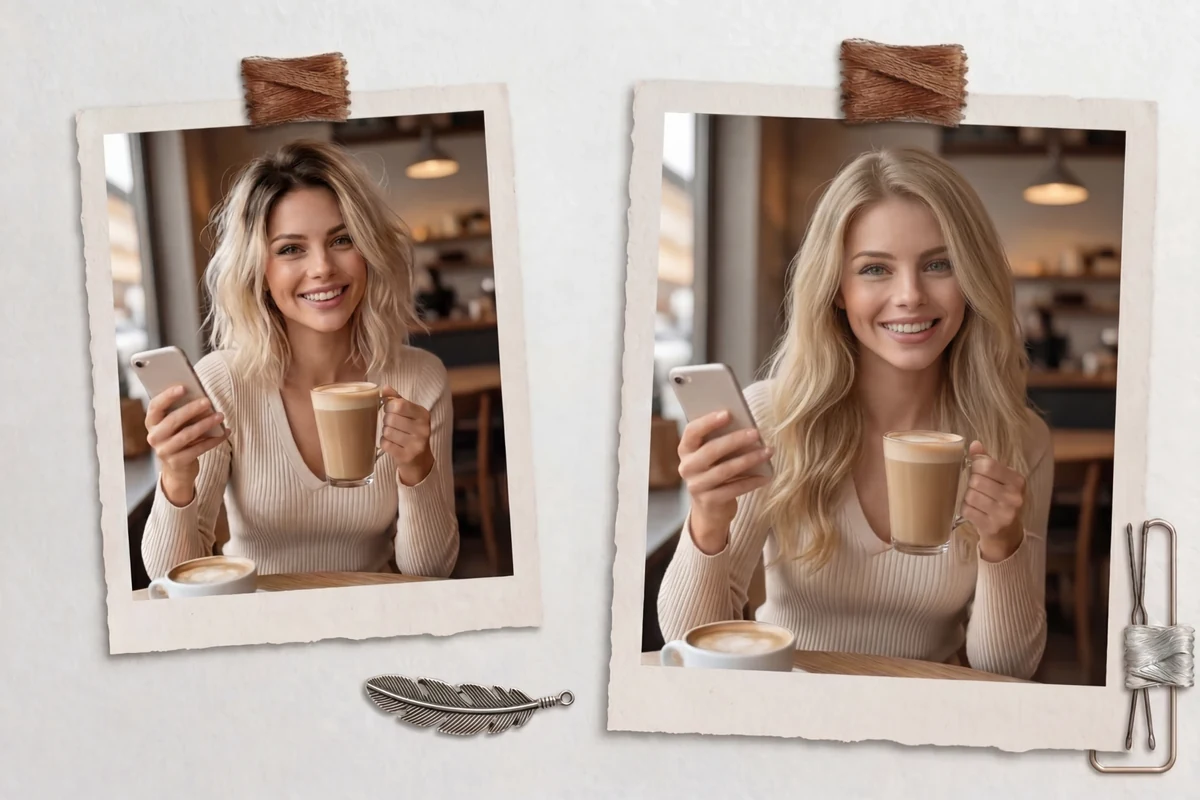
Growing It Out: Mid-Length and Longer

Growing It Out: Mid-Length and Longer

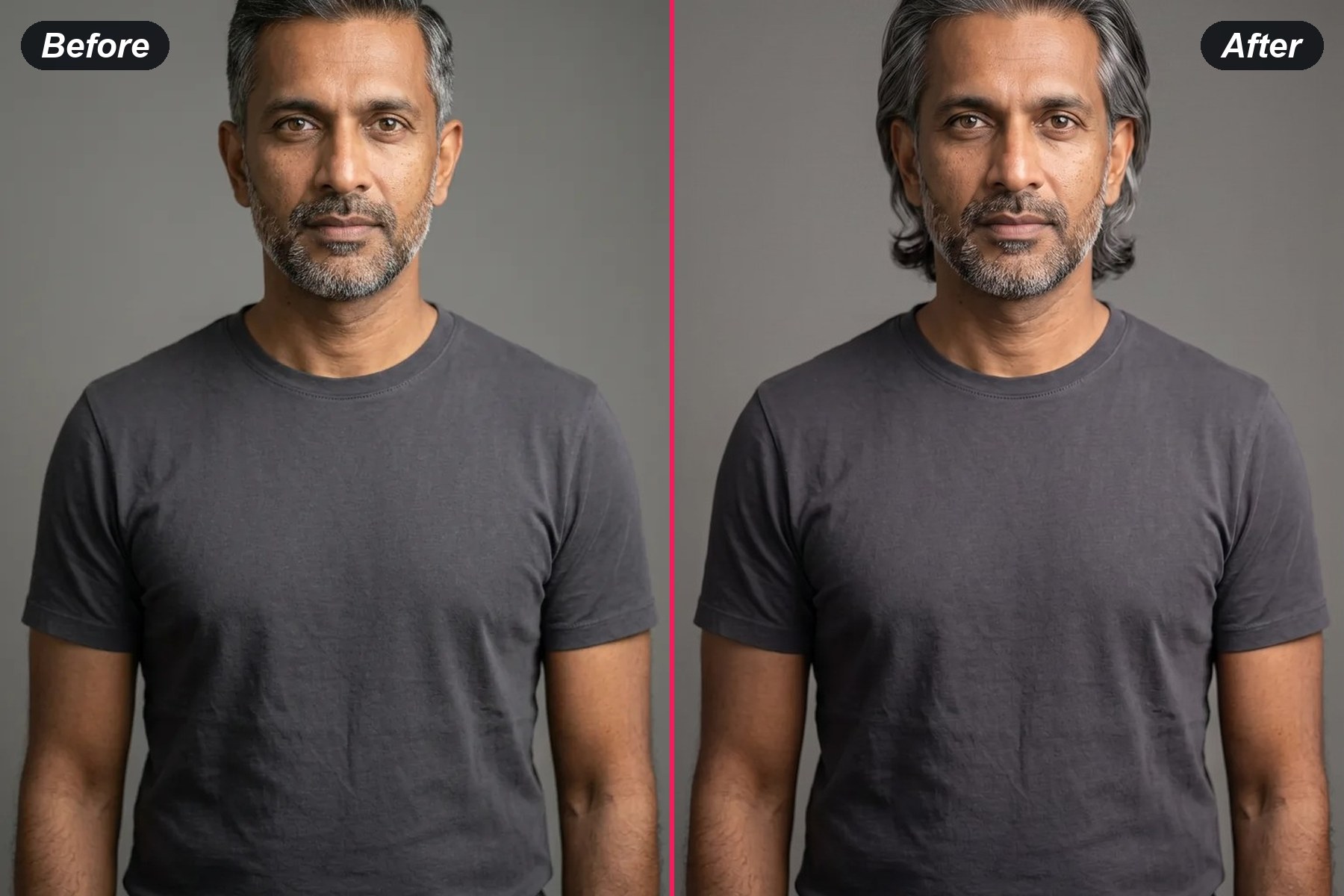
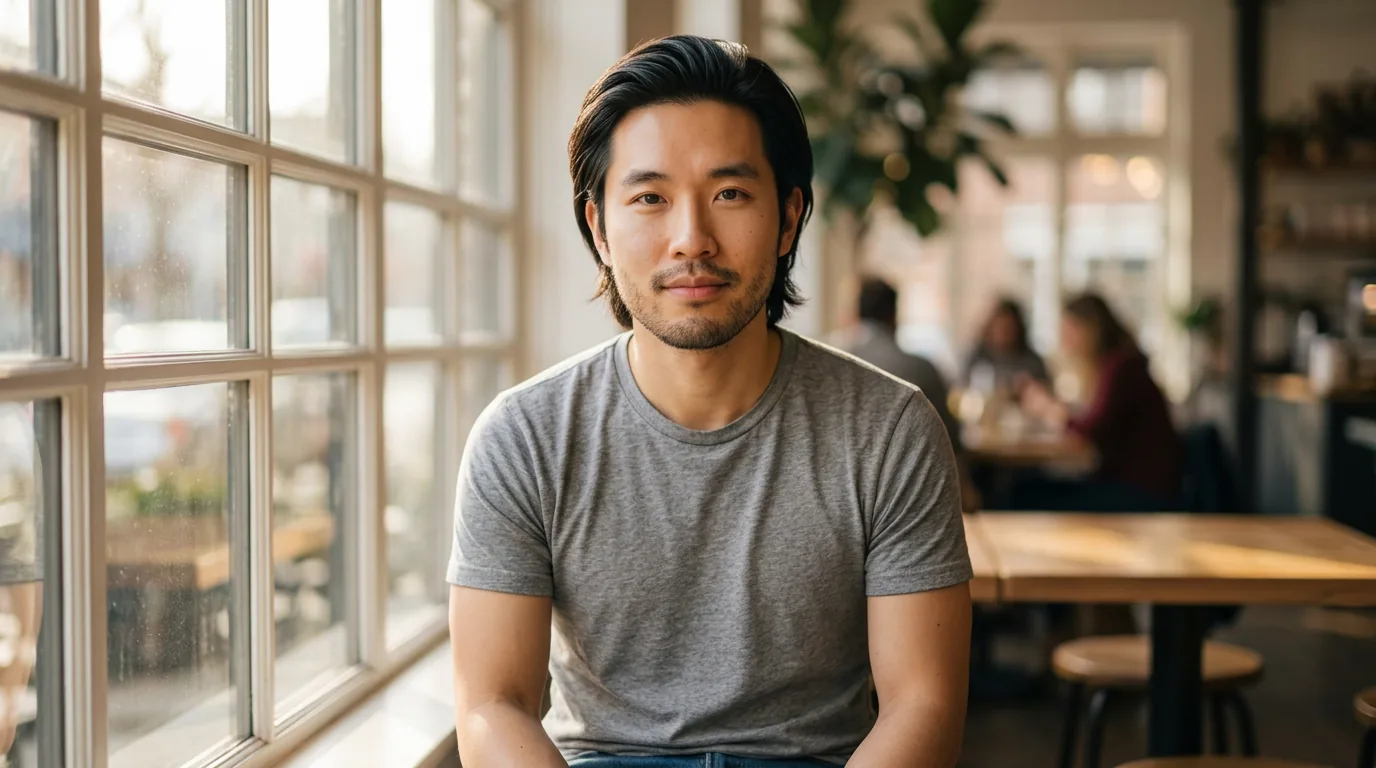
Check what six months of growth would actually look like on you before committing to it.

See It Longer

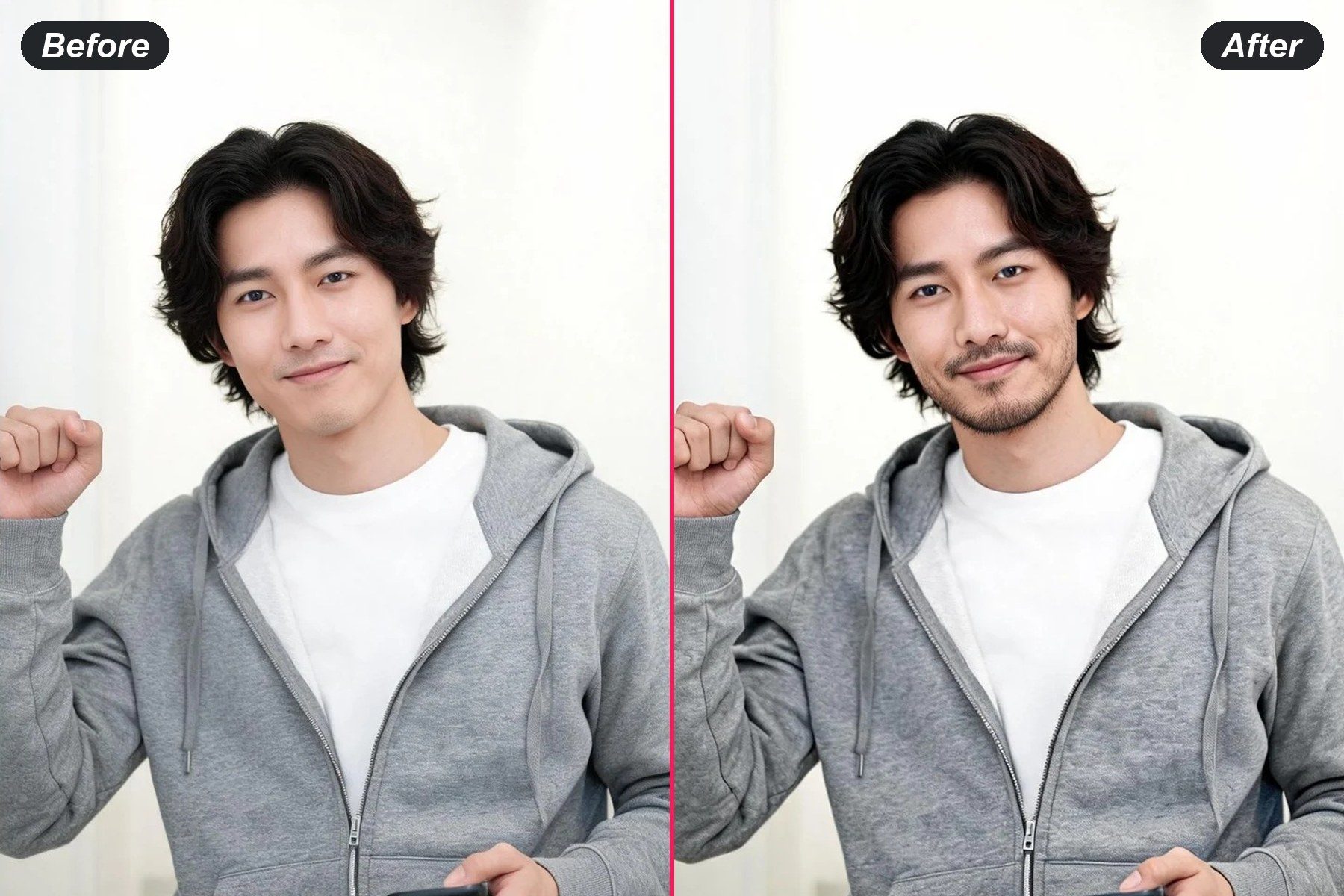
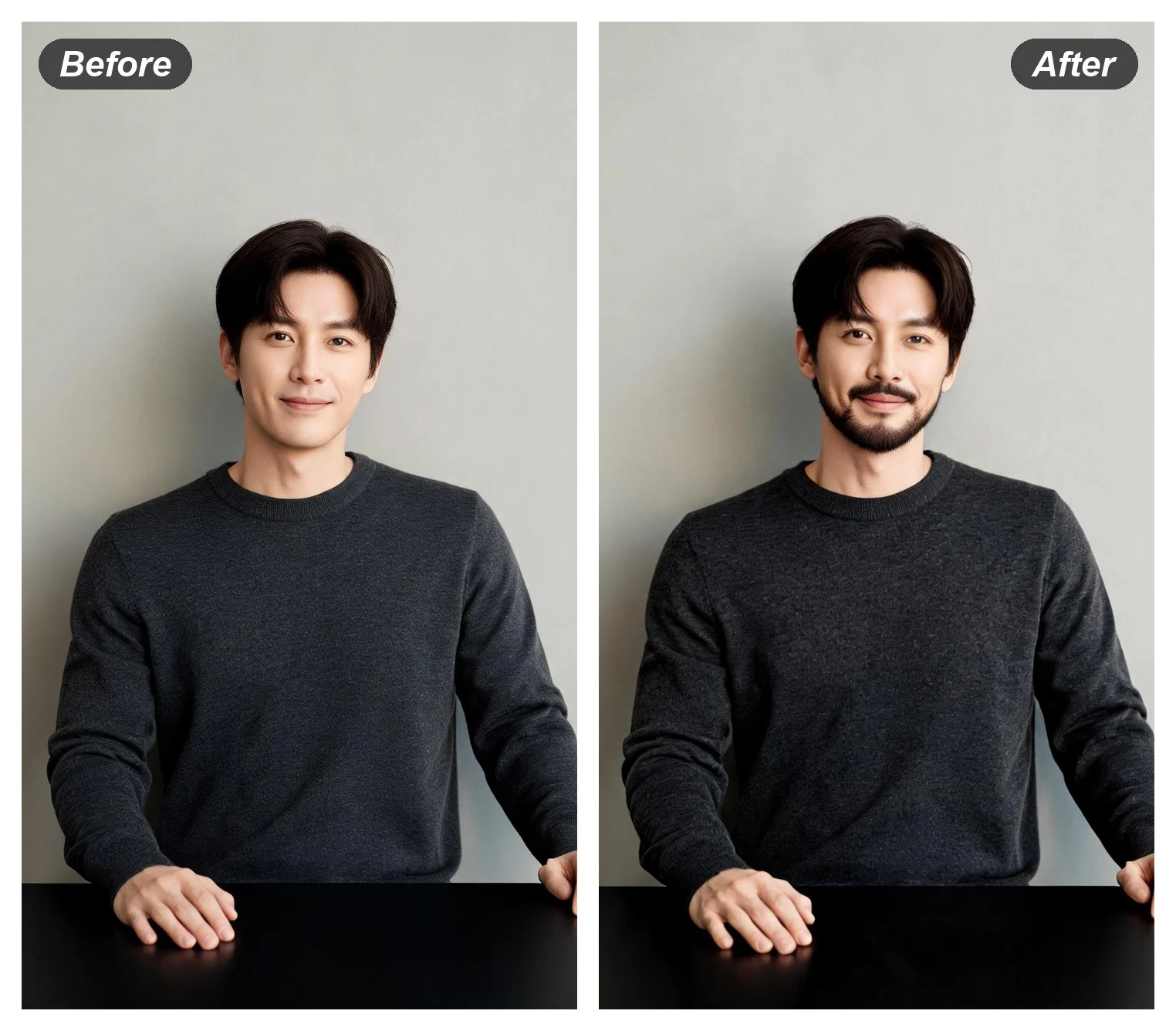
AI Beard Generator: See a Beard Before You Grow One

Four weeks of growing is a long way to find out that a full beard does not suit your jaw. Name the length and the shape — heavy stubble, a short boxed beard, a moustache on its own — and it arrives on the face in the photo you already have, with the haircut, the clothes and the light untouched, so the only thing under review is the facial hair.

Preview a beard
AI Beard Generator: See a Beard Before You Grow One

AI Hairstyle and Beard FAQ

Can it show me what I would look like with a beard?
Yes — say the length and the shape in the box, from heavy stubble through to a full boxed beard or a moustache on its own, and it lands on the face in your photo. The haircut, the clothes and the lighting stay as they were, which is what makes the two versions worth comparing.
Is the AI hairstyle preview free?
Running it costs nothing. Add a photo, name the cut, press Generate; signing in only matters at the point you want to keep the result.
What photo works best for a haircut preview?
Front on, hairline visible, ears not covered, shot in even light. A cap, a heavy side angle or hair already pushed back all remove the information the model needs to place a new cut.
Will my face change when the cut does?
The sentence loaded in the box holds the face, the clothing and the background, and asks only for the hair. Keep that holding clause when you rewrite it — it is what stops a new cut arriving on a slightly different person.
Can I try a colour and a cut at the same time?
You can, but one change at a time reads more clearly. Run the cut first, settle it, then take the wording that worked and add the colour; otherwise it is hard to tell which of the two did the work.

用戶評價

★★★★★

Took the result to my barber instead of trying to describe it. First time I got the cut I actually wanted.

Owen R.

★★★★★

Checked a buzz cut before committing. Turns out my head shape works — would not have risked it otherwise.

Sam D.

★★★★

Free to try, which is why I tested it. Fades come out well; very curly hair is hit and miss.

Andre M.