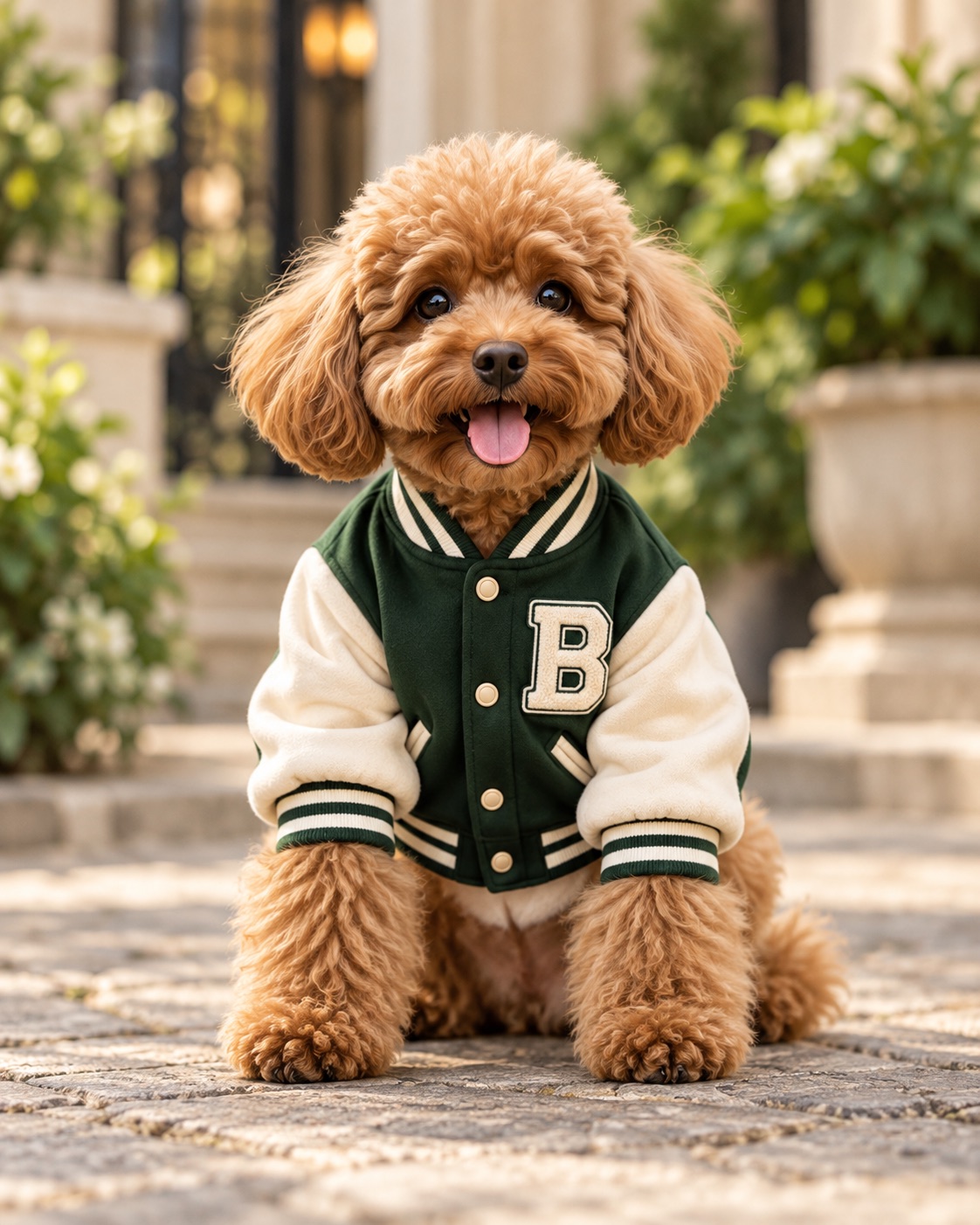
Collage animation turns paper cutouts, photo fragments and textures into a moving, layered scene. Below are seven collage animations made with AI from a product image and a short description, each 10 to 15 seconds long, vertical, with paper sound effects and music.
What is collage animation?
Collage animation is a style of animation built from layered fragments, such as cut or torn paper, photographs, type and textures, that move, swap and rebuild over time. It looks hand-made on purpose: visible paper edges, tape, flat shadows and sudden pops instead of smooth 3D motion.
That look suits product reveals and short social videos, because each beat can bring in a new paper layer.
The traditional way and the AI way
Making collage animation by hand usually means cutting or scanning paper and photographing each move frame by frame, or building the layers in an editor such as After Effects and setting keyframes. It is rewarding, but it takes a lot of careful setup before anything moves.
The AI way starts with a topic or a product. Our Collage Stop Motion Director takes a topic and one optional subject image, then returns a short video in the collage stop-motion style (vertical by default), with paper sound effects and original music and no voiceover. If you want a still collage image instead, try our AI collage generator; for other animation styles, see our AI animation generator.
How to make a collage animation with AI
- Open the Collage Stop Motion Director in Ima Studio.
- Write the Animation topic. For a product video, give the product name and a short description of what it is and the feel you want.
- Optionally add a Subject image: a product, a person or an object. The image locks the subject’s shape, colors and markings; its photo background is not carried over.
- Choose the Duration (5, 10 or 15 seconds) and the 長寬比. The defaults are 10 seconds and 9:16 vertical.
- 添加 額外要求 if you want to steer color, audio, motion or things to leave out, then generate.
Sound is built in: synchronized paper sound effects plus original music, with no voice.
Seven collage animations from one image and one description
Every example below used a product image and a short product description as the input. The product images are AI-generated. All seven videos are vertical (720×1280) and have sound; press play to watch.
Food: retro potato chips (15 seconds)
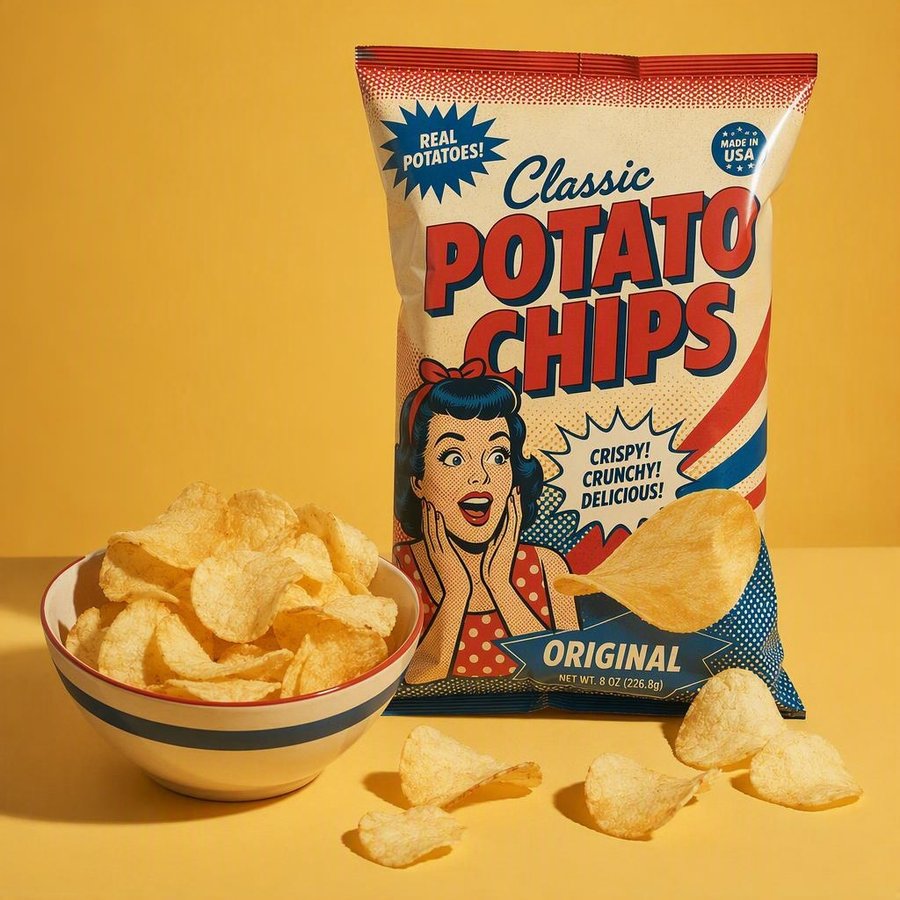
The description named the product, its crunchy texture and its classic flavor. The video opens on a taped-down retro poster, builds the headline in big paper letters, pops the bag up with chips spilling out, and finishes in a burst of red, white and blue paper confetti.
Food: a berry bubble tea (10 seconds)
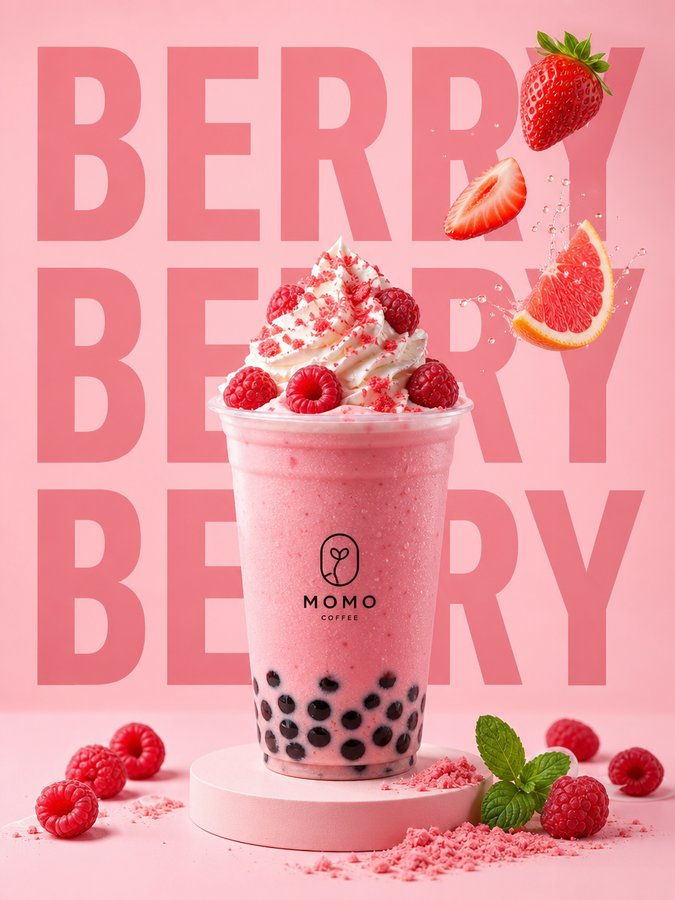
Here the drink is built layer by layer: whipped cream, then raspberries, then an ice tray with berries and grapefruit slices. The background paper swaps from plum to pink to pale green, so the product never sits still on one backdrop.
Food: dinosaur seaweed cookies (10 seconds)
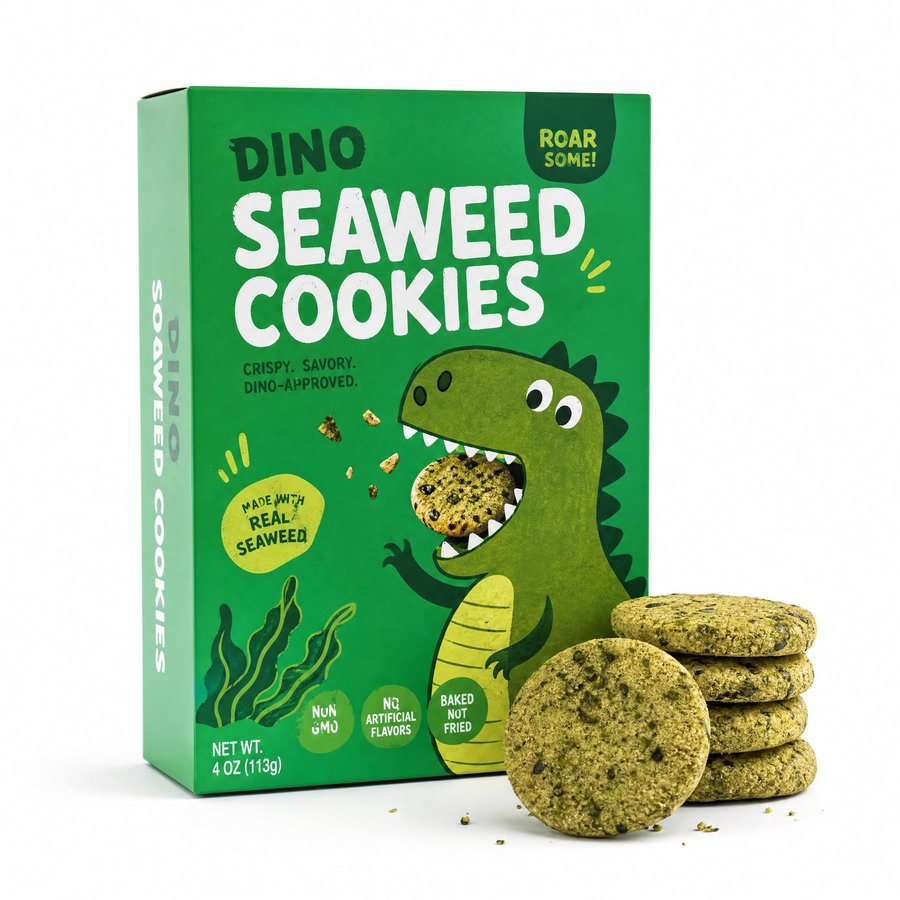
The description called the snack kid-friendly and dinosaur-shaped, and the video builds a paper-cut dinosaur that holds up the cookie box. Green paper confetti falls, and the ending adds small hands and cardboard paw prints.
Personal care: a beach-day perfume (15 seconds)
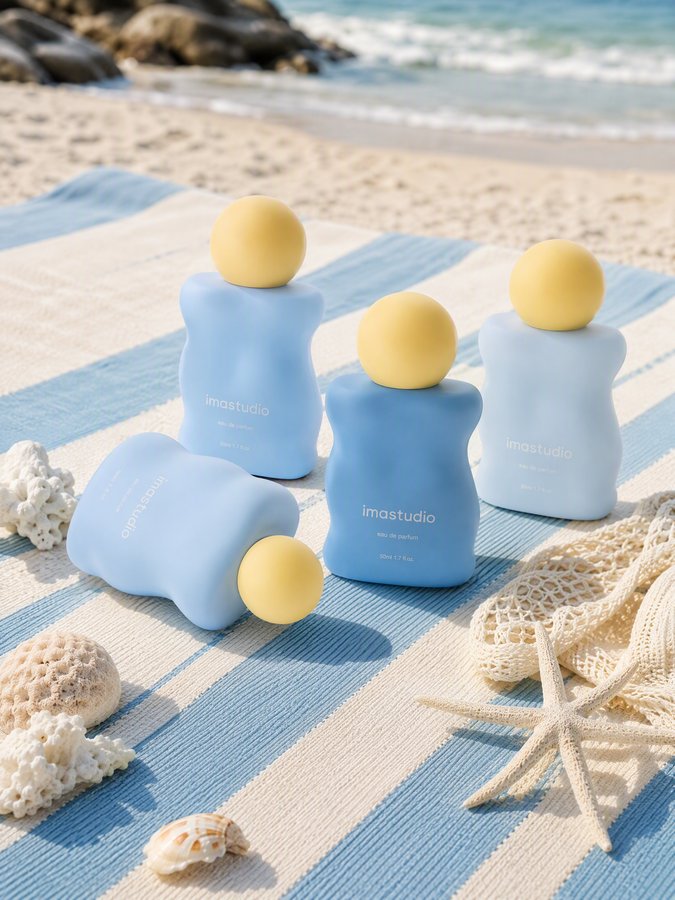
The description said the fragrance was inspired by warm sunlight and an ocean breeze. The video answers with a blue paper sky, a paper sun with taped rays, layered paper waves, and a starfish and coral around the bottle.
Home: a velvet lounge chair (10 seconds)
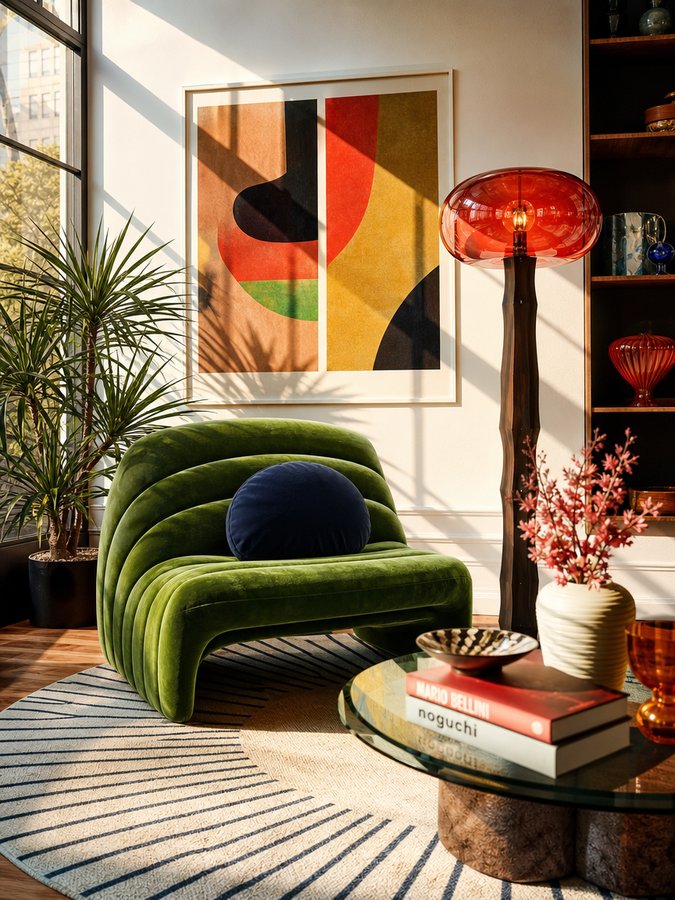
The chair is cut out of its living-room photo and placed on warm orange paper with burst lines. Paper arcs, leaves and torn strips arrive in turn, which fits the description’s mid-century, retro-luxury style, and the video ends on a paper label with the product name.
Pets: freeze-dried cat food (10 seconds)
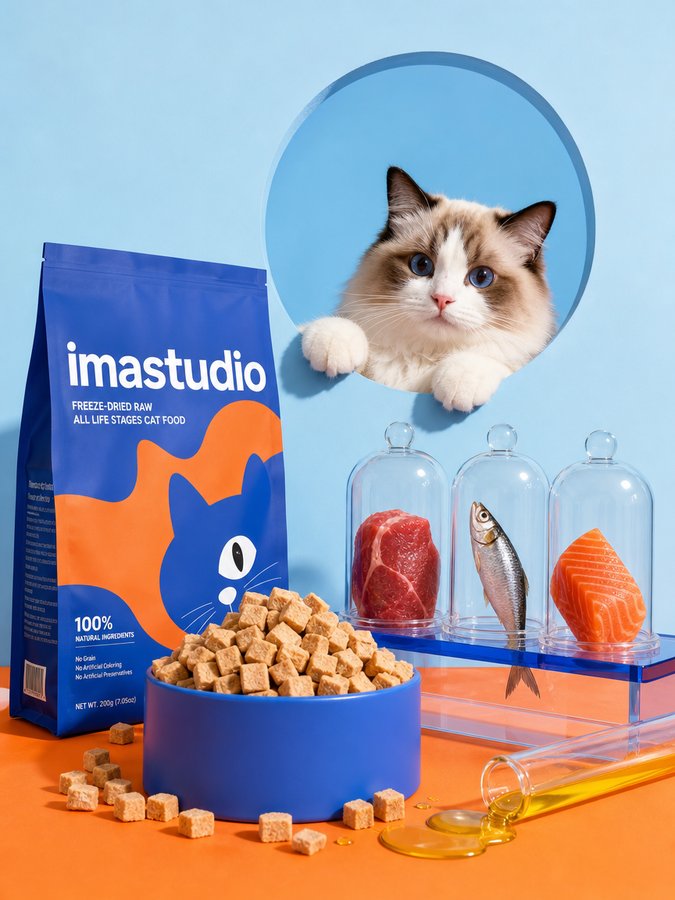
Torn blue paper, an orange paper cat shape, and paper cutouts of steak and fish frame the pouch. The ending composes a poster with a cat peeking out of a round hole and a “100% NATURAL” paper banner, matching the bold, pop-color style in the description.
Electronics: wired headphones (10 seconds)
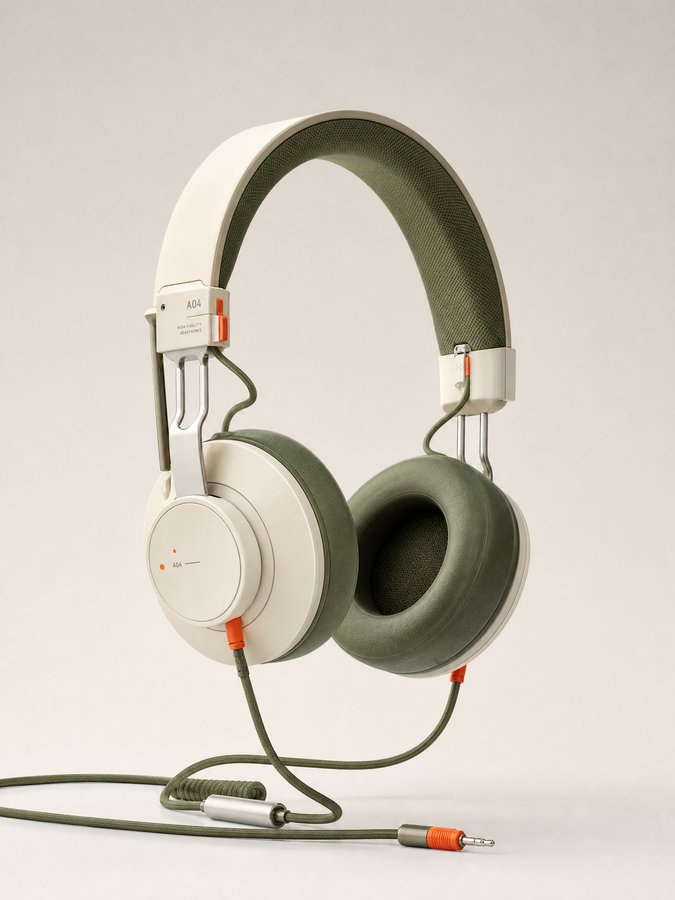
Because the headphones are about listening, the video turns the cable into paper rope and draws zigzag paper sound waves around them. It then layers torn olive and orange paper frames with small gears behind the product.
Tips for better collage animations
- Start with one clear subject image. In all seven examples the product from the image stays recognizable, shown as a photo cutout among the paper layers.
- Describe the feel, not just the facts. Our inputs name the product, its key features and a style such as playful, retro or minimalist. The perfume description mentioned sunlight and an ocean breeze, and the video built a paper sun, waves and starfish.
- Pick the length for how much you want to show. Two examples ran 15 seconds and the rest ran the 10-second default.
- Check any generated text. Labels and banners are generated, so watch them frame by frame, and put brand names and key claims on the product image itself.
- One subject per video. The skill makes a single video from a single subject image, so make one video per product.
常見問題解答
Do I need a subject image?
No. You can start from a topic alone, and the topic field suggests ideas such as how coffee spread around the world. The seven examples above all used a product image.
Can I upload a video as the input?
No. The skill takes a topic and an optional image, not video.
Is there narration?
No. The sound is synchronized paper sound effects plus original music, with no voice.
Which lengths and shapes can I choose?
Duration can be 5, 10 or 15 seconds. The aspect ratio is 9:16 by default, with 16:9, 1:1, 3:4, 4:3 and 21:9 also available.
Which model does it use?
The Collage Stop Motion Director uses Seedance 2.0 at 720p.
Try collage animation with your own product
Add your topic or product image, pick a length, and generate.
作者簡介