A static photo of a running shoe tells you the colorway. It does not tell you how the sole flexes, how the knit gives when the foot rolls, or how the heel holds on a hard step. For athletic gear, the motion is the selling point, and a still frame hides exactly the part the buyer wants to judge.
The usual fix is a shoot: a studio, a hand or foot model, and an editor, redone every time the SKU, colorway, or claim changes. For a catalogue of variants, most products never get a video at all.
This guide shows the other route. You keep the exact product from a photo, direct one real motion that proves one benefit, and build a short ad from a few focused shots. The work happens in Ima Studio’s Minimalist Product Ad tool, and the discipline matters more than the tool.
Make a Sports Product Video Ad
快速回答
- Pick one thing to prove in motion (sole flex, compression rebound, grip, water beading), not a highlight reel.
- Lock the exact SKU first (shape, colorway, logo, parts). If the product mutates mid-clip, nothing else matters.
- 產生 short shot candidates, then cut a hook → proof → CTA edit. You are making one ad, not one perfect take.
One-minute setup
Upload the cleanest product photo you have, type the name, price, and two selling points, choose a vertical 9:16 for feeds, and in extra requirements name the single motion you want (for example, “sole flexes once on a hard step; no deformation, no extra branding”). Review the three directions before you generate.
Why sports gear needs motion, and which motion
Athletic products sell on behavior. The buyer is asking a physical question, and the ad either answers it or it doesn’t:
- A running shoe: does the sole flex and return, or is it a brick?
- A compression top: does the fabric hold under stretch, or bag out?
- A ball: is the panel geometry and surface real, or a generic sphere?
- A grip or handle: does it bite the surface, or slide?
Each of these is one motion. The mistake is trying to show all of them, or inventing a dramatic sprint the product never actually does. The Minimalist Product Ad Skill is built around this: it reads the product for a real “motion opportunity” (flex, compression rebound, rotation, grip, water beading), then prefers the real behavior over invented effects. When a benefit cannot be shown honestly, the right move is to not fake a test for it.
So before you touch a setting, write down the single physical claim this ad makes. That one line drives every choice after it.
Before you generate: lock the SKU, then split rigid from fabric
Two preparation steps decide whether the output is usable.
Lock the SKU. The product in your photo is the only truth. The Skill’s first rule is that structure, proportion, color, material, logo, and parts do not change, and its generation limits explicitly forbid product drift, face swaps on two-sided items, and logo distortion. Your job is to give it a clean reference so it has something exact to hold. One sharp, uncluttered product photo beats five busy lifestyle shots.
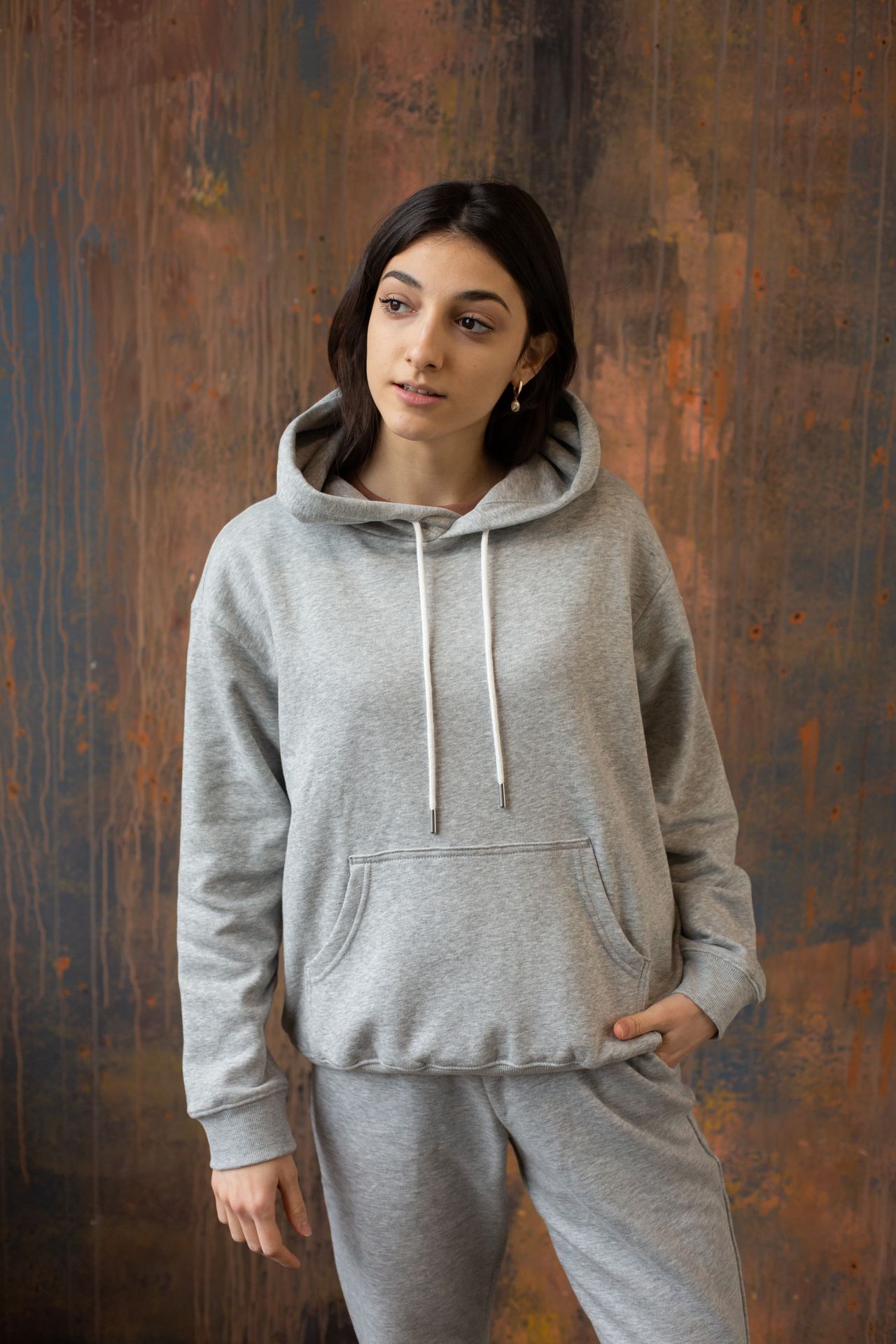
Split rigid goods from fabric goods. They fail differently, so you prepare them differently.
| Product type | What breaks in AI video | What to give it |
|---|---|---|
| Rigid (shoes, balls, bottles, equipment) | outsole pattern warps, panel geometry drifts, parts merge | front + side + a close-up on the sole/texture; name the parts that must not change |
| Fabric (jerseys, compression wear, gloves) | fabric floats, logo stretches, weave turns to mush | a reference in the tension state you want shown (relaxed vs mid-stretch); say which state is correct |
Rigid products need their geometry pinned. Fabric needs its tension state pinned. Naming this up front is what keeps the ad from mutating the moment the product moves.
The two paths in Ima Studio
You have two ways to produce the clip, and they suit different needs.
| Minimalist Product Ad (Skill) | Direct camera control | |
|---|---|---|
| 最適合 | a finished, product-centered ad with selling-point text | a single clean motion shot you will edit yourself |
| What you do | upload photo + name/price/points, pick one of three directions, confirm | set the move (push-in, orbit, macro slide) on one reference |
| 你將獲得什麼 | an Apple-style product video ad, shot by shot, with QA | one controlled motion clip to assemble later |
| When to pick it | you want the ad assembled for you | you are cutting several shots together |
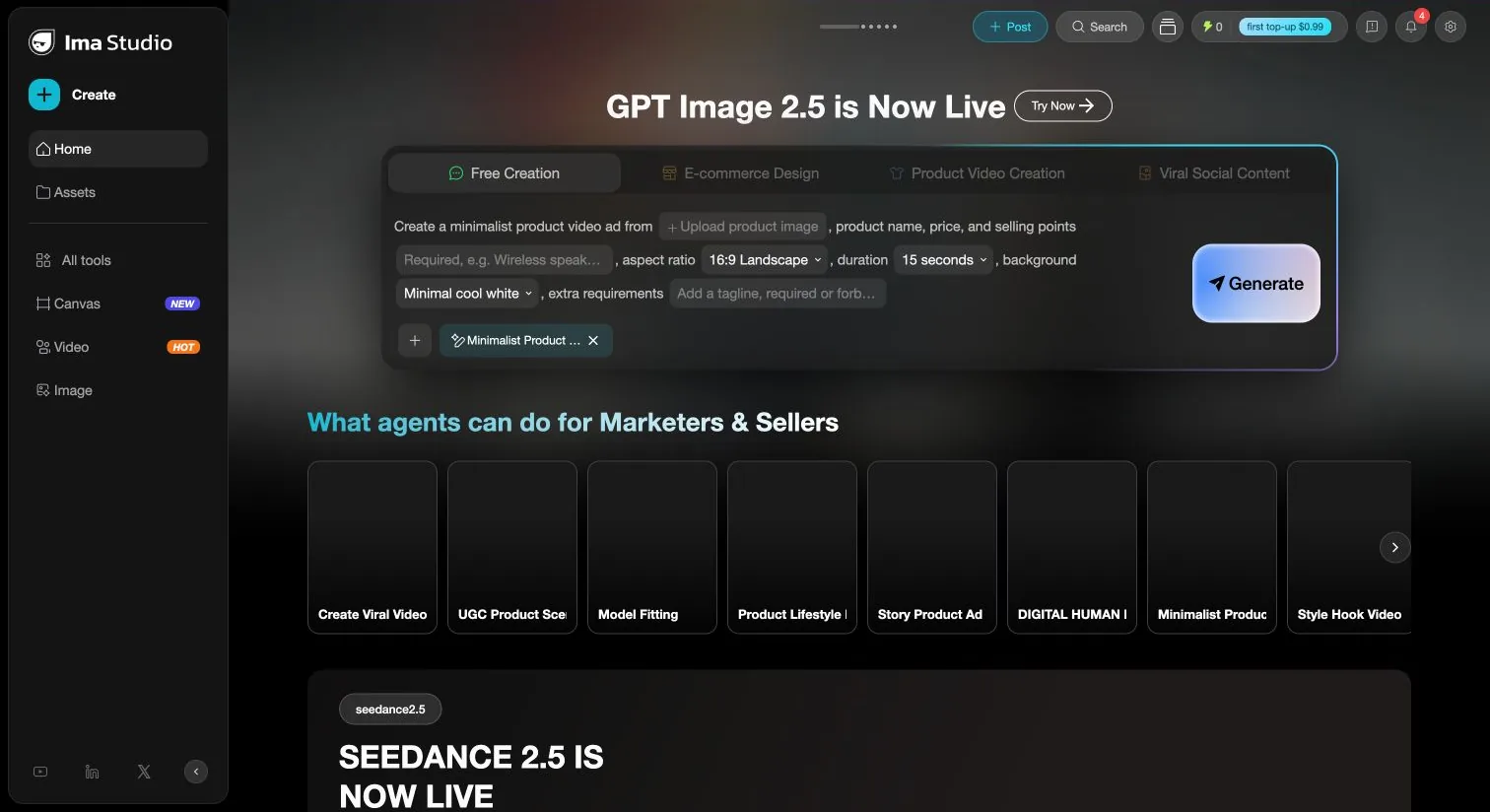
For most sports sellers, start with the Skill. It offers three genuinely different creative directions from one image: DESIGN (form and material), FUNCTION (prove a benefit with real behavior), and BRAND (name, hero, tagline). For performance gear, FUNCTION is usually the one: it is the direction built to show grip, rebound, and flex as proof rather than decoration.
Prompt each category differently
The protected details change by product. This is where most ads quietly go wrong. The motion looks fine, but the outsole pattern or the badge drifted and the shoe is no longer the shoe you sell.
| 類別 | Lock these details | One camera move | One physical behavior |
|---|---|---|---|
| Running shoes | outsole pattern, toe shape, heel counter, laces, side logo, color blocking | slow lateral slide, heel to toe | one controlled flex on a hard step; sole returns |
| Jerseys / compression | front and back print, collar, weave, fit state | slow push-in on the chest mark | fabric stretches once and settles; no logo warp |
| Balls | panel geometry, valve position, badge, surface finish | controlled orbit, half turn | one slow rotation on a stable surface |
| Equipment / grips | grip texture, joints, moving parts, finish | macro slide along the contact edge | one press or grip onto a surface; no part swap |
A prompt that works reads like a single instruction, not a scene: name the exact product and its protected details, one lighting setup, one camera move, and one behavior, then forbid the rest. For example: “Exact reference running shoe, keep the outsole pattern and side logo, cool white studio, slow lateral slide from heel to toe, sole flexes once on a hard step, returns to shape; no deformation, no extra text, no invented branding.”
That last clause does real work. The Skill already refuses to print selling points, prices, or fake brand marks onto the product surface, but naming it keeps your result clean.
Assemble hook → proof → CTA
One generation is a shot, not an ad. A short sports ad usually runs three beats:
- 鉤: the motion that stops the scroll. A fast macro of the sole flexing or the fabric giving, under a second, then out.
- 證明: the benefit held long enough to read. The grip biting, the rebound, the panel rotating. This is the shot the FUNCTION direction is built for.
- 行動呼籲: the product in full, stable, with the name and price in a clean area beside it, not stamped across it.
Generate a few candidates for each beat and keep the ones where the product stayed exact. The Skill keeps selling-point text in its own space beside the product rather than buried over it, which is what lets a 9:16 feed ad stay readable at a glance.
What the Skill refuses to do, and whether it is worth it
Three honest limits, because they answer the objections a careful buyer actually has:
- It will not invent a benefit it cannot show. No faked waterproof test, no imaginary sprint the shoe never does.
- It will not drift the SKU. Structure, logo, and parts are locked after you confirm, and QA checks for exactly this.
- It will not stamp text or fake branding onto the product. Prices and taglines live in the layout, not laser-etched on the shoe.
Is it worth doing this way? The test is not how many clips you can generate. It is how many usable, on-brand shots you get before you would have needed a second shoot. For a sports catalogue where every colorway and claim used to mean another studio day, producing one more variant costs a photo and a prompt instead. Start with one representative SKU, your best-selling shoe or your hero jersey, and judge the first finished ad before you scale.
If you sell across more than athletic gear, the general version of this workflow is covered in how to turn any product photo into a video ad. If you are choosing a tool for a store, compare options in the best AI video ad generators for ecommerce brands 和 video ad creators for Shopify sellers.
Make a Sports Product Video Ad in Ima Studio
作者簡介