免费的 AI视频升级
Enhance Videos to 2K, 4K & 8K Fast
Privately upload a low-resolution, blurry, or compressed video and upscale it online with Ima Studio. Improve clarity, recover detail, upgrade motion from 30fps to 60fps, and export sharper 4K, 2K, or 8K-ready results — free, unlimited, fast, and built for secure video enhancement workflows.
Free AI video upscale with 4K enhancement and 30fps to 60fps support. Private video upload. Secure processing. Your videos stay confidential while being enhanced.
AI Video Upscale Key Capabilities

What is AI Video Upscale?
AI video upscale uses generative enhancement and super-resolution models to turn low-resolution or compressed footage into sharper, cleaner video. Instead of simply stretching pixels, it analyzes frames, edges, motion, faces, text, products, and textures to rebuild missing detail for higher-resolution outputs.
Ima Studio’s AI Video Upscale page is designed for creators, ecommerce teams, marketers, editors, and agencies who need fast video enhancement without complicated software. Use it to improve old clips, product demos, social videos, ad creatives, UGC footage, tutorials, and presentation-ready assets.
Free & Unlimited Video Upscaling
Start enhancing videos for free and keep testing variations without worrying about strict creative bottlenecks. This is especially useful when you need to improve many assets for ads, social posts, product pages, or client reviews.


2K, 4K, 8K & 60fps AI Enhancement
Upscale videos for sharper viewing across modern screens. Choose higher-resolution enhancement targets such as 2K, 4K, or 8K depending on where the final asset will be used. Ima Studio also supports smoother motion workflows, including upgrading video from 30fps to 60fps for cleaner playback.
Fast 4K Video Upscale & 30fps to 60fps Enhancement
Speed matters when you are testing creative volume. Ima Studio is built for fast enhancement workflows, so teams can clean up footage, upscale to 4K, improve frame rate from 30fps to 60fps, compare outputs, and move from rough asset to usable video faster.


Sharper Details, Cleaner Motion & Reduced Blur
Improve visual clarity, reduce softness, and make motion feel cleaner. AI video upscaling can help recover edge detail, reduce compression artifacts, and make older or lower-quality footage more usable for publishing.
Made for Creators, Marketers & Ecommerce Teams
Use AI video upscale when your source footage is good enough in concept but not sharp enough for distribution. It is ideal for UGC ads, product demos, influencer clips, tutorials, reels, testimonials, and repurposed video assets.


AI Video Upscale for Every Format
Whether your final video is vertical, square, or landscape, AI video upscale helps improve clarity before distribution. Use it before cropping, resizing, editing, or publishing to keep more detail in the final asset.
How to Use Ima Studio’s AI Video Upscale Tool

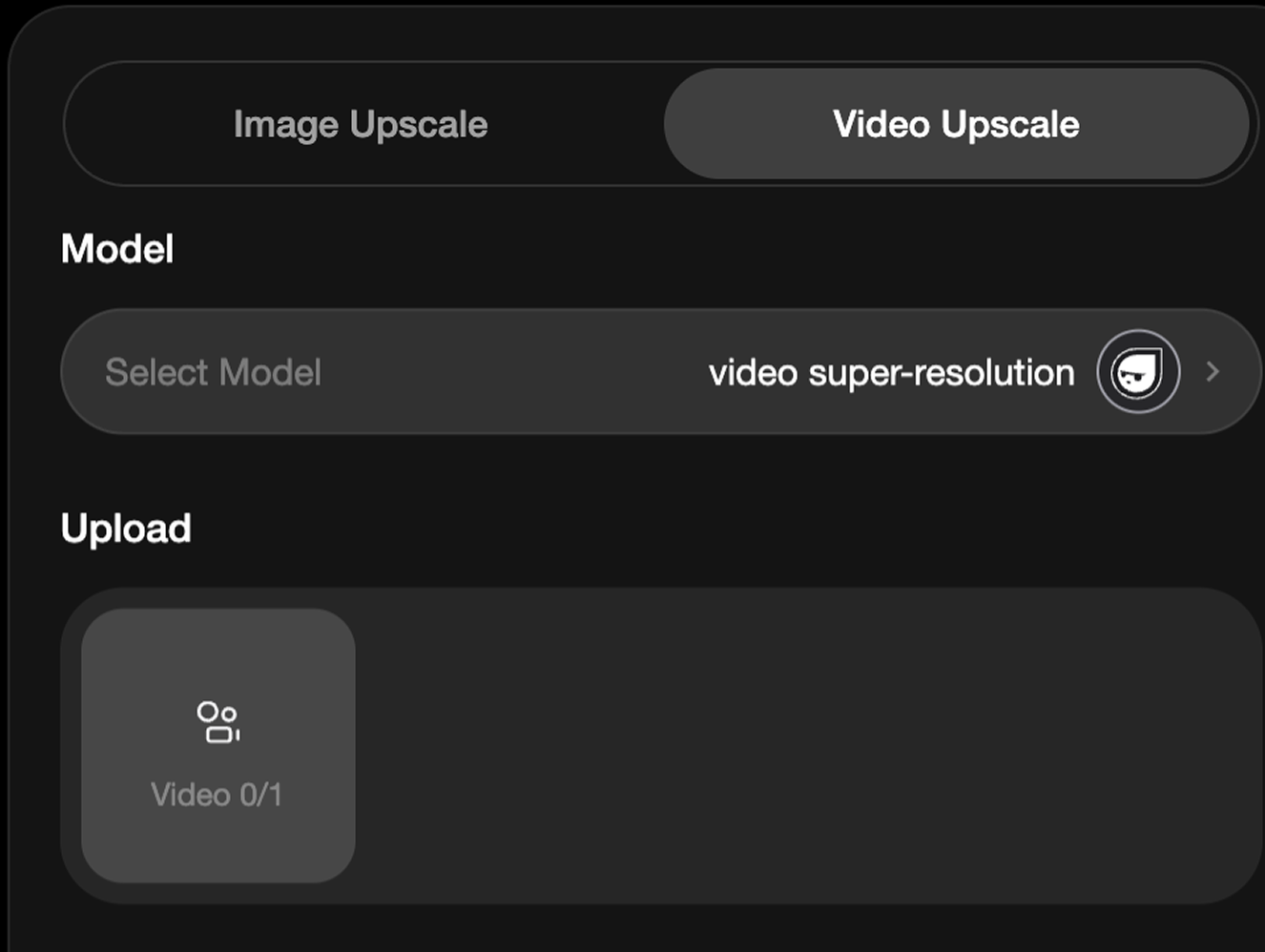
Step 1 — Upload or choose your video
Start with a low-resolution, compressed, blurry, old, or platform-downloaded video that needs sharper output.

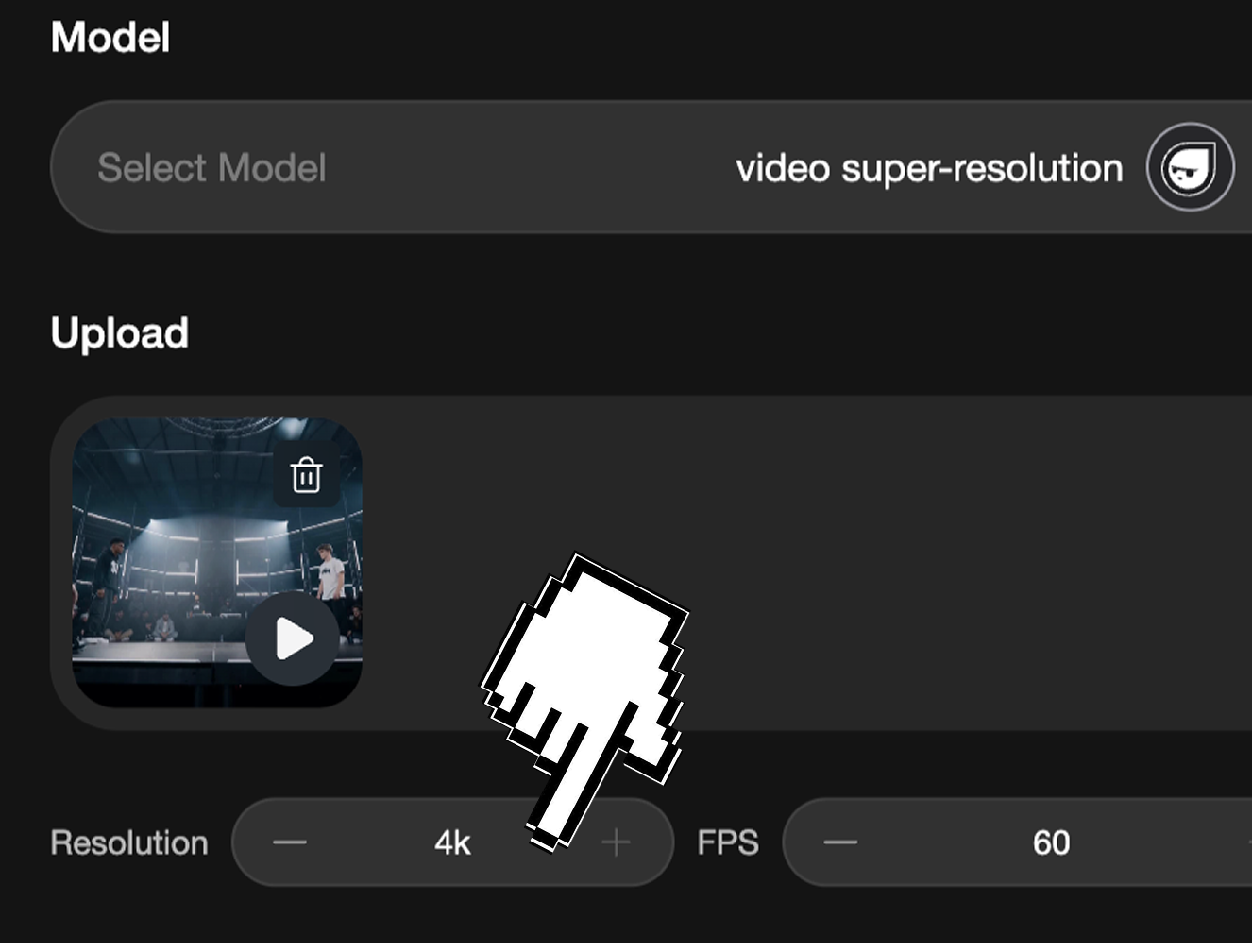
Step 2 — Choose 4K upscale or 30fps to 60fps enhancement
Select the target quality based on your publishing need: sharper 4K output, smoother 60fps motion, social posts, ecommerce pages, presentations, ads, or large-screen playback.

Step 3 — Upscale and export fast
Let Ima Studio enhance clarity, rebuild detail, and prepare a cleaner video that is ready for editing, sharing, or publishing.
Why Choose Ima Studio for AI Video Upscale?
Private Upload & Secure Enhancement
Upload videos privately and enhance them in a secure workflow. This is important for product footage, client videos, internal assets, and unpublished creative materials.
4K + 30fps to 60fps Enhancement
Improve videos for modern screens, ecommerce pages, ads, presentations, and smoother playback with 4K upscale and 30fps to 60fps upgrade support.
Very Fast Enhancement Workflow
Move from rough video to sharper 4K or smoother 60fps output quickly, so teams can test, review, and publish more assets with less editing friction.
Confidential Creative Workflow
Use Ima Studio to enhance sensitive video assets without turning private product footage or client materials into public-facing content.
Built for Practical Content Teams
Useful for creators, marketers, agencies, ecommerce operators, educators, and teams that need better-looking videos fast.
Works With Existing Assets
Get more value from footage you already have: UGC, product demos, old videos, compressed clips, social posts, and ad creatives.
AI Video Upscale Use Cases: Make Existing Footage Look Sharper
Upscale UGC Ads & Influencer Clips
Influencer and UGC footage often arrives in mixed quality. AI video upscale helps clean up low-resolution clips so they can be reused for paid ads, landing pages, and social campaigns.


Enhance Product Demo Videos
Sharper product videos make features easier to see. Use AI video upscale to improve ecommerce demos, app walkthroughs, before/after clips, and product explainers before publishing.
Restore Old or Compressed Videos
Bring older footage, downloaded clips, or compressed assets closer to modern viewing quality by improving detail, reducing blur, and preparing higher-resolution exports.


Improve Social Media Reels & Shorts
Repurpose existing short-form videos for TikTok, Instagram Reels, YouTube Shorts, and ads with cleaner visuals and higher perceived production value.
Prepare Videos for 4K Displays
When footage needs to appear on landing pages, presentations, pitch decks, trade-show screens, or large displays, AI upscaling helps reduce the gap between source quality and final viewing expectations.


Refresh Ad Creatives Faster
Creative teams can turn older videos into sharper variants instead of reshooting from scratch. This helps reduce production friction and extend the life of existing assets.
FAQs About Ima Studio’s AI Video Upscale Tool
AI video upscale is the process of using AI enhancement models to increase video resolution and improve perceived sharpness, clarity, detail, and overall quality.
Yes. Ima Studio supports higher-resolution enhancement workflows including 2K, 4K, and 8K-ready outputs depending on source quality and use case. The page also highlights 30fps to 60fps frame-rate enhancement for smoother playback.
The page highlights a free and unlimited video enhancement workflow so users can start testing without friction.
It can improve many blurry, compressed, or low-resolution videos by rebuilding detail and reducing softness. Results still depend on the quality of the source footage.
Creators, marketers, ecommerce teams, agencies, editors, educators, and product teams can use it to improve existing videos before posting, advertising, presenting, or repurposing.
Ima Studio positions the AI Video Upscale workflow around private upload and secure enhancement, so users can improve product footage, client materials, internal videos, or unpublished assets with stronger confidentiality expectations.