As a co-launch partner for WAN 2.6, we at Ima Studio have spent the past two weeks rigorously testing its core capabilities. Today marks the official release. Based on our hands-on testing and daily usage, we’ve put together this quick guide to WAN 2.6, including how to start a free trial in Ima Studio and how to get strong results fast.
What you’ll get from this guide:
- The fastest way to generate a complete 10 to 15 second mini story (not just a short clip)
- How to use multi-shot storytelling without losing consistency
- How to use reference video to keep a character stable
- Practical prompt templates we actually use in testing
1) What WAN 2.6 is best at (from our testing)
After running a lot of prompts across different scenarios, we found WAN 2.6 is especially strong when you treat it as a “complete short video generator” rather than a single-shot clip tool.
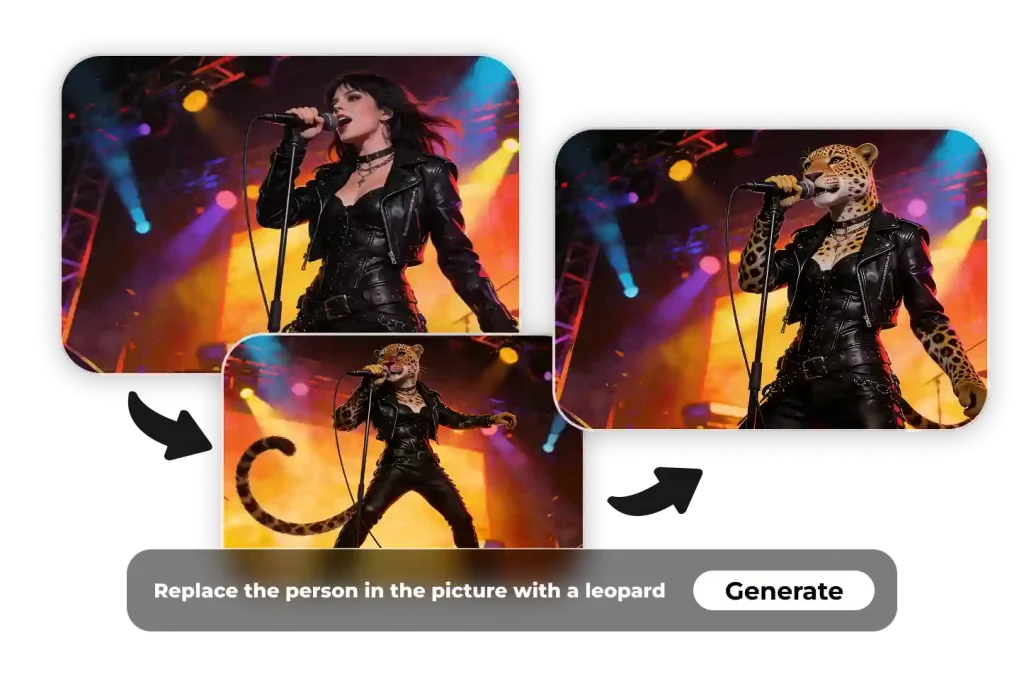
Here are the three capabilities that mattered most in our tests:
Multi-shot storytelling that feels edited
Instead of generating one continuous shot, WAN 2.6 can produce a sequence that reads like multiple cuts inside one video. In practice, this is the difference between “a pretty clip” and “a mini narrative.”
Audio-forward generation (voice, dialogue, and satisfying SFX)
If you storyboard sound, not just visuals, WAN 2.6 tends to reward you with cleaner results. We saw the biggest wins in:
- short voiceover style scenes
- two-person dialogue moments
- ASMR, beat-synced cooking, and “timed” sound effects
Reference-based characters (when consistency matters)
When you need the same person, pet, or character to remain the lead, reference input is the workflow we recommend. It is the difference between “similar vibe” and “recognizably the same subject.”
2) Start a free trial in Ima Studio (fastest path)
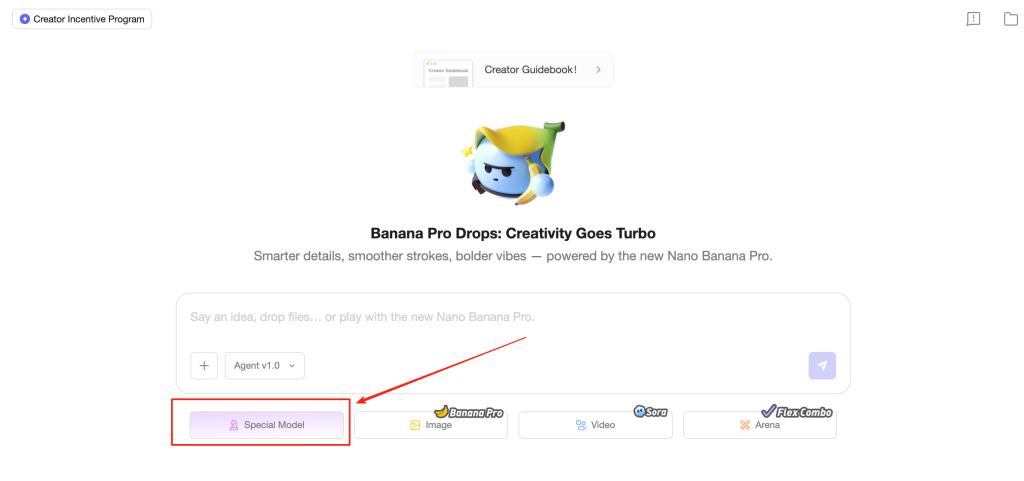
If you just want your first “wow” output in minutes, do this:
- Open WAN 2.6 in Ima Studio
- Choose one mode:
- Text to Video if you want a story from scratch
- Image to Video if you already have a strong keyframe
- Reference to Video if you need character consistency
- Pick a simple goal for the first run:
- 12 to 15 seconds total
- 3 to 5 shots, not more
- one main subject, not multiple competing subjects
If your first generation feels messy, it’s usually not the model. It’s the prompt structure (we’ll fix that in the next sections).
3) The quickest “first win” workflow (we use this in internal testing)
When we test a new model, we don’t start with complicated scripts. We start with a predictable structure.
Our recommended starter formula
- Total length: 12 to 15 seconds
- Shots: 3 to 4
- Shot pacing: 3s + 4s + 4s (+ optional ending)
- One identity anchor repeated across shots (outfit, color, defining detail)
Copy-ready multi-shot template
Vertical 9:16 cinematic video, total 12–15 seconds.

Shot 1 (3s): Establish the main subject and setting (close-up or medium shot).
Shot 2 (4s): Progress the action, keep the same subject, add one new detail.
Shot 3 (4s): Highlight moment (macro detail, slow motion, or key reaction).
Shot 4 (3–4s): Final hero shot, clean ending, clear mood.

Style: (ultra realistic / anime / clay / etc.)
Camera: (close-up, handheld, dolly in, slow pan)
Lighting: (soft daylight / dramatic rim light / neon night)
Audio: (voiceover / dialogue / music + SFX sync)
Why this works: it forces the model to “think like an editor.” You’re not just describing a scene. You’re describing a sequence.
4) How to keep characters consistent across multiple shots
This is the most common complaint people have with multi-shot video generation, and it’s also the easiest to fix.
The fix: repeat identity anchors in every shot
Instead of defining your character once, repeat 2 to 3 anchors in each shot:
- outfit or uniform
- hair style or color
- a signature prop (glasses, scarf, guitar, helmet)
- a stable style rule (cinematic realism, anime cel shading, etc.)
Example anchor repetition
Main subject: a young chef, white apron, short black hair, warm smile.
Shot 1: the young chef in a white apron...
Shot 2: the same young chef in a white apron...
Shot 3: the same young chef in a white apron...
It looks repetitive to humans, but it’s exactly what reduces drift.
5) Audio sync that actually feels intentional
In our tests, the biggest jump in perceived quality came from treating sound like a timeline.
Voiceover prompt pattern
- keep the voice clean
- keep background music low
- keep the script short
A person speaks to camera with natural lip movement.
Audio: clean Mandarin voiceover, music low-volume, minimal background noise.
Two-person dialogue pattern
- define speaker behavior
- keep lines short
- ask for separation and clarity
Two characters talk.
Character A: fast, confident tone.
Character B: slower, confused reaction.
Audio: clear separation between speakers, natural room tone, no music overpowering dialogue.
Beat-synced SFX pattern
The magic words are timing anchors:
- “on the downbeat”
- “on the kick drum”
- “exactly at the drop”
- “sync every hit”
Every knife “thunk” lands exactly on the kick drum beat.
The pan “sizzle” starts precisely on the downbeat of the synth phrase.
6) Reference to Video: how we get the best consistency
If you’re using reference input, the practical rule is simple:
Use “character1 / character2” consistently
Write your prompt using character1, character2, etc. and keep those labels stable throughout the prompt.
Single reference
character1 gives a short street interview to camera.
Keep character1’s face and voice consistent with the reference.
Audio: clean voice, subtle ambience, no loud background.
Two references
character1 sings while character2 dances beside them.
Keep both characters consistent with the reference appearance.
Record reference clips with usable information
What worked best in our tests:
- clear lighting, clean angles
- close-up + slight turns for faces
- fewer background distractions
- if you care about voice traits, include clean audio
7) Copy-ready prompt pack (the ones we actually recommend)
1) Multi-shot cooking with beat-synced SFX (15s)
Vertical 9:16 cinematic cooking short, total 15 seconds.

Shot 1 (3s): Close-up of a chef slicing vegetables on a wooden board in bright kitchen light.
Shot 2 (4s): Each knife “thunk” lands exactly on the kick drum of a light house track.
Shot 3 (4s): Ingredients hit a hot pan; the “sizzle” starts precisely on the downbeat of a synth phrase.
Shot 4 (4s): Slow motion toss in the pan, steam rising, clean sound design, satisfying rhythm.

Audio: music + synchronized cutting and sizzling SFX, clean mix, no harsh noise.
2) Two-person dialogue, cinematic comedy timing
Ultra realistic cinematic scene, dramatic side lighting, total 12–15 seconds.

Shot 1 (4s): Two ancient terracotta warriors stand in a dusty pit, quiet tension.
Shot 2 (5s): Warrior A leans in and speaks very fast, confident tone, clear lip movement.
Shot 3 (6s): Warrior B reacts with confused expression, eyes wide, slight head tilt, perfect comedic timing.

Audio: clear two-speaker dialogue, natural room tone, no music overpowering voices.
3) Product demo that feels edited
Vertical 9:16 clean product demo, total 12 seconds.

Shot 1 (3s): Product on a minimalist desk, soft daylight, close-up hero framing.
Shot 2 (5s): Hands demonstrate the key feature, smooth camera push-in.
Shot 3 (4s): Final hero shot with minimal on-screen text, modern aesthetic.

Audio: light music bed, subtle UI click SFX, no voiceover.
4) Reference-based character (single reference)
character1 walks through a neon-lit street at night, cinematic bokeh, confident expression.
Keep character1’s face and voice consistent with the reference.
Audio: subtle city ambience, no loud background.
8) what we fix most often
- Multi-shot looks chaotic: reduce to 3 to 4 shots, and make each shot’s purpose obvious
- Character drift: repeat anchors per shot
- Dialogue feels noisy: ask for clean voice, low music, minimal ambience
- SFX not syncing: specify timing anchors (downbeat, kick, drop)
About The Author