Veo 3 AI Video Generator

The most powerful and polished AI Video Generator, Transforming Words and Images into Breathtaking Cinematic Videos in Seconds.

Generate HD to 4K cinematic videos. No watermarks. Your content is never stored.

Join our Discord →

How to Use Veo 3 on Ima Studio?

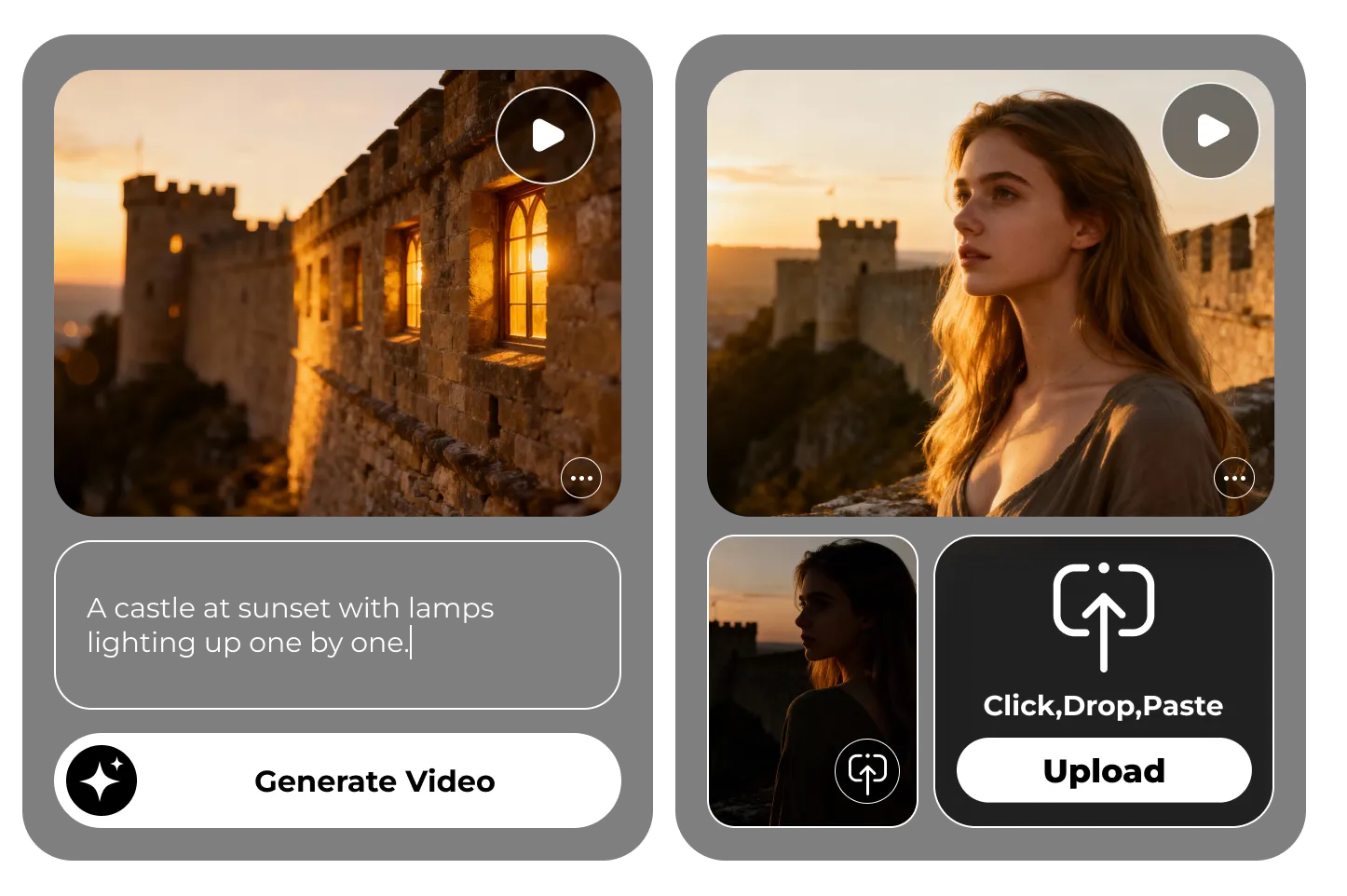
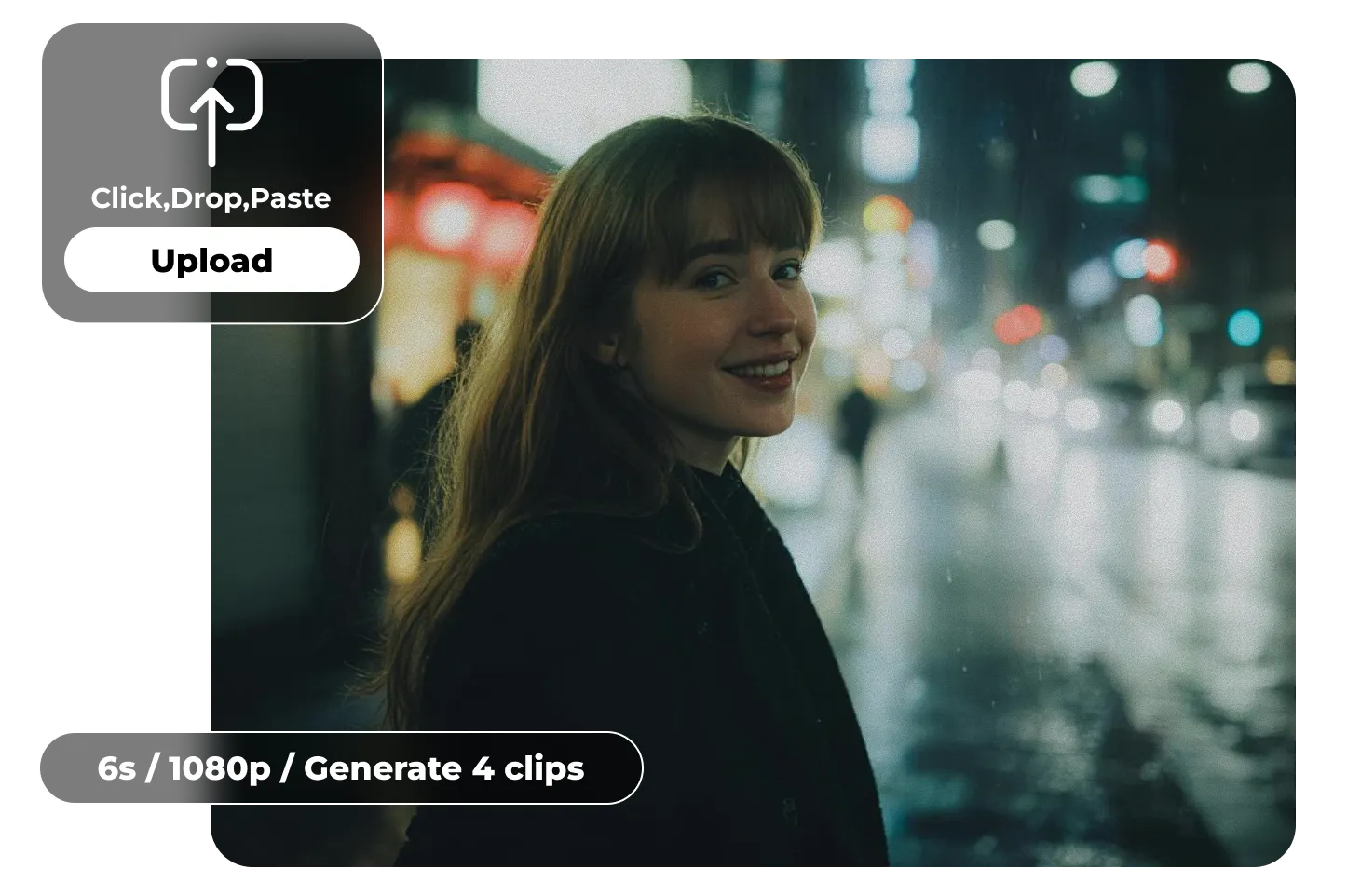
Upload an image or submit a prompt

Within Ima Studio, select the Veo 3 model, then upload an image asset or input a text prompt to initialize video generation.
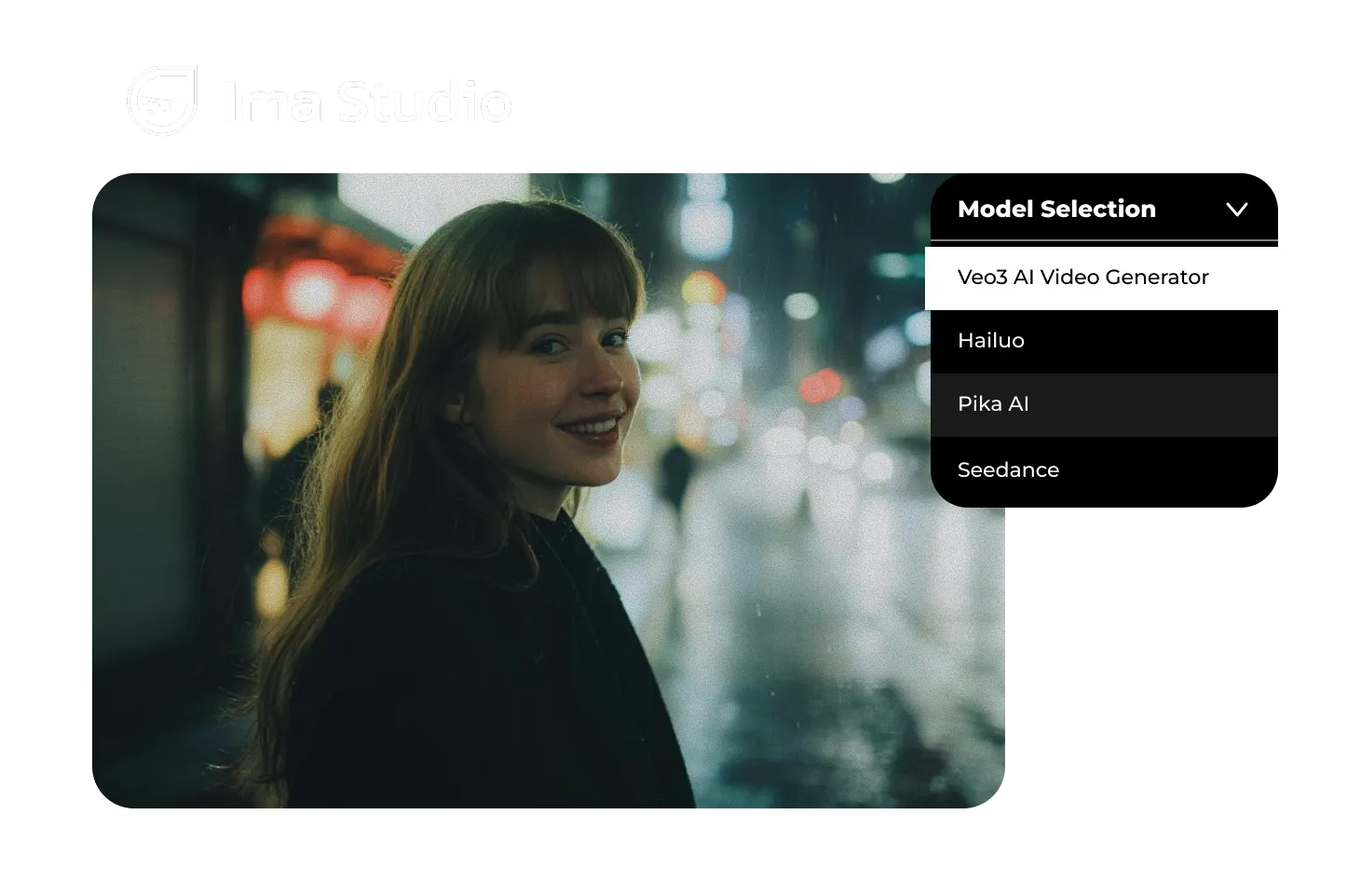
Configure veo3 settings

Define output parameters including duration, resolution, and aspect ratio — supporting cinematic widescreen and social-optimized vertical formats.
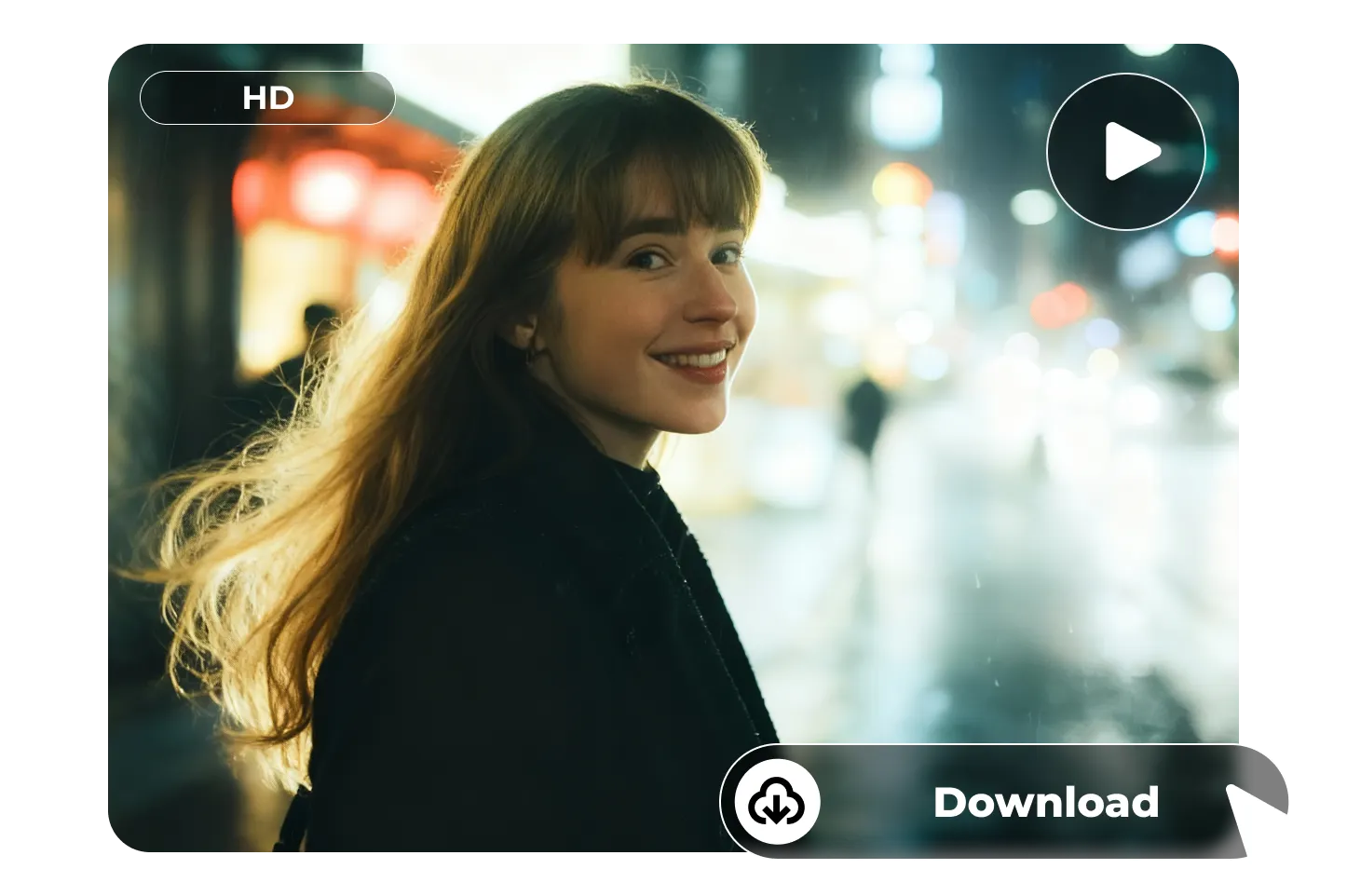
Generate & Download

Click Generate to watch your video come alive in seconds. When it’s ready, download the HD or 4K file and share instantly.
Why Choose Ima Studio for Your Video Creation?

Intuitive, No-Learning-Curve Interface

Start creating videos instantly without spending hours learning complex software. Every tool is designed for simplicity and speed.

Creative Style Library

Choose from a wide range of cinematic, artistic, and social-media-ready styles to give your videos a unique look that matches your vision.

Seamless Cross-Device Workflow

Switch between desktop, tablet, and phone without losing progress. Your projects stay synced so you can create anywhere.

Trusted by Millions Worldwide

Join a global community of creators, influencers, and businesses who rely on Ima Studio for high-quality, fast-turnaround video content.

Optimized for All Platforms

Export videos in the perfect format for Instagram Reels, TikTok, YouTube, or custom dimensions — no manual resizing required.

Easy Collaboration & Sharing

Work with teammates or clients in real time, preview edits instantly, and share finalized videos with one click.

Google Veo 3 AI Video Generator — Cinematic Videos from Text & Images

Native Audio in Veo 3 AI Video Generation — Scenes That Speak

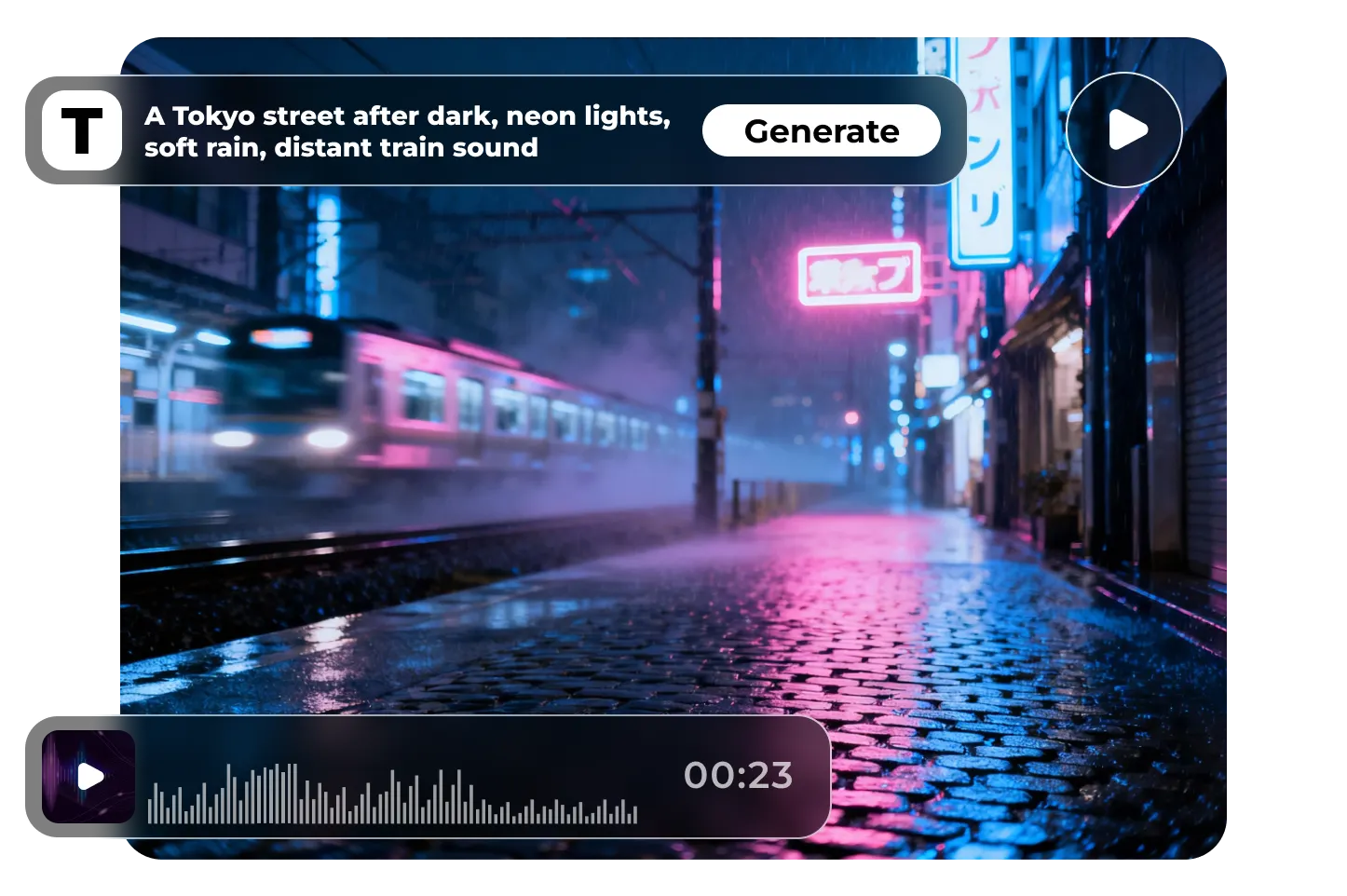
One prompt ignites the entire scene. Visuals and sound, perfectly in sync with no extra dubbing or editing. Imagine this: a Tokyo street after dark, neon signs glinting in the rain, the soft patter of drops on the pavement, a low rumble as a train passes in the distance. Every line of dialogue, every ambient sound, every note of music — all captured in a single, seamless creation.

Pixel-Perfect Realism & Prompt Precision in AI-Generated Videos

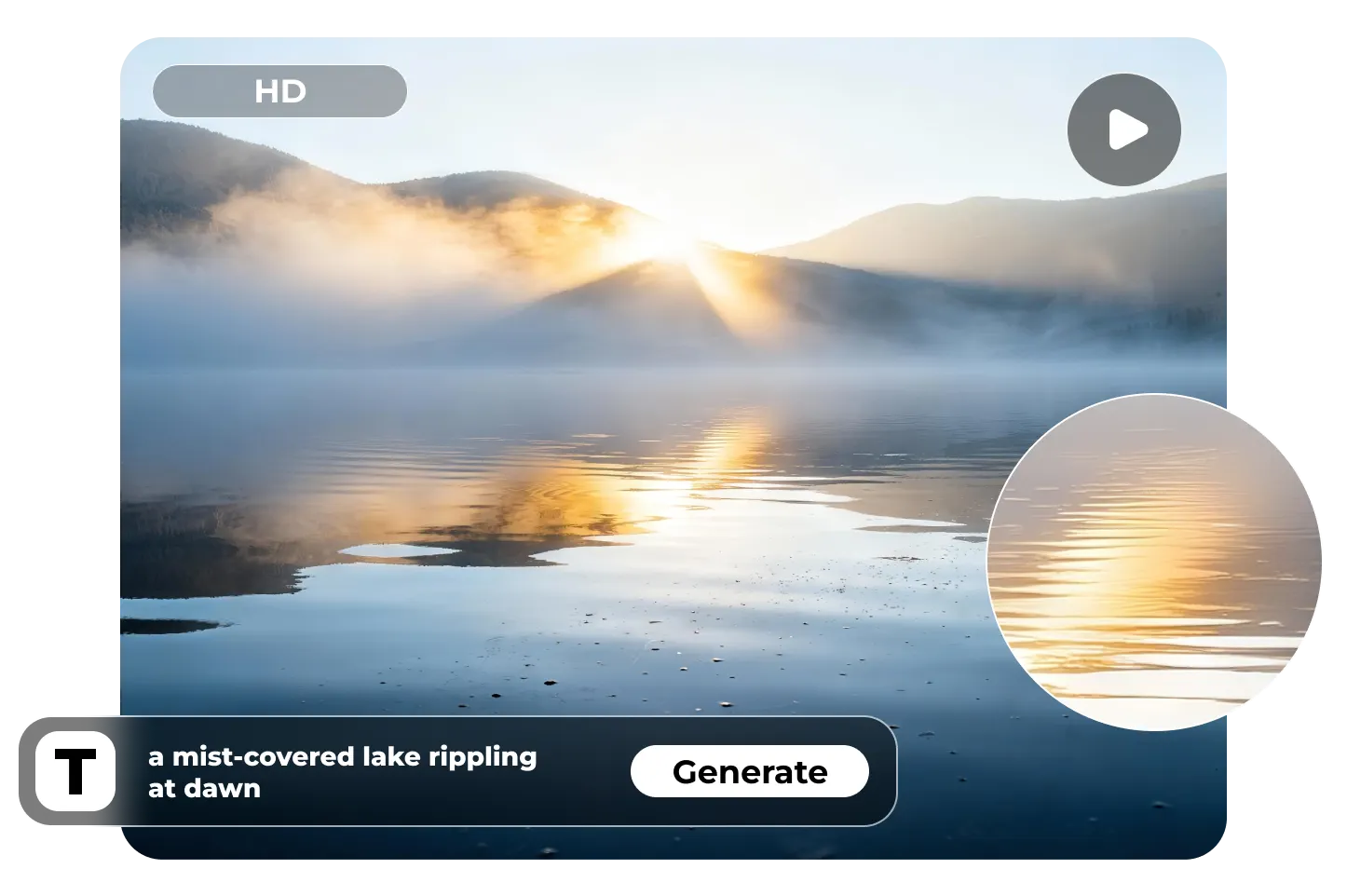
Veo 3 delivers your vision with pixel-level accuracy. Every syllable lines up perfectly with a character’s lips, from the subtle curve of a smile to the brief pause of a breath. Ask for “a mist-covered lake rippling at dawn,” and the haze will drift at the perfect pace. Describe “a race car kicking up dust on a sharp turn,” and clouds of particles will burst into motion, light bending through the haze exactly as you imagined.

Dual Input Veo3 AI: Text-to-Video & Image-to-Video

From a single spark of text or a frozen image — Veo 3 brings ideas to life. Type your prompt and watch it unfold into a flawless sequence, every frame and every shift in light perfectly matching your vision. Or upload a still image and see it awaken: in a castle at sunset, lamps glow one by one as a lone rider crosses the drawbridge; in a vintage portrait, the subject lifts their gaze, smiles, blinks, even takes a gentle breath. Whether starting from scratch or extending the story of an existing image, Veo 3 turns imagination into motion in an instant.

Stunning Visuals with Veo 3 — From HD to 4K AI Video Output

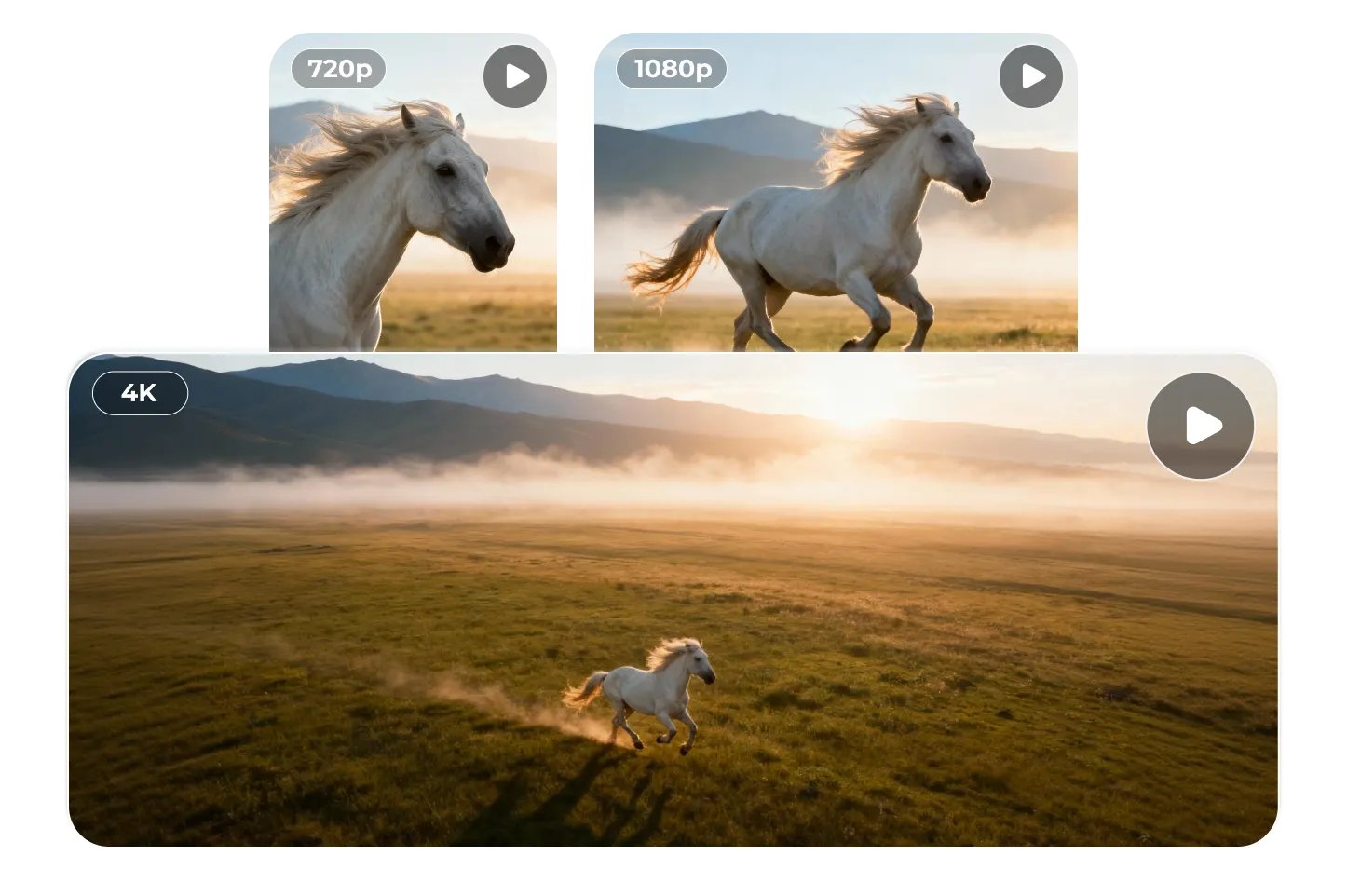
Veo 3 delivers extraordinary detail in every frame — from 720p to stunning 4K. See morning mist bead into droplets that refract the light, or make out the fine cracks and weathered textures on distant walls. At 1080p, every frame is crisp and striking for social media. In 4K, the scene reaches cinematic scale — the ripple of a horse’s mane with each stride, the burst of dust as a race car drifts through a sharp turn, even the delicate patterns on a moth’s wings as it flutters under a streetlamp. Every detail is rendered so vividly, it feels close enough to touch.

Veo 3 Fast AI Video Generator — Speed Meets Scale

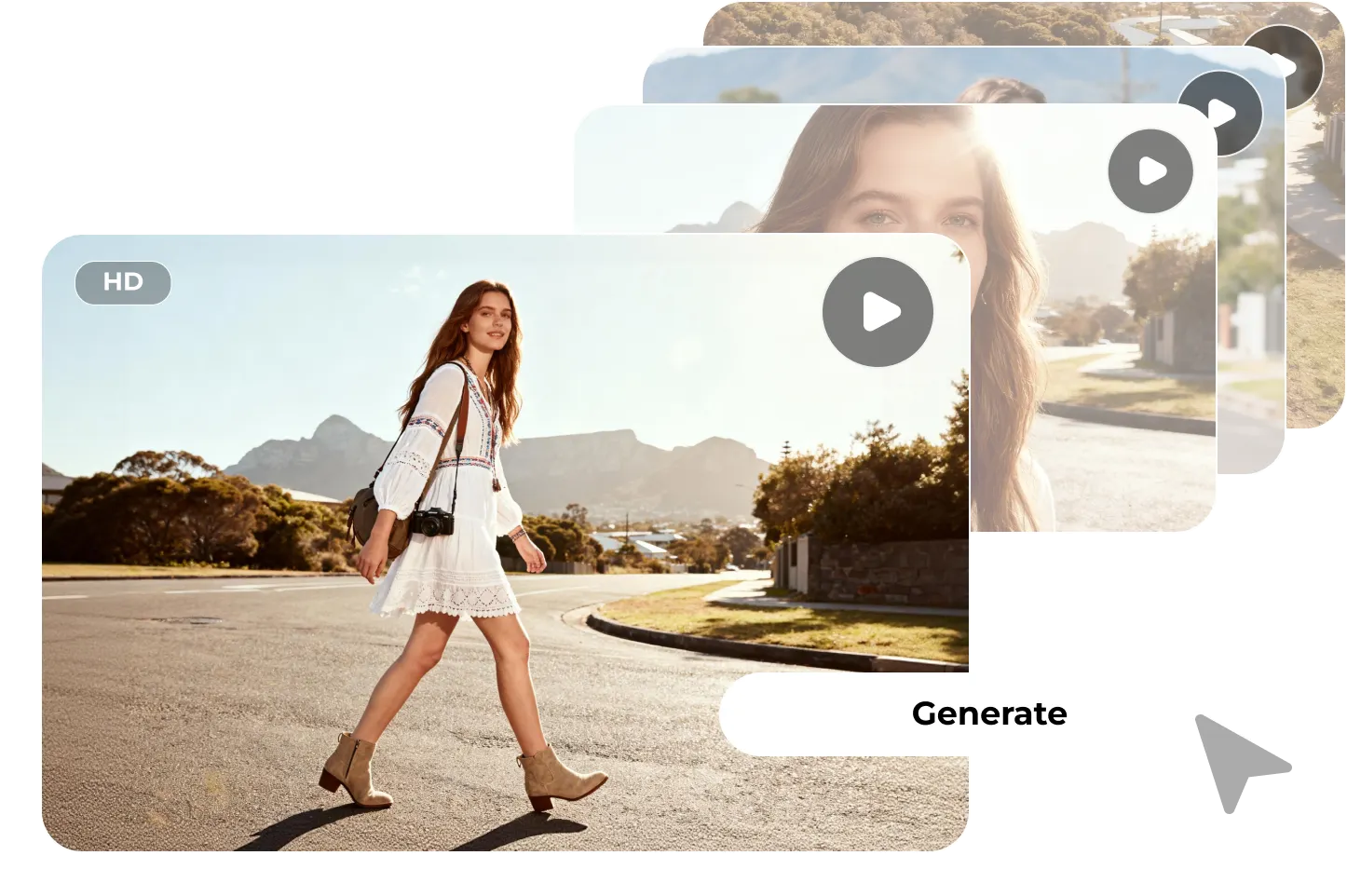
Veo 3 Fast delivers studio-quality videos at the pace of your ideas. Tap “Generate” and watch your scene materialize instantly — in seconds, a finished, share-ready video is on your screen. It’s so fast, it feels live. Perfect for riding viral trends, beating impossible ad deadlines, or producing hundreds of clips in one campaign without breaking stride.

Built-In AI Video Copyright Protection & Rights Safety

Your vision and your rights are protected from the first pixel. Every frame carries an invisible SynthID digital watermark, a hidden signature woven into the pixels that stays intact even after editing, re-encoding, or re-uploading. The source can always be traced, and ownership instantly verified. It’s more than a creator’s mark; it’s a legal shield for businesses.

Veo 3 Frequently Asked Questions

While Veo 3 excels at capturing prompt details—right down to mist movement or ambient sounds—misinterpretations can still occur, especially with very abstract or complex instructions. We recommend iterating prompts for optimal results.

Start here: Open the app • Bonus: Join our Discord

Veo 3 currently supports short clips (up to ~8 seconds in preview) with HD to 4K quality. For longer or stylistically specific content, sequences can be exported and seamlessly joined together. Insight: Length and quality limitations are common across text-to-video models.
Absolutely. Each frame includes an invisible SynthID watermark for traceability, and we offer copyright responsibility protection—so you’re covered even in disputes.
From social media clips and trend-driven content to customer support tutorials, educational visuals, and localized marketing campaigns—Veo 3 adapts smoothly with high quality and fast turnaround.
Yes! The UI is designed for creators with zero learning curves. Backed by cloud-rendering, it’s optimized for reliability—even when generating videos in bulk.

Create with Ima Studio

Everything in one workspace—images, video, and agents.
Get for free