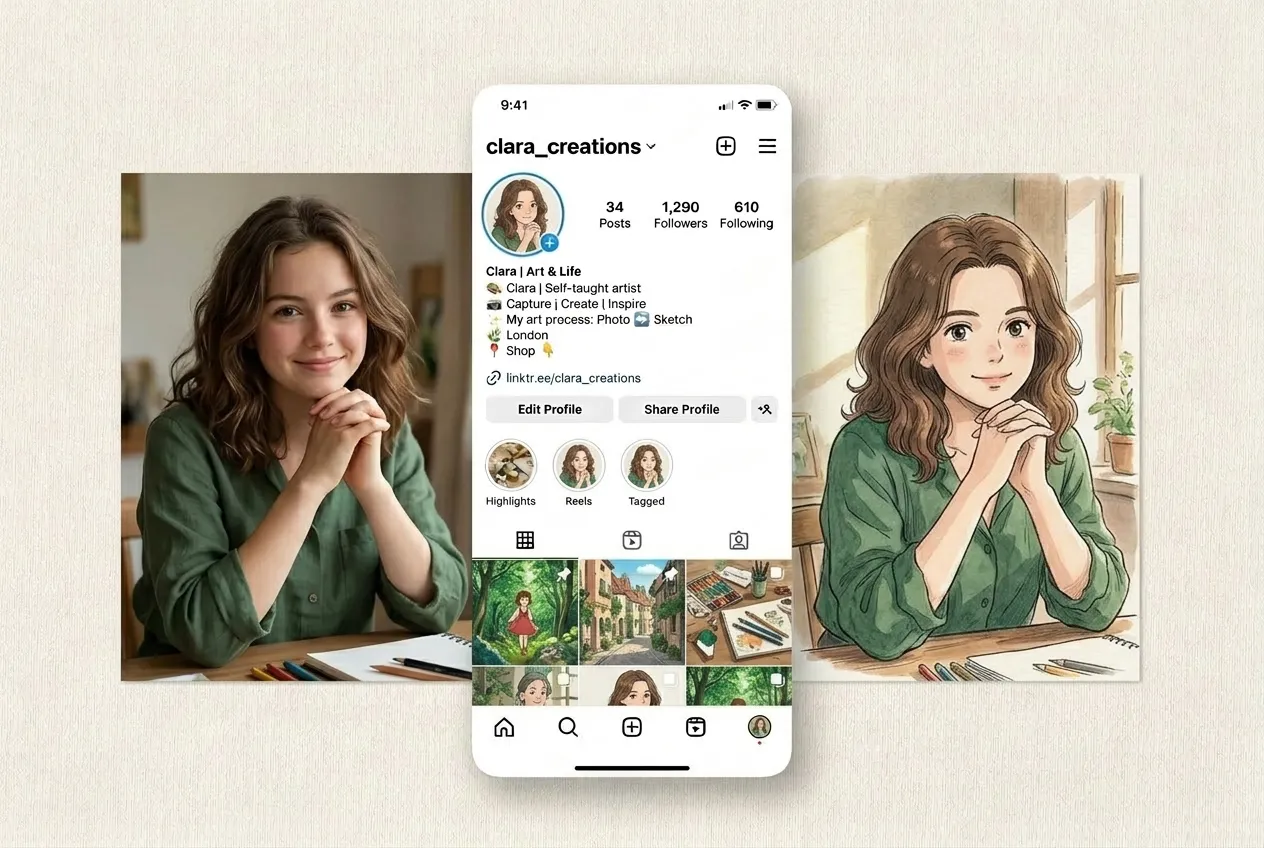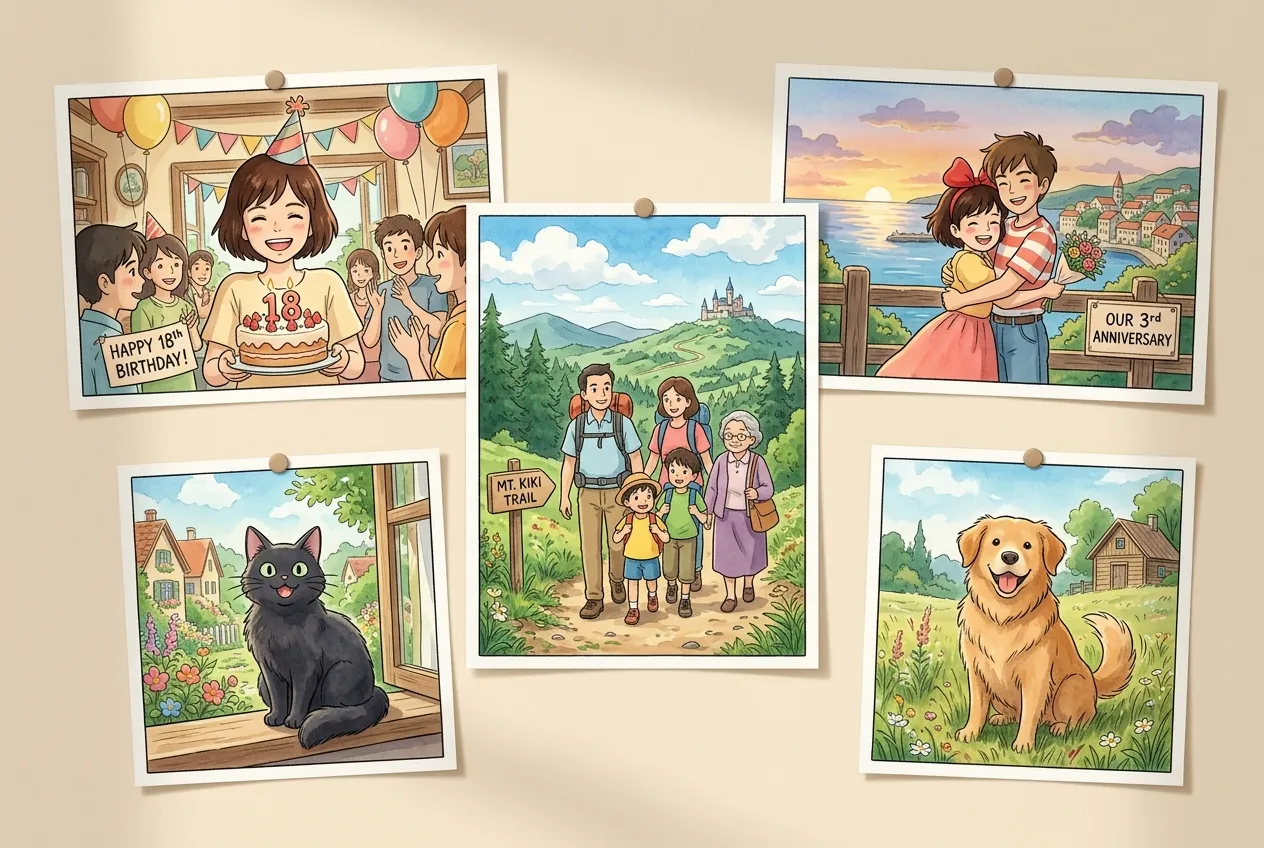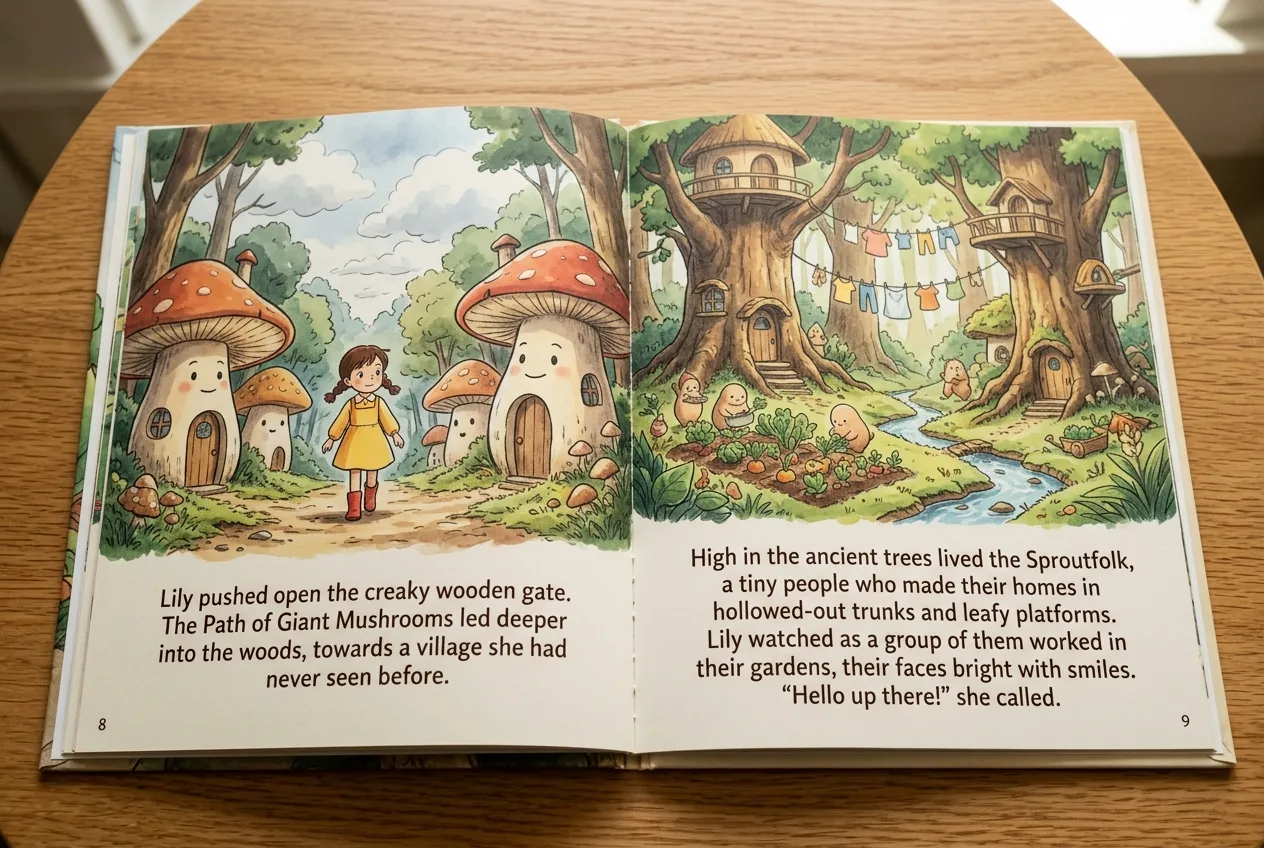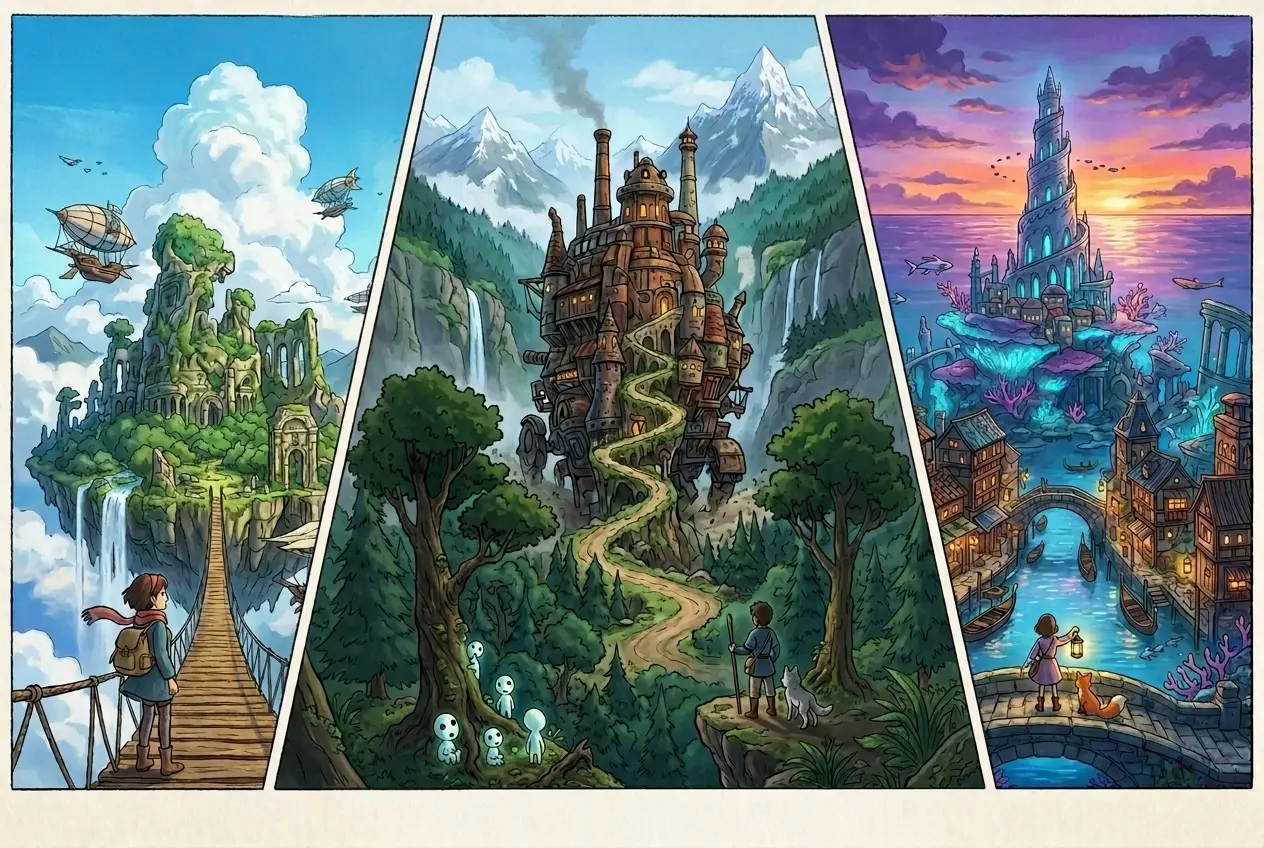
Turn your photos or ideas into Studio Ghibli-style images in just seconds, with zero learning curve.

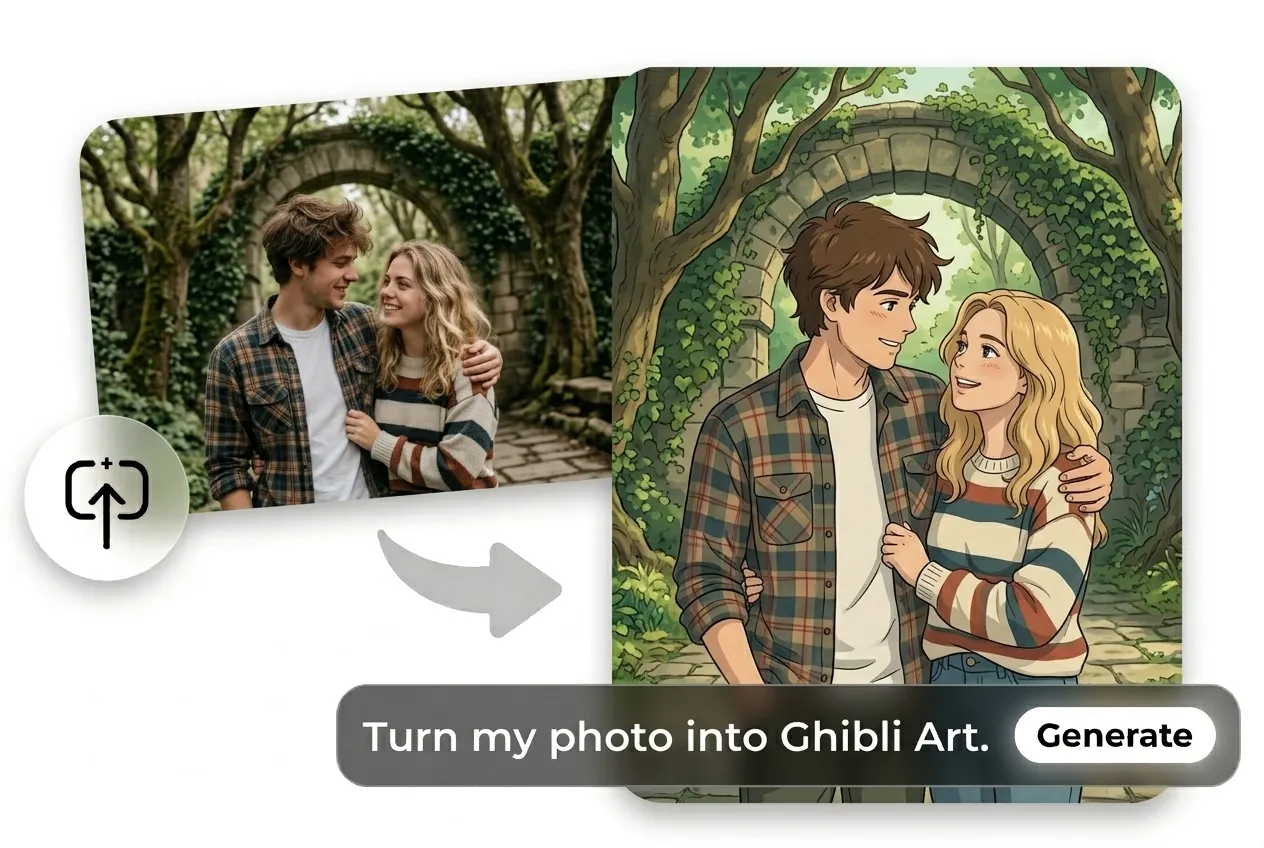
Describe what you want to see — e.g., “Studio Ghibli-style cabin in the forest” or “a cat wearing a scarf in Studio Ghibli style.” You can also upload a photo to stylize it instantly — portraits, pets, landscapes, and more.
Use Auto Mode to let Ima Agent pick the best model for you. Prefer control? Manually select from Seedream, Nano Banana, or others, and adjust style or aspect ratio to create the exact Ghibli-style image you want.
Click to generate in seconds. Download your image in high resolution, no watermark, ready to post, print, or use however you like.
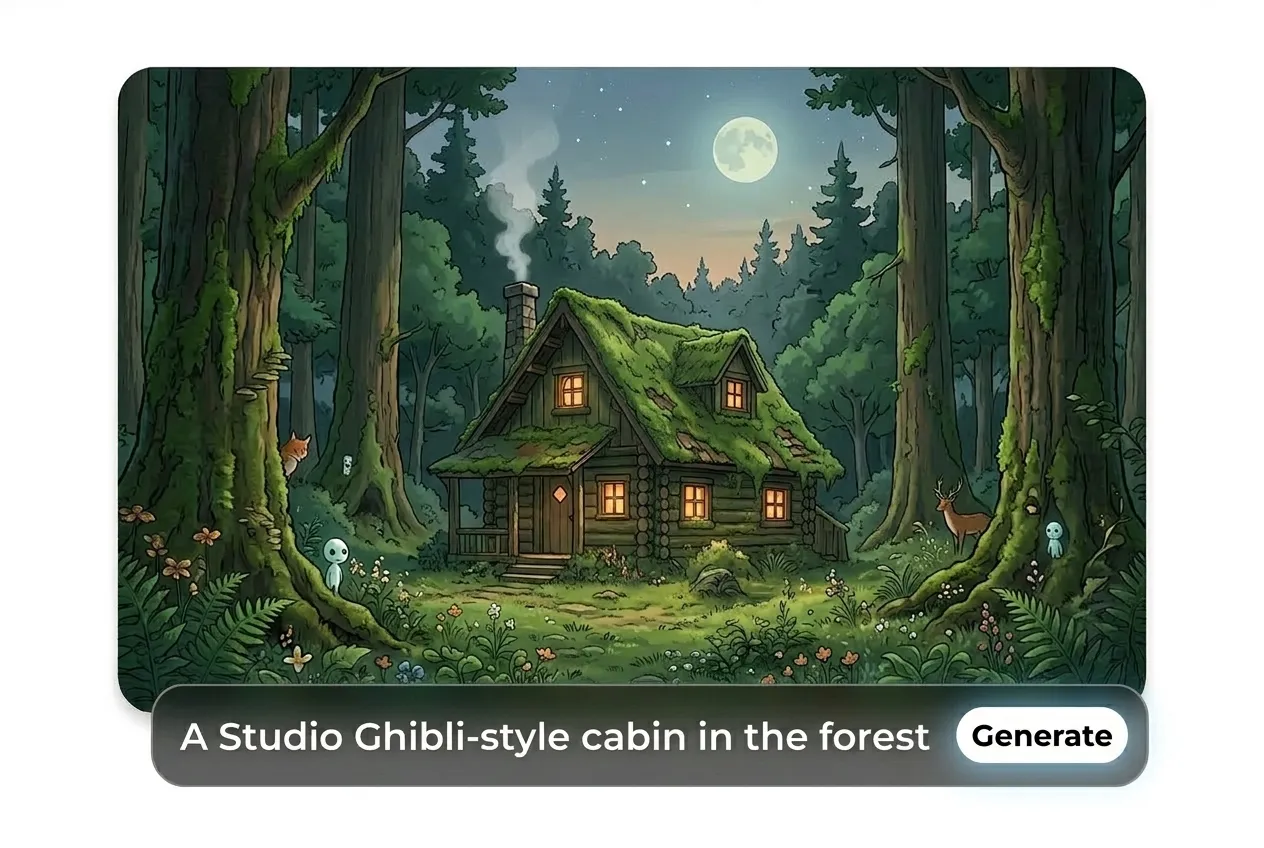
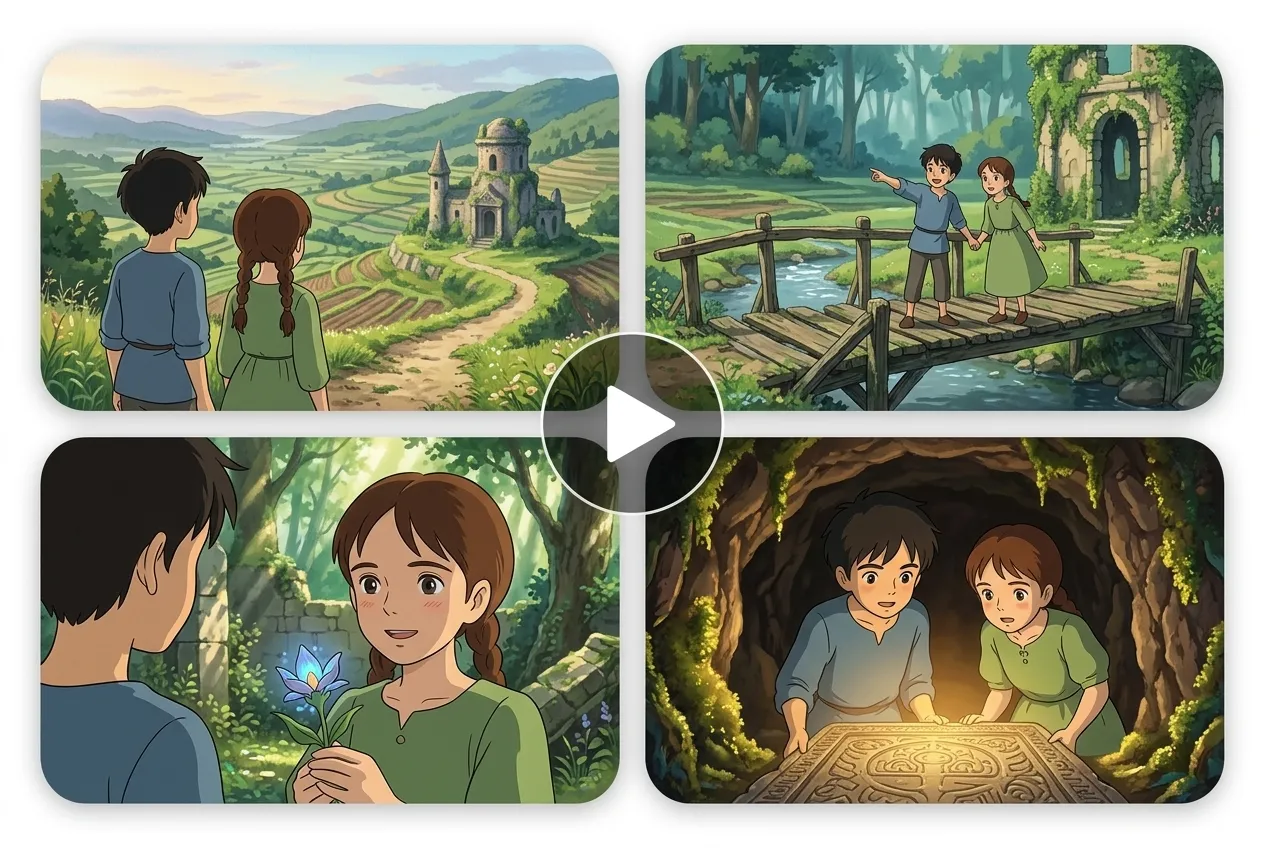
Not sure how to write prompts? No worries. Just chat with Ima Studio, your intelligent media agent, like you’re texting a friend: “a Studio Ghibli-style cabin in the forest,” “a quiet town at dusk in Ghibli style,” or “a cat wearing a scarf standing by the window in Studio Ghibli style.” Ima will automatically select the most suitable model and complete the scene — including lighting, perspective, composition, and illustration style. Perfect for AI beginners who want to create original characters or build immersive worlds from scratch. You can also iterate across multiple scenes to expand your own Ghibli-style universe. No templates, no locked-in styles — your creative path is entirely up to you.


No downloads or installations required — our browser-based tool runs smoothly on desktop, tablet, and mobile.
Your ideas stay yours — Ima Studio never stores or uses your photos or prompts for model training.
Ima Agent understands natural language inputs and generates high-quality results from the first try. Use Auto Mode for effortless generation, or manually select from advanced models when you want finer control.
Yes. You can upload a portrait, pet photo, family picture, or landscape and use Ima Studio’s Ghibli AI generator from photo to turn it into Studio Ghibli-style art in seconds.