Start with text or start with an image—it’s up to you. Type your idea or drop in an image. This is where your creation begins.
Choose the AI model that fits your style, then set your layout.Select from multiple AI art models, each with a unique look and feel. Pick an aspect ratio that works for your use.
Click Generate and watch your idea turn into art in seconds.Preview the results, choose your favorite, and download it in high quality—or share it instantly wherever you want.
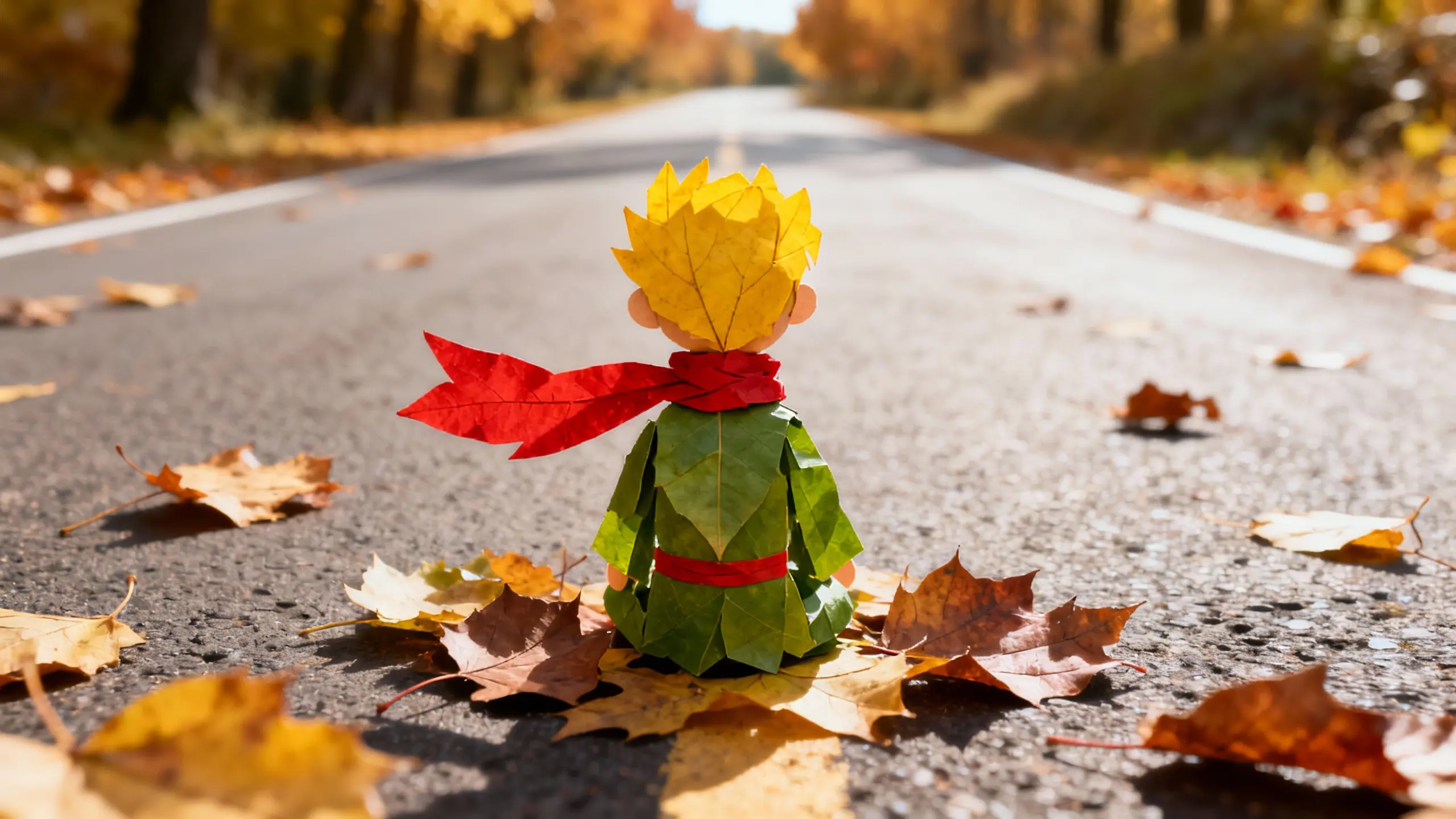
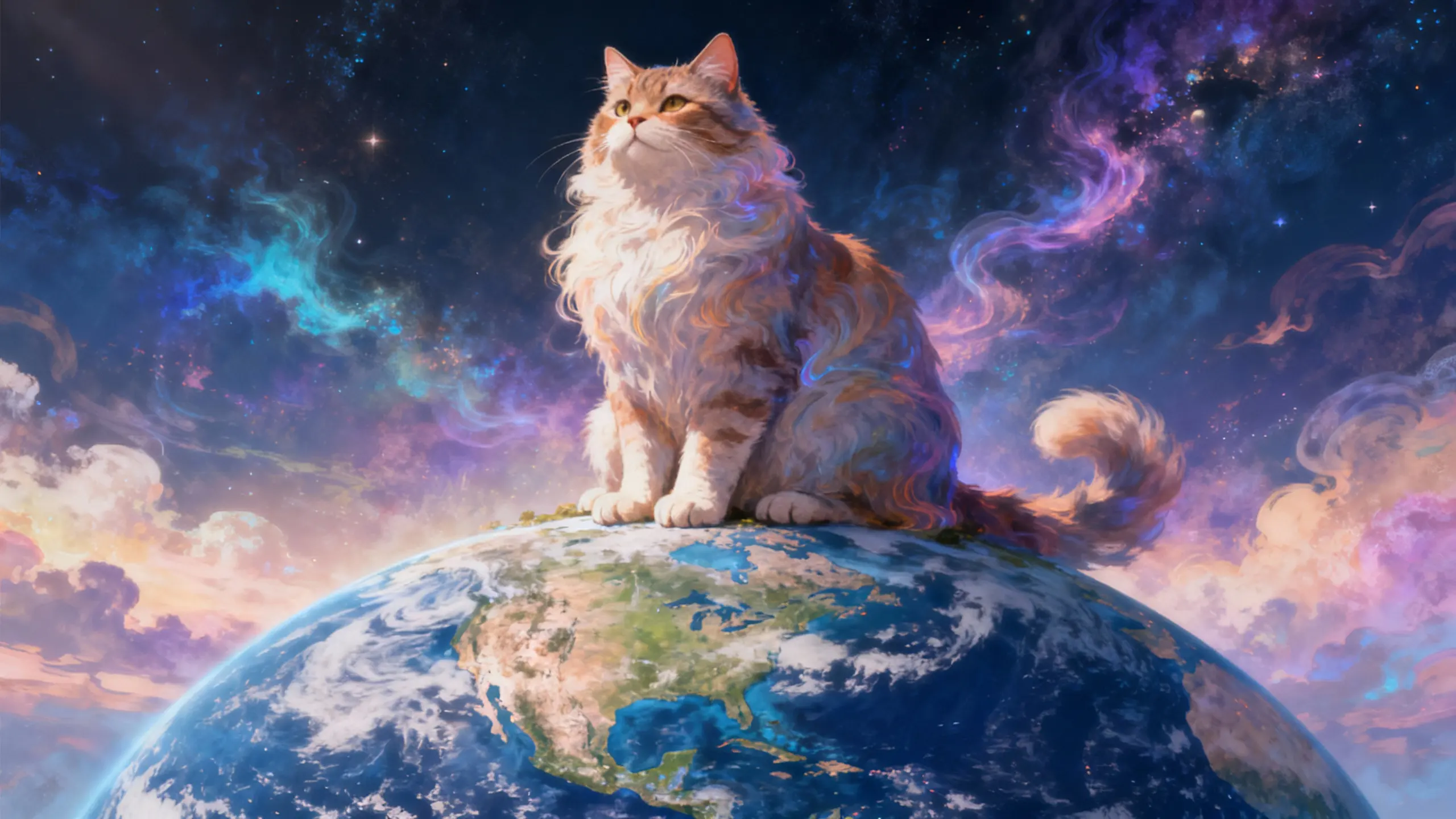

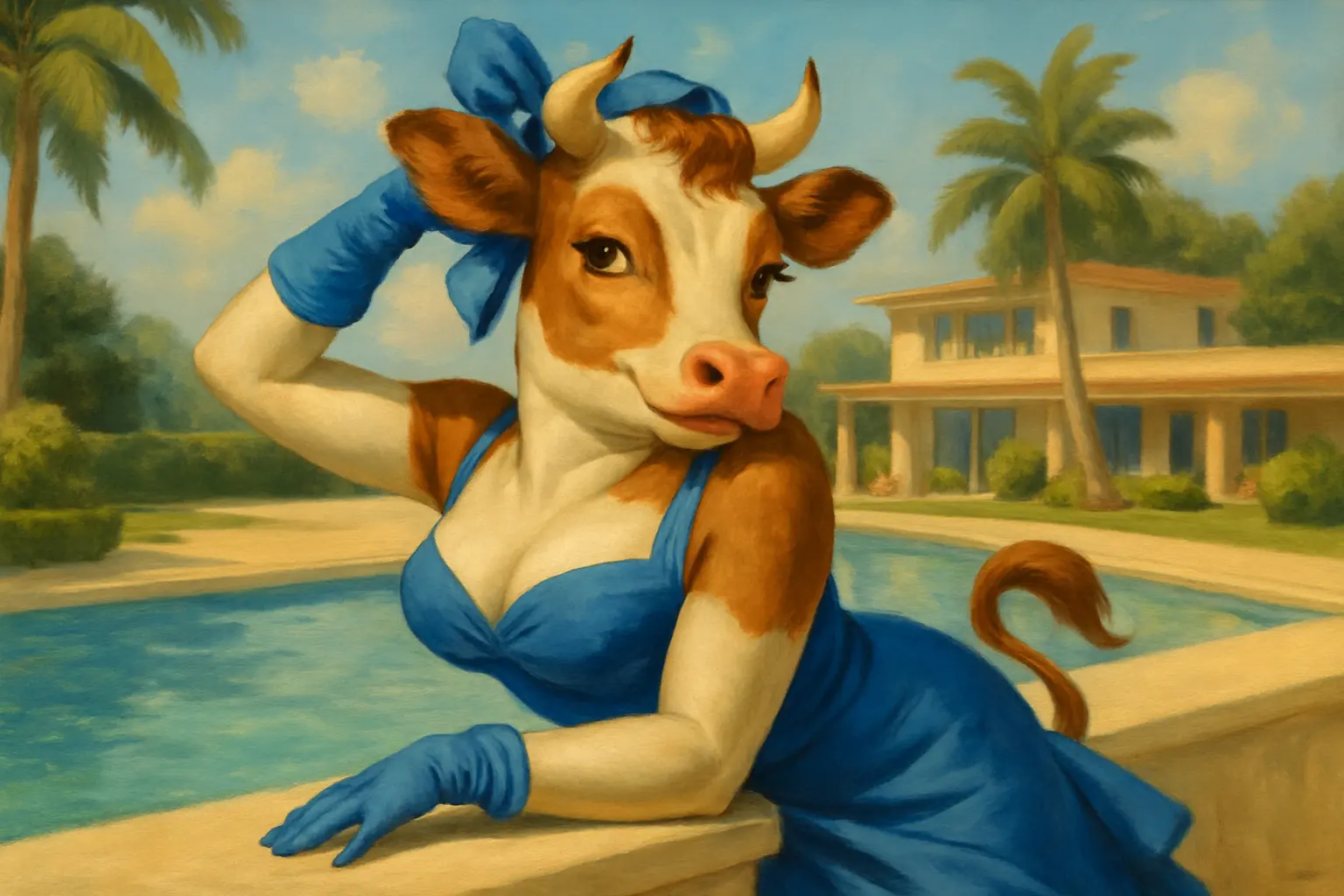

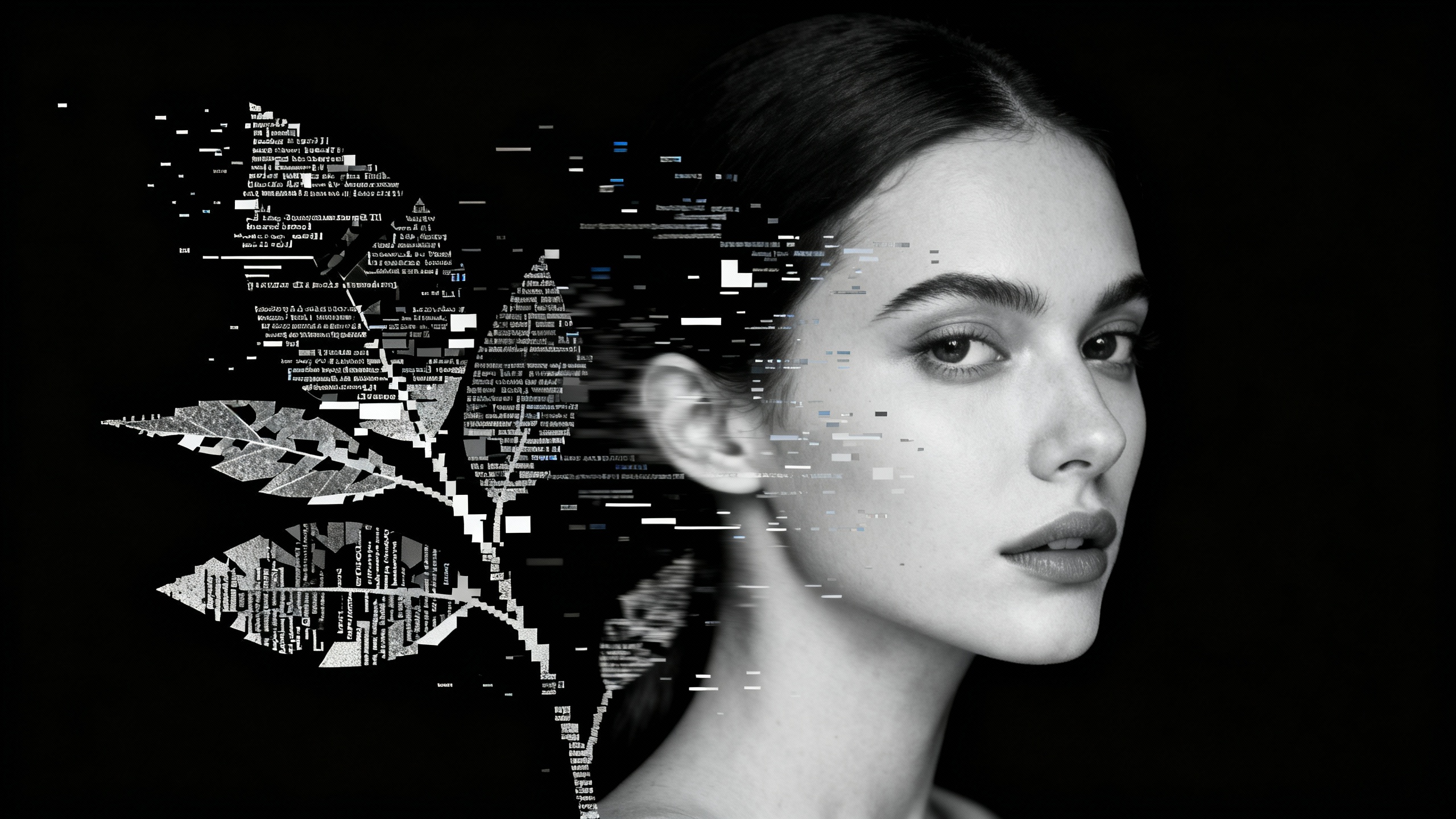
You don’t need perfect prompts to get great AI art.Just describe your idea in natural language or upload an image, and Ima Studio helps turn it into AI-ready input automatically.
Create high-quality AI art in just a few clicks. Choose your model, set your ratio, and generate results in seconds. No long waits, no complicated setup.
Generate AI art in the exact size you need. From square profile images to vertical social posts and wide banners, Ima Studio supports multiple aspect ratios so your artwork is ready for any platform.

Create artistic AI portraits with personality. Turn photos or ideas into creative portrait art—stylized, expressive, and perfect for profile images, avatars, or character design.

Generate high-resolution AI art for screens. Create detailed AI art wallpapers optimized for desktop, mobile, and display backgrounds—sharp, immersive, and visually striking.
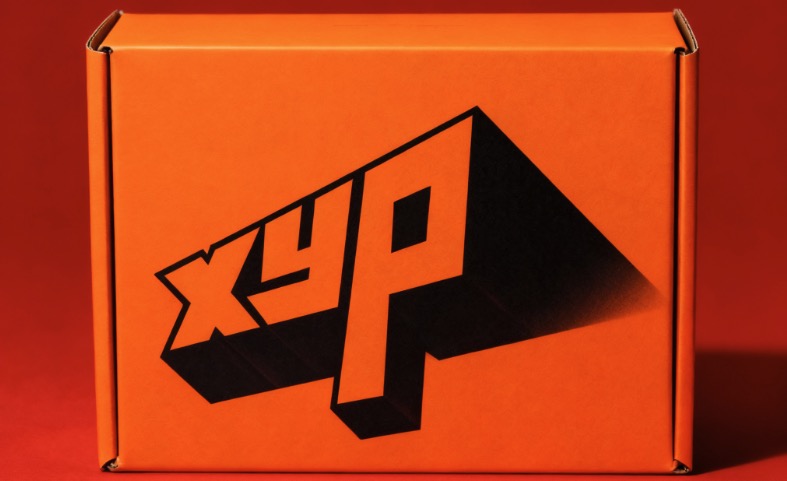
Express ideas through AI-generated illustration. Transform abstract thoughts into illustrated AI art—ideal for storytelling, creative expression, and visual concepts.
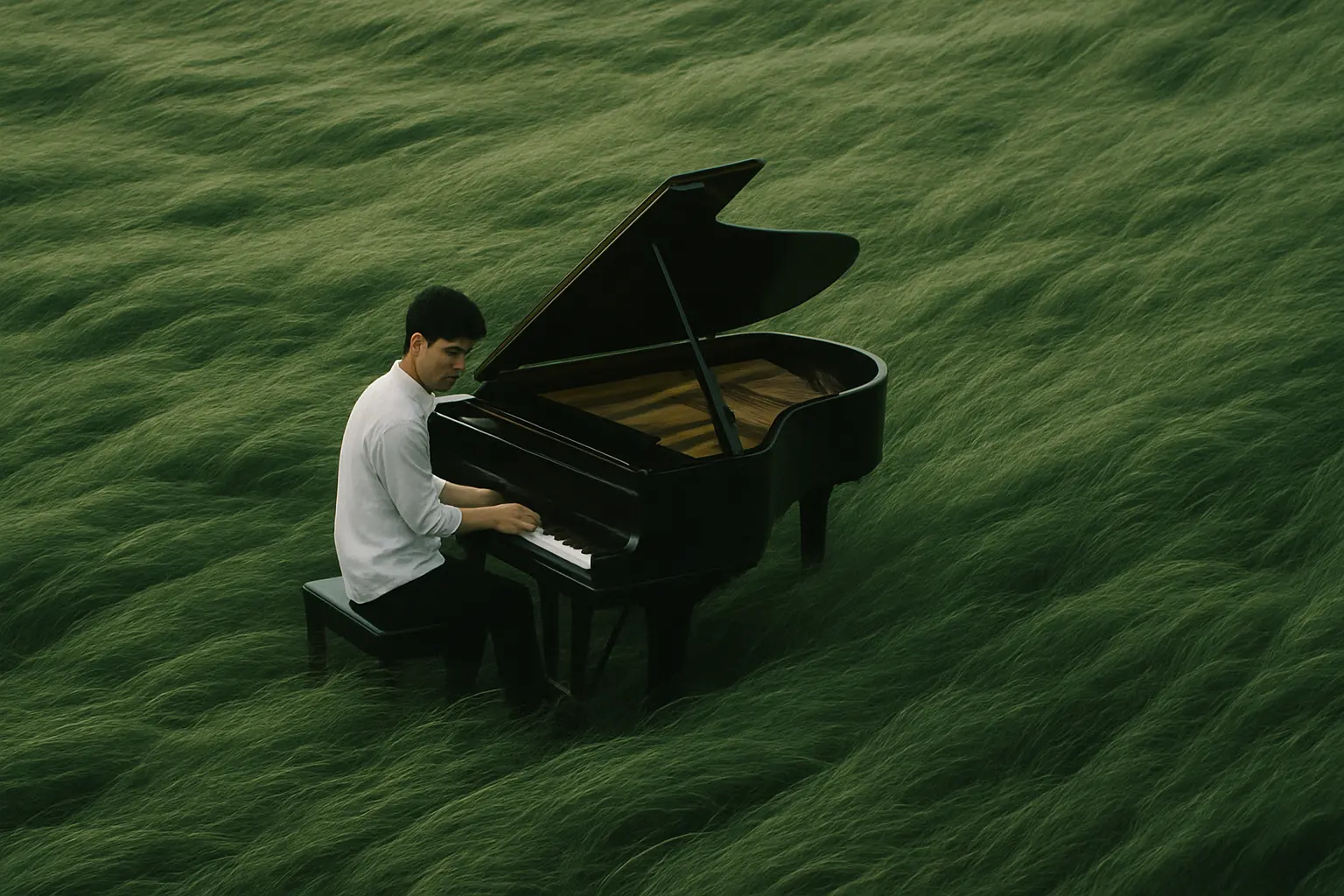
Design attention-grabbing AI art for ads. Create bold AI-generated visuals for marketing, social ads, and campaigns that stand out instantly.
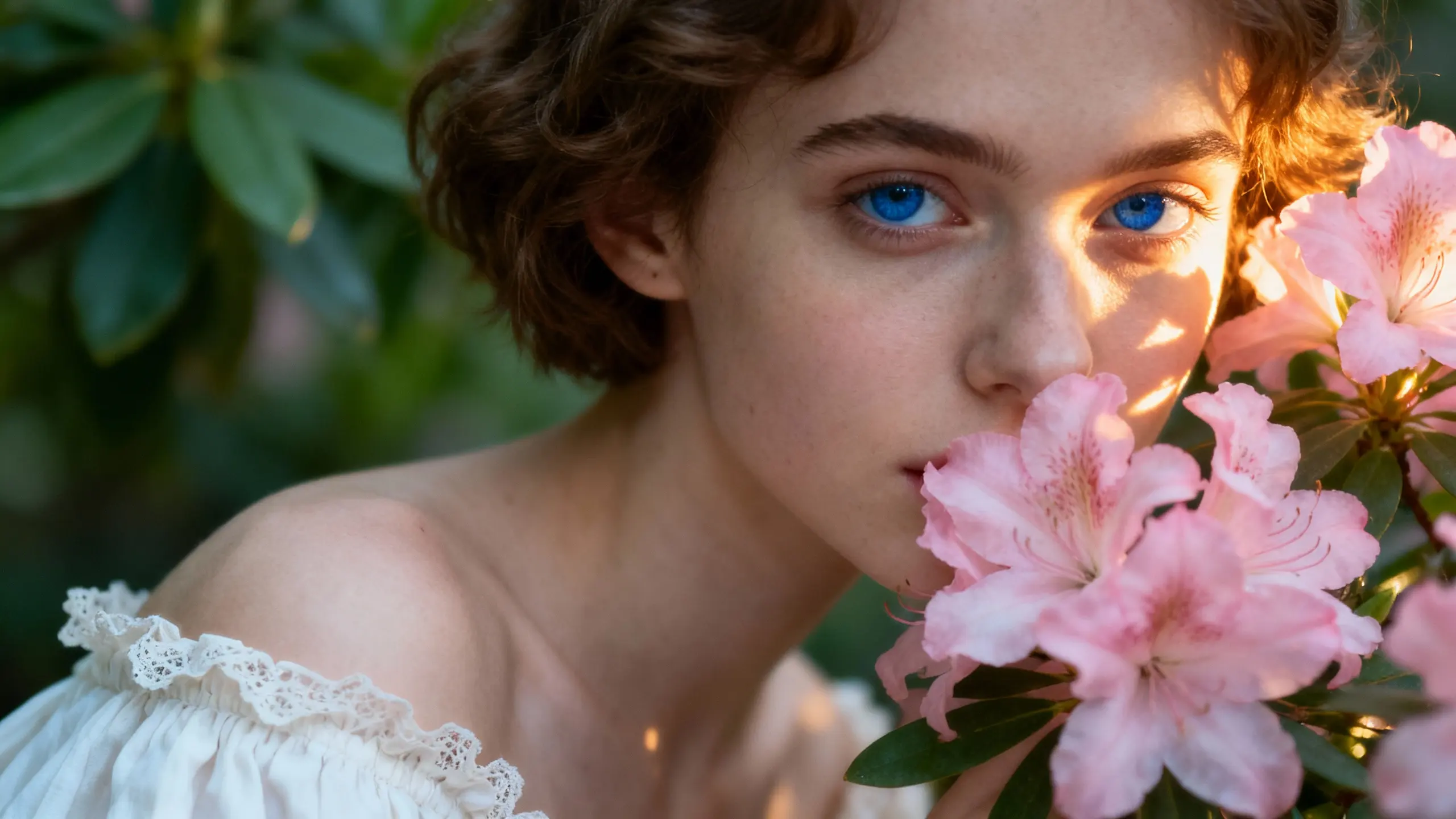
Create fine-art style AI paintings. Generate AI art inspired by oil painting and classic art styles—rich textures, artistic depth, timeless aesthetics.
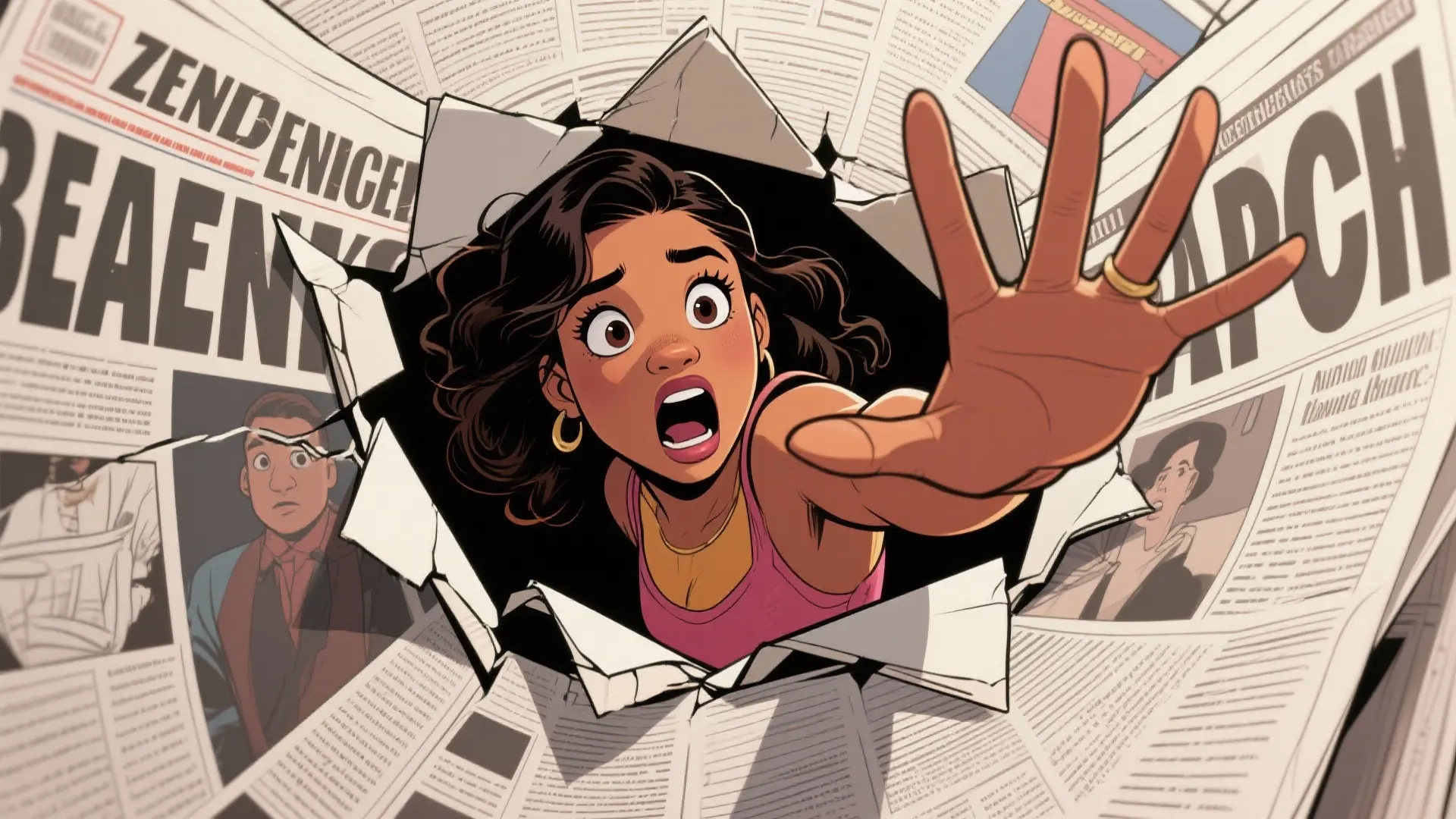
Turn design ideas into AI art visuals. Create AI-generated design art for layouts, concepts, mood boards, and visual exploration.
An AI art generator turns text descriptions or images into artwork using artificial intelligence. Ima Studio lets you create AI art while choosing from multiple models instead of being limited to just one style.
It analyzes your text or image input and generates visuals based on learned artistic patterns. With Ima Studio, you simply choose a mode, select a model, and generate—everything else happens automatically.
You describe what you want to see in natural language, and AI turns it into art. Ima Studio works well with simple descriptions and lets you try the same text across different models.
The best option is one that removes technical barriers. Ima Studio is beginner-friendly, requiring no design skills or prompt engineering to get strong results.
Just describe the subject, mood, or style in plain language. Ima Studio helps interpret your idea so even short prompts can produce polished AI art.
No. Ima Studio is designed for everyday language, so you can focus on creativity instead of learning complex prompt rules.




