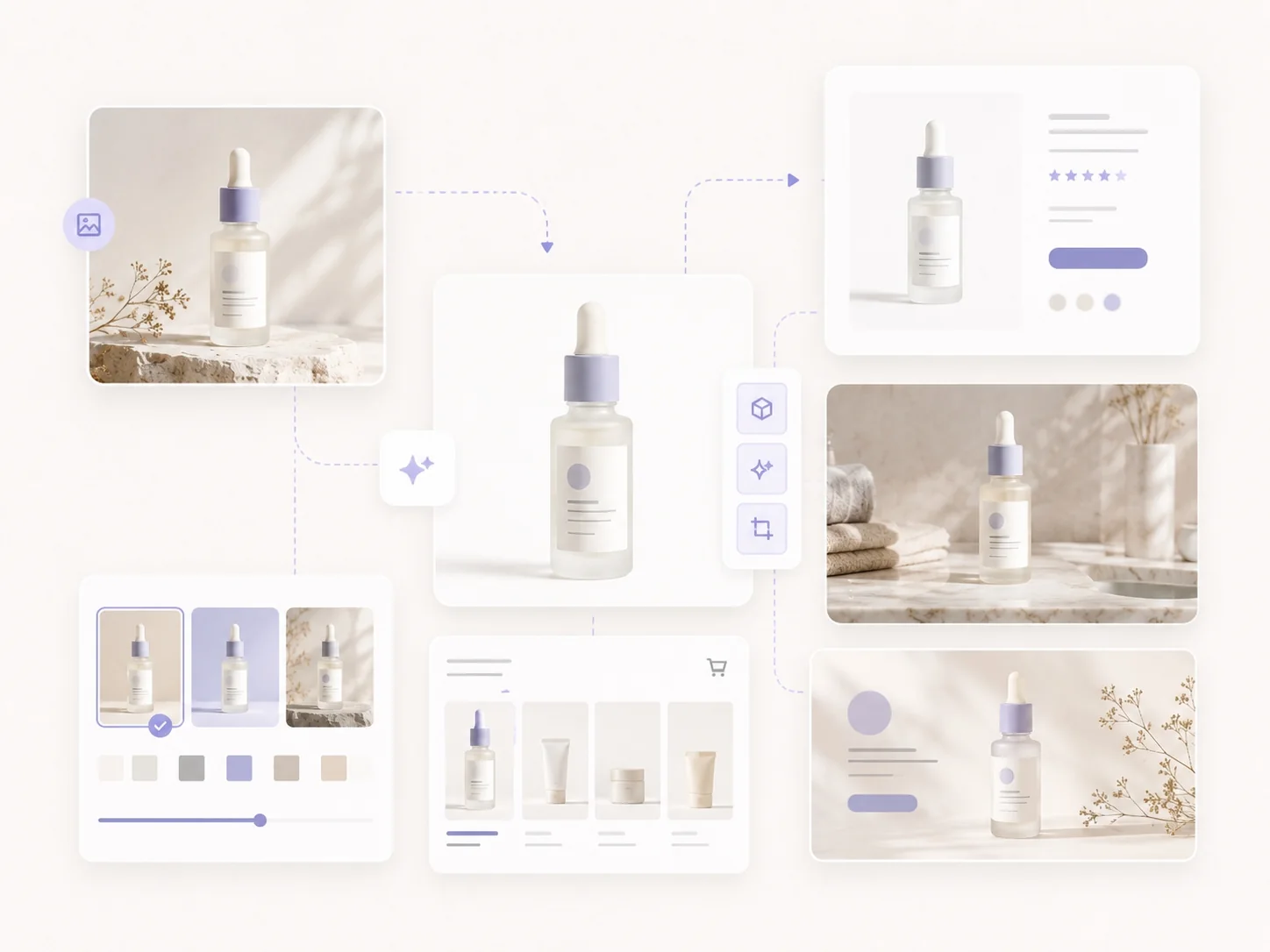
The most flexible AI image generator ever built. Generate one image or an entire batch, use simple controls to get exactly what you need, and leave the rest to Ima Studio’s optimized workflow. Enjoy lightning-fast, 100% successful generation and download sharp, watermark-free images in up to 4K or 8K.

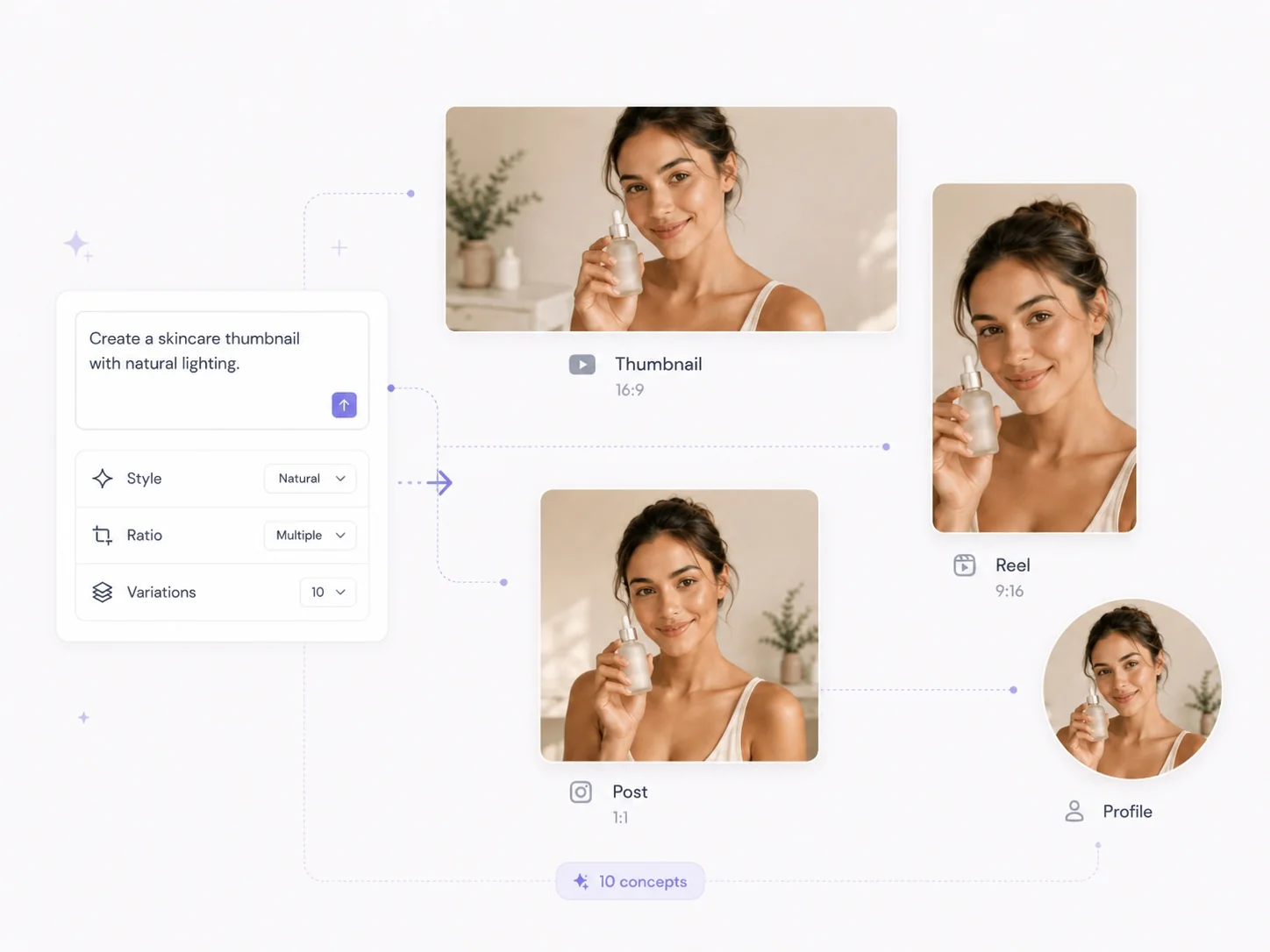
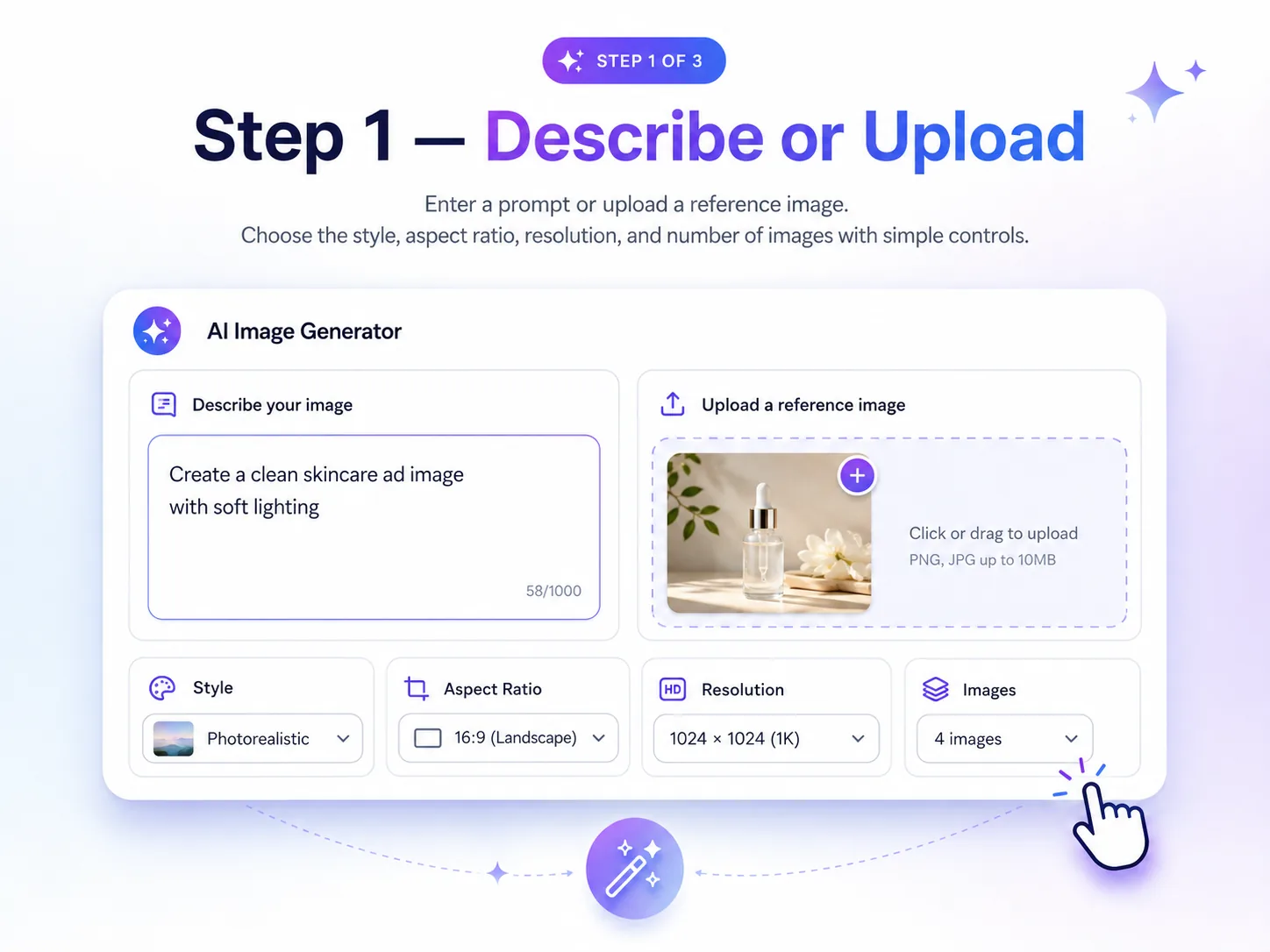
Enter a prompt or upload a reference image. Use simple controls to choose the style, aspect ratio, resolution, and number of images you want.
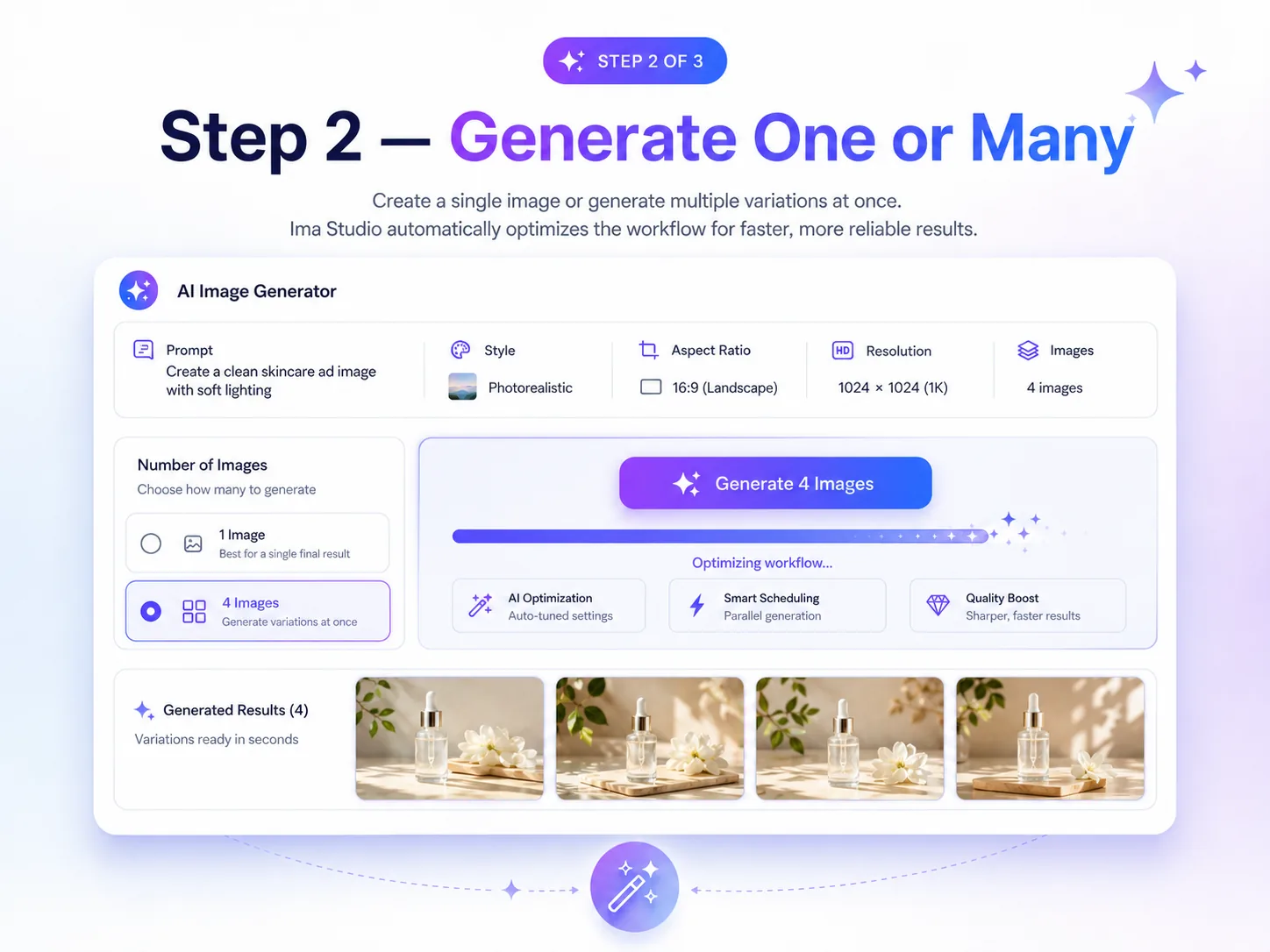
Create a single image or generate multiple variations at once. Ima Studio automatically optimizes the workflow for faster, more reliable results.
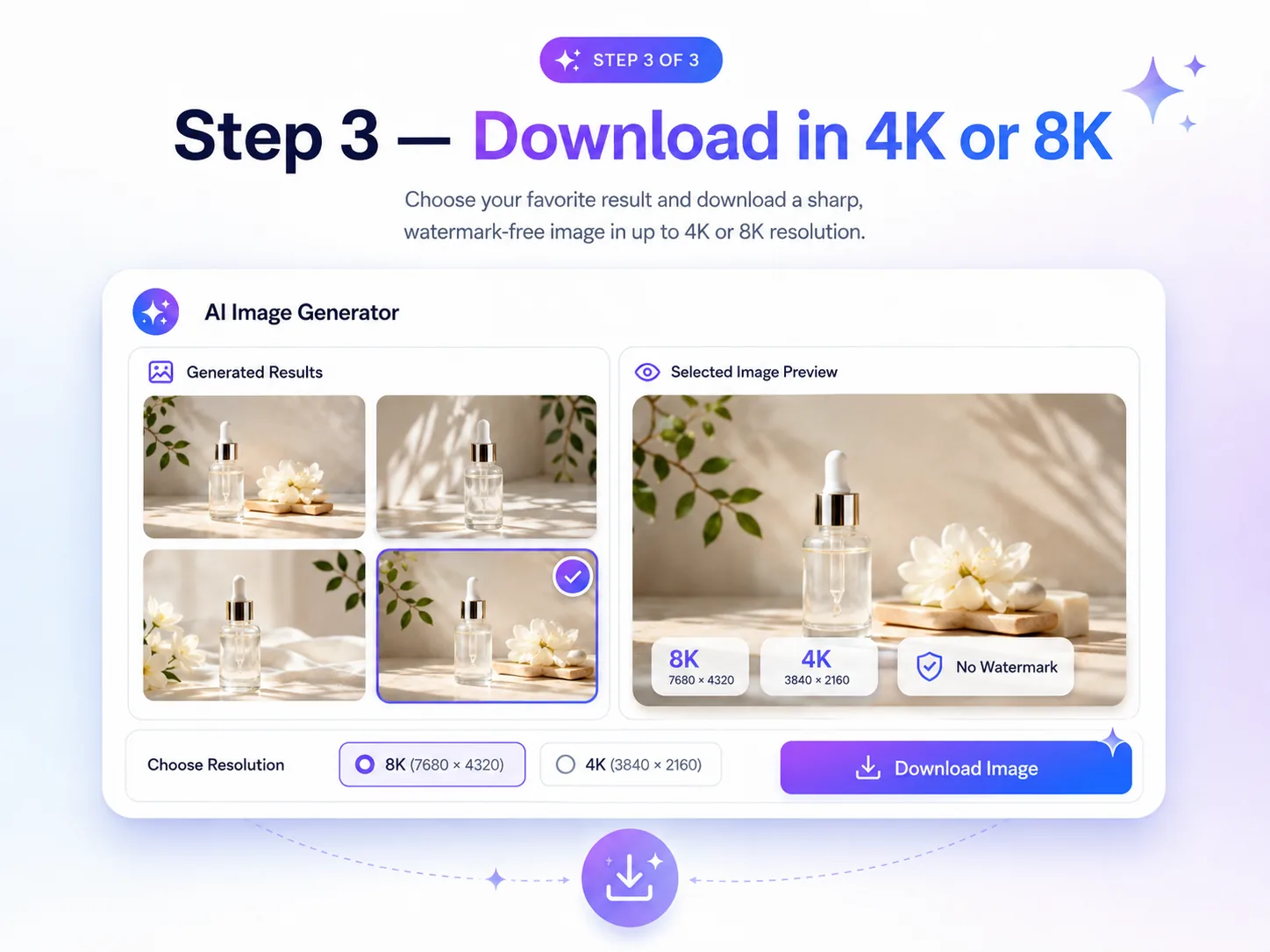
Choose your favorite result and download a sharp, watermark-free image in up to 4K or 8K resolution.
Ima Studio is built for creators, marketers, ecommerce teams, and operators who need usable images fast — not endless prompt tweaking or repeated failed attempts. It gives you a simple, flexible AI image generator where you can create more images, test more ideas, and get polished results even when your prompt is short, rough, or imperfect.
Behind the interface, Ima Studio uses an agent-driven workflow to understand your goal, optimize generation settings, and improve result quality automatically. That means less manual setup, faster output, and a higher chance of getting images you can actually use for ads, product visuals, social posts, thumbnails, landing pages, and creative campaigns.

Generate as many image ideas and variations as your workflow needs. Explore product shots, ad concepts, social visuals, and campaign directions without restrictive generation caps slowing down creative testing.
Ima Studio’s agent-driven system helps optimize the generation process automatically. You describe the result you want, choose simple preferences, and let the workflow handle the heavy lifting for faster image creation.
You do not need perfect prompt engineering to get strong visuals. Ima Studio can turn simple or messy descriptions into polished image results, helping more users reach usable outputs with fewer retries.
Create social content, ad creatives, product visuals, 4K/8K wallpapers, and professional design concepts faster. Generate one image or multiple variations, explore different creative directions, and download your favorite results without watermarks.

Create eye-catching thumbnails, Reel covers, Story graphics, profile images, and social posts in minutes. Generate multiple visual directions at once, test different styles, and quickly refine the version most likely to stop the scroll.
Example: Create 10 thumbnail concepts for one video, then improve and export the strongest option.
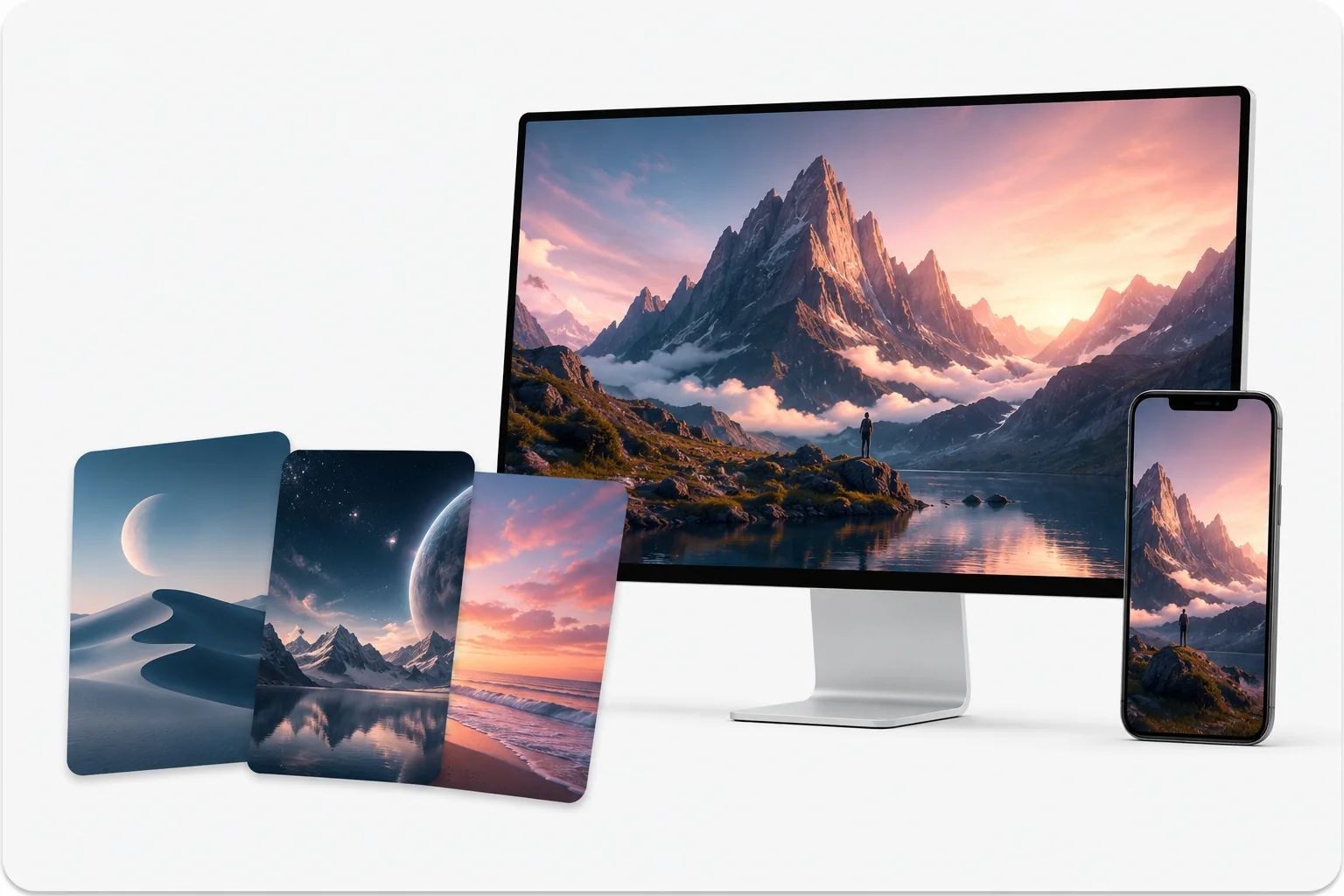
Create high-resolution wallpapers, desktop backgrounds, phone lock screens, poster-style visuals, and moodboard images in 4K or 8K. Generate multiple styles from one idea, refine the best version, and download a sharp, watermark-free image ready for personal use, brand visuals, or digital collections.
Example: Generate a cinematic 8K desktop wallpaper, then create vertical phone wallpaper variations in the same visual style.


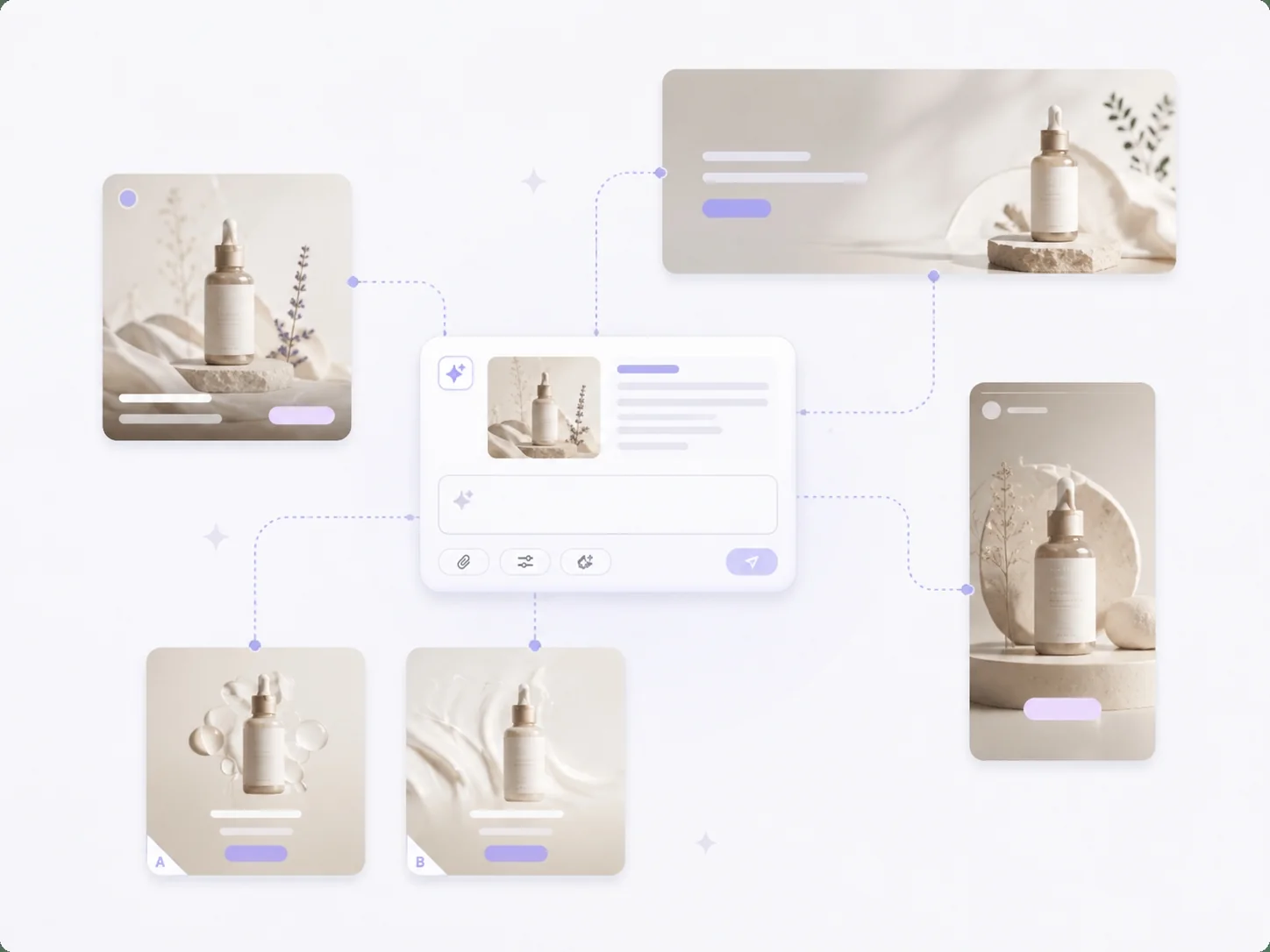
Produce ad concepts, campaign graphics, landing-page visuals, and A/B testing variations without adding more tools or extending production timelines. Explore more creative angles for each campaign while keeping costs and turnaround times under control.
Example: Generate multiple ad directions for the same product launch, audience, or promotional offer.
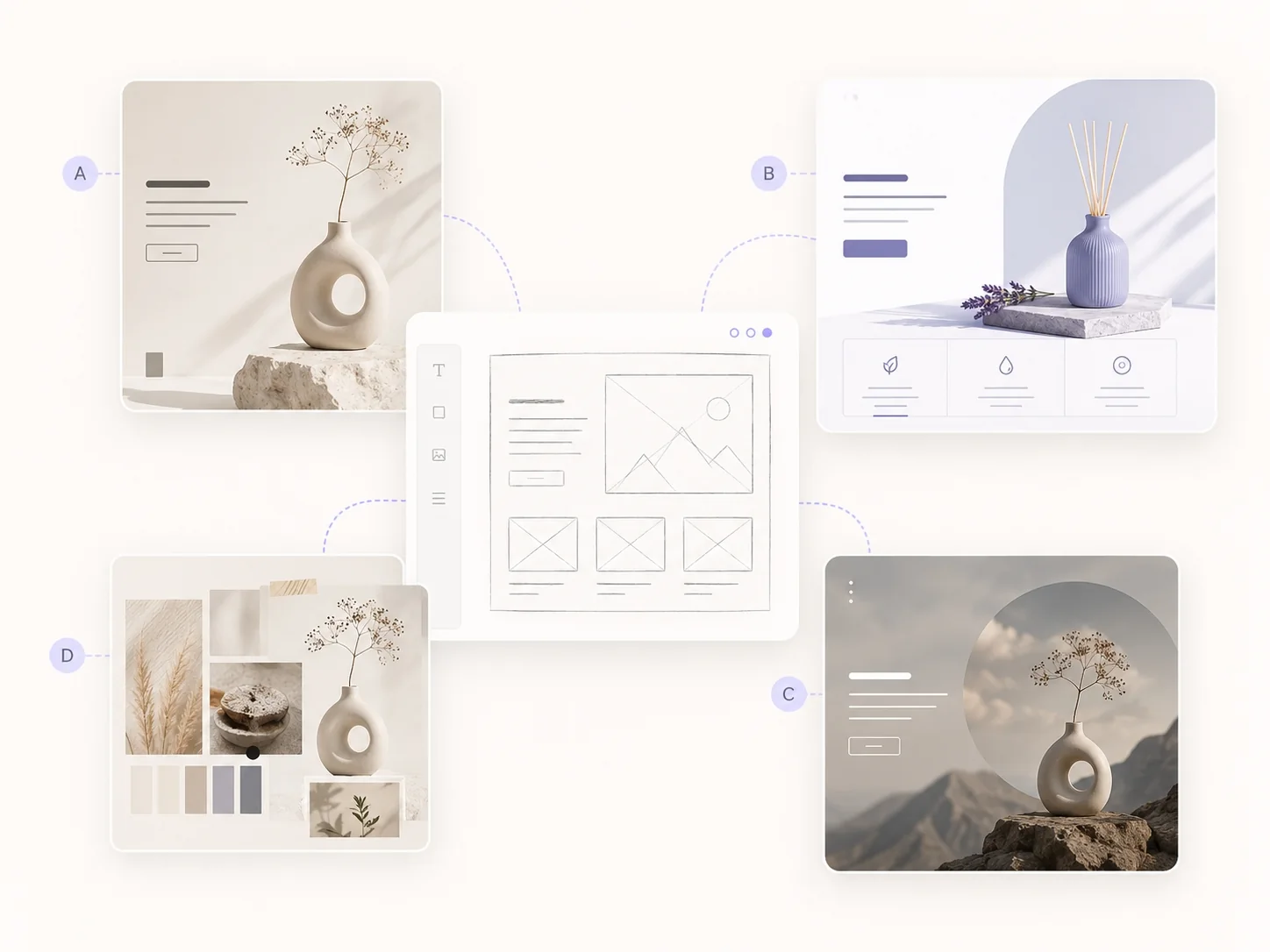
Turn briefs, sketches, wireframes, and reference images into polished visual directions faster. Use image-to-image generation to preserve the original composition while exploring new styles, lighting, colors, and creative treatments.
Example: Transform one rough mockup into several client-ready art directions for review.


Create product backgrounds, lifestyle scenes, promotional banners, packaging concepts, and marketplace-ready images without organizing a full studio shoot. Turn one product photo into multiple creative variations for listings, ads, and seasonal campaigns.
Example: Place the same product in multiple lifestyle scenes to test which setting drives more clicks.
Yes. Ima Studio is free to start, so you can test prompts, styles, references, and image workflows before scaling up. Open the generator here: Start generating images.
Ima Studio is designed for high-volume creative testing, so users can generate more variations without restrictive generation caps getting in the way. This is especially useful for marketers, ecommerce teams, creators, and agencies that need many visual options before choosing the best one.
Ima Studio supports multi-model image generation. Instead of relying on one model for every task, you can test different models for different styles, prompts, reference images, and commercial use cases. If you are unsure, use Ima Arena to compare model results on the same prompt.
For teams that generate images frequently, Ima Studio can be a lower-cost alternative because it combines multiple creative workflows and model options in one workspace. Instead of paying for separate tools or burning budget on isolated experiments, you can test more ideas, compare more outputs, and move faster from concept to usable asset. Pricing and plan details may change across platforms, so always compare current plans based on your monthly generation volume.
In general, generated assets can be used for commercial workflows such as ads, social posts, ecommerce visuals, thumbnails, decks, and client concepts, subject to Ima Studio’s terms and any third-party rights related to brands, public figures, logos, or copyrighted references.
Yes. Ima Studio is positioned for practical publishing workflows, so you can download clean, watermark-free images for social, ads, ecommerce, presentations, and client deliverables.
Ima Studio uses secure workflows for uploads and generations. Users should avoid uploading materials they do not have rights to use, and can review the site privacy policy for details on data handling.
Describe the subject, style, lighting, camera angle, background, colors, composition, and intended use. For image-to-image, clearly say what to preserve and what to change. When one model does not work well, compare outputs across multiple models instead of rewriting the prompt from scratch.