Today I did something I once thought was impossible.
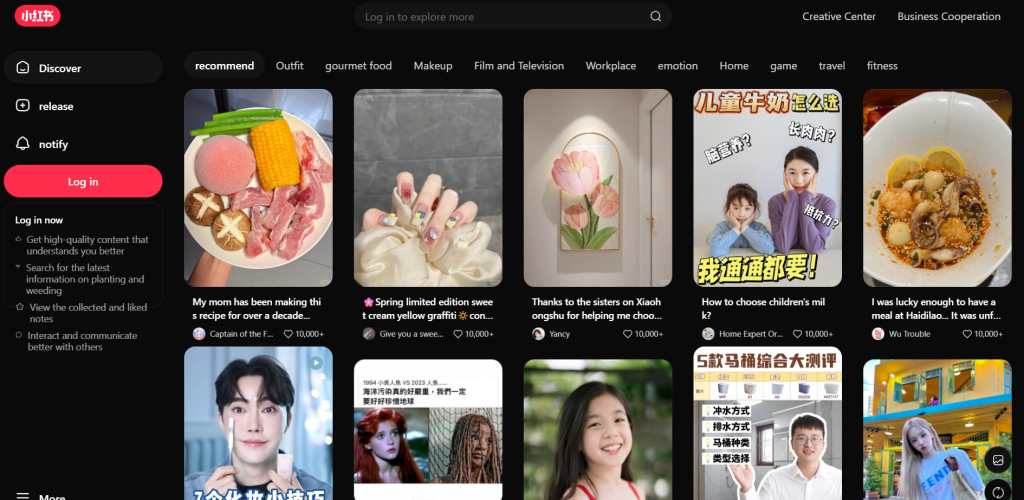
I let AI handle my entire RedNote (Xiaohongshu) publishing workflow: topic research, content writing, image uploading, caption filling, and hitting that publish button—all without me touching a mouse.
It wasn’t smooth sailing. I hit walls, debugged browser extensions at 2 AM, and discovered technical quirks that no documentation mentions.
But I also learned something important: the way we approach content automation is fundamentally broken.
This post is for:
- Social media managers juggling multiple platforms
- Creators tired of copy-pasting between tabs
- Anyone curious about AI agents and browser automation
Here’s the complete technical breakdown—followed by why you might not need to build any of this yourself.
The Old Way: 10 Tabs and a Prayer
If you manage social media across platforms, you know the drill:
- Open RedNote (Xiaohongshu) Creator Platform
- Switch to your notes app for content ideas
- Jump to Canva/Figma for image exports
- Copy-paste hashtags from your spreadsheet
- Rewrite the caption because RedNote’s editor broke the formatting
- Upload images one by one
- Realize you forgot to resize for 3:4 ratio
- Start over
Sound familiar?
I spent 30-45 minutes per post. Multiply that by daily publishing across 3+ platforms, and you’re looking at 2-3 hours of mechanical work that adds zero creative value.
So I decided to automate it.
The Technical Setup: What Actually Works
Here’s the stack I built:
| Tool | Purpose |
|---|---|
| OpenClaw | AI agent framework for orchestration |
| OpenClaw Chrome Extension | Browser control bridge |
| Tavily Search API | Topic research and competitor analysis |
| RedNote (Xiaohongshu) Creator Platform | Publishing target |
Step 1: Browser Control (The Foundation)
First, you need AI to “see” and “operate” your browser. OpenClaw’s Chrome extension acts as the bridge.
Installation:
openclaw browser extension installThe extension files land in ~/.openclaw/browser/chrome-extension.
Load it manually in Chrome:
- Navigate to
chrome://extensions - Enable “Developer mode” (top right)
- Click “Load unpacked”
- Select the extension directory
Connect to OpenClaw:
# Get your Gateway token
openclaw config get gateway.auth.token | tail -1 | pbcopy
Paste this into the extension’s options page. When you see the toolbar icon show “ON” on RedNote, you’re connected.
Step 2: Data-Driven Topic Research
Gut feeling is a terrible content strategy. I use Tavily Search API to validate ideas before writing.
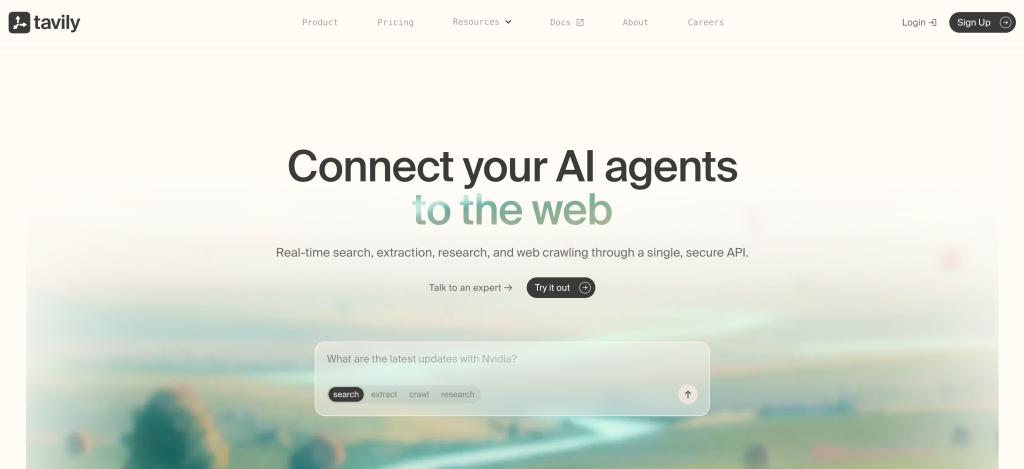
Configuration in ~/.openclaw/.env:
TAVILY_API_KEY=your_api_key_hereThe AI executes searches like:
- “AI designer RedNote viral posts last 7 days”
- Analyze which angles got the most engagement
- Return 3 topic directions with competitor data
- Wait for my confirmation before drafting
Key insight: Don’t let AI replace your judgment. Let it inform your judgment with data you couldn’t gather manually.
Step 3: The Content Formula That Works
After 20+ automated posts, I’ve reverse-engineered what performs:
Title Formula (pick one):
- Number + counter-intuition: “12-year designer, now AI handles 90% of my work”
- Identity + curiosity gap: “I asked AI one question. It went silent for a long time…”
- Vote bait: “I fed my aesthetic to AI. It gave me 4 versions—which do you pick?”
⚠️ Hard limit: 18 characters (platform max is 20, leave 2 for safety)
Body Structure:
- Lead with the punchline (most compelling conclusion first)
- Scene-setting narrative (specific, real, detailed)
- The twist (one unexpected discovery in the middle)
- Forced choice (end with 2 options, not open questions)
- Conversion hook (DM / vote / referral code)
Hashtag Architecture:
- Broad (1-2): #AIart #DesignerLife (traffic capture)
- Mid (4-5): #AIworkflow #AIGC #ProductivityTools (targeting)
- Niche (3-4): #ImaClaw #12YearDesigner #AIPartner (ranking potential)
Max 10 total. Rotate 2-3 mid-tier tags for A/B testing.
Step 4: The Publishing Pipeline
This is where it gets interesting—and where most automation attempts fail.
Navigate to:
https://creator.xiaohongshu.com/publish/publish?source=officialImage Upload Quirk:
Images must be copied to OpenClaw’s upload directory first:
cp your-image.jpg /tmp/openclaw/uploads/img1.jpgThen the AI uses browser automation to complete the upload. Direct file paths don’t work—this took me 3 hours to figure out.
The Problem with This Approach
It works. I’ve published 15+ posts with this setup.
But let’s be honest about the costs:
Technical Debt:
- Chrome extension updates break integrations
- XPath selectors break when Xiaohongshu redesigns
- You’re maintaining infrastructure, not creating content
Learning Curve:
- 4-6 hours initial setup
- Debugging browser automation at 2 AM
- Understanding Gateway tokens, environment variables, API rate limits
Platform Lock-in:
- This only works for Xiaohongshu
- Want to automate Instagram? Twitter? LinkedIn? Build it again.
For a social media manager running 5+ platforms, this isn’t a solution. It’s a second job.
The Better Way: Skills, Not Scripts
Here’s what I believe: The future of content automation isn’t building custom pipelines. It’s installing capabilities.
Think about your phone. You don’t build a camera app to take photos. You install one.
You don’t code a maps engine to navigate. You install one.
Why should content workflows be different?
This is the philosophy behind Ima Claw:
Past: Creation = jumping between 10 tabs
Industry’s answer: All-in-One websites (more tools, same website prison)
Ima Claw’s answer: Install creation capabilities directly into your system
How It Works
Instead of building automation from scratch:
- Install Skills like apps — “Xiaohongshu Publisher”, “Instagram Scheduler”, “Content Researcher”
- Snap them together like LEGO — Your research Skill feeds your drafting Skill feeds your publishing Skill
- Your system learns you — The more you use it, the more it becomes your workflow
For individuals: 2x efficiency, content creation that finally has rhythm
For teams: Workflows become shareable, collective intelligence compounds
What’s Coming
We’re building the RedNote Publisher Skill for Ima Claw.
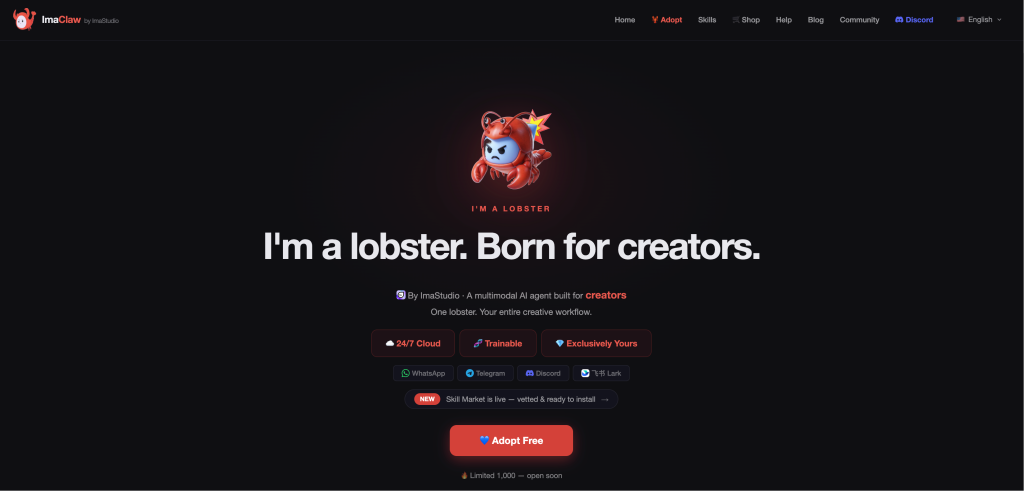
Everything I described above—the browser automation, the content formulas, the hashtag architecture—packaged into a single command:
"Publish this to RedNote"No Chrome extensions to maintain. No XPath selectors that break. No 2 AM debugging sessions.
Just your content, flowing to your audience.
Join the Waitlist
If you’re a social media manager, creator, or marketer juggling multiple platforms, this is for you.
Be the first to know when the RedNote Publisher Skill launches. Plus:
- Early access to beta features
- Input on which platforms we support next
- Behind-the-scenes looks at how we’re solving multi-platform publishing
The Real Takeaway
Automation shouldn’t require a computer science degree.
The technical deep dive I shared? It proves what’s possible. But it also proves what’s wrong with current approaches.
You shouldn’t be maintaining infrastructure. You should be creating.
That’s the shift Ima Claw represents: from building automation to installing capabilities. From managing tools to managing your creative flow.
The future of content creation isn’t more complex workflows. It’s simpler ones that actually work.
What repetitive publishing tasks eat up your time? Drop a comment—I read every one, and it directly shapes what we build next.
About The Author