Use Ima Studio's Nano Banana Image Generator to turn your prompts into stunning visuals

Transform your ideas, text, or photos into high-quality images with Nano Banana — the advanced image generation model integrated into Ima Studio. Create photorealistic scenes, precise text graphics, and consistent characters — all in one creative workspace.
Unlike standalone tools, Ima Studio’s Auto mode seamlessly combines Nano Banana with other models for optimal results.

Unlimited generations, 4K exports, and full privacy. Your prompts and images are never stored or shared.

Join our Discord →

How to Use Nano Banana on Ima Studio for Free

Step 1 – Choose Your Starting Point

Open Ima Studio, pick a ready-made template or start with your own prompt or photo to begin generating with Nano Banana.
Step 2 – Describe or Upload

Type your idea or upload an image to edit. You can:
Add or remove objects with text prompts
Relight or extend compositions instantly
Let agents auto-select Nano Banana or another model for best results
Step 3 – Generate and Export

Click “Generate” to create your image in seconds. Refine with inpainting, relighting, or upscaling, then export up to 4K — watermark optional and no usage limits.
Why Choose Nano Banana on Ima Studio

4K Images with Precision Text and Realism

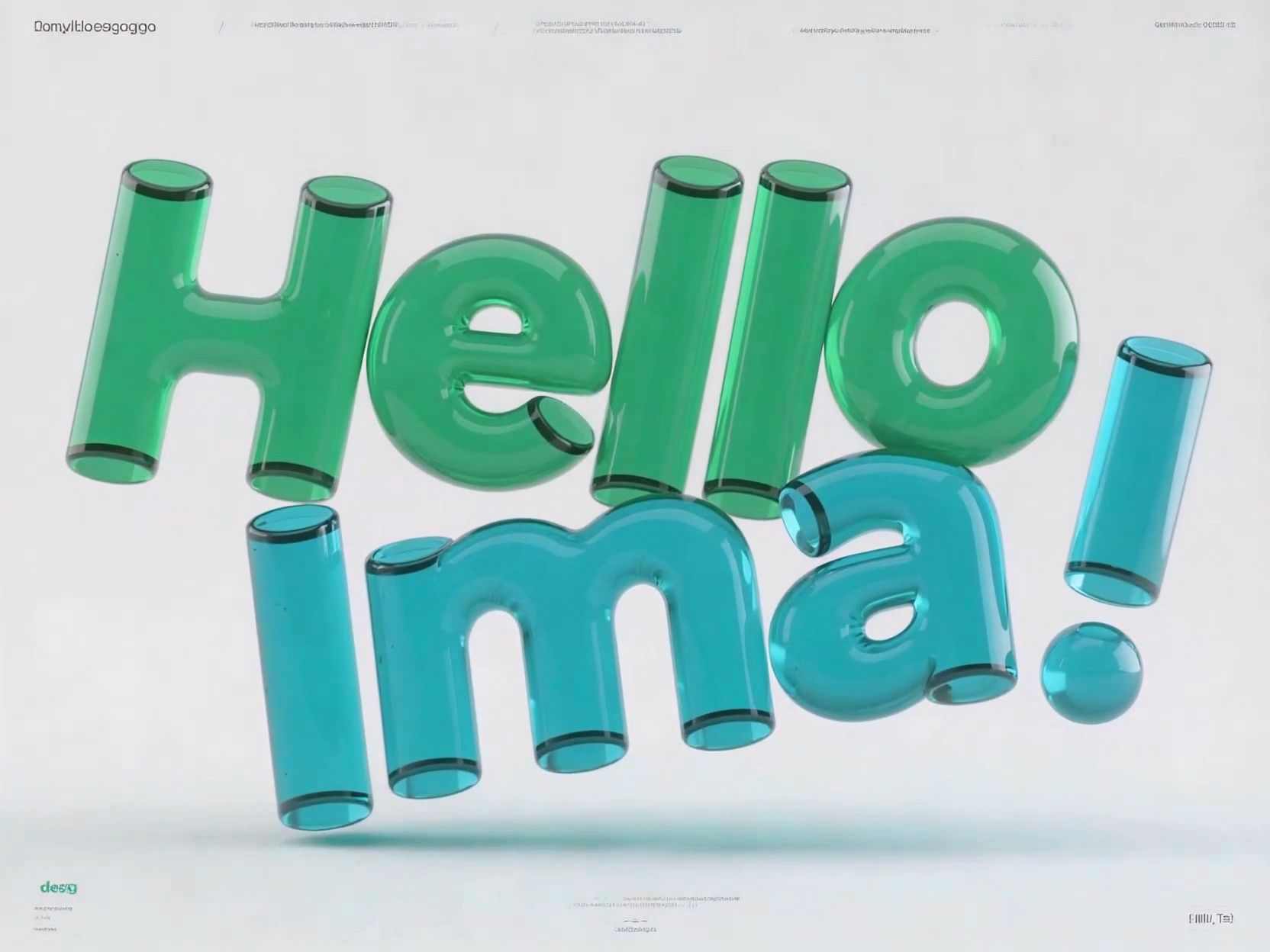
No complex setup, no software to install. Just describe your vision — Nano Banana delivers detailed, photorealistic results with accurate text rendering.

Consistency Across Scenes

Nano Banana keeps faces, logos, and design elements consistent across multiple images — perfect for creators building visual identity.

Smart Model Routing

Ima Studio’s Auto Router compares Nano Banana with other top models and picks the best one for your prompt — ensuring optimal realism or text accuracy every time.

Creator Templates & Agentic Editing

Choose from community-built templates or let agents handle edits like relighting, outpainting, and upscaling — no manual prompting required.

Transparent Performance with Ima Arena

Run your prompt in Arena to compare Nano Banana’s outputs with other models side-by-side and see public benchmarks before you generate.

All-in-One Nano Banana Image Creation Suite

Text-to-Image with Nano Banana

Type your concept and watch it become a polished image.
Nano Banana translates text into photoreal visuals with precise layout and lighting.
Ideal for marketing graphics, storyboards, or branded content.

Image-to-Image Editing

Edit, relight, or expand your photos using Nano Banana Image Editor.
Remove distractions, extend scenes, or adjust tone — all through natural language prompts.

Consistent Character & Scene Generation

Generate multiple images that maintain the same subject or character across different settings.
Nano Banana ensures lighting, proportions, and identity stay coherent — no manual tweaking needed.

Cross-Modal Handoff

Turn your completed image into motion or video.
Send it directly to Ima’s video and audio pipelines for seamless expansion — from stills to short clips.

Nano Banana FAQs

Yes. You can start for free with a limited number of image generations per month, including full-quality exports.

Upgrade to Pro plans for 4K output, batch processing, and watermark-free results.

Nano Banana excels in text accuracy, photorealism, and consistent identity rendering — outperforming many models in professional design tasks.

Yes. Use inpainting, relighting, or outpainting tools directly inside Ima Studio to refine details or extend compositions easily.

Images can be upscaled to 4K with advanced sharpening. You can export in PNG, JPG, or layered formats with optional transparency.

Yes. All content you generate within your Ima Studio account is yours to use commercially, consistent with model licensing and content policy.

Create with Nano Banana on Ima Studio

Everything you need in one creative workspace — multi-model routing, agentic editing, and benchmark comparison in Arena. Join the community, explore templates, and start generating your next masterpiece.
Get for free




