











Niji7 AI Anime Generator (Midjourney)
Create anime art from text with Midjourney’s Niji7 — optimized for natural language prompts, with optional image-to-image support for style consistency.
What Is Niji7 and Why It Matters for Anime Creation
Niji 7 isn’t just an update; it’s a specialized leap for the anime industry.
The Beauty of Line: Enhanced neural understanding of line weight and spatial blanking for a cleaner, professional “2D flat” aesthetic.
Literal Prompting: No more “vibey” guessing. Niji 7 follows complex descriptions (multiple characters, specific outfits, exact poses) with surgical precision.
Pixel-Perfect Details: Redesigned eye reflections and hand structures—reducing artifacts by up to 80% compared to previous versions.
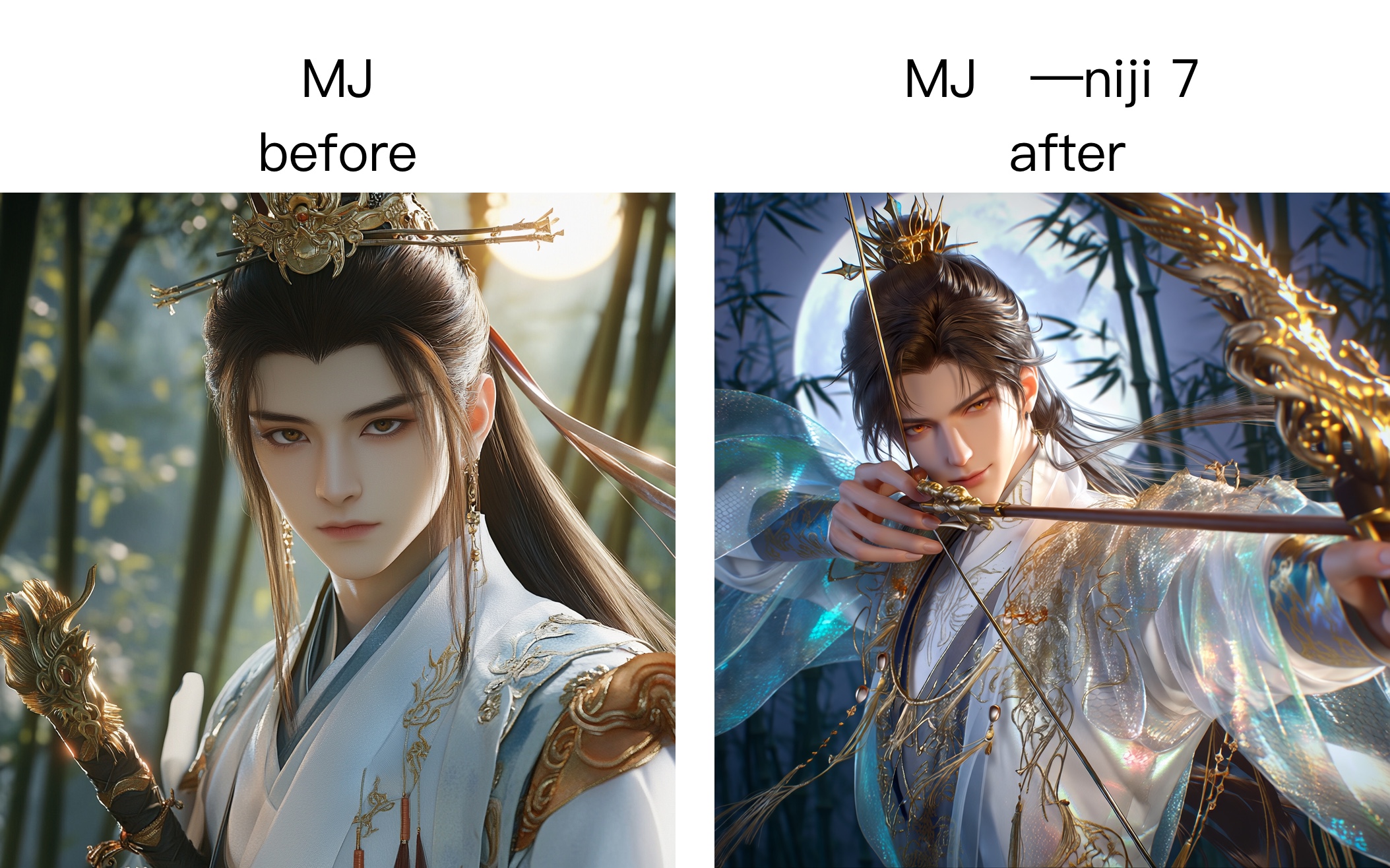
How to Use Niji7 Anime Generator on Ima Studio
Step 1 – Select Midjourney and Enable Niji7
Open Ima Studio’s Text-to-Image Studio,
choose Midjourney as your image model, and specify --niji 7 in your prompt
to enable the Niji7 anime model.
Step 2 – Compare Models or Auto‑Route
Observe different render styles for the same prompt in Arena or let Agents auto‑select the best model.
Compare crisp lines, balanced colors, and coherent character features side‑by‑side.
Step 3 – Refine and Export
One-click 4K Upscale, AI background removal, and direct export for VTuber layering or high-quality print.
Why Choose Niji7‑Style Anime Creation on Ima Studio
Anime‑Focused Quality and Consistency
Generate sharp line art and coherent character details across multiple images. Achieve production‑grade anime visuals fast, no extra tools required.
Smart Creation Agents
Agents transform plain ideas into optimized anime prompts and route to the most suitable model automatically—ensuring your characters stay stylistically consistent.
Arena Model Comparison
View identical prompts rendered by multiple models in Arena. Check speed, color balance, and coherence scores with community votes guiding your choice.
Anime‑Specific Controls
Access presets for manga ratios, seed locking for consistent designs, and style sliders for palette tuning—all within one interface.
Community Templates
Start from proven setups by working creators—templates for character sheets, posters, or panels show style previews before generation.
All‑in‑One Niji7 Anime Creation Suite
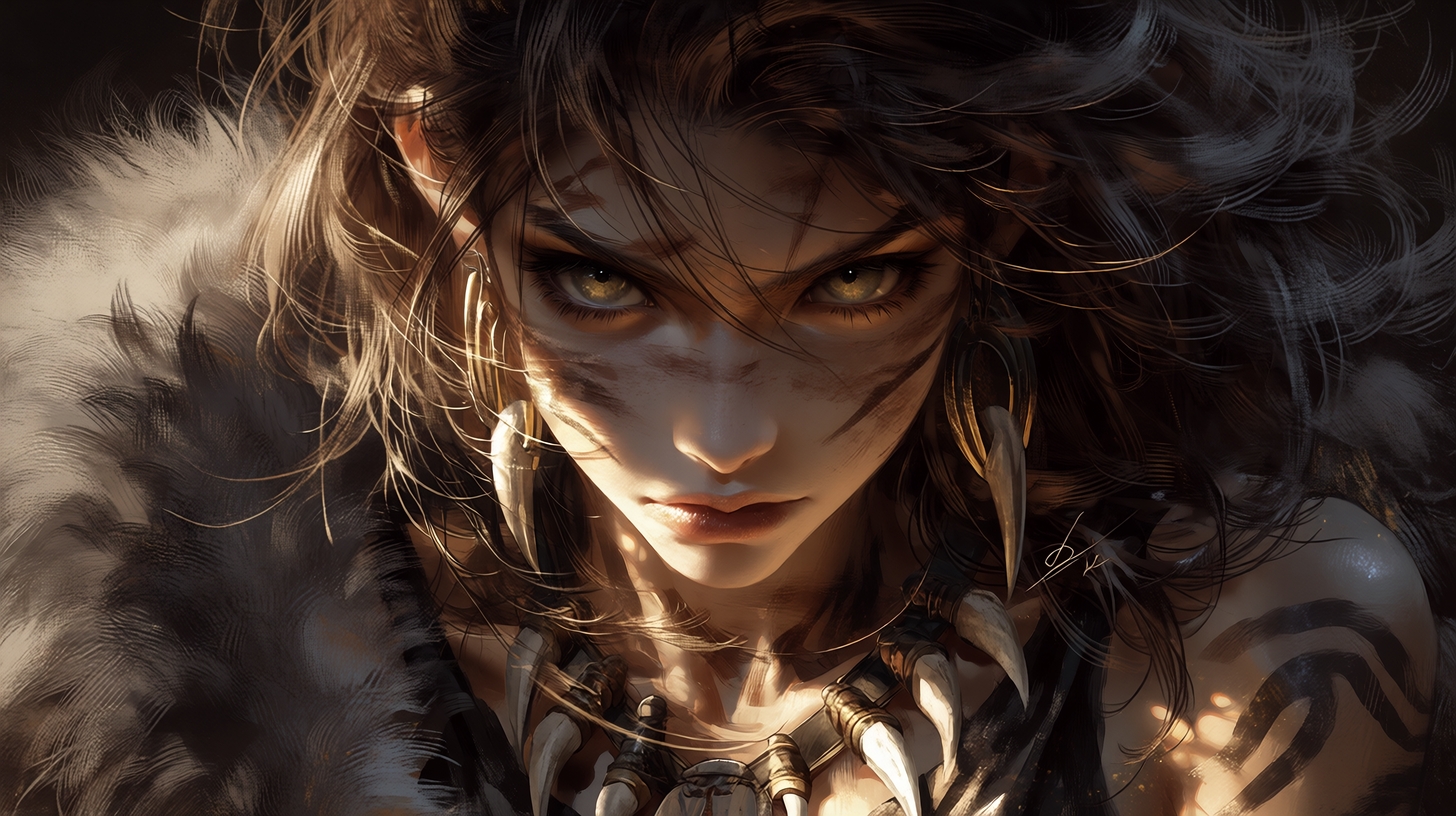
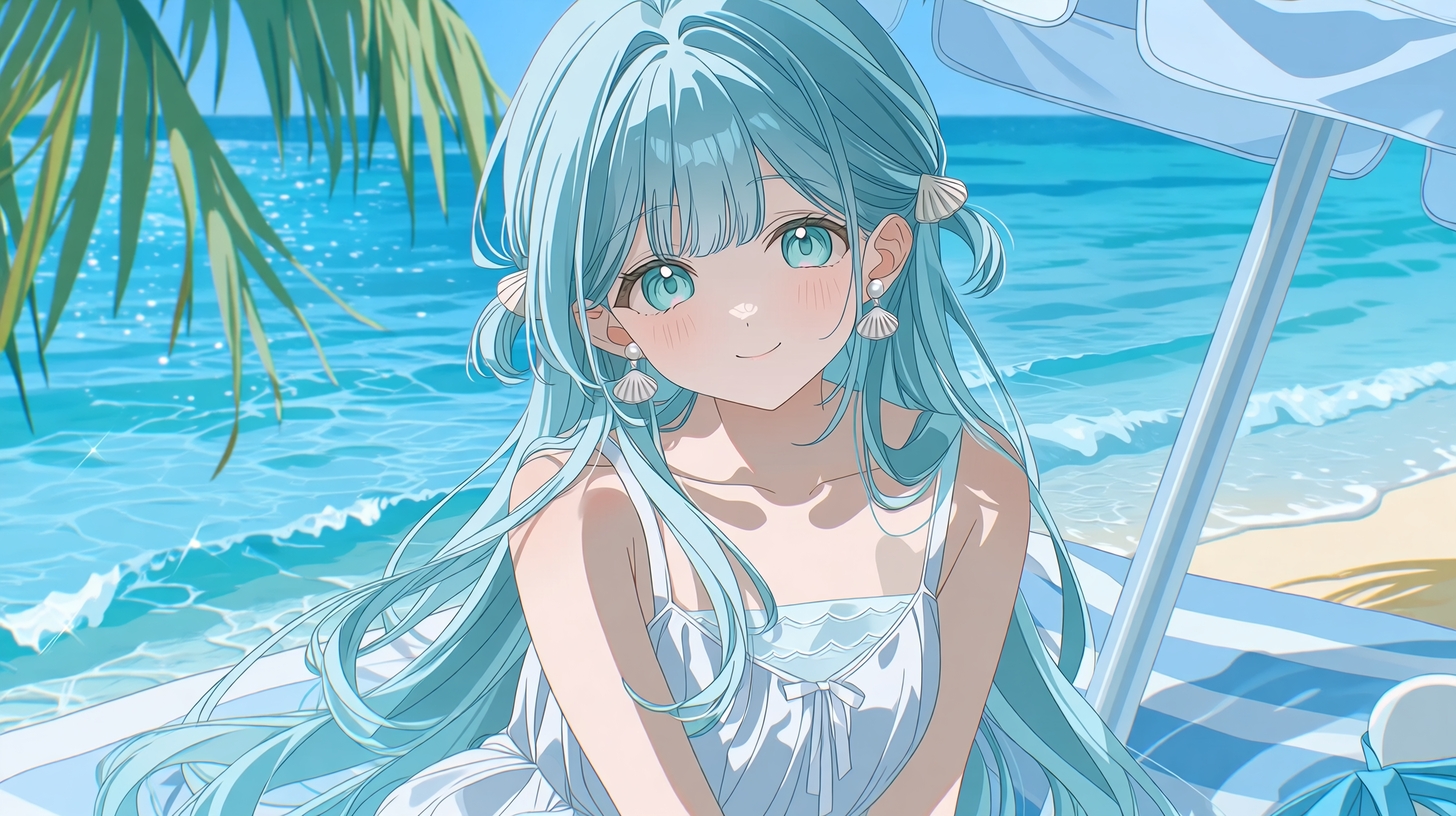
Text‑to‑Anime with Niji7
Write your concept and see it rendered as anime art instantly.
Niji7 interprets the description with accurate line weight and stylistic cues.
Perfect for character designs, manga scenes, or anime posters.
Image‑to‑Style Consistency
Upload character sheets or sketches to generate polished anime visuals with Niji7 Image Rendering.
Keep facial features, outfits, and colors consistent across scenes.
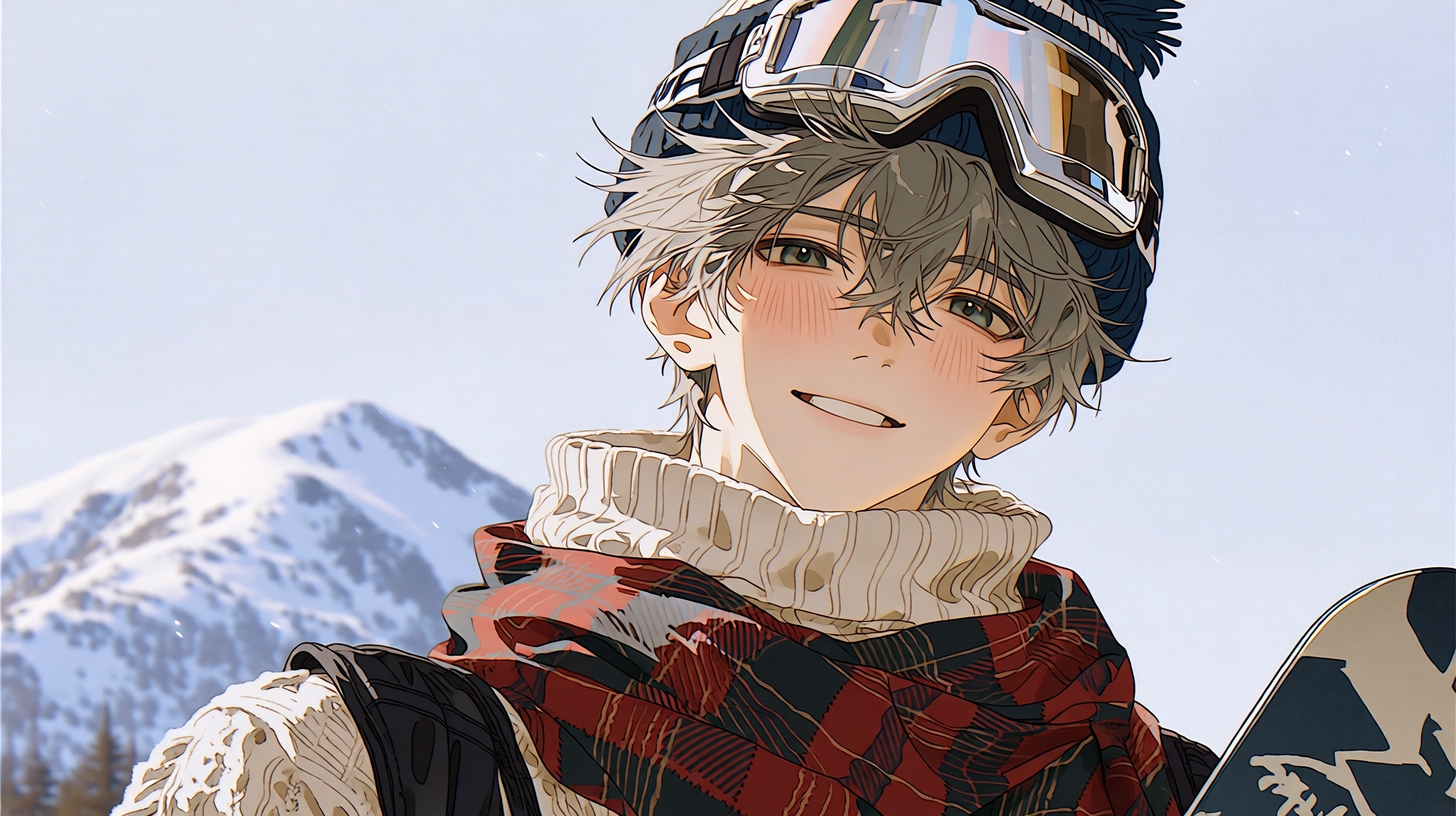
Arena Compare: Match and Select Models
Test the same prompt on different models in Arena.
Instantly pick the look you prefer with live ratings and performance badges.
Templates & Quality Finishing
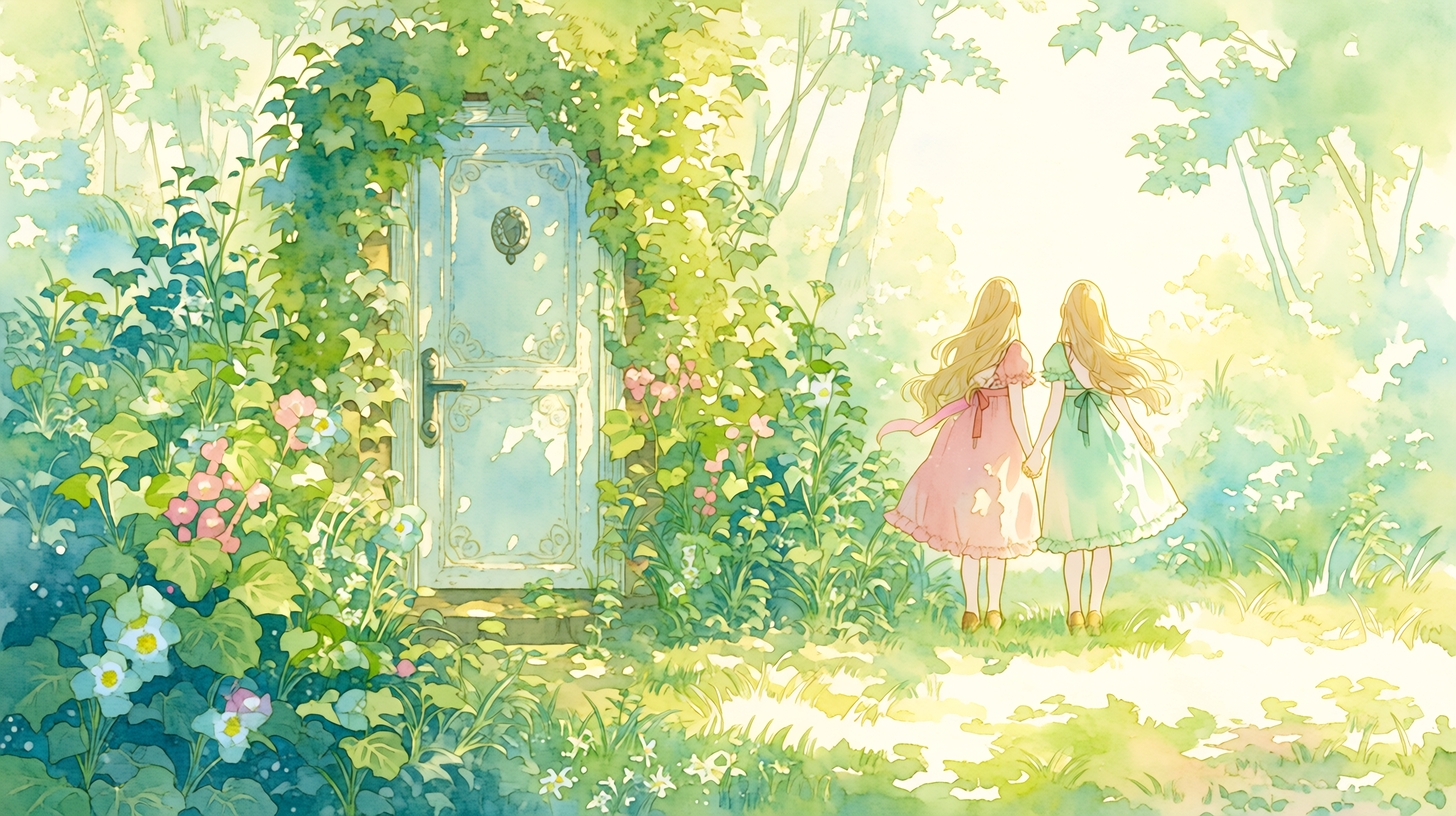
Apply creator‑made templates, upscale outputs, clear backgrounds, or tune hues.
One‑click quality tools keep your final artwork ready for print or VTuber use.
Niji7 Anime Generation FAQs
Yes. New users get free starter credits to generate anime images without watermarks.
Each output consumes minimal points—you can create dozens of artworks free.
Niji7 excels in anime‑specific quality: clean lines, stable coloring, and visual coherence across series—features unmatched by general image models.
Yes. Use seed locking and style tokens to preserve character appearance and traits through different scenes.
High‑resolution JPEG and PNG up to poster scale are supported. Built‑in upscaling maintains line precision for publication use.
All generated artwork follows Ima Studio’s AI Creative Use Policy.
Ensure you respect content guidelines and own rights to any uploaded material.