
Seedance AI Video Generator Online

Meet Seedance AI Video Generator by ByteDance — create cinematic videos online with Seedance 1.5 Pro, 1.0 Pro, and 1.0 Lite in one place.From text to video to image to video, Seedance helps you turn ideas into smooth, coherent, multi-shot videos faster and more cost-effectively.

Create Multi-Shot AI Videos with Seedance 1.5 Pro, 1.0 Pro, and 1.0 Lite

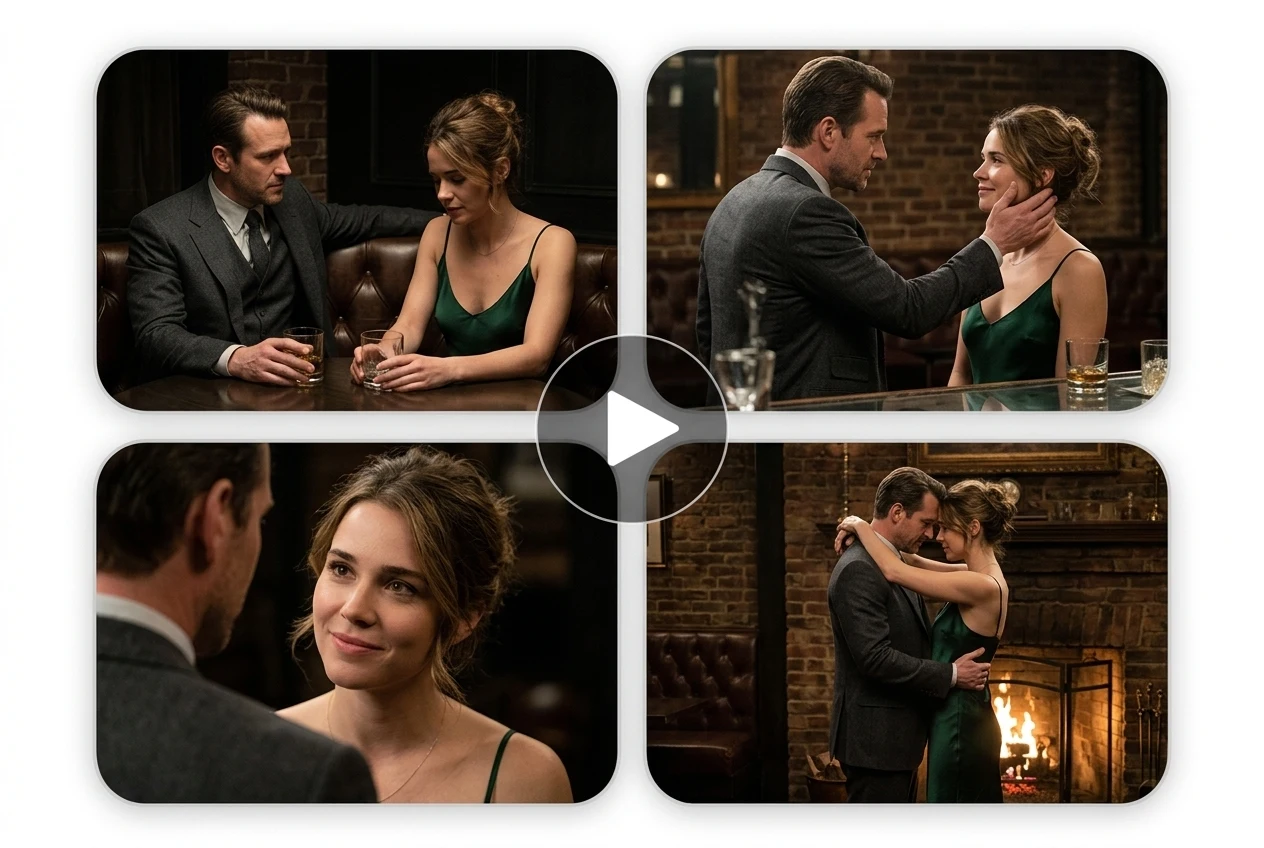
Want to film a multi-shot video but worry about characters or scenes looking inconsistent? Seedance AI keeps everything aligned, so your story flows naturally from frame to frame. Switch between shots, like a real director — smooth pans, aerial sweeps, or handheld vibes — all in a click. Use Seedance 1.5 Pro for richer audio-visual storytelling, Seedance 1.0 Pro for high-quality cinematic output, or Seedance 1.0 Lite for faster lightweight generation.

Seedance AI video generator creating a cinematic multi-shot romance scene with consistent characters across frames
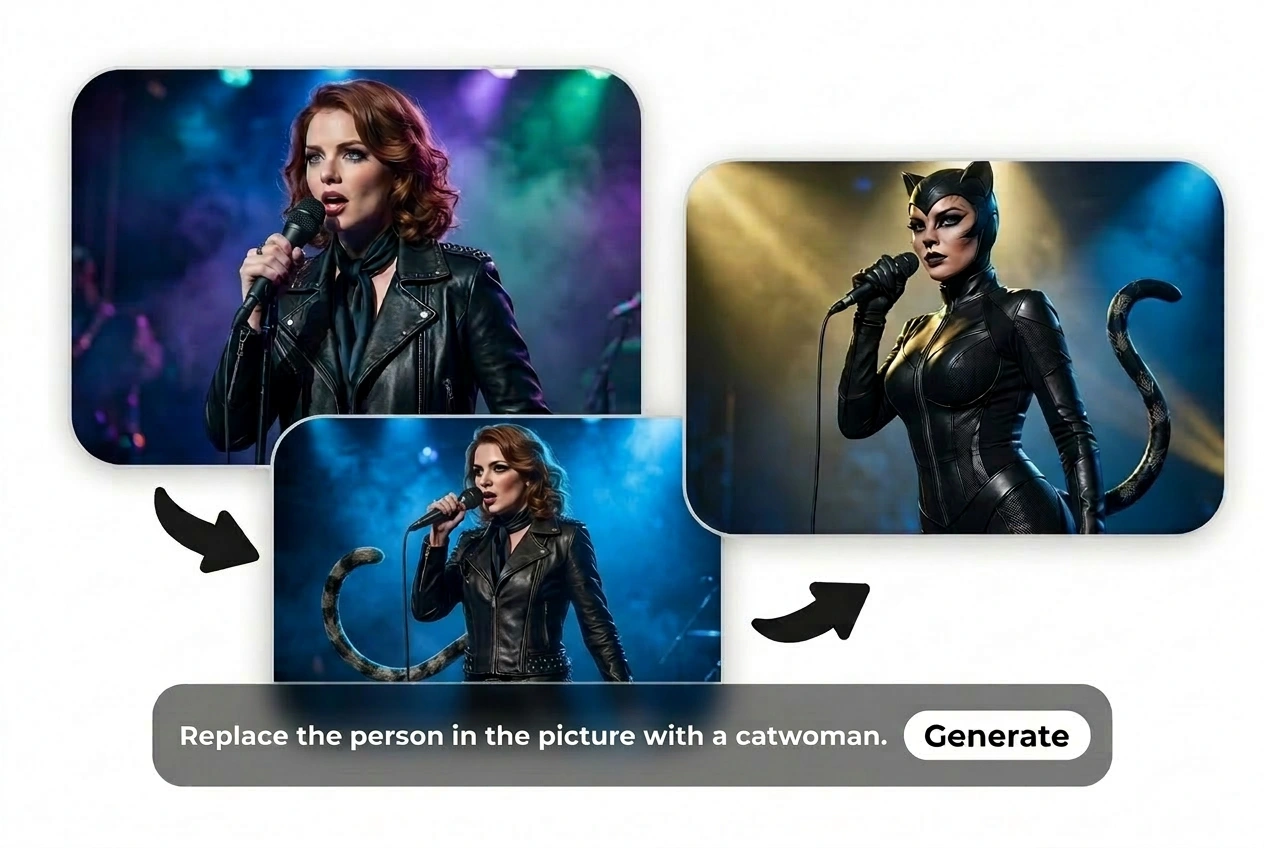
Seedance image to video example showing a singer transformed into a catwoman-style character with consistent visual storytelling

Cinematic Quality, Faster Workflow, and More Creative Control

Blurry and fake-looking? Seedance will change your perception of AI video generators.
It creates crystal-clear videos with smooth motion, strong prompt understanding, and cinematic framing. Whether you start from text to video or image to video, Seedance gives creators a faster path from concept to finished content.

Generate Pro-Quality AI Video in Seconds with Seedance AI

No more endless queues. No more failed runs eating up your credits. Choose the Seedance model that fits your workflow — 1.5 Pro for advanced storytelling, 1.0 Pro for polished visual quality, and 1.0 Lite for speed and iteration.

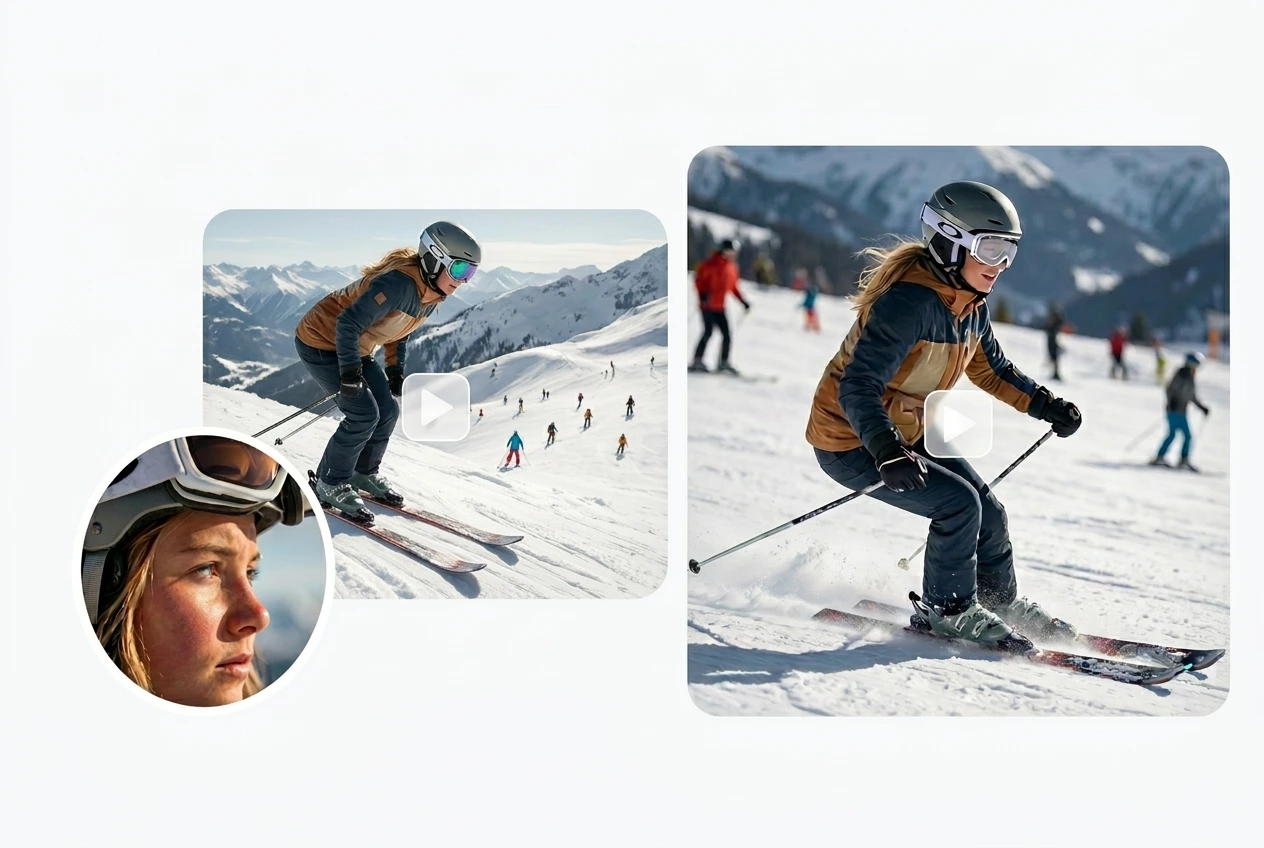
Seedance AI video generator action sports skiing clip with close-up and motion scene

Choose the Right Seedance Model for Your Workflow

Seedance 1.5 Pro

Best for creators who want richer storytelling, more cinematic motion, and audio-visual generation for ads, short films, and social videos.

Seedance 1.0 Pro

Best for high-quality multi-shot video generation with stronger prompt understanding and more polished output.

Seedance 1.0 Lite

Best for faster, lighter generation when you need quick testing, iteration, or higher-frequency content creation.

How to use Seedance AI on Ima Studio?

Step 1: Choose a Seedance Model

Pick Seedance 1.5 Pro, 1.0 Pro, or 1.0 Lite based on your needs.

Step 2: Start with Text to Video or Image to Video

Enter a text prompt or upload a reference image. JPG, PNG, and WEBP formats are supported. Then configure aspect ratio, resolution, and size to match your creative goal.

Step 3: Generate & Download

One click — Wait seconds — Get your AI video.
What makes Seedance AI Video Generator stand out?

Video Arena Ranked Top 1

Ranked No.1 on Video Arena, the leading benchmark site for AI video models. Seedance has gained strong recognition for motion quality, prompt following, and cinematic output.

All-in-One Workflow

Seedance AI handles everything from script to subtitles, voiceover to music —ready to publish without juggling multiple apps.

Flexible Settings

Seedance offers multiple aspect ratios (1:1, 4:3, 16:9, and 21:9), so your videos fit perfectly across different platforms and devices.

Perfect for Any Scenario — All in Seedance AI Video Generator

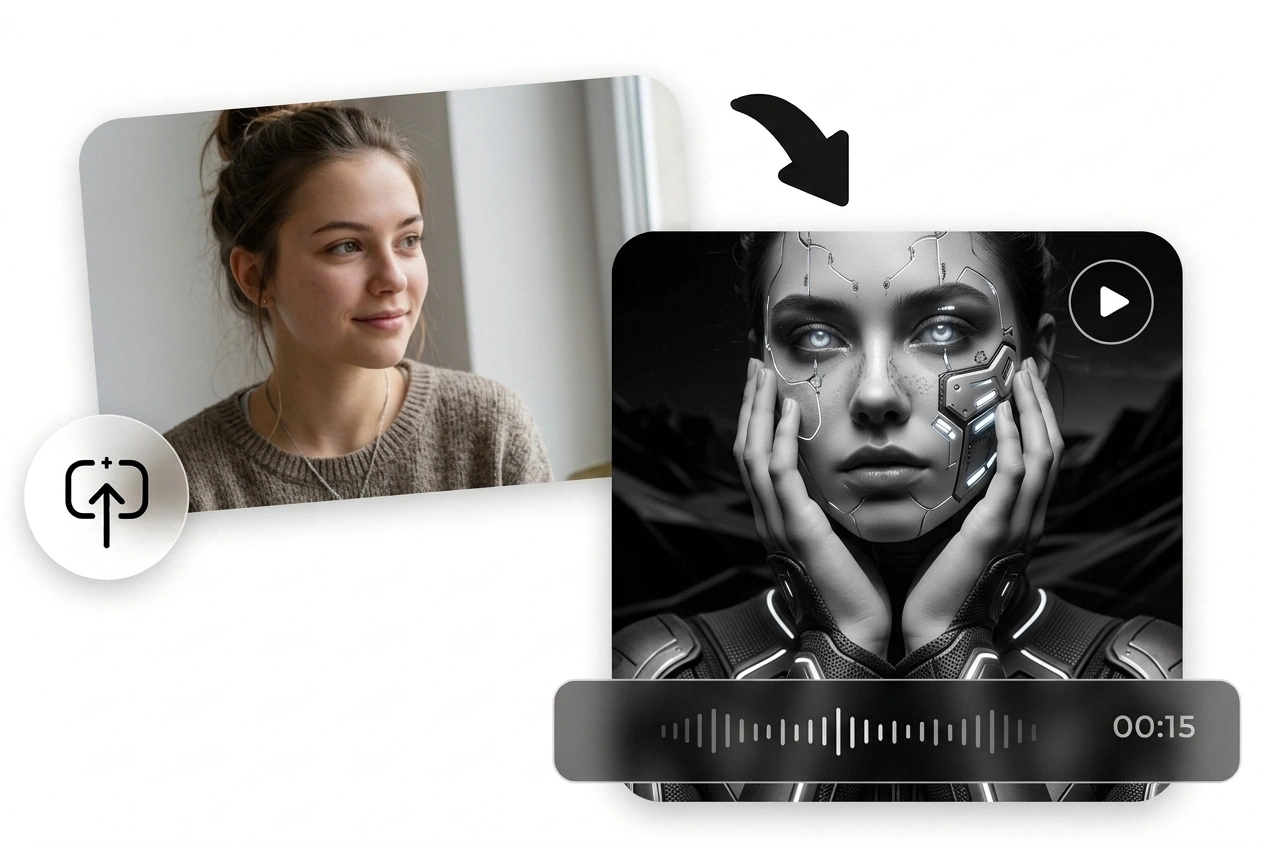
Seedance AI video generator transforming a portrait photo into a futuristic sci-fi character video scene

Viral-Ready Social Media Clips in Any Style

Need a video fast to catch today’s trend? Try Seedance, and you can turn a simple idea into a ready-to-post clip in seconds. Publish in TikTok, YouTube, or Instagram formats without extra editing, and explore styles from anime to pixel art. Achieve higher update frequency and get more fans!

You can also compare model styles with Ima Arena or discover creator examples in Community.

Turn Static Sketches into Dynamic Storyboards

Storyboard revisions burning budget? Just upload a “street chase” script and Seedance instantly creates a dynamic storyboard: the main runs, the camera pans, a supporting character bursts in. Your team sees pacing and camera flow upfront, finding issues before filming. Minimizing your costs!
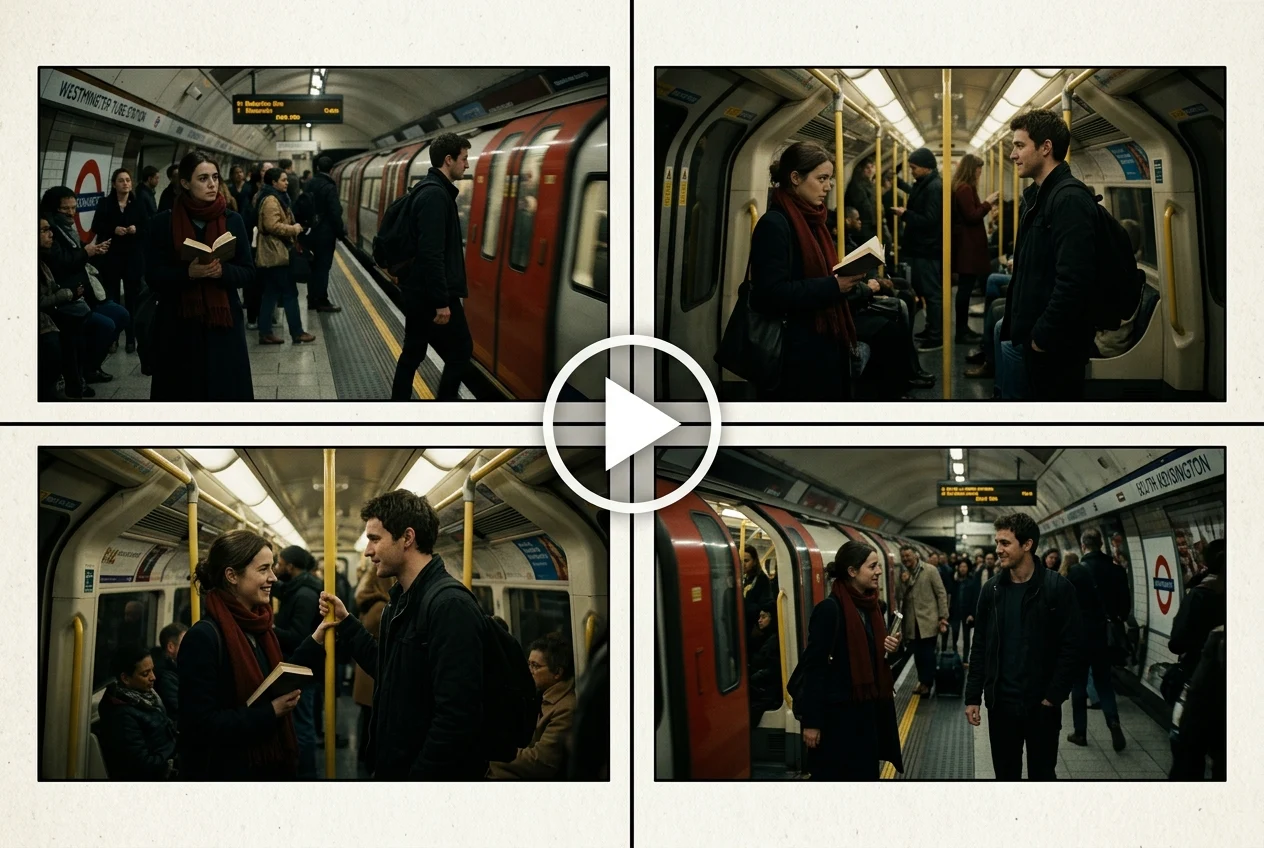
Seedance multi-shot video storyboard showing consistent subway scenes and character interaction across four frames
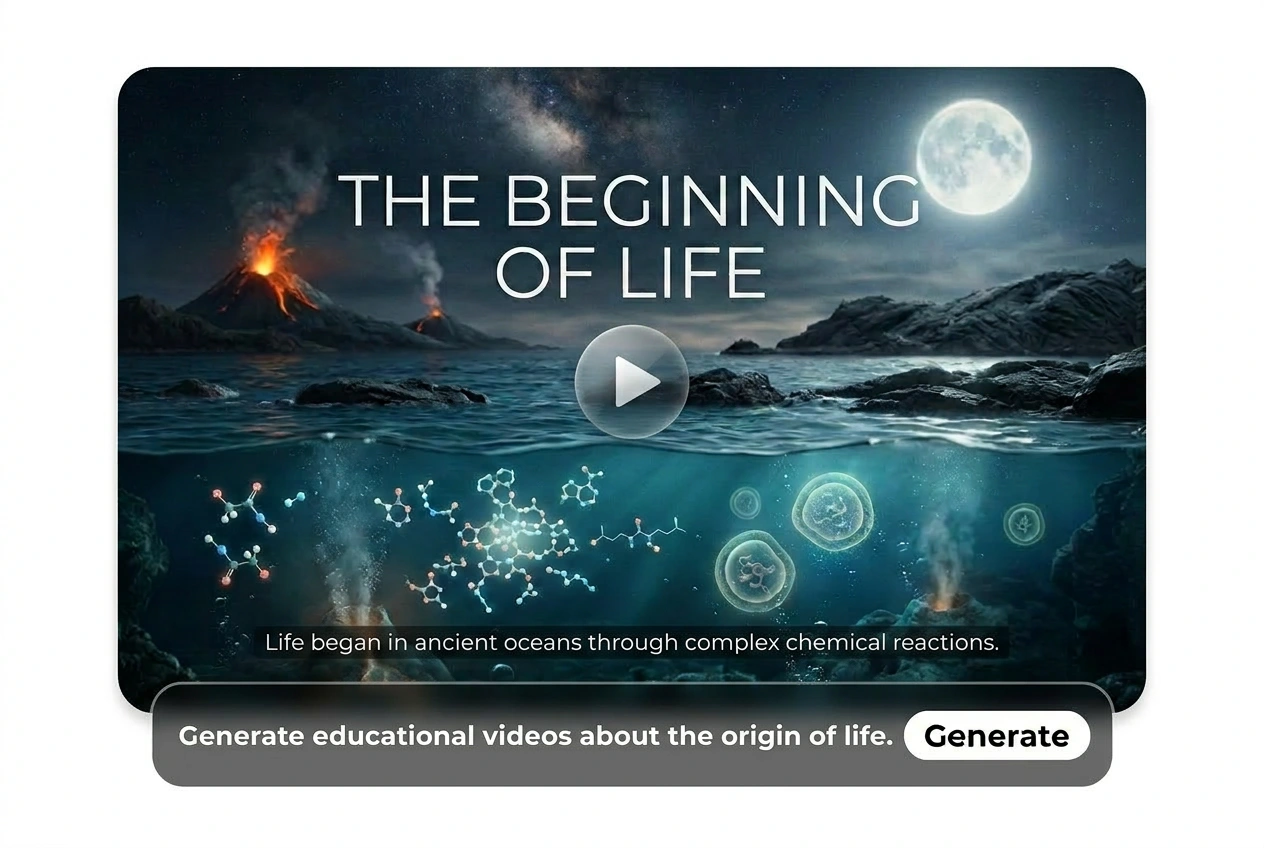
Seedance educational video generator example visualizing the origin of life with cinematic text-to-video storytelling

Engaging Education & Training Videos in One Click

Still stuck on boring slides? Visually presenting complex knowledge becomes even more tedious. Seedance AI turns mythological stories into vivid animations to assist teaching. Just one click makes teaching easier for lecturers and learning enjoyable for listeners.

Create Studio-Quality Product Ad Videos with Seedance

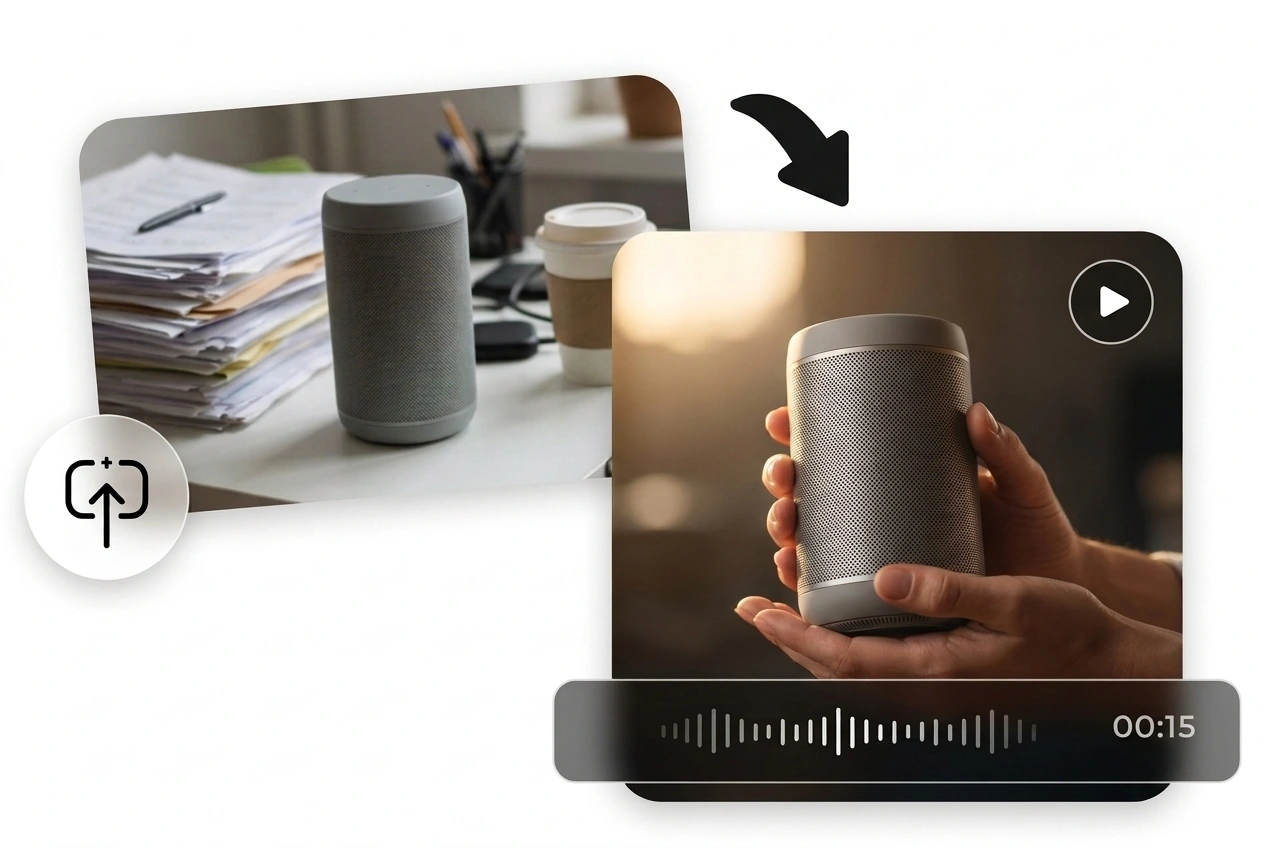
No budget for a full shoot? With Seedance AI, upload your product photo and get a promo video instantly. Imagine your skincare bottle rotating under soft studio lights, clean brand messaging appearing naturally on screen. Ready to run on Amazon, Shopee, or TikTok ads without the cost of a production team.

For more creation workflows, explore Image to Video, Text to Video, and AI Poster Generator.

Seedance product ad video example turning a speaker photo into a cinematic AI-generated promotional video

Seedance AI FAQs

Developed by ByteDance, Seedance is a family of AI video generation models that supports both text-to-video and image-to-video creation. No specialized learning required; simply enter a text prompt or upload a reference image and click “Generate”. Seedance on Ima Studio can quickly bring your ideas to life.

Seedance 1.5 Pro is best for richer storytelling and more advanced audio-visual generation. Seedance 1.0 Pro is better for higher-quality cinematic multi-shot video creation. Seedance 1.0 Lite is a faster lightweight option for quicker generation and iteration. You can also compare these and other next-gen models like Sora 2, Hailuo AI, Midjourney, and more with Ima Arena.

To maximize the performance of Seedance AI, we recommend keeping uploaded images under 5MB. Regarding prompts, Ima Studio‘s powerful AI can accurately interpret complex user instructions and understand semantic relationships. However, please avoid any sensitive content so that you can enjoy a safe and productive experience.

Yes. Videos generated with Seedance on Ima Studio can be used for commercial scenarios such as marketing, social media, product promotion, and professional content creation, subject to Ima Studio’s applicable Terms and Conditions.

You can try Seedance online on Ima Studio by choosing Seedance 1.5 Pro, 1.0 Pro, or 1.0 Lite, entering a prompt or uploading an image, and generating your video directly in the browser.

Create with Ima Studio

Everything in one workspace—images, video, and agents.
Get for free