Free AI Breast Expansion: See a Fuller Bust on Your Own Photo

Upload one photo and the AI breast expansion tool reshapes the bust while face, hair, outfit, pose and background stay exactly as they were. Free AI breast enlargement, unlimited tries, results in about a minute.
Free AI Breast Expansion
Your Photo*
Try Sample Images
Output Size
Free to try — sign up to see your results
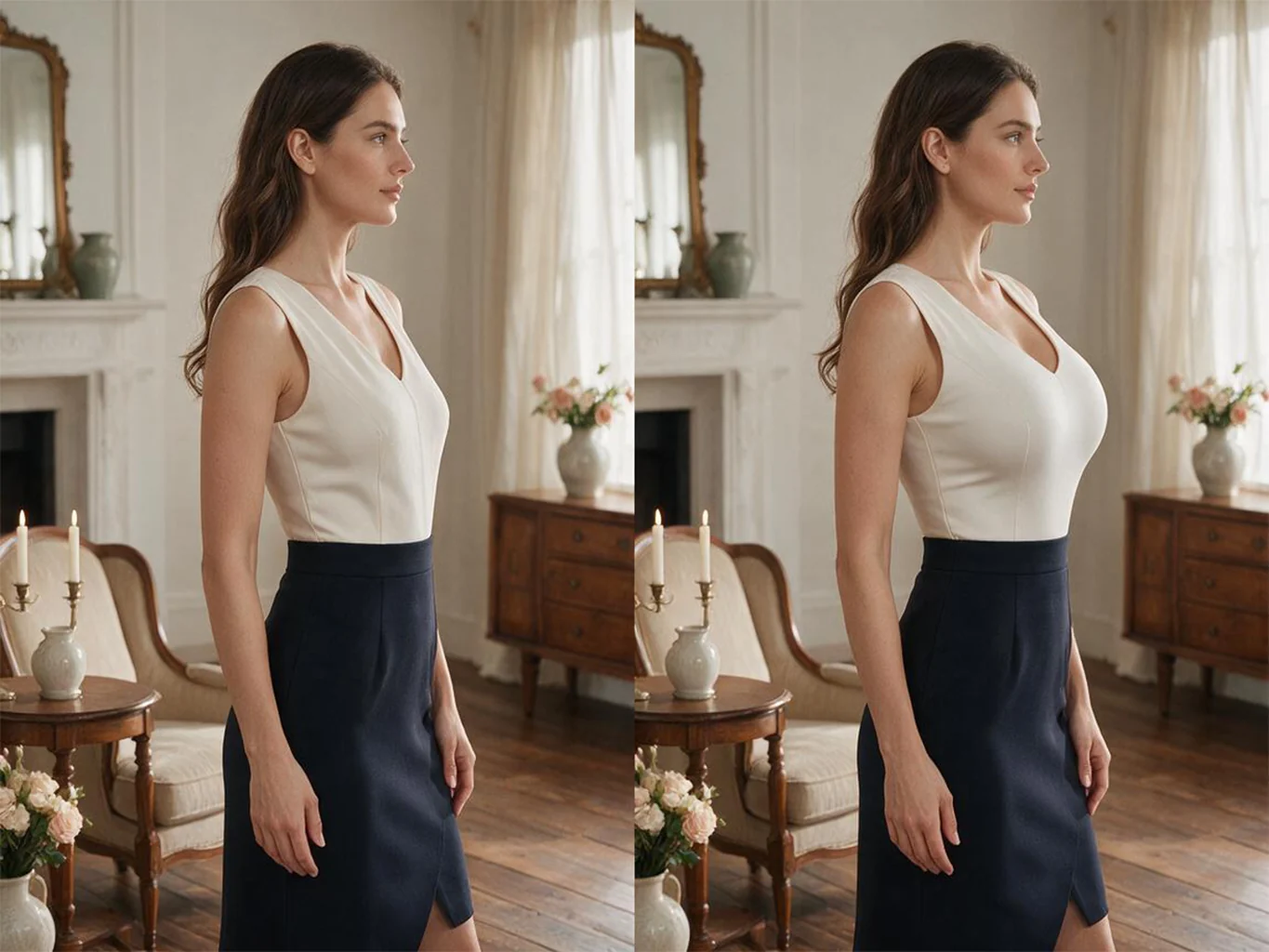
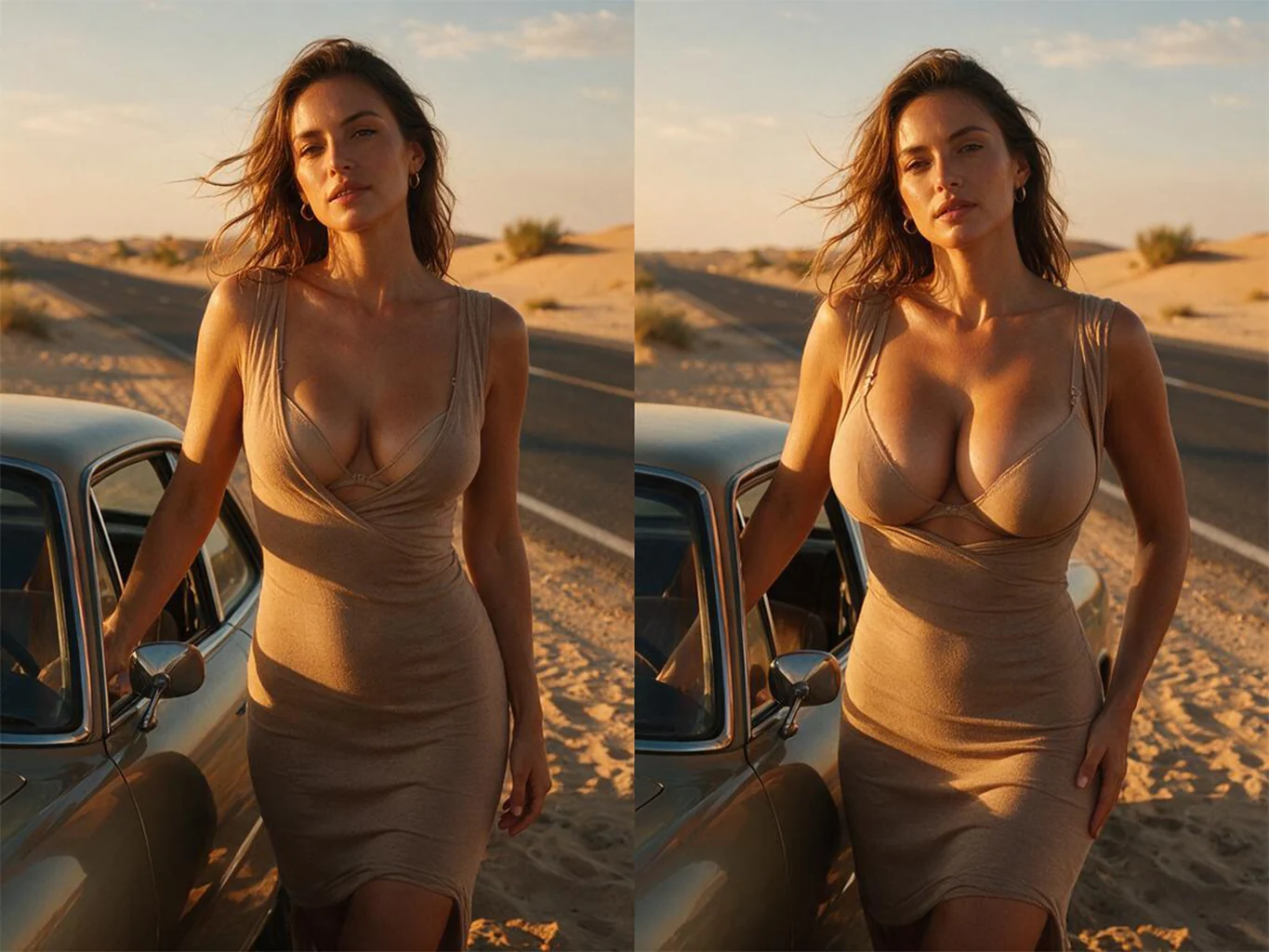
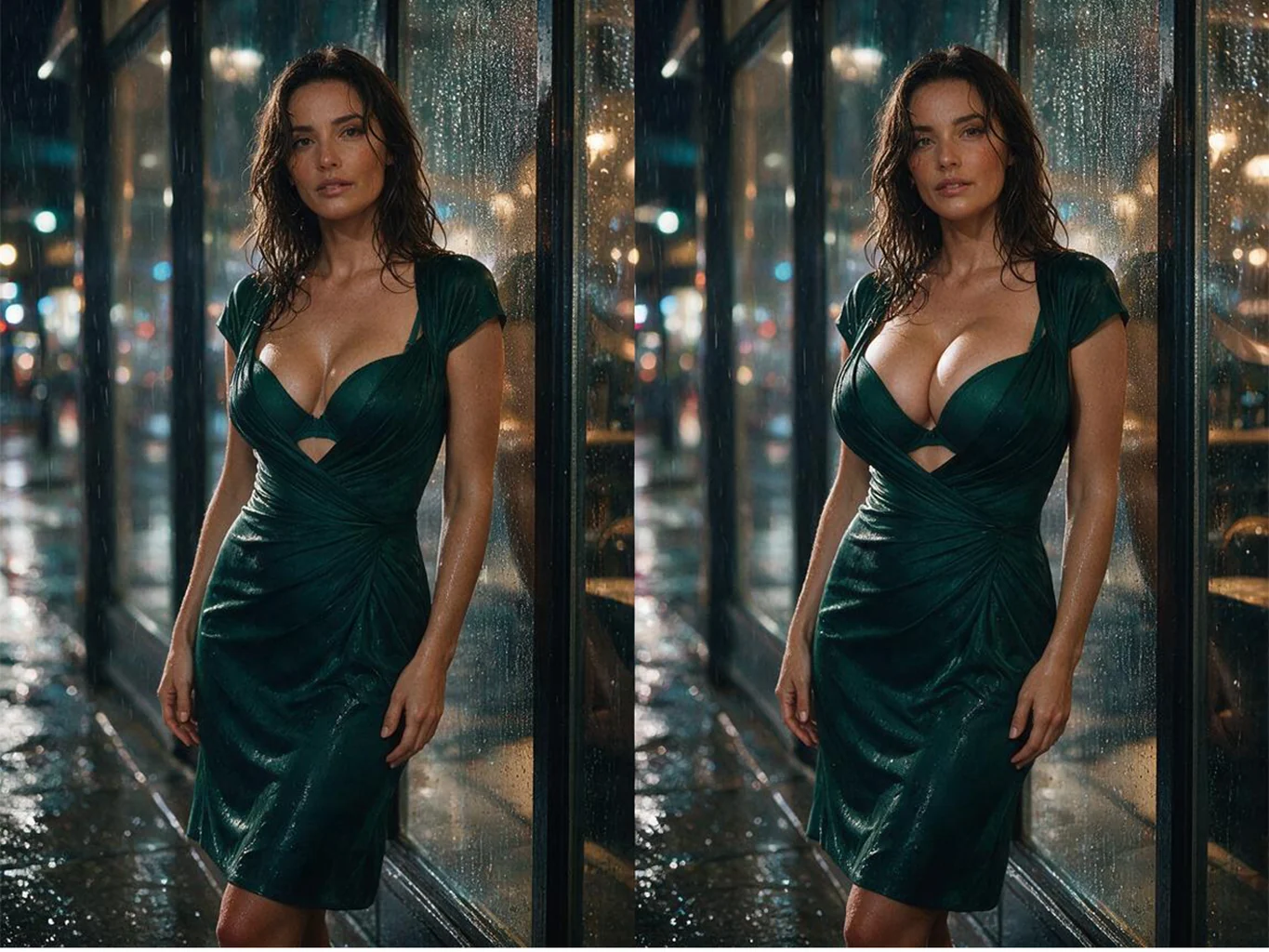
before and after example
Any size you wantRun it again and again until the shape looks right. There is no fixed preset list and no cap on how many variations you try.
Your photo stays your photoFace, hair, outfit, pose and background are carried straight over from the original. Only the bust is redrawn, with fabric and shadows refitted to it.
Free to tryRun it on one of the sample photos or on your own upload before deciding whether to sign up.

How AI Breast Expansion Works in Three Steps

1
Upload One Photo

Any clear shot where the torso is visible — a phone selfie is fine. Front-on photos with even light give the model the most to work with, and you can start from a sample if you would rather see it work first.

2
Pick the Output Size

The size selector starts on the shape of the photo you uploaded, so most people leave it alone. Switch to 9:16, 1:1 or 3:4 when the result is headed somewhere with a fixed frame.

3
Generate and Compare

The AI breast enlargement runs in about a minute and comes back beside your original, so you can see exactly what changed. Not big enough? Run it again — every attempt is a fresh take.

What People Use an AI Breast Expansion Tool For
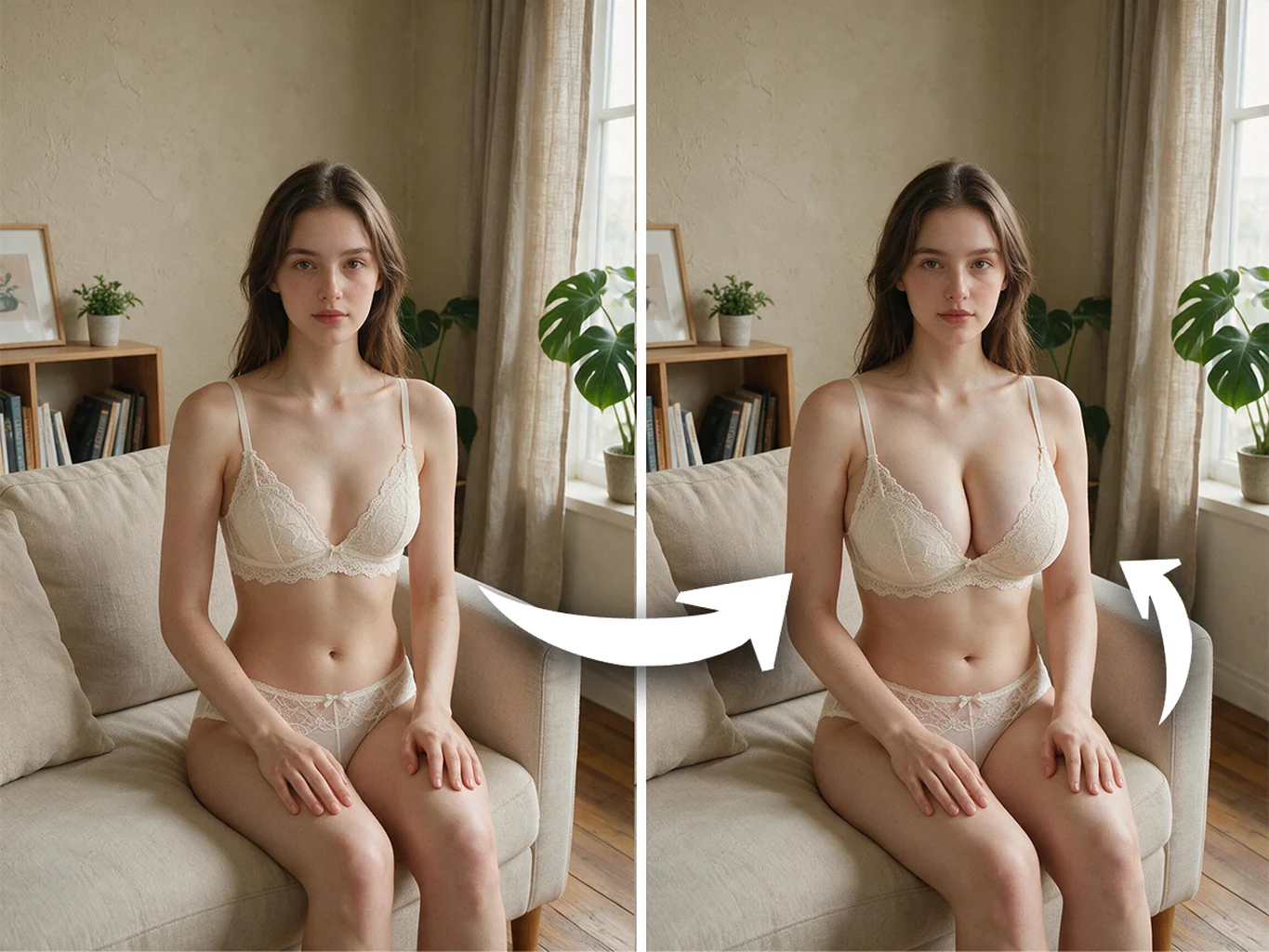
AI Breast Enlargement on Lingerie and Bra Photos

AI Breast Enlargement on Lingerie and Bra Photos

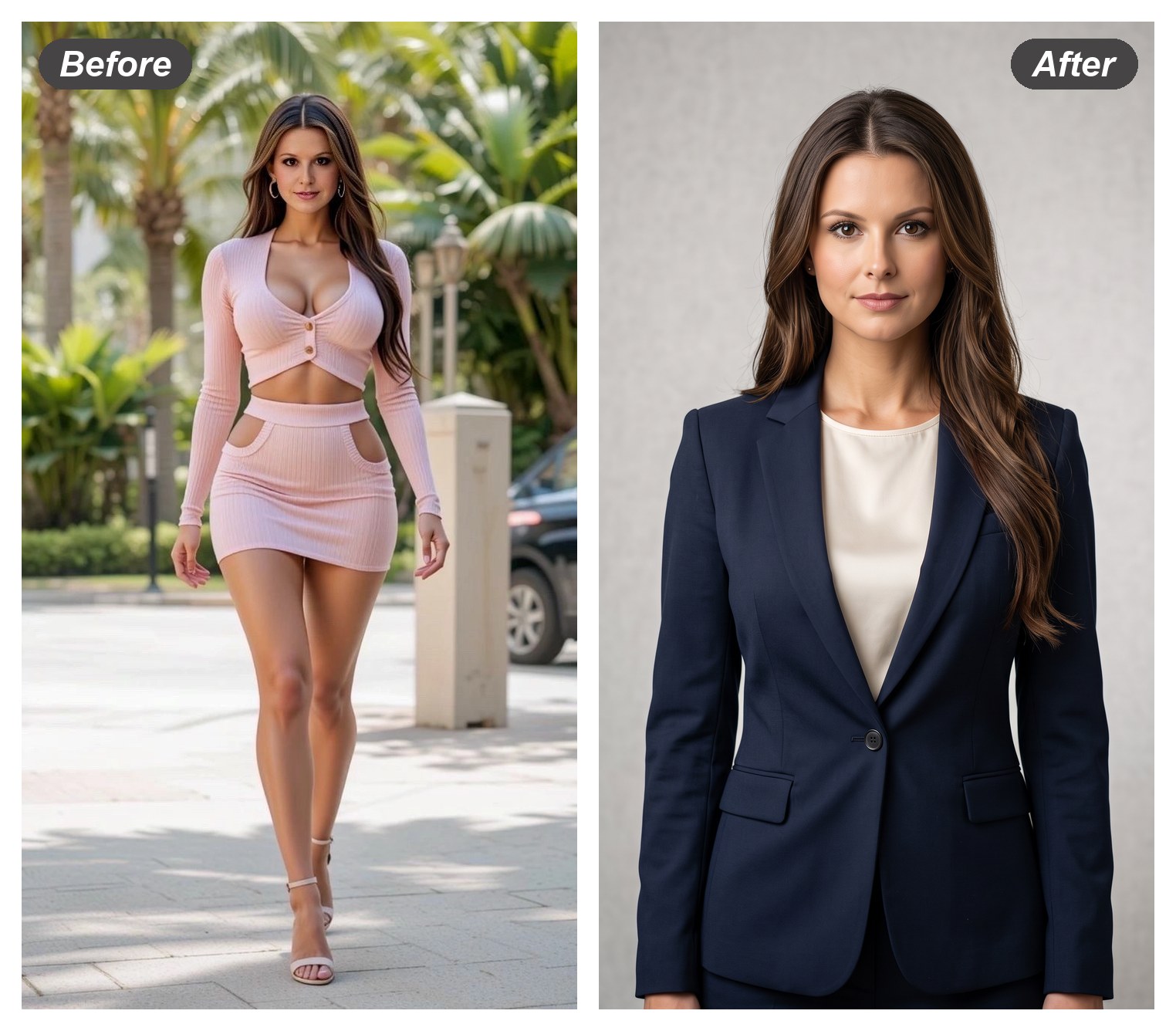
Close-fitting pieces show the change most clearly, because the cups, straps and lace all have to move with it. Upload the shot as it is and the AI refits the garment to the new shape instead of pasting one on top.

Try It on a Lingerie Shot

Bikini and Swimwear Shots with a Bigger Bust

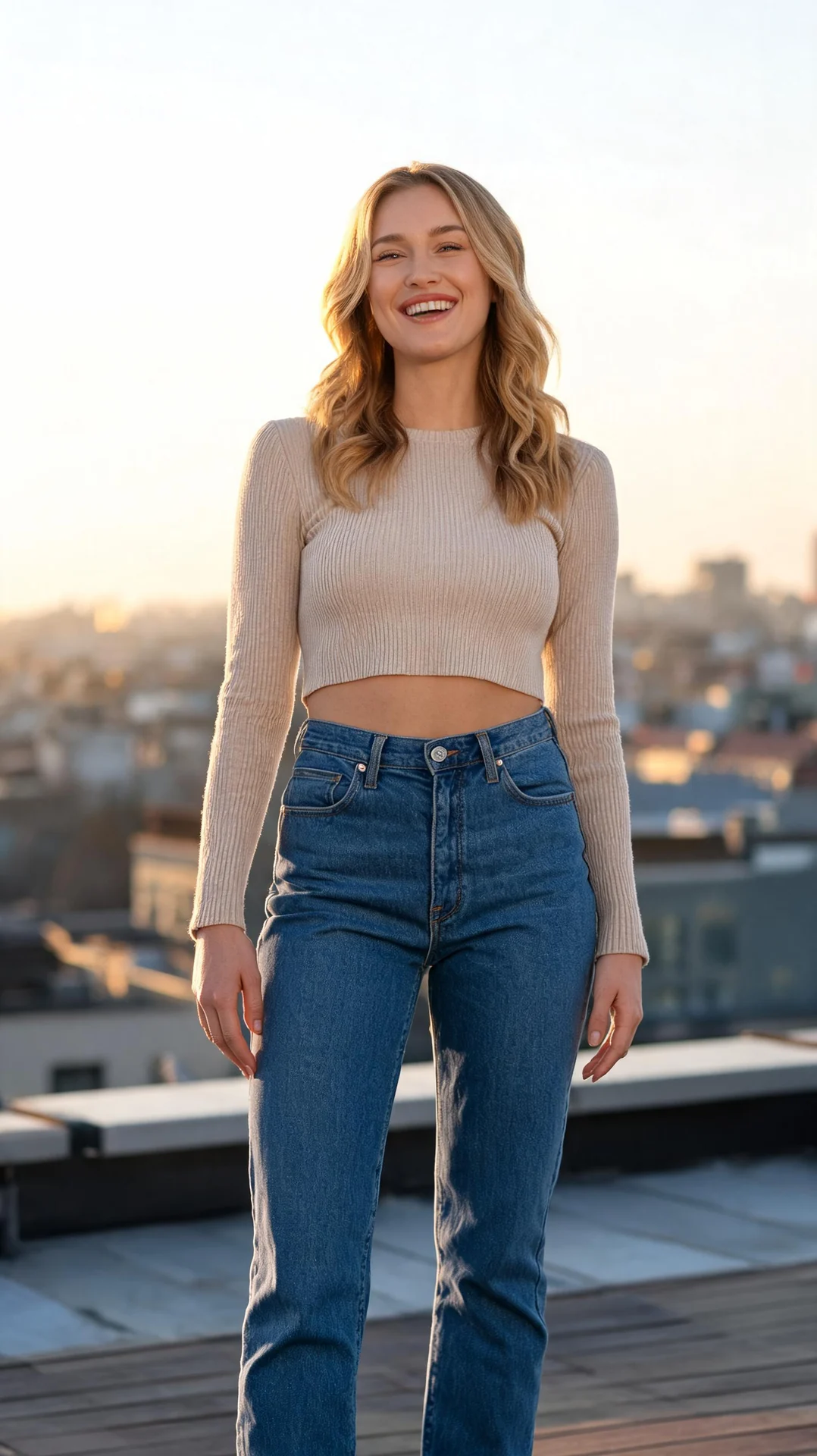
Beach and poolside photos are the most requested input for AI breast expansion, and the hardest to fake by hand. The full-body framing stays intact — same street, same sunlight, same pose, different silhouette.

Try It on a Bikini Photo
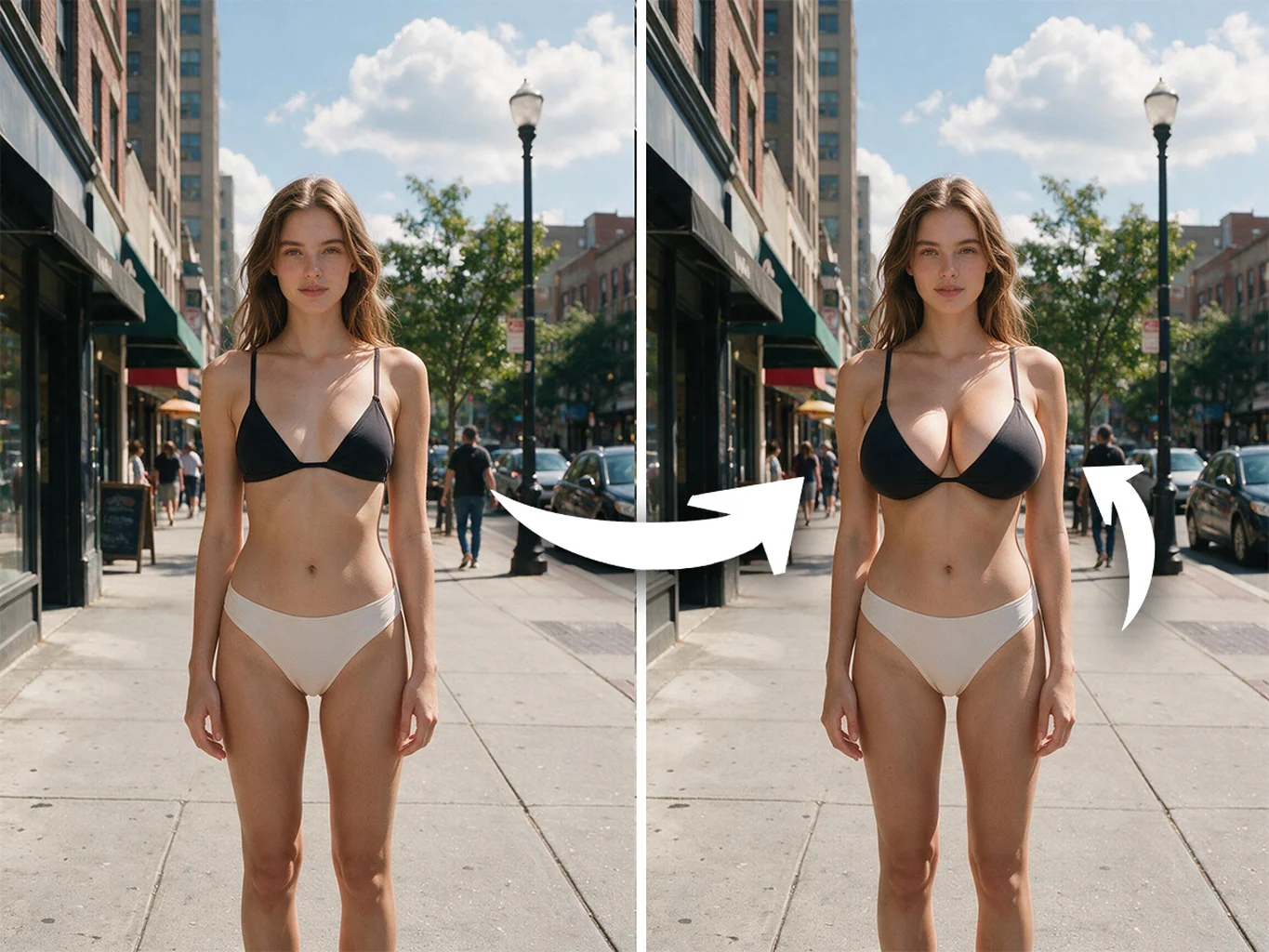
Bikini and Swimwear Shots with a Bigger Bust
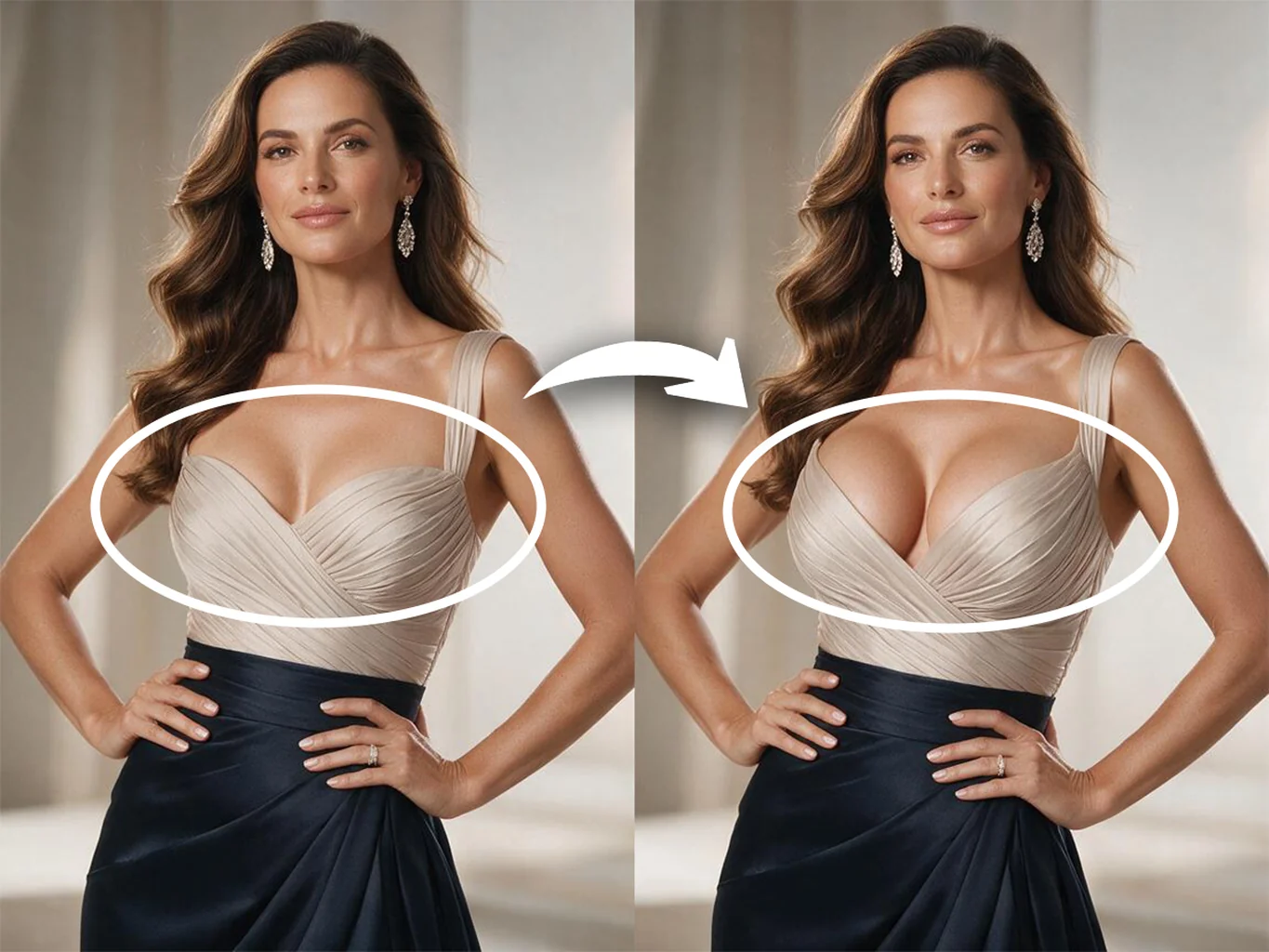
Gown and Evening Dress Breast Expansion

Gown and Evening Dress Breast Expansion

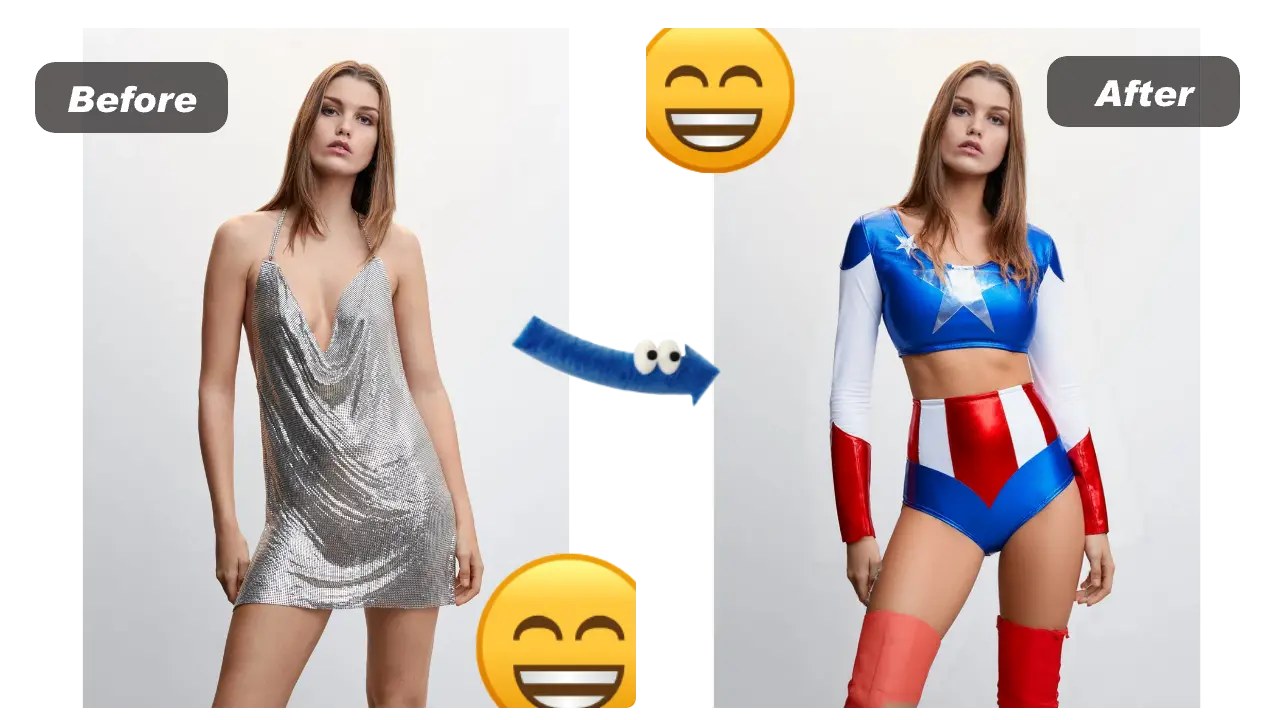
Structured bodices are the giveaway on a bad edit: the seams stop lining up. Here the neckline, ruching and satin highlights are redrawn around the new shape, so a formal portrait still reads as one photograph.

Try It on a Gown Photo

AI Breast Expansion FAQ

Is it free?
It is free to try. You can run a sample photo or your own upload without paying; an account is what unlocks viewing and downloading the finished result.
Is this an ai boobs or ai big tits generator?
Those tools invent a person from a text prompt. This one starts from the photo you upload and changes one thing in it, so the woman in the result is the woman you started with. If you want a generated character instead, the AI Boobs Generator below writes one from a text prompt.
What does it actually change in my photo?
The bust, and whatever the garment does around it. Face, hair, skin tone, pose, lighting and background all carry over from your original, and the clothing you were already wearing is refitted with folds and shadows that match the light in the shot.
How big can it go?
As big as you keep asking for. Each run is a fresh take rather than a step on a fixed scale, so the usual approach is to generate, look, and generate again until the shape is what you had in mind.
What kind of photos work best for breast expansion ai?
A clear, well-lit photo with the torso fully in frame. Front-on or three-quarter angles give the strongest results; heavily cropped, very dark or motion-blurred shots give the model the least to work with.
Can I choose the output size?
Yes. The size selector defaults to the shape of the photo you uploaded. Pick 1:1, 9:16, 16:9, 3:4 or 4:3 to override it before you hit Generate.
What can I use the results for?
Personal previews, before-and-after comparisons, social posts and concept visuals. Use it on photos of yourself, or on photos of people who have agreed to it.

User Reviews

★★★★★

I wanted to see what a consult would actually look like on me before booking one. Ran my own photo four times at different sizes and finally had something concrete to point at.

Dani R.

★★★★★

The dress seams still line up, which is where every other edit I tried fell apart. Zoomed in on the bodice and it holds.

Priya N.

★★★★

Free to try was the reason I bothered. Fast, and the background stays put. It sometimes softens the skin more than I want, so I pick the best of three.

Alex M.