Free AI Clothes Remover: Swap the Outfit, Keep the Photo

Upload a photo and the outfit you want — the AI clothes remover replaces what they are wearing with realistic fit, folds and shadows. Unlimited looks, one upload. Free to try.

Free AI Clothes Remover
Portrait Image*
Try Sample Images
Outfit Image*
Try Sample Outfits
Output Size
Free to try — sign up to see your results
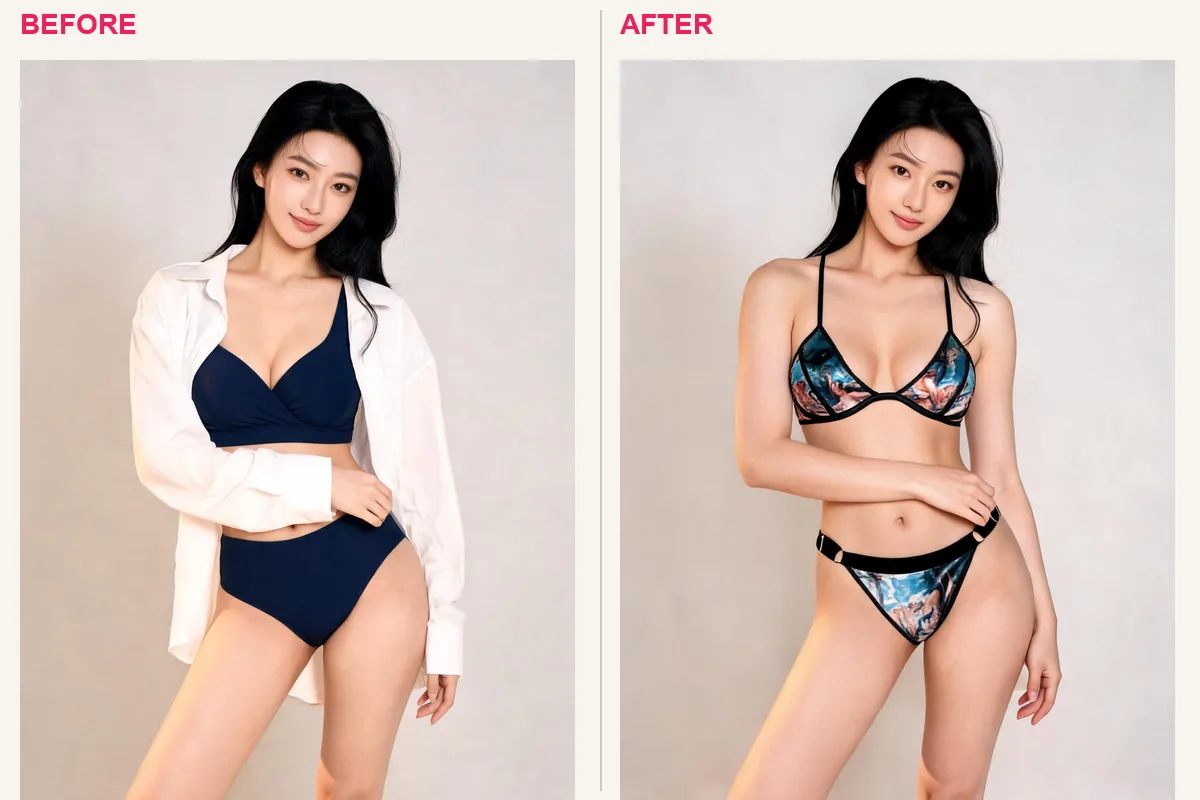
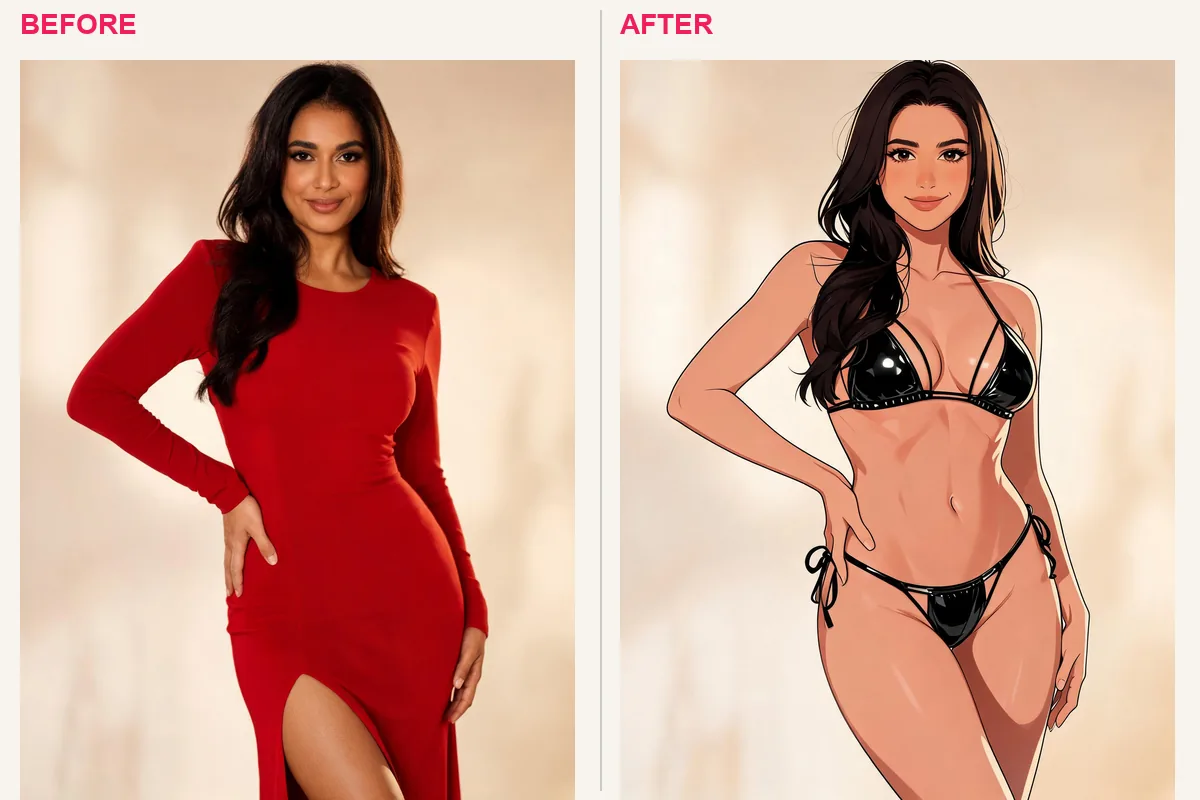
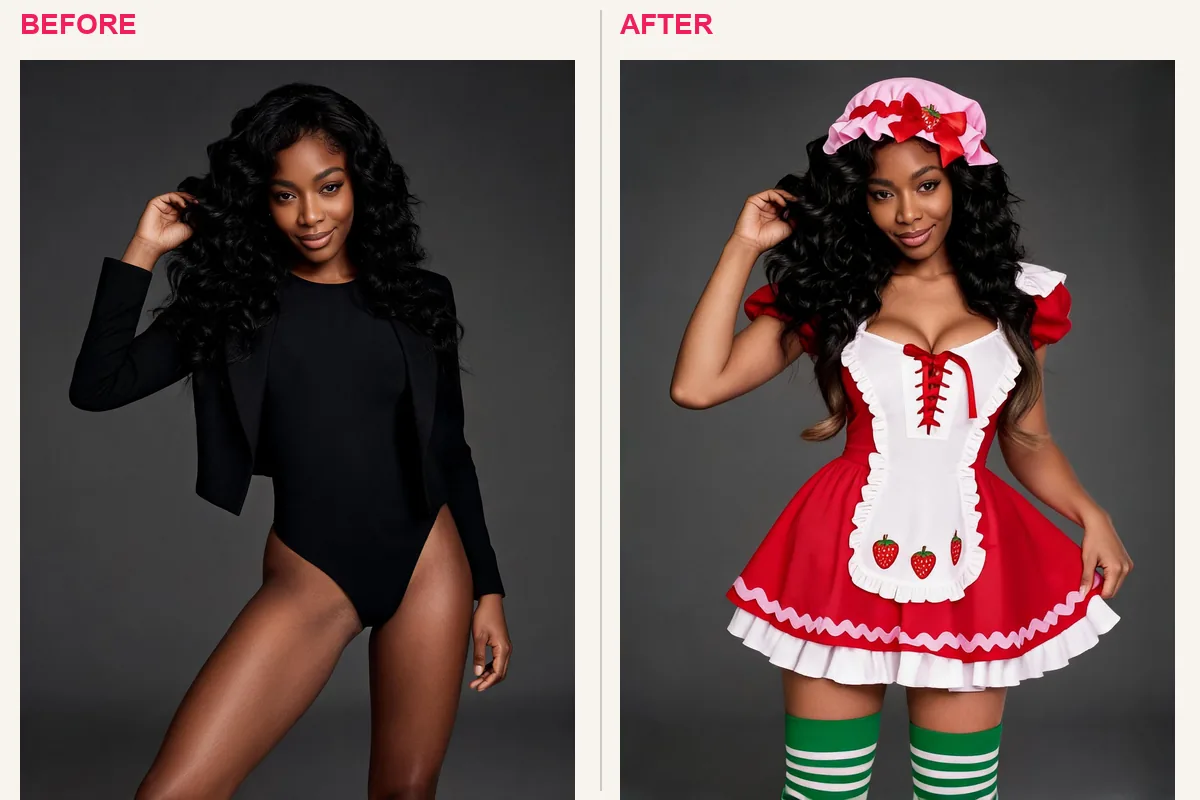
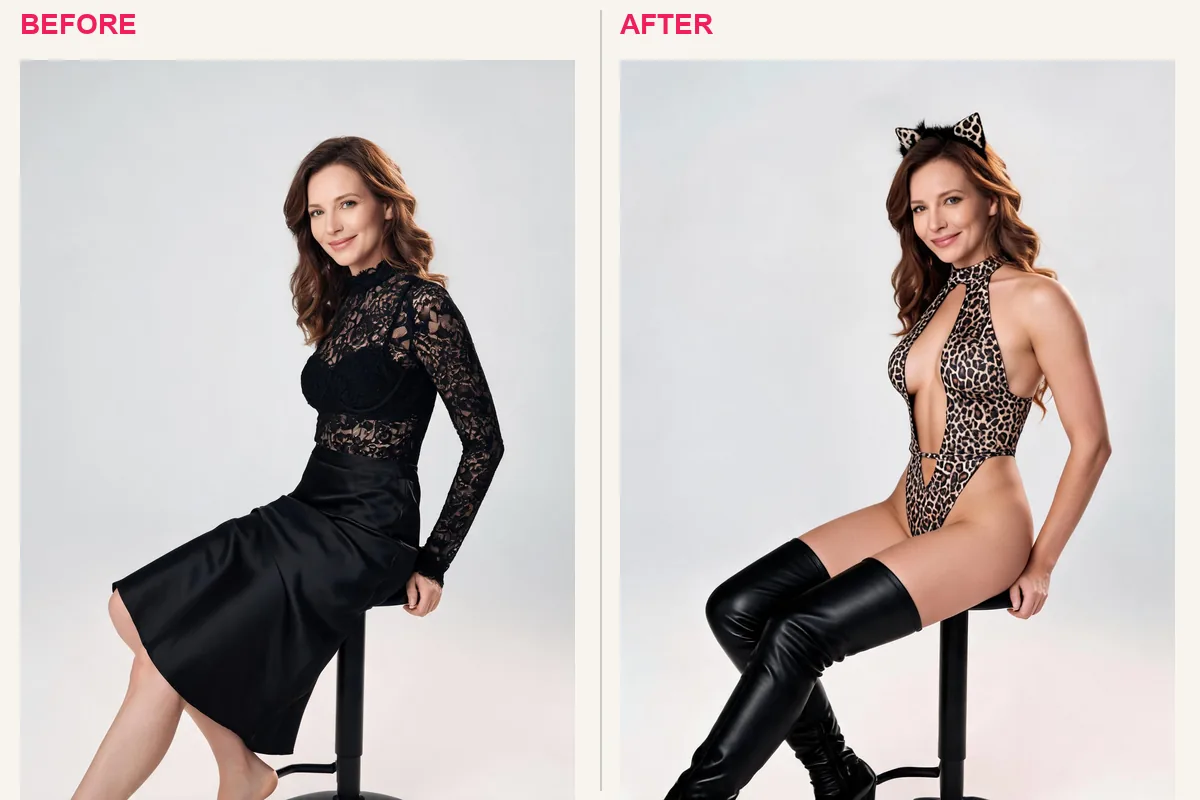
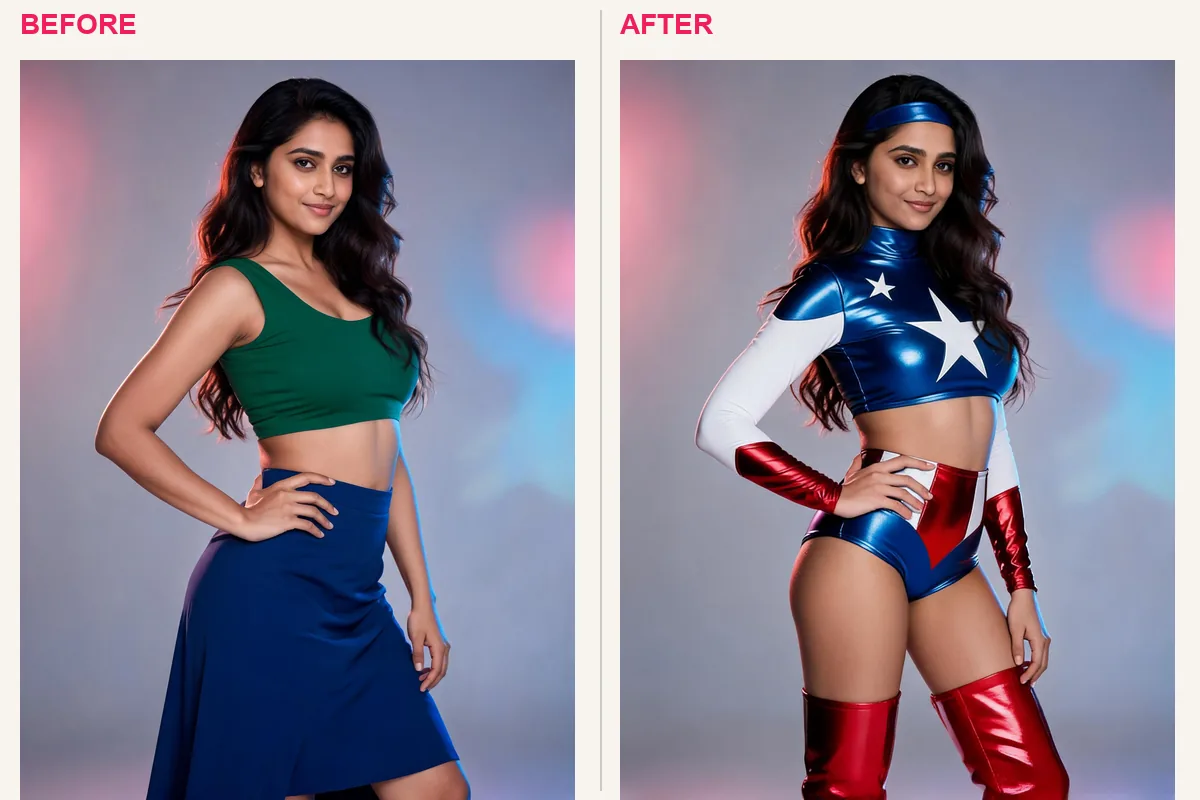
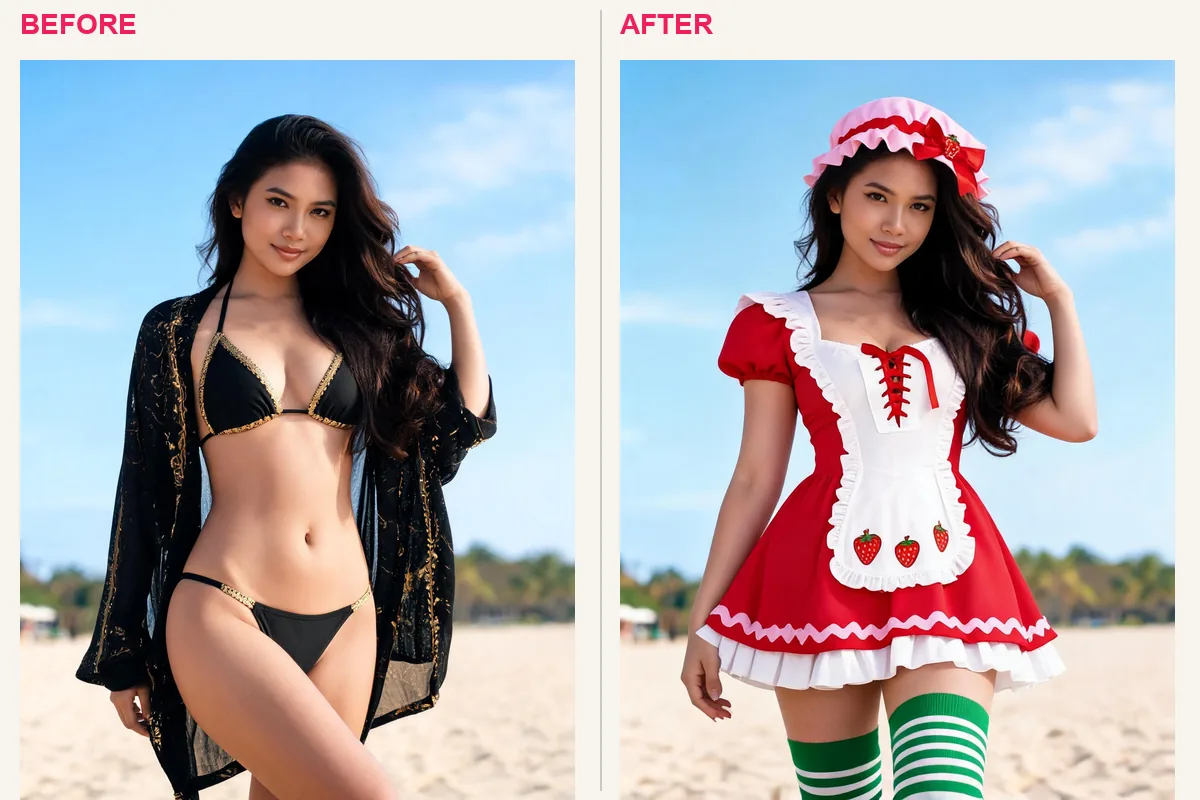
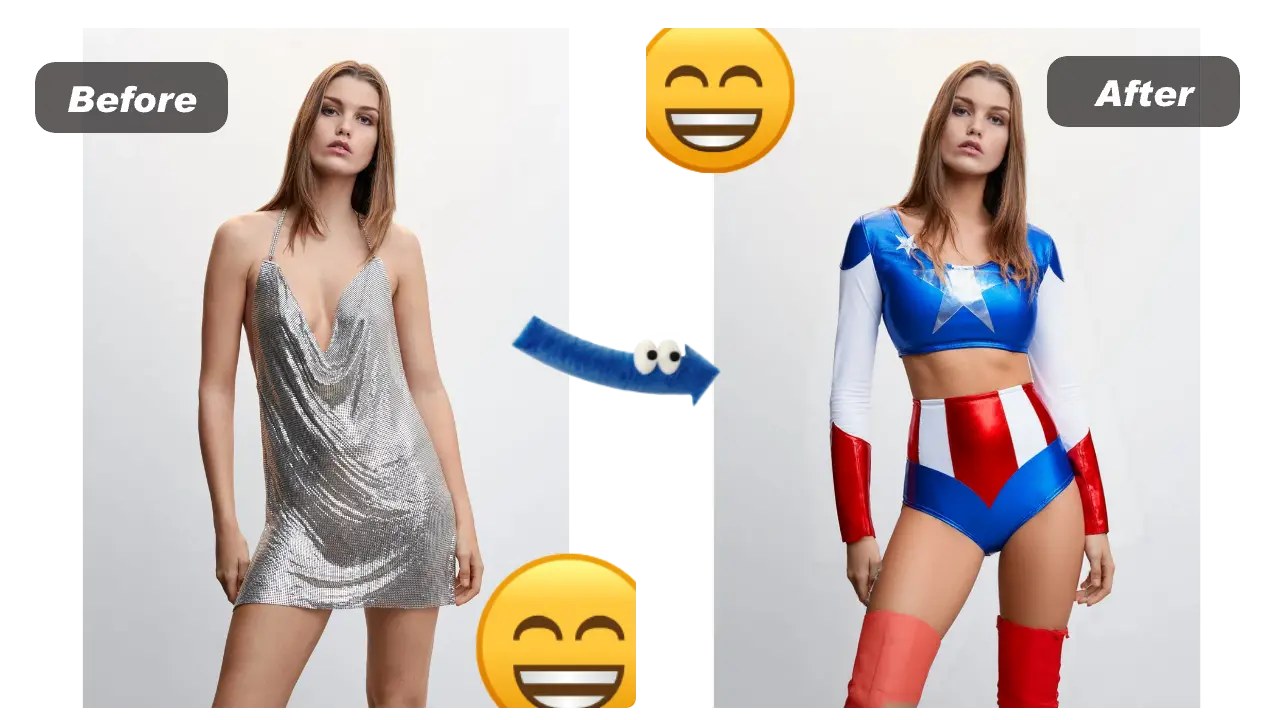
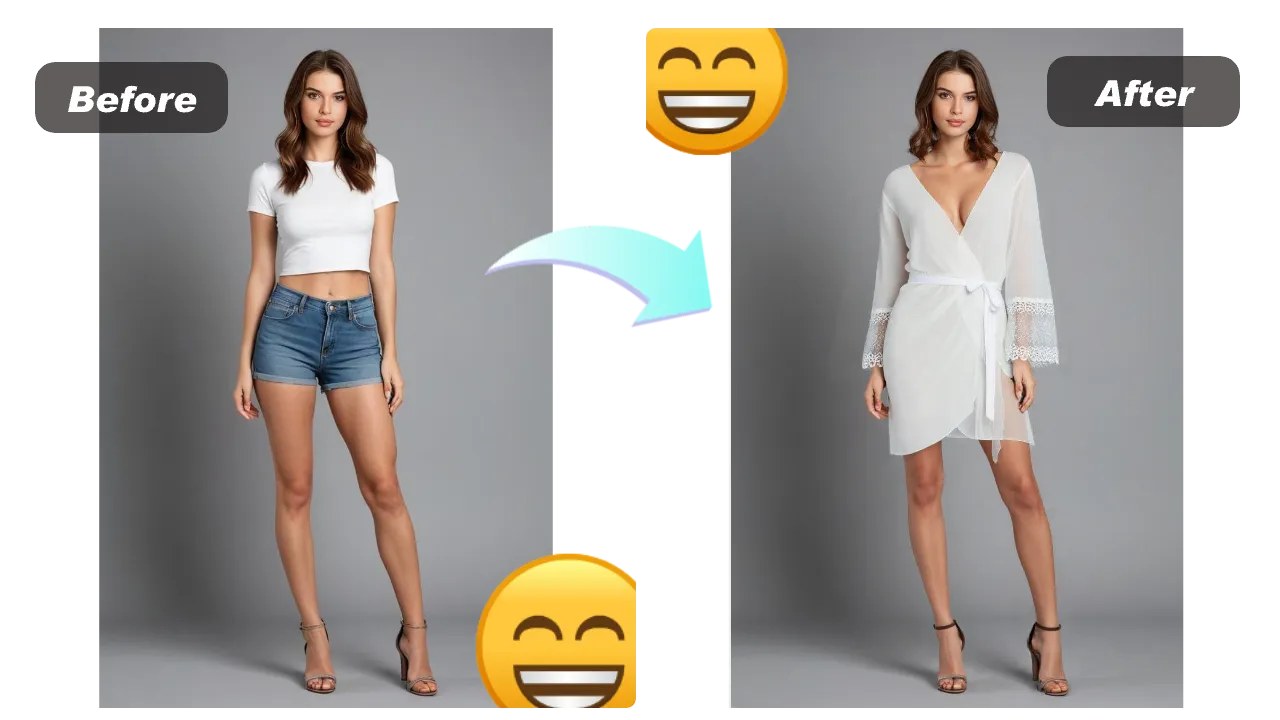
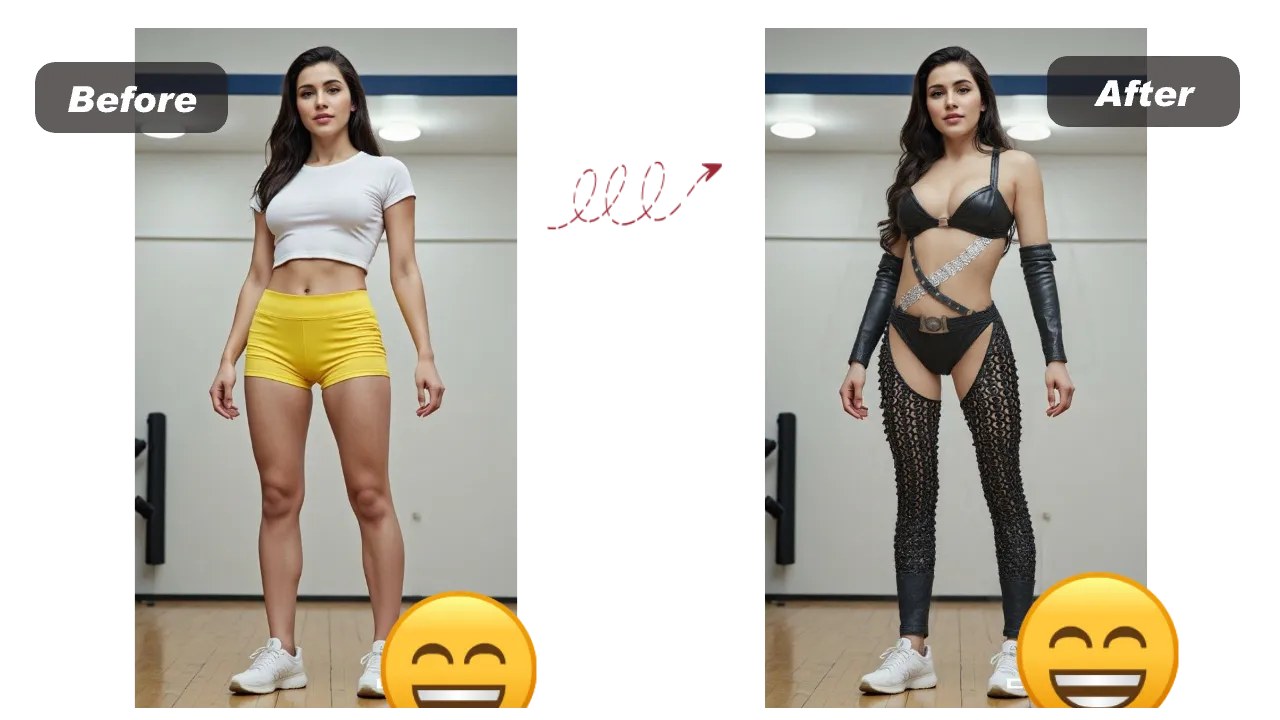
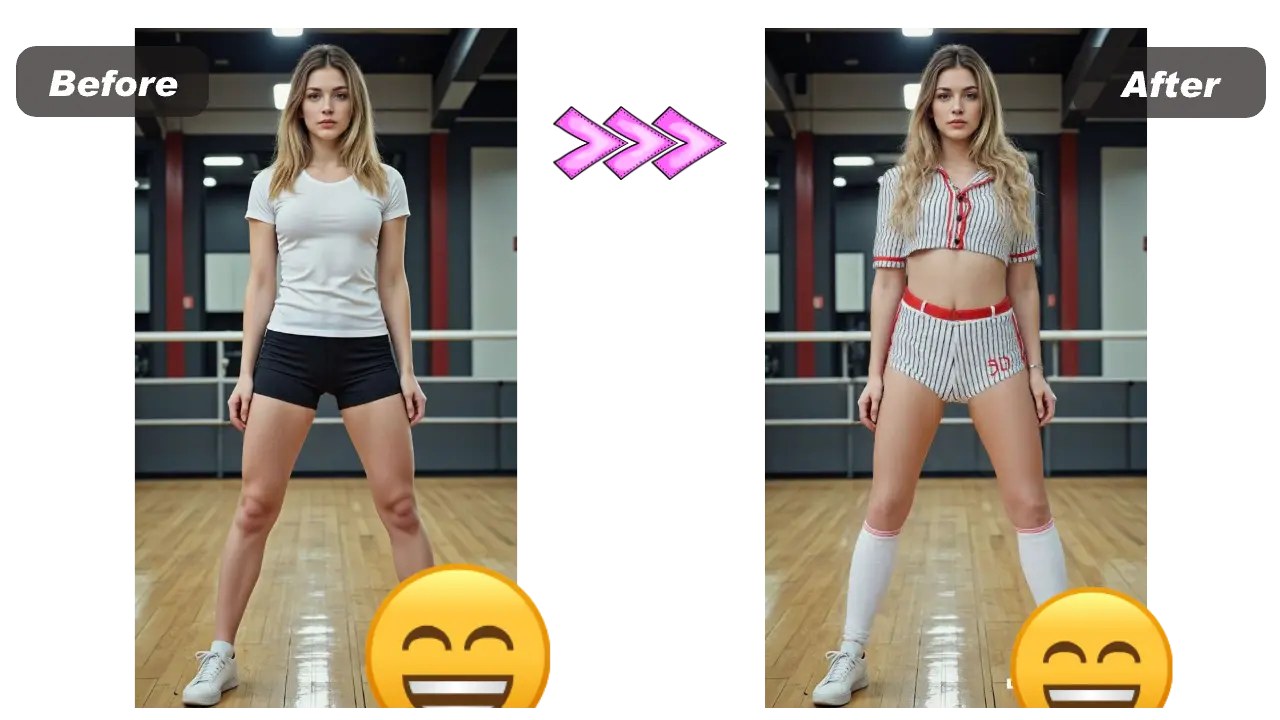
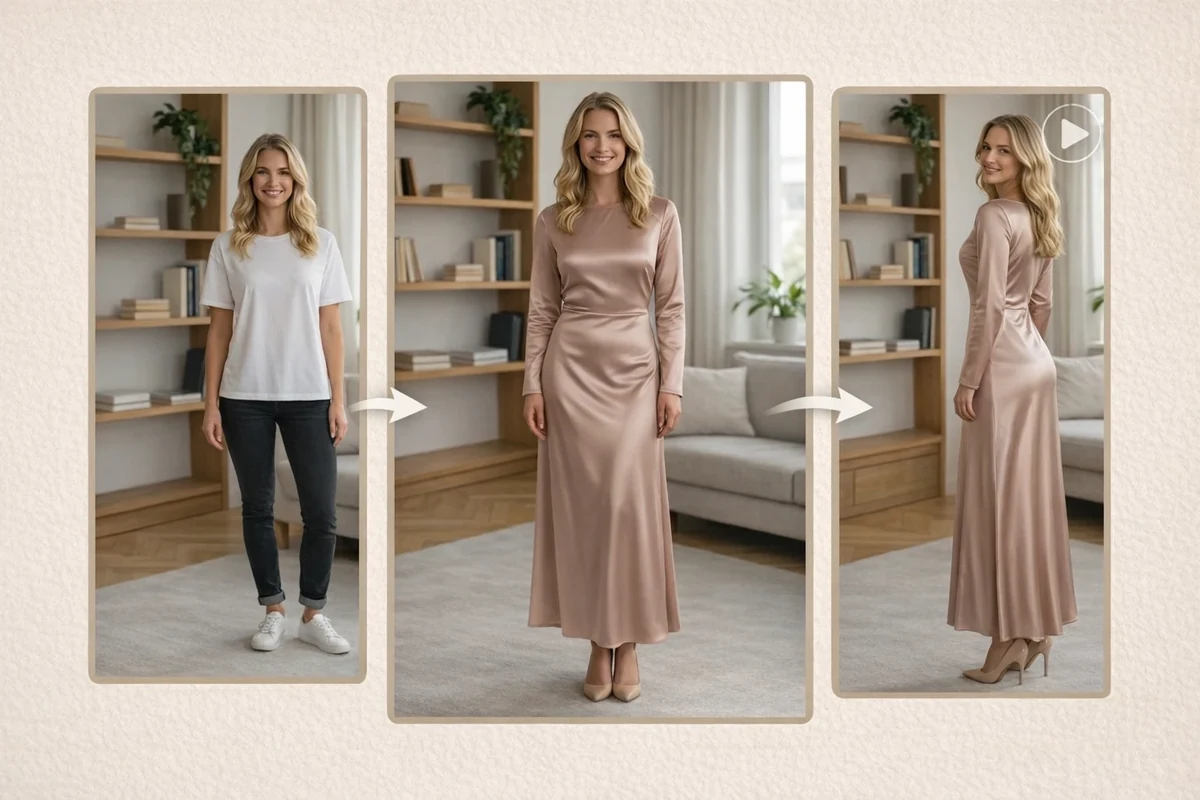
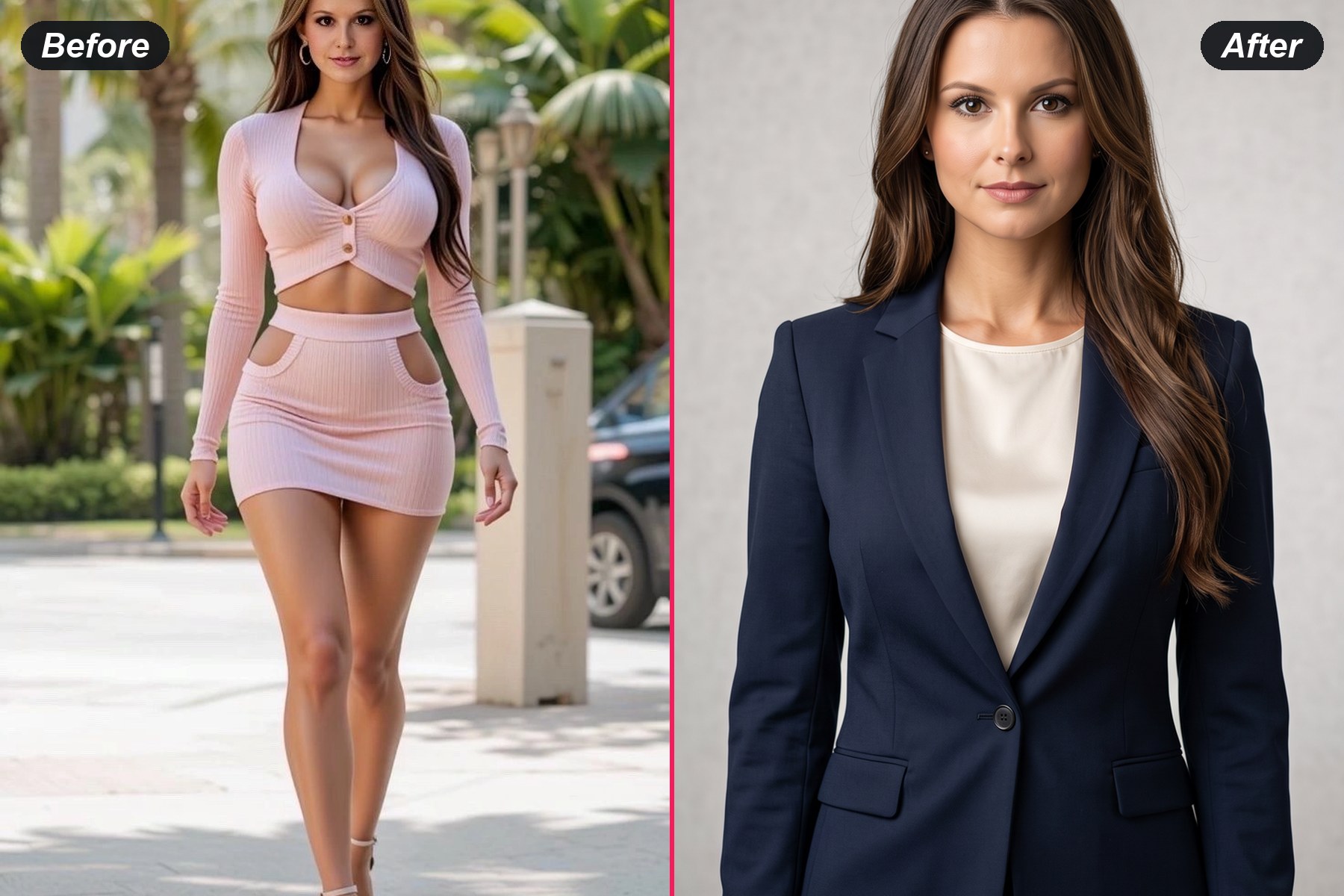
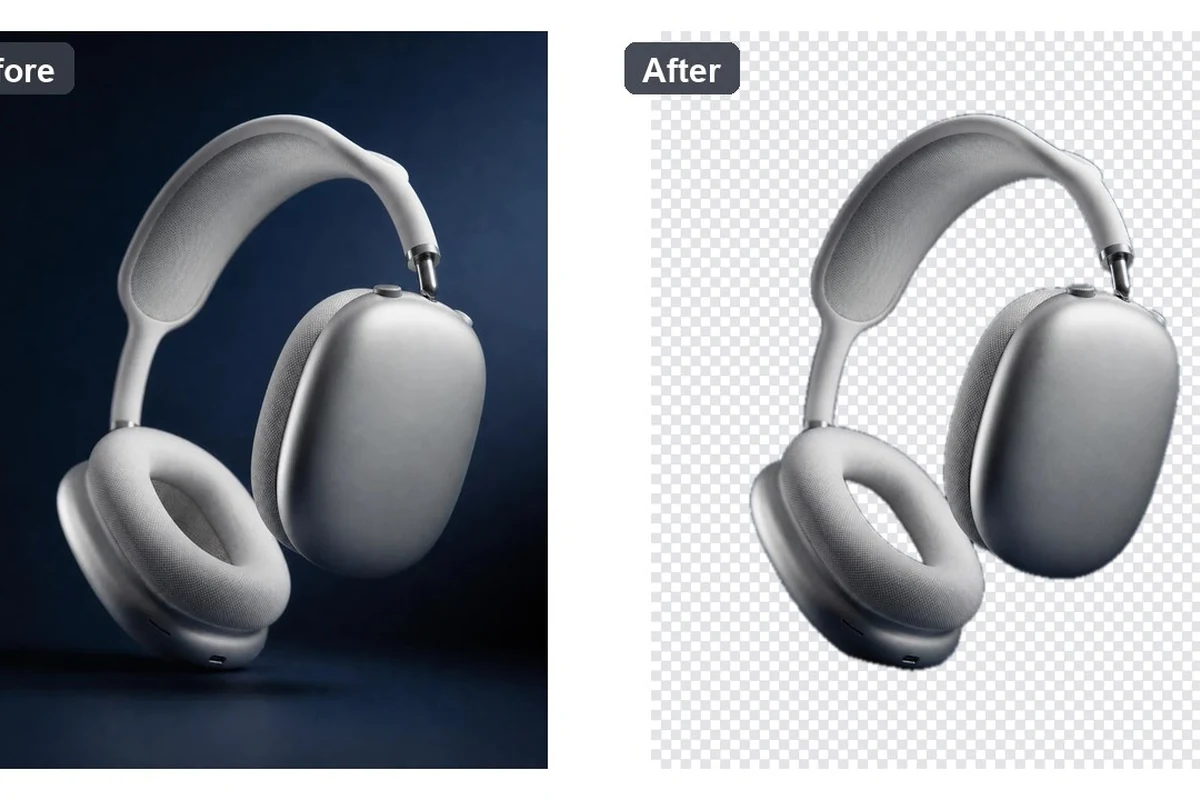
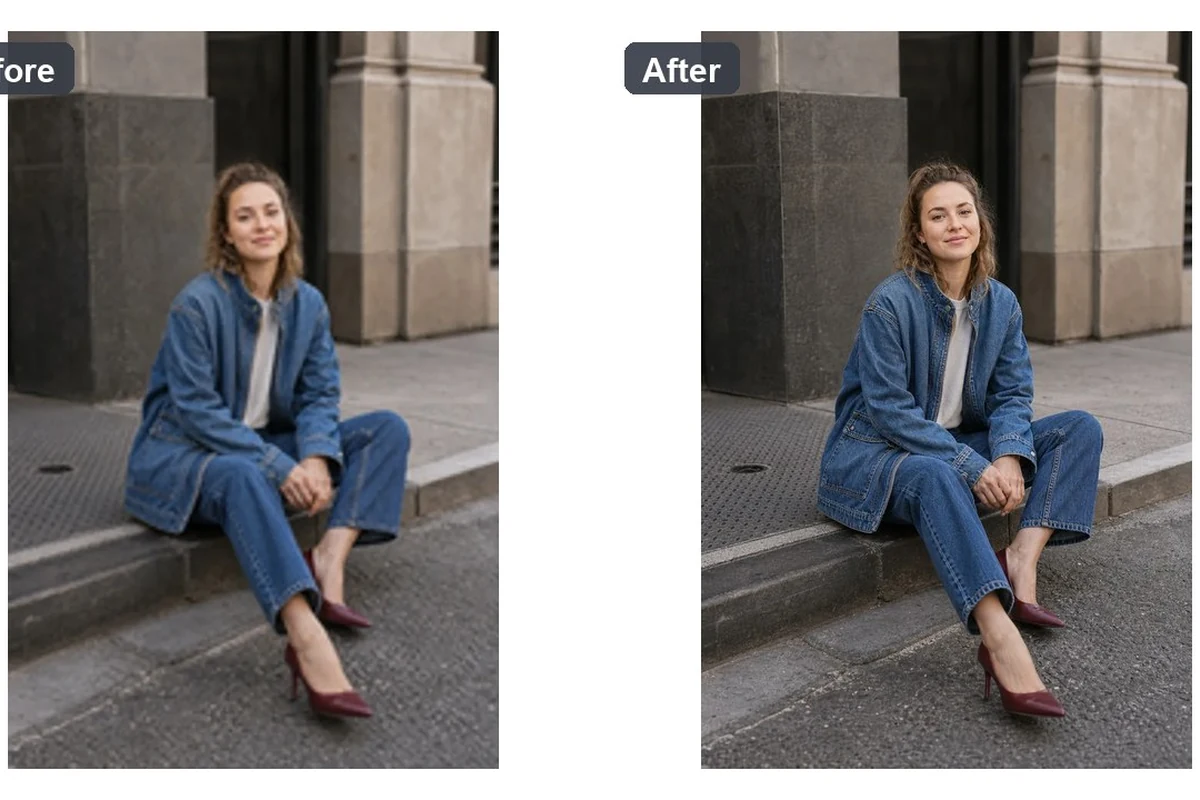
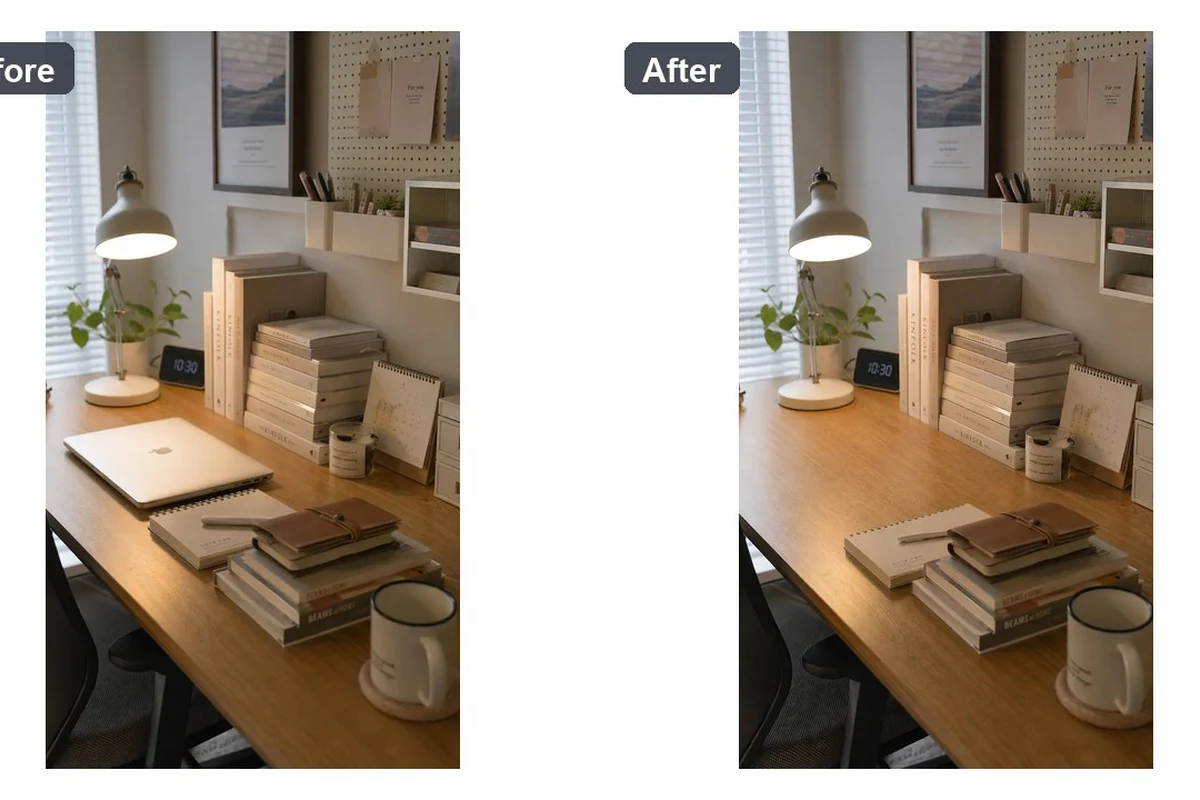
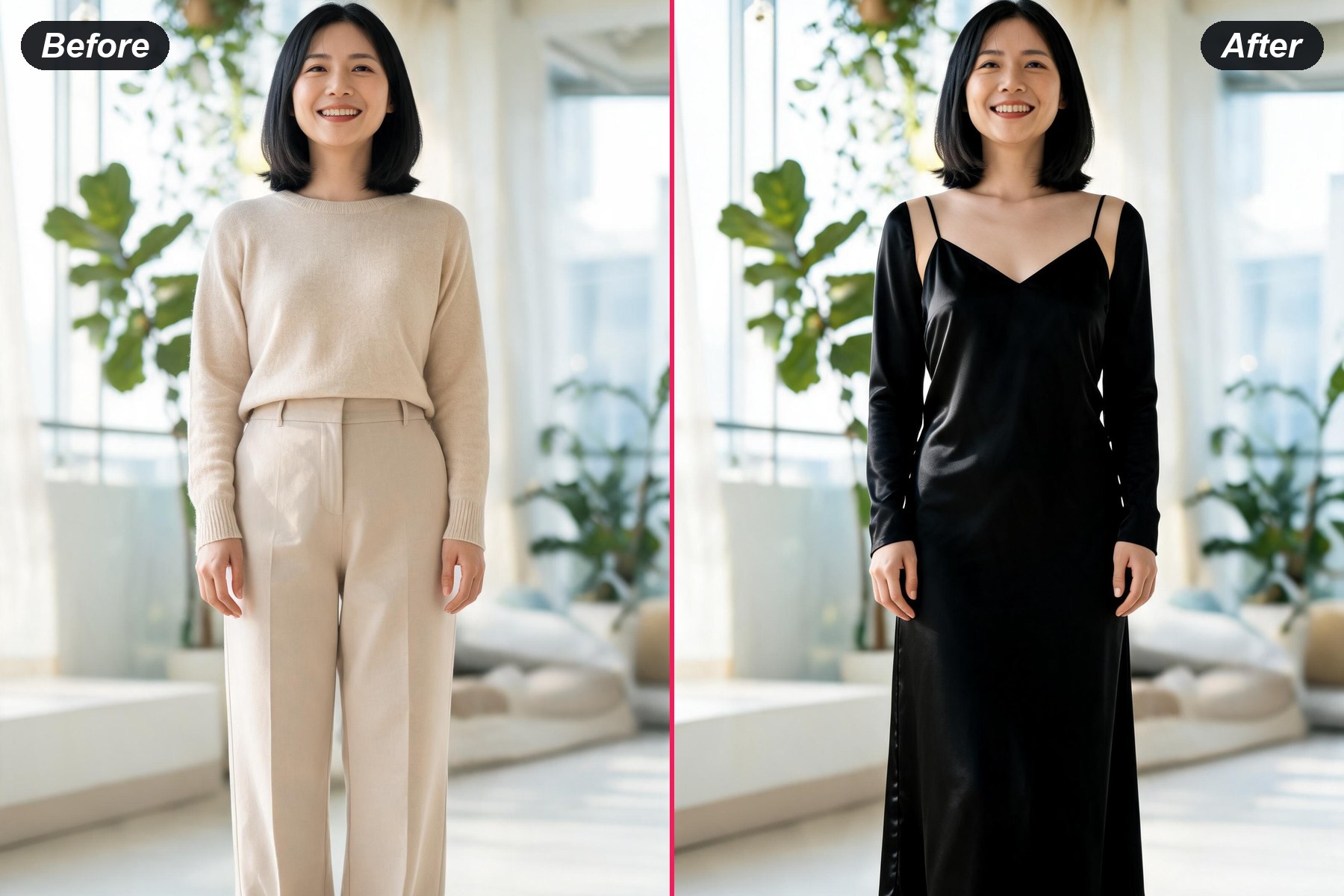
before and after example
Unlimited looksSwap into any outfit you can find a photo of — club, festival, swimwear, uniform, costume. The style range is not limited to presets.
Your photo stays your photoFace, pose, body and background are carried over unchanged — only the clothing is redrawn.
Free to tryRun it on a sample or your own upload before deciding whether to sign up.

How to Swap an Outfit in Three Steps

1
Upload the Photo

Any clear portrait or full-body shot. Well-lit photos where the current clothing is fully visible give the model the most to work with.

2
Add the Outfit

Upload a photo of the garment you want, or pick one of the samples. The outfit image is the spec, so you do not need to describe it.

3
Download and Use It

Free to try. Download the swap and use it for outfit planning, social posts or concept mockups.

What People Actually Use a Clothes Remover For

Outfit Swaps for Club and Night-Out Looks

Outfit Swaps for Club and Night-Out Looks

Replace what is in the photo with a going-out look — glam, sheer-layered or bold — without a second shoot. The face, pose and background stay exactly as they were.

Swap a Night-Out Look

Concert, Festival and Event Outfits

Try a festival fit or a concert outfit on an existing photo before buying anything. Useful when the event is next week and the outfit is still in a basket.

Try an Event Outfit
Concert, Festival and Event Outfits
Swimwear, Holiday and Seasonal Looks

Swimwear, Holiday and Seasonal Looks

Move a photo from winter to holiday season by swapping the outfit alone. Fabric folds and shadows follow the lighting that was already in the shot.

Try a Holiday Look

Uniform, Cosplay and Character Themes

Put a uniform or a costume concept onto a real photo for cosplay planning and character mockups. Layered accessories carry over; coverage never goes down.

Try a Costume Theme
Uniform, Cosplay and Character Themes

AI Clothes Remover FAQ

Is this an AI undress or nudify tool?
This is an outfit generator. You upload a photo plus the garment you want, and that garment is fitted onto the person in the shot — with folds, seams and shadows that follow the light already in your photo. The range is unlimited: club and festival looks, swimwear, seasonal outfits, uniforms and costume concepts all work the same way, because whatever you can find a picture of, you can put on.
What can I generate with it?
Unlimited outfit possibilities — the tool is driven by the garment image you upload rather than by a fixed preset list, so the style range is as wide as the photos you can find.
What does it actually change in my photo?
Only the clothing. The face, hair, body shape, pose, lighting and background are carried over from your original photo, and the new garment is fitted to the body with folds and shadows that match the light that was already there.
Do I need to describe the outfit in words?
No. You upload a photo of the outfit instead. The garment image is the specification, which is why there is no prompt box on this page — a text description would only fight with the reference image.
Is it free?
It is free to try. You can run a sample or your own upload without paying; you need an account to see and download the finished results.
What kind of photos work best?
A clear, well-lit photo where the current clothing is fully visible. Full-body shots give the model more to fit the garment to; heavily cropped or very low-light photos give the weakest results.
Can I choose the output size?
Yes. The size selector defaults to Auto, which matches the shape of the photo you uploaded. Pick 1:1, 9:16, 16:9, 3:4 or 4:3 to override it.
Does it work on men's clothing?
Yes — the swap is driven by whatever garment you upload, so menswear works the same way as womenswear.
What can I use the results for?
Outfit planning before you buy, lookbook and concept mockups, social posts and marketing visuals. Do not use it on photos of people who have not agreed to it.

User Reviews

★★★★★

I used it to plan a concert outfit before buying anything. Saved me two returns.

Marisa T.

★★★★★

The folds and shadows actually line up with the original photo, which is where most tools fall apart.

Dan K.

★★★★

Free to try was why I bothered. Good for lookbook concepts. I wish it kept accessories more often.

Priya S.