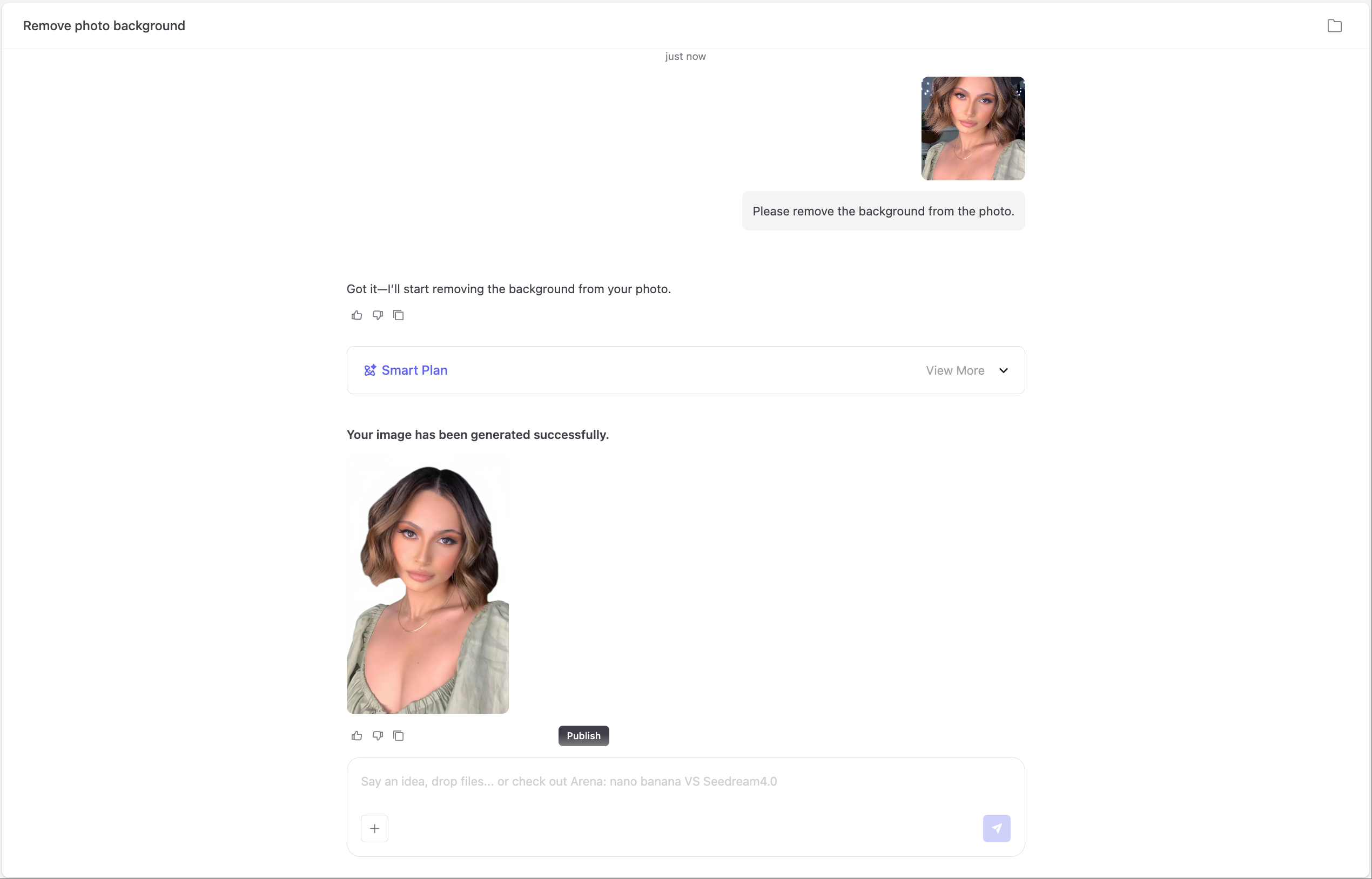

Upload an image, ask anything, and let AI explain or edit it through chat.
Chat with Image lets you talk to your images and get real results — not just descriptions, but actions.
Ask questions, give instructions, and watch the image respond through chat.

Ask anything:“Who is in this picture?”“Describe the mood.”“What’s happening here?”“Is this image AI-generated?”“Summarize the text in this poster.”
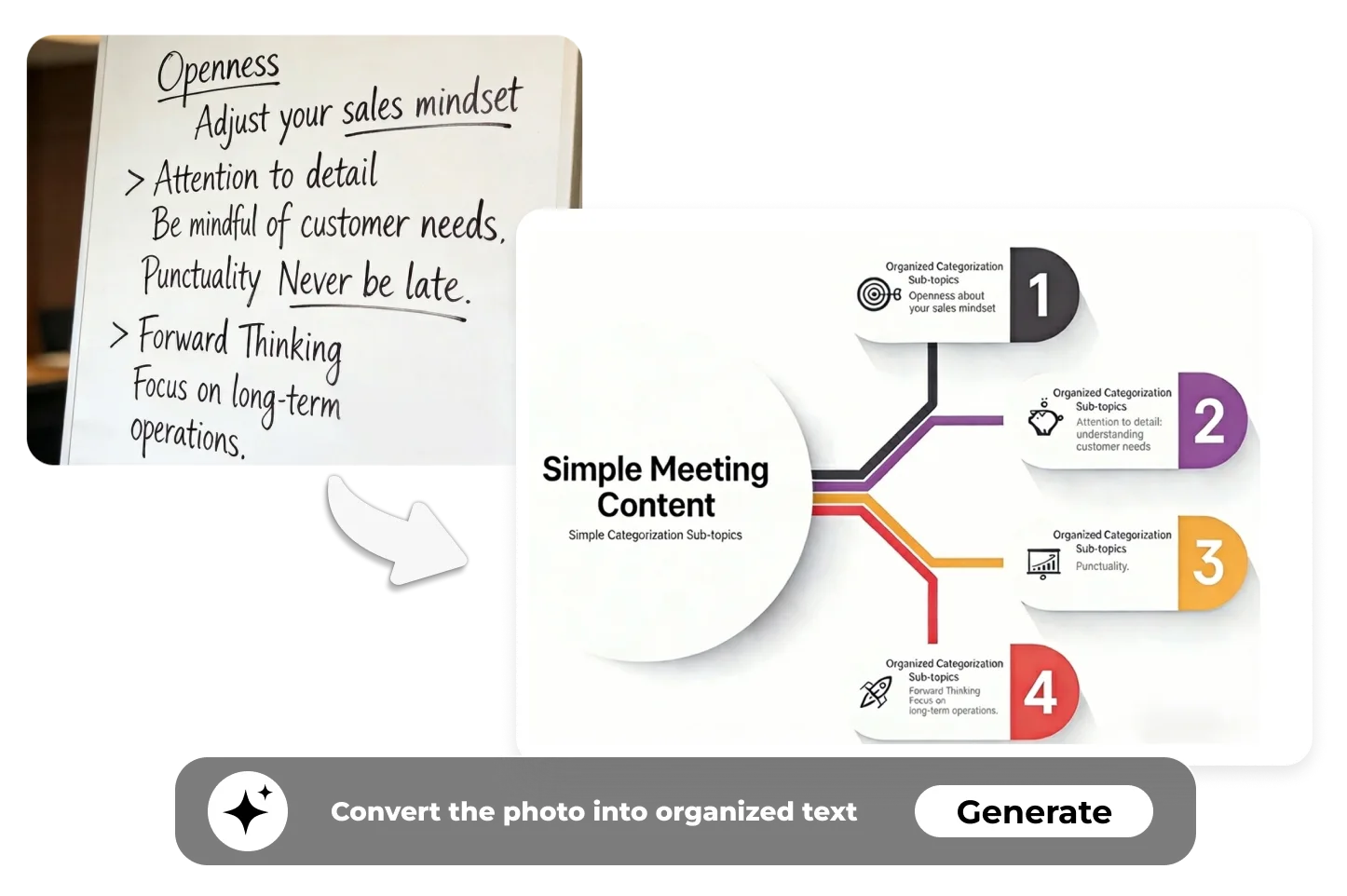
Chat with Image can read and organize content from images: Handwritten notes, charts, slides, menus, homework — OCR plus reasoning, instantly.
Just tell the image what to fix: “Make this clearer.” “Remove the background.” “Fix low-light or noise.” “Restore old or damaged photos.” "Enhance the image."
Just tell the image what to remove or fix: “Remove this person.” “Erase the watermark.” “Clean up the background.” “Smooth skin and refine the portrait.”
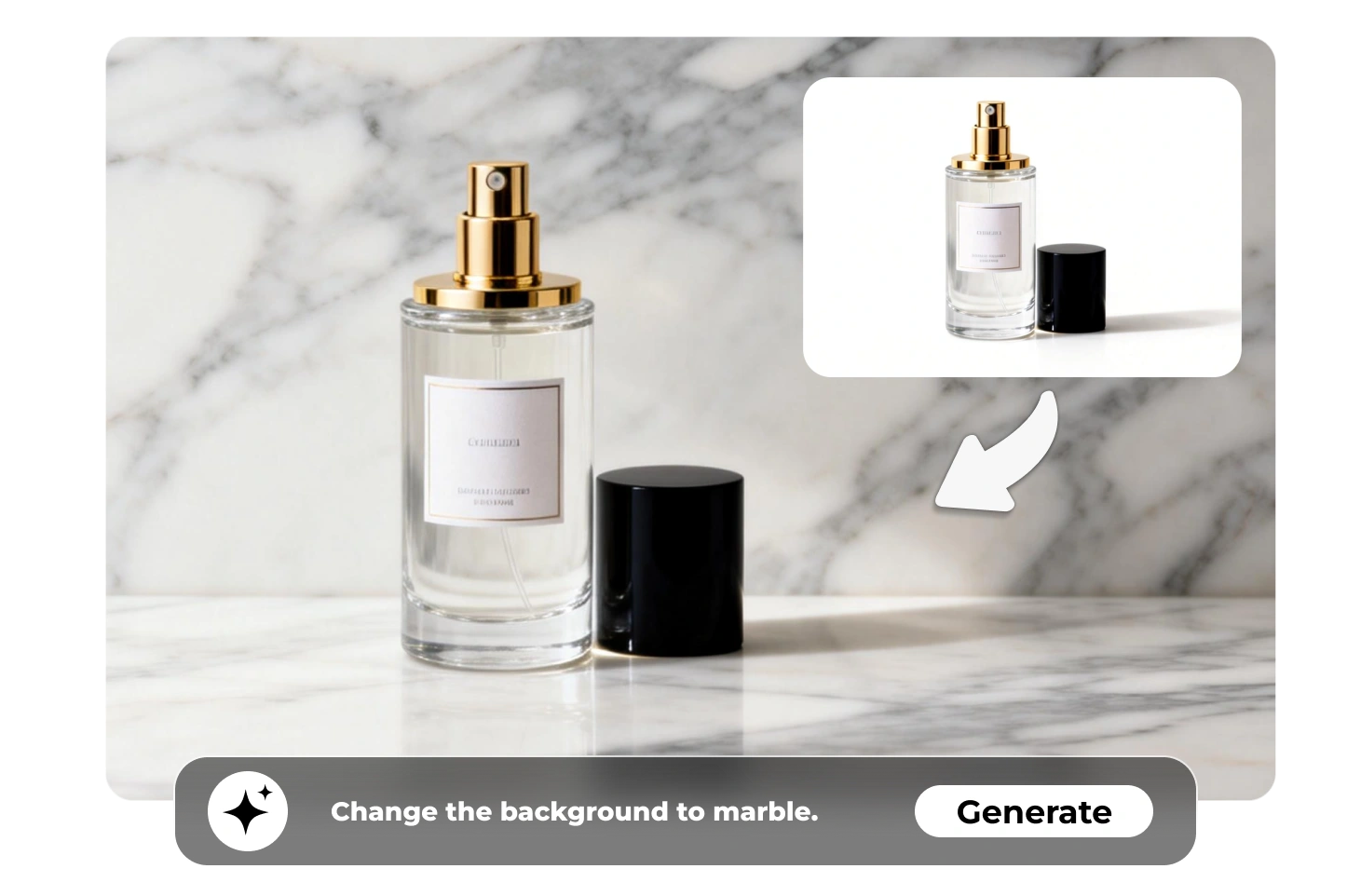
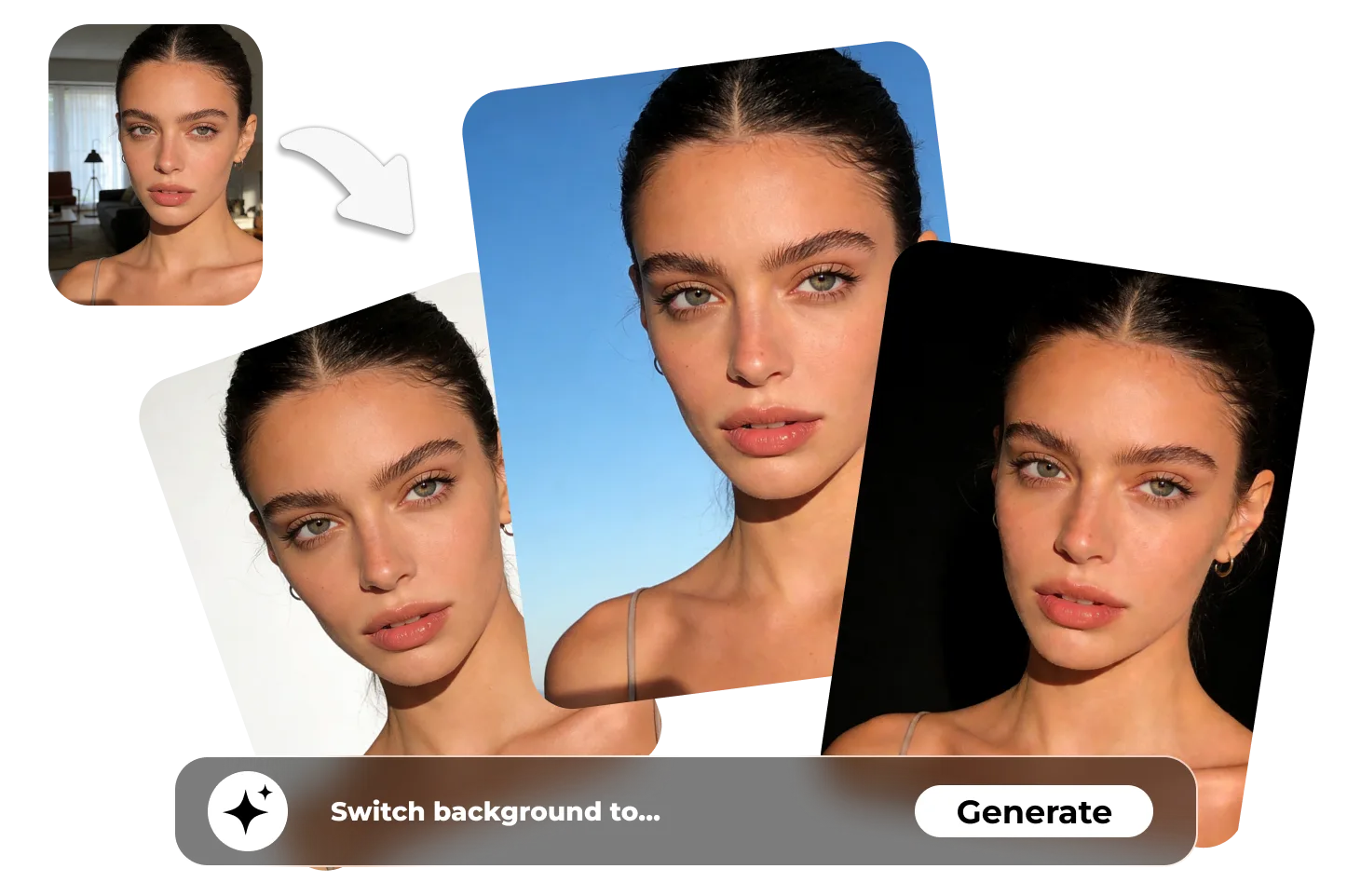
Switch backgrounds by chatting: Product photos → clean white backgrounds Portraits → passport or ID colors Travel photos → sky, studio, or aesthetic scenes
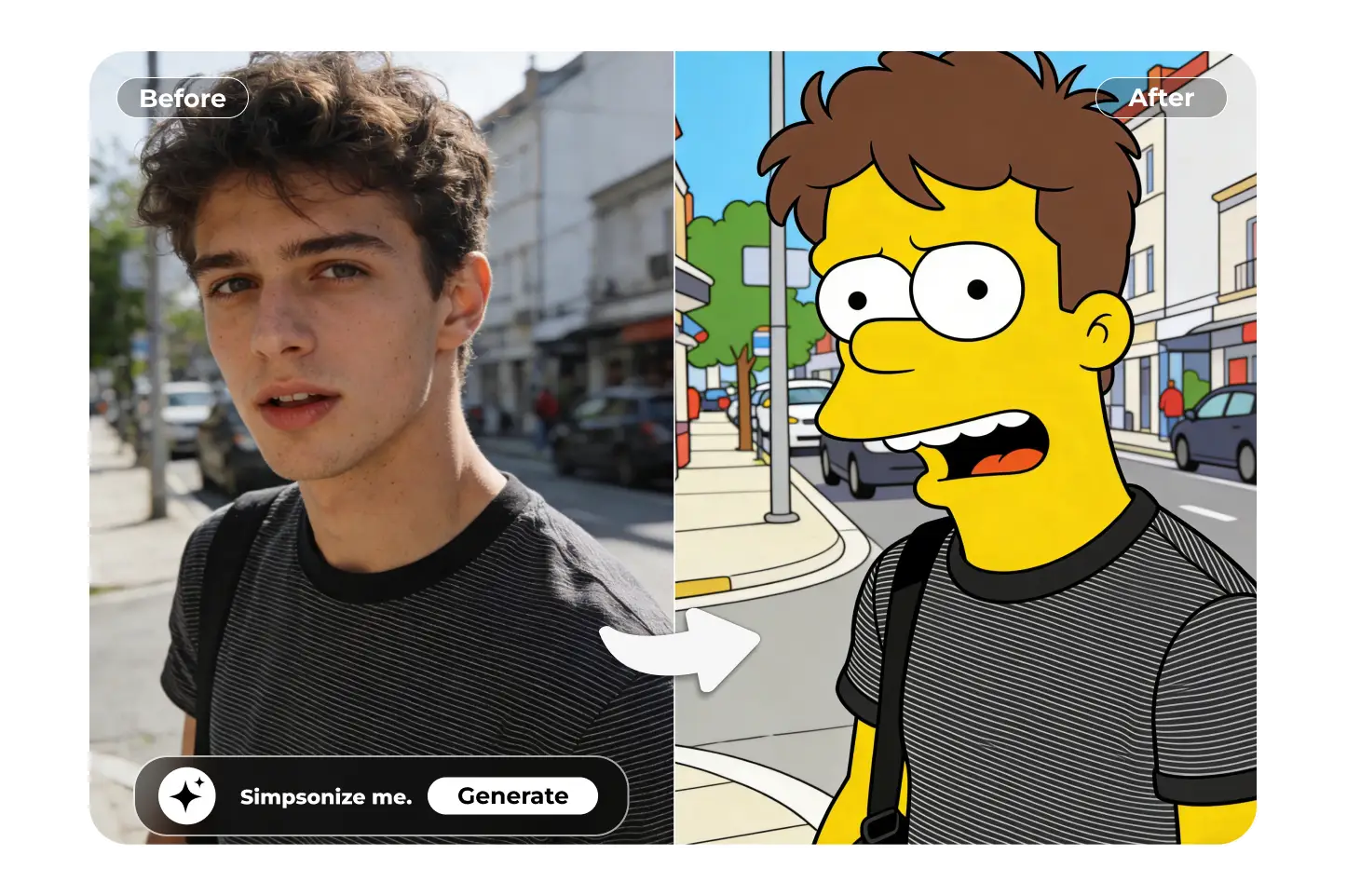
Describe the style you want: “Turn this selfie into anime.” “Make it a sketch or painting.” “Create a poster or meme version.” “Change the mood, colors, or vibe.”
Say:“Make a dreamy sunset version.”“Turn this cat into Pixar style.”“Create 3 more angles of the same product.”
Select one or more photos—portraits, pets, charts, landscapes, or photos of your work, coursework, notes, etc. Supported formats: JPG, PNG, WEBP (maximum 10 MB).
Type what you want to know or change:
“What’s happening here?”
“Describe the mood.”
“Remove the background.”The AI understands both questions and instructions.
Ima Studio automatically chooses the best AI for your image and request. You don’t need to pick models or settings — it just works.
Apply edits or generate new versions in one click:
Enhance quality · Remove objects or watermarks
Change backgrounds · Stylize or animate
Create captions ready to share
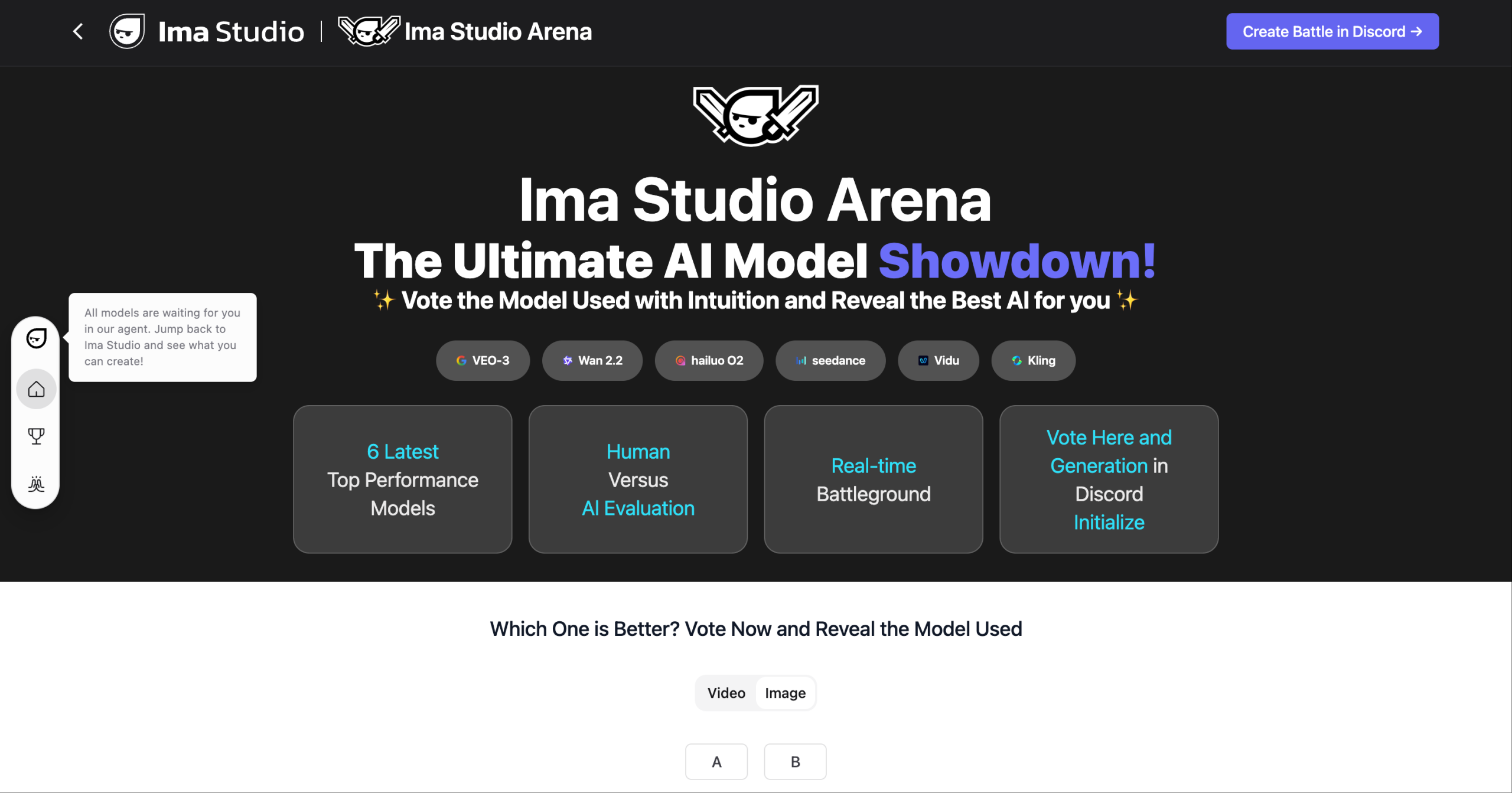
You never have to guess which AI works best.
Ima Studio Arena runs multiple advanced AI models in parallel and automatically picks the one that fits your image and request — whether you’re asking, editing, or creating.

Ima Studio automatically selects the best AI for your image and request. You don’t choose models — you just chat and get accurate results.
Explore free templates from the Ima community — product shots, anime portraits, posters, memes, and more.
Images are processed securely and deleted after each session. No storage, no reuse, and no data sharing — ever.
Every result is high-resolution and watermark-free — ready to download, share, or use anywhere.
Turn ordinary product photos into clean, sell-ready visuals.
Just tell the image what to change:
“Change the background to pure white.”
“Remove reflections, dust, or distractions.”
“Make all product photos look consistent.”
“Generate titles, highlights, and captions.”
From chat to polished listings — ready to upload instantly.


Get a clean, natural-looking photo that actually meets requirements.
Simply ask for the changes you need:
“Change the background to white or blue.”
“Fix lighting and remove harsh shadows.”
“Smooth skin, but keep it natural.”
“Match passport or ID photo standards.”
No retakes, no editing tools — just chat and it’s done.
Transform photos of notes, slides, boards, or diagrams into organized text.
Just ask the image to:
“Convert this handwriting into clean text.”
“Explain the formulas and steps.”
“Summarize this diagram into bullet points.”
“Turn this visual into structured study notes.”
From messy photos to a clear understanding — through chat.


Turn ordinary photos into eye-catching visuals and share-ready content.
Just tell the image what you want:
“Turn this selfie into anime or cartoon.”
“Change the background to an aesthetic scene.”
“Write a caption or short story for this image.”
“Make this screenshot into a meme.”
From idea to post — one line of chat.
Already explored chatting with images? Turn your visuals into a rhythm-synced short MV with our AI Music Video Generator. Upload a photo, add your voice or music, and generate a dynamic 15-second music video — no editing skills or watermark.
Yes. Chat with Image on Ima Studio is free to use online.
You can upload images, ask questions, and apply edits without payment, watermarks, or mandatory sign-up.
Chat with Image supports common formats like JPG, PNG, and WEBP.
Images up to 10 MB can be uploaded for analysis, editing, and transformation on Ima Studio.
Yes, you can upload more than one image in a single Chat with Image session.
This allows you to compare images, apply consistent edits, or continue chatting across multiple photos.
Yes. Chat with Image doesn’t stop at image analysis.
After understanding your photo, Ima Studio lets you edit, enhance, remove objects, change backgrounds, or generate new versions directly through chat.
Yes. Images edited or generated with Chat with Image can be used for commercial purposes.
There are no watermarks, making results suitable for e-commerce listings, marketing materials, and professional use.
Chat with Image is designed for high-accuracy image understanding and edits.
Ima Studio automatically selects the most suitable AI model for each image and request, helping deliver precise explanations and natural-looking results.
Your photos are processed securely and are not stored or shared.
Images uploaded to Chat with Image on Ima Studio are deleted after the session, with no reuse or data sharing.
You can ask Chat with Image to explain, edit, or transform almost any photo.
Common requests include identifying objects, extracting text, removing backgrounds, enhancing quality, creating stylized images, or generating captions.
Chat with Image on Ima Studio is built specifically for image-first workflows.
Unlike general chat tools, it combines image understanding with direct editing, transformation, and creation actions — all in one chat interface.
For optimal output:
Use high-resolution and well-lit photos with the main subject clearly visible.
Ask specific questions or instructions (e.g., “remove the logo from the bottom right” or “make this background pastel pink”).
Use follow-up questions to refine results or try alternate edits.
Browse our Community Templates and apply one that suits your use case to speed workflow.