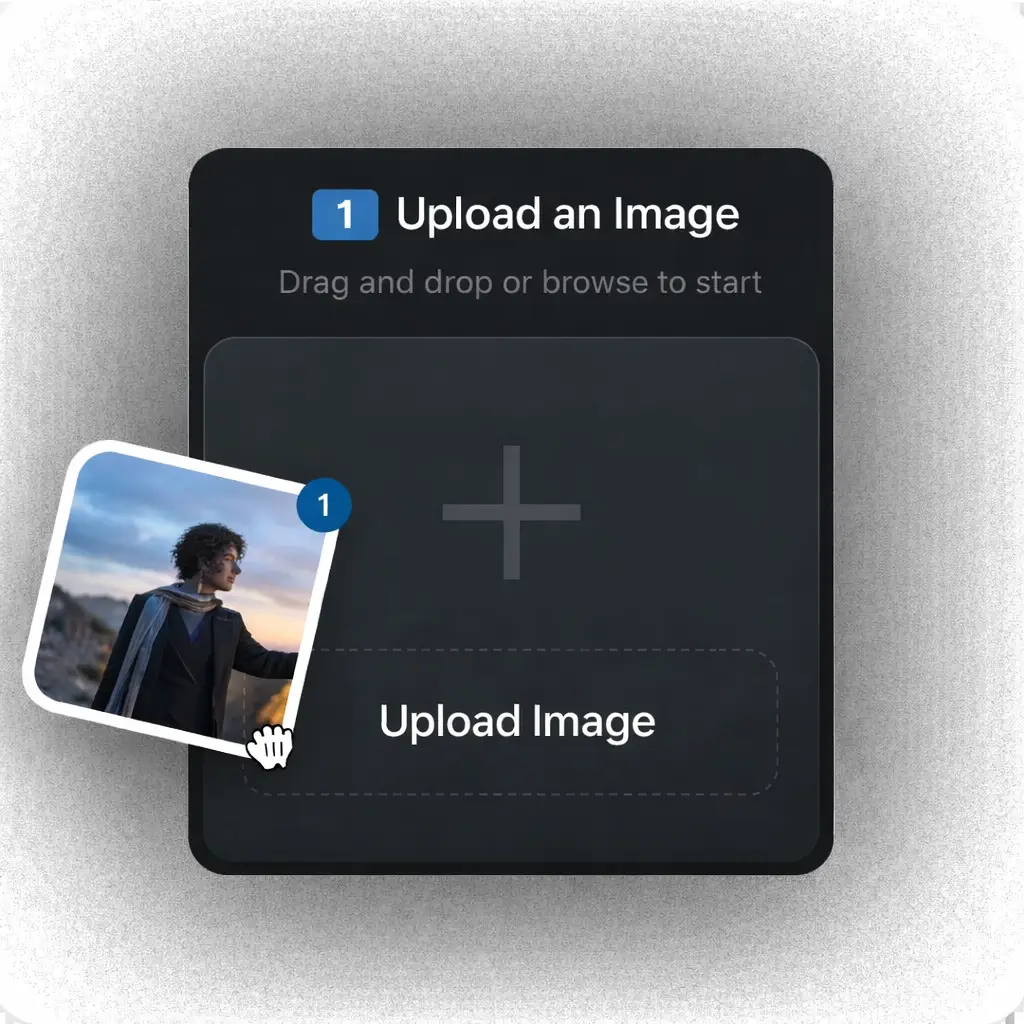
Use Nano Banana 2 on Ima Studio

Turn any idea into a production-ready visual with Google Nano Banana 2 (Gemini 3.1 Flash Image), officially released on February 26, 2026. Generate posters with clear in-image text, structured infographics, UI mockups, and multi-variant visuals at high speed — online, watermark-free, and available on Ima Studio from Day 0, powered by community presets and ready-to-use templates.

How to Use Nano Banana 2 on Ima Studio

Step 1 — Choose a Mode

Text-to-Image
Image-to-Image (optional refinement)

Tip: If you already have a draft, screenshot, or reference, use Image-to-Image to refine composition, text clarity, or style.
Step 2 — Describe Structure Clearly

Nano Banana 2 performs best when your prompt includes structure — layout, panels, and hierarchy.

“Infographic layout with 3 steps”
“Poster with bold readable headline”
“YouTube thumbnail 16:9”
“Storyboard with 4 panels”

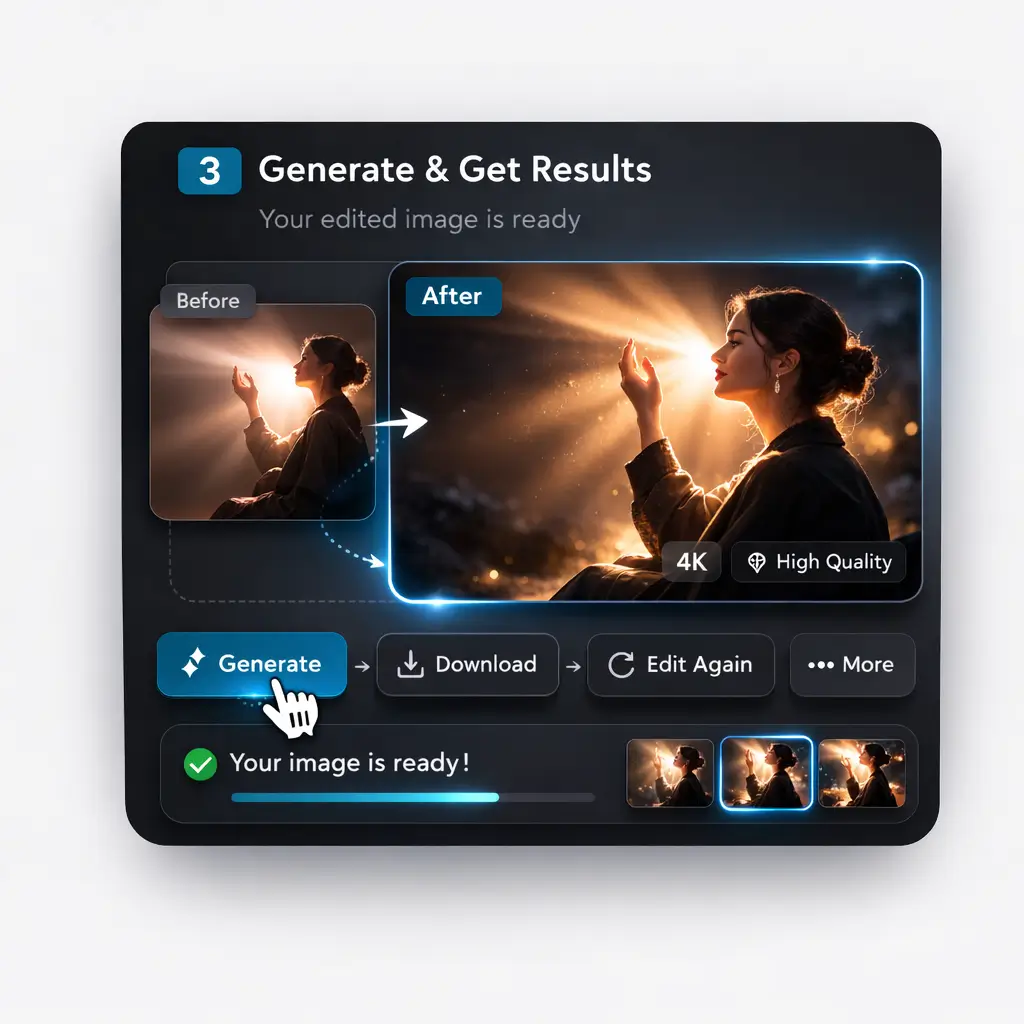
Step 3 – Control Format & Resolution

Dial in output settings based on speed vs. finish quality.
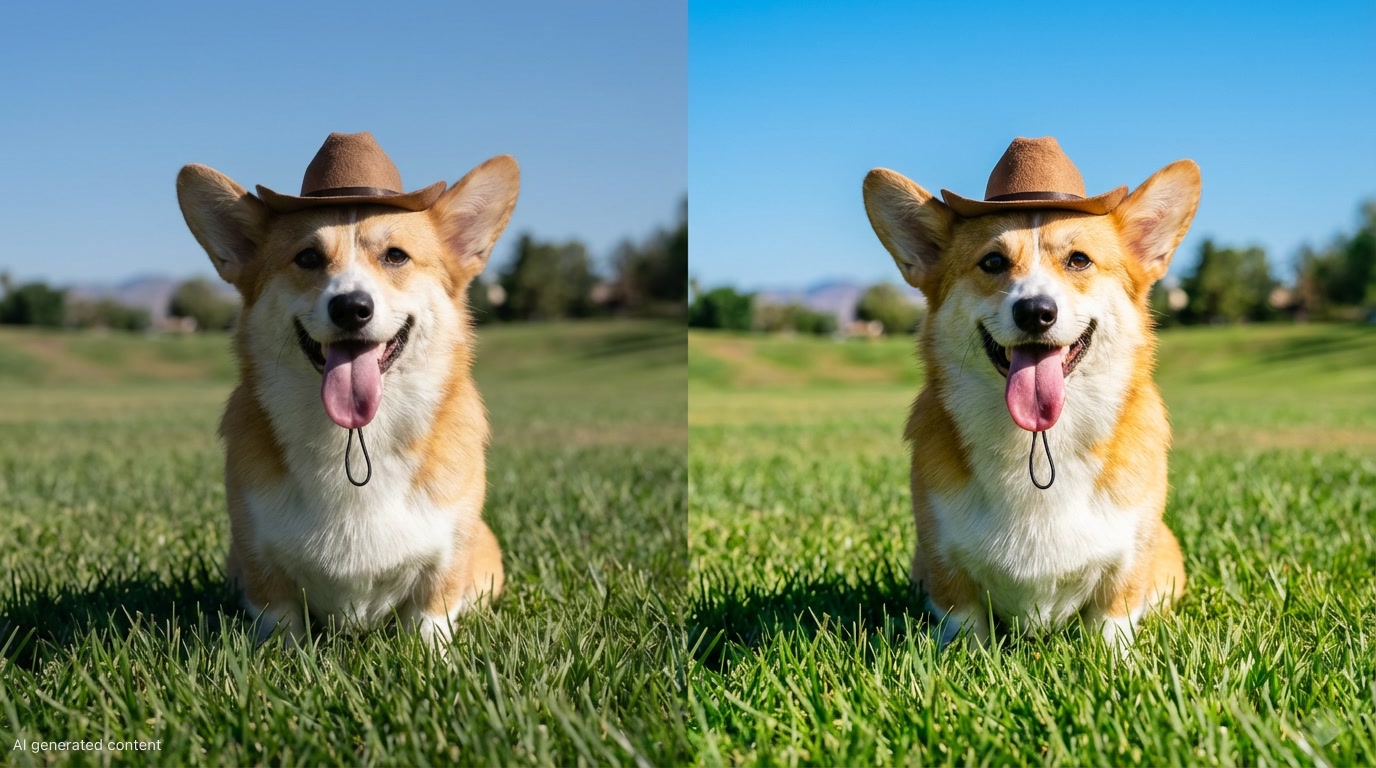
  • Aspect ratio: vertical, horizontal, ultra-wide
  • Resolution: fast 512px drafts → high-resolution outputs
  • Detail level: increase only when needed (final renders, print-ready visuals)

Why Use Nano Banana 2 on Ima Studio

Experience Nano Banana Pro at full strength — without subscriptions, quotas, or complex setup.

Day-0 Integration

Ima Studio integrated Nano Banana 2 on release day.
There’s no waiting for staged rollouts or limited beta access — you can start generating immediately.

Fast Enough for Real Workflows

Nano Banana 2 is optimized for speed. It’s ideal for:

  • Rapid iteration
  • Multiple variations
  • Draft → refine cycles
  • High-frequency generation

On Ima Studio, you can test, compare, and adjust without breaking your creative rhythm.

Focused on “Usable,” Not Just “Beautiful”

In many commercial scenarios, clarity matters more than style.
Nano Banana 2 improves:

  • In-image text readability
  • Structural layout understanding
  • Real-world awareness
  • Infographic-like outputs

This makes generated visuals closer to ready-to-use materials.

Designed for High-Volume Creation

When you need:

  • Campaign sets
  • Series-based visuals
  • Batch variations
  • Continuous storyboard frames

Nano Banana 2 performs reliably at scale.

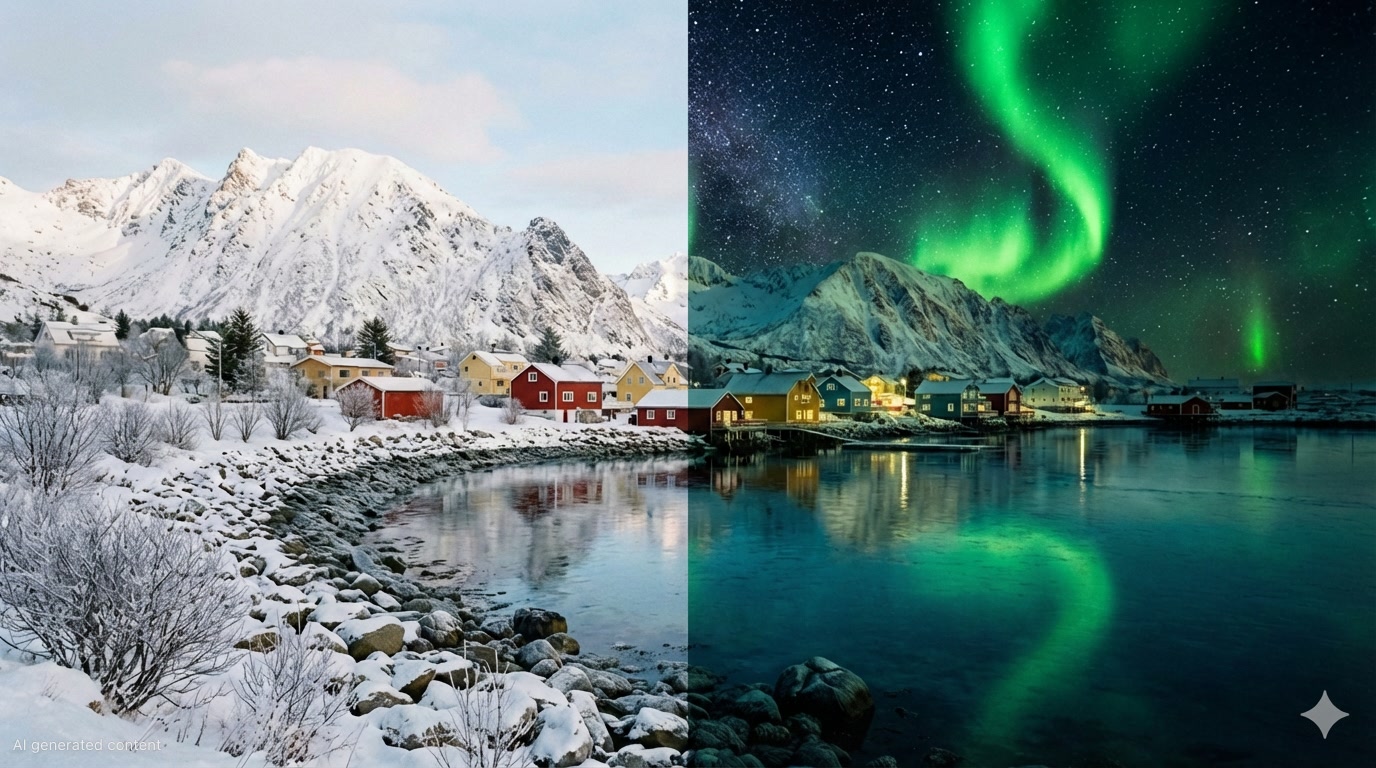
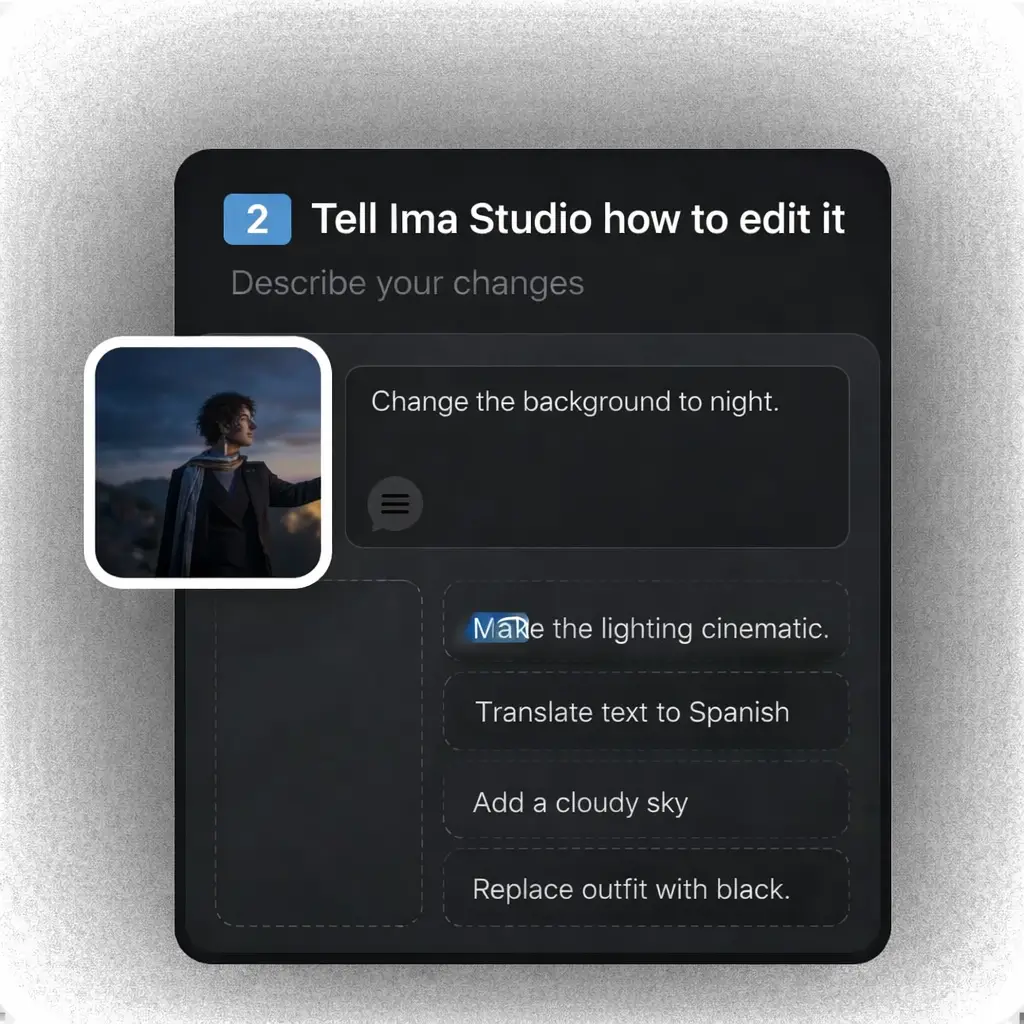
Edit by Conversation

Ima Studio’s Agent Engine allows conversational editing.
Instead of adjusting parameters manually, you can simply say:

  • “Change the background to night.”
  • “Translate the title into Spanish.”
  • “Make the lighting more cinematic.”
  • “Replace the character’s outfit with black.”

The system interprets your instruction and updates the image using Nano Banana 2 — like speaking to a designer.

Visibility + Clean Export

Ima Studio is more than a generation tool.

The ecosystem includes:

  • 30M+ creations
  • 100K+ creators

Your work doesn’t just get generated — it gets seen, saved, remixed, and shared.

All exports are clean and watermark-free, ready for:

  • Reports & presentations
  • Social media
  • Advertising
  • Internal prototypes
  • Campaign materials

Nano Banana 2: Key Capabilities

Real-World-Aware Visual Generation

Nano Banana 2 integrates real-world knowledge into image generation, improving factual alignment and structural accuracy.
It performs especially well when prompts involve logic, steps, or real-world references.

Useful for:

  • Landmarks and location-based visuals

  • Educational diagrams

  • Process explanations

  • Step-by-step tutorials

  • Data-informed infographics

  • Structured visual content

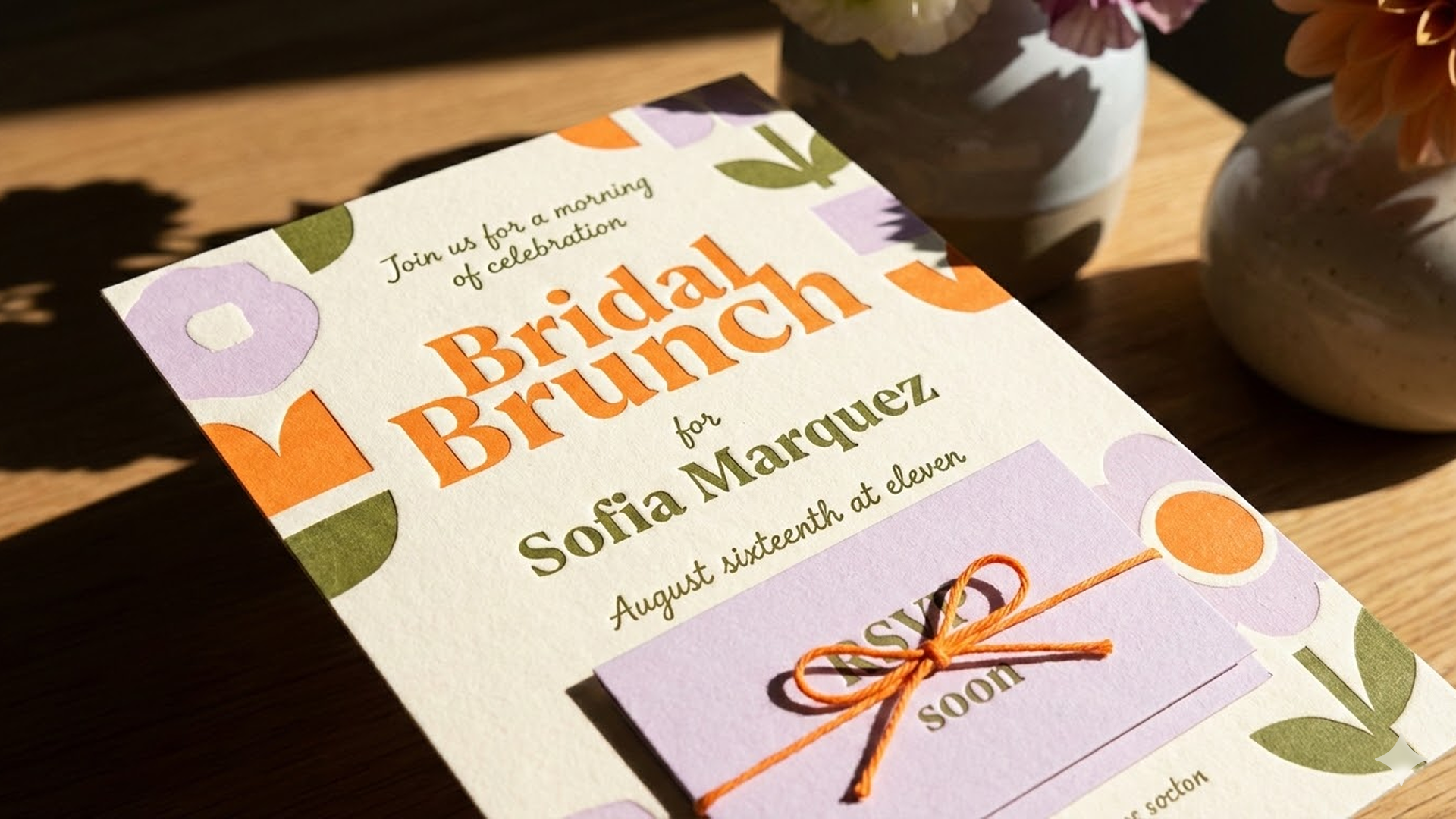
Clear In-Image Text Rendering

Text clarity is one of the most practical improvements in Nano Banana 2.
For commercial use cases, readable typography matters more than style — and this model is built for that.

Ideal for:

  • Posters and advertising creatives

  • Event announcements

  • Signage concepts

  • UI mockups

  • Multi-language localized materials

  • Educational graphics with captions

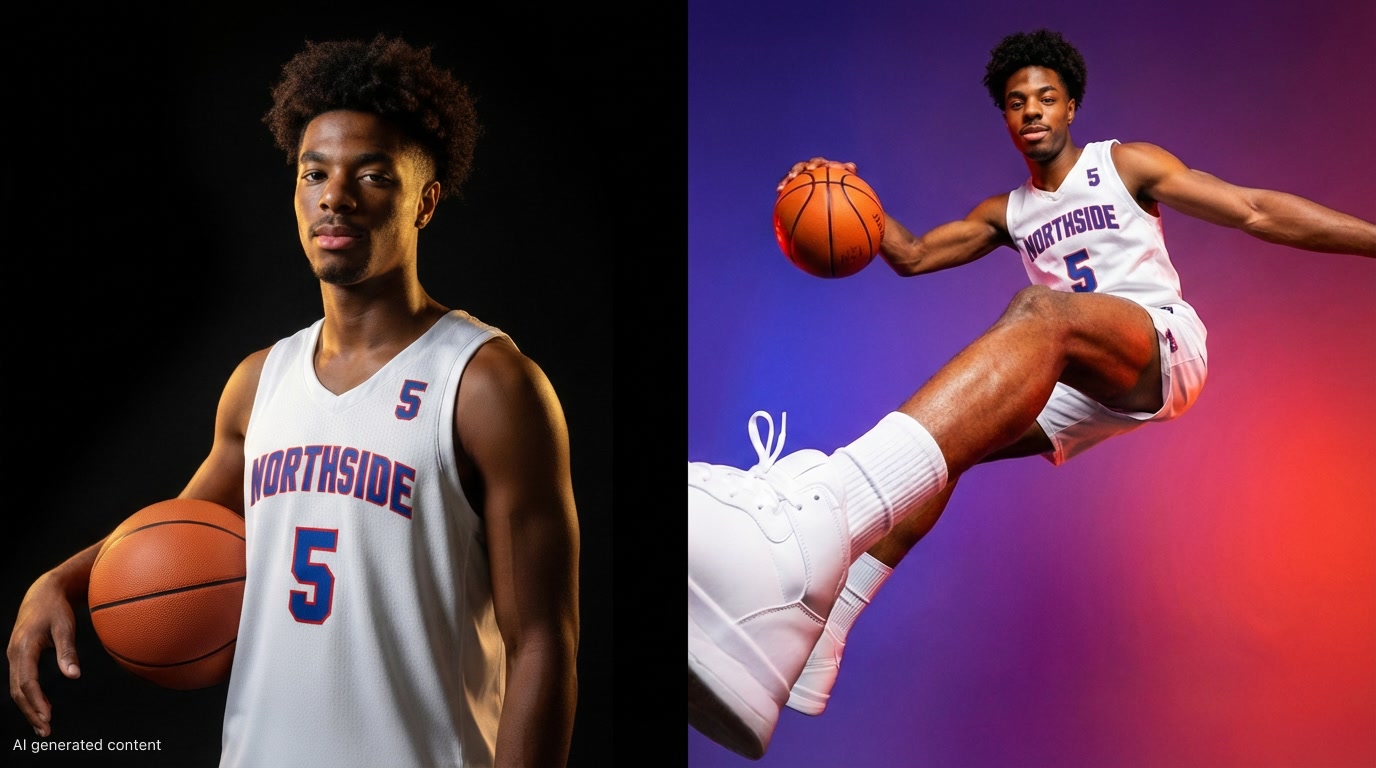
Multi-Image Consistency

Nano Banana 2 supports visual continuity across multiple outputs, making it more reliable for series-based creation.

It can maintain identity across:

  • Up to 5 characters

  • Multiple recurring objects

  • Series-based visual sets

Perfect for:

  • Storyboards

  • Campaign variations

  • Comic sequences

  • Brand character systems

  • Children’s book panels

Flexible Output Formats

Adapt your output size and format depending on workflow needs — from fast drafts to high-resolution exports.

Supports:

  • Low-latency draft generation

  • High-resolution outputs (including 4K-ready workflows)

  • Vertical formats (9:16 for Shorts & Reels)

  • Horizontal formats (16:9 for YouTube & banners)

  • Ultra-wide layouts for long infographics

  • Print-ready compositions

Nano Banana 2 FAQs

Nano Banana 2 (Gemini 3.1 Flash Image) is Google’s fast image generation model released on February 26, 2026, designed for rapid iteration and structured visual output.

Yes.

New users receive free creation credits upon registration. Additional credits can be earned by:

  • Liking artworks

  • Publishing creations

  • Inviting new users

  • Joining the Discord community

For most creators, this covers regular daily usage.

Yes. It performs well when prompts clearly describe structured layouts and step-based visuals.

Yes. Text clarity is one of its most practical improvements, making it suitable for marketing and UI use cases.

Yes. You can draft quickly at lower resolutions and export high-resolution visuals across multiple aspect ratios.

Yes. It supports identity consistency across series-based workflows, useful for storyboards and campaign variations.

Commercial usage depends on Google’s model policies and Ima Studio’s platform terms.
Under compliant usage conditions, generated content may be used for commercial projects.

Create Faster. Publish Smarter.

Nano Banana 2 on Ima Studio is built for creators who value speed, structure, and scale.Not just a model. A workflow.
Get for free