Free Wan 2.7 AI Video Generator
Create Scenes, Not Clips

Alibaba’s newest video model,Wan 2.7, is now open to try. Ima Studio is a co-launch partner, bringing early access and creator subsidies so you can start generating for free.

Wan 2.7 Key Capabilities

What is Wan 2.7?

Wan 2.7 is Alibaba’s newest AI video model, upgraded from Wan 2.5 and built to like Sora 2. Ima Studio is a launch partner, bringing Wan 2.7’s multi-shot storytelling, 15-second output, and stronger reference consistency directly into creation workflows.
To make it easier to use, Ima Studio provides 100+ optimized prompt templates for short dramas, talking videos, product demos, and more — turning a powerful model into something creators can use instantly.

Audio-Driven AI Video & Precise Lip Sync

Audio turns into performance. Rhythm, pauses, and emphasis from your voice shape lip movement, expression, and timing on screen, making speech look delivered rather than added. Gestures follow the flow of the audio, bringing talking videos closer to real on-camera presence and eliminating the stitched-on feel common in AI clips.
Turn an audio file and image into a synced AI video with Wan 2.6
Multi-shot AI short drama scene with consistent characters and pacing

Multi-Shot Narrative Video Generation (Scene-Level Consistency)

Shots now flow like a real scene. Multi-shot generation moves from a wide setup to focused moments and expressive close-ups, keeping characters and details consistent across every angle. A simple prompt outlines the idea; the model handles pacing and camera shifts, giving you connected story beats instead of isolated clips. For short dramas, micro-stories, or any content that needs more than one viewpoint, this turns AI video into true scene building.

15-Second Long-Form AI Video Generation

Longer shots let moments breathe. With up to 15 seconds of continuous footage, actions unfold naturally, dialogue completes a full thought, and character or product movement stays connected instead of breaking into fragments. Each generation functions as a usable scene rather than a sample, reducing the need to stitch multiple clips together.
15-second cinematic AI video with multi-shot storytelling and audio sync
1080p high-fidelity AI video with stable motion and realistic details

High-Fidelity AI Video Output & Stability

Clarity holds steady from the first frame to the last. Even as the camera shifts angles or a scene runs its full length, faces keep their shape, textures stay consistent, and motion avoids the distortions that often break long-form AI video. Lighting, depth, and surface detail remain coherent across every shot, giving footage a smooth continuity that creators can trust.

Reference-to-Video Generation (Appearance, Motion & Voice Tone)

A single reference clip becomes the blueprint for an entire performance. New scenes preserve the same face, outfit, motion style, and even voice tone, so characters feel continuous no matter where the camera moves. Add direction through a prompt, and the model extends the performance into fresh angles or new environments — even supporting two-person co-shot moments for duet-style content.
Audio-linked AI video scene with cinematic atmosphere and motion
Cinematic AI video scene generated from text and audio input

Built for Advanced Creative Demands

Wan 2.7 supports that kind of work with longer scenes, steadier pacing, and clearer narrative shape, giving creators space to let tension rise or emotion settle without the clip cutting away too soon. It’s a model made for projects that move past quick tests and into real production, where intention matters and every beat needs to hit. When you’re ready to create work that feels deliberate rather than experimental, Wan 2.7 gives you the control to shape it.

How to Use Ima Studio’s Wan 2.7 Video Generator

Upload a portrait photo to generate an AI talking video with Wan 2.6

Step 1 — Choose the Wan 2.7 model

Open Ima Studio’s AI Video Generator and select Wan 2.7 to enable multi-shot storytelling, audio-driven acting, and high-stability 1080p output.

AI Videos for Every Platform

Step 2 — Upload your input & write your prompt

Start with a voice clip, a reference video, a single photo, or pure text — Wan 2.7 adapts to whichever workflow you use.

Audio-driven AI talking video with natural lip sync and voice alignment

Step 3 — Generate your video

Click Generate, and Wan 2.7 handles everything automatically: motion planning, lip sync, pacing, and scene consistency.

Why Choose Wan 2.7 Video Generator on Ima Studio?

Latest Wan Workflow Access

Ima Studio is an official co-launch partner for Wan 2.7, so creators can try the model at launch and stay close to capability updates as they roll out.

Prompt-First Video Workflow

Instead of starting from a blank box, Ima Studio offers clickable presets and ready-to-run prompt structures for short dramas, talking videos, product demos, dialogue, and more—so users get a strong first result faster.

Flexible AI Video Creation Stack

Wan 2.7 is powerful, but different projects need different strengths. Ima Studio gives you access to multiple leading models in one place, so you can choose the best fit per task without switching tools.

Ima Arena: Side-by-Side Model Comparison

With Ima Arena, you can compare outputs across models using the same prompt and inputs—making it easier to evaluate style, consistency, and pacing before committing to a workflow.

Ima Agents: From Idea → Prompt → Production Workflow

Ima Agents help turn a rough idea into usable prompts and repeatable generation steps—especially helpful for teams producing series content, campaigns, or daily publishing pipelines.

Built for Publishing (Formats, Consistency, and Production Flow)

Generate content for vertical, horizontal, or square formats with a consistent workflow. The goal is less “rescue work” and more outputs that are ready to publish.

Explore Top WAN 2.7 Creations From Ima Studio Community

Browse standout community generations made with WAN 2.7.
Click any card to view the prompt and reuse it instantly in Ima Studio.

Wan 2.7 Pro Test Modes

This section uses real Elementor image widgets instead of HTML placeholders. The left column holds the prompt or editing instruction, and the three columns on the right are image slots you can replace directly in Elementor.

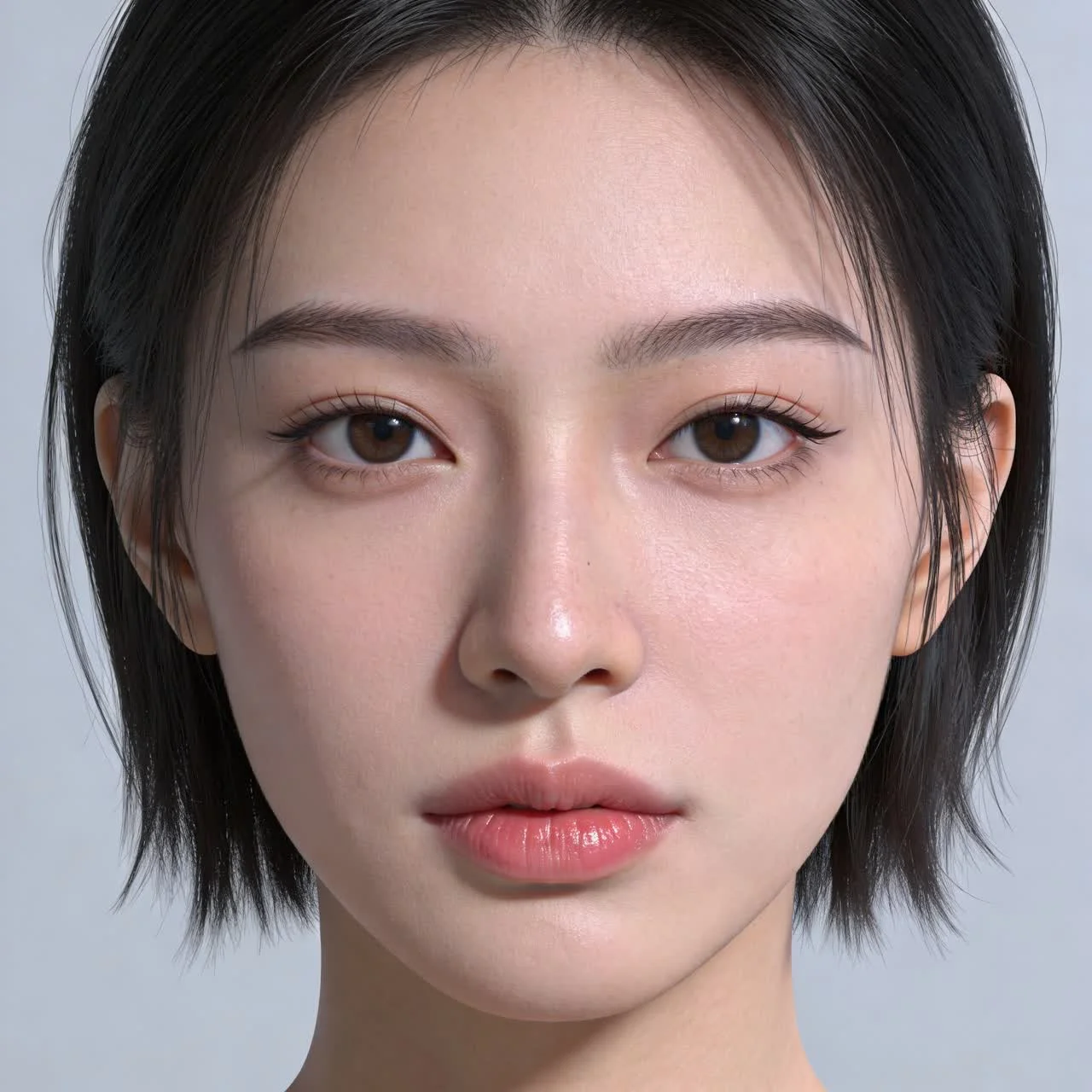
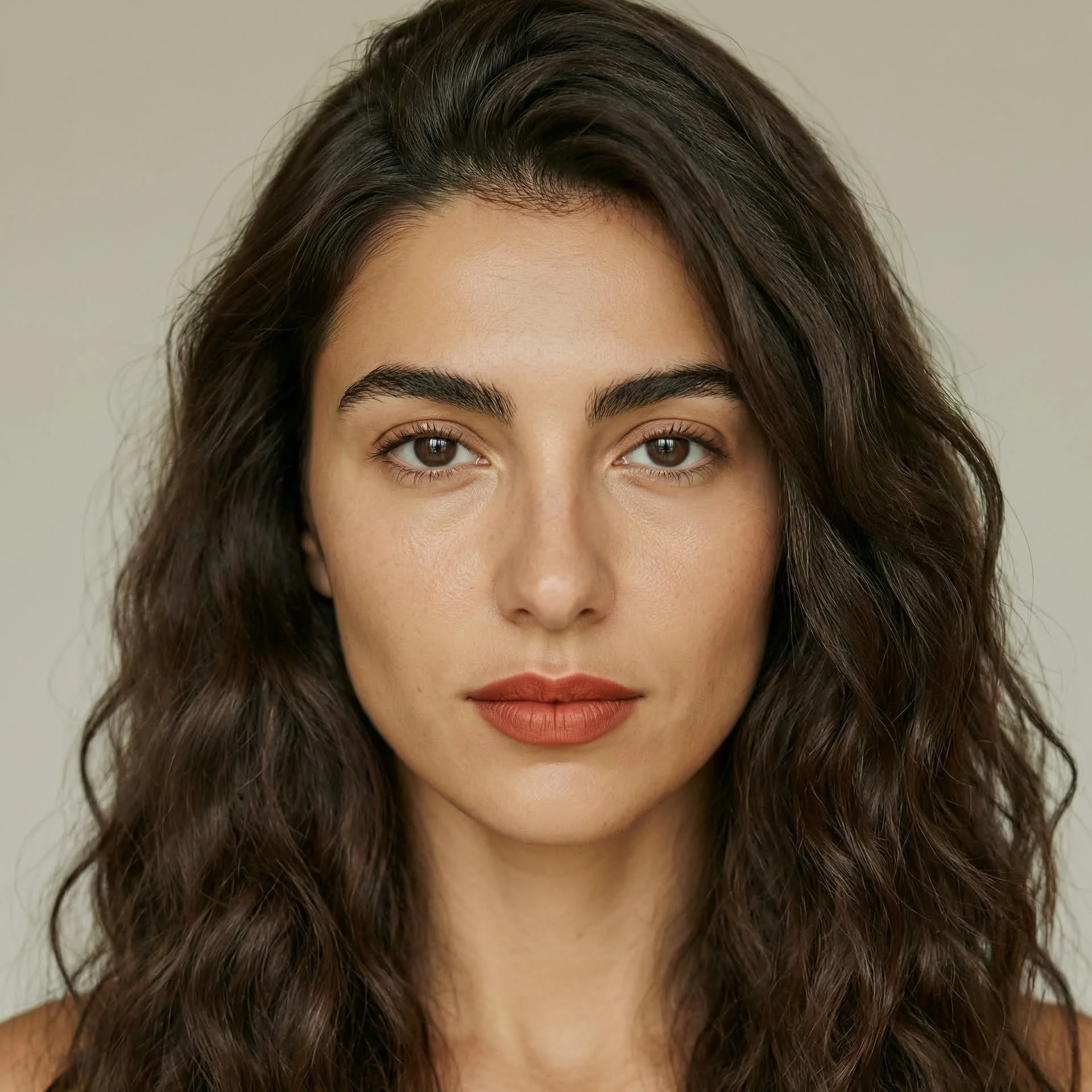
Mode 1: Portrait Quality Comparison

Use the same prompt across multiple models to compare portrait texture, skin rendering, realism, and facial stability.

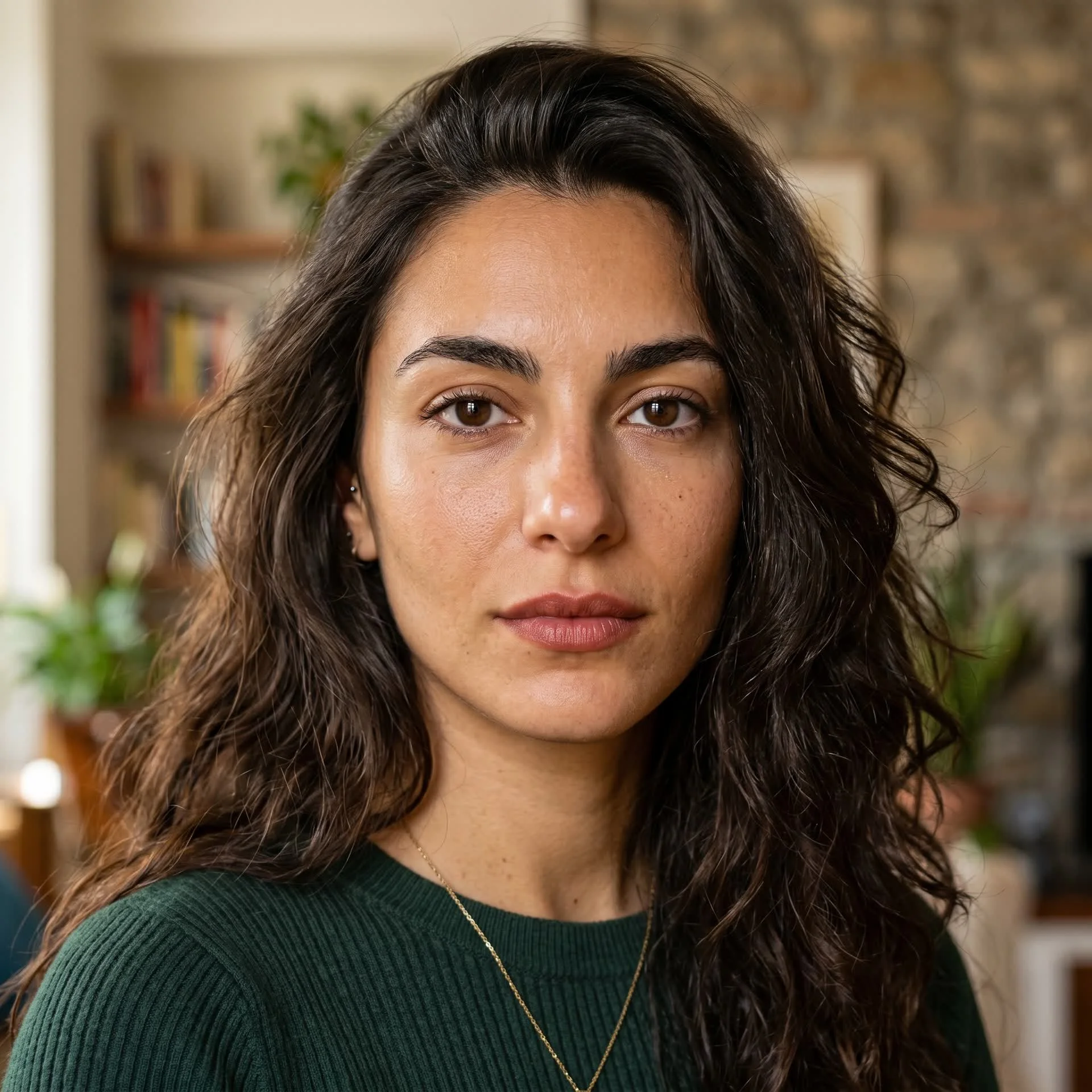
East Asian Female Prompt

A 25-year-old East Asian woman, front close-up portrait, soft natural lighting, hyperrealistic style, 8K details.
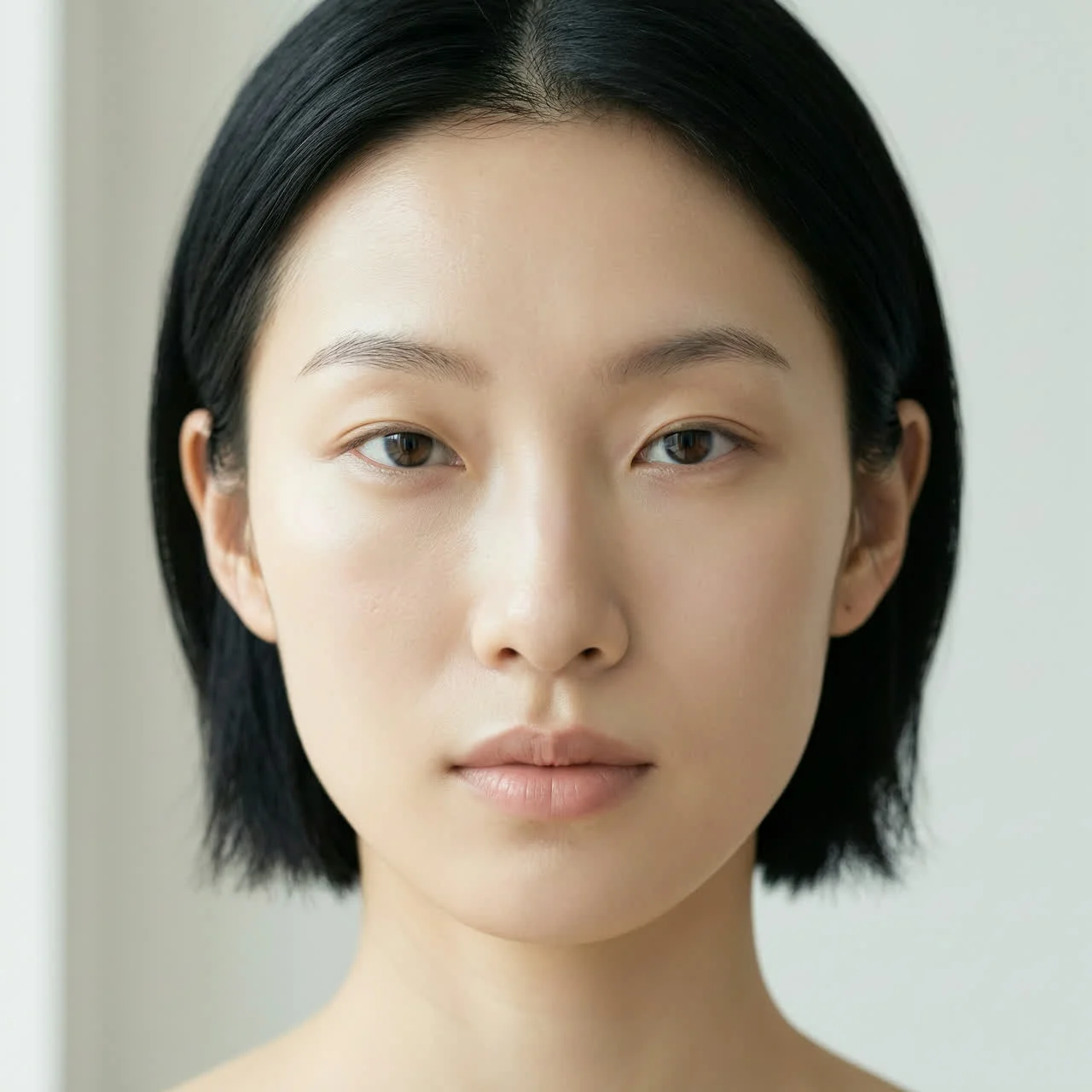
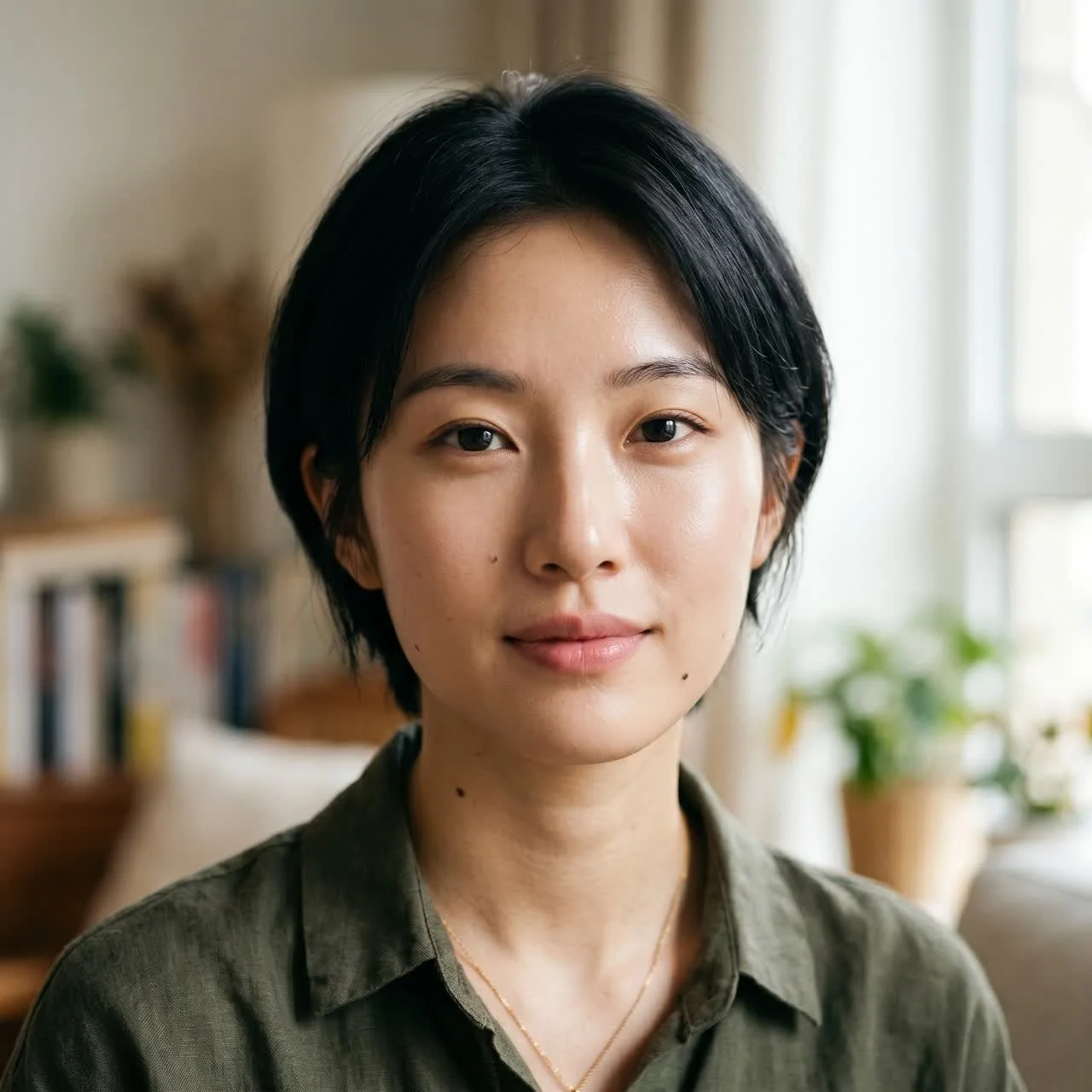
Wan 2.7 Pro

Banana 2

Seedream 4.5

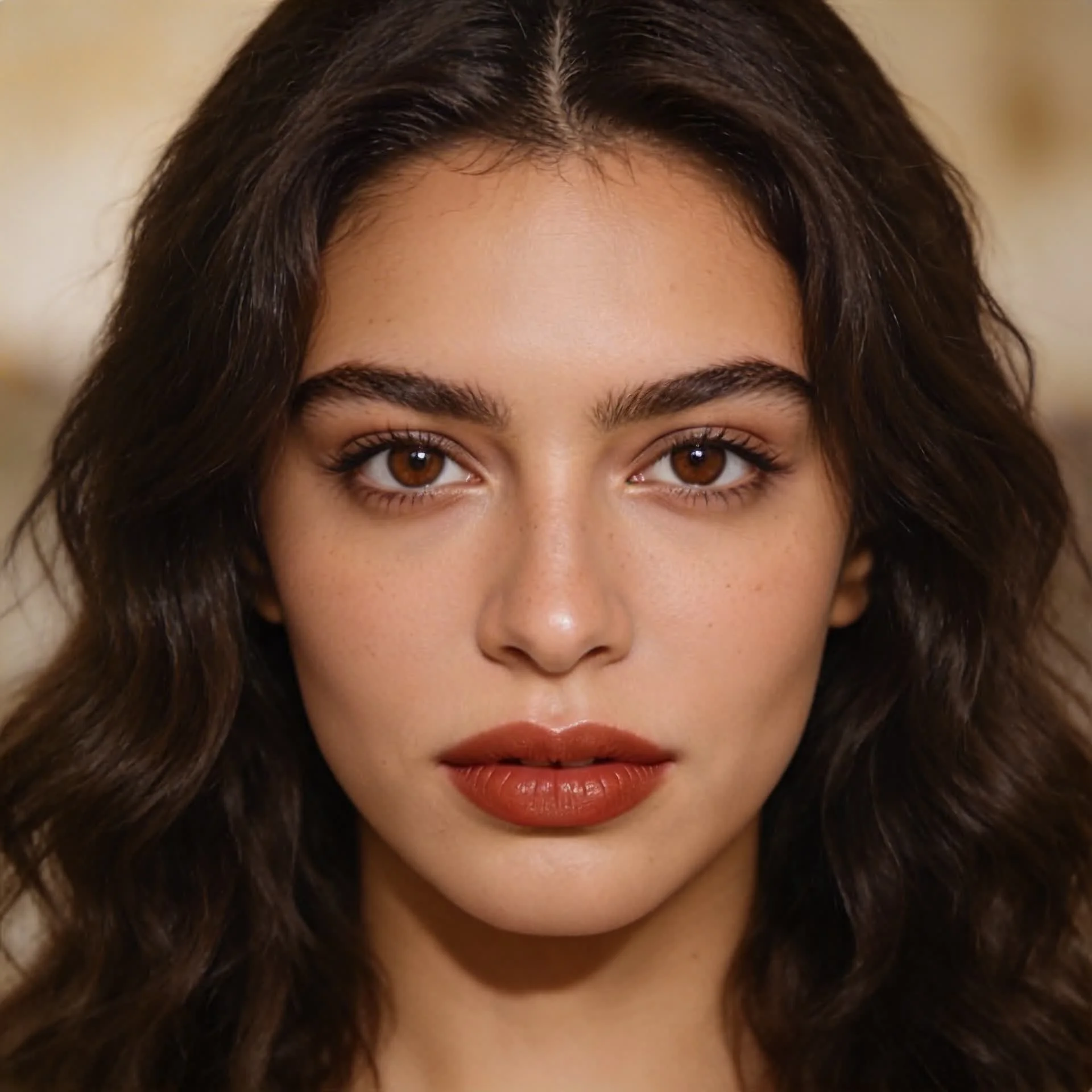
Italian Female Prompt

A 25-year-old Italian woman, front close-up portrait, soft natural lighting, hyperrealistic style, 8K details.
Wan 2.7 Pro

Banana 2

Seedream 4.5

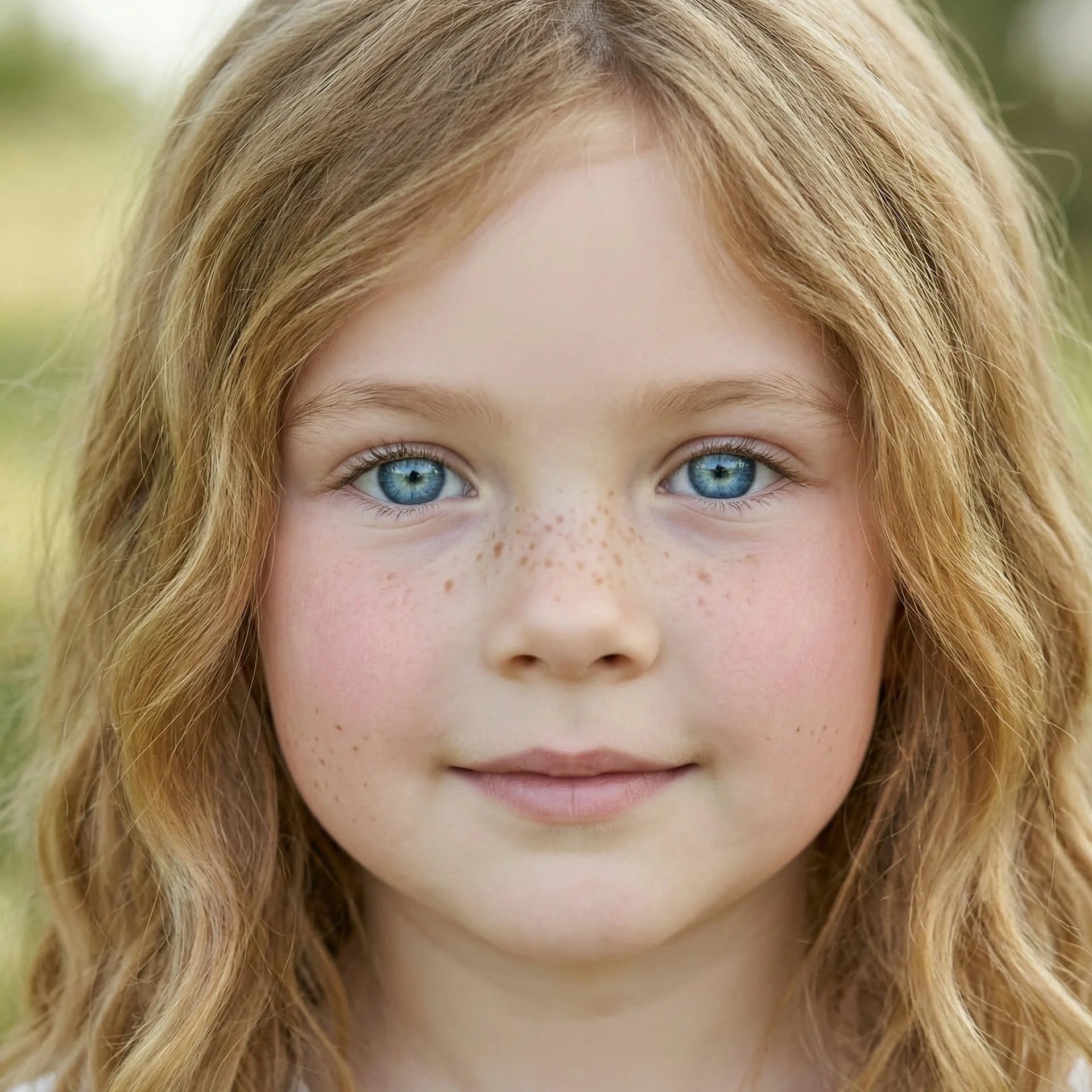
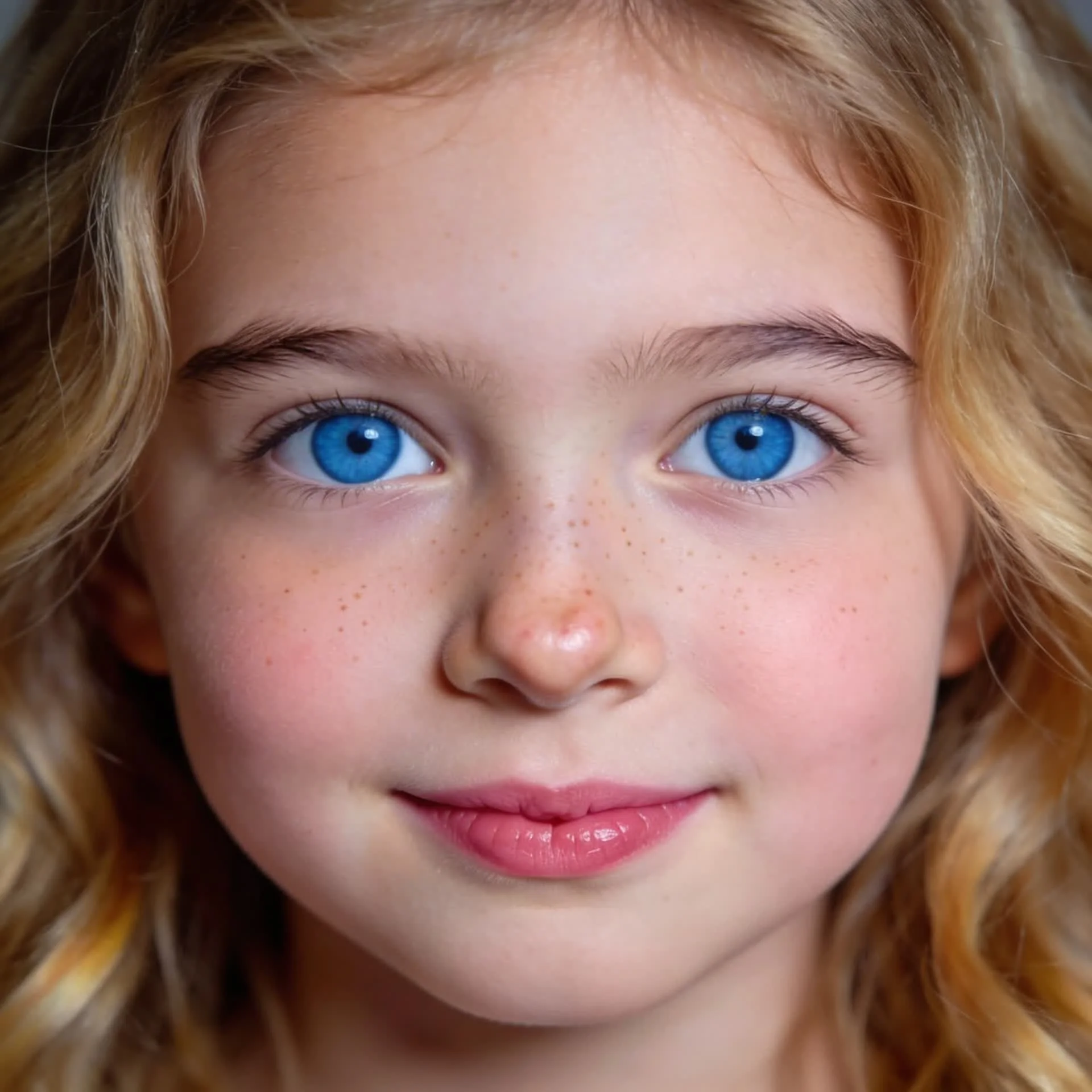
Child Portrait Prompt

An 8-year-old European girl, front close-up portrait, soft natural lighting, hyperrealistic style, 8K details.
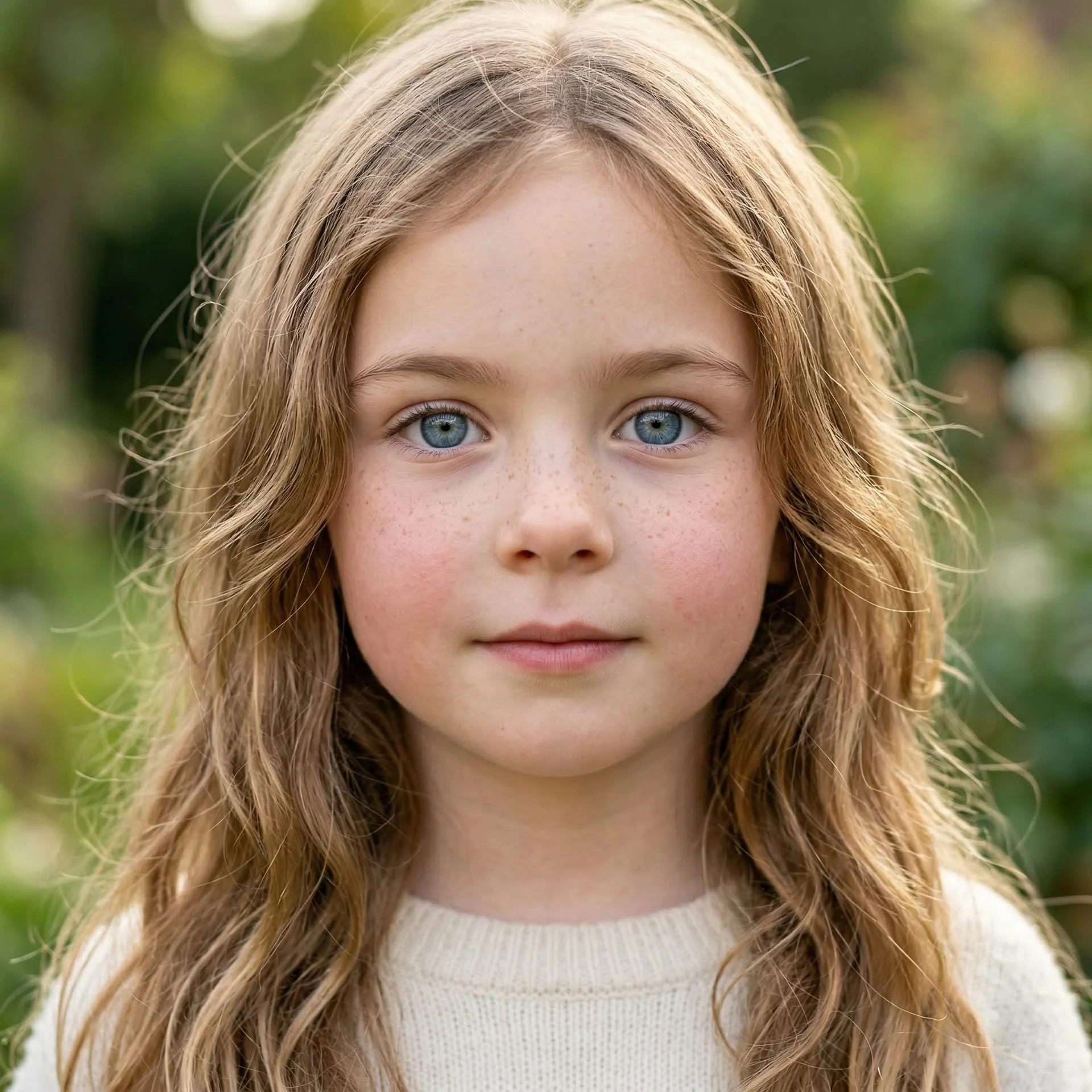
Wan 2.7 Pro

Banana 2

Seedream 4.5

Mode 2: Single-Portrait Face Customization

Test how well Wan 2.7 Pro can keep one character coherent while changing a single facial or styling variable.

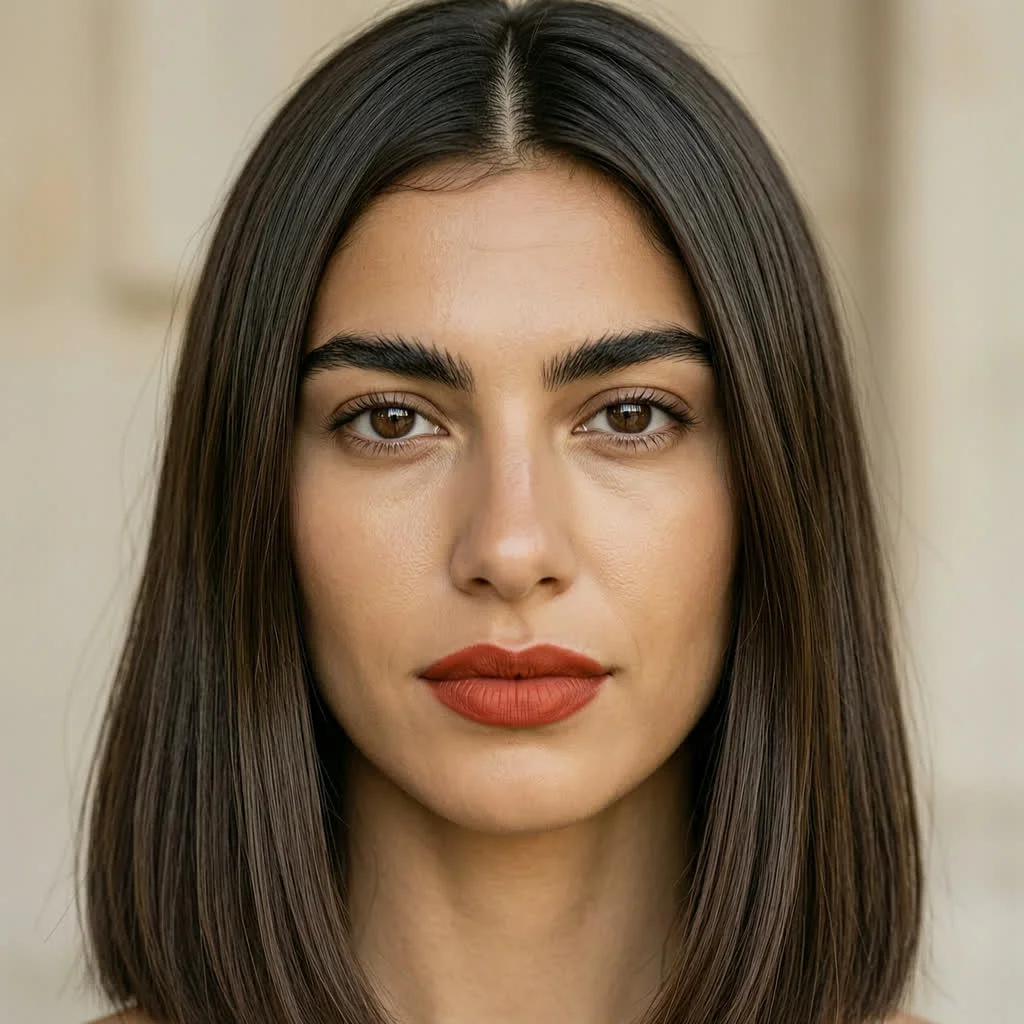
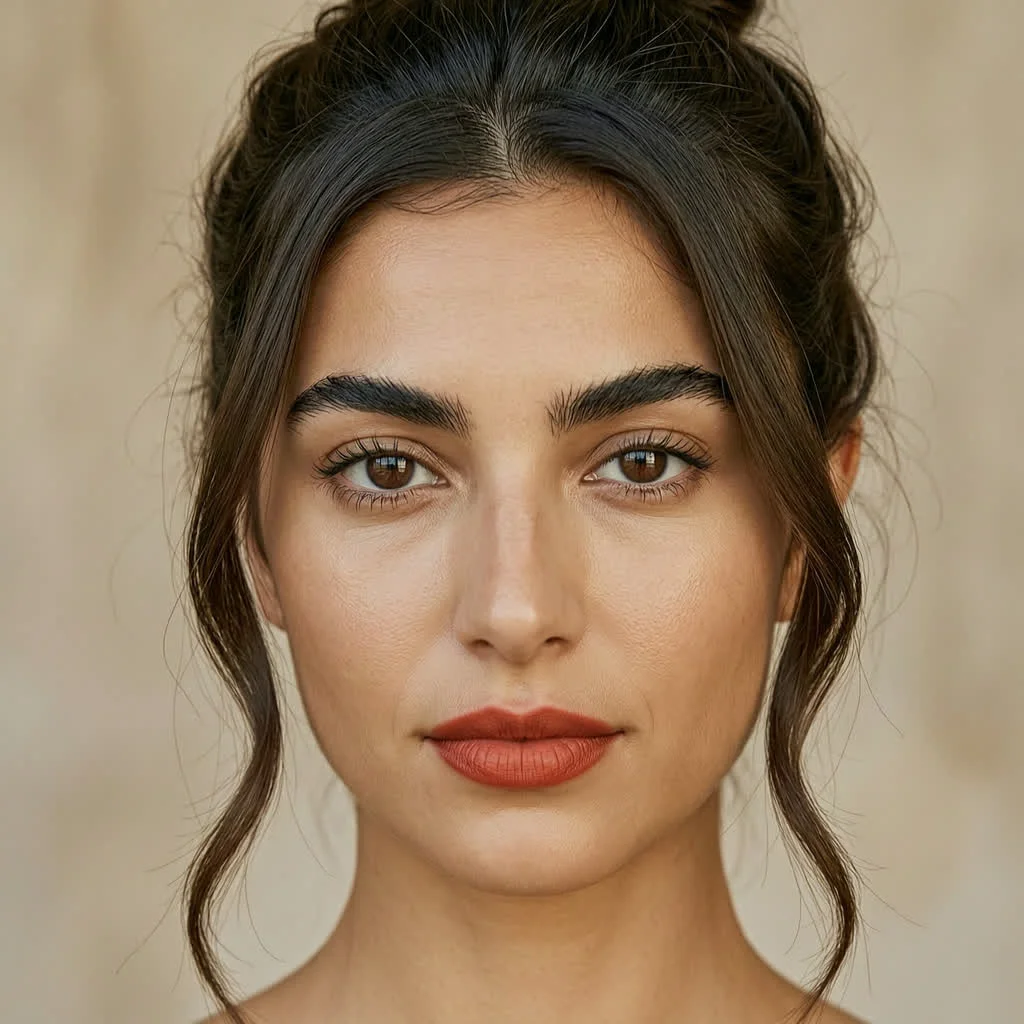
Haircut Variations

short bob cut deep chocolate brown hair with side-swept bangs

shoulder-length straight deep chocolate brown hair with center part

elegant updo bun deep chocolate brown hair with loose face-framing strands
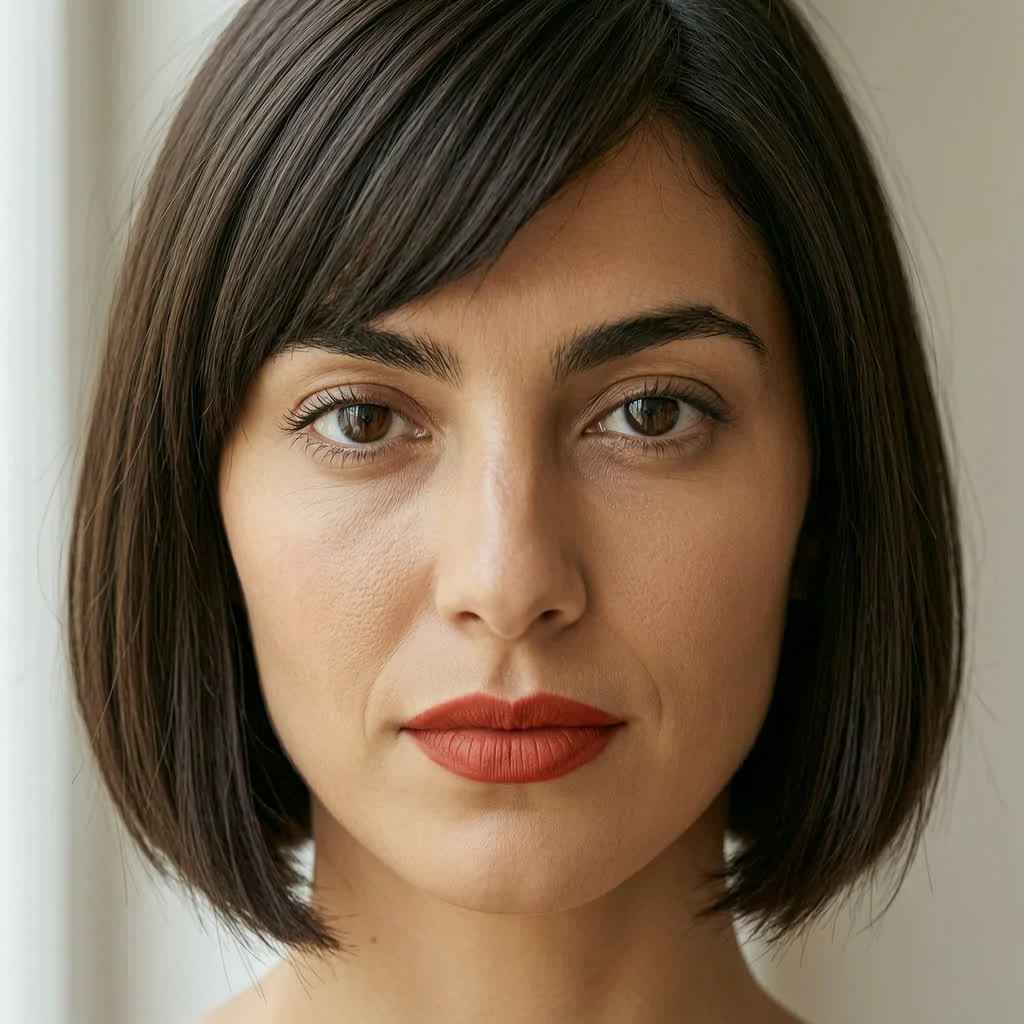
Result A

Result B

Result C

Mode 3: Local Editing

Test whether Wan 2.7 Pro can edit only the selected area while preserving the rest of the composition.

Edit Task 1

Edit image 1 by adding a flag on top of the selected pen. The flag should display the image from image 2 while all other details remain unchanged.

Image 1

Image 2

Result

Wan 2.7 Pricing, Credits, and FAQ

Wan 2.7 Pro costs 4 credits per image on Ima Studio. This model is positioned as the higher-quality option for users who want stronger portrait detail, cleaner rendering, and more premium visual output.

Wan 2.7 costs 3 credits per image on Ima Studio. It is the lower-cost option for users who want more affordable generation while still staying inside the Wan model family.

No. Both Wan 2.7 Pro and Wan 2.7 use a fixed per-image price on Ima Studio. Different output sizes do not change the credit cost for the same model.

The main difference is positioning and output tier. Wan 2.7 Pro is the premium option at 4 credits per image, while Wan 2.7 is the lower-cost option at 3 credits per image. On a landing page like this, Wan 2.7 Pro is best used when you want to show higher-end quality comparisons and more polished results.

Based on our comparison snapshot, Wan 2.7 Pro is priced at 4 credits per image on Ima Studio. For reference, some competing tools may be higher in credit cost, such as Pollo AI at 6 credits, Higgsfield at 13 credits, and Imagine.art at 130 credits. Pricing can change over time, so users should always confirm the latest credits inside each platform.

This page is designed to help users evaluate quality, controllability, and editing behavior before choosing a model tier. The test-mode layout makes it easier to judge whether the higher credit cost of Wan 2.7 Pro is justified for your workflow.