











Free Online AI Object Remover
Upload any photo, product image, listing photo, travel shot, screenshot, or AI-generated visual. Remove people, text, clutter, wires, props, reflections, blemishes, AI artifacts, and background distractions in seconds — without rebuilding the image from scratch.
Remove people, text, clutter, and objects · Clean product, real estate, travel, social, and ad images · Private upload · Watermark-free export · Free to start
How to Remove Objects from Photos Online
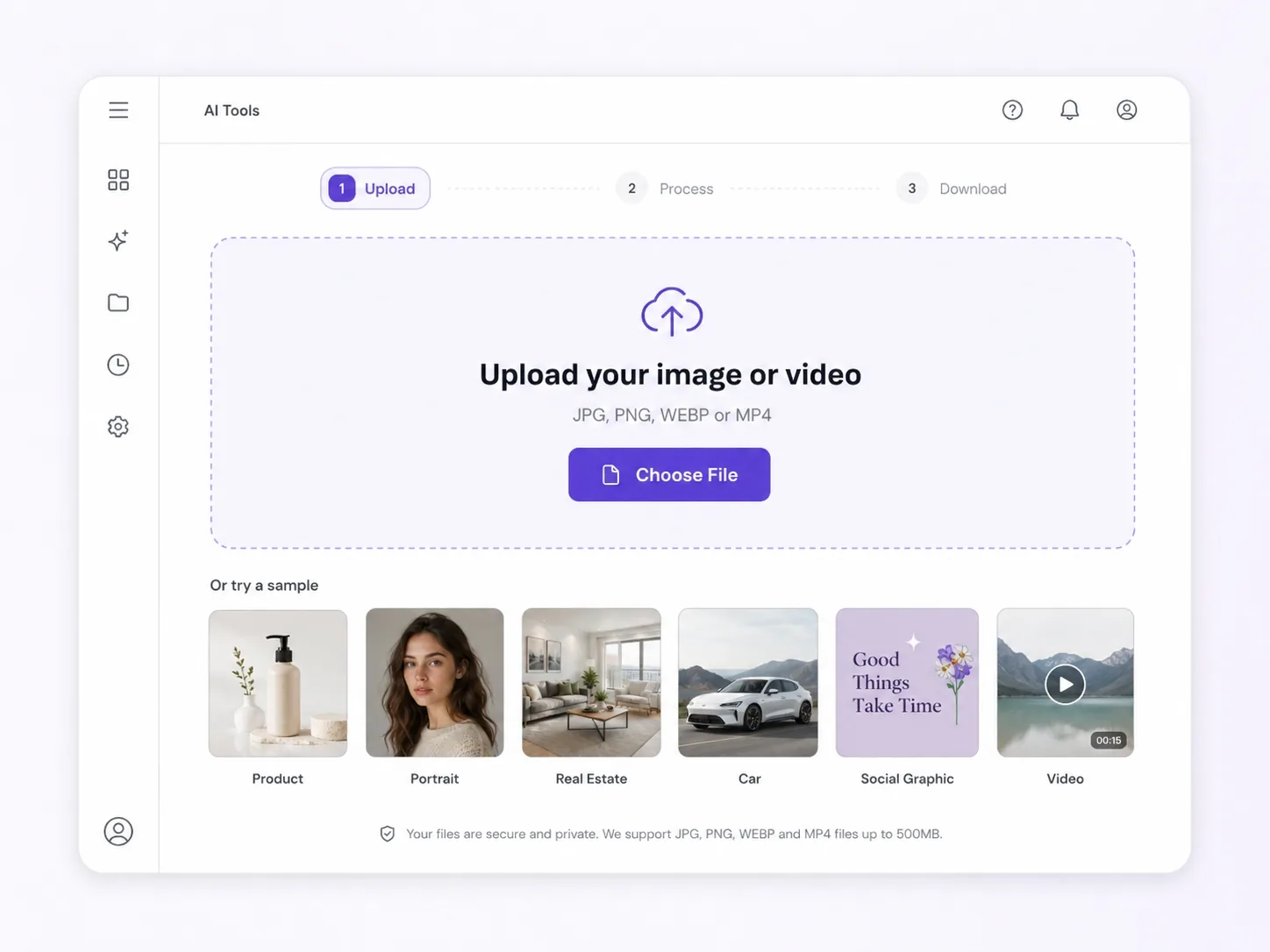
Upload Your Image
Start with a product photo, listing image, travel picture, social media post, screenshot, AI artwork, or campaign creative that has something you want to remove.
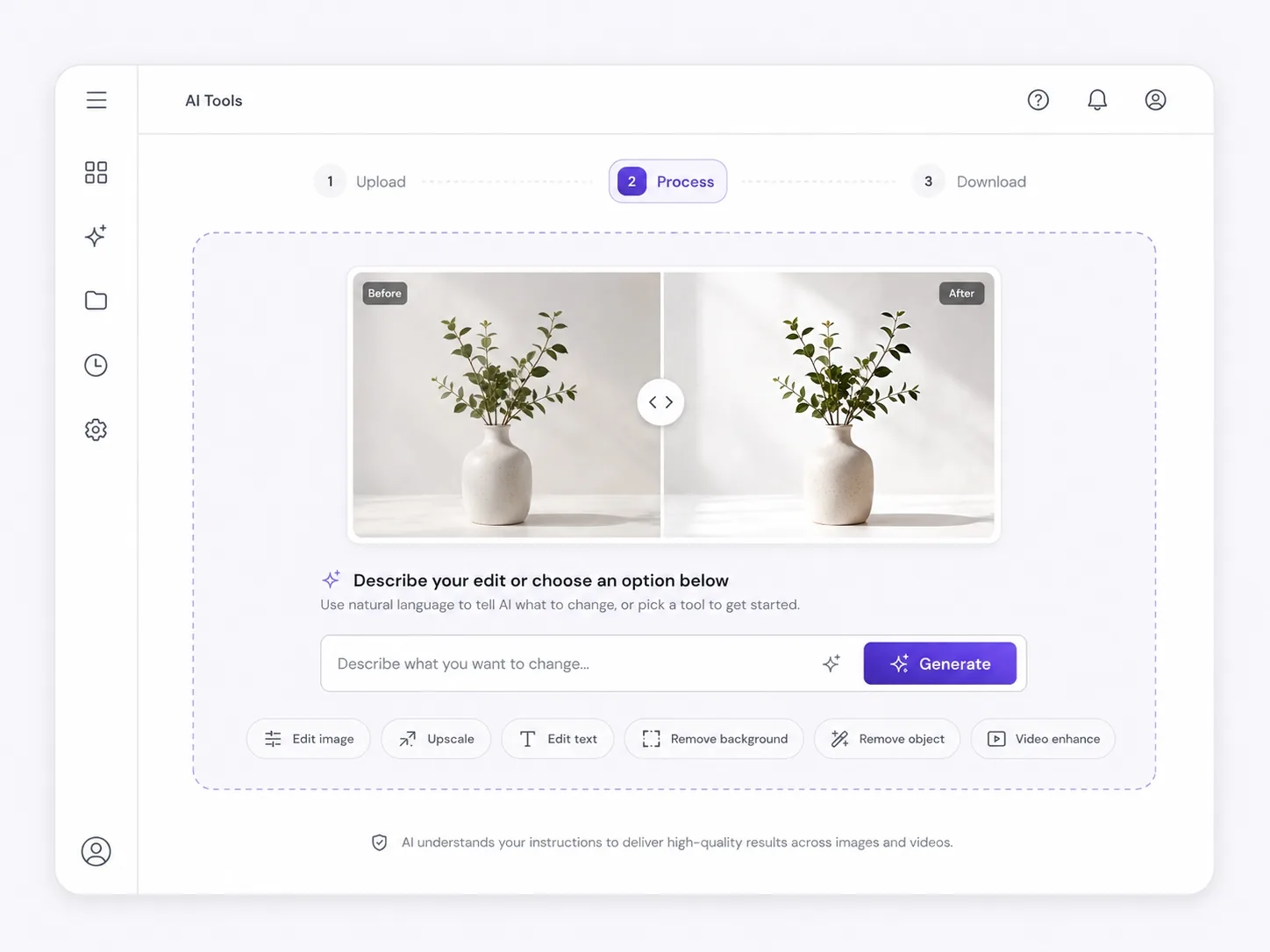
Describe or Select What to Remove
Tell the AI what should disappear — a person, trash can, cable, logo, text, label, shadow, reflection, background object, AI artifact, or unwanted detail.
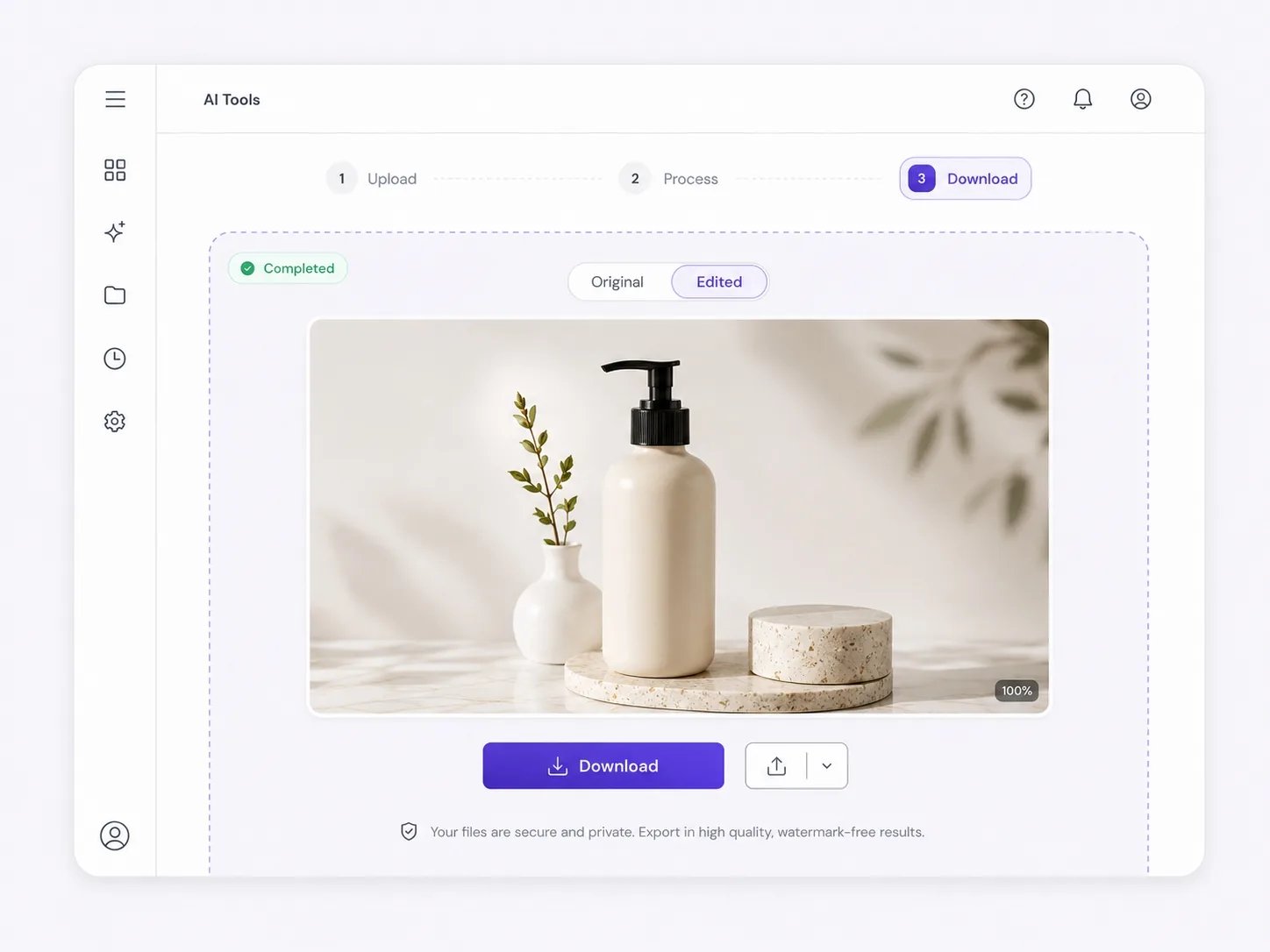
Download a Cleaner Image
Export a cleaner image for ecommerce, ads, real estate listings, social posts, websites, presentations, client previews, or creative workflows.
Why Choose Ima Studio’s AI Object Remover?
Clean Up Almost-Ready Images Without Starting Over
Most photos do not need a full redesign. They just need one distracting thing removed.
Ima Studio’s AI Object Remover is built for images that are already useful but not yet publish-ready. Use it to remove unwanted people, objects, text, marks, shadows, reflections, clutter, or AI-generated mistakes while keeping the rest of the image natural.
Whether you are preparing product images, real estate listings, travel photos, ad creatives, social media posts, screenshots, or AI art, you can quickly turn imperfect visuals into cleaner assets ready for publishing.
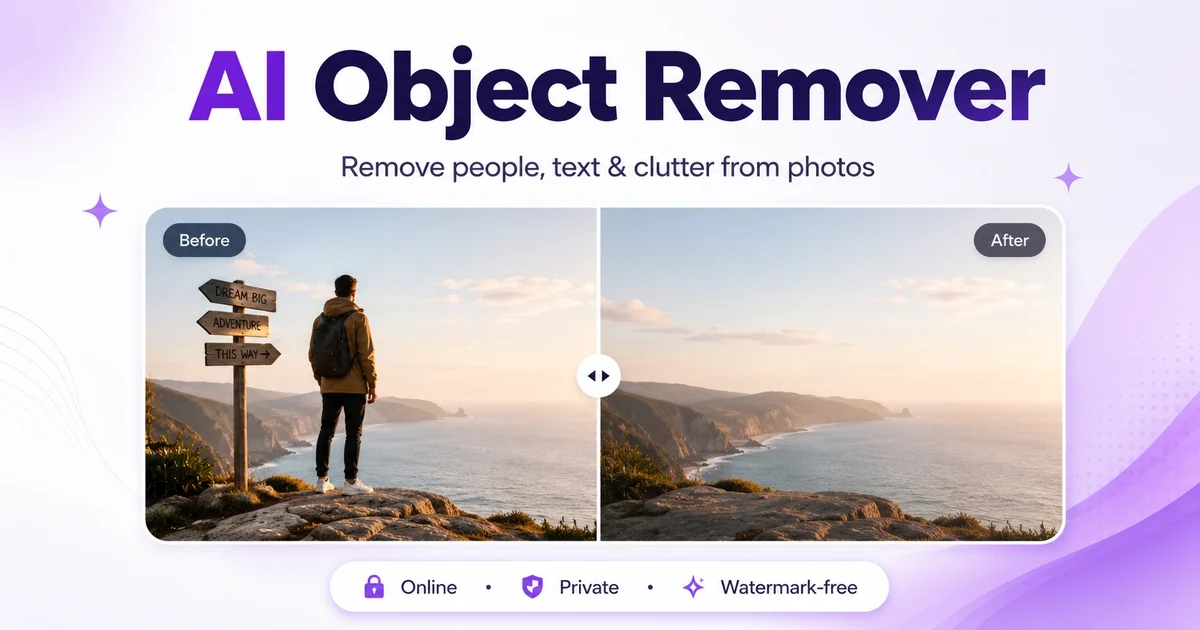
Fix Images Without a Reshoot
Remove one distracting object, person, mark, or background detail instead of reshooting a product, room, car, venue, or campaign image.
Make Assets More Publishable
Prepare cleaner visuals for ecommerce listings, real estate pages, ads, social posts, screenshots, blogs, presentations, and client reviews.
Preserve the Rest of the Scene
Target the distraction directly while keeping the main subject, composition, and surrounding context intact where possible.
What Can You Remove with AI?
Use AI object removal when an image is almost ready, but one person, object, mark, text label, reflection, or detail makes it harder to publish, sell, advertise, or share. Instead of thinking only by industry, Ima Studio helps you remove the exact thing that ruins the image.
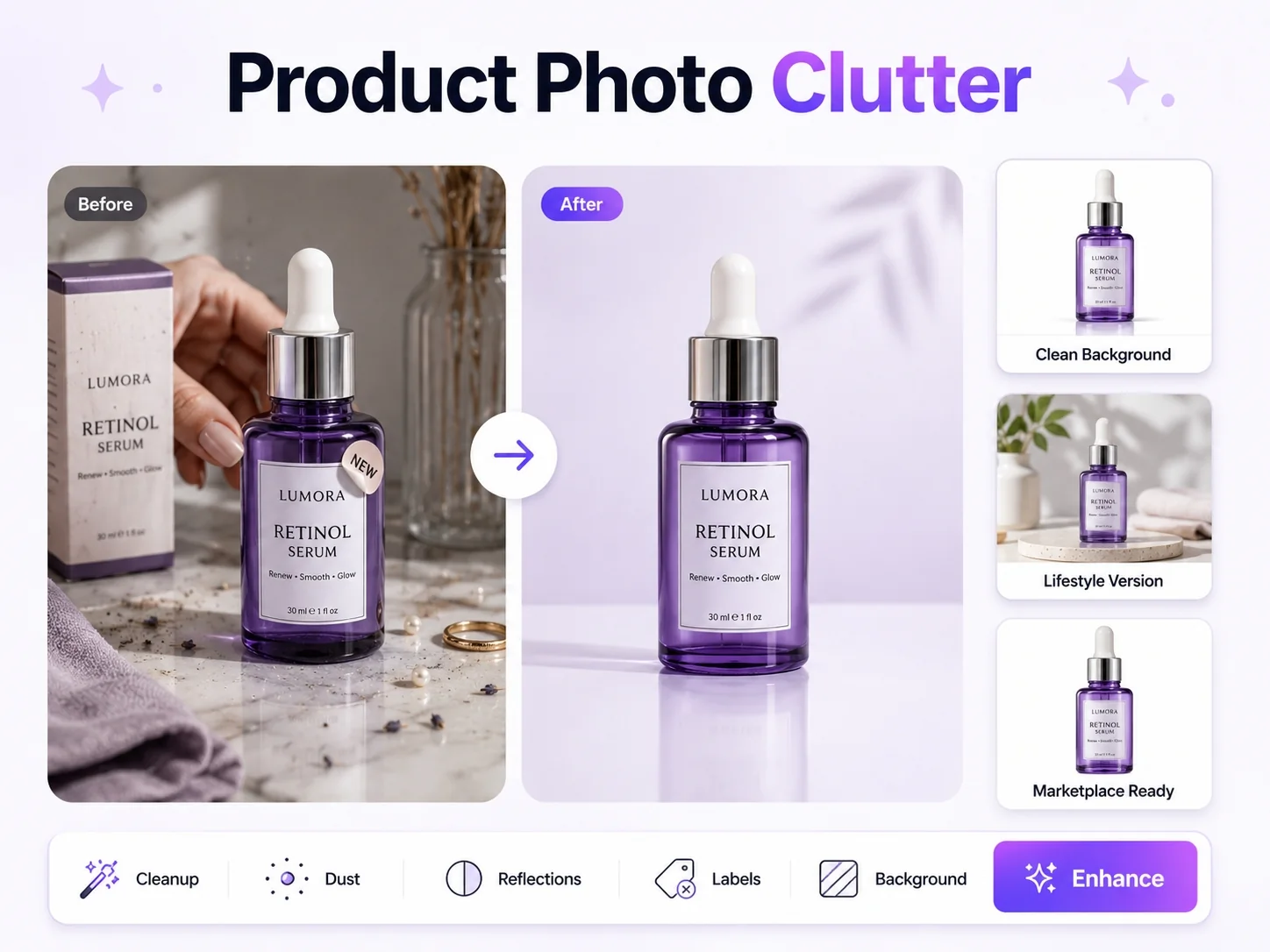
Product Photo Clutter
Remove hands, boxes, labels, stickers, table clutter, props, dust, scratches, reflections, or distracting backgrounds from product photos for Shopify, Amazon, TikTok Shop, ads, and marketplace listings.
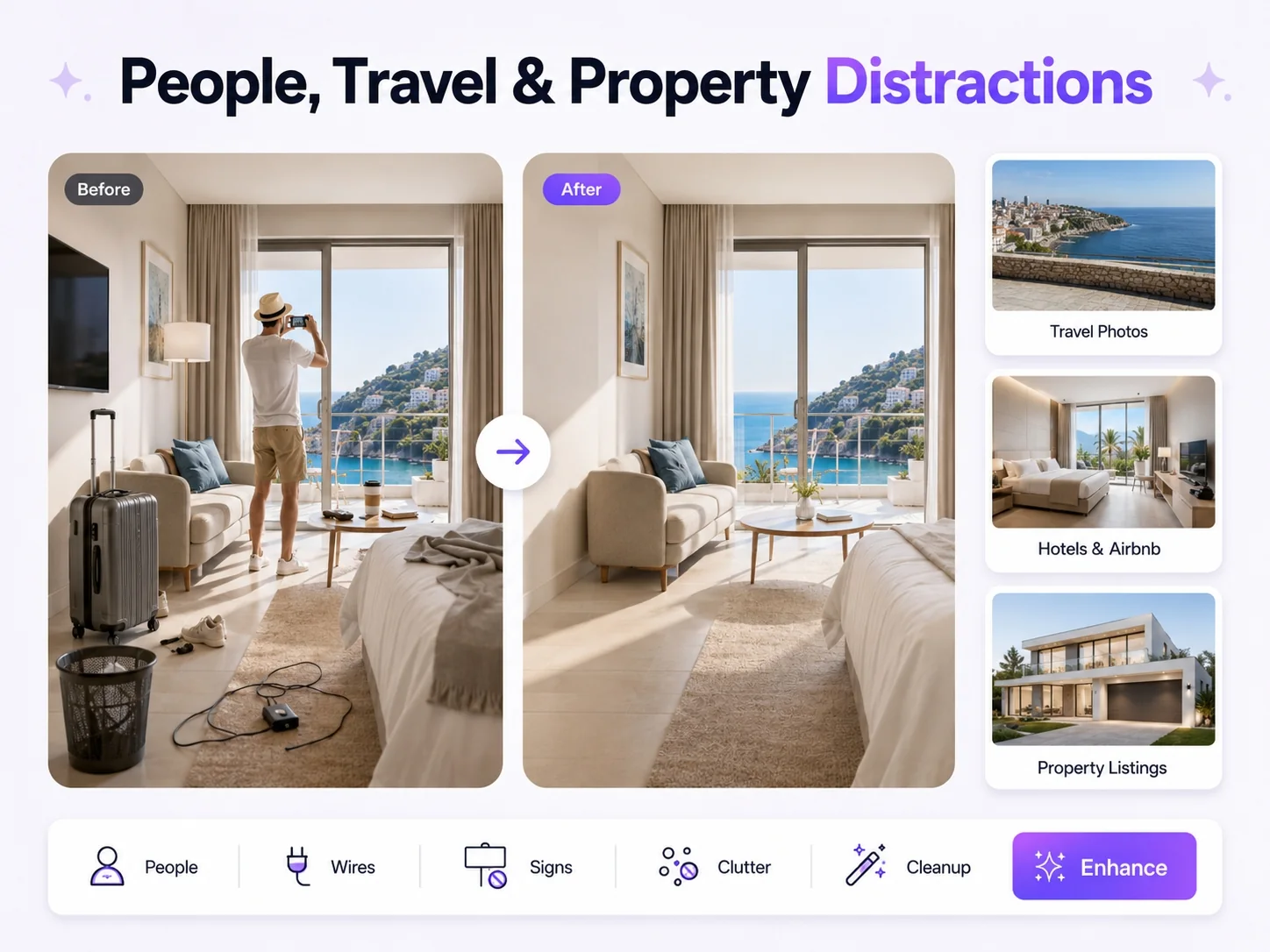
People, Travel & Property Distractions
Remove tourists, photobombers, trash cans, wires, signs, cars, luggage, personal items, cables, wall marks, and background clutter from travel photos, hotel images, Airbnb pages, and real estate listings.
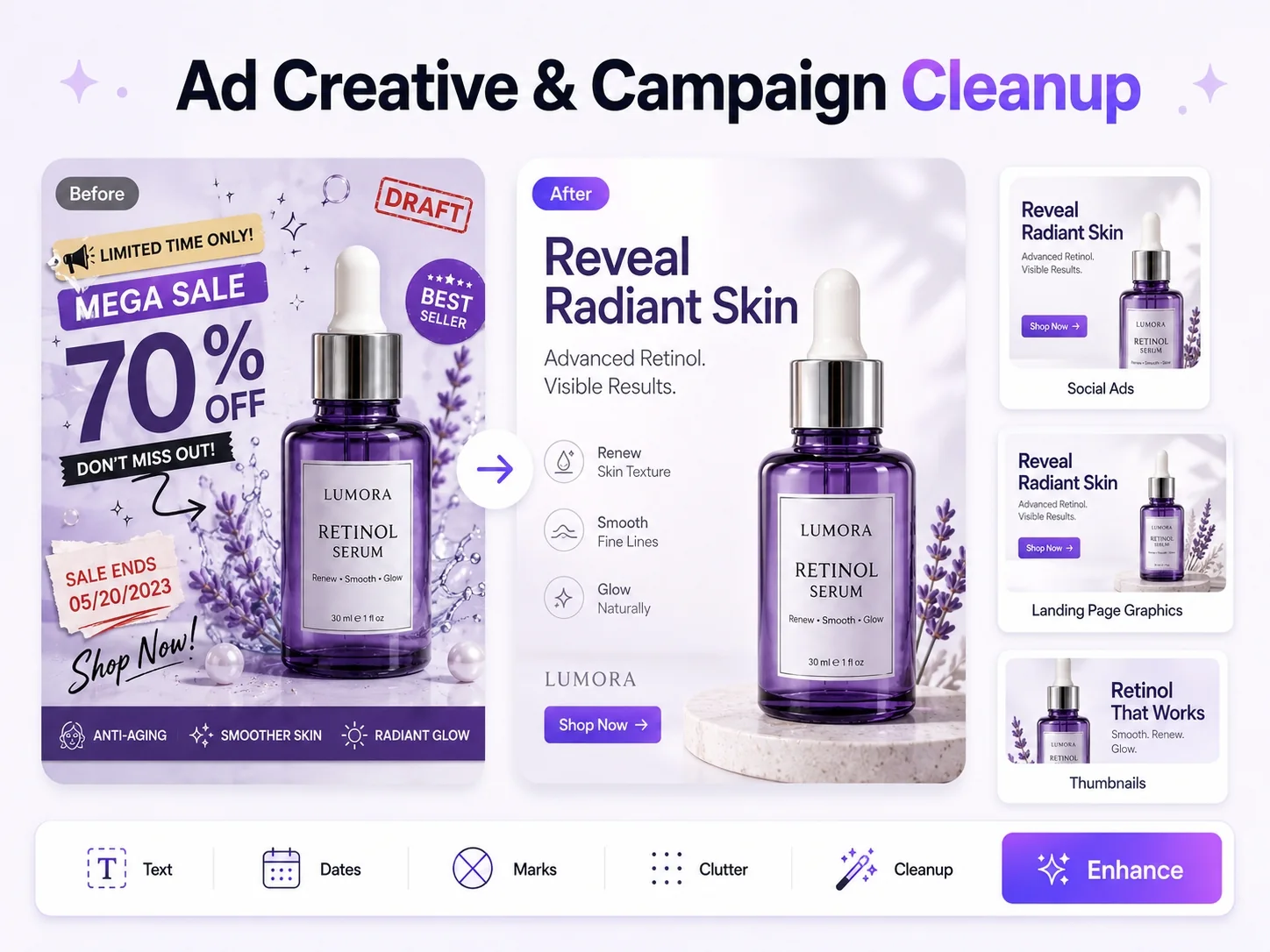
Ad Creative & Campaign Cleanup
Remove outdated campaign text, old promo dates, draft marks, extra products, background noise, visual clutter, or unwanted design elements from ads, banners, thumbnails, landing page graphics, and social posts.
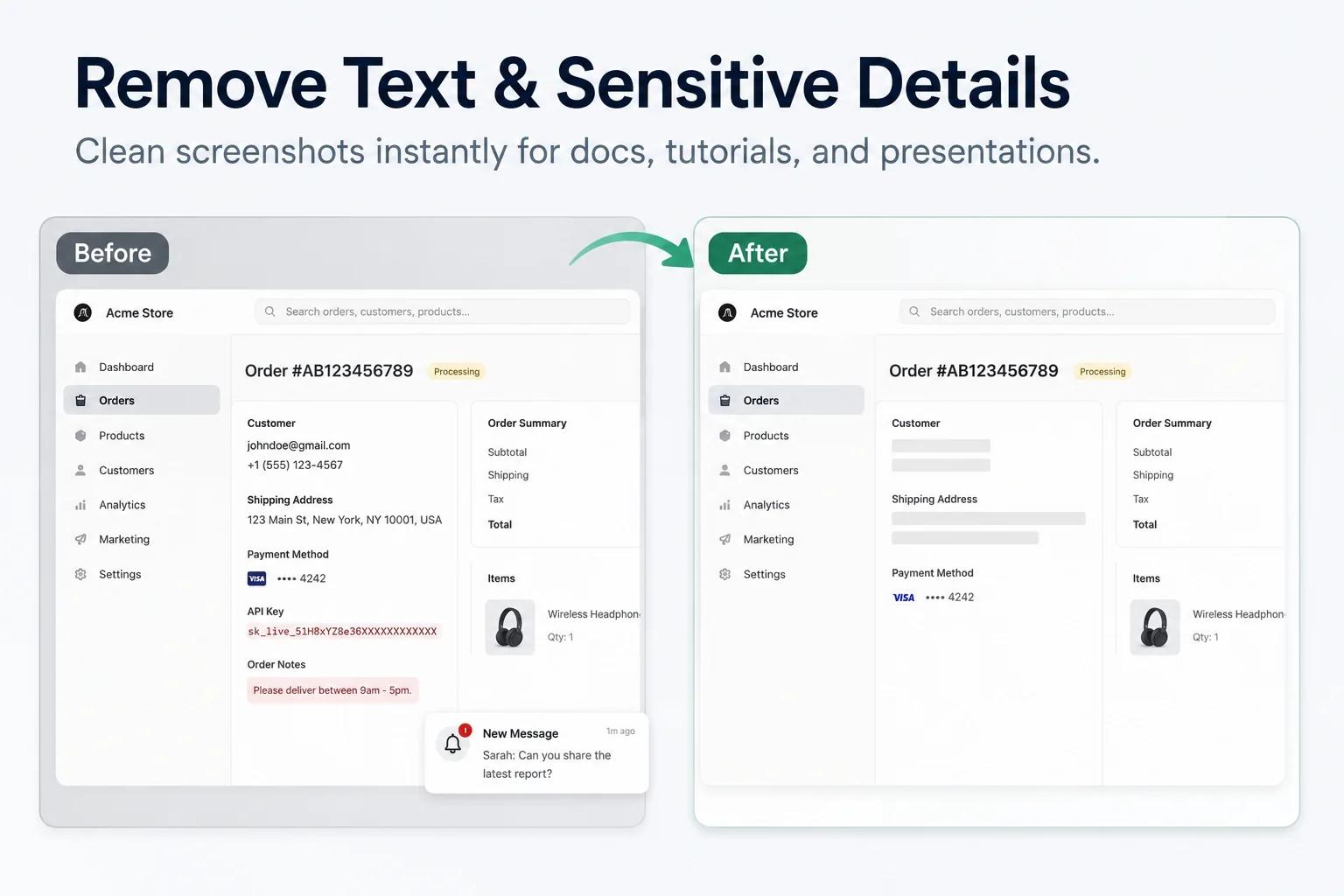
Screenshots, Text & Sensitive Details
Remove usernames, emails, order numbers, API keys, notifications, browser clutter, UI distractions, annotations, labels, date stamps, and private details from screenshots, tutorial images, help docs, and presentations.
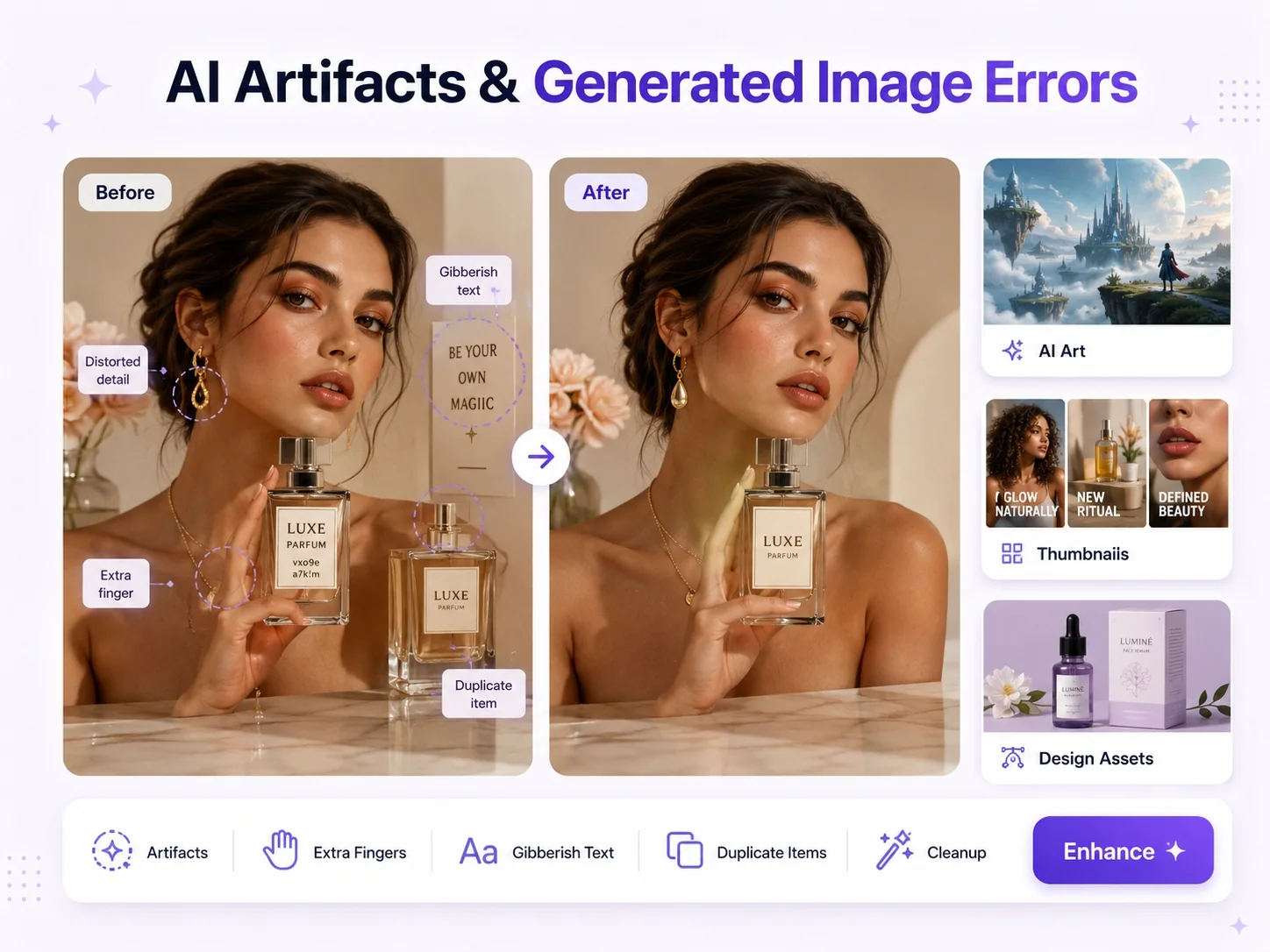
AI Artifacts & Generated Image Errors
Remove strange objects, extra fingers, distorted details, duplicate items, broken shapes, gibberish text, unwanted characters, and other AI-generated artifacts from AI art, concept visuals, thumbnails, and design assets.
FAQs About Ima Studio’s AI Object Remover
An AI object remover removes unwanted people, objects, text, marks, clutter, or distractions from an image, then attempts to fill the removed area so the result looks natural.
Yes. You can remove strangers, tourists, photobombers, staff, extra models, background crowds, or other unwanted people from personal photos, travel shots, event images, listing photos, and social media posts.
Yes. You can remove outdated promo text, labels, stickers, annotations, date stamps, wrong AI text, screenshot notes, or draft marks from images. This is useful for reusing campaign visuals, cleaning screenshots, and preparing design assets.
Yes. You can remove hands, props, boxes, labels, stickers, dust, scratches, reflections, messy backgrounds, or other distractions from product photos for Shopify, Amazon, TikTok Shop, marketplace listings, and ecommerce ads.
Yes. You can remove cables, trash bins, personal items, shoes, boxes, wall marks, construction materials, and other clutter from real estate photos, rental images, Airbnb listings, and open house visuals.
Yes. Ima Studio can help remove AI artifacts such as strange objects, extra fingers, broken details, duplicate items, gibberish text, and unwanted background characters from AI-generated images.
Yes. You can remove emails, usernames, order numbers, API keys, notifications, private messages, UI distractions, and other sensitive details from screenshots before using them in tutorials, help documents, presentations, or blog posts.
You can remove tourists, luggage, trash cans, cars, signs, table clutter, room mess, wires, or other background distractions from hotel rooms, Airbnb spaces, restaurants, venues, and travel photos.
No. You can use AI Object Remover for ecommerce, real estate, travel, hotels, restaurants, local services, car listings, screenshots, ad creatives, AI art, presentations, social media, and personal photos.
No. Upload your image, describe what you want to remove, and download a cleaner result. You do not need Photoshop skills or manual masking experience.