Best Use Cases for ImaStudio's AI Object Remover
Use AI object removal when an existing photo is almost ready, but one distracting element stops it from being publishable. Clean up product visuals, listings, social posts, ads, travel photos, property images, and campaign assets without rebuilding the whole image.
How to Remove Objects from a Photo
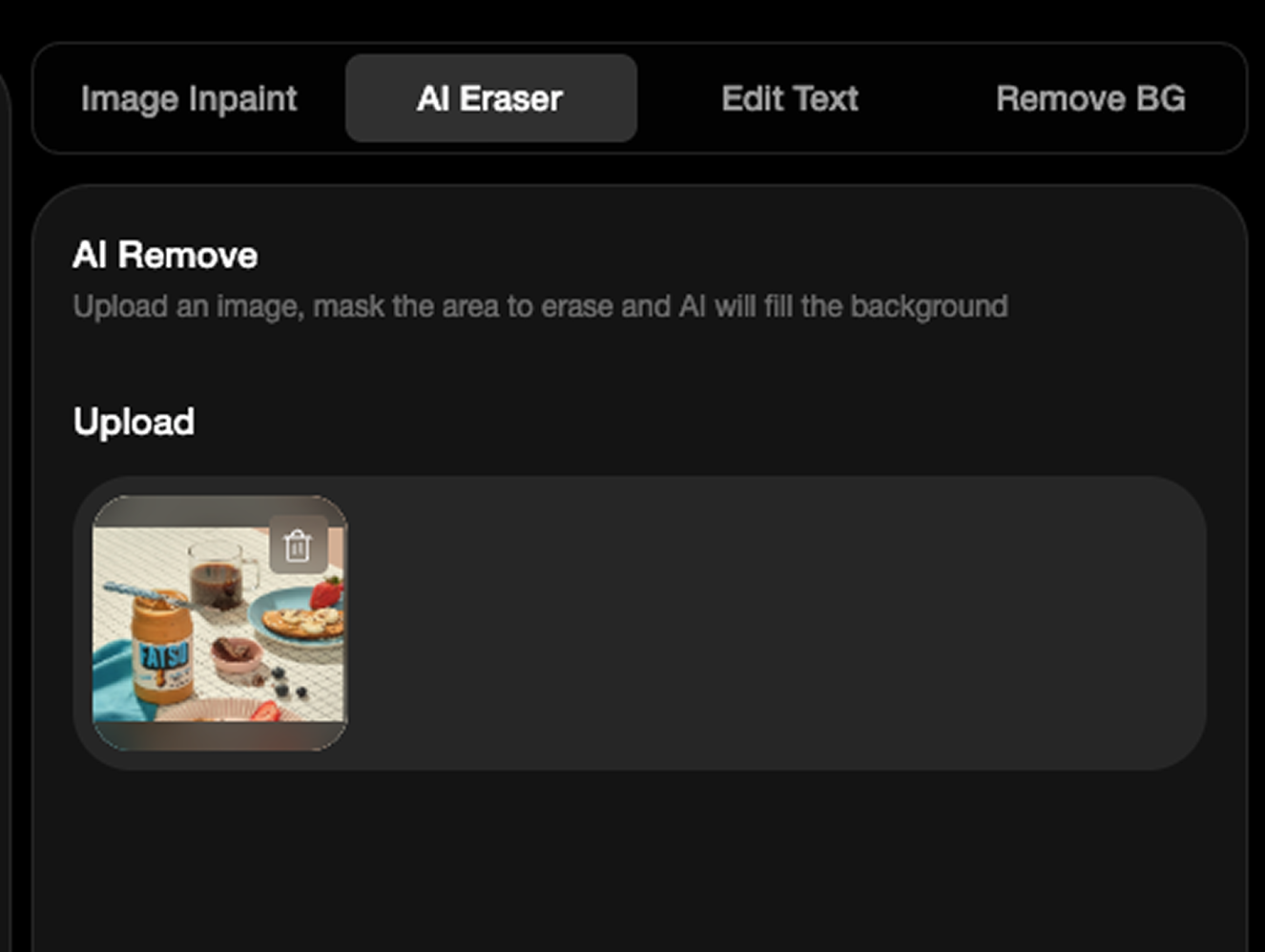 Step 1Upload the Photo You Want to Clean
Start with a product photo, real estate image, vehicle shot, portrait, travel photo, AI-generated image, or campaign asset that has a distracting element.
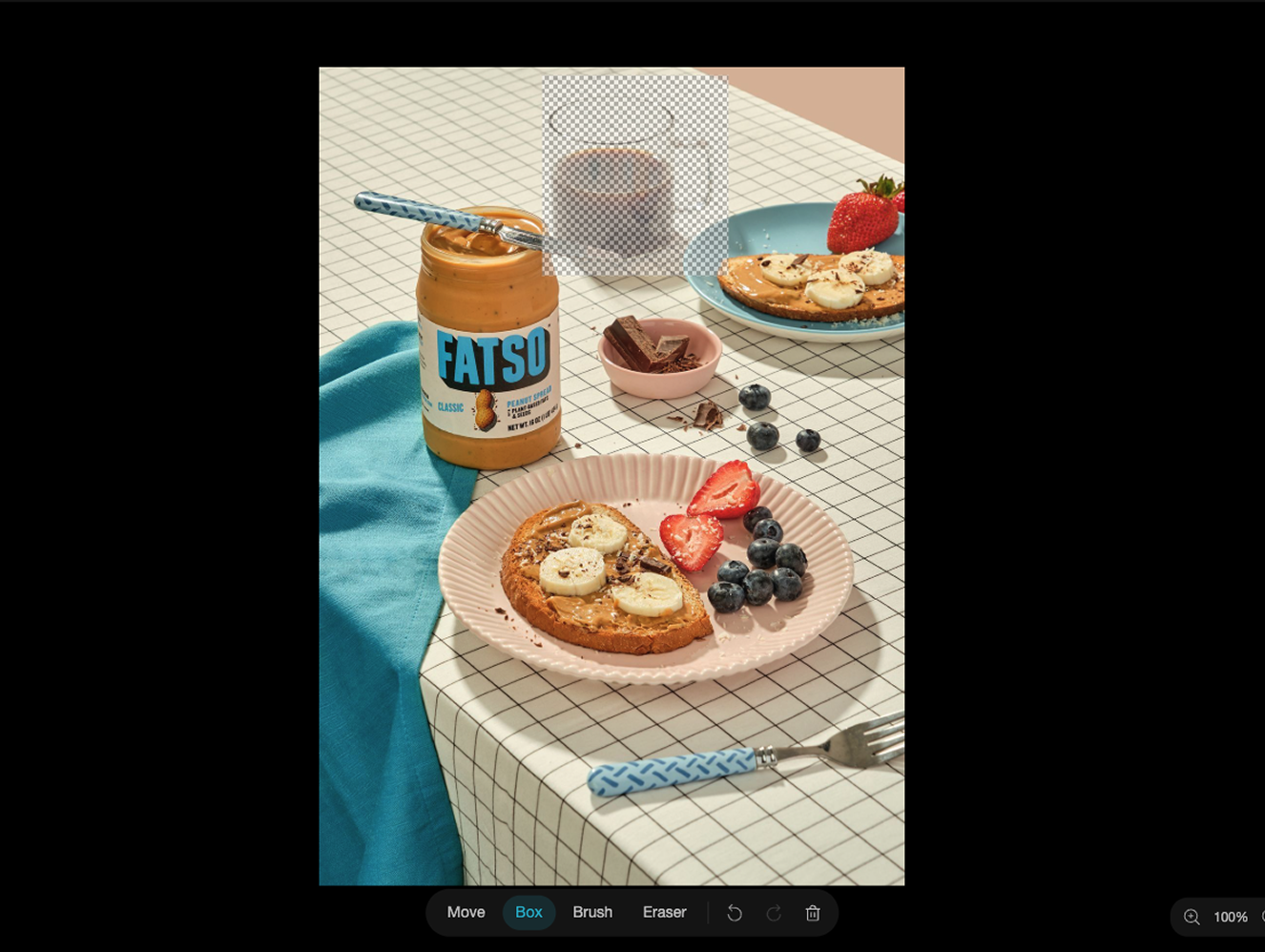 Step 2Brush Over the Unwanted Area
Use the brush or rectangle tool to mark the object, person, text, clutter, wire, reflection, or background distraction you want removed.
- Step 3Export a Cleaner Image
AI removes the selected area and reconstructs the background. Compare before and after, then download a cleaner image for publishing.
Why Choose ImaStudio's AI Object Remover?
Clean Existing Photos Without Starting Over
Keep the useful photo and remove only the part that blocks reuse, whether it is clutter, a person, text, a prop, or a background distraction.
Built for Publishable Creative Assets
Prepare cleaner visuals for ecommerce listings, social posts, ads, property pages, vehicle listings, hotel pages, and client presentations.
Precise Brush-Based Control
Mark the exact area to remove, then let AI reconstruct the background while preserving the rest of the subject and scene.
Turn Almost-Ready Photos into Clean, Usable Assets
A strong photo can be held back by one distraction: a passer-by, cable, label, reflection, prop, sign, trash bin, or object in the wrong place. ImaStudio's AI Object Remover helps you keep the image and remove the element that blocks publishing.
Paint over the exact people, objects, text, clutter, or distractions you want removed.
AI rebuilds the selected area based on surrounding texture, lighting, and scene structure.
Upload privately and keep your cleanup workflow inside one workspace.
Download clean images for ecommerce, ads, social media, listings, presentations, and client work.
FAQs About ImaStudio's AI Object Remover
Explore more AI tools and creative examples
Remove Objects With Ima Studio
Upload a product photo, property image, vehicle shot, social graphic, or campaign asset. Brush over the distraction and export a cleaner image for ecommerce, ads, listings, and creative work.