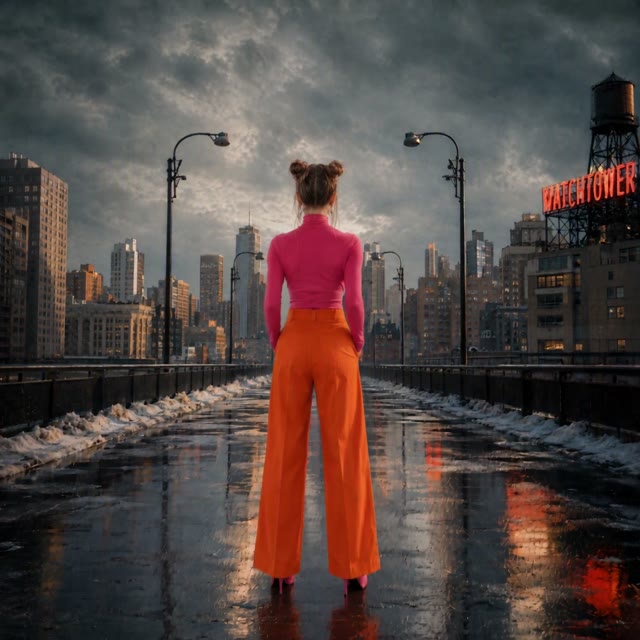
How to add cinematic camera motion to images with AI
Apply zoom, pan, dolly, and orbit movements to static photos for dramatic video effects.
Animate your photo
Your photo*Pick a camera move
Output Size
Free to try — sign up to see your video
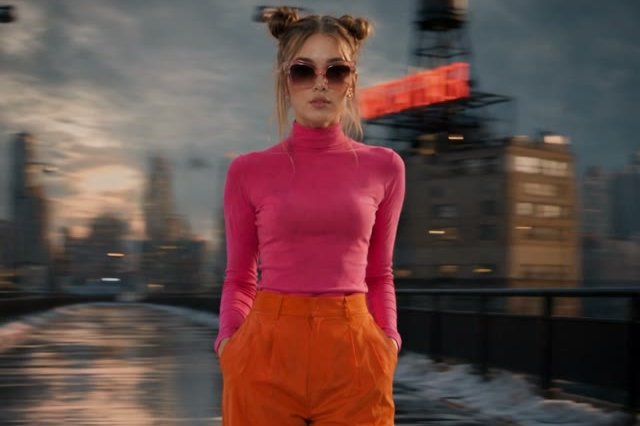
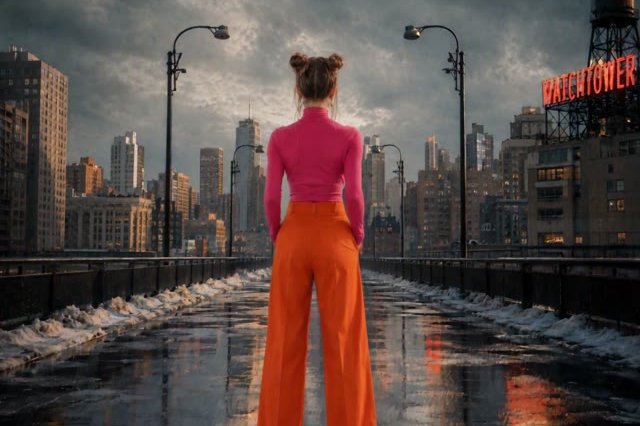
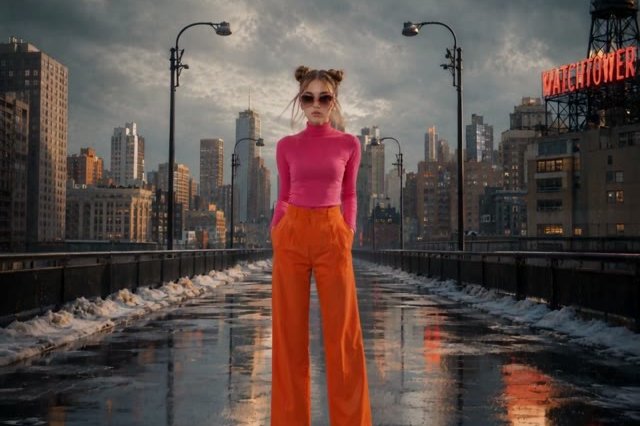
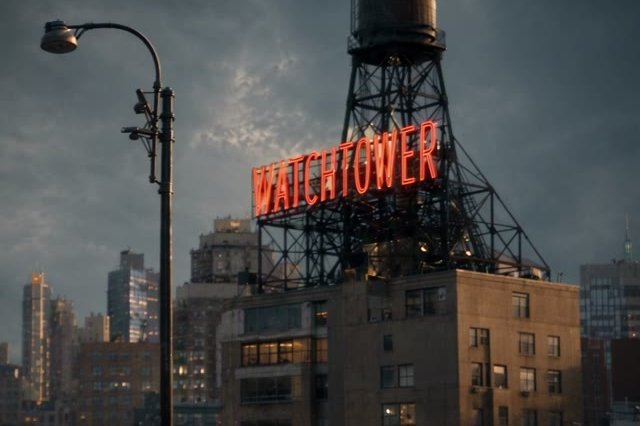
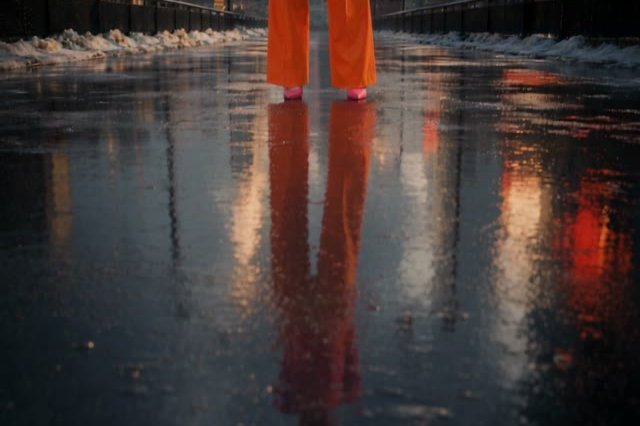
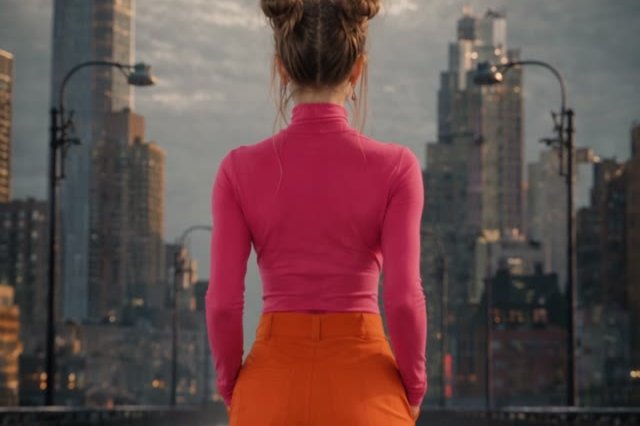
Choose a Style
20 cinematic movesDolly, orbit, crane, drone, dolly zoom — one tap each.
Your subject stays consistentEach move locks identity, clothing, scene and lighting — only the camera moves.
Free to tryUpload a photo and preview a move before you commit.
How it works
1
Upload your photo
Any subject — a person, a product, a building, a landscape.
2
Pick a camera move
Choose from 20 director-grade moves. The film-camera prompt loads for you.
3
Generate the video
We hand your photo and the move to the studio and create your clip.
What you can shoot

Push in for drama
A dolly-in drives the camera toward your subject and brakes into a close-up — instant tension.
Animate a photoOrbit for a hero reveal
Circle your subject and land on the most dramatic angle — great for people and products.
Try the orbit move
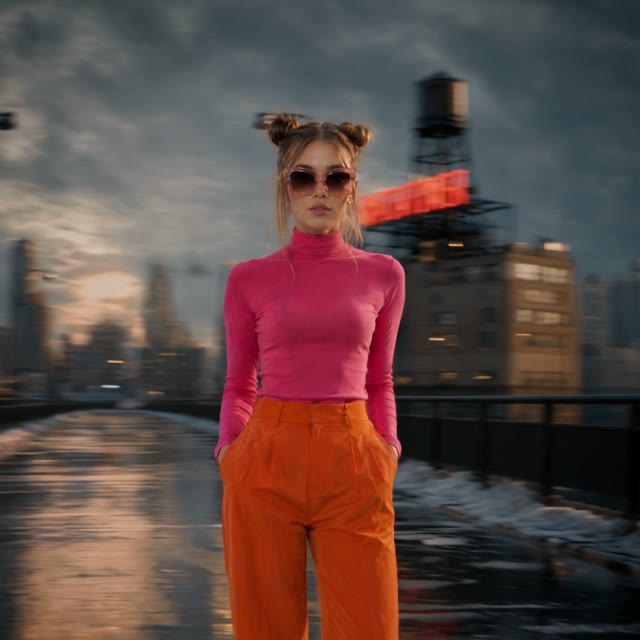
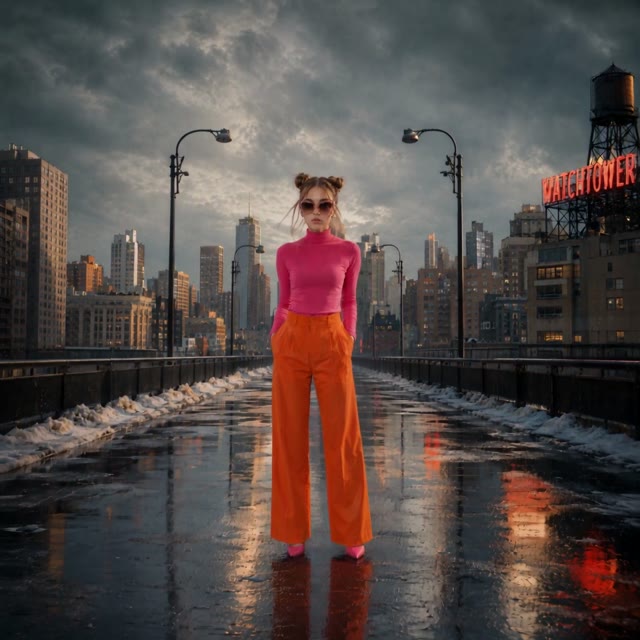
Lift off like a drone
Start low, take off, and follow from above in one continuous shot.
Try a drone shotFrequently asked questions
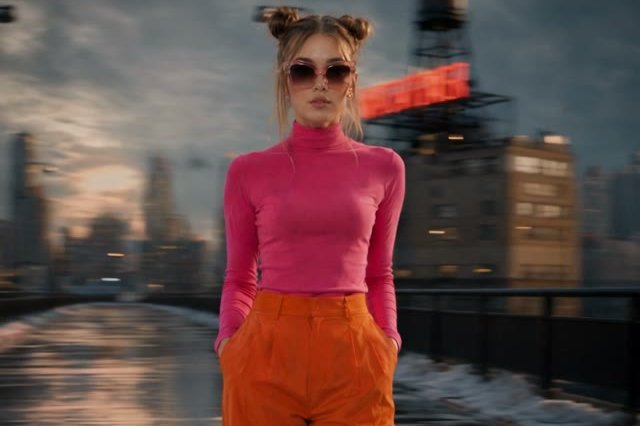
What image works best?
A clear subject with some depth in the scene — the moves use foreground/background separation for parallax.
Do I need to know camera terminology?
No. Pick a move by what you want; the film-camera prompt is already written for you.
Will the camera move change my subject?
Each move is written to keep the subject, clothing, scene and lighting fixed — only the camera moves.
Can I use it on products or landscapes?
Yes. The moves analyze subject, scene and space; they aren't limited to portraits.