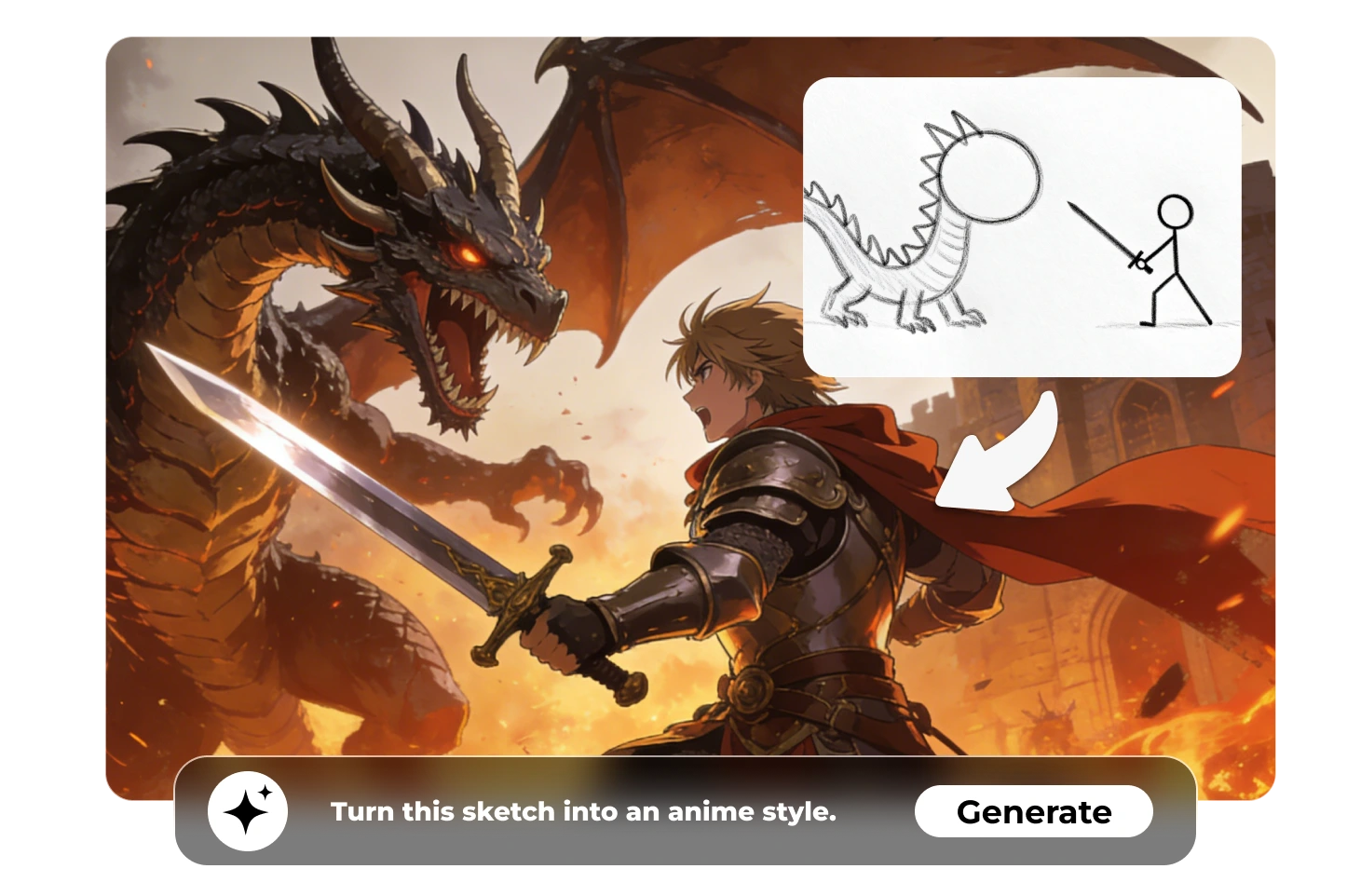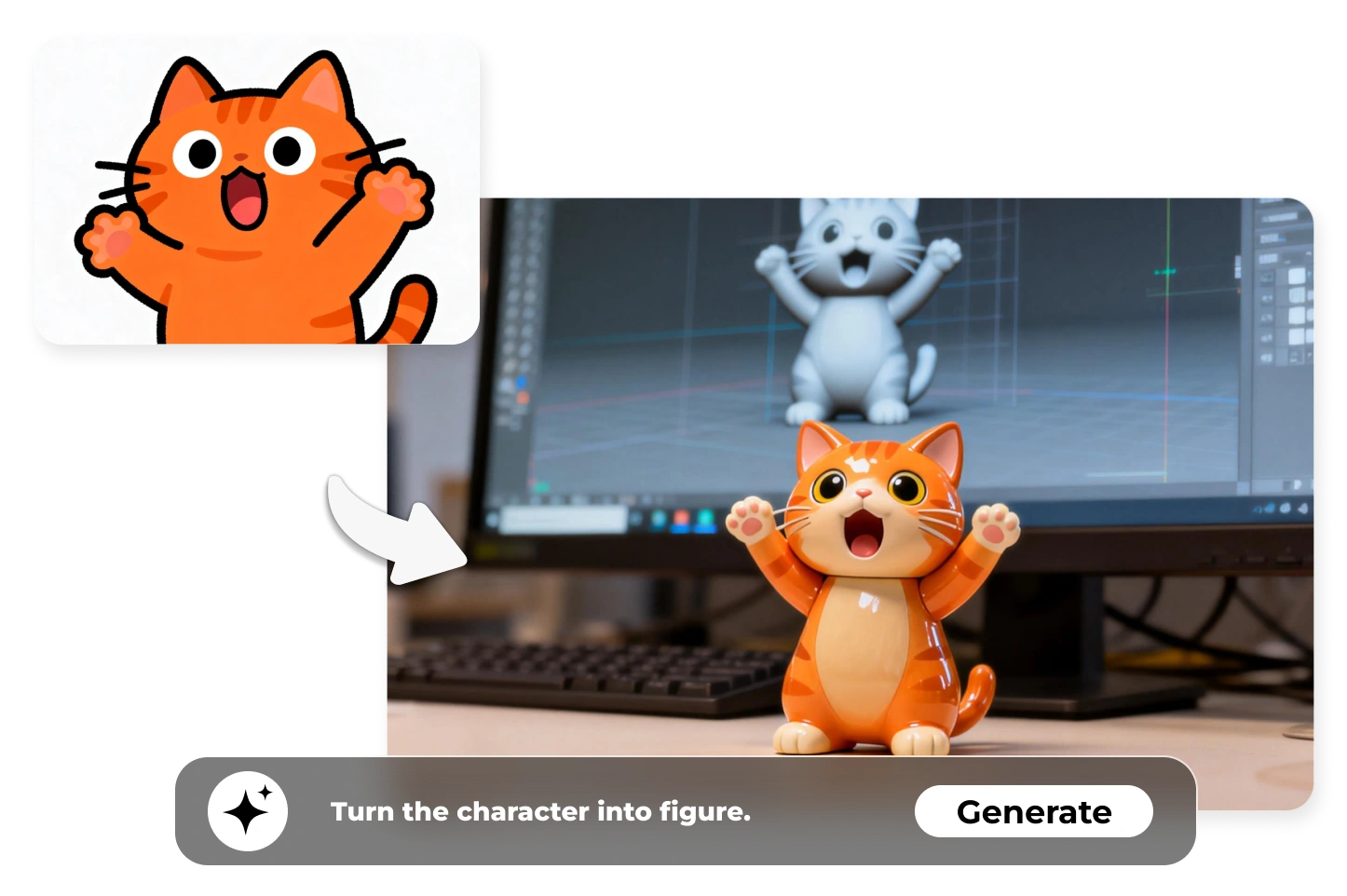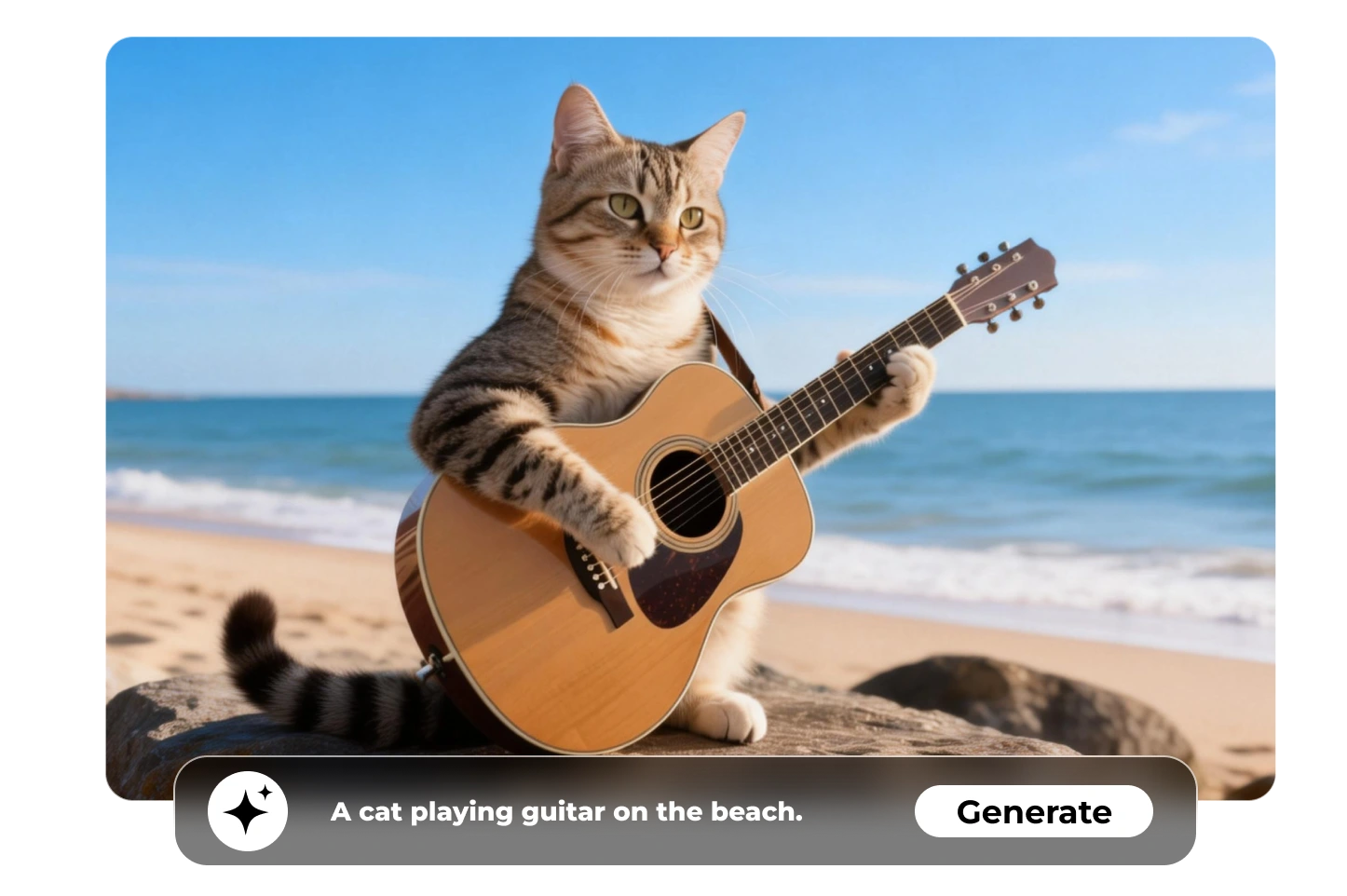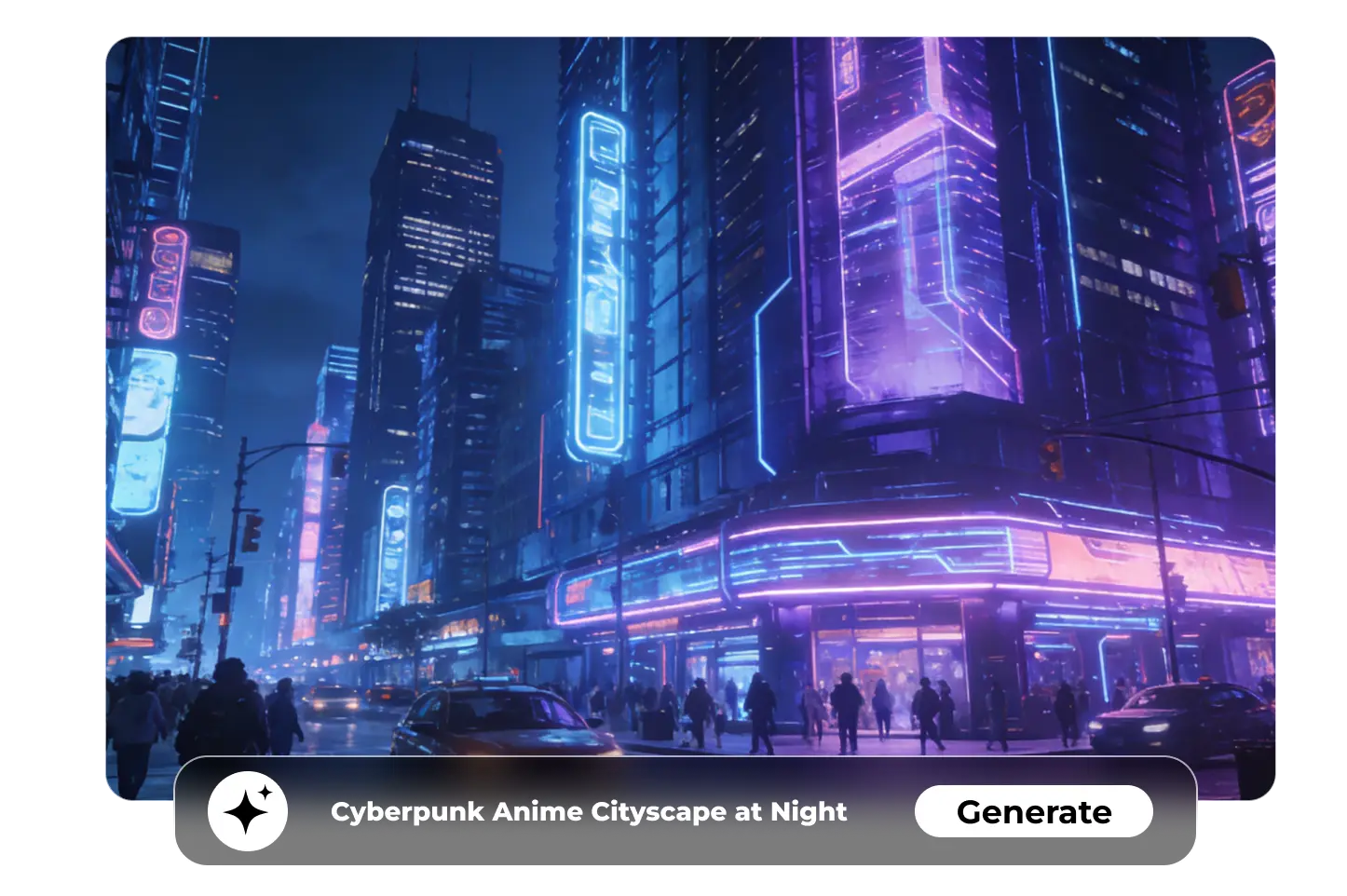
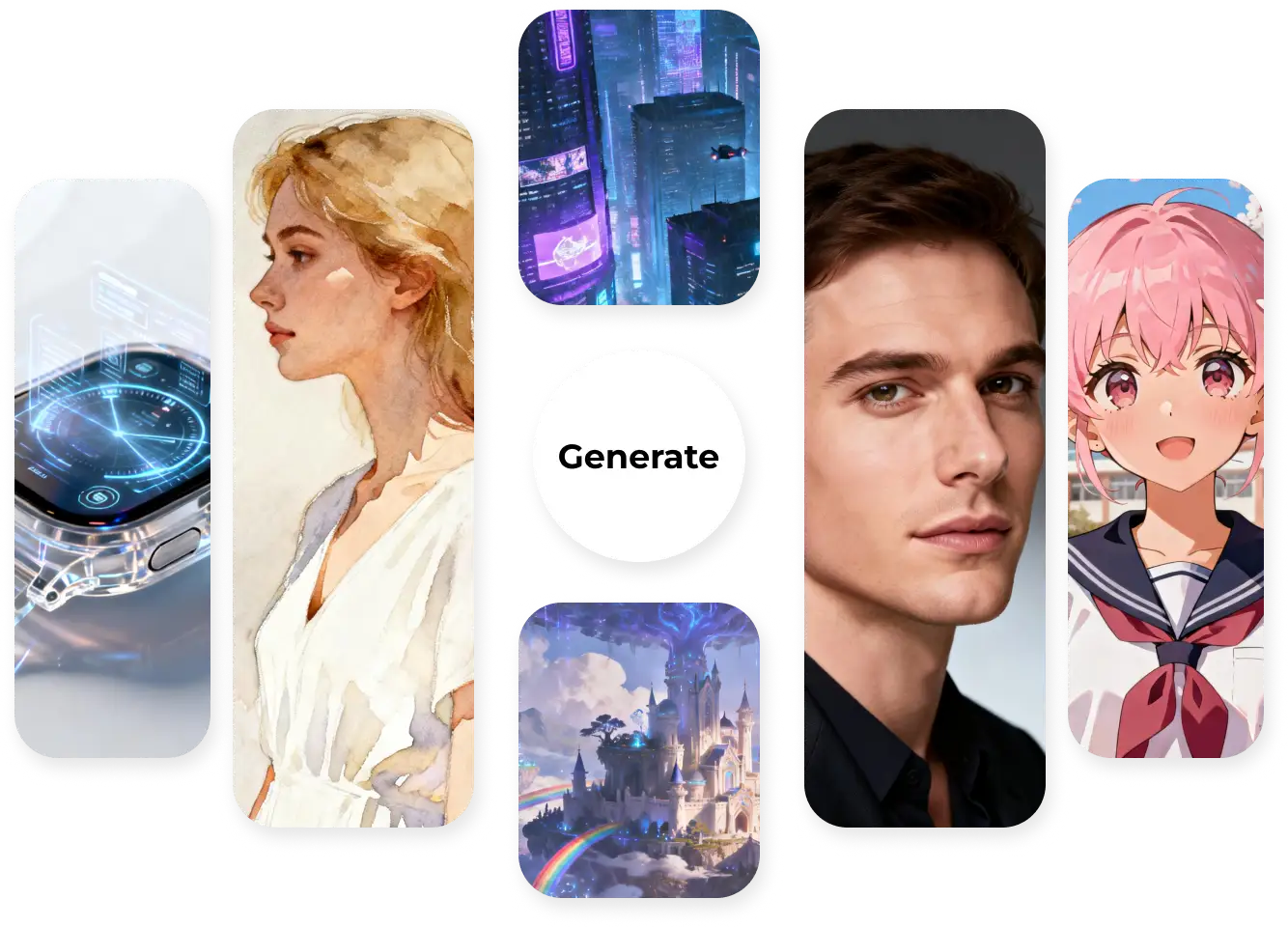


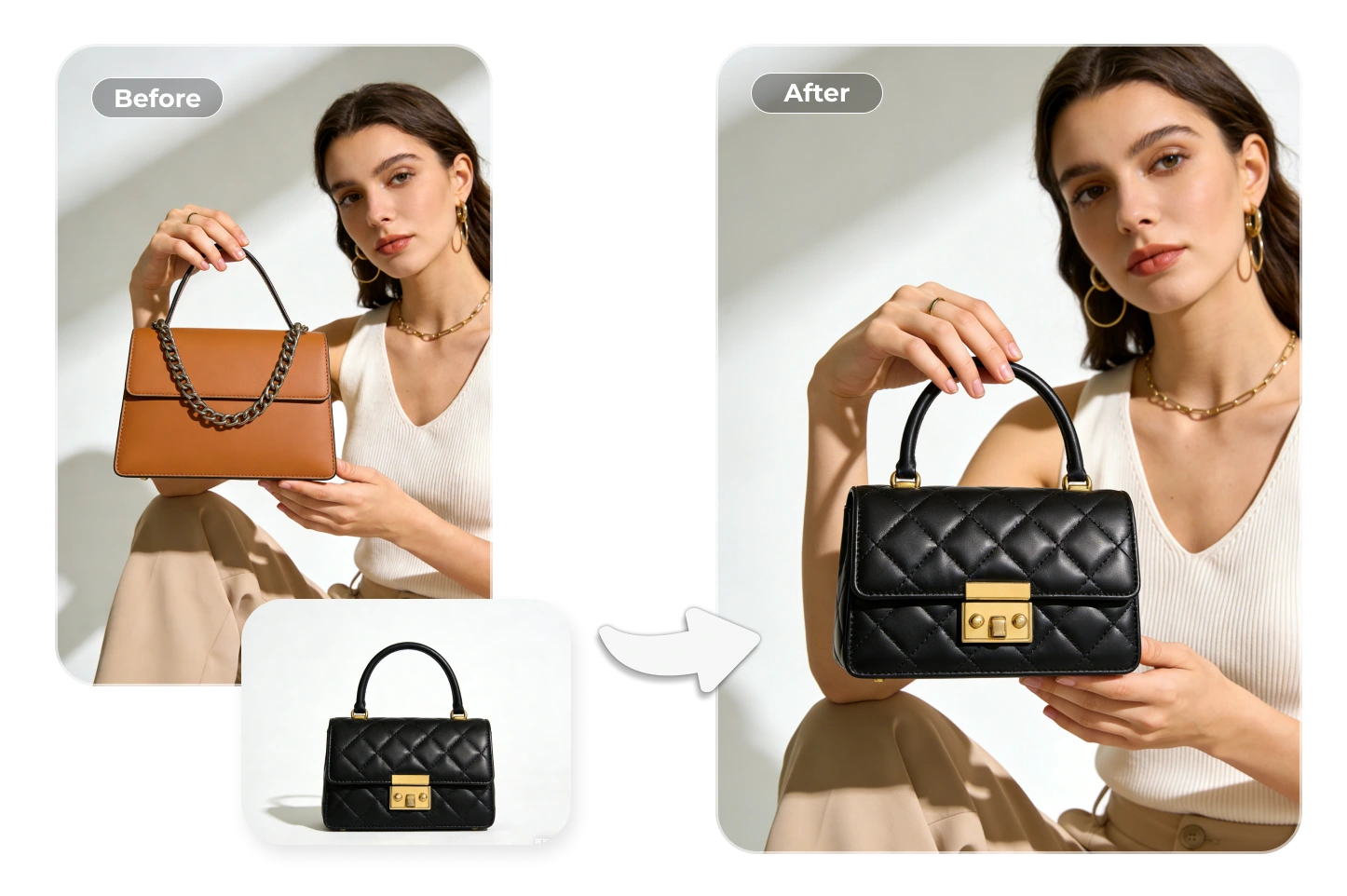
Choose Stable Diffusion on Ima Studio, click ➕ to upload your images, and then use a simple sentence to describe what you want.
One click to generate, and Stable Diffusion inside Ima Studio will instantly and steadily respond. Get your seamless results in seconds. No waiting lines; no trial and error.
Your text and images are never stored when using Stable Diffusion AI on Ima Studio. 100% safe.
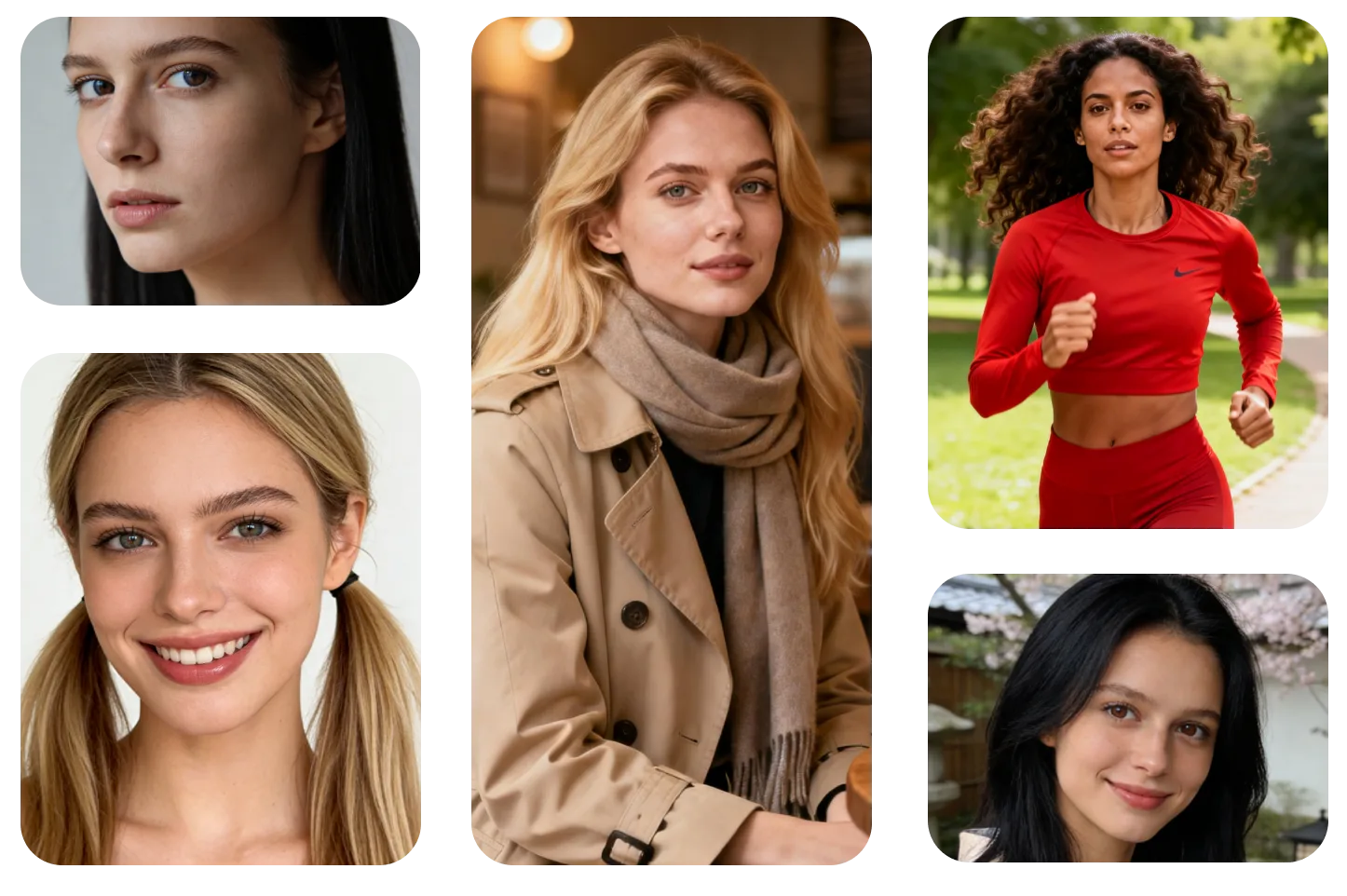
Join 1M+ monthly users who have created over 50M images and explore a database of 12M+ prompts in the gallery to follow the latest trends in AI image generation.
One click to get high-quality watermark-free AI images ready for any use. No extra edits!


Yes. You can start for free with an initial token balance on Ima Studio.
Join our Discord and verify your account to receive an extra 200 bonus tokens for image generation.
• Start here: Open the app
• Bonus: Join our Discord
Use Stable Diffusion AI image generator to start your creation on Ima Studio without cost.
Here are the current free usage limits:
Maximum size: up to 10 MB per image
Batch upload: up to 20 images at once (tokens are counted per image)
Aspect ratios: 1:1, 3:2, 2:3, 3:4, 4:3, 16:9, 9:16
You’ll always see the exact token cost before you click Generate, so you know how many free credits each image will use.
If you’re not sure which model to use, select Auto (Arena-guided). Ima Arena will compare several models on the same prompt and automatically route you to the most suitable option.
Explore more models.
Yes. Commercial use of Stable Diffusion AI on Ima Studio is generally allowed under our Terms. While exclusivity isn’t guaranteed, most outputs are commercial-ready. Please make sure that any third-party rights (such as logos, artworks, or public figures) are respected.
Learn more👉 Terms of Service
Ima Studio uses encrypted transport, strict access controls, and data minimization to keep your files secure. With Stable Diffusion AI on Ima Studio, you remain in control of your content — you can manage and delete your uploads or outputs anytime directly from your account.
Learn more👉 Privacy Policy
If you want better results, try adding details to your prompt — mention things like subject, style, lighting, colors, or composition. When using Image-to-Image, be clear about what you want to keep and what you’d like to change. Not sure where to start? Use Auto (Arena-guided) or pick a free one-click template in the Ima Studio Community for an easy first step.