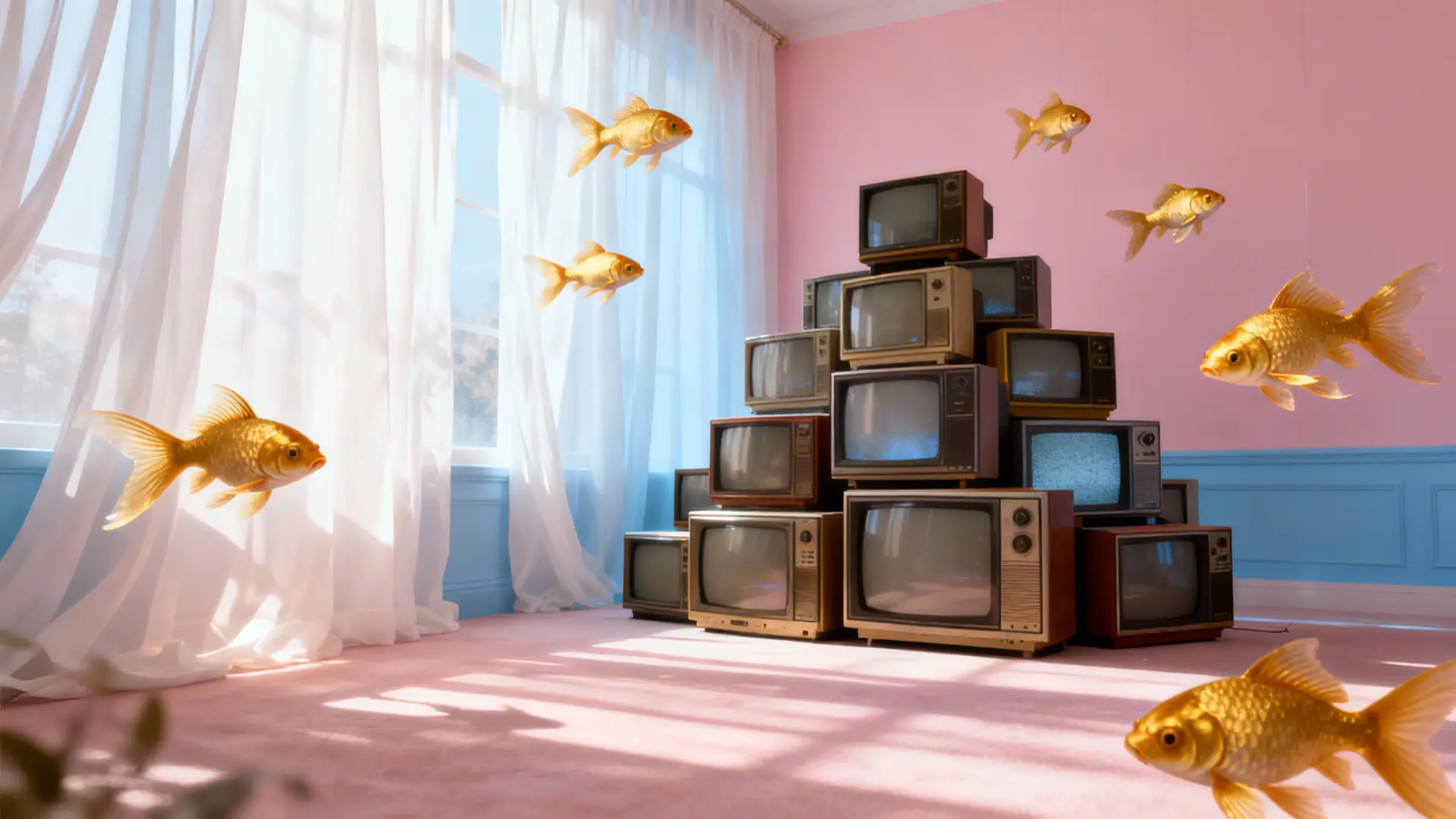
Free Seedream 5.0 AI Image Generator

Brief In, Big Idea Out
Use Seedream 5.0 inside Ima Studio to generate, refine, and remix images with 200 free credits and thousands of community templates.


Web-Referenced Generation — Ground Images in Real-World Context

Turn on Web Reference when you want images that feel informed, not generic. Seedream 5.0 pulls real-world context to keep key details more accurate—style cues, objects, places, and concepts. You get visuals that match the topic you’re describing, with fewer “close enough” guesses.

Prompt Intelligence — Seedream 5.0 Follows Your Intent

Type the vision—Seedream 5.0 keeps it on track. No more “why did it change the outfit/background/mood?” surprises. It turns messy ideas into clean, consistent outputs you can actually use. Try 4 variations, keep the best, and move on.

High-Fidelity Text-to-Image — Crisp Detail, Clean Texture, Legible Type

Need images that don’t fall apart in the final 10%? Seedream 5.0 keeps textures tidy, lighting clean, and small details consistent—so the output feels finished, not “almost.” Add titles, labels, or price tags and the type stays legible instead of turning into noise. Fewer fixes, fewer re-rolls, more publish-ready results.

Seedream 5.0 Image-to-Image: Stronger Stylization + Precision Brush Editing

Seedream 5.0 image-to-image boosts stylization while keeping your original intact. Details stay sharp where people actually notice: hair strands don’t mush together, fabric weave stays visible, metal highlights look crisp, and shadow edges stay clean. Lighting feels balanced—no weird glare, no flat “gray wash.”

Touch the Detail, Keep the Scene — Seedream 5.0 Precision Editing

Use the brush tool to paint a tiny area—an eye highlight, a logo edge, a sleeve fold, a background sign. Change only that spot: recolor the jacket, swap the accessory, erase the distraction, while the rest stays locked. Seedream 5.0 turns “one small fix” into a 5-second edit, not a full re-roll.

How to Use Ima Studio’s Seedream 5.0 AI Image Generator

Step 1 — Choose the Seedream 5.0 model

Open Ima Studio’s AI Image Generator and choose Seedream 5.0 as your model.
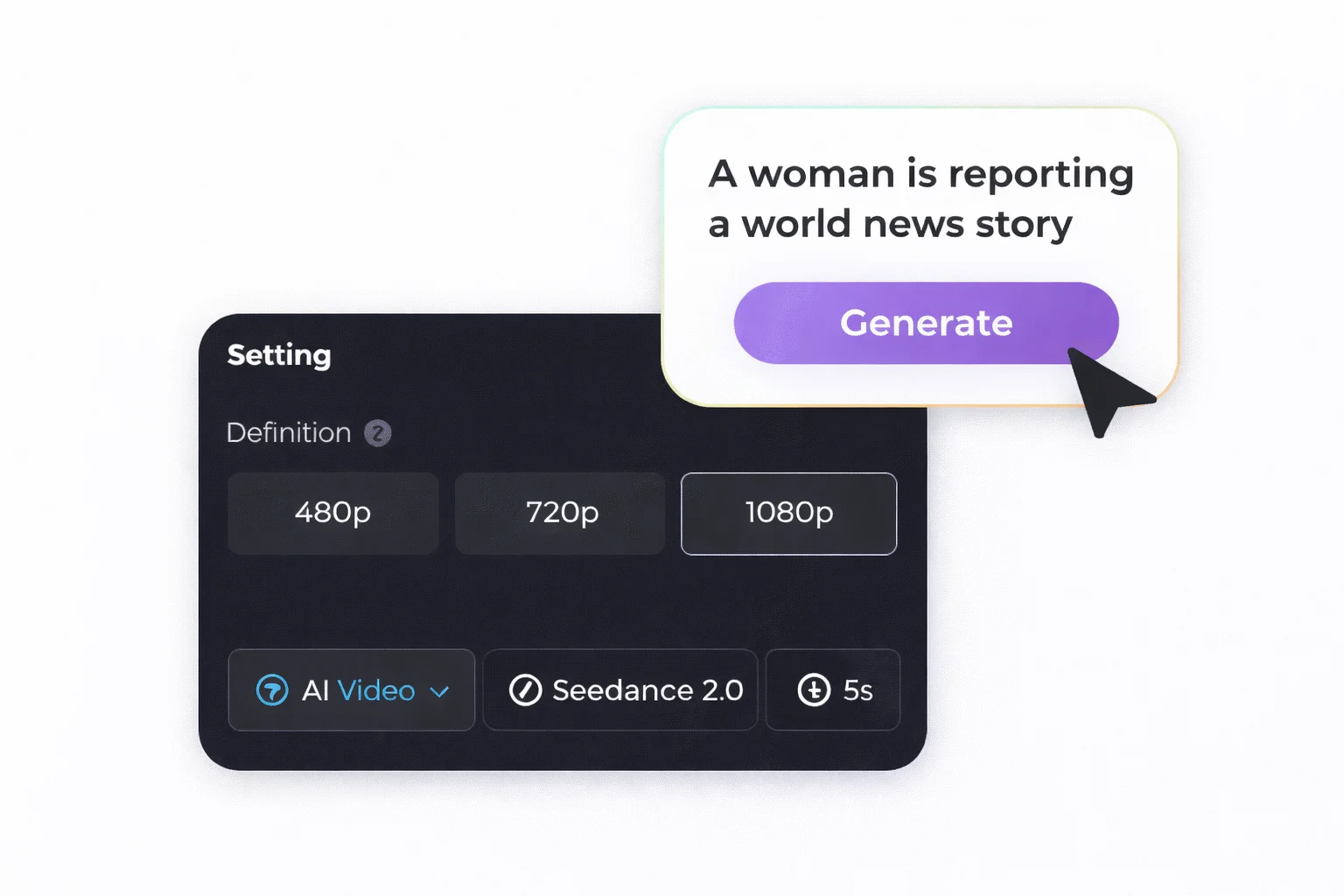
Step 2 —Upload your inputs

Add text or images. Click Generate and watch your image appear in seconds.
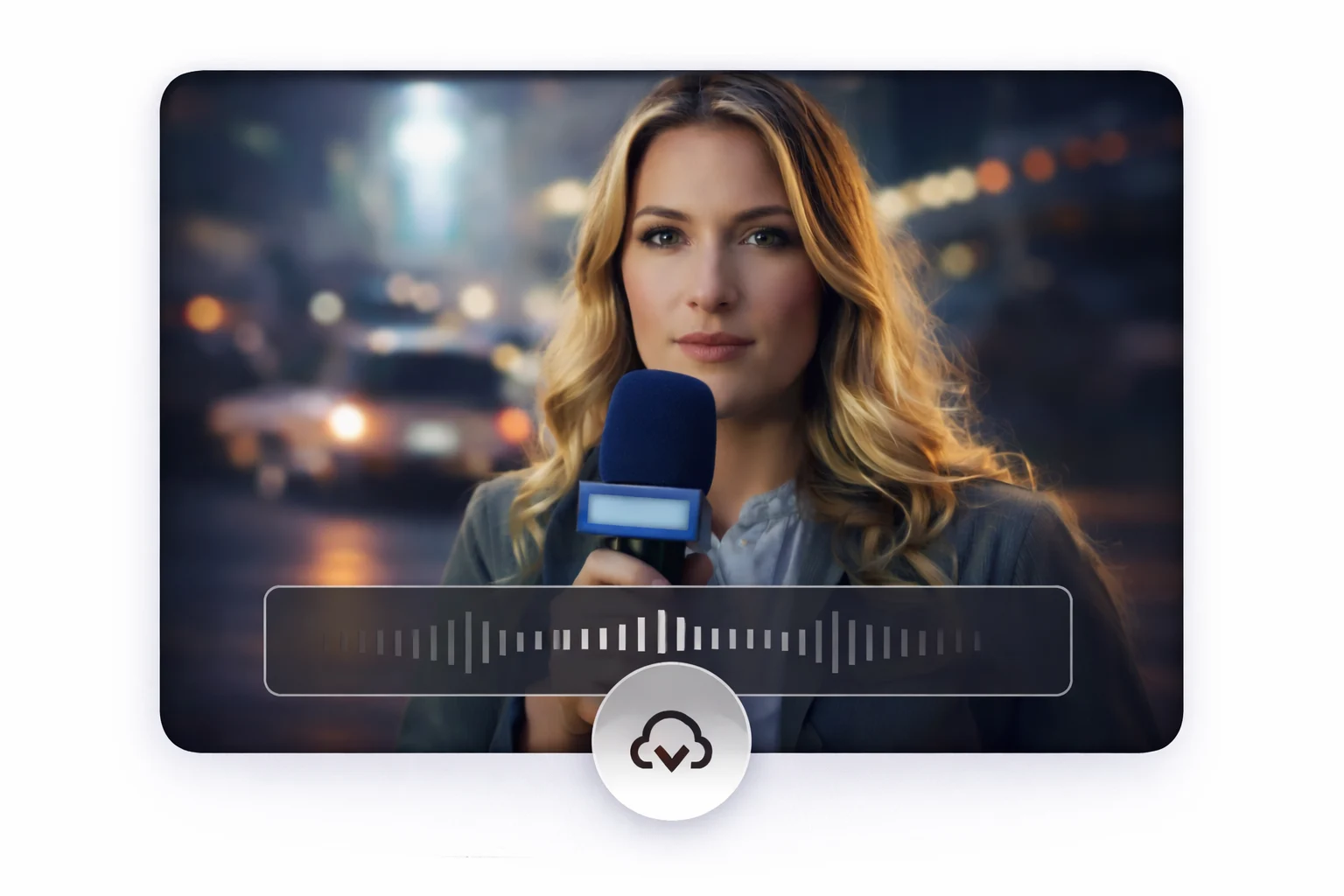
Step 3 — Generate and download

Review the result, then download your favorite version.

Why Choose Seedream 5.0 AI Image Generator on Ima Studio?

All-in-One Model Playground

Seedream 5.0 is strong—but sometimes you want a different vibe. On Ima Studio, you can generate in Seedream 5.0, then switch to another model in the same workflow without rebuilding everything from scratch.

200 Free Credits to Start

Don’t “pay to experiment.” Sign up and you instantly get 200 free credits, then keep creating by earning daily credits through simple tasks—perfect for testing ideas and iterating fast.

Template-First Creation

Skip the empty canvas. Start from thousands of community templates, swap the subject/style in seconds, and get a polished direction faster than writing prompts from zero.

Production-Ready Outputs

Ima Studio is built for shipping: generate in 2K when you’re moving fast, then export in 4K when you need that final “sharp” version for banners, thumbnails, and posters.

Control Tools in One Place

From web-referenced generation to image edits and refinements, Ima Studio puts the knobs where creators actually need them—so you can adjust, polish, and finalize without bouncing between tabs and tools.

Community Feeds Your Idea

From talking clips and manga-style motion to product showcases and mood-driven shorts, Seedance 2.0 handles a broader range of formats. It’s a good way to unify different content styles under one consistent creation workflow.


Explore Top Seedream 5.0 Creations From Ima Studio Community

Browse standout community generations made with Seedream 5.0.
Click any card to view the prompt and reuse it instantly in Ima Studio.

From Idea to “Whoa” — Seedream 5.0 Images That Ship

Ad Creative Concepts — Prompt-Following Images That Don’t Go Off-Track

Write the brief once, Seedream 5.0 stays on-script. Spin up 6–10 ad concepts fast (headline-ready layout, clean focal point, clear negative space) and pick the one that actually sells. Then A/B test like a pro—swap the hook, switch the background, tweak the mood—while your campaign look stays locked.

Ecommerce Promo Posters — Crisp Product Detail + Readable Text

Make product posters look sellable. Seedream 5.0 keeps details crisp—clean edges, believable materials (glass shine, fabric weave, metal highlights), and lighting that doesn’t wash everything out. Add promo text that stays readable at a glance: prices, badges, short headlines, “50% OFF” blocks—sharp, not smeared. Build one poster, then crank out variants in minutes: new colorway, new background mood, same product focus.

Character Sheets & World Building — Keep a Consistent Look Across a Series

Series work lives or dies on continuity. Seedream 5.0 helps your character stay recognizable across scenes—same silhouette, outfit logic, and vibe—even as you change locations and lighting. Generate a full sheet (expressions, poses, key props), then drop them into new moments like episodes.

Clean Lesson Visuals — Better Layout Control for Diagrams & Slides

Messy slides kill attention—clean structure saves it. Seedream 5.0 gives you better layout control: clear foreground/background, balanced spacing, and diagrams that don’t collapse into clutter. Make timelines, simple process flows, labeled concepts, and poster-style summaries that read in three seconds.

YouTube Thumbnails That Pop — Bold Contrast, Small-Size Readability

A thumbnail has one job: get the click at 2 cm wide. Seedream 5.0 helps you build YouTube thumbnails with bold contrast, a clean focal subject, and enough negative space for a title that stays readable. Drop in a punchy 2–4 word hook, a big face/hero object, and a simple background and let Seedream handle the rest part.

Hero Banners Without Stock Photos — Landing-Page Visuals That Feel On-Brand

Stock photos scream “template”—your hero banner shouldn’t. Seedream 5.0 lets you generate landing-page visuals that match your vibe: clean composition, brand-friendly mood, and space where copy can breathe. Ask for a specific look—minimal studio, soft gradient, cinematic lighting, bold poster style—and you’ll get banners that feel designed, not borrowed. Make a set in minutes: same brand world, different angles, ready for A/B testing.

FAQs About Ima Studio’s Seedream 5.0 AI image generator

Yes. On Ima Studio, you get 200 free credits when you sign up, and you can earn daily credits by completing simple tasks. You can keep generating as long as you have credits available in your account.
Use Web Reference on Ima Studio when your image needs real-world grounding—a place, era, object, theme, or accurate visual cues. It helps Seedream 5.0 produce results that feel informed instead of generic, especially for posters, education visuals, and film-style frames.
Yes. On Ima Studio, you can use image-to-image to keep your original composition and upgrade the look—style, detail, lighting, and mood—without starting from zero. This is ideal for turning a “close-but-not-yet” draft into a finished version.
Yes. On Ima Studio, Seedream 5.0 includes a brush edit tool for fine, local changes. You can paint the exact area you want (a logo edge, a sleeve, a sign, a small accessory) and adjust only that part while keeping the rest of the image stable.
On Ima Studio, 2K is the model’s direct output—fast and clean for everyday use. 4K is an AI-enhanced upscale step that boosts clarity and refines details for a sharper finish, which is great for thumbnails, posters, banners, and high-impact exports.
On Ima Studio, credit cost can vary depending on what you generate (for example, text-to-image vs. image-to-image, output settings, and enhancement options). You’ll see the credit usage in the workflow, so you can decide whether to run more variations or switch to a lighter setting.
Because Ima Studio lets you keep one workflow while switching models when you want a different look. You can generate with Seedream 5.0, compare results, and pivot styles without rebuilding your process from scratch—especially useful when you’re chasing a specific aesthetic.