Free AI Sketch Generator:
Turn Photos & Ideas into Sketches

Turn photos and ideas into studio-quality sketch images in seconds — online, watermark-free, and no learning curve.

Unlimited sketch generations — 4K quality, no installation needed.
Your ideas stay private — Ima Studio never stores your photos or prompts.

How to Use Ima Studio's AI Sketch Generator in 3 Easy Steps

Step 1: Input

Try text-to-sketch generation: type a simple prompt to describe the subject and style you want. Try photo-to-sketch generation: upload an image you like and use it as the main reference.
Step 2: Generate

Click once to generate. Ima Studio's AI agent will analyze your image and prompt, then automatically match the most suitable model for the task. Or manually select the model you like.

Step 3: Download

Download your sketch in 4K HD resolution for free and share it anywhere. Or click "Publish" to share it as a public template with other creators on Ima Studio.
Chat with AI Sketch Generator for Multi-Style Sketches

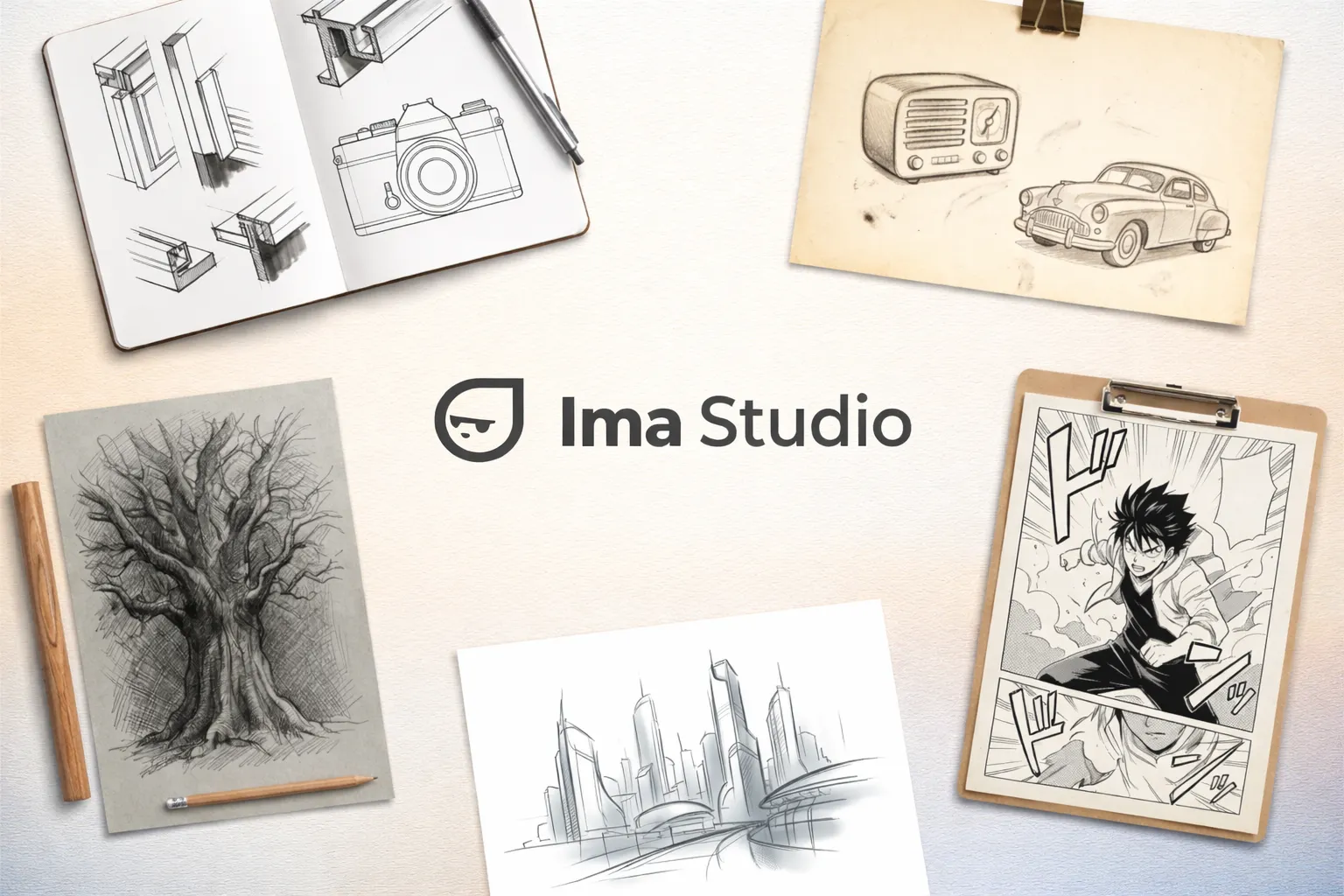
You don’t need to know which model does what. Just describe your desired art style as if you were chatting with a friend, hit send, and Ima will automatically pick the best-fit model from dozens of top-tier engines. From ink sketch and clean line drawing to retro sketch, manga line art, pencil crosshatching, and modern digital sketch, almost any sketch style you can imagine is just one click away, turning your personal ideas into finished artwork without friction.

Multi-Mode AI Sketch Workflow in One Workspace

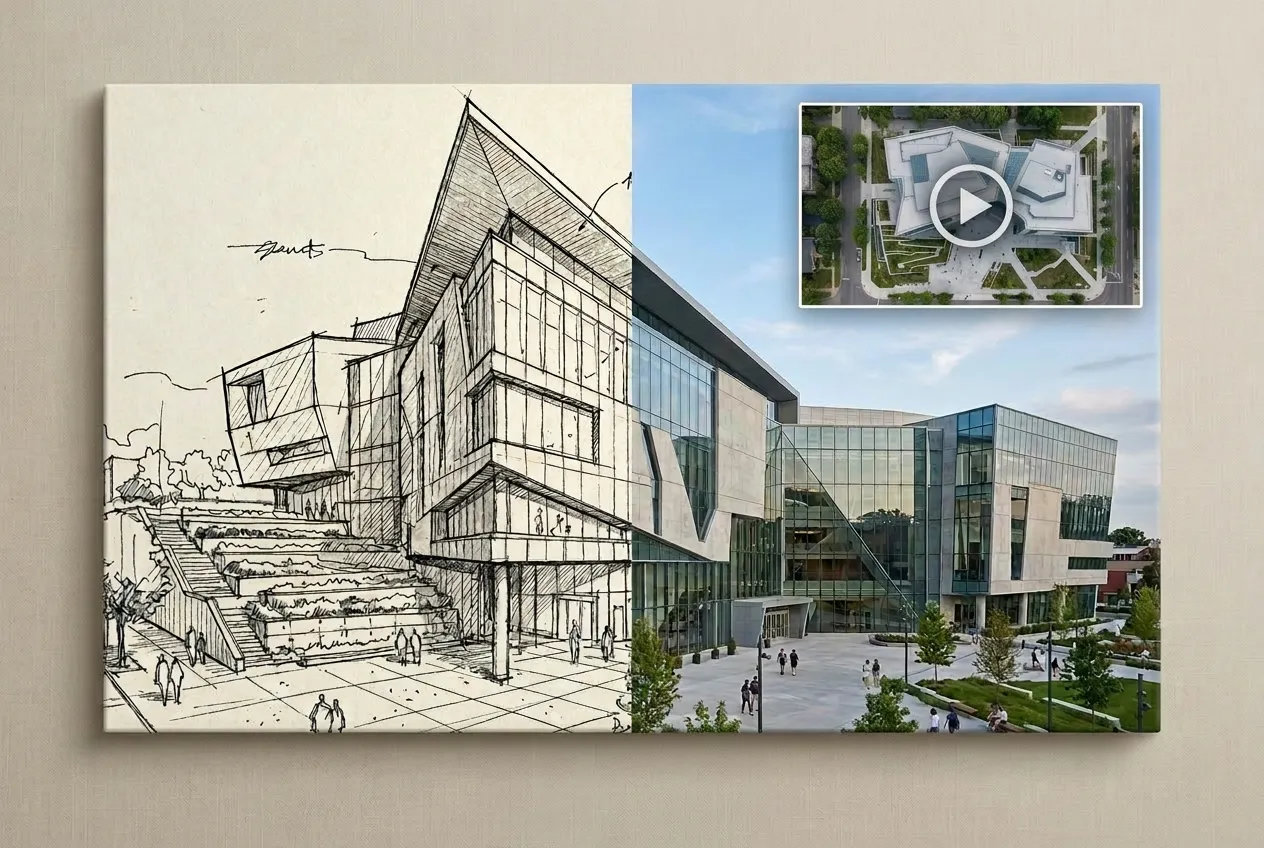
Unlike traditional tools that only convert photos to sketches, Ima also supports text-to-sketch, photo-to-sketch, and sketch-to-image or sketch-to-video, covering your entire creative pipeline end-to-end. You can switch modes in one place, chain them together freely, and keep everything in a single workspace—no app hopping, no repeated uploads. From the first spark of an idea to a finished visual, every step from concept to result usually takes just a few seconds.

Studio-Quality Photo to Sketch in Seconds, No Learning Curve

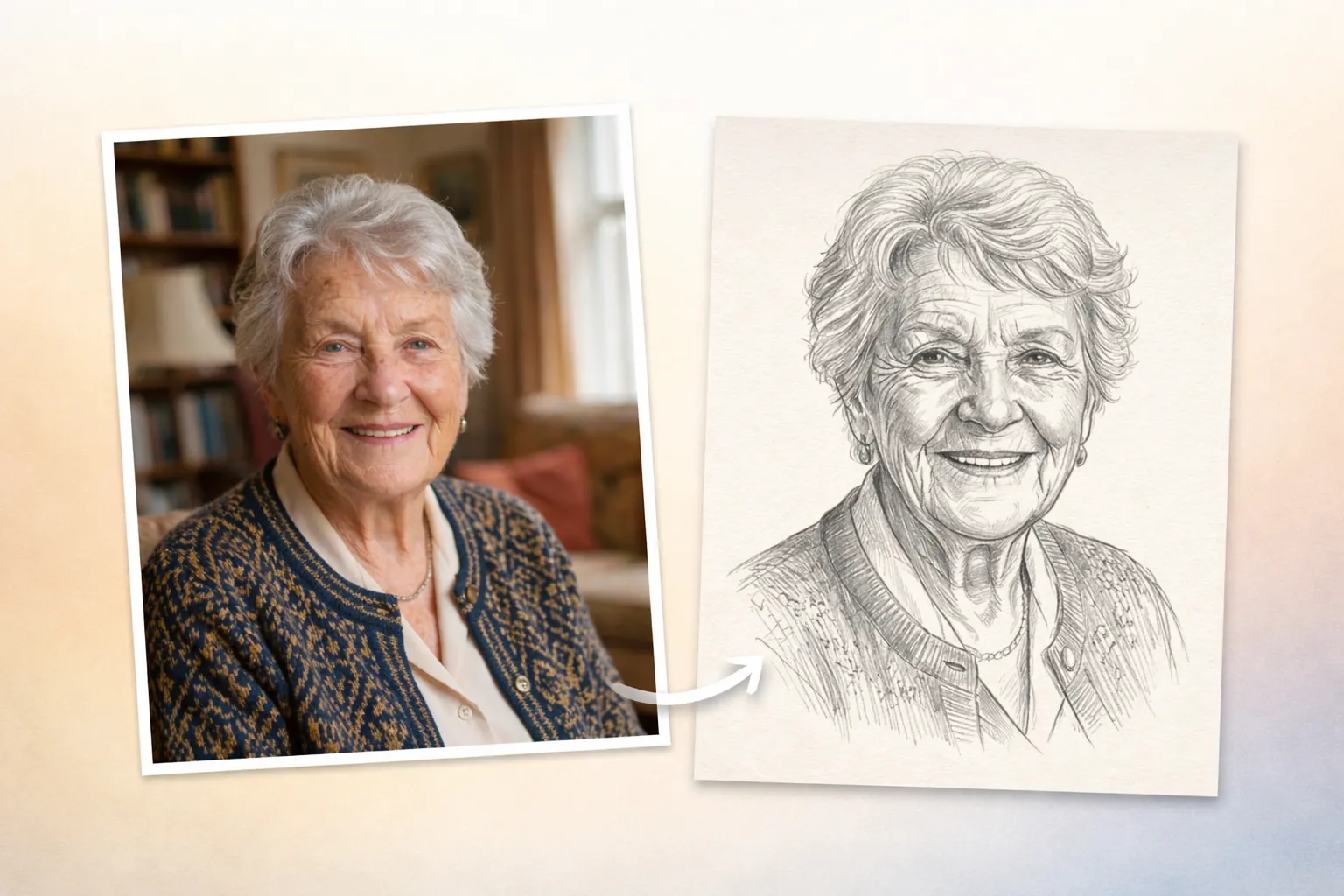
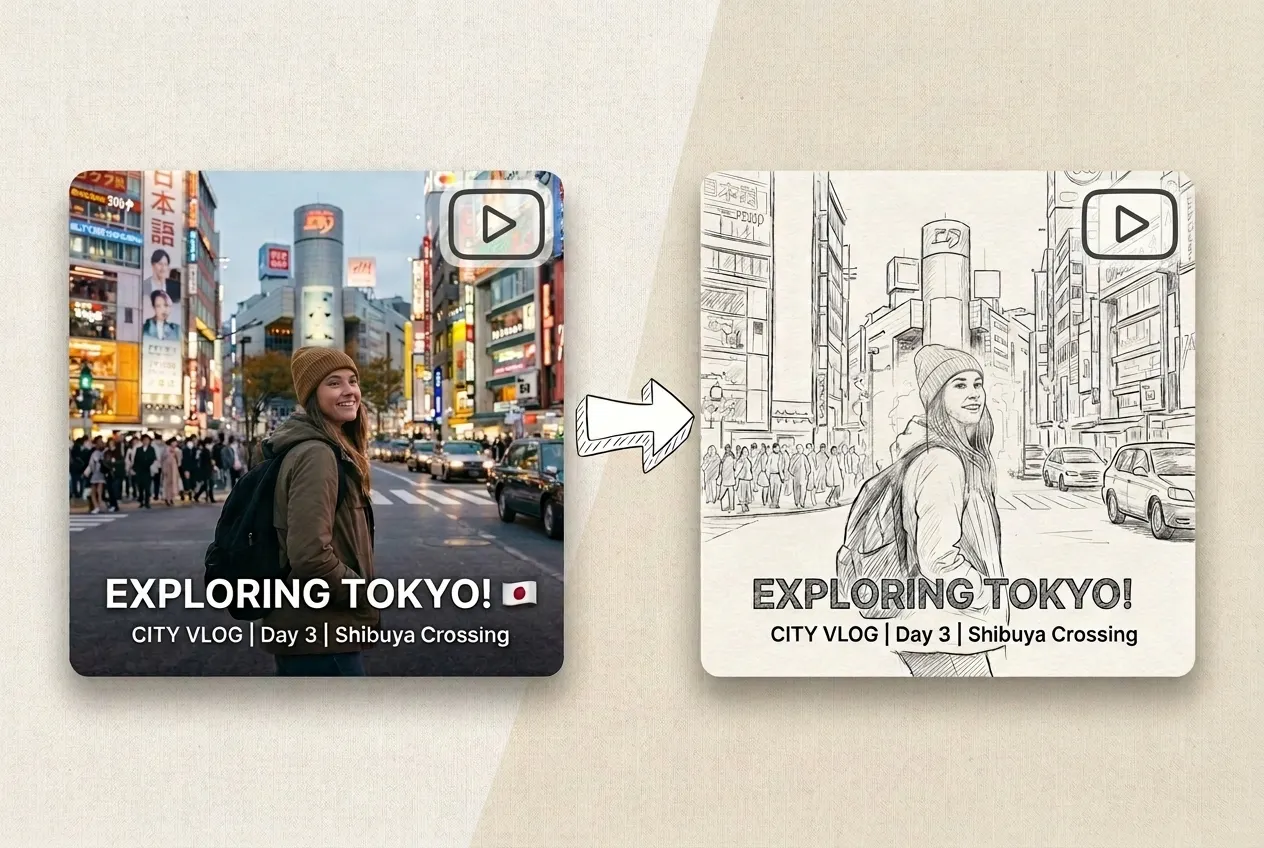
You don’t need drawing skills or complex software to get studio-level results. In just a few seconds, the AI can capture your details: fluffy hair strands, fine facial lines, fabric texture and folds, and translate them into the sketch. The lines stay clean, the structure stays solid, and the textures feel true to life, making the final sketches professional enough for client decks, hero posters, or social media campaigns.

Get Inspired — You Can Use Ima Studio's AI Sketch Generator for:

Photo to Sketch Avatars for Social Media

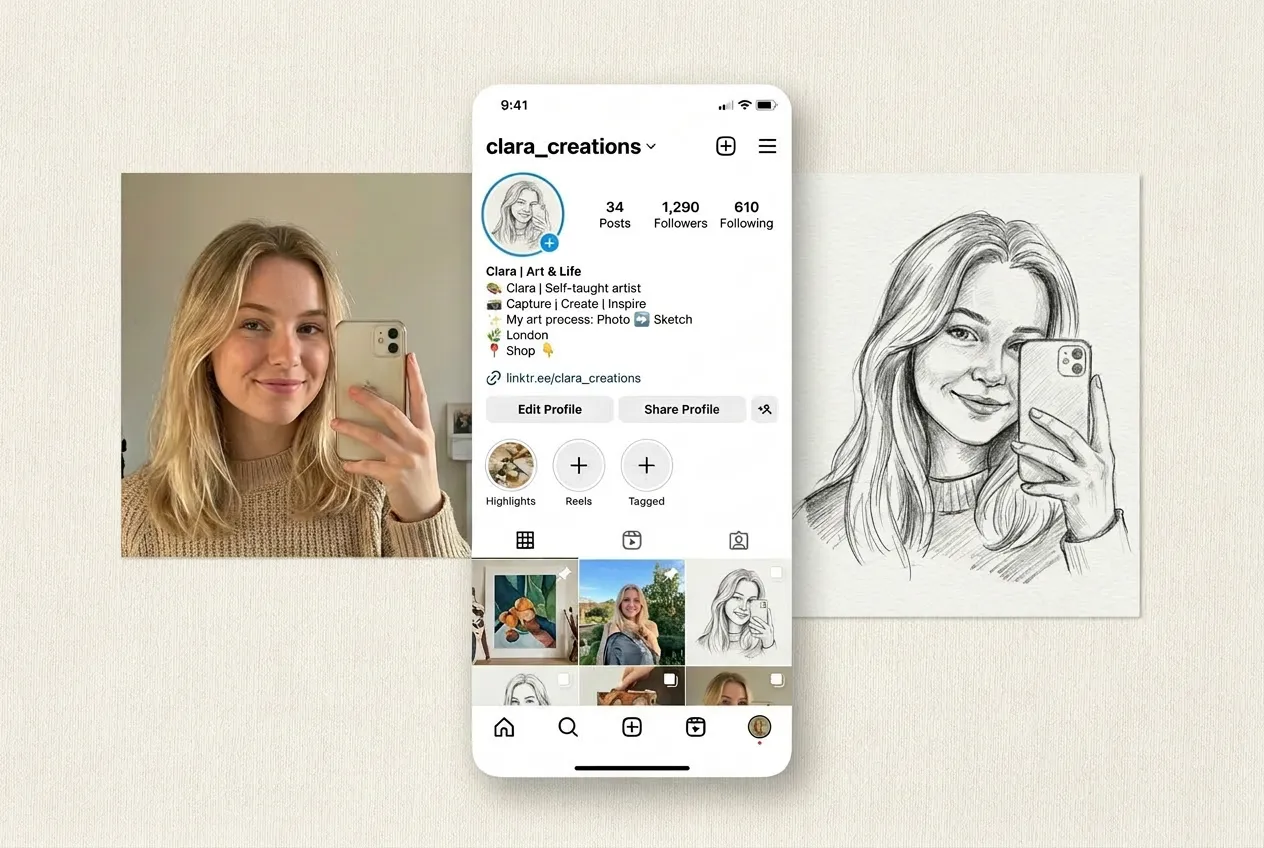
Turn your selfies into artistic sketch portraits and use them as avatars on Instagram, X, YouTube, or messaging apps. A sketch avatar feels more unique and timeless than a regular photo, and different sketch styles can reflect your mood, aesthetic, and personal brand.

Inspiration Sketches for Tattoos, Games, Interiors & Fashion

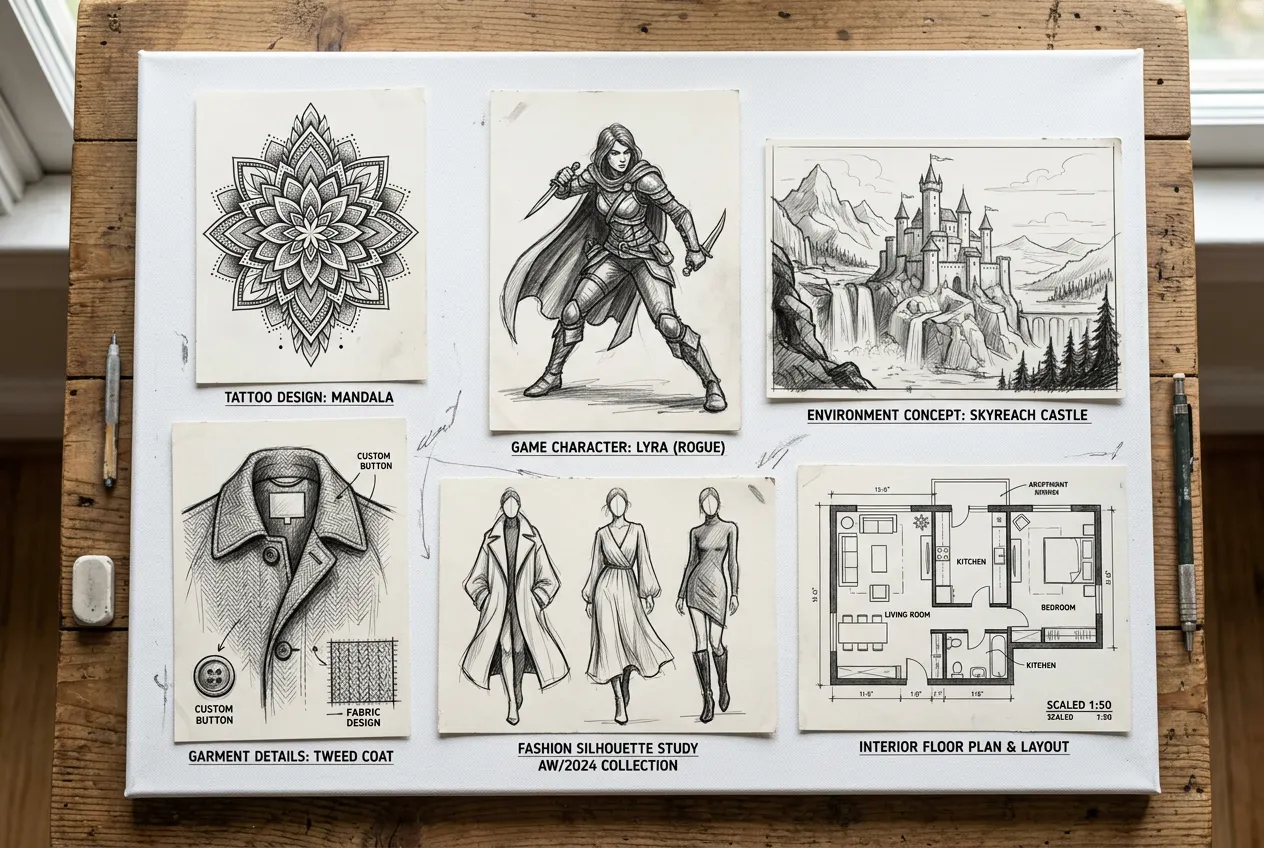
Turn your abstract ideas into sketch concepts in seconds. From personal tattoo designs, game characters and environments, room layouts and interior plans, fashion silhouettes and garment details. Generate quick sketches with AI to preview the overall look, explore variations and share clear visuals with designers, teammates or clients.

Sketch-Style Vlog Transitions and Visual Rhythm

Convert your video frames into sketch-style clips and use them as transitions, intros, or outros in your vlogs. Switching between normal footage and sketch segments adds visual rhythm, creates a storyboard-like feel, and helps your content stand out in crowded feeds.

Keepsakes & Gifts with Custom Sizes and Formats

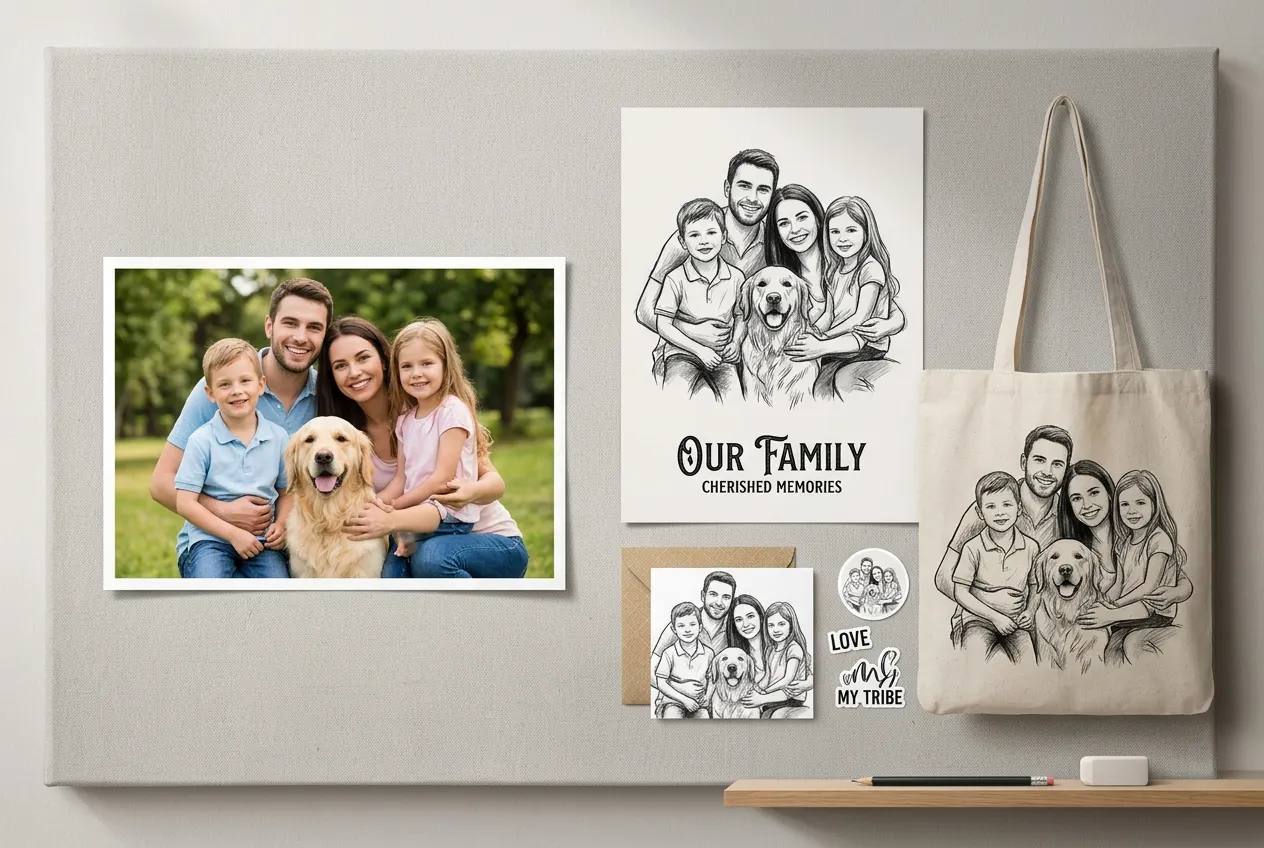
Turn your family portraits, wedding photos, or pet pictures into sketch artwork, then customize the size and medium: posters, canvas prints, greeting cards, stickers, tote bags, and more. These sketch-based pieces make thoughtful keepsakes and gifts for family, partners, or friends—much more memorable than a regular photo print.

Why Choose Ima Studio's Banner Generator?

Stable on Any Device

Browser-based and installation-free, Ima Studio runs smoothly on desktop, tablet and mobile for fast, reliable sketch generation anywhere.

Safe & Private

Your uploads and results are processed securely. You decide what to keep, download, or delete at any time.

100% Watermark-Free

Download high-resolution sketches with zero watermarks and no hidden limits. Every image is ready to print, share, or edit as soon as it is generated.

FAQs About Ima Studio's AI Sketch Generator

Not at all. Ima Studio is designed as your intelligent media agent, so it helps you create sketch-style artwork even if you’ve never drawn before. Just upload a photo or type a prompt, choose a style, and let the AI handle the drawing. Besides, you also don’t need complex prompt skills. Just create by chatting.
Open Ima Studio in your browser, choose the AI Sketch Generator, upload your image, and describe a sketch style. Click generate, and the system will convert photos to sketch online for free in a few seconds. You can then refine styles, regenerate different versions in one chat, and download in high resolution.
Most photo to sketch tools give you only fixed styles and preset settings you cannot change. Ima Studio is different. It chooses the best model from 10+ top AI models and lets you control prompts, styles, and details. You can run text-to-sketch, pure photo to sketch, or use sketches as input for further image and video creation, so your results are cleaner, more accurate, and fully customizable.
You can use them to test the AI sketch generator and convert a photo to a sketch online for free, as well as try other AI tools admired by hundreds of thousands of creators, like AI Wallpaper Generator, Chat with Image, AI Emoji Generator, and more. If interested, you can also check out Ima’s events, including Nano Banana Pro Creative Challenge and AI Short Film Challenge.
In most cases, yes, especially for your own photos or original prompts. For commercial use, please always check Ima Studio’s Terms and Conditions and make sure any third-party content you upload is allowed for commercial projects.