











Free Runway AI Video Generator
Create Cinematic AI Videos Instantly
Experience Runway‑level AI video generation powered by Ima Studio’s multi‑model agents. Access Runway Gen‑4 and Gen‑4.5 directly or let Ima’s router auto‑select the best model for your idea — all with transparent provenance and commercial‑ready outputs.
Runway AI Video Generator Highlights
What is Runway AI Video Generator?
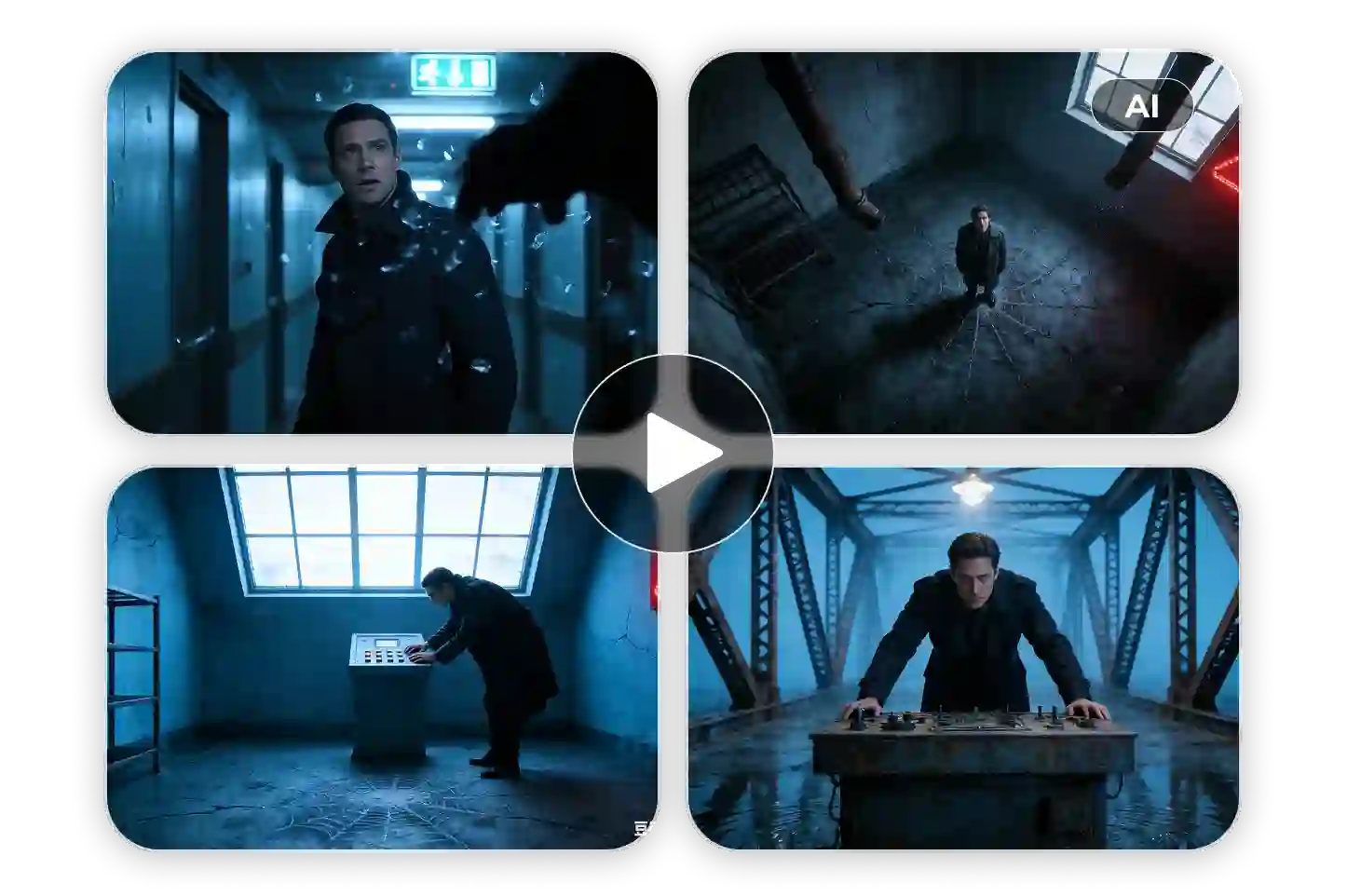
Runway AI Video Generator lets you create cinematic videos using Runway Gen‑4 or Gen‑4.5, directly integrated with Ima Studio’s agent workflows. It supports text, image, and video prompts while automatically routing to the model that delivers the best quality for your idea.
To simplify creation, Ima Studio also provides hundreds of pre‑built templates across cinematic, product, learning, and social video categories.
Audio‑Synced Acting & Natural Motion
Scene‑Level AI Video Generation (Multi‑Shot Continuity)
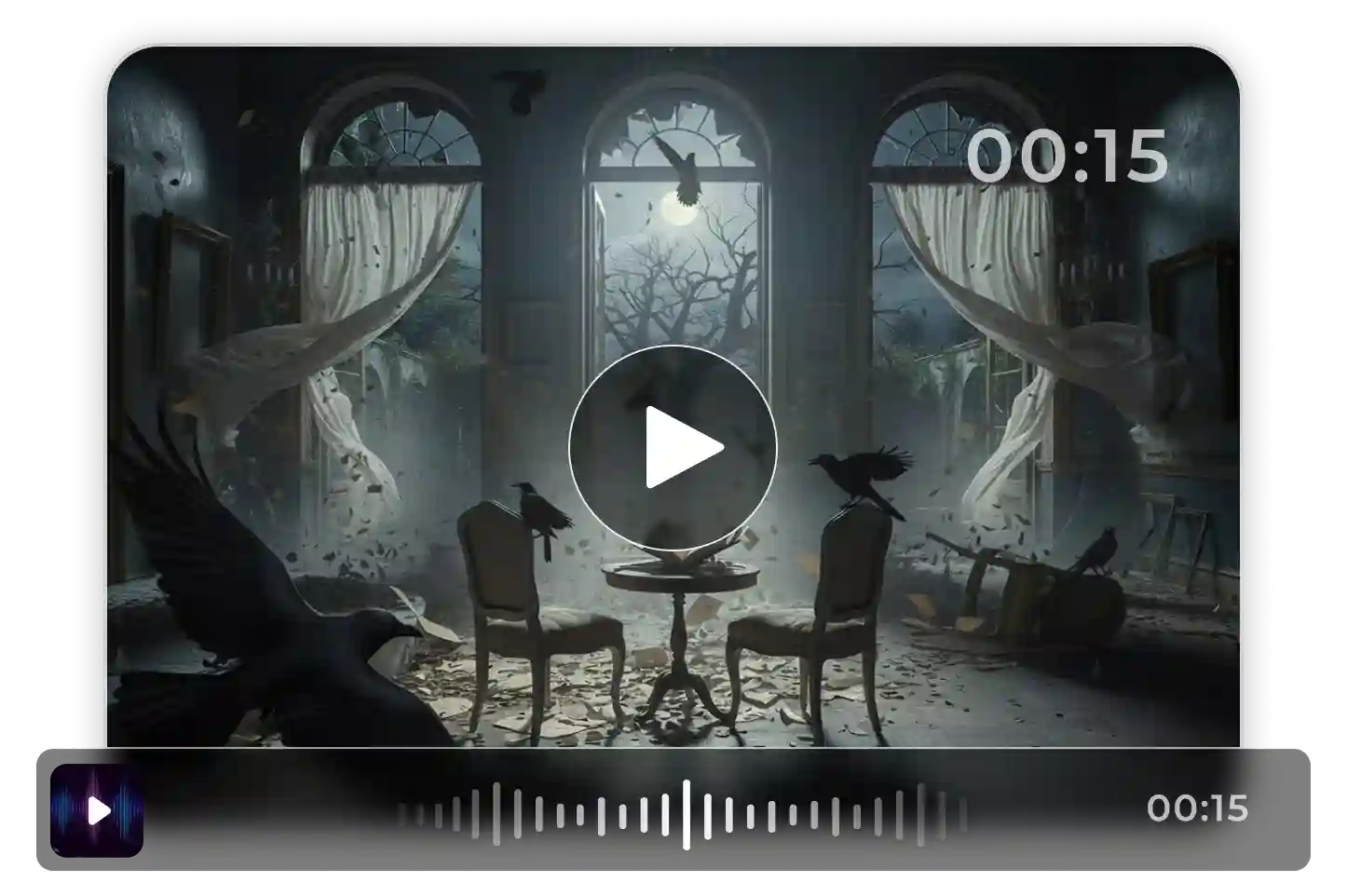
Extended Cinematic AI Video Generation (Up to 16s)
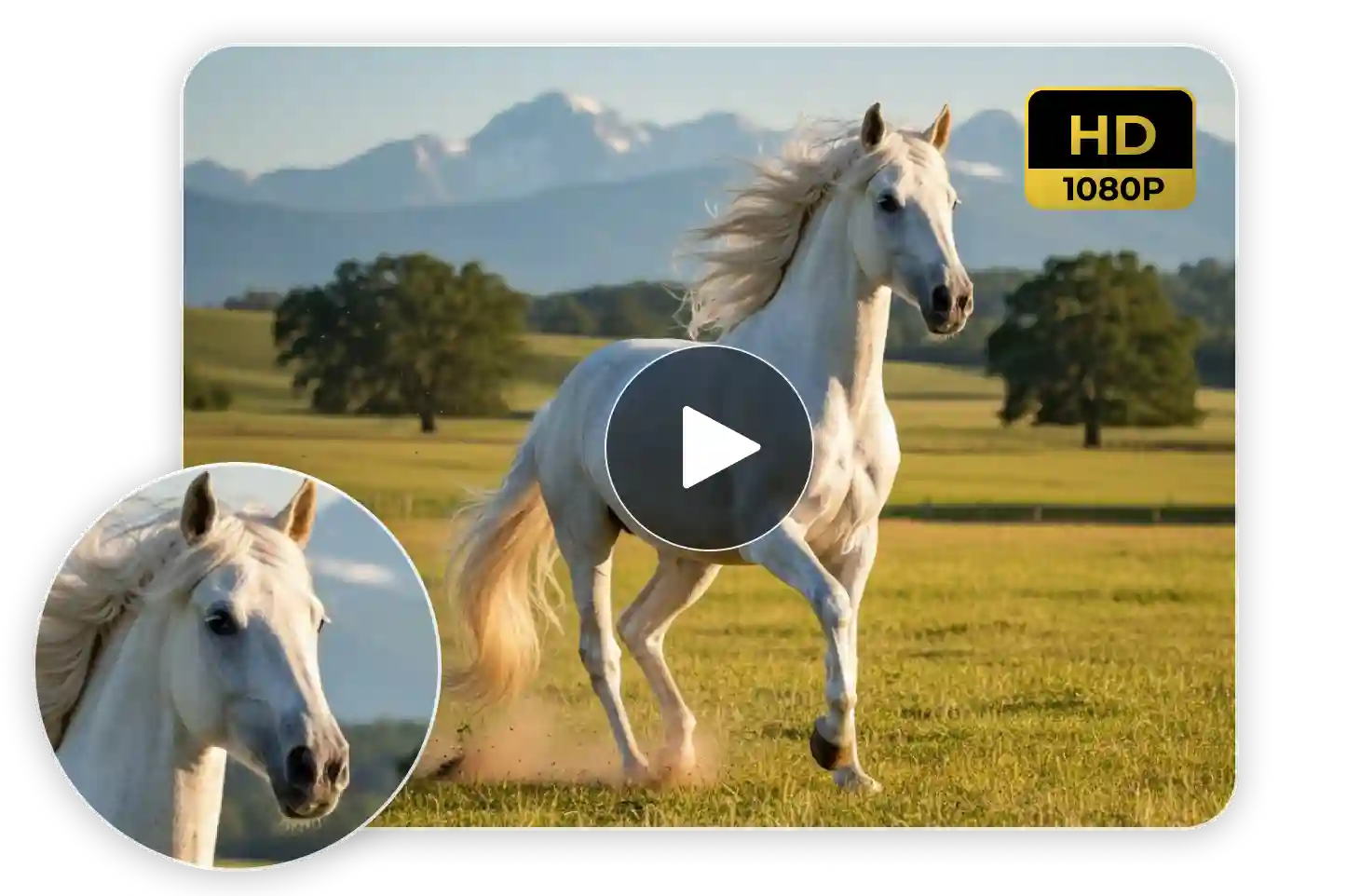
Stable High‑Fidelity Output
Reference‑to‑Video Consistency (Character, Motion, and Style)
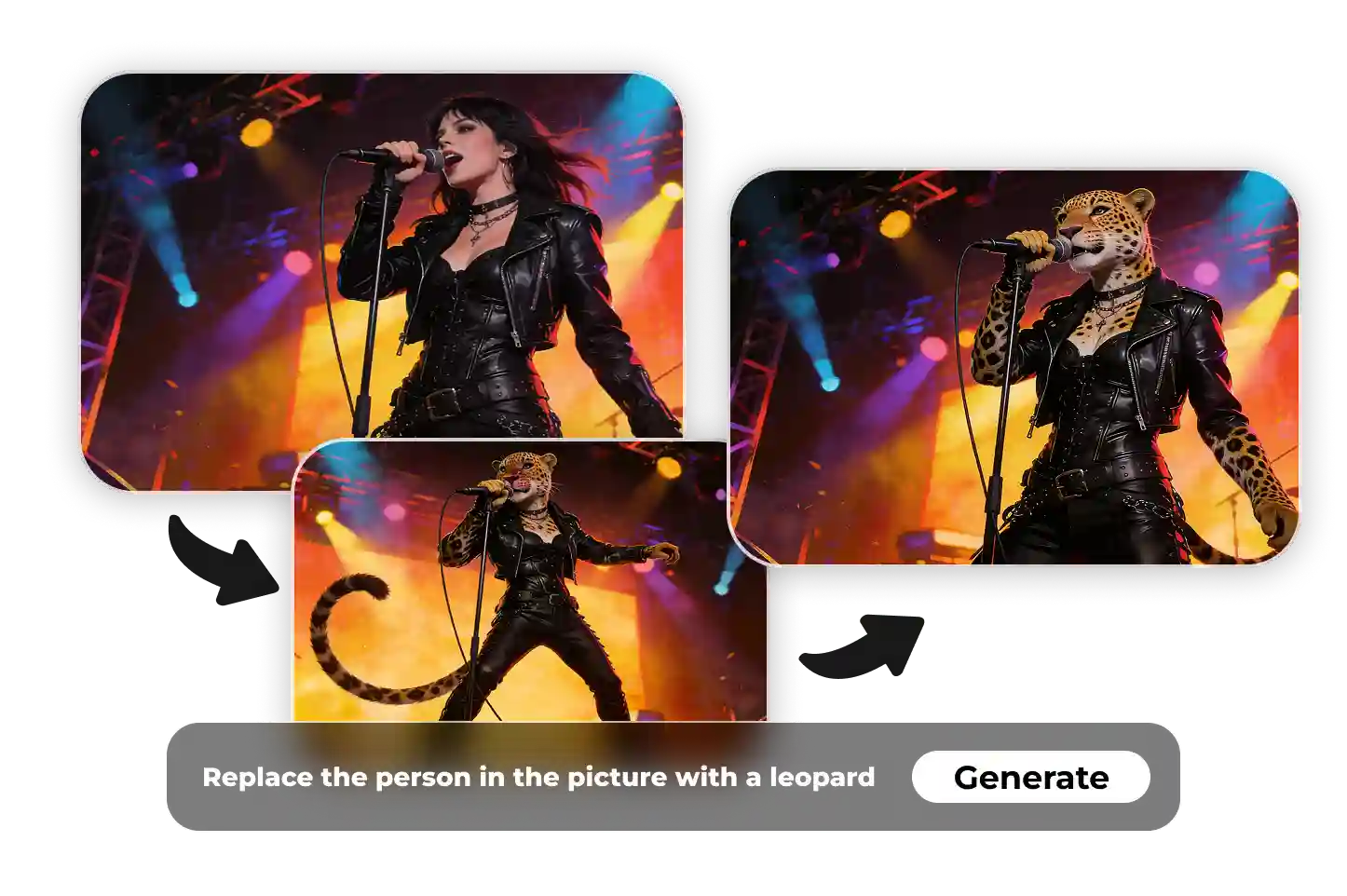
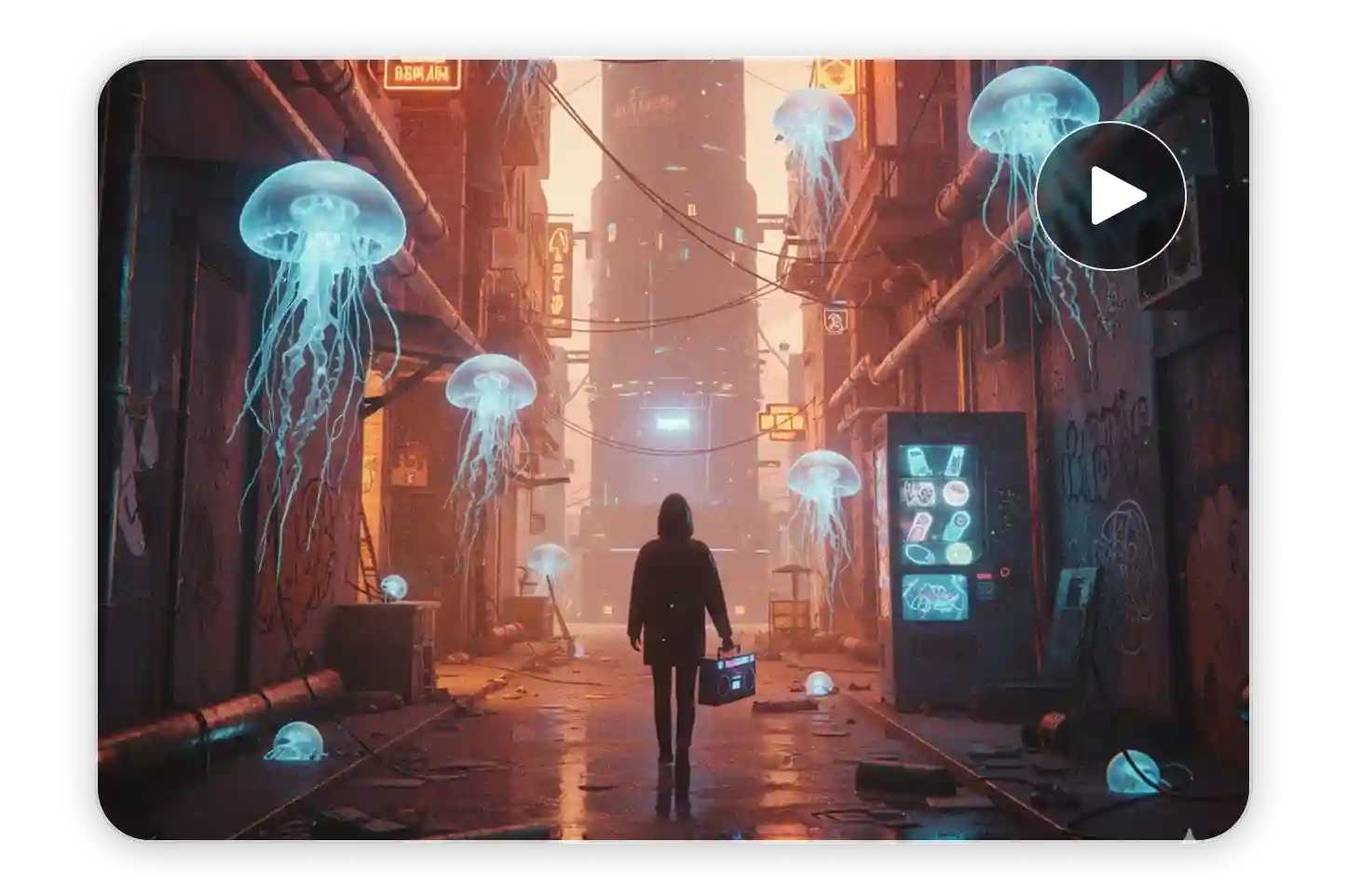
Built for Professional‑Grade Video Creation
How to Use Runway AI Video Generator on Ima Studio
Step 1 — Choose Runway or Auto‑Route Mode
Select Runway Gen‑4 or Gen‑4.5, or choose Auto to let Ima’s router benchmark your prompt and select the best model automatically.
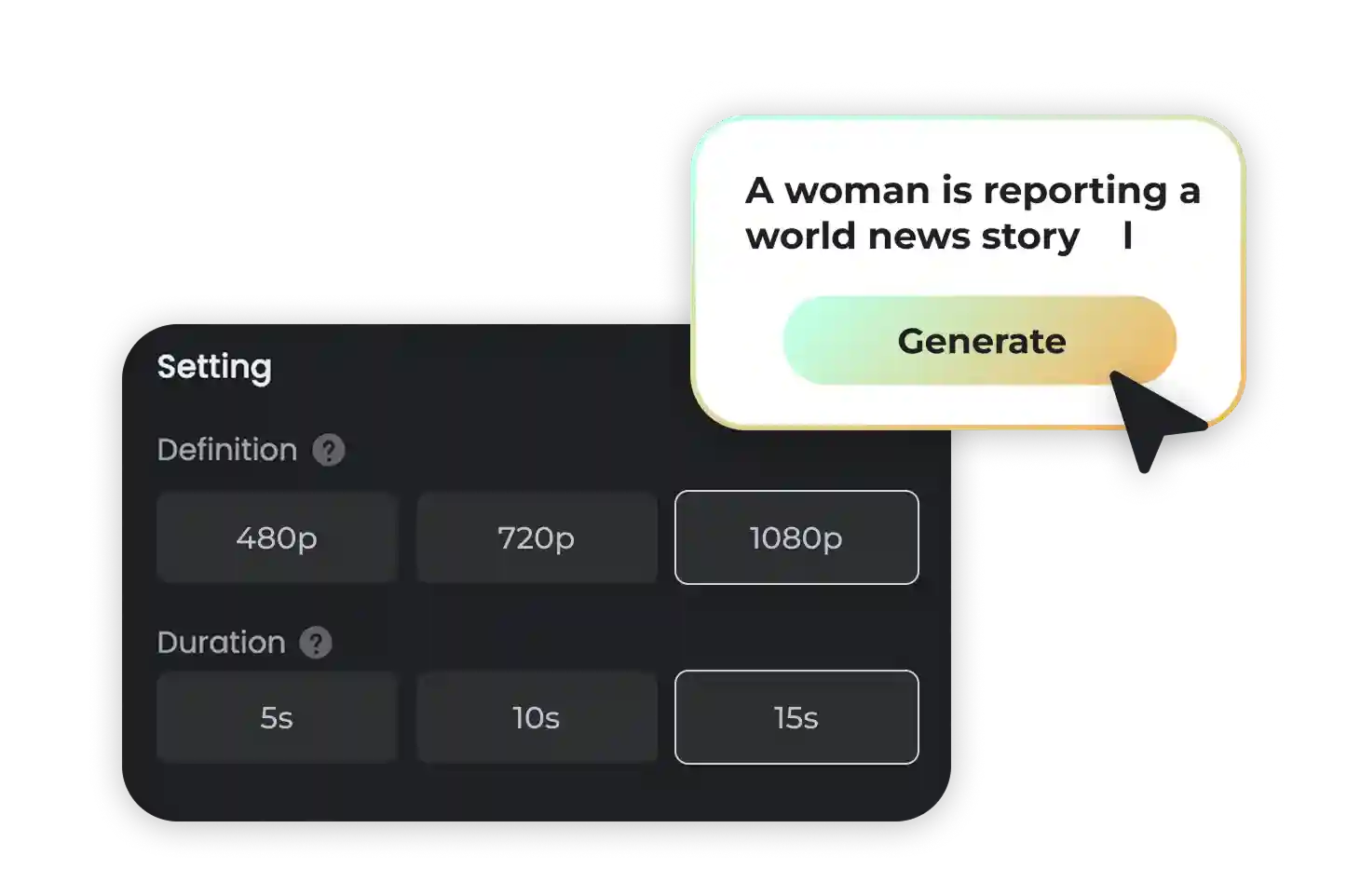
Step 2 — Add Your Prompt or Reference
Use text, image, or short video references. Runway AI adapts automatically and prepares the best settings for cinematic pacing and natural motion.
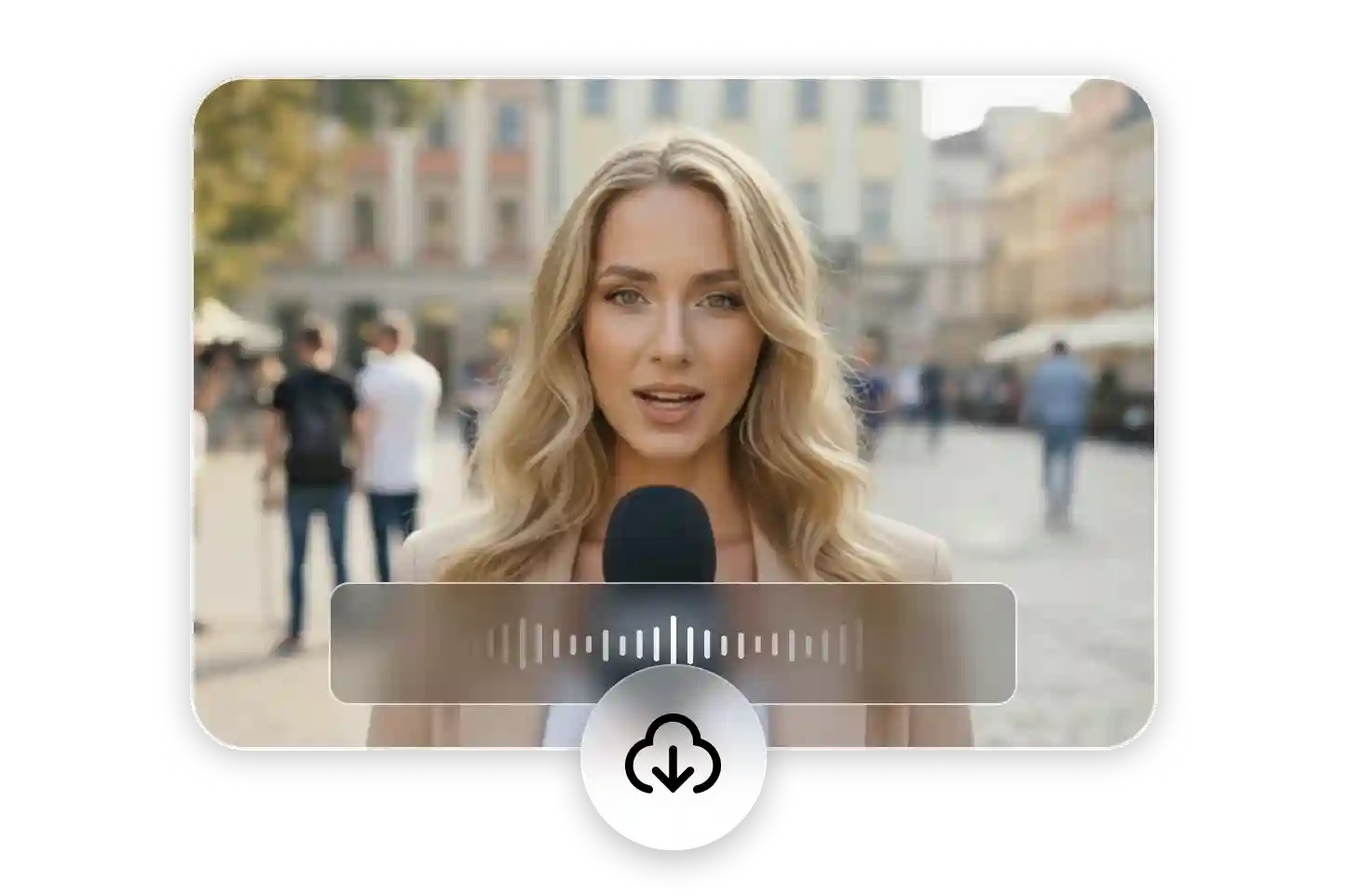
Step 3 — Generate, Refine, and Export
Click Generate to preview your video instantly. You can trim, upscale, or add sound before exporting watermark‑free HD or 4K footage ready for use.
Why Choose Runway AI Video on Ima Studio?
Multi‑Model Smart Routing
Ima’s agentic router evaluates your prompt and automatically picks the top‑performing model — Runway, Pika, Veo, or others — based on Arena benchmarks. You can always override routing for full manual control.
Template‑Driven Creation
Start faster with curated templates for cinematic scenes, ads, explainers, and product videos. Each includes proven prompt structures and model provenance for reproducible results.
Arena‑Verified Quality
Compare model outputs directly in Ima Arena. See side‑by‑side clips generated from the same prompt to evaluate clarity, realism, and motion flow before you render.
Transparent Model Provenance
Every output shows which model and version created it. You’ll know if your video came from Runway Gen‑4, Gen‑4.5, or another model — ensuring transparency and trust.
Ima Agents: From Idea → Storyboard → Video
Ima Agents automate the full workflow — from your written idea to storyboard, generation, and editing. Each step can be inspected or customized so you stay in creative control.
Optimized for Publishing and Production
Generate ready‑to‑publish outputs in vertical, horizontal, or square formats. Control consistency and pacing so your videos need minimal post‑editing.
Runway‑Style AI Video Use Cases
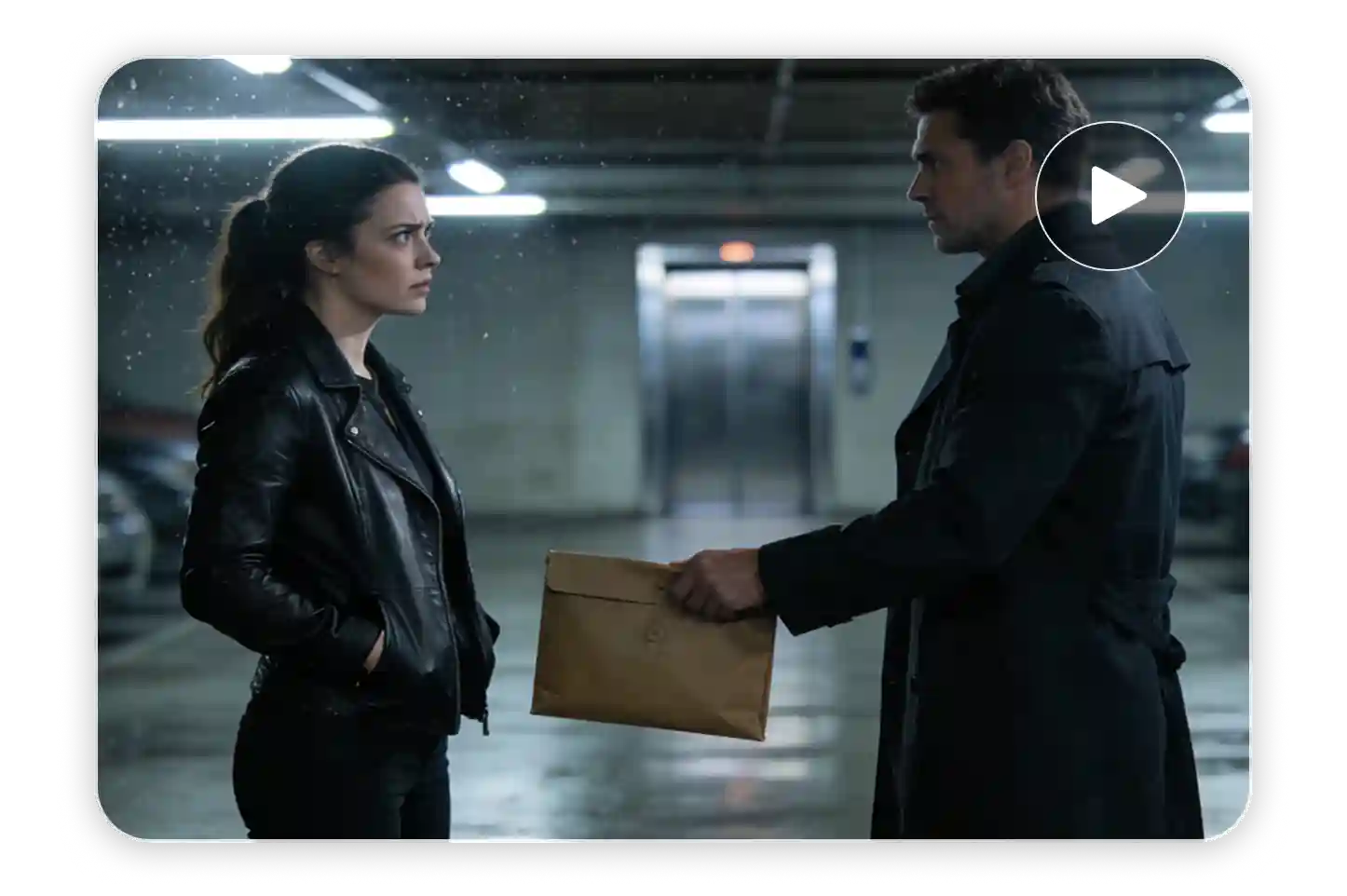
Cinematic Storytelling & Short Scenes
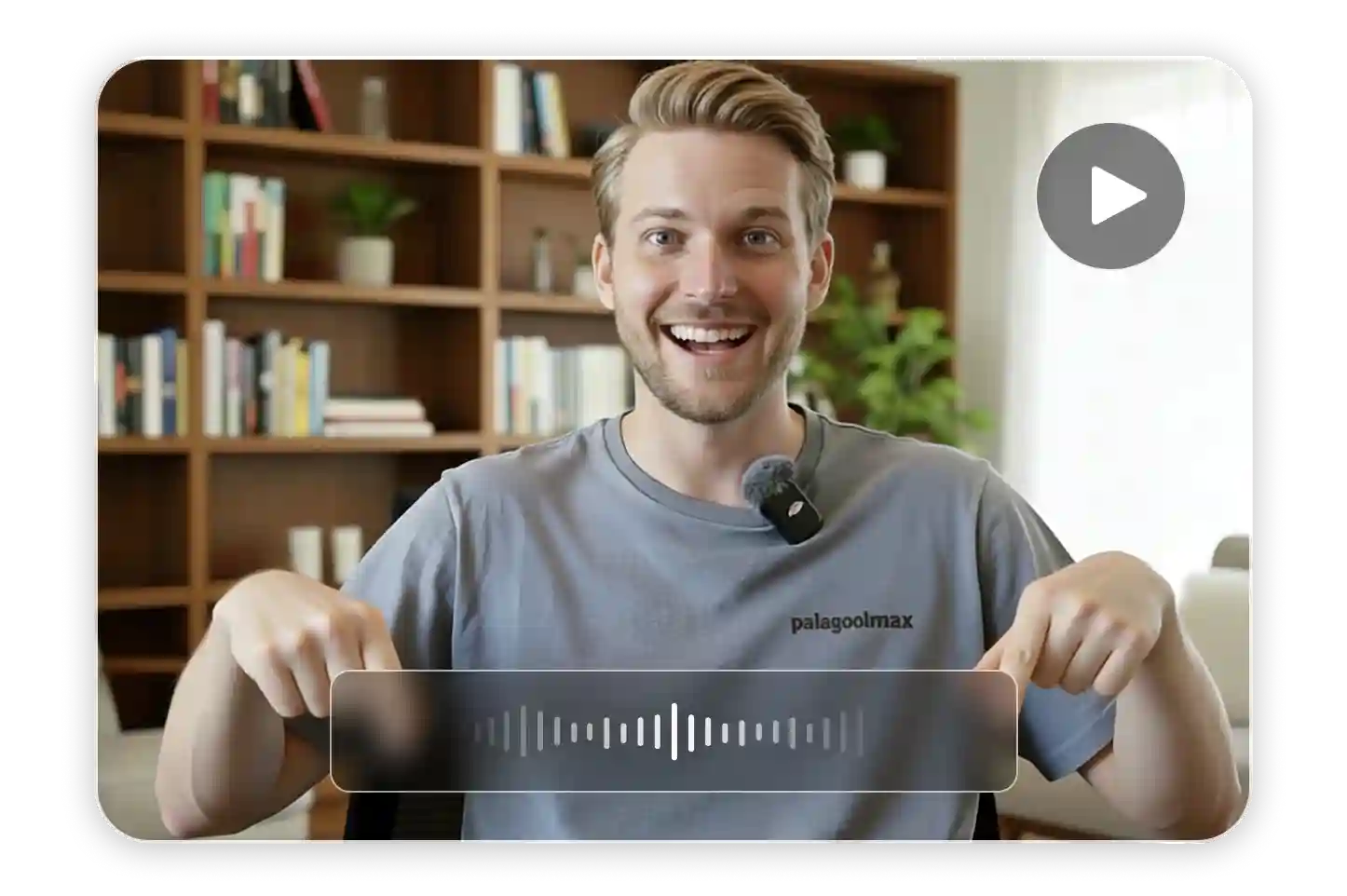
AI Talking Video Creation
AI Micro‑Stories & Social Clips
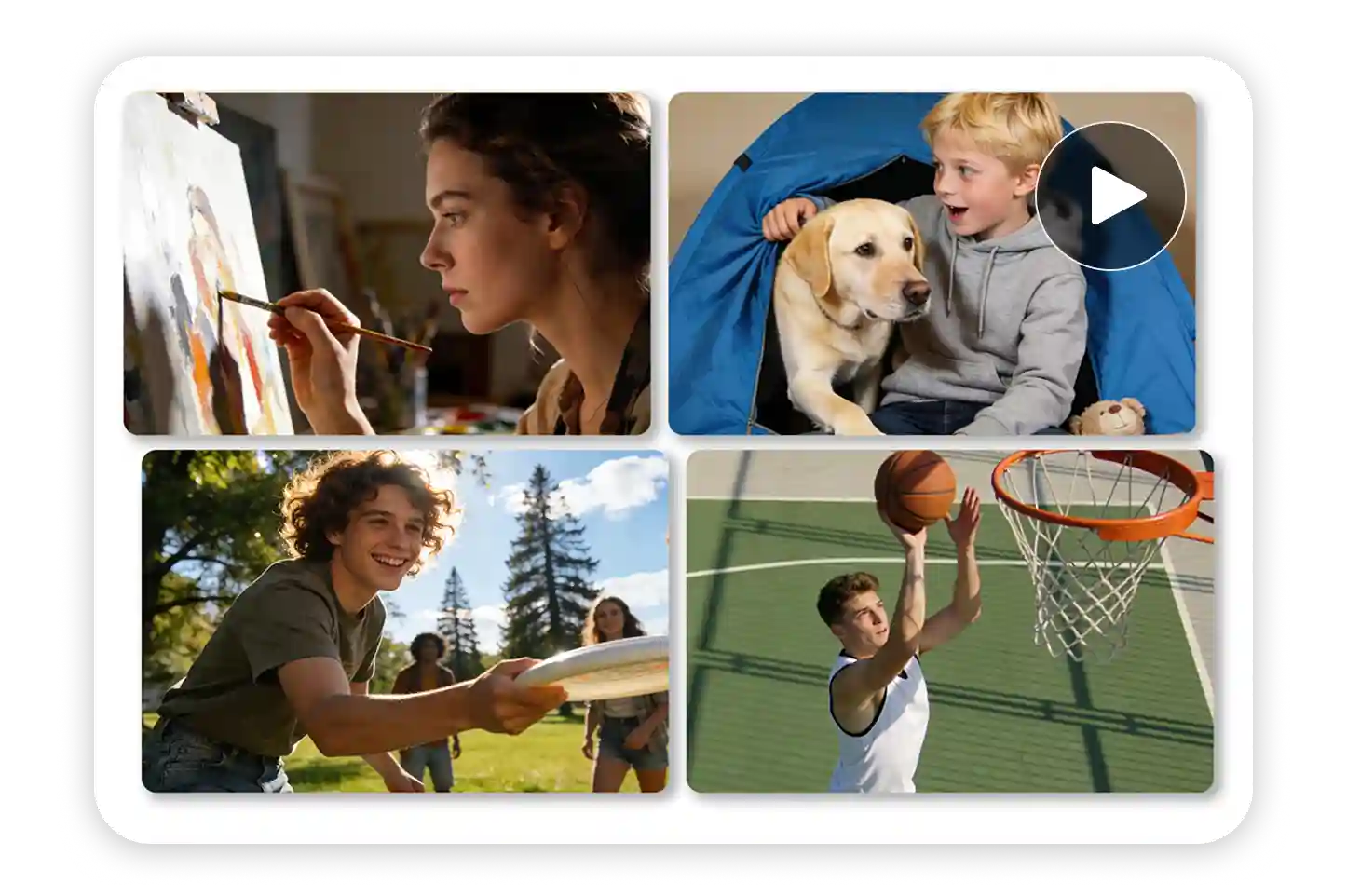

AI Virtual Creator & Influencer Videos
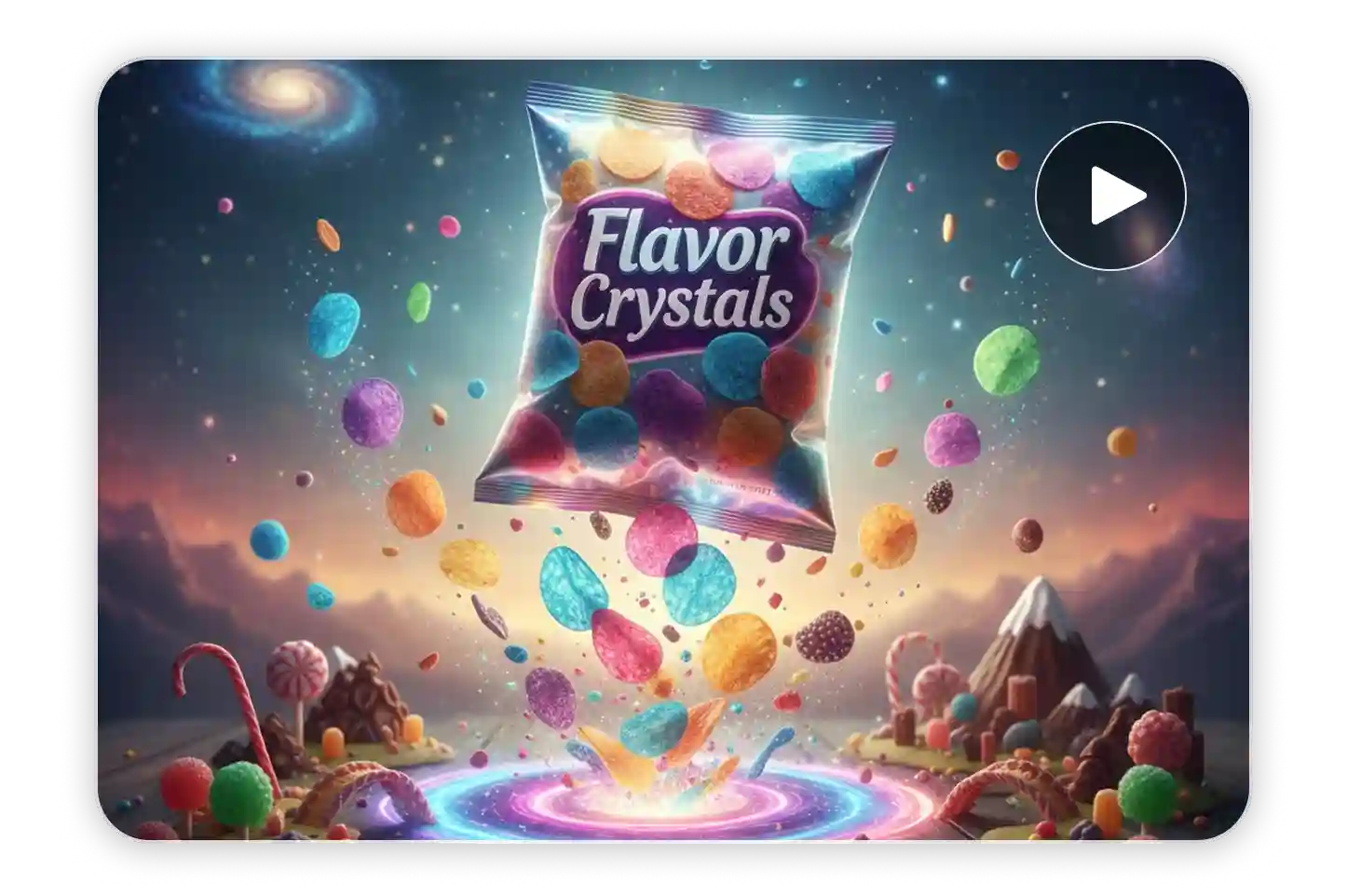
AI Product & Brand Demo Videos
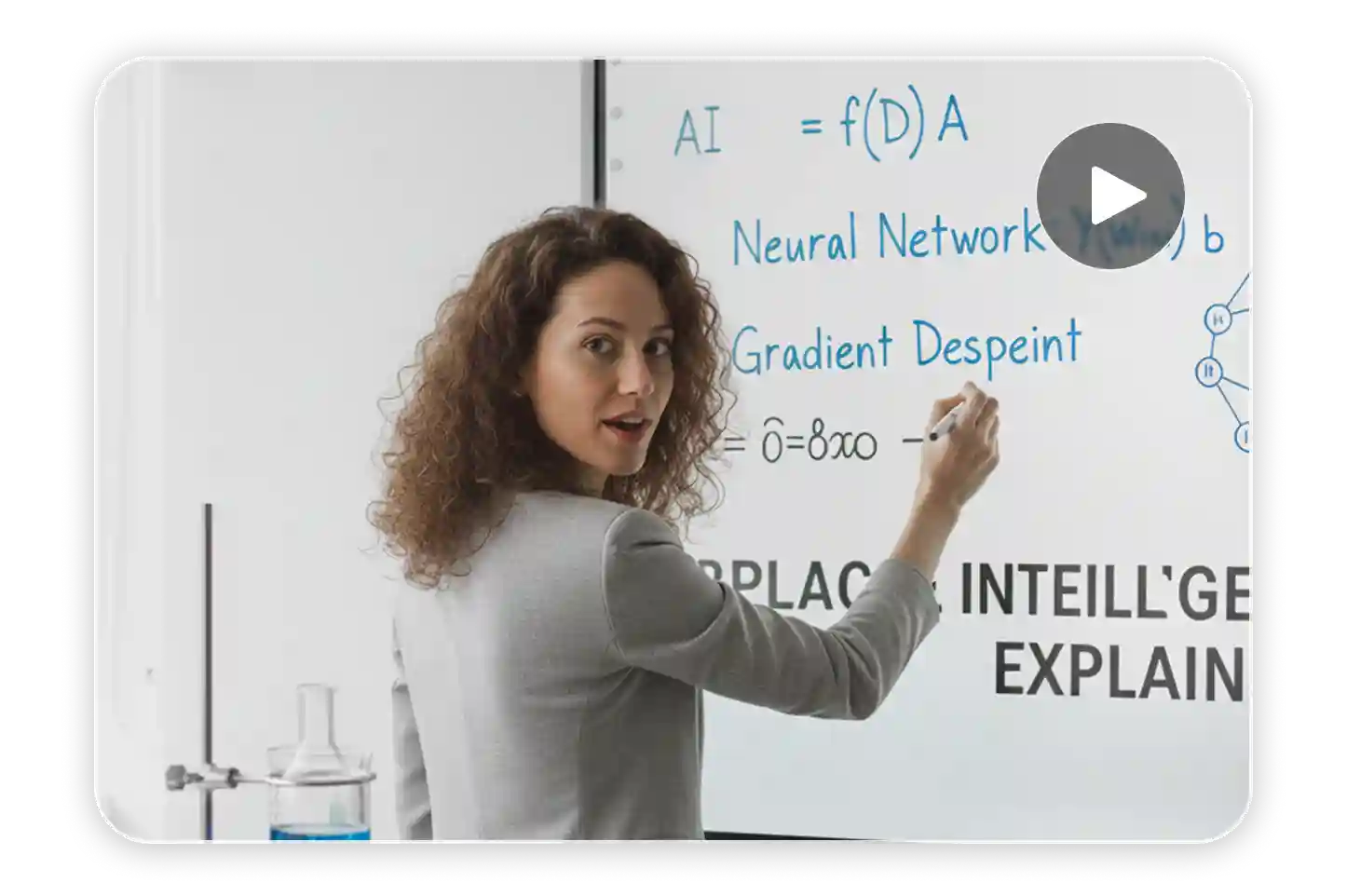
AI Explainer & Learning Videos
FAQs About Runway AI Video Generator on Ima Studio
It’s an AI system integrated with Ima Studio that creates cinematic videos using Runway Gen‑4/4.5 or other top models. It automatically handles shot flow, pacing, and style for professional‑grade results.
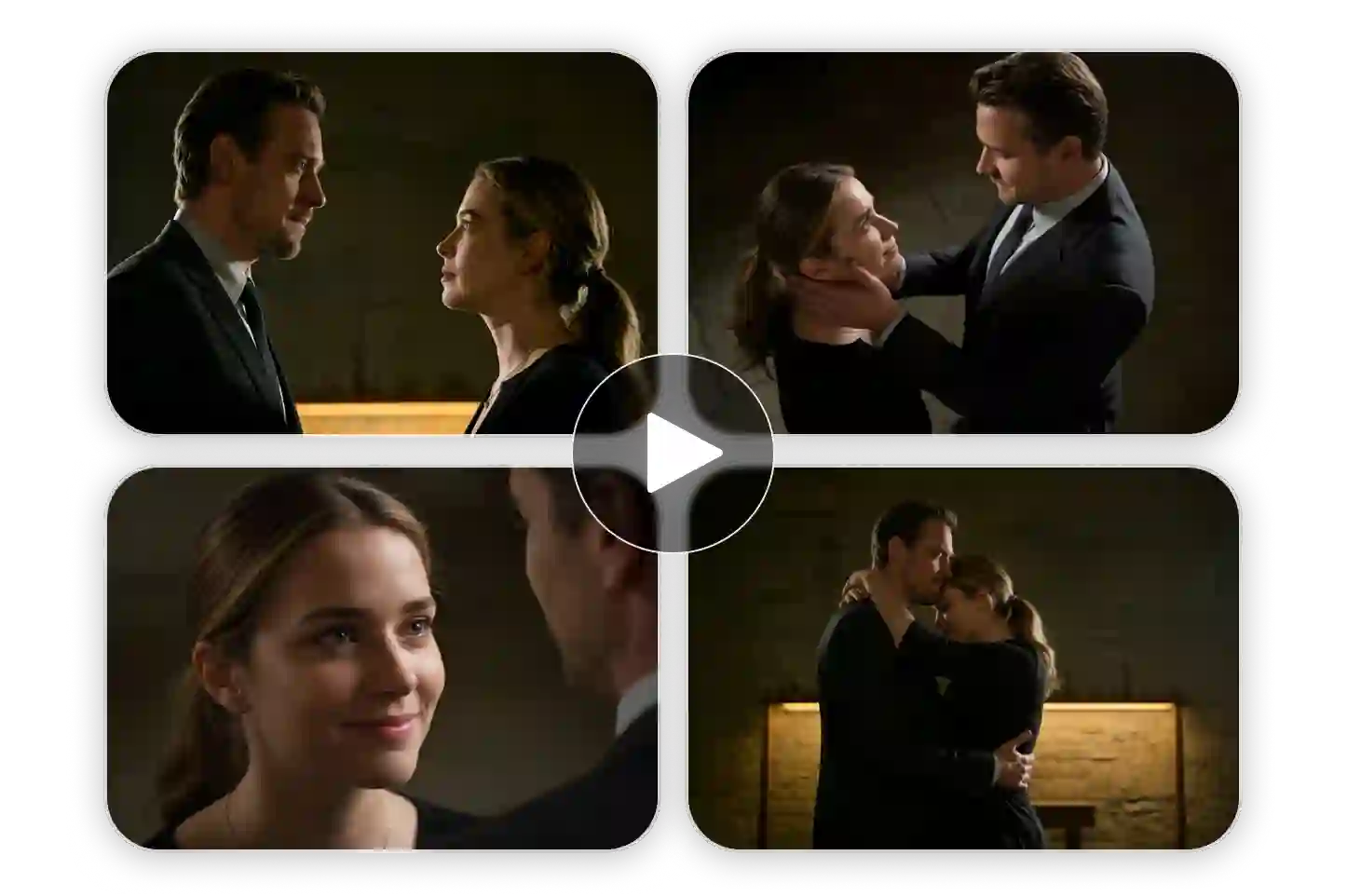
Most tools output short clips. Runway AI Video Generator builds complete cinematic scenes with transparent model routing, longer duration, and natural motion — less stitching, more storytelling.
You can make cinematic scenes, social ads, explainers, talking videos, product demos, and learning clips. Auto routing ensures each prompt uses the most suitable model for your creative goal.
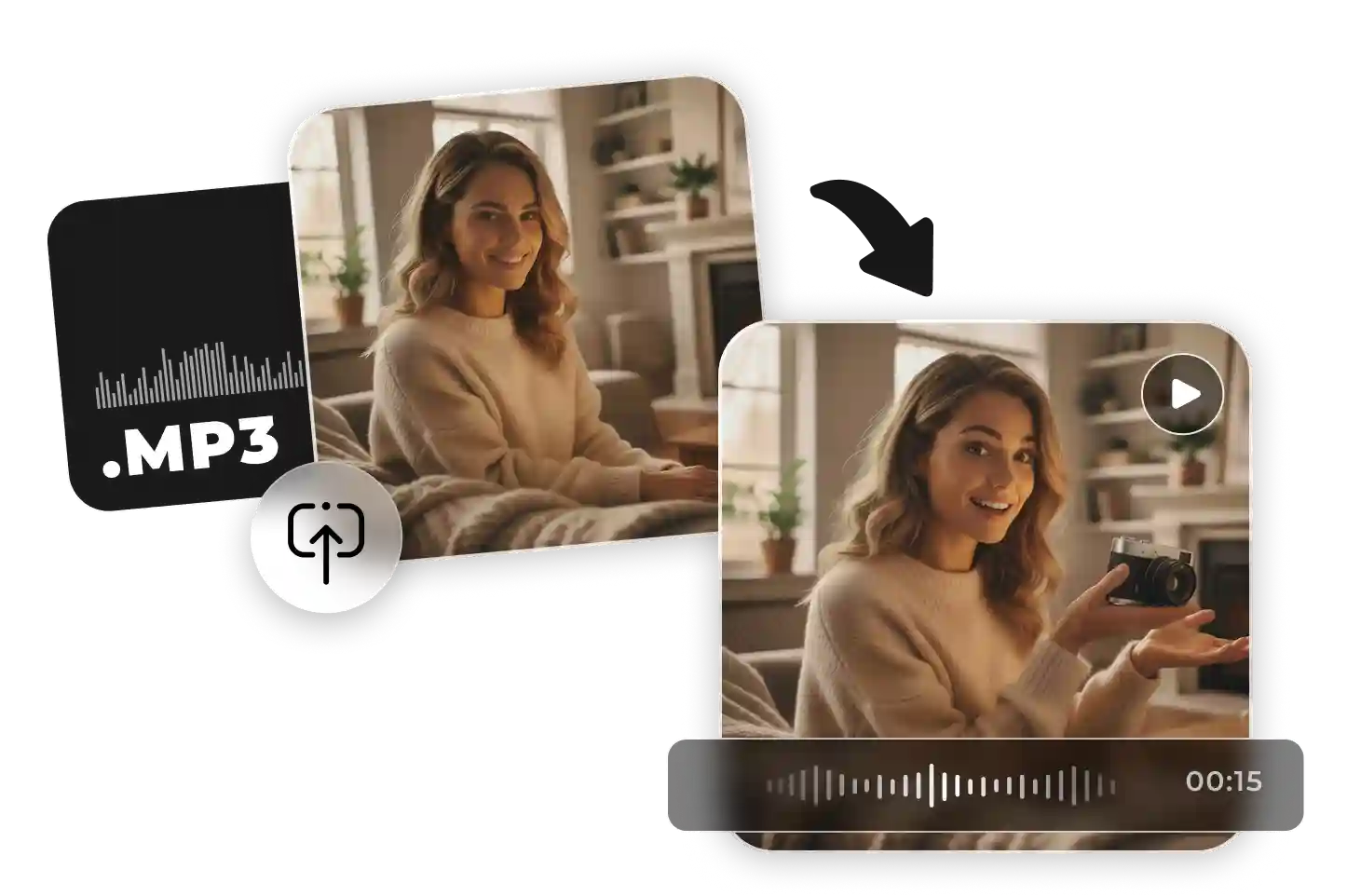
Yes. Audio can drive performance directly, enabling natural lip sync and expressive timing in talking or voice‑over videos.
No. Generated outputs are already paced and styled for use. Optional refine tools let you trim, upscale, or add sound before exporting HD or 4K results.