











Uncensored AI Video Generator: Write the Shot, Watch It Move
Type the character, the wardrobe, the setting and the way the camera should travel, all in one line. A short clip comes back built from that description alone, and the first run is free.
How the Uncensored AI Video Generator Works in Three Steps
The box already holds a full description when the page opens, so a first clip can be running before anything gets typed. From there it is yours to edit: trim a clause, move the location, or wipe it and begin on a blank line.
A description that only covers the look tends to come back looking still. Name the movement too — she turns and walks out of frame, the lens circles slowly, the light shifts as a car goes past — and the sentence carries all of that into the render.
Each pass is drawn from nothing rather than nudged out of the last, so the same sentence twice gives two unrelated clips. Hold the line steady and change a single element — dusk to midnight, walking to standing still — to see what that word was doing.
What People Make With an Uncensored AI Video Generator
Uncensored AI Video Generator: One Sentence Is the Whole Input
Nobody on screen has to exist first. A rooftop walk at blue hour, a slow turn under runway lights, a figure moving through neon and rain — each of those began as text and nothing else. Every pass draws fresh, so landing the shot means holding the sentence and rewriting one part of it.
Write a LineNSFW AI Video Generator Scenes, From Club Night to Boudoir Light
The look is set by the words around it. Ask for a satin robe and a window at first light and that is what turns up; ask for a leather jacket in a basement club and the whole frame shifts with it. None of these are presets sitting in a drawer — they are sentences somebody typed.
Set the MoodUnfiltered AI Video Generator With No Restrictions on Subject or Genre
Horror atmospherics, folklore and occult imagery, creature design, rain-soaked crime beats, editorial fashion — one field takes them all. Which of those is worth filming was never a call this page had any business making; it belongs to whoever is typing today.
Try Your Own ThemeFree Uncensored AI Video in the Browser, Nothing to Install
A browser tab is all it needs, on a laptop or on a phone, with nothing to download first. The run costs nothing; signing in is what puts the finished clip in your hands.
Run It in the BrowserRelated Tools
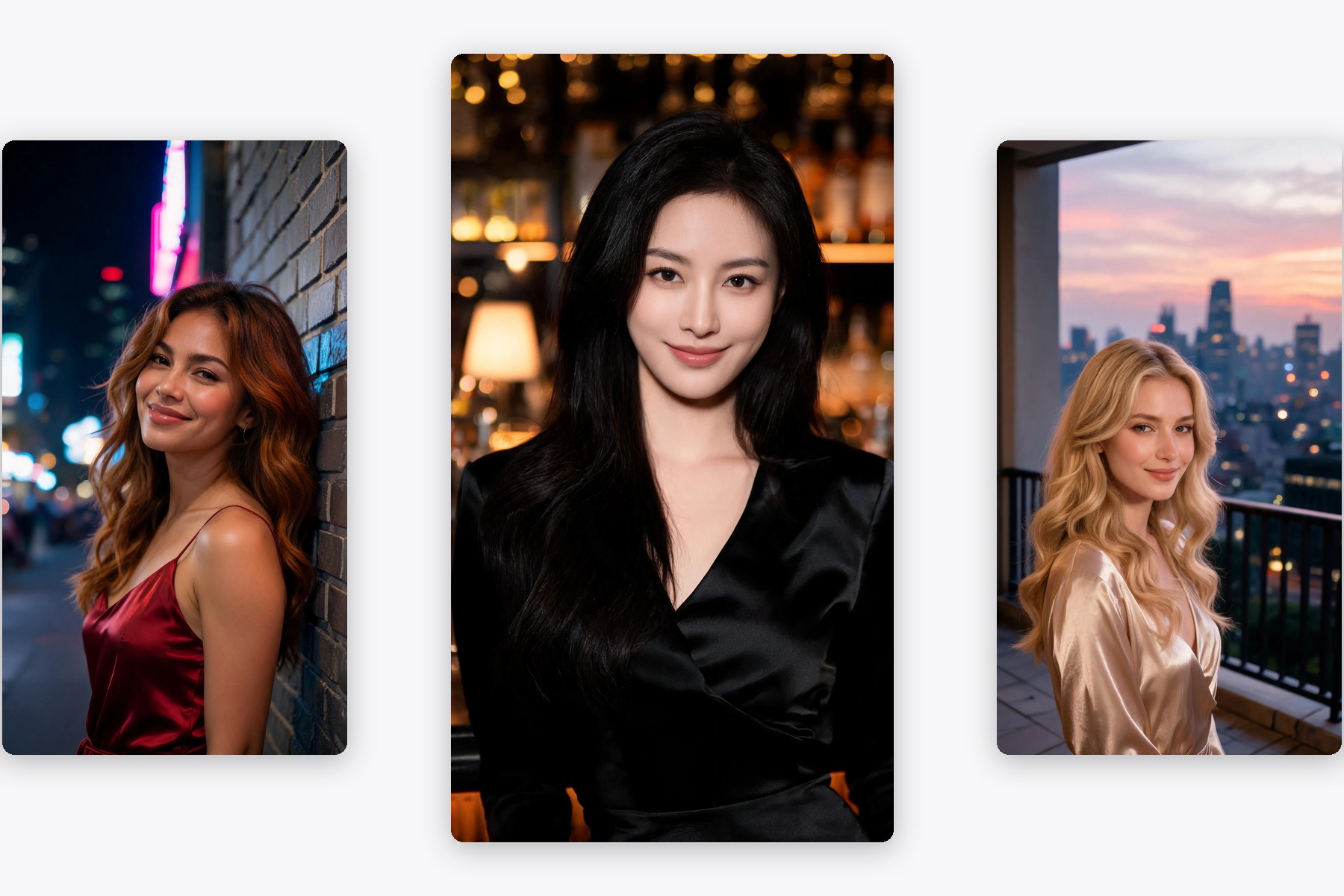
The still-image side of the same idea: one prompt box, one picture back.
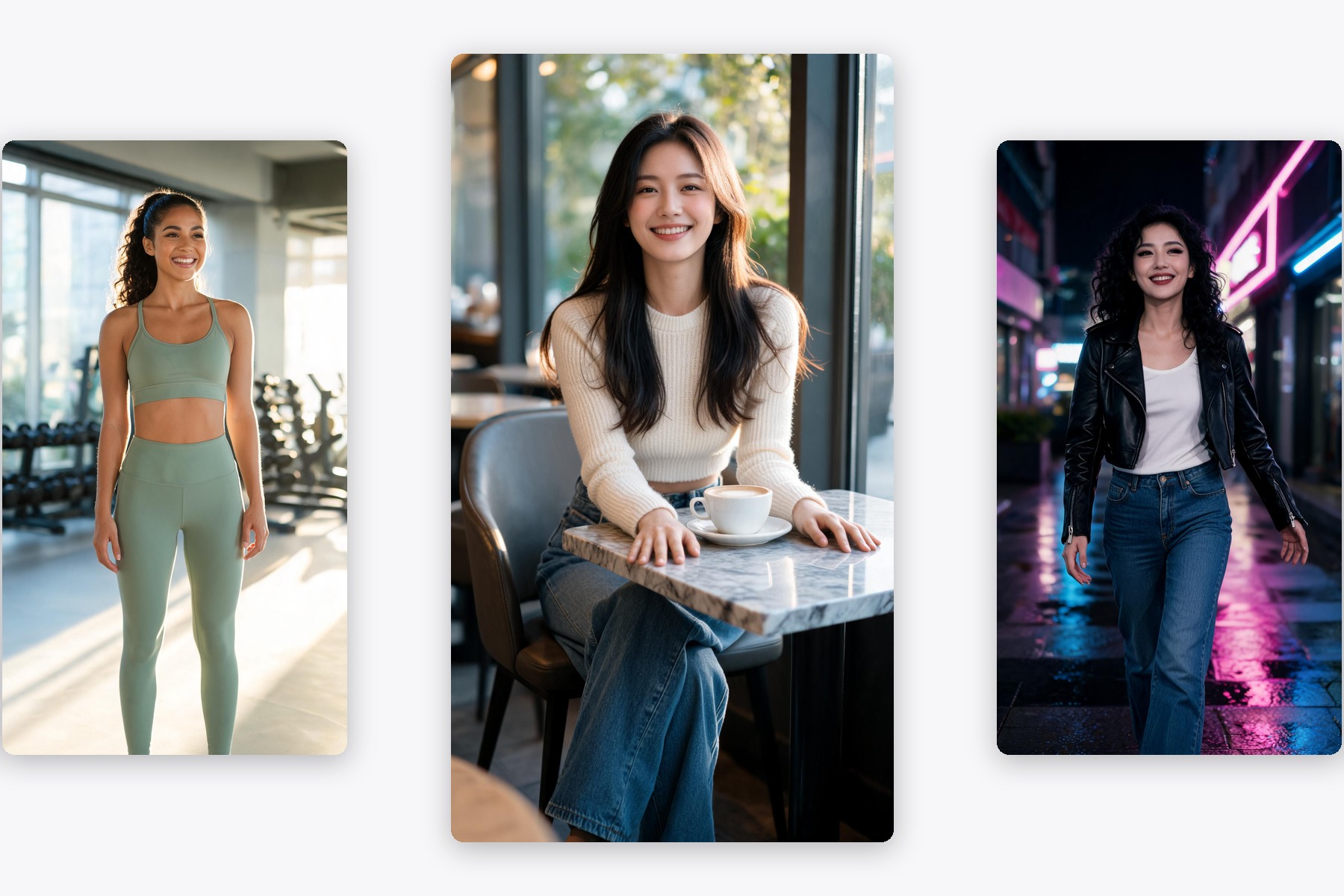
Build a face and a feed from text, then keep posting around it.
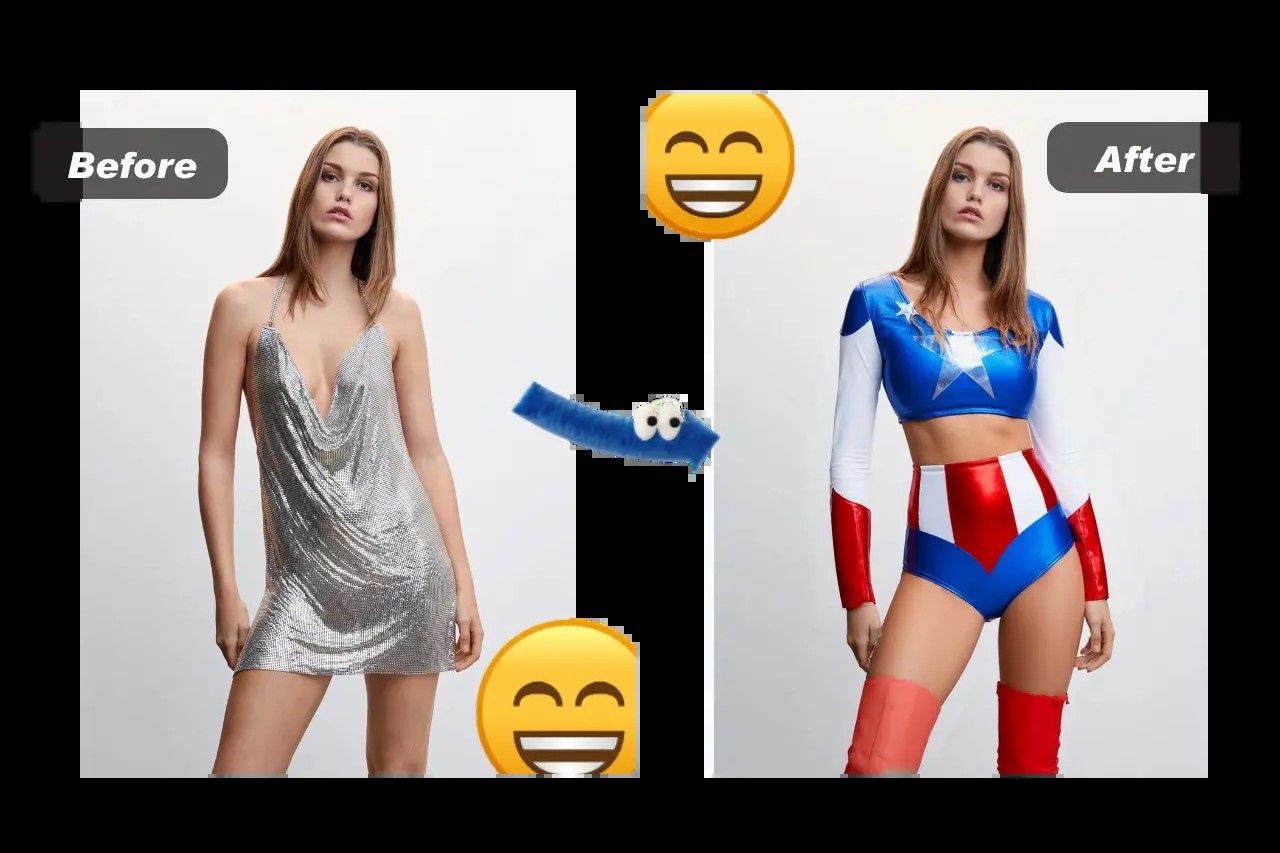
Start from a photo instead: upload it with an outfit and the look is swapped.
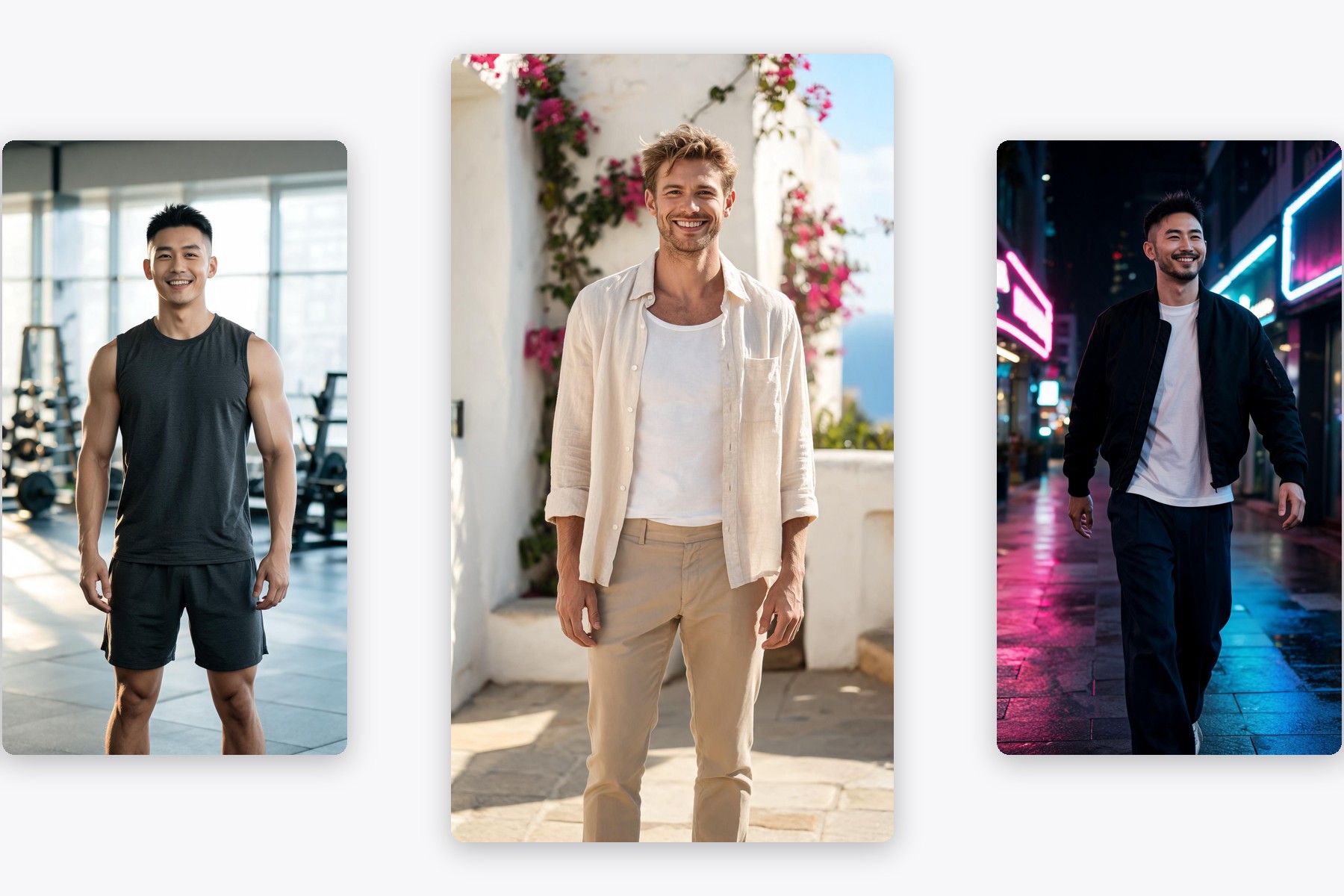
Men-first prompts, same single field, still images out.
Uncensored AI Video Generator FAQ
Is the uncensored AI video generator free to use?
How far does an uncensored AI video generator actually go?
Do I need to upload a photo or a video to start?
How is this different from the uncensored image page?
Where can these clips actually be used?
User Reviews
I storyboard music promos. Handing over a moving version of the beat sheet in the same sitting as the pitch is the part that changed — before this I brought stills and talked over them.
Lior T.
Ran one sentence at three times of day and got three moods out of the same street. Wide group frames still go soft behind the front figure, so I write for one or two people and it holds up.
Fenna B.
Two of us run a small label and we film nothing ourselves. A week of lookbook teasers now starts as six sentences in a text box, and the seaside one is still the post that did best.
Osei N.