











Free AI Christmas Photo Generator: Your Own Photo, Moved to December
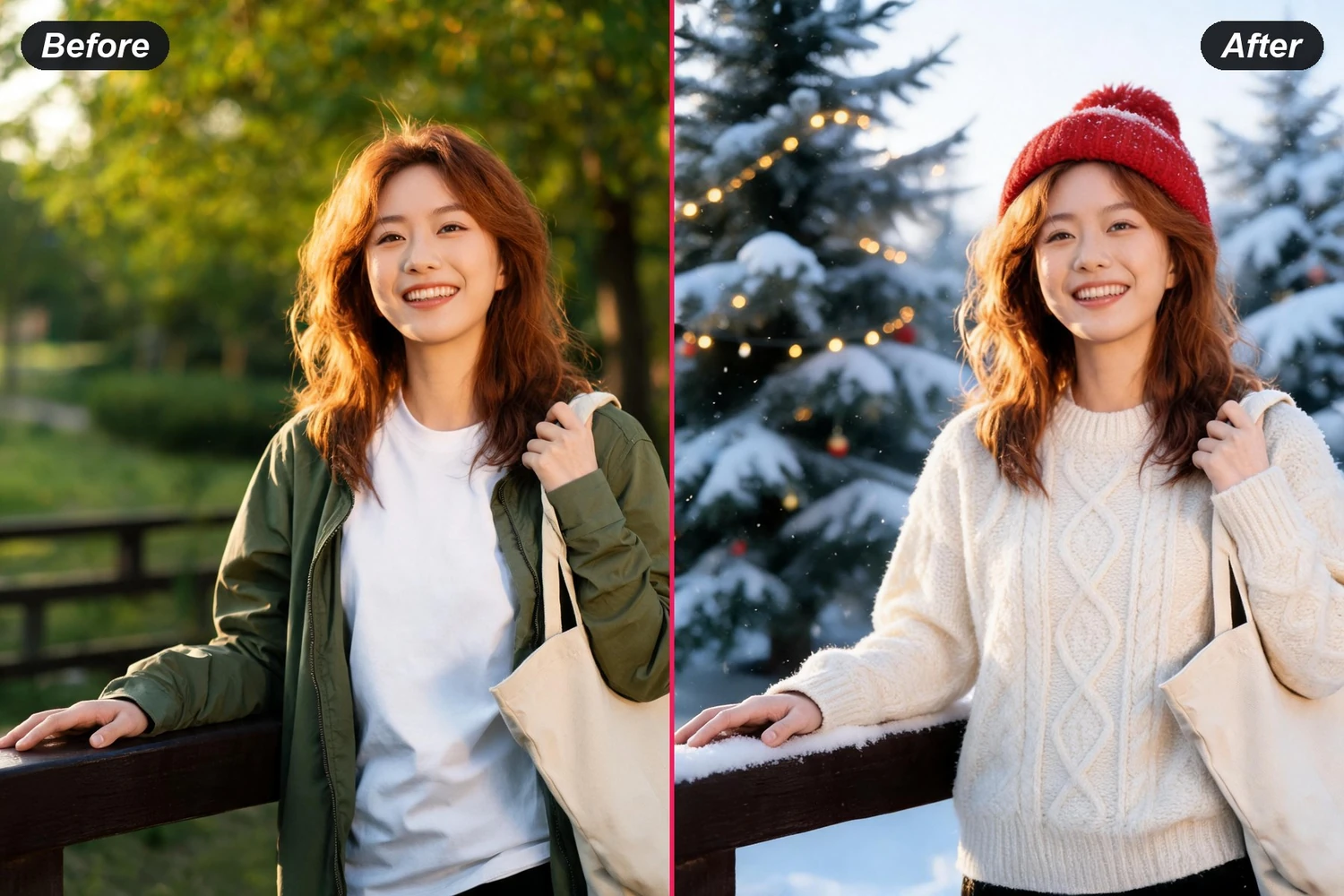
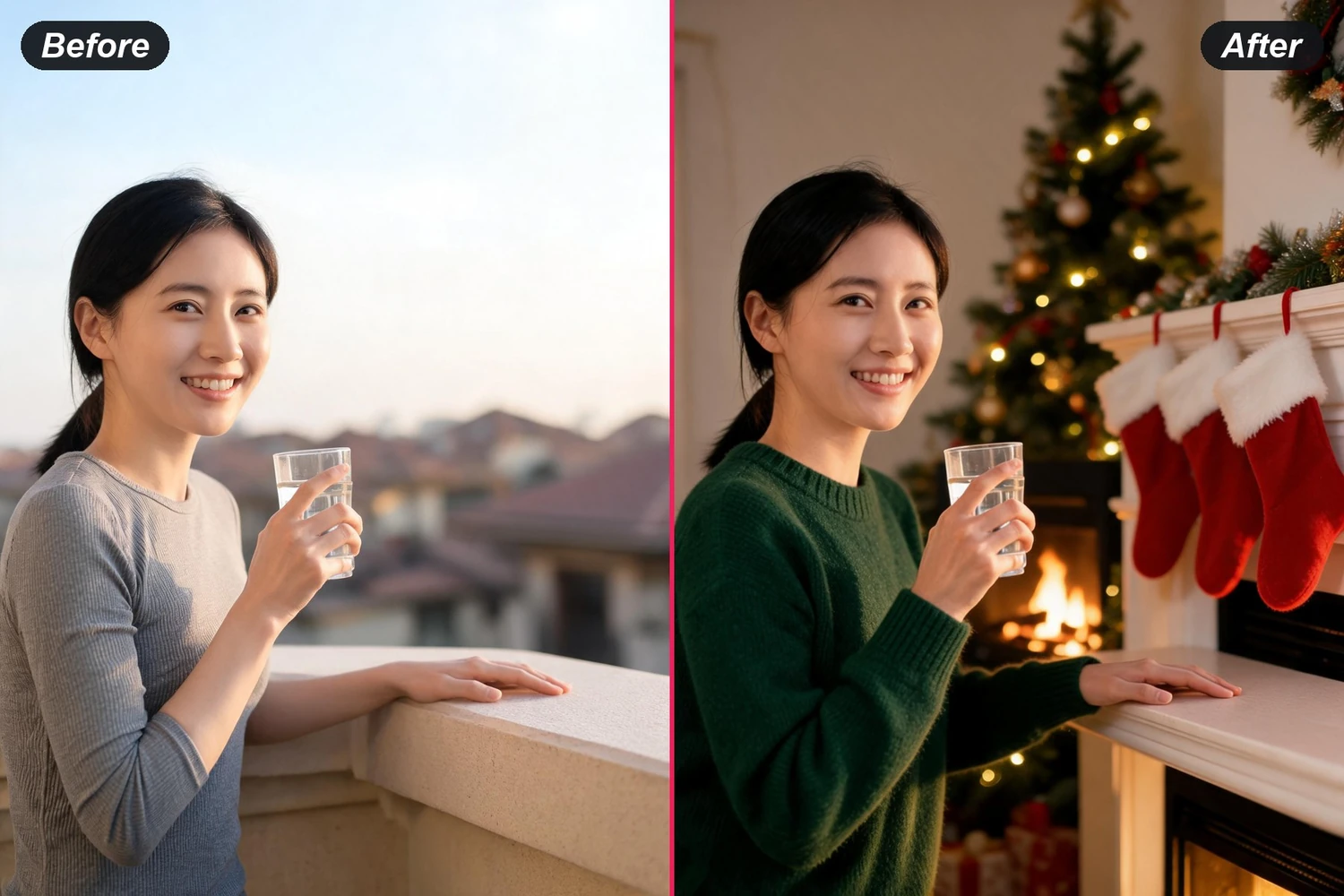
Hand over a picture you already have — the ordinary one, taken in a plain room in August — and it comes back in front of the tree, at a snowy market or by the fire, with the same faces and the same smiles.
What People Make With an AI Christmas Photo Generator
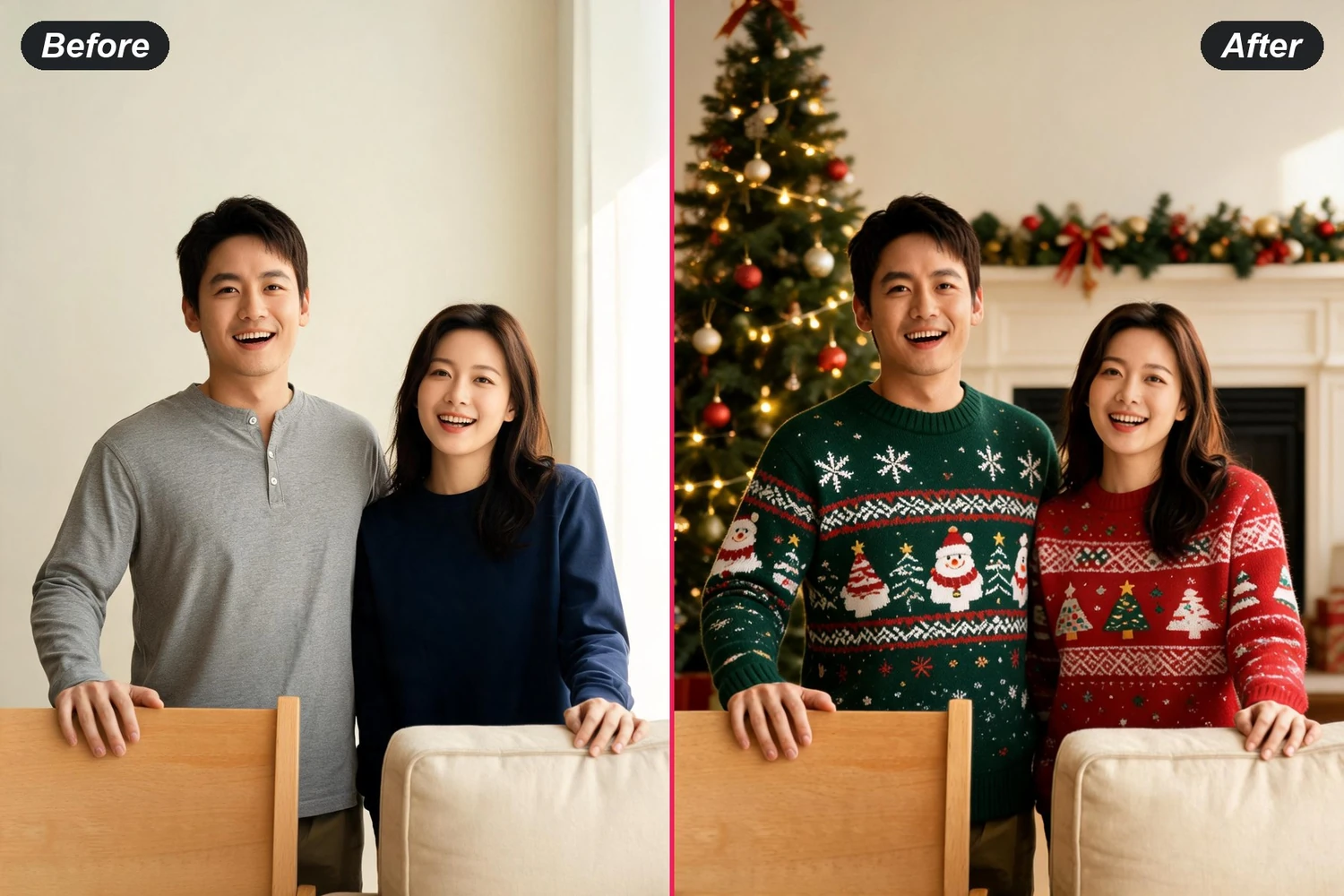
AI Family Christmas Photo Generator, Without the Shoot
Booking a session in December means matching outfits, a free Saturday and everyone in a good mood at the same time. Starting from a picture where those three already lined up — even one taken in August — skips the hardest part of the job.
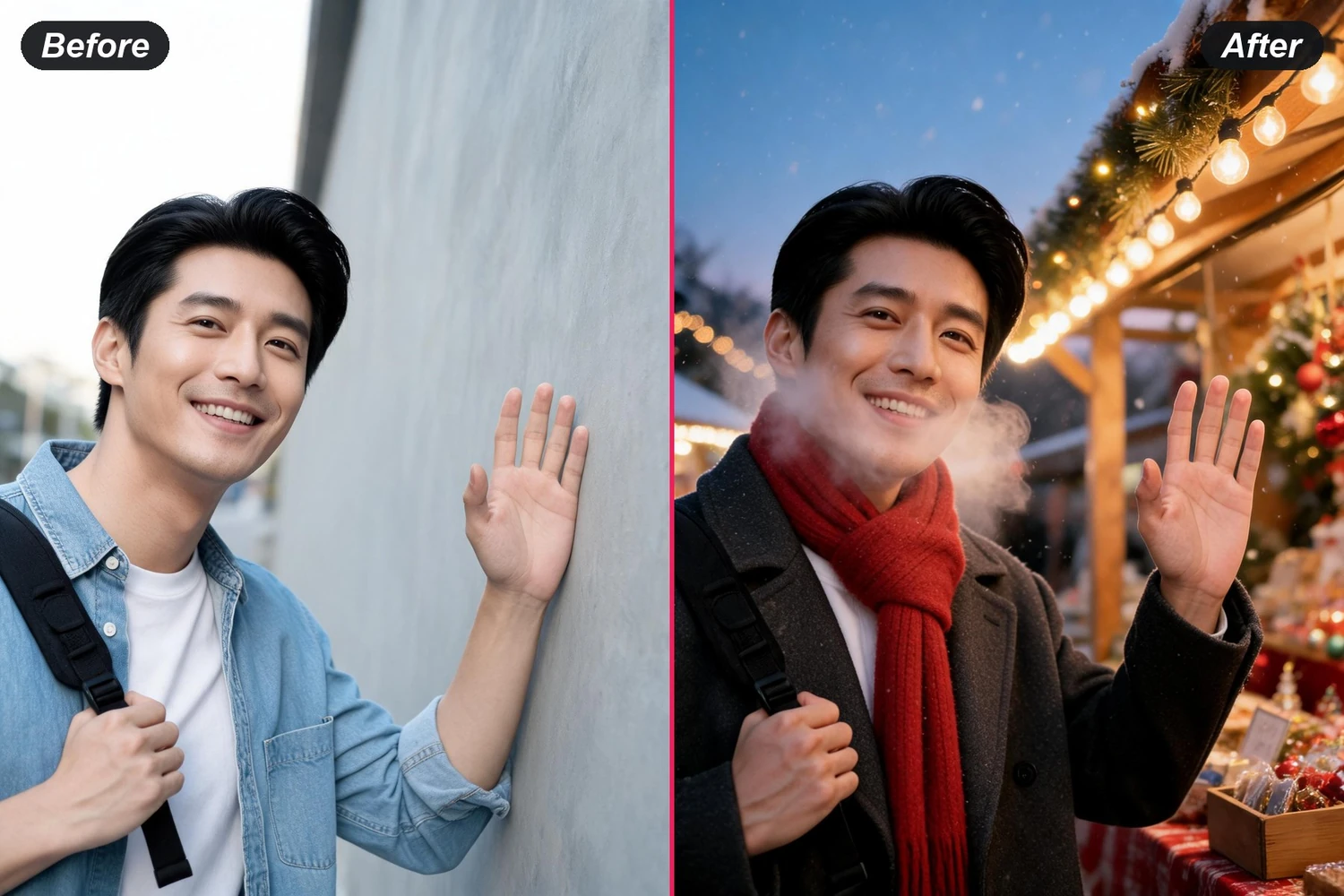
Move a family photoChristmas Market and Snow Scenes You Never Travelled To
Wooden stalls, string lights and falling snow are the two or three cues people read as December before they read anything else. They are also the ones you cannot stage at home, which is what makes them worth generating rather than decorating for.
Try a market sceneAI Santa Photo Without the Queue at the Mall
A picture with Santa usually costs an hour of standing in line and one shot you do not get to choose. Ask for the grotto, the sleigh or the man himself in the sentence and the setting arrives around a face you already like.
Add a Santa sceneFree AI Christmas Photo Generator for Cards and Feeds
One source picture gives you a fireside version for the family group chat and a snowy one for a post, and both are the same people wearing the same faces. Where it goes afterwards — print, feed, card layout — is your call, not the tool's.
Make a setRelated Tools
Once the picture is right, lay it out as a card with text and trim.
The same season, moving — for a feed post rather than a print.
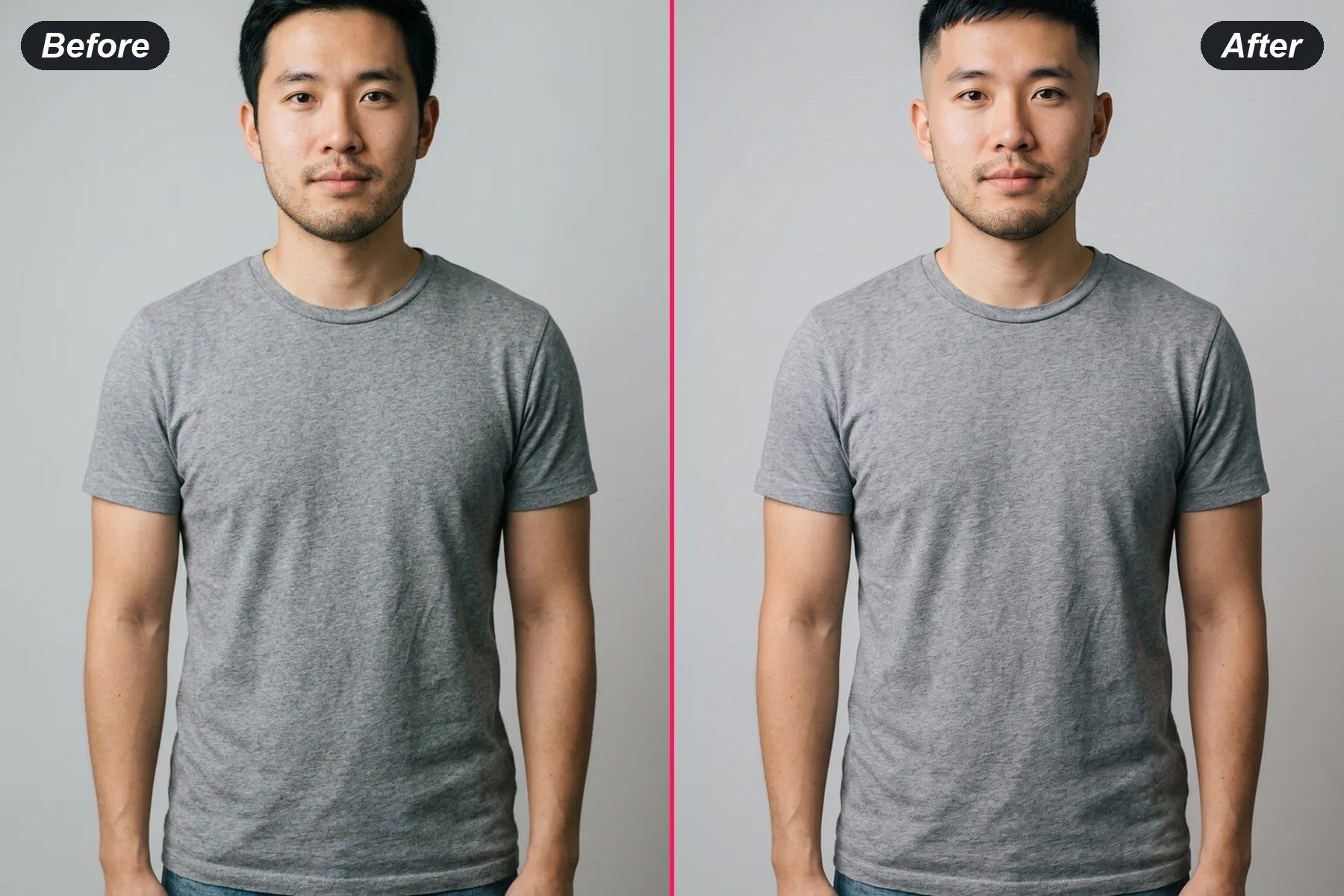
Try a fade, a crop or a full beard on your own face before the barber does it.
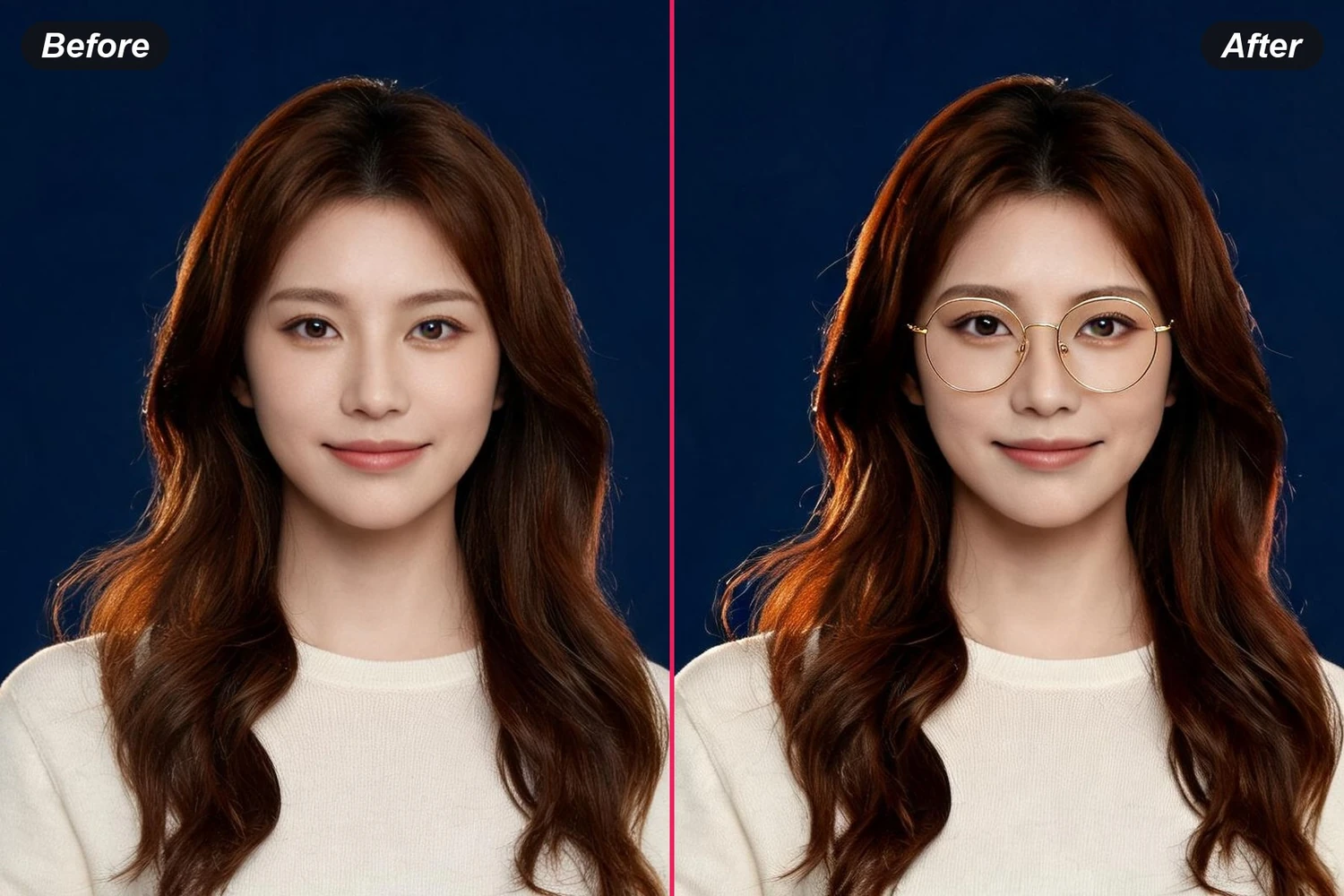
The same edit-one-thing idea, applied to frames on your face.