Use Ima Studio's AI Glasses Try On — Preview Frames on Your Face

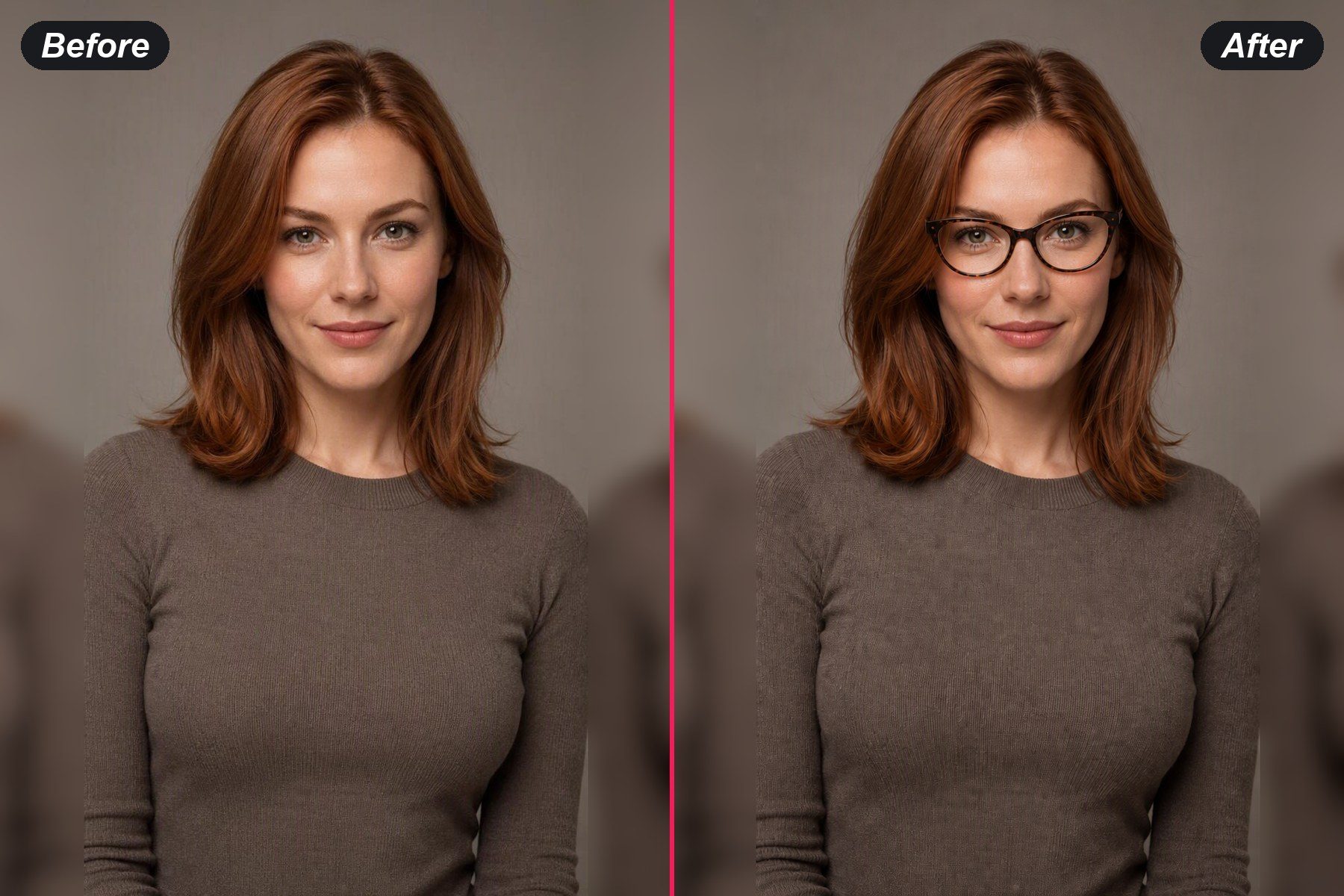
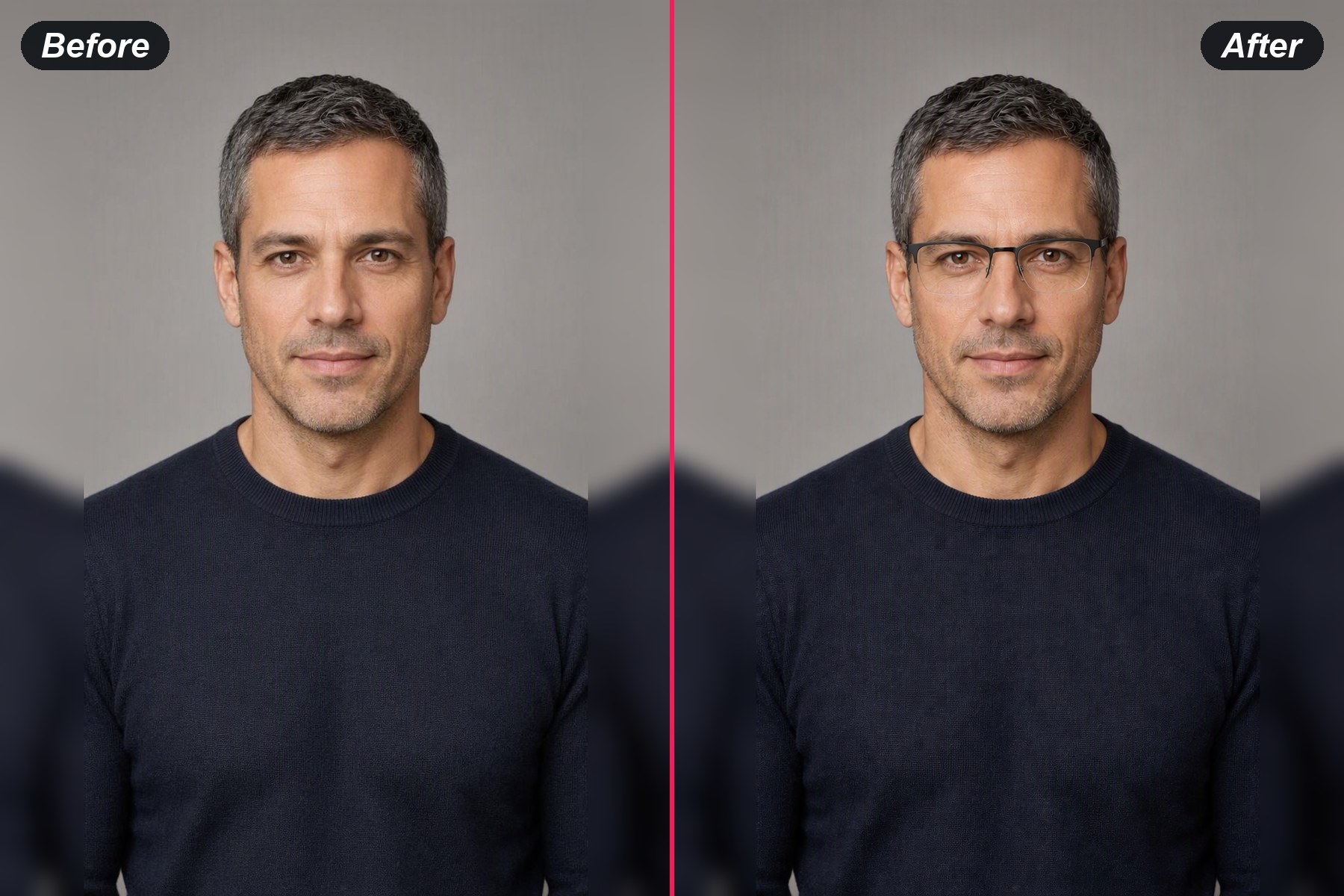
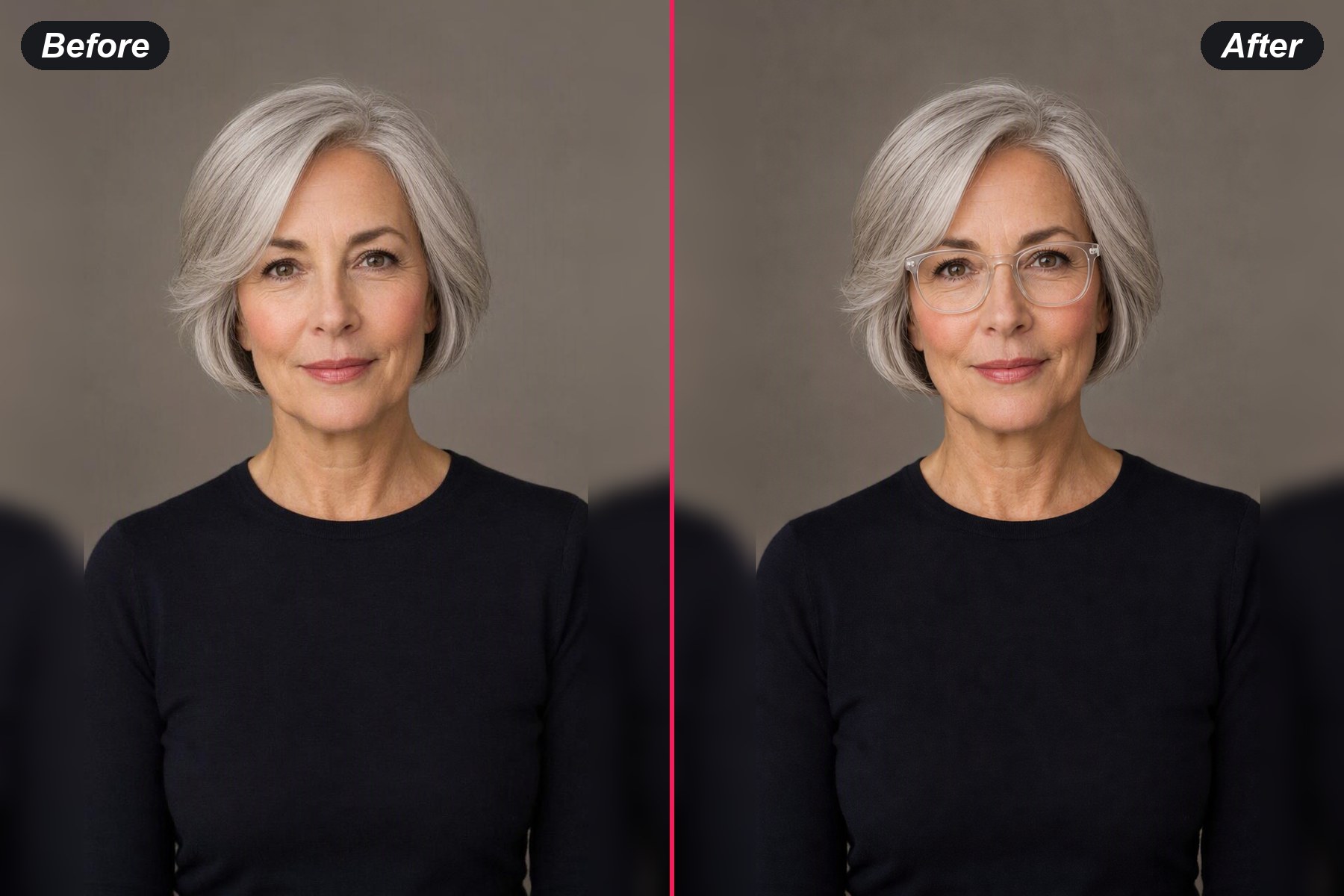
Preview frame shapes on your own face from one photo, then compare the details that change the look while the person stays recognisable.

Try On Glasses Online
Your Photo*
Try Sample Photos
Choose a Style
Output Size
Free to try — sign in to view and download your result
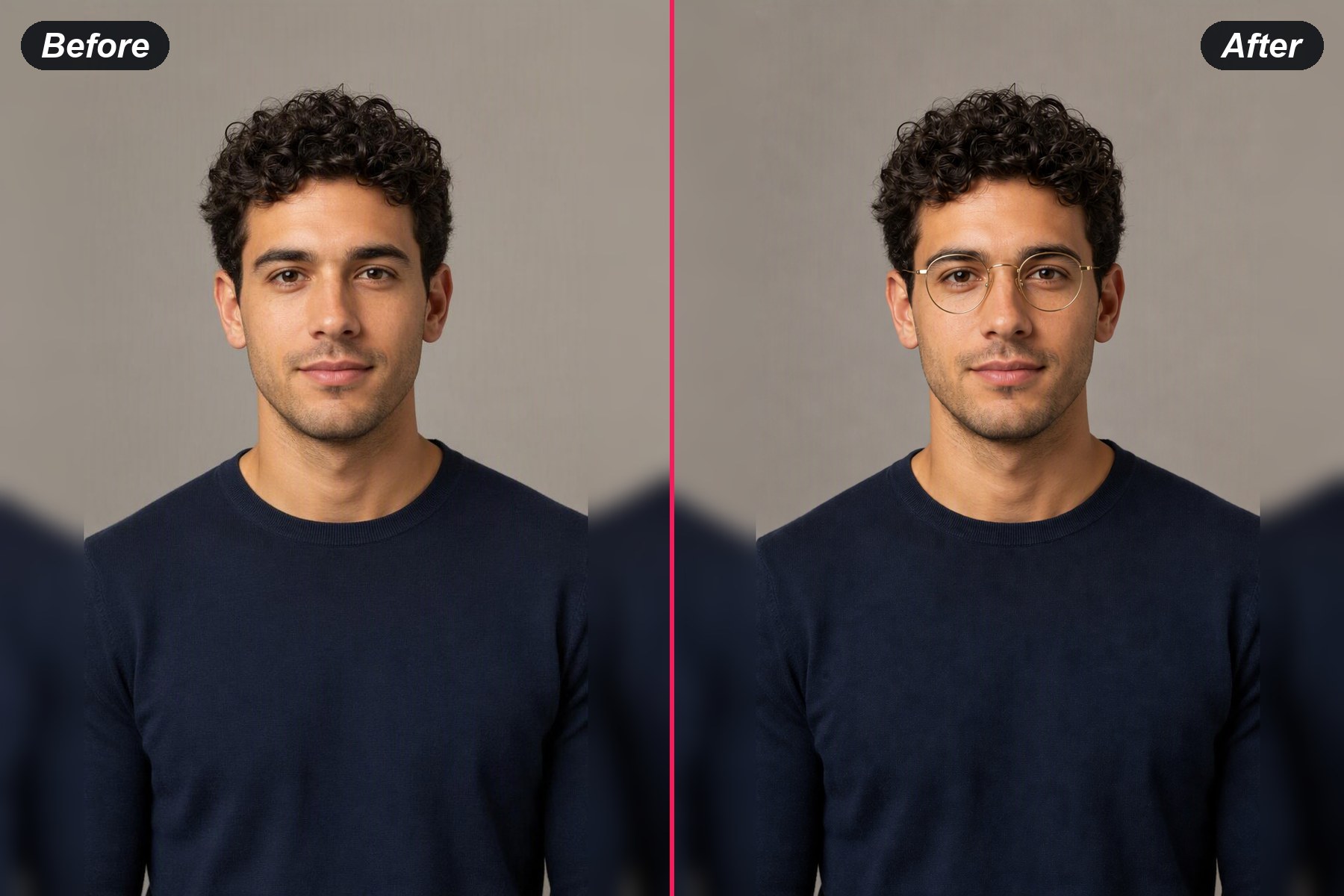
example result
example result
example result
example result
See the frame on your faceA photo gives the preview a real face, real proportions and real expression to work with, so the frame reads as part of your look.
Compare one change at a timeKeep the portrait steady and change the frame shape, material or finish one at a time. The comparison stays useful because the rest of the image remains anchored.
Choose the details that matterRound or rectangular, metal or acetate, thin or bold: choose a frame style and the preview follows that direction.
A visual preview before the next stepUse the result to explore your style before you visit a shop. It helps you decide which shapes deserve a closer look.
Create with your own imageUse a photo you own or have permission to use, and review the generated image before sharing it.

How to Try On Glasses Online

1
↑
Upload a clear portrait

Choose a front-facing photo with your eyes and the bridge of your nose visible. Even light and a simple background make frame placement easier to read.

2
★
Pick a frame style

Choose a frame tile to preview its shape, material, color and finish. Compare thin gold round frames with matte black rectangular frames.

3
↓
Compare your preview

Generate the image, inspect the bridge, temples and lens area, then adjust one frame detail for a clearer comparison.

What People Use Online Glasses Try-On For

Preview a first pair

Preview a first pair

Explore round, rectangular and browline shapes on a familiar portrait before choosing which direction feels most natural.

Preview a first pair

Compare frames for work

Try a quieter metal frame beside a bolder acetate shape and see which one fits the way you present yourself at work.

Compare work frames


Compare frames for work
Explore a new frame shape

Explore a new frame shape

A visual preview makes an unfamiliar oval or oversized frame easier to picture as part of your everyday look.

Explore a new shape

Test color and material

Change only the frame color or material while keeping the portrait steady, then compare the finish that suits your features.

Test a frame finish

Test color and material

Try On Glasses Online FAQ

Is it free to try on glasses online?
Start a preview at no charge. Sign in when you want to see the generated image in full and download it.
What kind of photo works best?
Use a clear front-facing portrait with visible eyes and an unobstructed bridge of the nose. Soft, even light helps the frames sit naturally.
Can I choose a specific frame style?
Yes. Pick a frame tile such as round, cat-eye, aviator or clear, then compare that visual direction on your portrait.
Does the preview measure fit or prescription?
The page shows a visual style preview. A professional fitting check covers bridge width, temple length, lens choice and prescription details.
Can I use the preview for a purchase decision?
Use it to compare visual directions before visiting a retailer or optician. Confirm size, fit and lens details with the seller or professional.