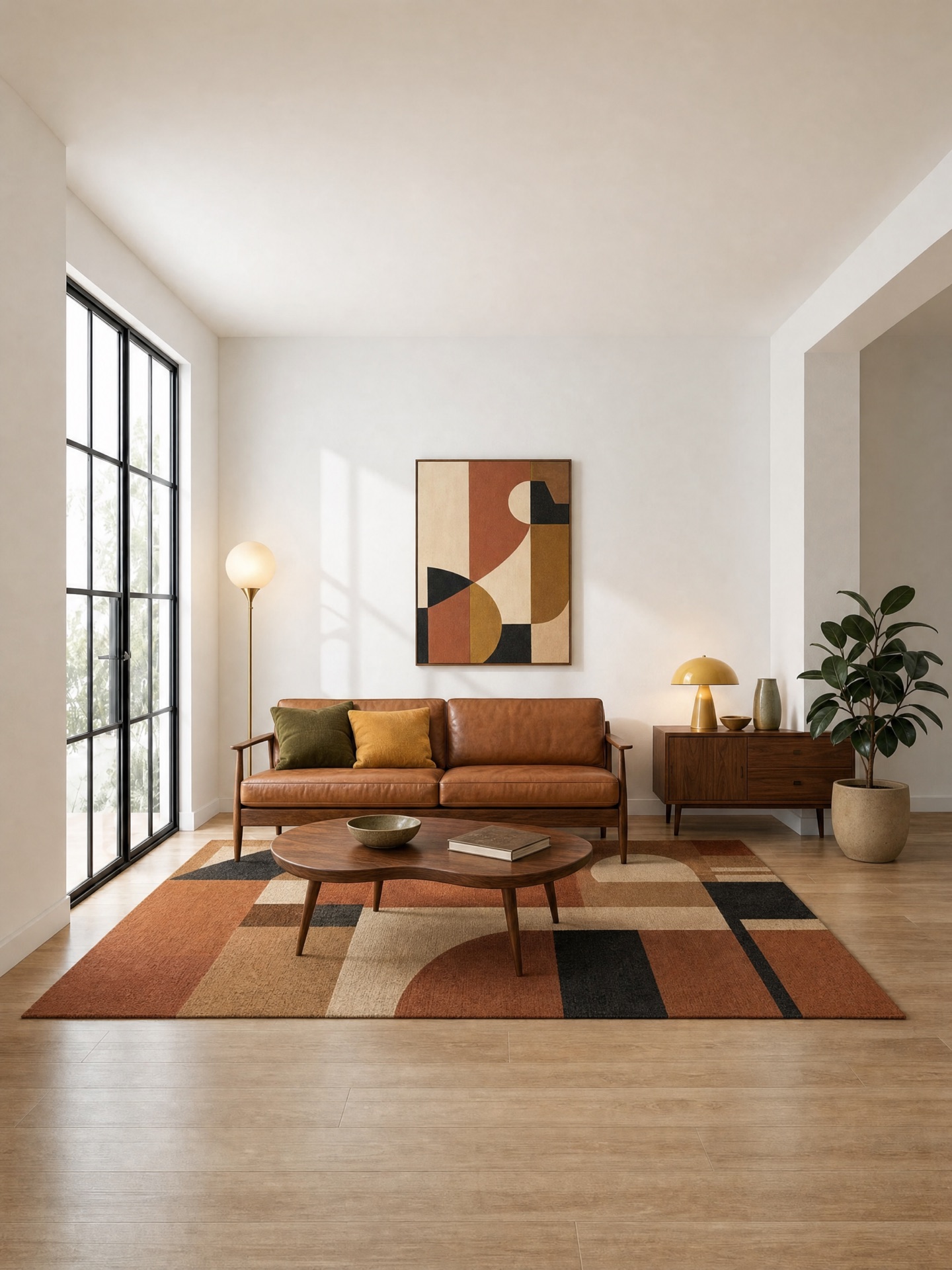
Furniture and home-decor catalogs live or die on product photography. Ima Studio helps furniture manufacturers, home-decor retailers, and marketplace sellers turn one approved room into an on-brand lifestyle library that respects each product’s physical rules.
The catalog problem in furniture and home decor
A furniture retailer does not have a photography problem in the abstract. It has a scale problem, a consistency problem, and a category problem — often all three at once.
- Every new SKU needs its own lifestyle image. A photoshoot schedule that works for a single collection cannot keep up when a supplier drops in ten new upholstery colorways or a lighting family expands into three shade materials.
- Categories do not share the same rules. A rug, a sofa, a curtain, and a pendant lamp can appear in the same room, but they cannot be photographed, prompted, or reviewed with the same physical checks.
- A generic “AI enhance” tool changes the wrong thing. Fill-a-room prompts and one-click backgrounds routinely alter the SKU: seat count changes, curtain rods disappear, a pendant lamp becomes a floor lamp, a rug’s edge lifts into a curl the merchandiser never approved.
Ima Studio’s Fixed-Scene Product Images Skill was built for this shape of problem. Four things it does differently:
Every category gets its own physical rules
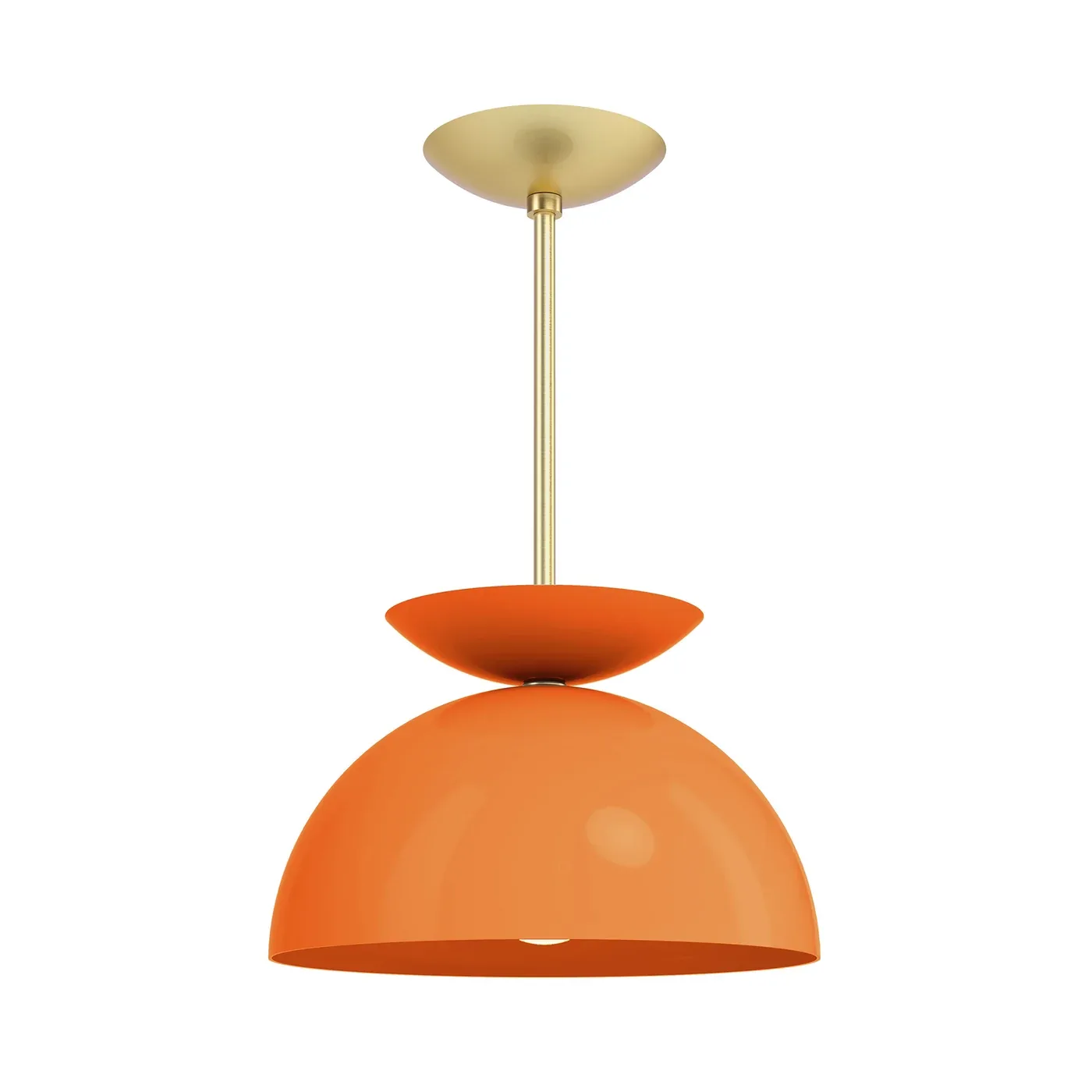
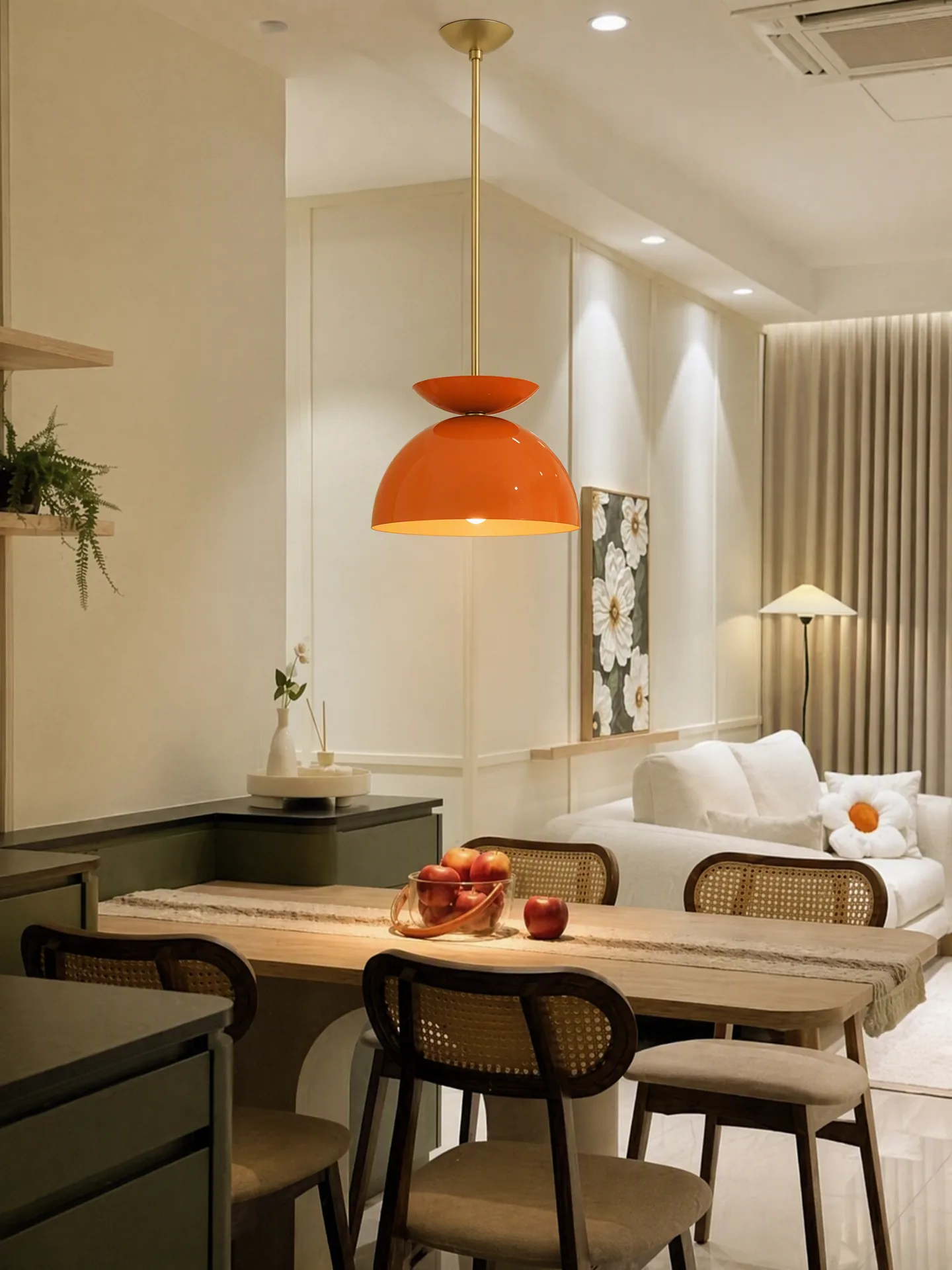
A dining chair, a curtain, and a pendant lamp are all “home décor,” but they fail in completely different ways. Chairs fail when a leg is missing or the seat construction changes. Curtains fail when the rod loses its eyelets or the fabric passes through the wall. Lamps fail when they hang below the ceiling or emit light the room does not actually show.
The Skill routes each request into one of ten physical categories — rugs, soft furniture, hard furniture, hanging soft furnishings, bedding, lighting, desktop products, mobile equipment, large equipment, or a generic fallback — and loads only the rules and QA checks that belong to that category. Cushion compression rules stay out of a cabinet prompt. Ceiling attachment logic stays out of a rug prompt.
One approved scene, one catalog look
Traditional catalog photography drifts. Supplier photos, in-house shoots, and 3D renders arrive with different rooms, cameras, and lighting. The end result is a product listing set where each SKU looks like it came from a different brand.
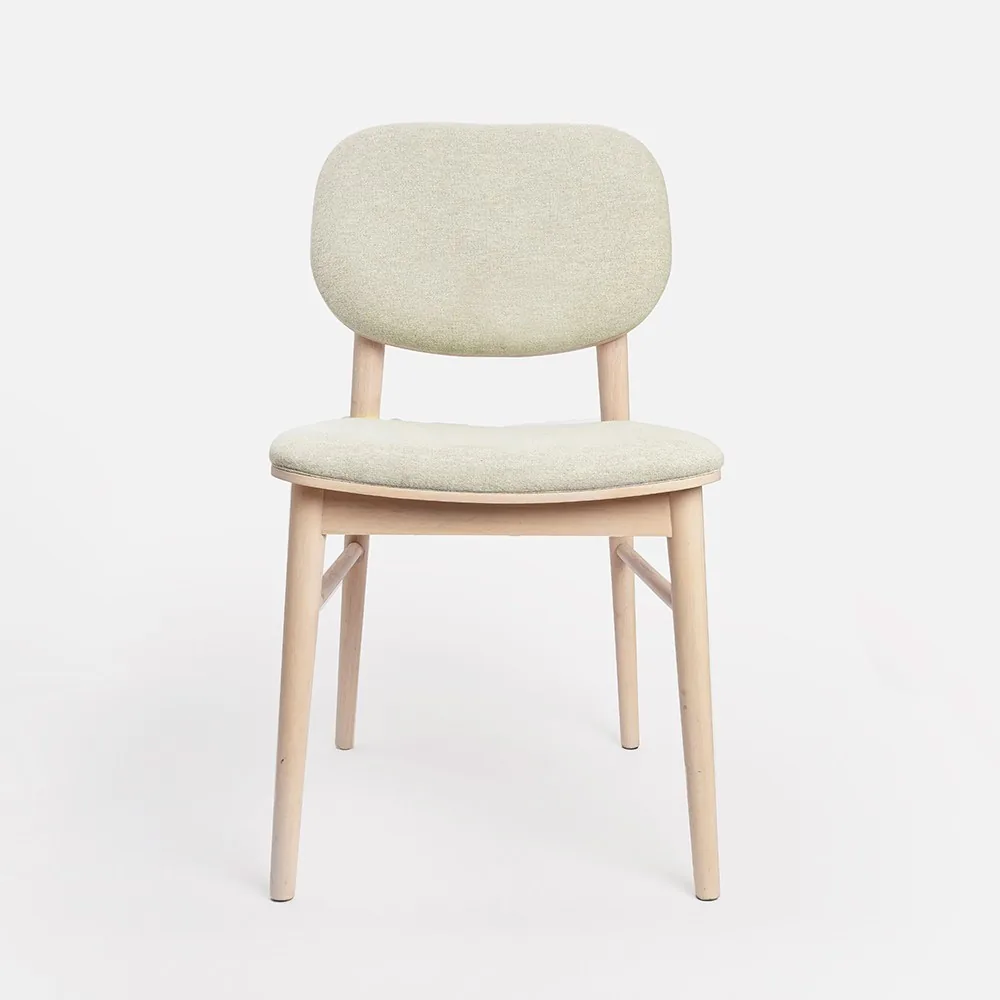
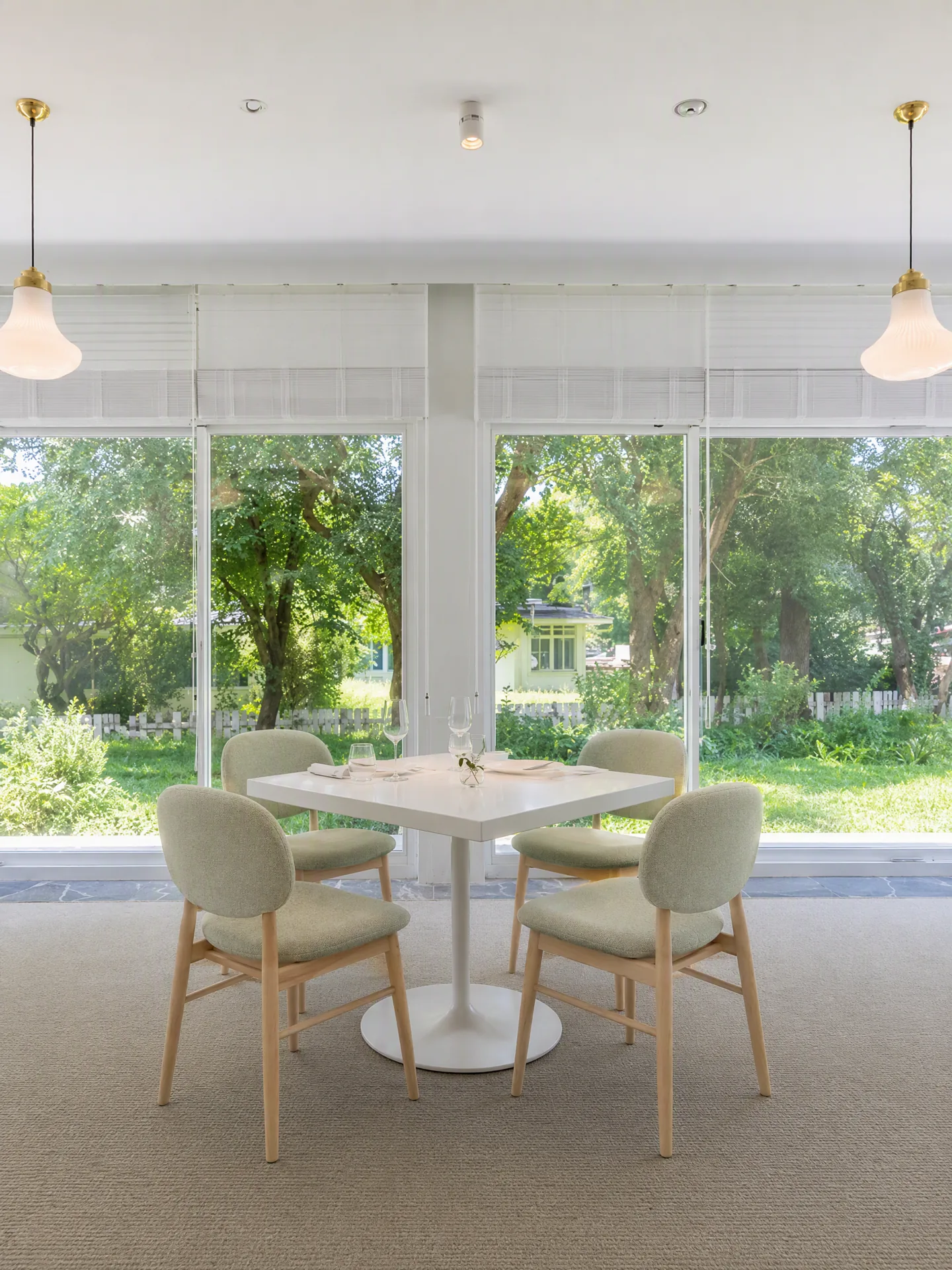
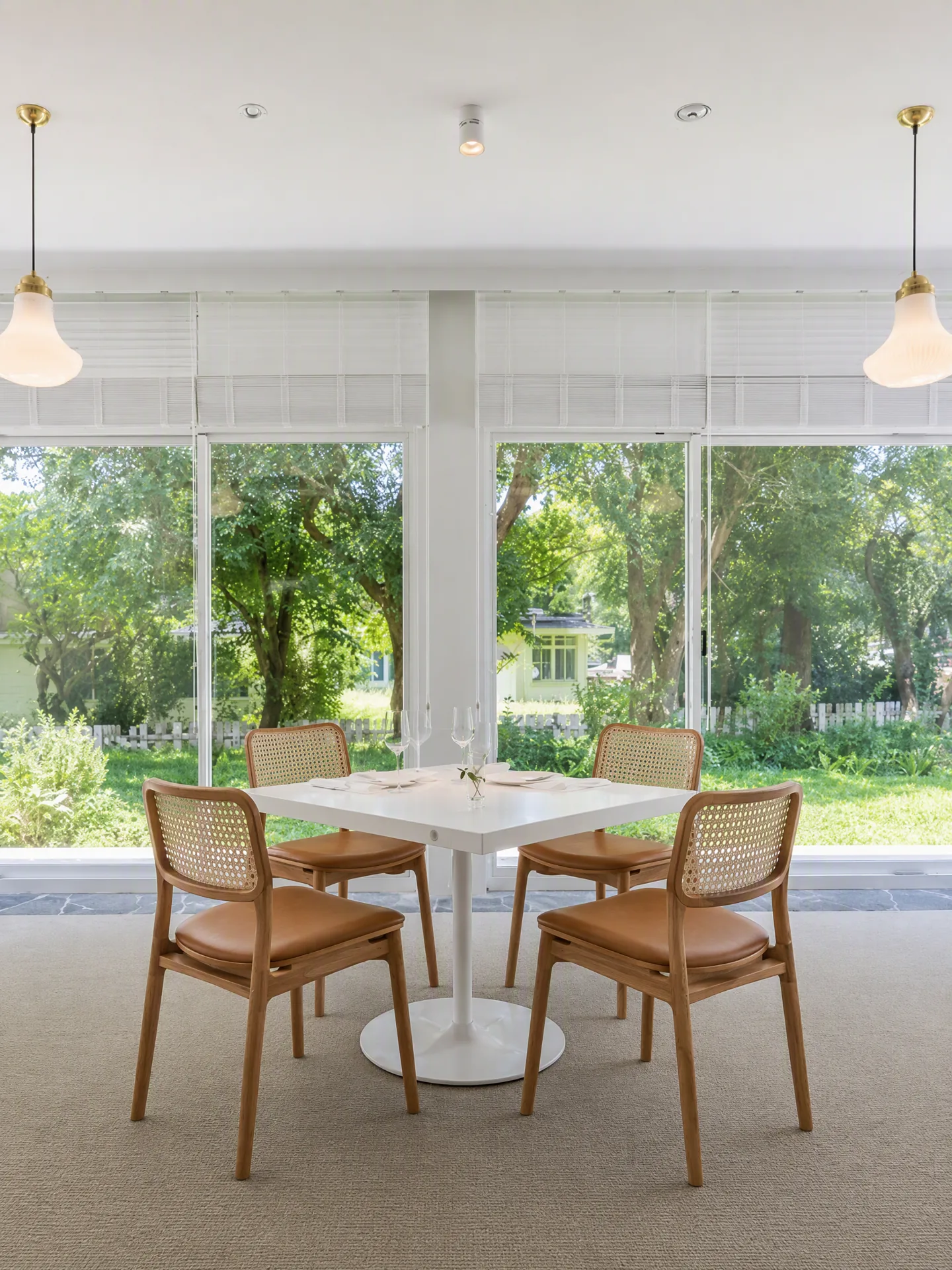
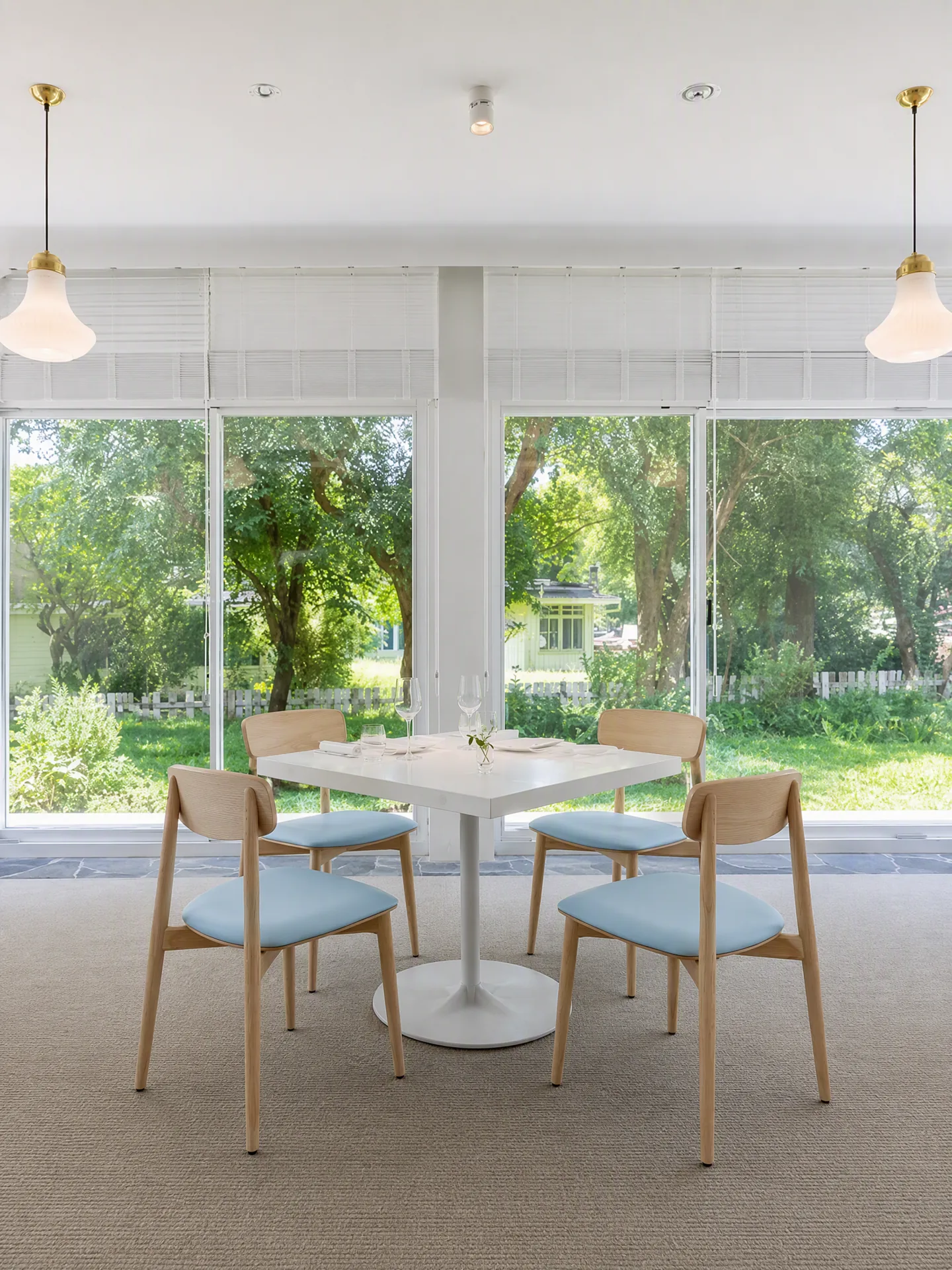
The Skill treats the room as a stable canvas. One approved living room, bedroom, or dining room becomes the reusable backdrop, and the visible variable becomes the product. Different families in the same category — for example, upholstered, cane-backed, and wood-frame dining chairs — can share the room without pretending to be color-only variations. The catalog gets a consistent look; each product gets its own honest silhouette.
Change the SKU without rebuilding the set
A “same product, new color” workflow should not touch the window, the light, or the floor. In practice it often does — one wrong prompt and the curtains are hanging on a rod that was not there, or the daylight has shifted by four hours.
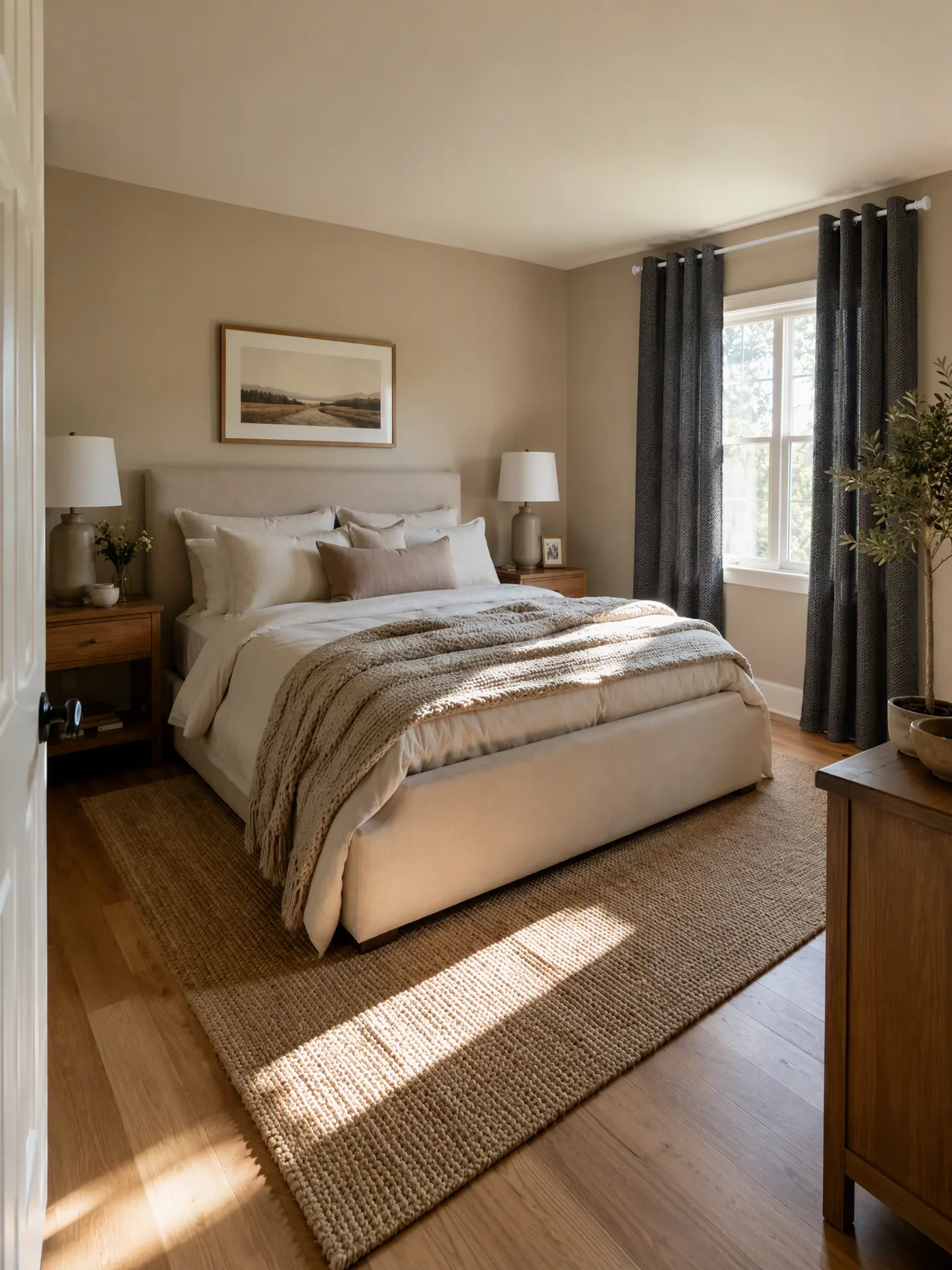
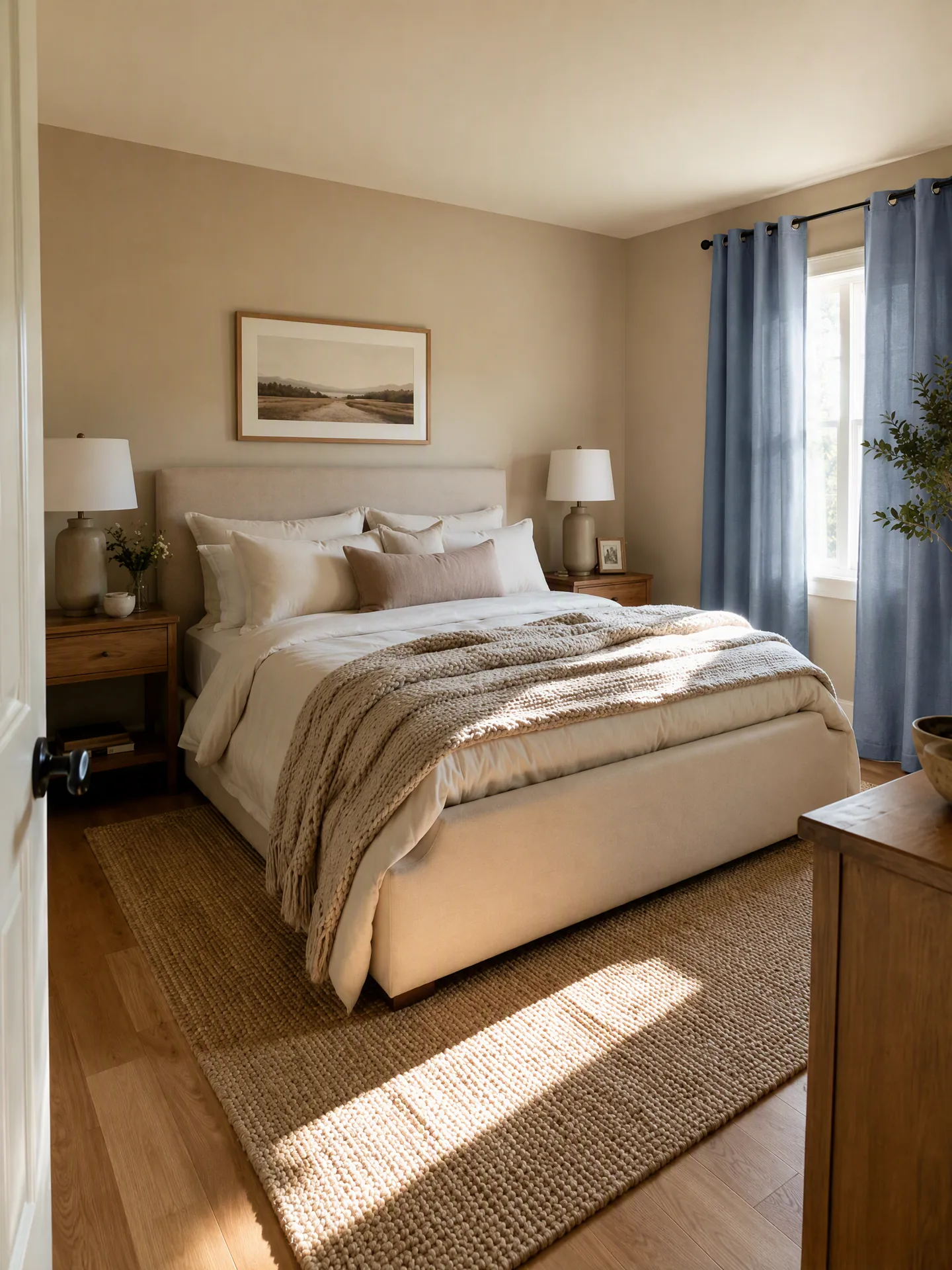
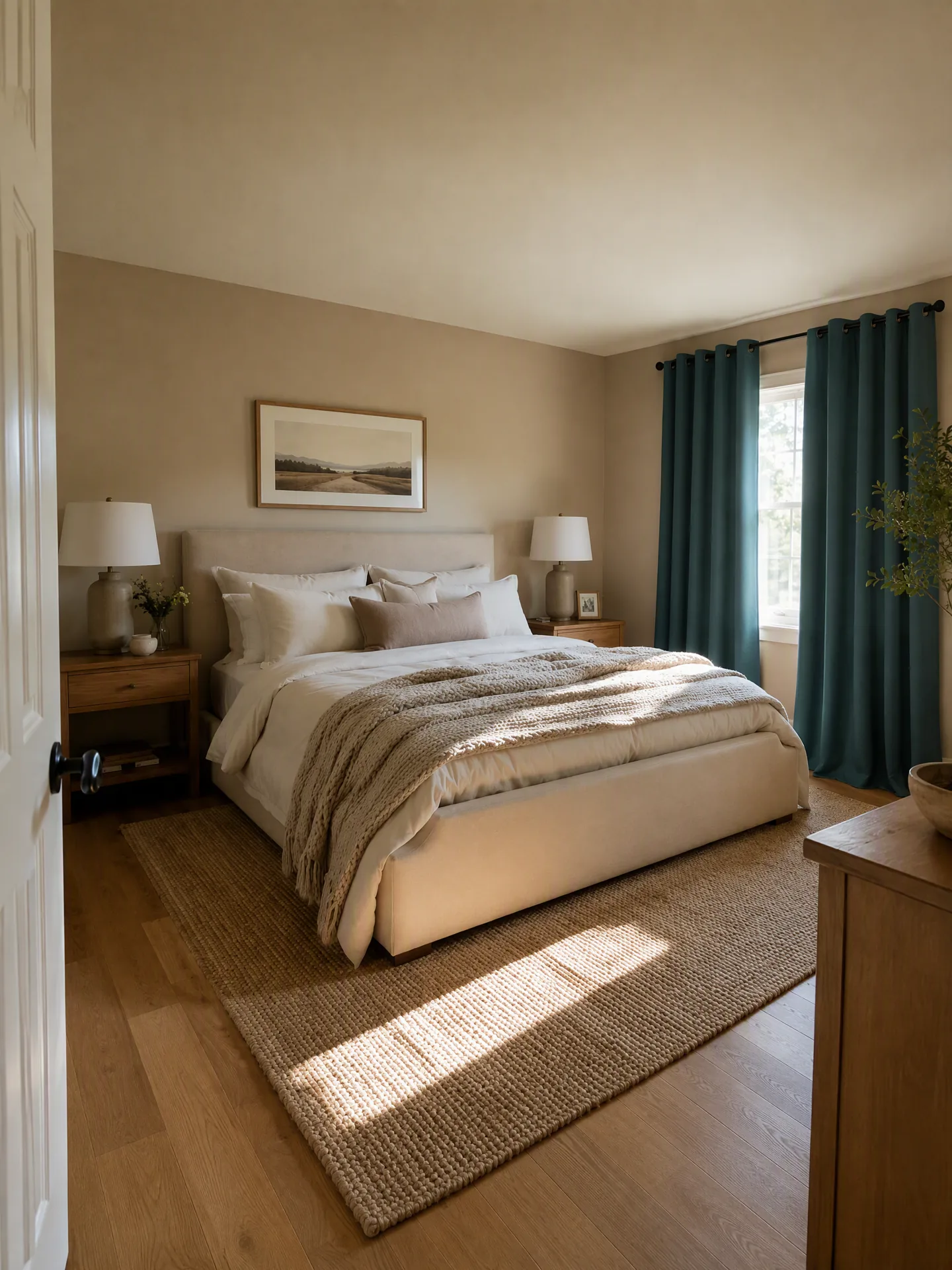
The Skill locks the scene and treats the SKU change as a bounded operation. Curtain colorways swap while the rod, eyelets, panel count, length, and fullness stay preserved. Dark fabric reduces transmitted light differently from a lighter or more open weave without changing the window itself. The catalog team gets a gallery a shopper can actually use to pick a color in context.
Refresh one SKU without a full reshoot
Not every catalog update is a whole new collection. Sometimes the change is a single fixture, a single upholstery, or a single seasonal replacement. Rebooking a photo studio to swap one lamp is expensive; asking a generic AI tool to “put a new lamp there” often produces a room that looks decorative but not installable.
The Skill handles single-SKU refreshes as a bounded generation: it consumes the existing scene, drops the new product in with the category’s installation and material rules, and returns a result ready for the same QA checklist the rest of the catalog uses. A pendant swap remains a pendant swap — same ceiling, same room, new fixture that actually looks connected and lit.
How to use it in three steps
- Upload a fixed scene and a representative product. Pick a room image that already looks like your brand — an existing lifestyle photo, a set render, or a hand-picked interior. Add a product reference that shows the views a shopper needs (silhouette, structure, pattern, legs, mounts). Optionally hint the category; the Skill still lets the visible structure win when the hint is wrong.
- Let the Skill route the request. The category is picked, the matching physical rules and Knowledge bundle load, and the prompt is assembled against your placement and material notes. Unfamiliar structures or high-risk installations are gated to a representative test image first, not batched.
- Generate and review with the matching QA checklist. Each result is returned with the category-specific checks — floor contact, hanging integrity, emitted light, joinery, and so on — so approval is a fast, category-appropriate decision, not a generic beauty score.
What a merchant should upload
- The fixed scene — the room, camera, light, and major objects that must remain unchanged across the product family.
- A representative product reference — the views that prove silhouette, structure, pattern, legs, mounts, or connection points.
- Placement, scale, and material notes — where the product belongs, its size relative to a visible object, and the material details that must survive.
- The SKU and output list — ratio, resolution, image count, SKU references, allowed changes, and elements that must remain locked.
Label uploads by purpose (“fixed scene,” “product reference,” “placement reference”) rather than by upload order. Names survive when files are reordered; “image 1” and “image 2” do not.
When to test one SKU before a batch
Use a representative test image whenever a category is known but its behavior has not yet been fully validated, or when a material change can alter how the product looks in the room — a sofa moving from woven fabric to velvet, curtains changing from opaque to sheer, rugs changing pile height, cabinets moving from matte paint to reflective metal, lighting moving from tabletop to wall-mounted. The test image answers a practical question: can this product keep its identity, scale, material response, and physical contact in the chosen scene? Approval applies to that case; it does not automatically validate every product in the category.
Related workflows: model-free clothing photography workflow and wireless-earbuds ecommerce image workflow.
Common questions from furniture and home-decor teams
Do I need a photography team to prepare the fixed scene?
You need a room image that already looks like your brand. The Skill uses the scene as a stable backdrop; it does not restyle it. Existing lifestyle photography, a set render, or a hand-picked interior photo all work. If all you have is an empty room, our guide to 14 interior design styles shown in the same room shows what a furnished version can look like in each style.
Do I have to choose a category before uploading?
You can, and the form lists ten options plus auto-detect. The category you pick is a hint. The actual visible structure of the uploaded product decides the final route, so a mistaken selection does not silently apply the wrong physics.
Does the Skill do 3D reconstruction or dimensional verification?
No. The Skill does not perform exact 3D reconstruction, centimeter-level dimensional verification, unseen-angle reconstruction, engineering safety certification, or unconstrained background creation. It stays inside category-based visual rules and declines requests that require anything outside them.
When should I split a collection into separate SKU families?
Split it when the products no longer share structure, support or installation logic, size family, or use. A shared collection name is not enough. Each family needs its own hero image with a valid placement, scale, and contact relationship.
Get started with your catalog
Start with one approved room and one representative product from the family you want to scale first. Upload both, note the placement and material details that must stay locked, and let the Skill route the request to the right category rules.
Create Lifestyle Product Images
About The Author