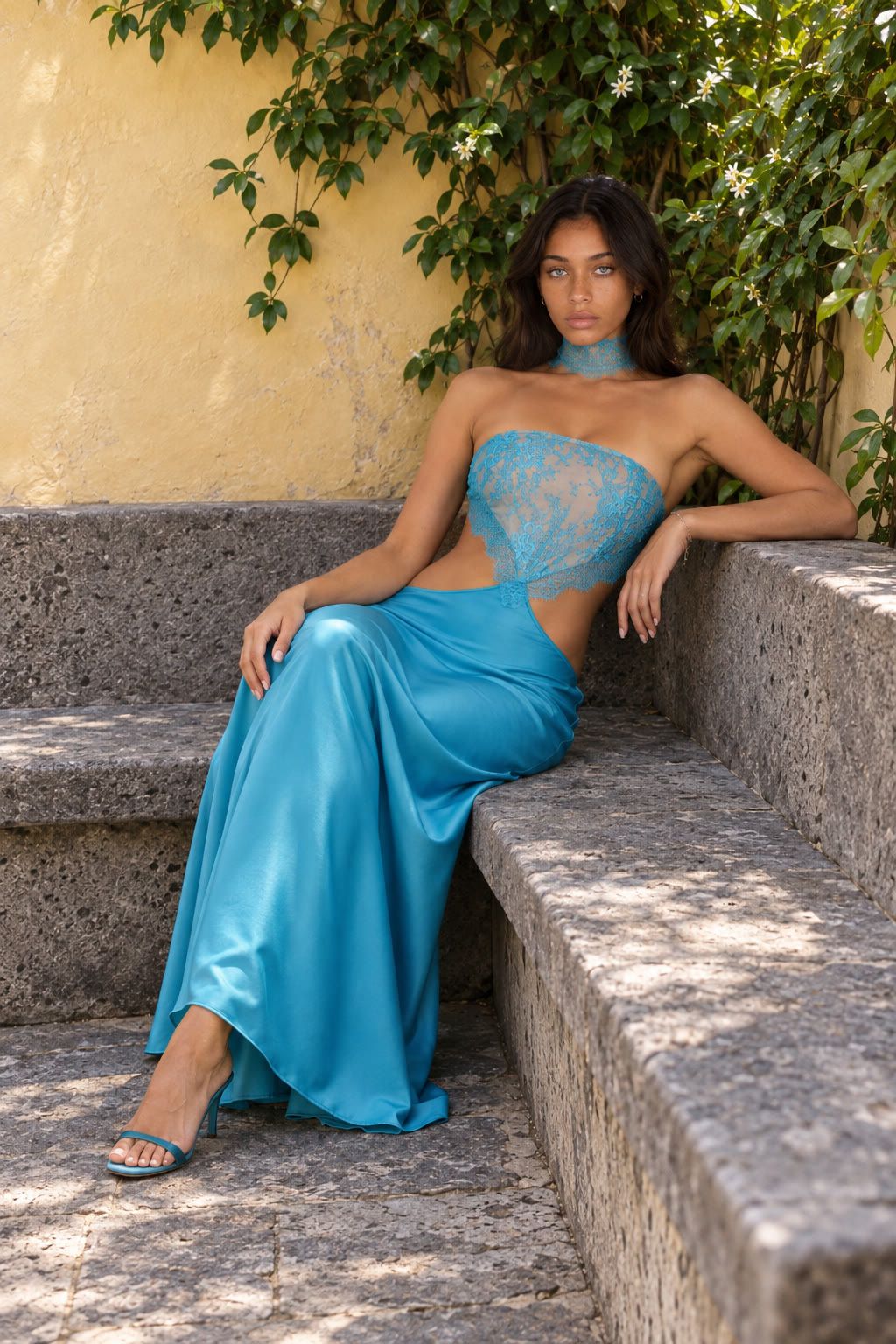
You generate a product image, approve the lighting, and ask for one small correction: make the bottle cap blue. The cap changes. So do the label, reflections, and camera angle. By the third revision, you are no longer editing the image you approved. You are trying to rebuild it.
ChatGPT Images 2.5, released on September 8, 2026, is aimed directly at that failure. OpenAI says the update makes image editing more precise, preserves reference subjects more reliably, follows edits better across multiple turns, and generates images faster. The more useful interpretation is broader: the value of an AI image is moving from the first result toward what you can safely change afterward.
That is the part worth paying attention to. Sketch, templates, comments, and prompt sharing make the product easier to operate. The model claims determine whether the image survives the work.
The short version
ChatGPT Images 2.5 is an image-generation and editing update focused on control during revision. OpenAI reports better reference fidelity, more focused edits, stronger multi-turn consistency, richer lighting and texture, and up to 50% lower generation latency than Images 2.0. ChatGPT also adds Sketch, Templates, image comments, and prompt sharing.
The release does not establish perfect identity retention, unchanged pixels outside an edited region, or a fixed number of reliable revisions. Those questions still need controlled testing.
The biggest change is more focused editing
OpenAI’s clearest promise is simple: change the requested element while preserving more of the surrounding image.
For an ecommerce team, that could mean changing a product color without redesigning its packaging, removing a background object without shifting the hero product, or correcting a line of copy while keeping the overall composition. For a portrait, it could mean changing clothing or location while retaining more of the person’s recognizable features.
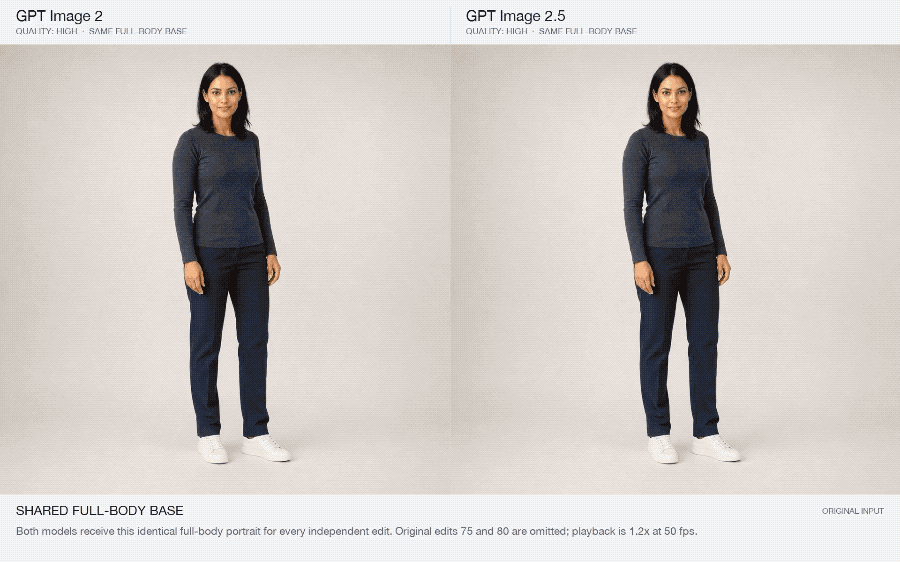
TechRadar’s early look at the release centers on the same problem. Its author describes a new editing toolbar with erase, background removal, resize, markup, and comment-based editing. Instead of describing “the blue cup on the left,” a user can point to an area and attach an instruction to it.
This does not turn a generative model into a pixel-locked photo editor. OpenAI uses comparative language: edits are more precise and unchanged details are more likely to remain consistent. A packaging label, small face, logo, hand, or reflection can still fail. The practical gain is fewer unnecessary restarts, not the disappearance of review.
If your main task is preparing commercial images from a product reference, this ecommerce ad case shows the product and copy checks that still matter.
Reference fidelity matters before style does
A beautiful result is useless when the person or product no longer matches the reference.
OpenAI says Images 2.5 better preserves subjects while moving them into new settings, styles, and compositions. It also reports more natural lighting and richer textures. APPSO’s early tests describe improved resemblance across portrait restyling and scene changes, though those examples are observations from one publication rather than a repeatable benchmark.
The distinction matters. “Looks better” is a preference judgment. Reference fidelity can be checked against a source:
- Does the face retain its defining proportions and features?
- Does the product keep its silhouette, material, color, and packaging structure?
- Do logos and labels remain correct rather than merely plausible?
- Does the new scene preserve scale and physical contact?
OpenAI has not published a public identity-retention score or an untouched-region accuracy metric in the launch materials. Treat stronger fidelity as an official comparative claim, then check it on the subject that matters to your work.
Multi-turn consistency changes the useful lifespan of an image
The first generation has always received most of the attention. Production work starts after it.
Imagine this sequence: replace the background, update the product color, adjust the headline, widen the composition, then soften the light. Each turn introduces another chance for an earlier decision to drift. OpenAI says Images 2.5 is better at carrying earlier changes forward and maintaining image quality through later edits.
That shifts the workflow from repeated regeneration toward controlled iteration. A team can keep one accepted version as its checkpoint, make one meaningful change per turn, compare the result, and roll back when an unrelated element moves. Version history is therefore more than convenience; it is the safety net for a probabilistic editor.
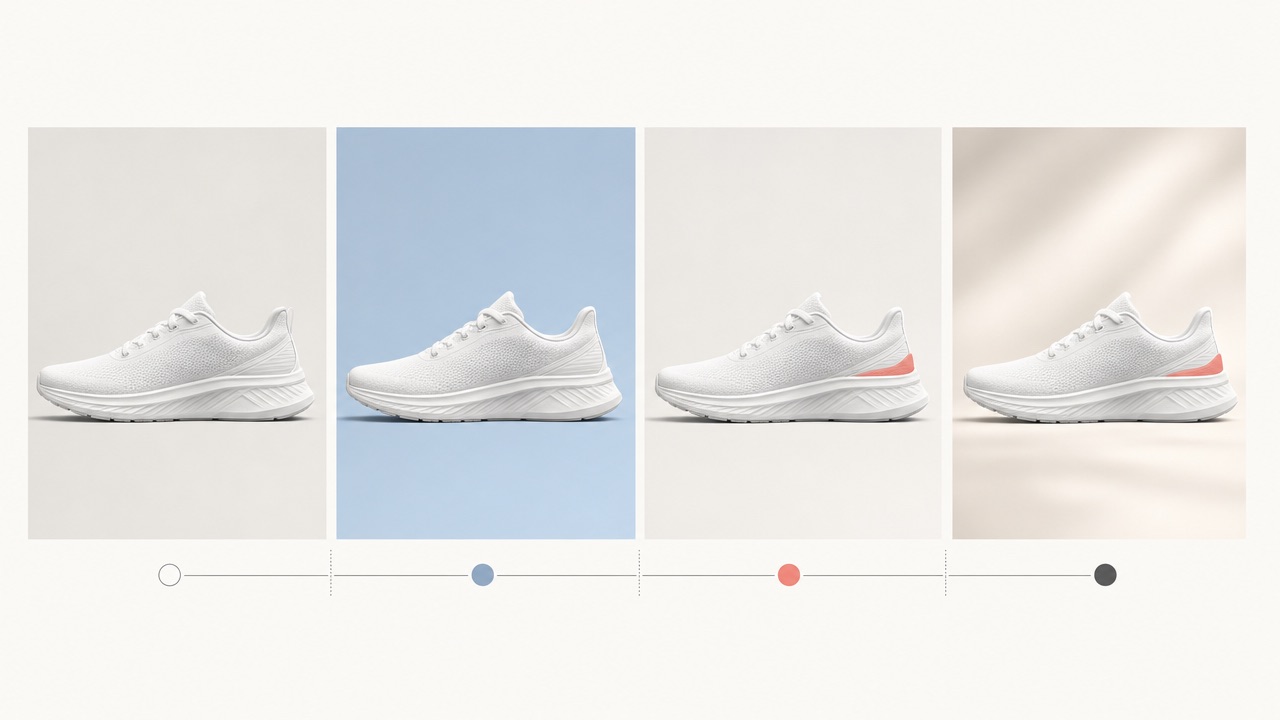
Do not interpret multi-turn consistency as unlimited edit depth. The launch post does not state how many revisions remain reliable, and the answer may change by subject and edit type. Text replacement, a major camera change, and a background color adjustment do not place the same load on the image.
Complex instructions are easier to express—and still need inspection
APPSO used a recursive scene—a cat holding an iPad that contains the same scene—to probe whether the model could represent nested relationships. The result suggests that Images 2.5 can interpret demanding compositions, but one successful image does not prove a general visual-reasoning score.
OpenAI’s narrower claim is defensible: the model is better at translating complex visual instructions into coherent results and handling more complex layouts. The company also says content grounded in real-world information is more accurate and that infographic accuracy and layout have improved.
“Improved” still leaves room for wrong copy, false data relationships, misspelled labels, and decorative elements that imply facts the source never supplied. If the output is an infographic, run these eight checks before publishing it. A convincing layout cannot verify its own numbers.
Faster generation matters across the revision loop
OpenAI reports up to 50% lower generation latency for Images 2.5 compared with Images 2.0. For the API, it positions GPT-Image-2.5 Flare as the faster default model and Sunburst as the more precise option for detailed creative work with longer generation times.
The up to matters. This is a vendor-reported maximum, not an IMA Studio benchmark or a guarantee for every prompt, size, account, or traffic condition.
The useful unit is also not one image. It is the full loop:
generate → inspect → request one edit → inspect again → approve or roll back
A faster first result saves little if every correction requires a restart. Lower latency becomes valuable when focused edits and version continuity reduce the number of abandoned branches.
Model improvements and ChatGPT features are different things
Several visible changes arrived with the release, but they should not all be treated as model-quality evidence.
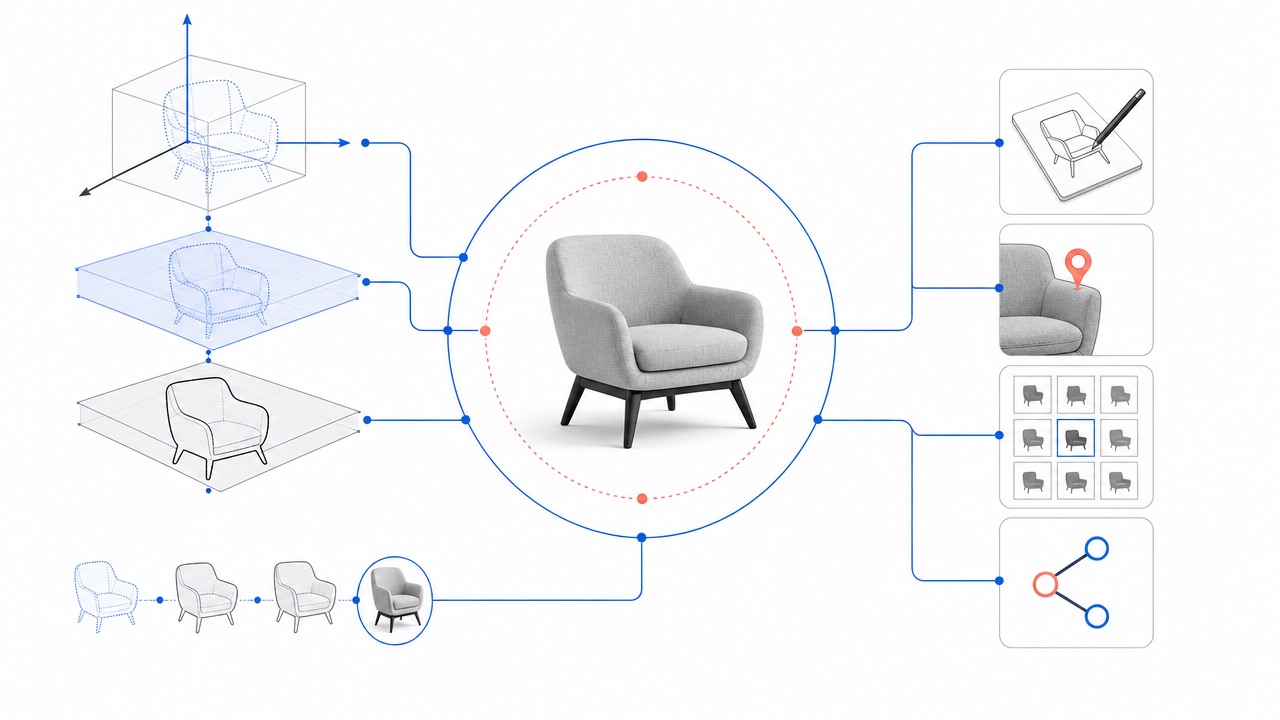
| Change | What it does | What it does not prove |
|---|---|---|
| Sketch | Turns a rough drawing into a visual reference | That every spatial relationship will be reproduced exactly |
| Image comments | Anchors an instruction to a selected location | That pixels outside the target region cannot change |
| Templates | Starts common formats such as posters, merch, and product photos with structured questions | That the result is accurate or ready to publish |
| Prompt sharing | Lets another person reuse an image prompt with their own details | That two runs will produce equivalent images |
These features reduce the translation work between an idea and an instruction. That is a real product improvement. It is separate from fidelity, edit precision, and consistency, which have to be judged in the output.
What should you test before changing your workflow?
Use one real asset from your work, then test the failure that currently costs you the most.
- Lock the source facts. Record the product shape, approved copy, colors, identity features, composition, and elements that must remain unchanged.
- Make one local edit. Change one product color, background object, clothing item, or line of text. Check every locked fact afterward.
- Continue for several turns. Apply separate edits and note when an earlier decision drifts.
- Test the hardest format. Use a poster, product ad, or information-dense layout with real copy rather than a decorative demo.
- Measure the whole loop. Track accepted results and restarts, not only the generation timer.
Until that test exists, the strongest accurate verdict is this: ChatGPT Images 2.5 is designed around more controllable image iteration, and OpenAI’s official examples plus early hands-on reports point in the same direction. Whether it is reliable enough for your catalog, campaign, or brand system depends on the details it must preserve.
If you want practical briefs instead of release analysis, try these eight GPT Image 2.5 creative workflows for product photos, ads, localization, and targeted edits.
Sources
- OpenAI: Introducing ChatGPT Images 2.5
- OpenAI Deployment Safety Hub: ChatGPT Images 2.5 System Card
- OpenAI Help Center: Images in ChatGPT
- TechRadar: ChatGPT Images 2.5 features tested
- APPSO: GPT Images 2.5 launch and early tests
About The Author