If you’re comparing Pollo AI alternatives because of price, start with Ima Studio. In our matching-task snapshot, Ima Studio cost less on Nano Banana, Nano Banana 2, Nano Banana Pro, several GPT Image 2 settings, Seedream 5.0, Seedance Fast, Wan 3.0, Vidu Q3, and MiniMax H3. Pollo remained slightly cheaper on Seedance 2.0 at 1080p, some Kling 3.0 modes, and HappyHorse.
Pollo still offers a broad model catalog, video effects, image tools, Marketing Studio, Agent workflows, and model-specific unlimited offers. The right alternative depends on whether you want lower repeat-task cost, deeper editing, a direct model subscription, or faster social effects.
Five Pollo AI alternatives at a glance
| Alternative | Best for | Starting paid plan* | Main trade-off |
|---|---|---|---|
| Ima Studio | Lower prices on many shared image and video tasks | $9.99/month | Pollo has a broader dedicated effects catalog |
| Runway | Proprietary video models and production tools | $15/month | Shared third-party models can cost more |
| Kling AI | Direct Kling access and focused generative video | Varies by market | Narrower than a multi-model platform |
| Pika | Short social effects, swaps, and additions | $8/month billed annually | Less suitable for production finishing |
| Higgsfield | Cinematic camera presets and film direction | $15/month | Price varies sharply by model and plan |
*Lowest regular paid individual plan visible in the current evidence. Annual billing, model access, commercial rights, and temporary unlimited offers differ.
Why look for a Pollo AI alternative?
Pollo is not a product with uniformly poor user feedback. On September 11, 2026, Trustpilot showed Pollo AI at 4.3 out of 5 across 5,311 reviews. Reviewers often praised ease of use, model variety, speed, and output quality. The platform had replied to 99% of negative reviews, typically within 24 hours, according to the profile.
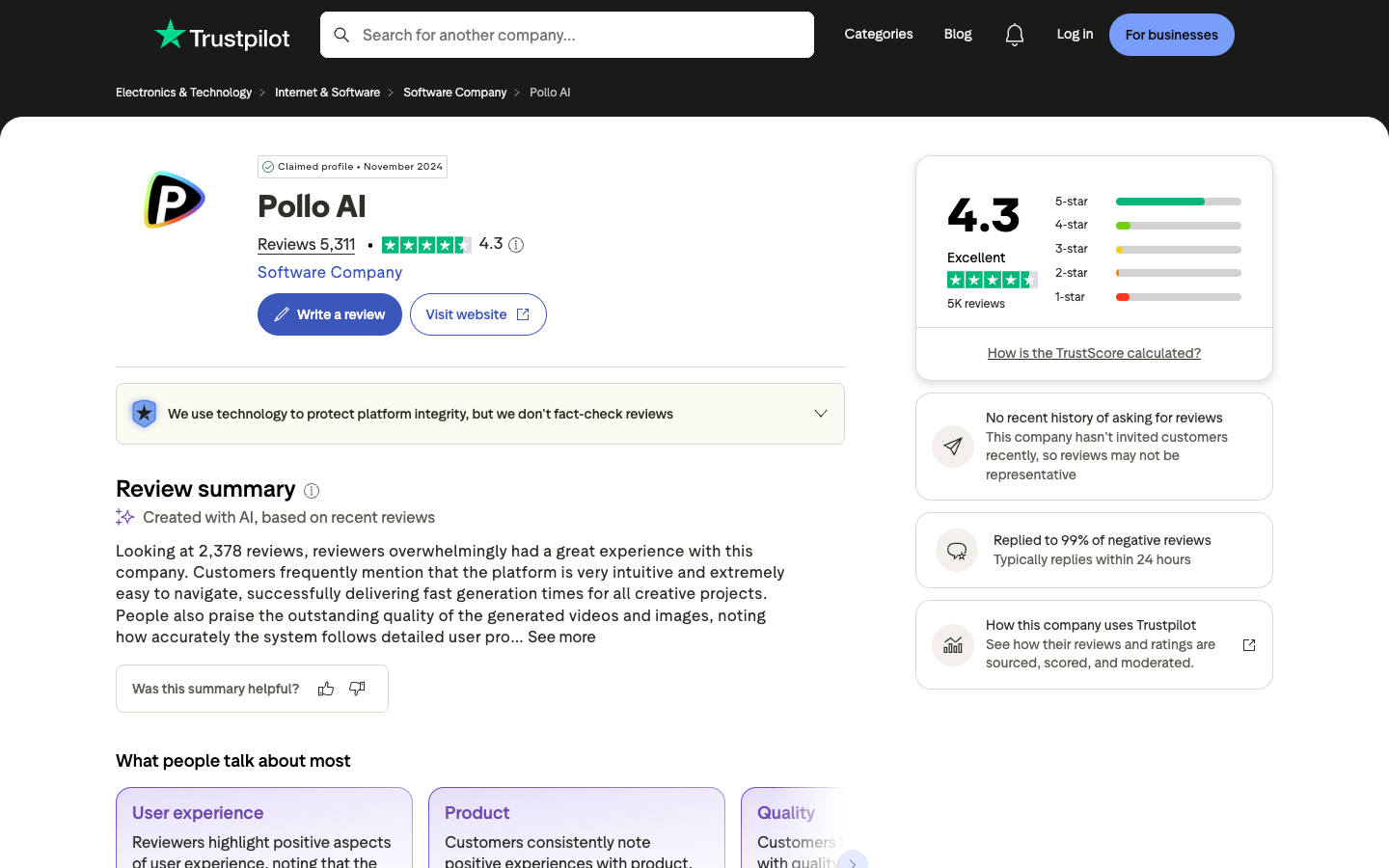
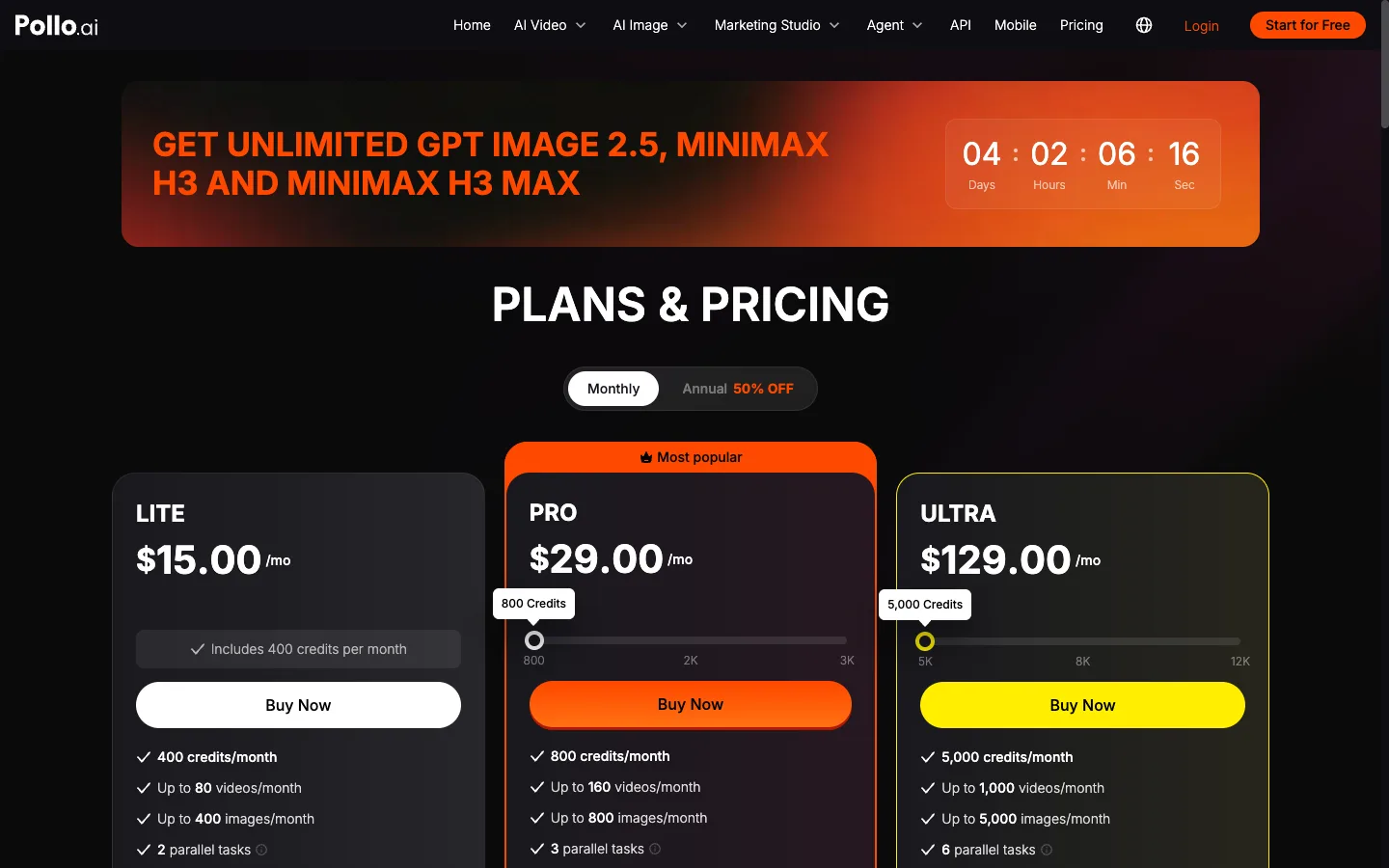
The same review summary identified price and fast credit consumption as recurring concerns. Pollo’s official pricing FAQ confirms that credits vary by model, duration, output count, and resolution. Subscription credits do not roll over. Add-on credits do not expire, but they are non-refundable.
That creates three valid reasons to compare alternatives even when you like Pollo:
- One model dominates your monthly usage and costs less elsewhere.
- You need editing or production tools rather than more model choices.
- An unlimited offer does not cover the exact model, mode, or resolution you use.
How we compared these Pollo AI alternatives
For matching models, we captured the closest available output specification and converted the displayed task credits using the lowest regular subscription price that allowed the task. Images are priced per image. Videos are priced per second using the task’s actual duration. Raw platform credits are not comparable.
The snapshot excludes temporary discounts, taxes, unused-credit breakage, payment fees, and unpublished enterprise terms. A missing cell means the specification could not be matched safely.
This article ranks by:
- 50% matching-task price and billing clarity
- 20% model and workflow coverage
- 15% video control and finishing
- 10% free evaluation
- 5% specialization for a repeated job
This is a price-and-workflow comparison, not a blind output-quality test.
Pollo AI vs Ima Studio: matching task prices
| Model and specification | Ima Studio | Pollo AI | Lower-priced option |
|---|---|---|---|
| Nano Banana, default image | $0.0666/image | $0.1500/image | Ima Studio, about 56% lower |
| Nano Banana 2, 1K | $0.0666/image | $0.1500/image | Ima Studio, about 56% lower |
| Nano Banana 2, 4K | $0.1443/image | $0.3000/image | Ima Studio, about 52% lower |
| Nano Banana Pro, 1K | $0.1110/image | $0.3375/image | Ima Studio, about 67% lower |
| GPT Image 2, 1K high | $0.2109/image | $0.1500/image | Pollo, about 29% lower |
| GPT Image 2, 2K medium | $0.0777/image | $0.1125/image | Ima Studio, about 31% lower |
| Seedream 5.0 Pro, 2K | $0.1332/image | $0.1500/image | Ima Studio, about 11% lower |
| Seedance 2.0, 1080p | $0.6248–$0.6305/sec | $0.6000/sec | Pollo, about 4–5% lower |
| Seedance 2.0 Fast, 720p | $0.1816–$0.1843/sec | $0.2400/sec | Ima Studio, about 23–24% lower |
| Wan 3.0, 720p | $0.1596–$0.1665/sec | $0.2250/sec | Ima Studio, about 26–29% lower |
| Vidu Q3 Turbo, 1080p | $0.0555/sec | $0.1500/sec | Ima Studio, about 63% lower |
| HappyHorse 1.1, 720p | $0.1421/sec | $0.1200/sec | Pollo, about 16% lower |
The result is model-specific. Ima Studio has a large captured advantage on Nano Banana and Vidu configurations. Pollo wins some higher-quality or vendor-specific rows. Your own monthly model mix matters more than either platform’s headline credit count.
1. Ima Studio — best price-first Pollo AI alternative
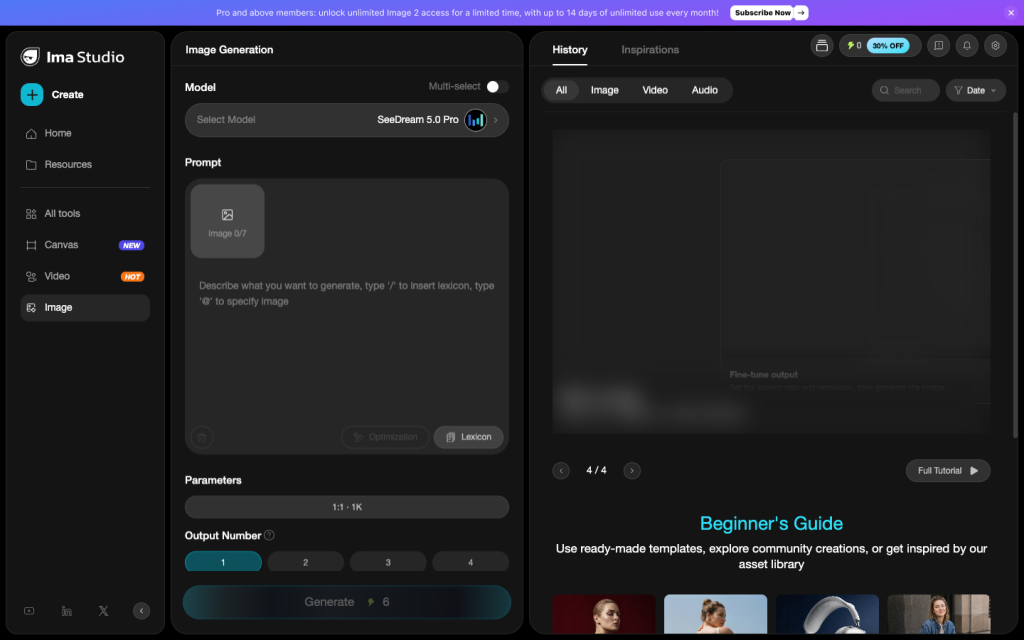
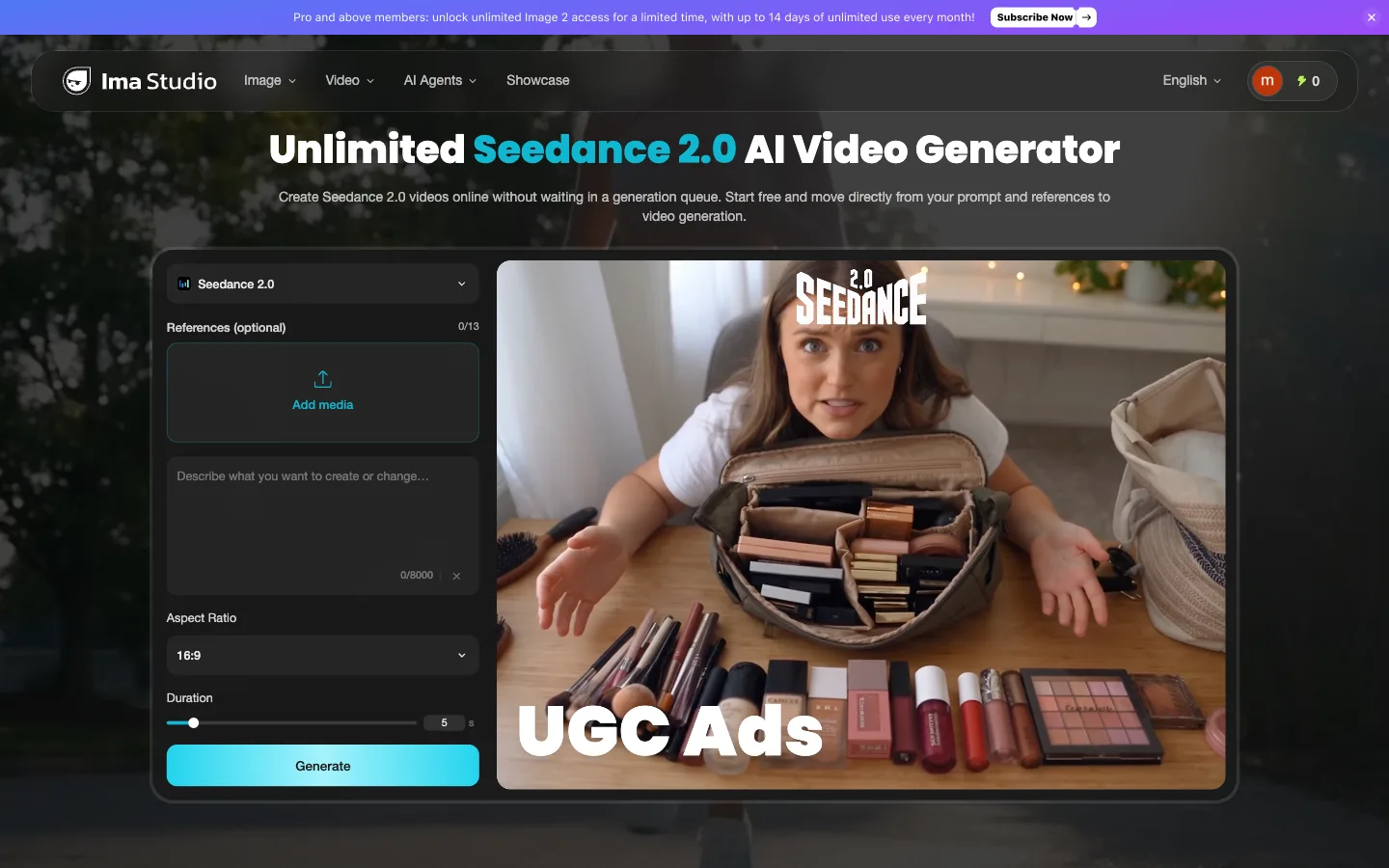
Ima Studio is the strongest first test for creators who use Pollo as a gateway to shared models. The largest captured gaps appeared on Nano Banana Pro, Vidu Q3, Nano Banana 2, Wan 3.0, and several Seedance modes.
The platform also connects image generation, video generation, editing, product video, ad workflows, and model-specific tools. That makes it a broad replacement rather than a single-model detour.
Pollo remains attractive for its effects catalog, Marketing Studio, Agent tools, and rotating unlimited offers. If one of those offers covers your production model, compare the offer’s exact limits before switching.
Choose Ima Studio if: matching-task cost and cross-model choice are the priority.
Stay with Pollo if: its effects or current unlimited offer remove more work than the price gap saves.
For a direct bilateral comparison, read Ima Studio vs Pollo AI.
2. Runway — best for a deeper production toolset
Runway makes sense when the reason for leaving Pollo is production control rather than model price. It combines proprietary Gen models with third-party models, editing, audio, upscale, storage, and professional output formats.
The current Standard plan includes 625 monthly credits; Pro includes 2,250. Standard and Pro monthly credits expire, while purchased credits do not. See Runway’s official credit rules.
Runway can be expensive when used only to access someone else’s model. Choose it for its native workflow, not because every shared generation is cheaper.
Choose Runway if: editing and finishing are worth more than the lowest generation cost.
Skip it if: you mainly compare third-party models and export the first usable clip.
3. Kling AI — best when Kling is your main model
Kling is a focused alternative for creators who already know the model family they want. Going direct removes the need to buy a broad catalog when most of the balance is spent on Kling video.
Our snapshot shows the price decision is not one-sided. Pollo was slightly cheaper on some Kling 3.0 standard and 4K configurations, while Ima Studio was lower on others. The exact mode, duration, audio, and resolution decide the winner.
Choose Kling if: your workflow is model-first and most editing happens elsewhere.
Stay with Pollo if: you switch among Kling, Seedance, Wan, Sora, and image models during the same project.
4. Pika — best for short social effects
Pika is a narrower alternative built around quick transformations. Its tools include Pikascenes, Pikadditions, Pikaswaps, Pikatwists, and Pikaffects. Its Standard plan starts at $8 per month when billed annually and includes 700 monthly video credits. See Pika pricing.
Pika works well when the deliverable is one short effect. It is less convincing as a full replacement for Pollo’s model library, image suite, Marketing Studio, and ad workflows.
Choose Pika if: speed and social effects are the job.
Skip it if: you need one account for many image and video model families.
5. Higgsfield — best for cinematic camera direction
Higgsfield turns film language into visible controls. Its camera library includes dolly, orbit, crane, drone, tracking, pan, tilt, zoom, and other moves. Cinema Studio adds lens, focal-length, and multi-shot direction.
This is a workflow choice rather than a universal price win. Higgsfield may fit a creator who finds Pollo’s model catalog broad but wants more explicit cinematography at the point of generation.
Choose Higgsfield if: camera behavior and cinematic setup are central.
Stay with Pollo if: effects, marketing workflows, and model variety matter more.
See our Higgsfield alternatives price comparison.
Which Pollo AI alternative is cheapest?
Ima Studio was cheaper for most shared-model rows in this sample. Pika has a low paid entry price for its own short-effect workflow. A direct Kling plan can be economical when Kling is the only model you need.
Before switching:
- List the models and settings that consumed most of last month’s credits.
- Record the displayed task price on Pollo and each alternative.
- Include the plan tier required for commercial output and the chosen model.
- Multiply by attempts per usable result.
Is there a free Pollo AI alternative?
Several alternatives let you test a limited workflow. Pika has a free tier, while Ima Studio lets visitors try selected generation tools after sign-up. Runway provides a one-time allocation of 125 credits.
Check watermarks, privacy, commercial rights, resolution, and whether free credits refill before using any free tier for client work.
Should you switch from Pollo AI?
Switch if one repeated task costs materially less elsewhere or if a focused tool matches the only output you produce. Stay if Pollo’s effects, model breadth, Marketing Studio, and responsive support save enough time to offset the higher task price.
Our recommendation: test the same model and specification in Ima Studio first. If your real need is production editing, try Runway. If it is one model, go direct to Kling. For fast social effects, test Pika; for camera-led filmmaking, test Higgsfield.
About The Author