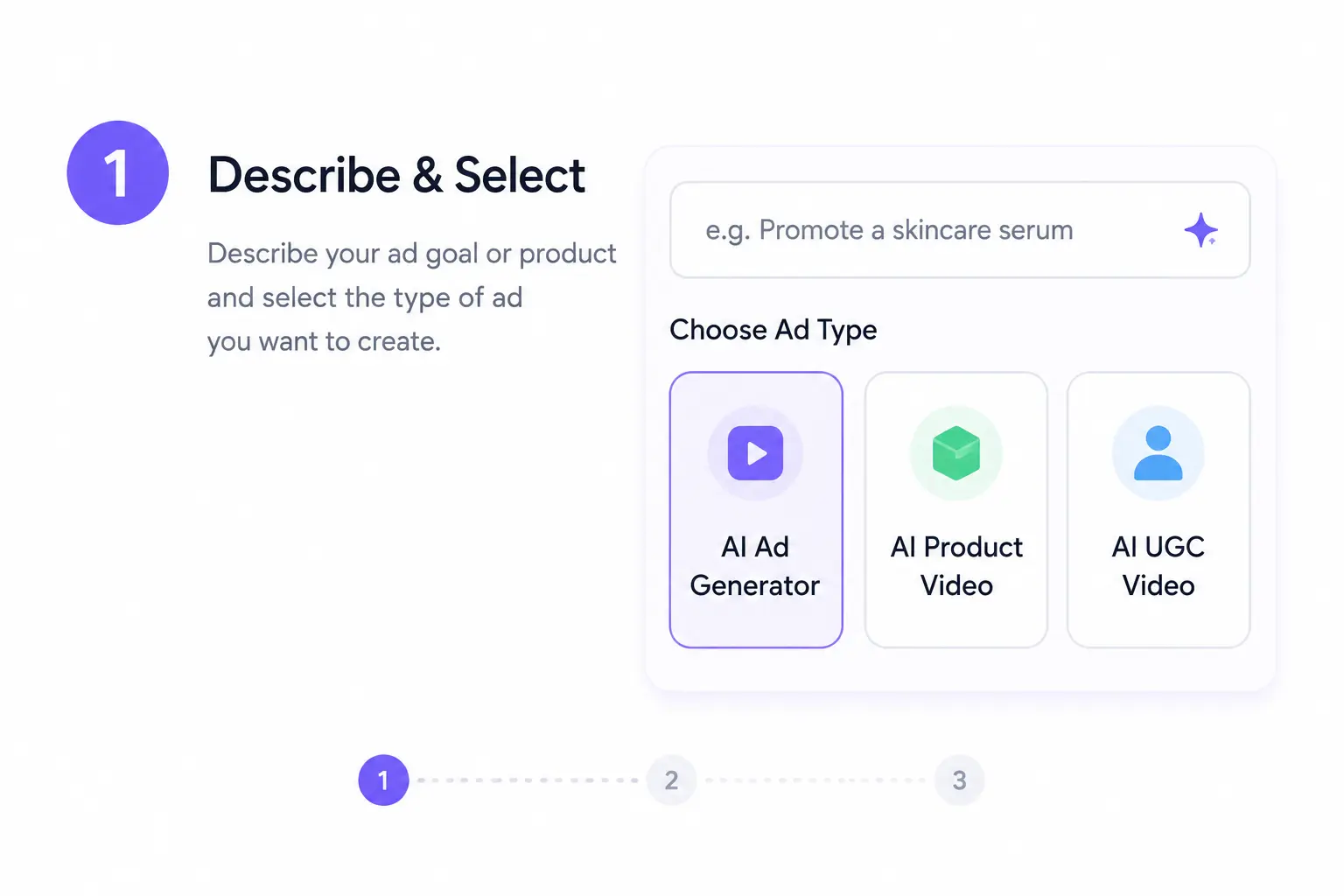
Turn a portrait, avatar, mascot, or old photo into a talking video with natural lip sync. Add text or your own audio, choose the right voice style, and export short clips for Reels, Shorts, ads, lessons, onboarding, or personal messages.

Upload one clear face photo (front-facing works best). A well-lit image with minimal blur helps talking photo ai keep facial details stable and avoid weird mouth movement.
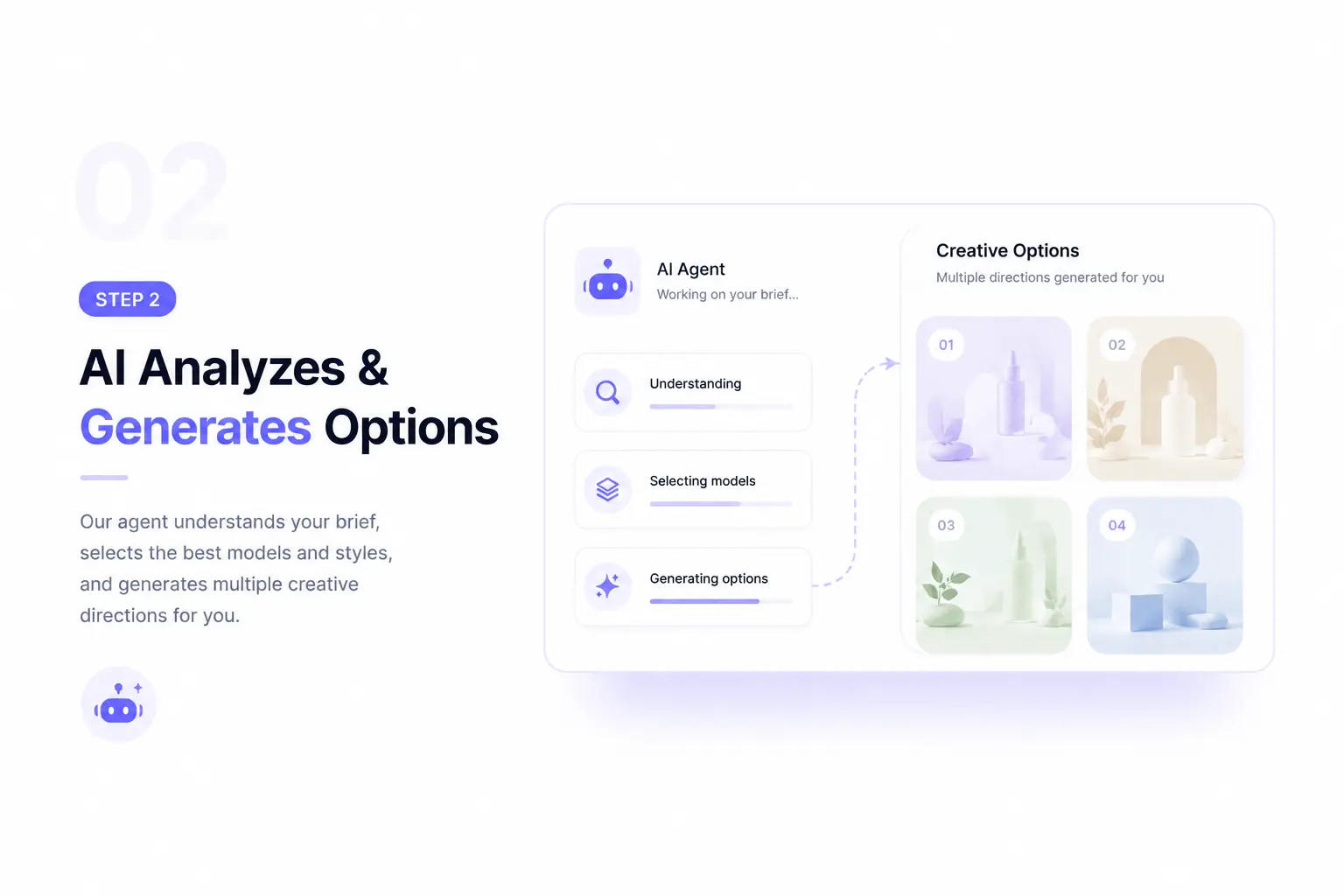
Paste your text (or upload your own audio), then describe how you want it to sound—tone, pacing, energy, and vibe—right in your script directions. Generate a few variations and keep the one with the most natural lip sync.
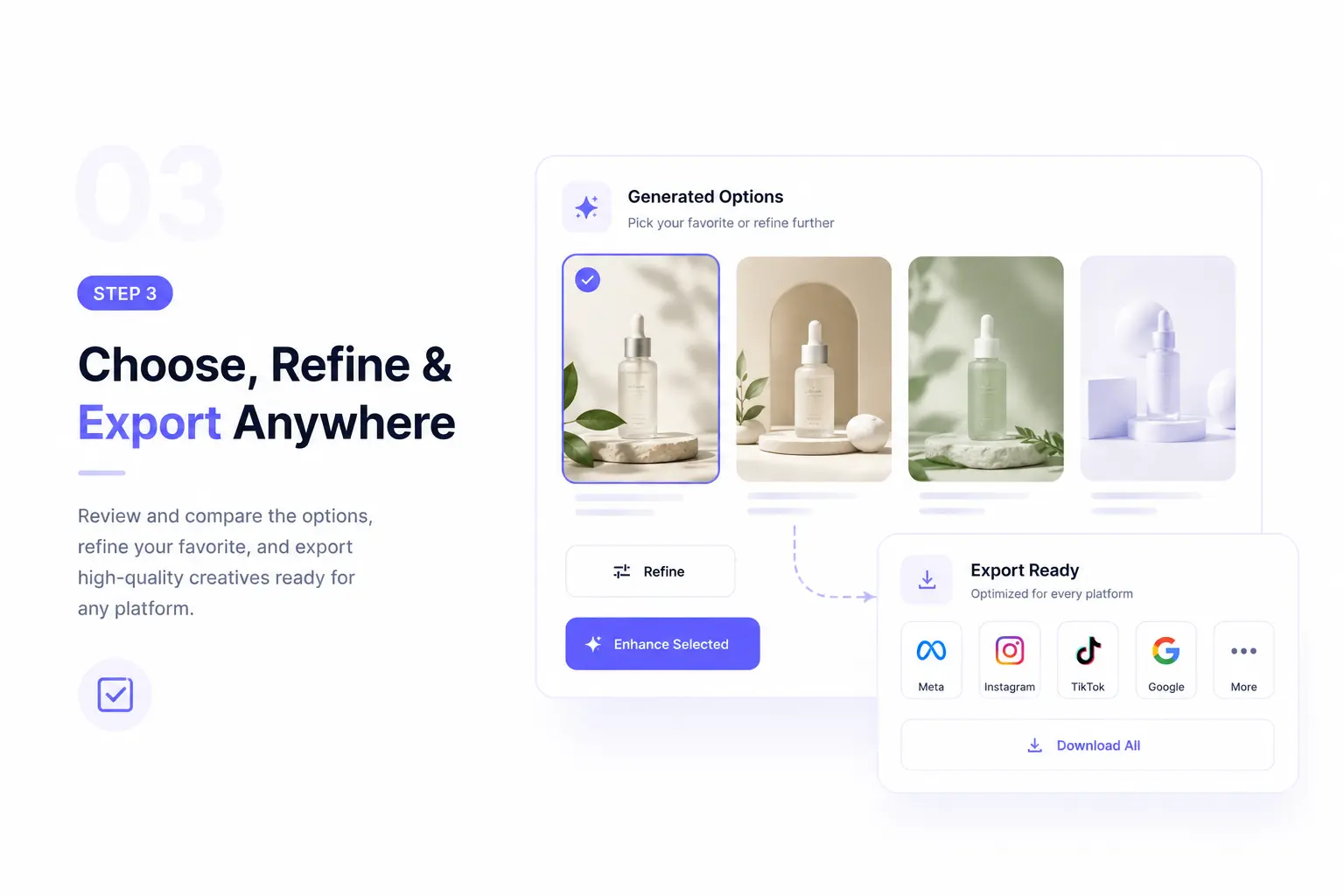
Pick the most believable result, then download in high quality or share instantly. Use it for virtual host intros, deadpan meme voiceovers, onboarding welcomes, or quick announcements—an easy way to make photo animation online for free and post fast.
Create a talking photo by uploading a clear portrait, writing a short script, or adding your own audio. Ima Studio helps match mouth movement to the speech timing so the result feels more natural for virtual hosts, announcements, product explainers, and social intros.
Choose an AI voice for fast production, or upload recorded audio when the message needs to sound personal. Add simple direction for tone, pace, and emotion, then generate a talking-photo clip without opening a video editing timeline.
Create talking photo videos for different audiences by adapting the script, language, and voice style. Keep sentences short and natural, then generate variations until the lip sync, expression, and pacing fit the platform or use case.
Need a quick “on-air” opening without filming? Turn one headshot into a talking-photo intro with a clear script, steady expression, and share-ready format for livestreams, channel updates, launches, or short announcements.
Turn a single photo into a short speaking message for birthdays, greetings, inside jokes, or group chats. Upload the image, type the message or add your voice, and create a warm, funny, or sincere clip in minutes.
Use talking photo AI to turn a product image, founder photo, or brand character into a quick video hook. Test different opening lines for TikTok, Reels, Shorts, and paid ads without scheduling a shoot or rebuilding the whole creative from scratch.
Deadpan memes often work best when the face stays calm and the voice carries the joke. Upload a portrait or character image, add a short line, and generate a talking-photo clip that is easy to share, remix, or post.
When a plain text message feels too flat, a talking photo can make the tone feel more personal. Create apology notes, thank-you clips, invitations, reminders, or short updates from one image and a few lines of script.
A speaking face can make short lessons easier to follow than text alone. Turn a teacher, host, avatar, or illustrated character into a talking clip for course intros, micro-lessons, tutorials, and internal training content.
Welcome videos feel warmer when they have a face and voice. Convert a headshot, team avatar, or brand mascot into a short onboarding clip for first-day greetings, policy reminders, product walkthroughs, and team updates.
Bring old photos, family portraits, or historical images into a short narrated story. Add a script or recorded voice, generate natural lip sync, and create a keepsake clip for memory projects, storytelling, or social posts.
An AI Talking Photo Generator turns a still image into a short video where the face appears to speak. Upload a portrait, avatar, mascot, or character image, add text or audio, and generate lip-synced mouth movement with facial expression.
Upload a clear face photo in Ima Studio, add a short script or voice recording, choose the tone and pace, then generate. For the first test, use one or two natural sentences so you can quickly check lip sync, expression, and timing.
Yes. When the workflow supports audio upload, you can use your own voice recording instead of generated speech. Clean audio, steady pacing, and short sentences usually help the talking photo match the voice more naturally.
Use a front-facing, well-lit image where the mouth is visible and not blocked. Keep the script conversational, avoid very long lines, and generate a few variations in Ima Studio so you can choose the output with the cleanest mouth timing.
Talking photo videos can work for multilingual content when the script, voice, and pacing are consistent. For best results, keep each clip short, avoid mixed-language sentences, and test one language version before creating a full batch.
A sharp portrait with the face centered, visible eyes and lips, even lighting, and minimal blur usually works best. Avoid extreme side angles, heavy shadows, sunglasses, masks, or hands covering the mouth.
Yes. Talking photo videos are useful for social hooks, product explainers, short lessons, onboarding messages, greetings, and brand mascot clips. For business use, make sure you have the rights to the image, voice, script, and final creative.
Export resolution, format, watermark, and credit usage depend on the options available in your Ima Studio workspace and selected model. Check the export panel before downloading to confirm the current quality and watermark settings.




